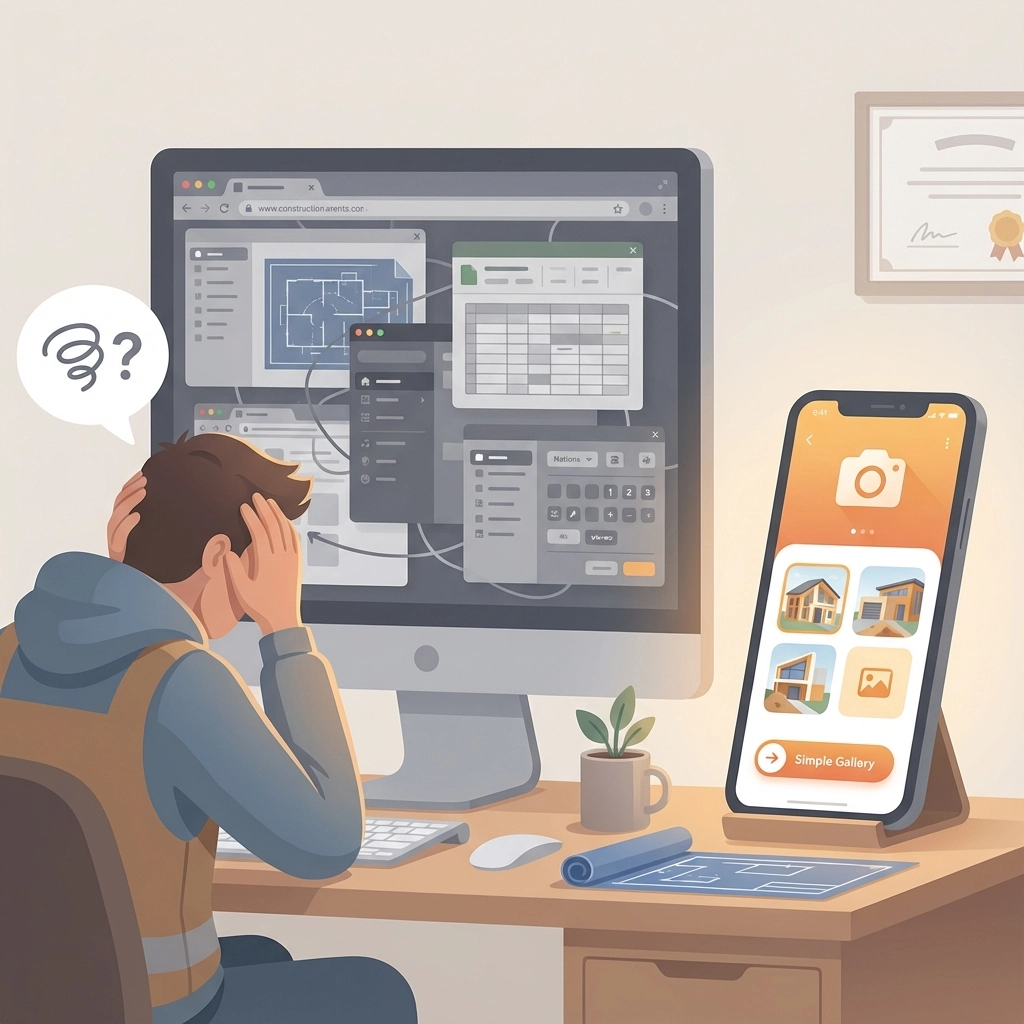
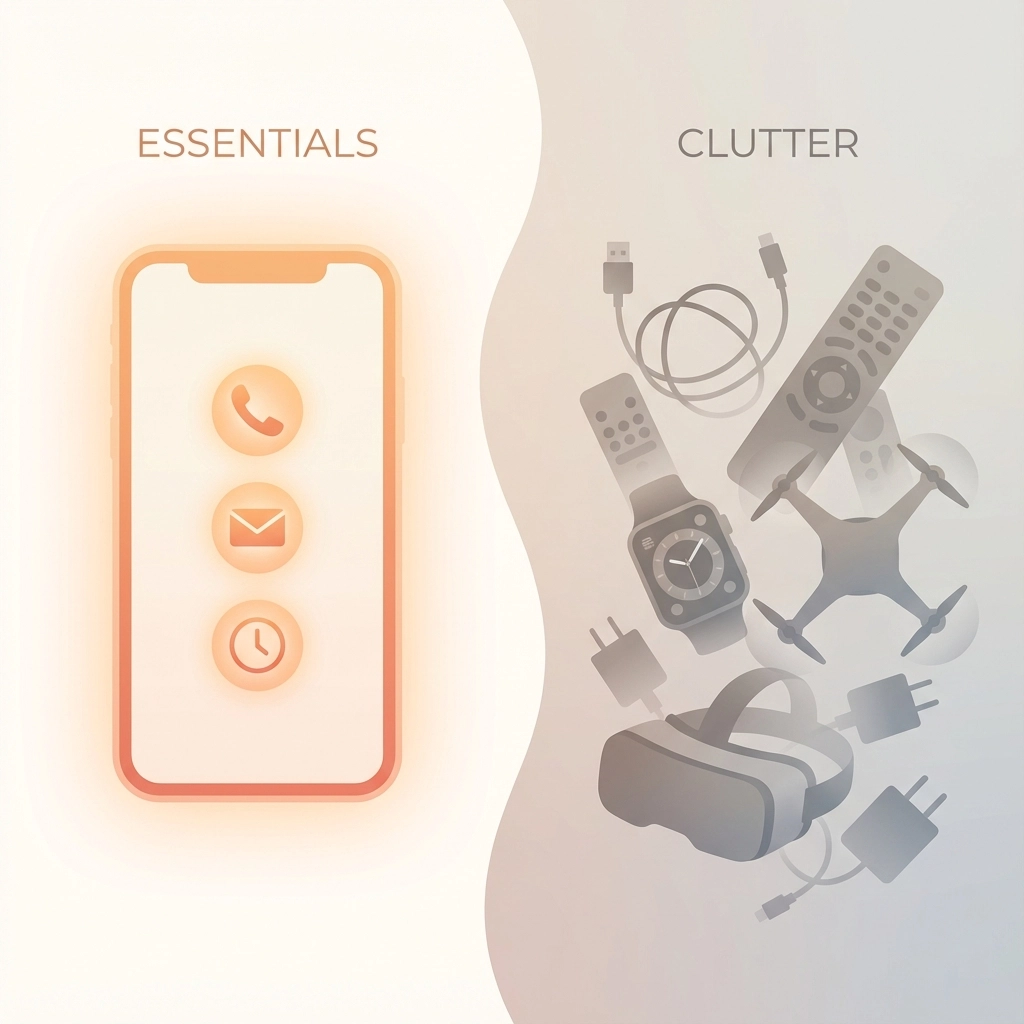
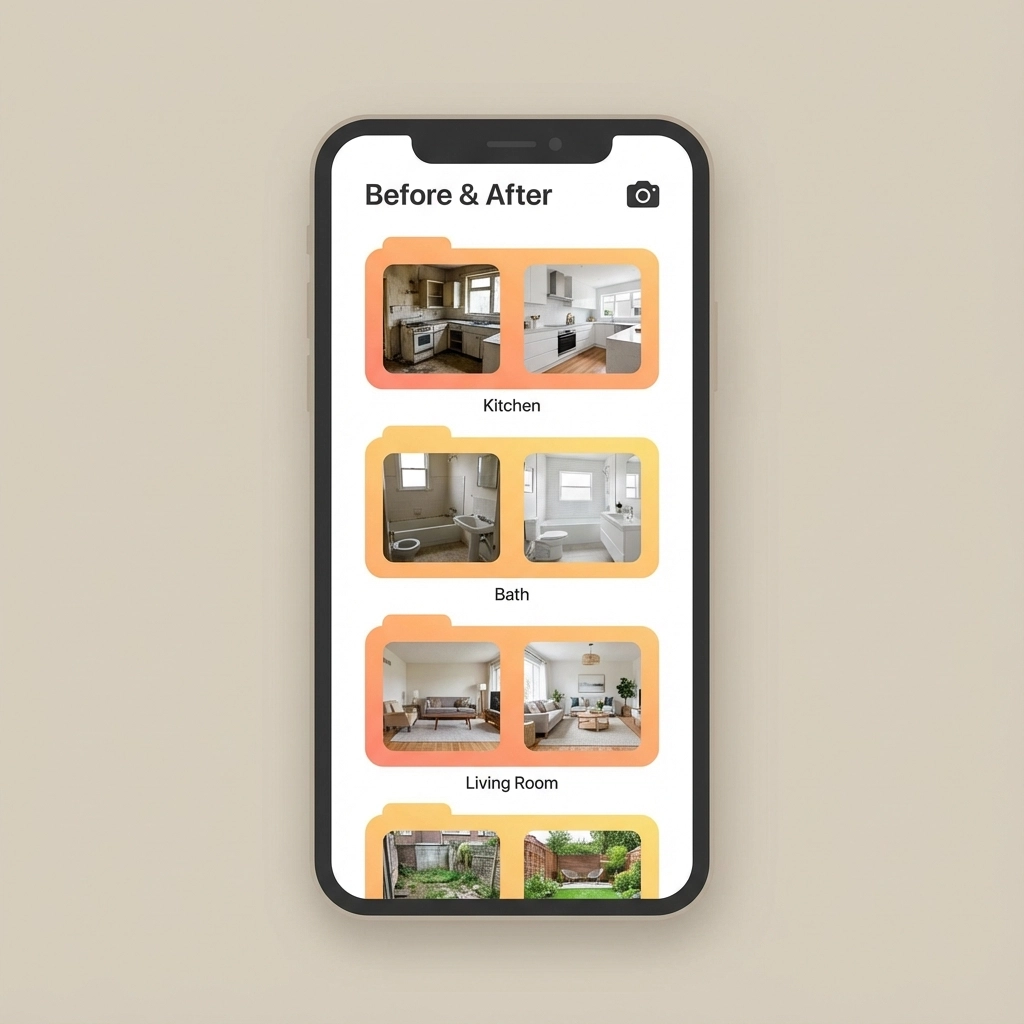
Let's be honest – asking your customers to download yet another app is like asking them to learn a new language. They've already got their phones cluttered with apps they never use, and the last thing they want is to figure out how to navigate your project management software just to see if their deck is getting built on schedule.
The good news? You don't need to put your customers through app download hell to keep them in the loop. There are plenty of simple ways to share job progress that work with what your customers already use every day – their email, web browser, and text messages.
Why App-Free Communication Wins Every Time
Think about your own phone for a second. How many apps do you actually use regularly? Probably the same handful every day, right? Your customers are no different. They don't want to create another account, remember another password, or learn another interface just to check on their project.
When you make it easy for customers to stay updated without jumping through hoops, you get happier clients who feel informed and confident in your work. Plus, you spend less time explaining how to use your systems and more time actually getting the job done.
Method 1: Simple Web Links That Work in Any Browser
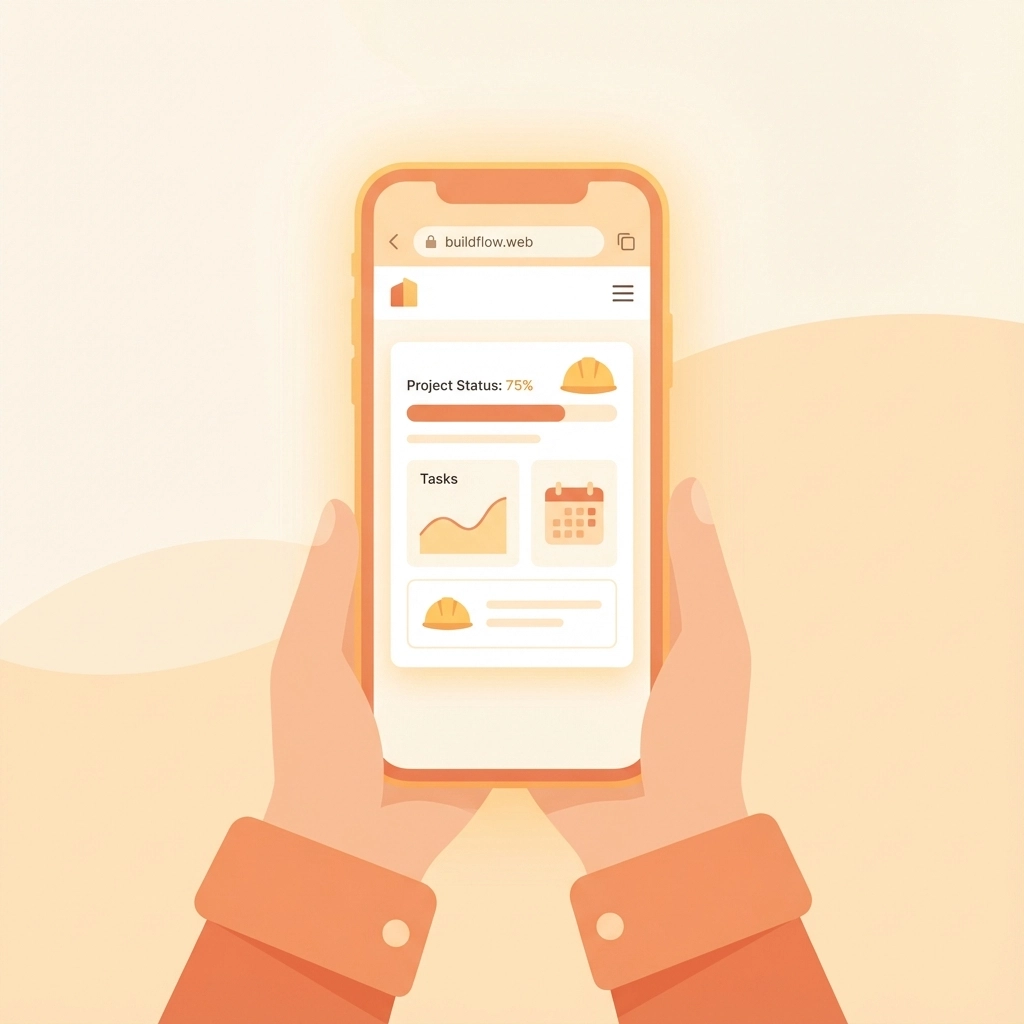
The easiest way to share progress is through a simple web link your customers can click from any device. No downloads, no accounts, no fuss.
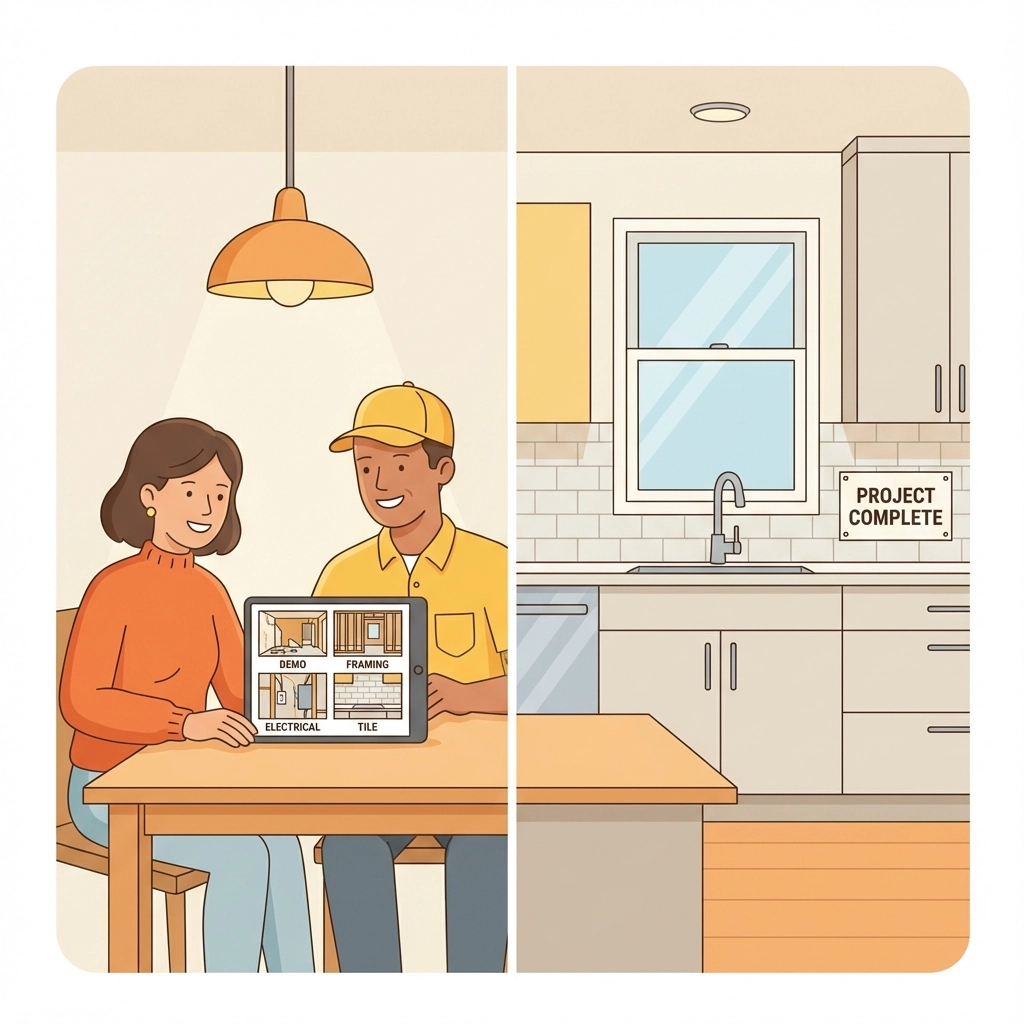
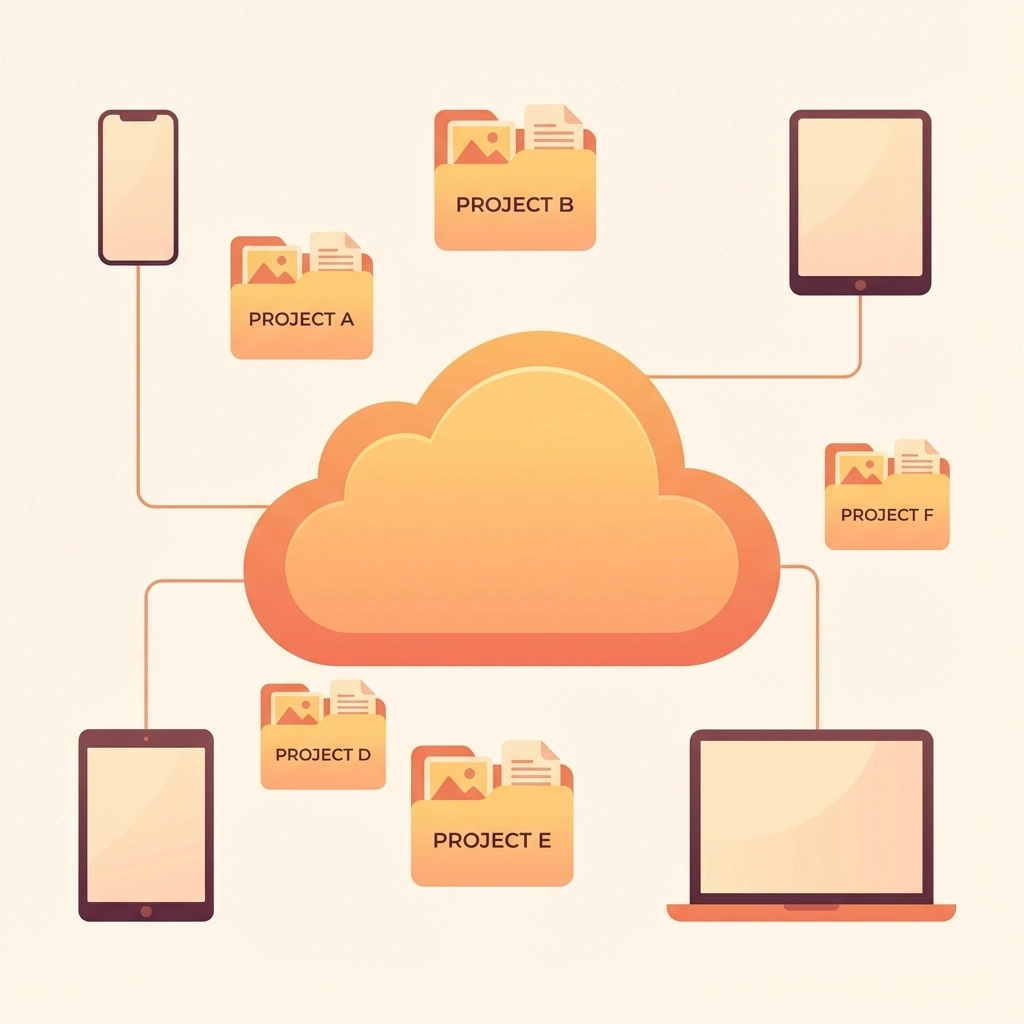
Here's how it works: You create a shareable webpage that shows everything your customer needs to know about their project. They get a link via email or text, click it, and boom – they can see photos, schedules, invoices, and updates right in their browser.
This approach works great because:
- Customers can check progress from their phone, tablet, or computer
- No learning curve – everyone knows how to use a web browser
- You control what information gets shared and when
- Updates happen automatically as you add new content
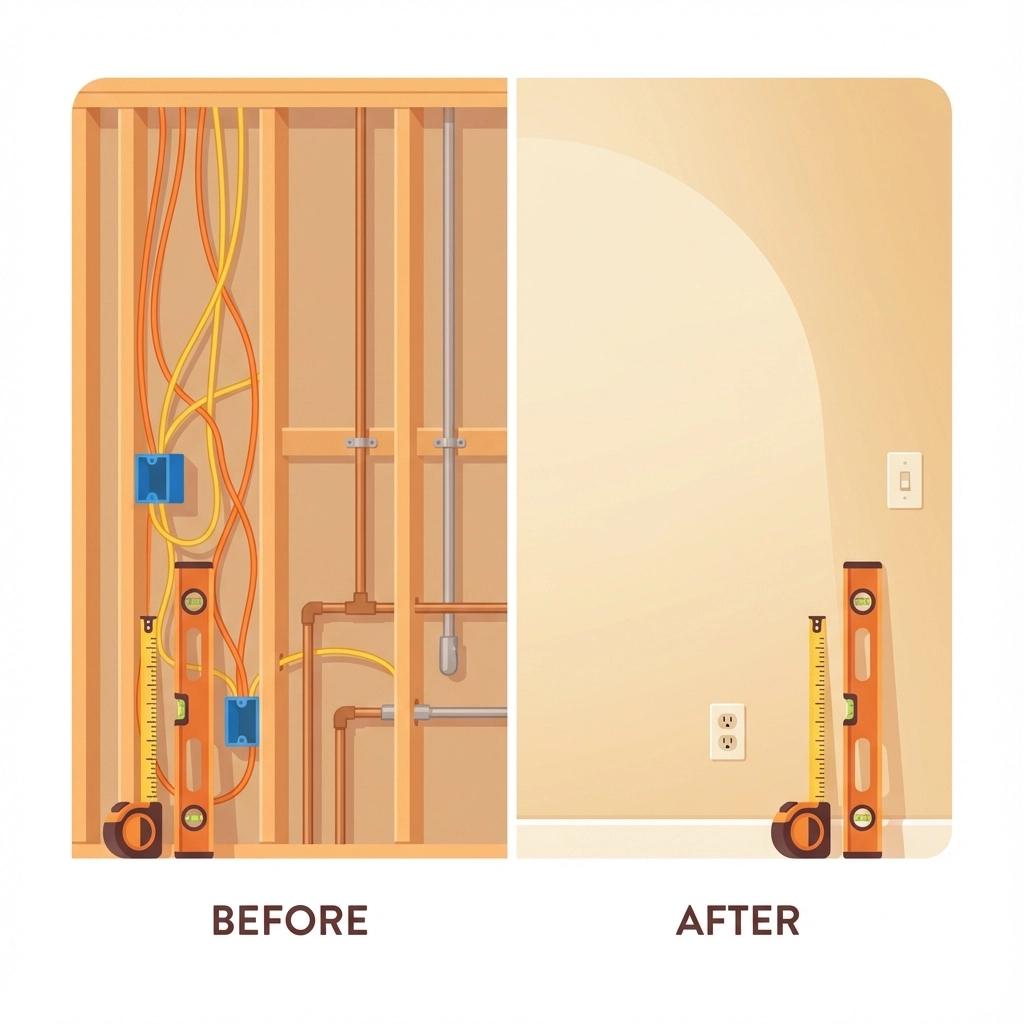
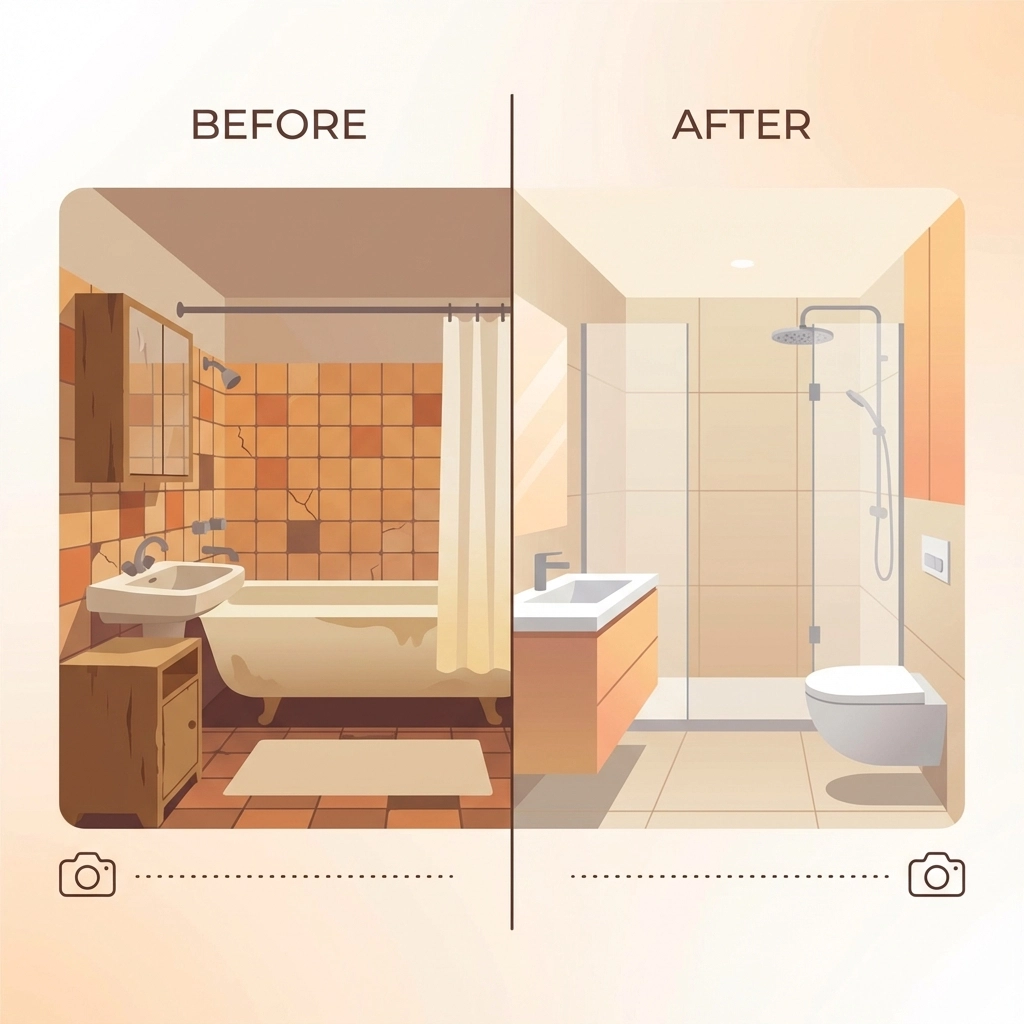
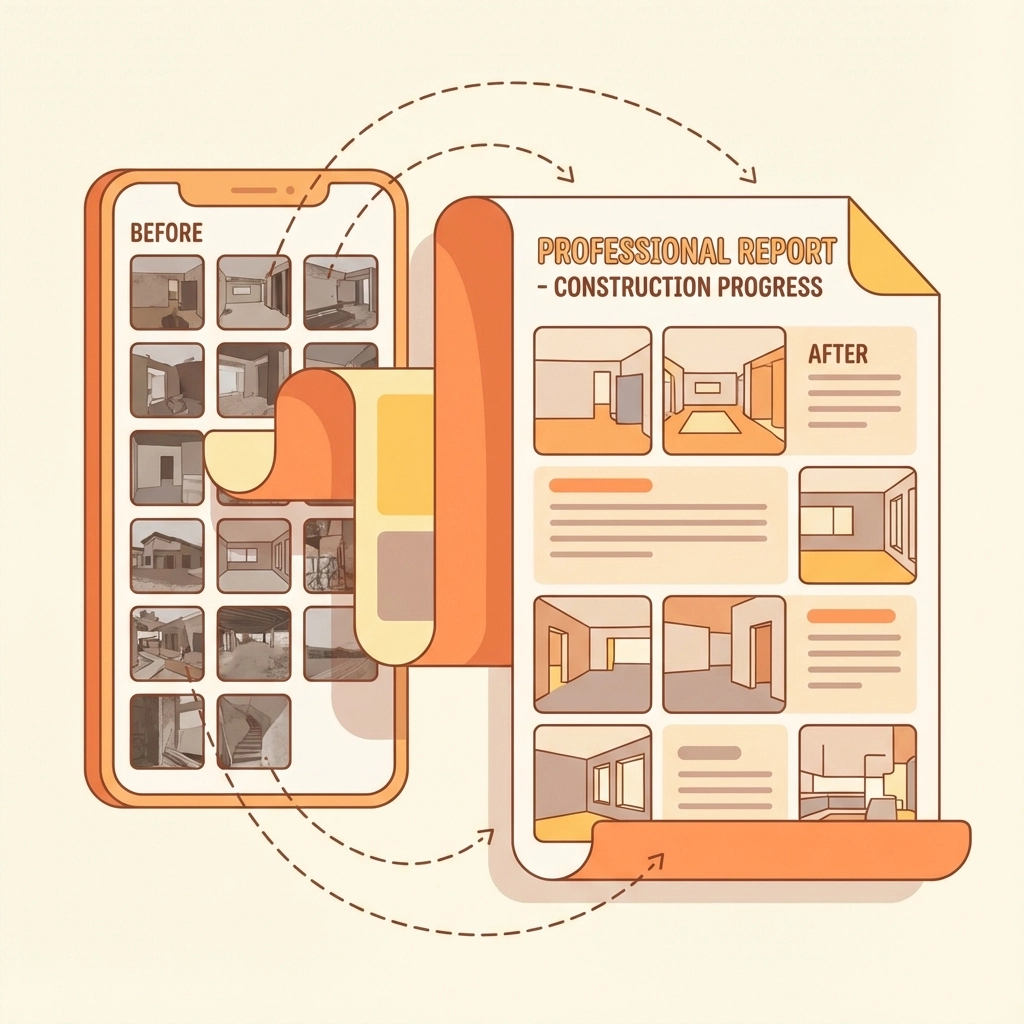
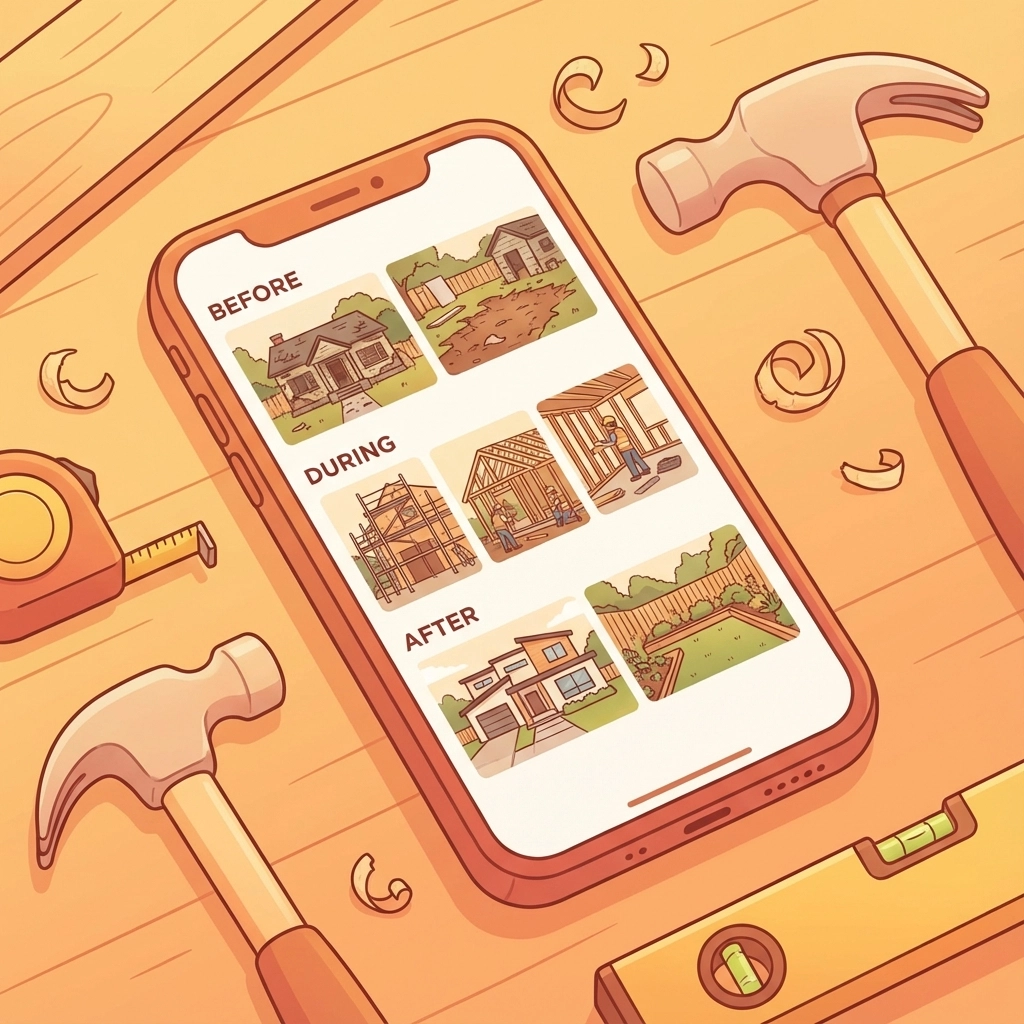
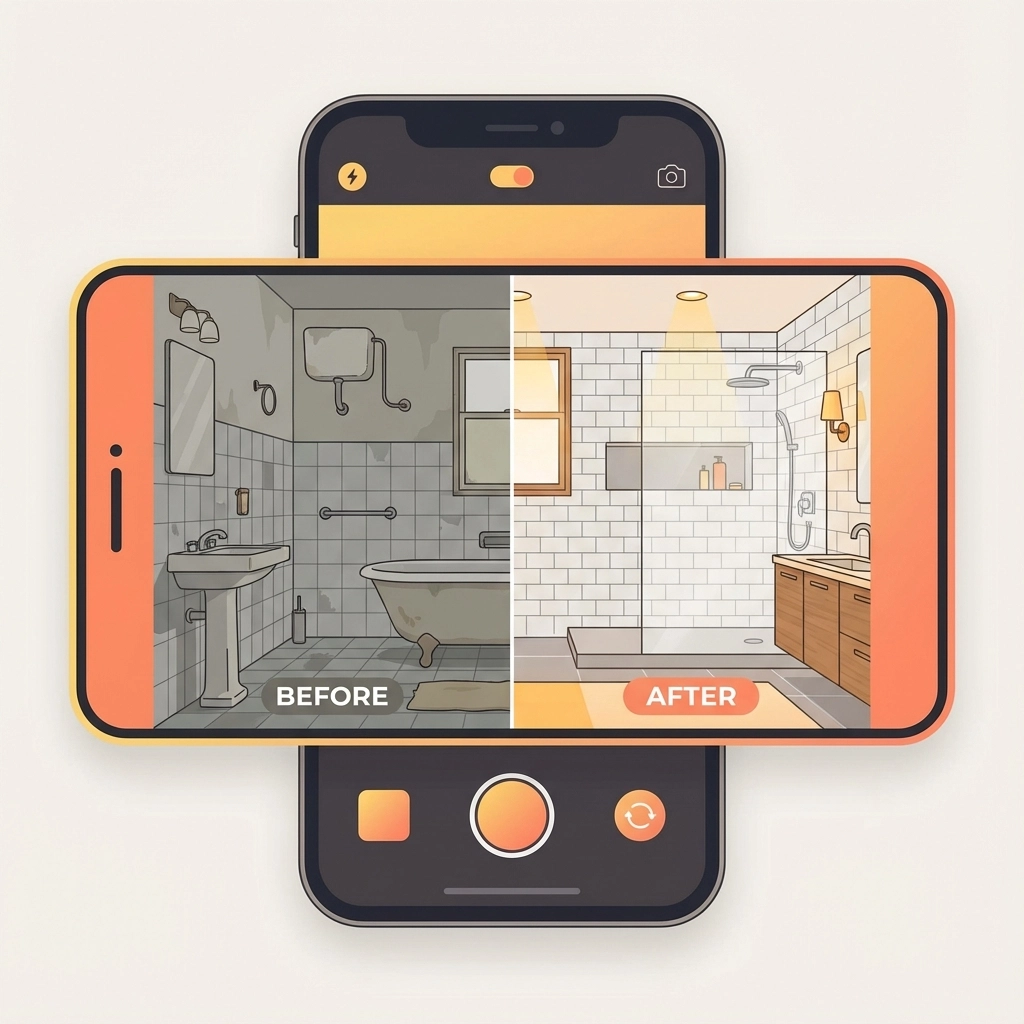
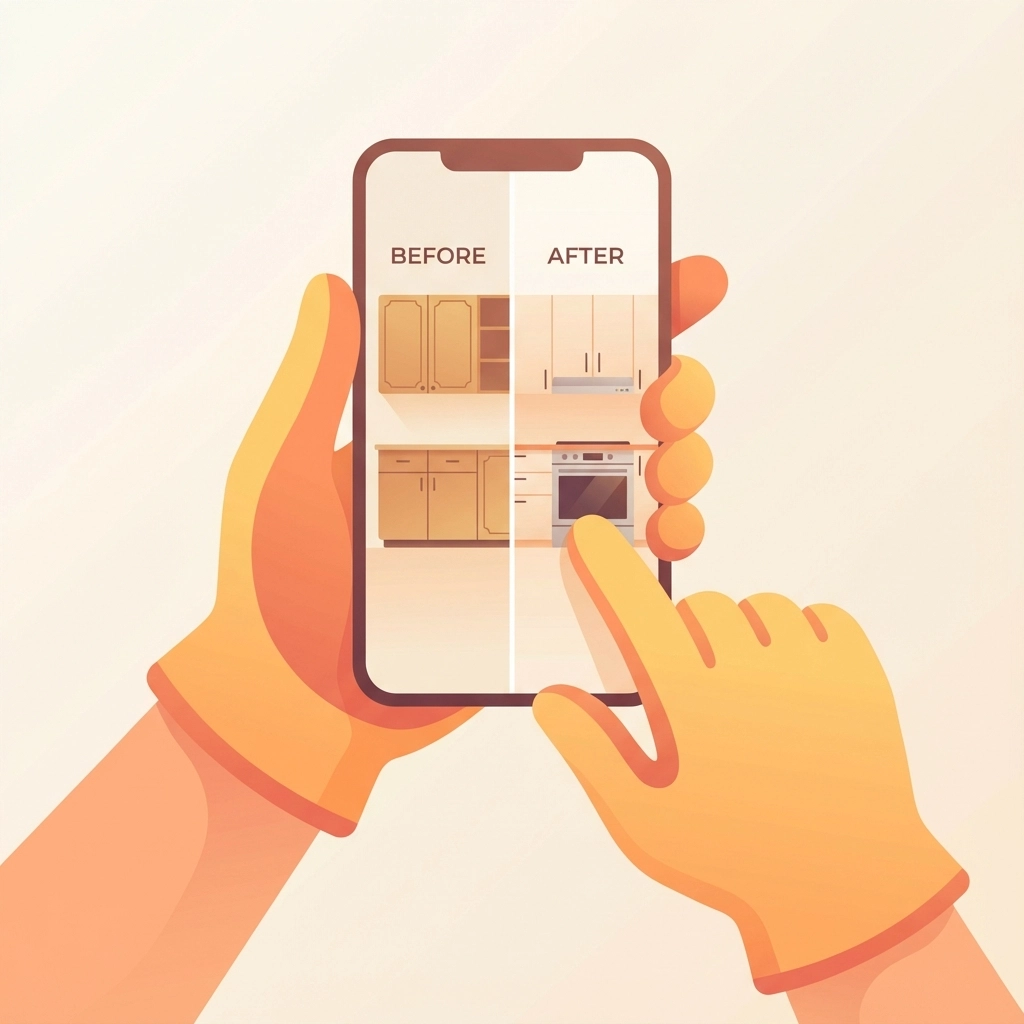
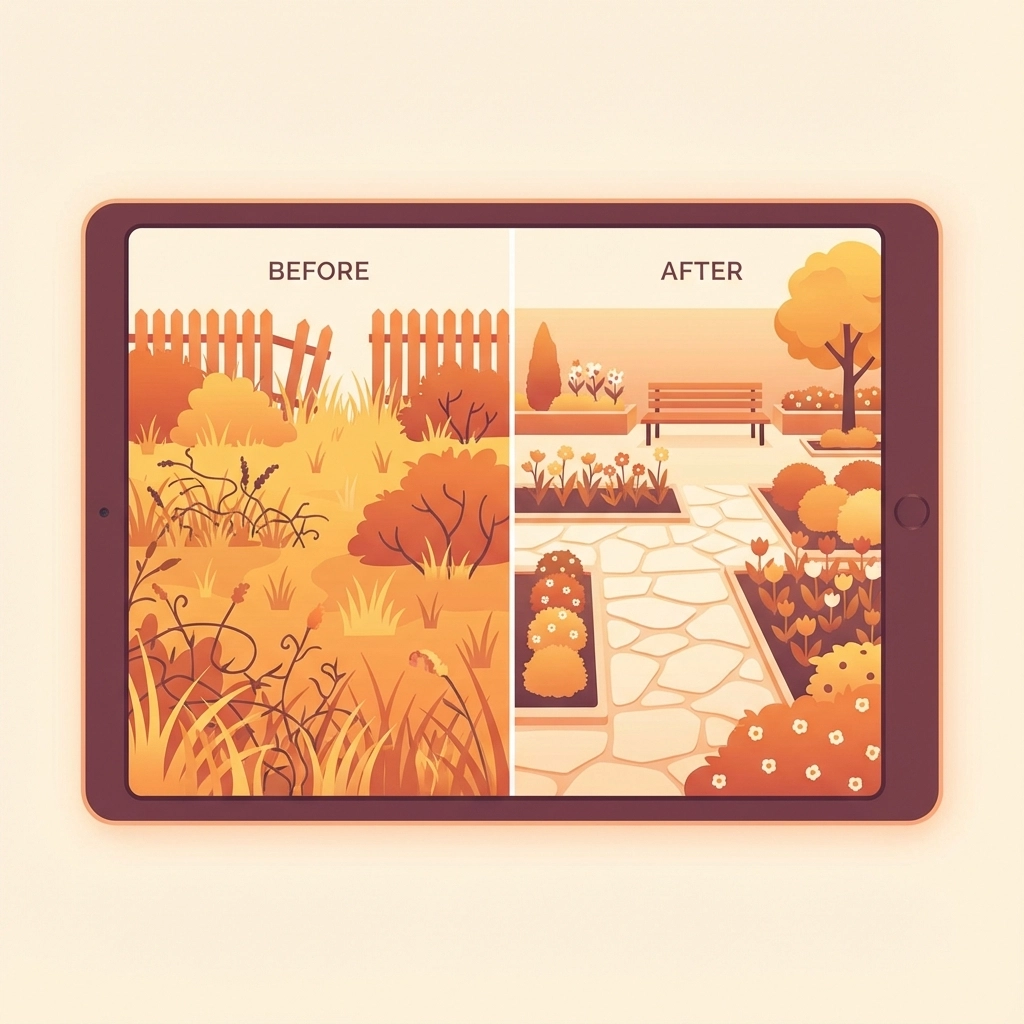
The best part? You can include everything in one place: project timeline, before and after photos, upcoming appointments, and even weather forecasts that might affect the work schedule.
Method 2: Email Updates That Actually Get Read
Email might seem old school, but it's still the communication method most customers check daily. Smart contractors use automated email updates to keep customers informed without any manual work.
Set up weekly or bi-weekly progress emails that include:
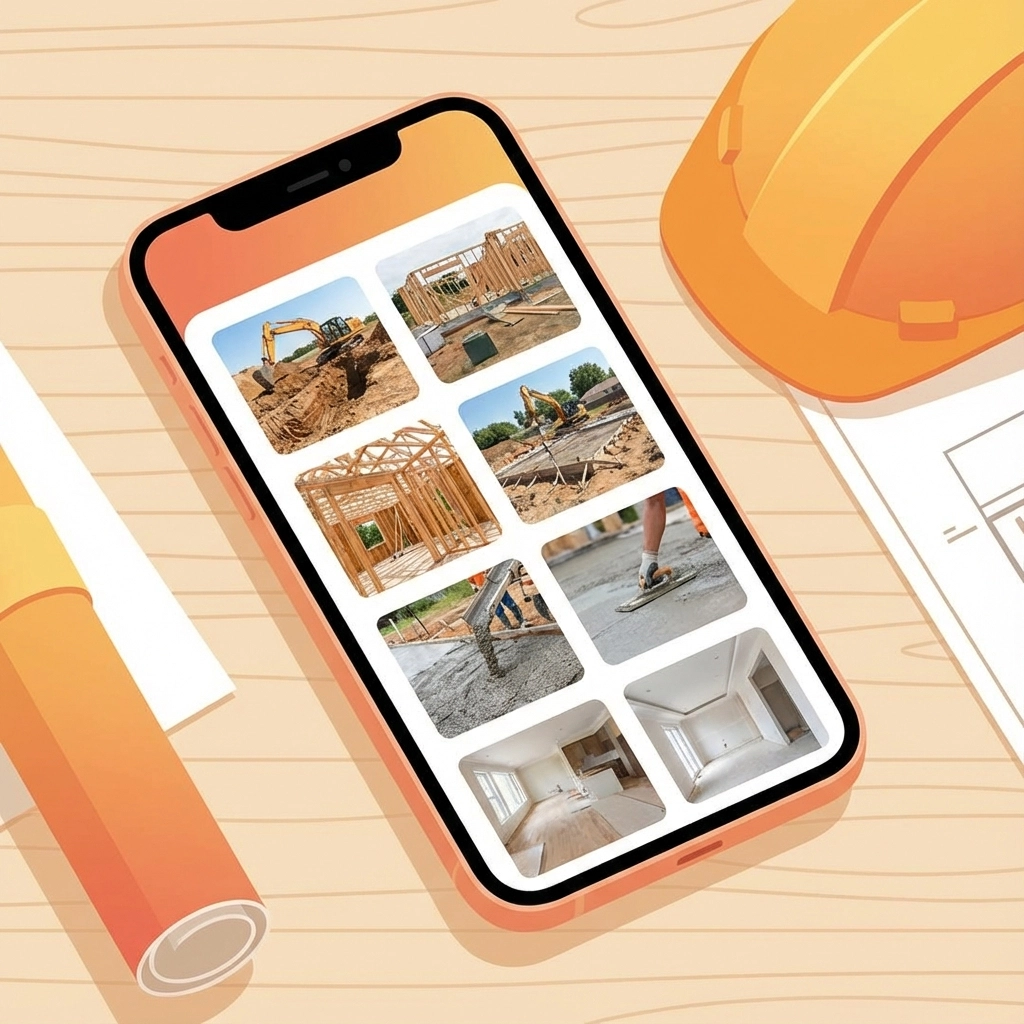
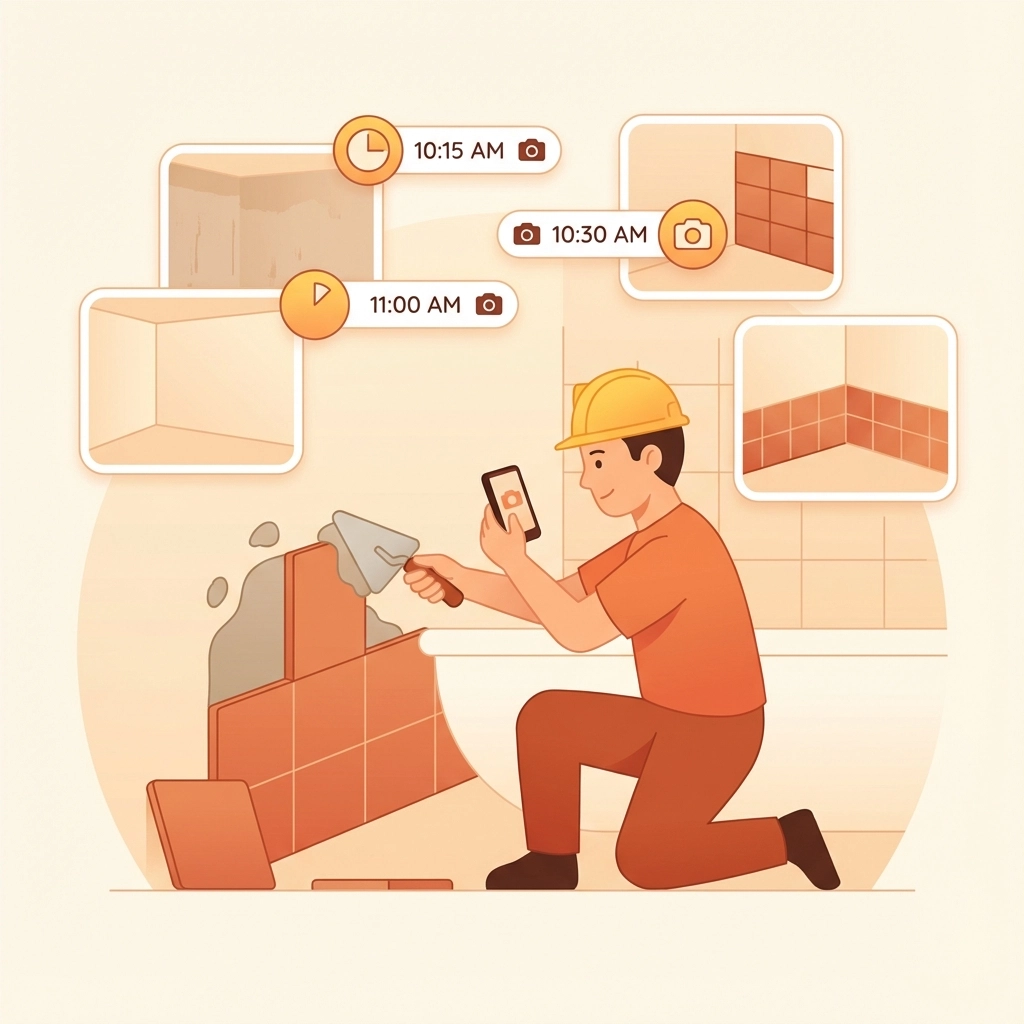
- Photos from the past week's work
- What's planned for the upcoming days
- Any schedule changes or weather delays
- Quick notes about milestones hit or challenges encountered

The key is making these emails scannable and visual. Your customers don't want to read a novel – they want to quickly see that progress is happening and everything's on track.
Pro tip: Send these emails at the same time each week so customers know when to expect them. Consistency builds trust.
Method 3: Shared Calendars for the Planning-Obsessed
Some customers love to plan and want to see exactly when things are happening. For these detail-oriented folks, a shared calendar works perfectly.
Create a simple calendar that shows:
- When you'll be on-site
- Major milestones and completion dates
- Delivery schedules for materials
- Inspection dates
Customers can view this calendar in their own calendar app or through a web browser. They can even sync it with their personal calendar so they know when to expect activity at their property.
This method works especially well for longer projects where timing coordination matters. Your customer can plan around your work schedule, and you avoid the "When are you coming back?" phone calls.
Method 4: Live Dashboards for Real-Time Updates
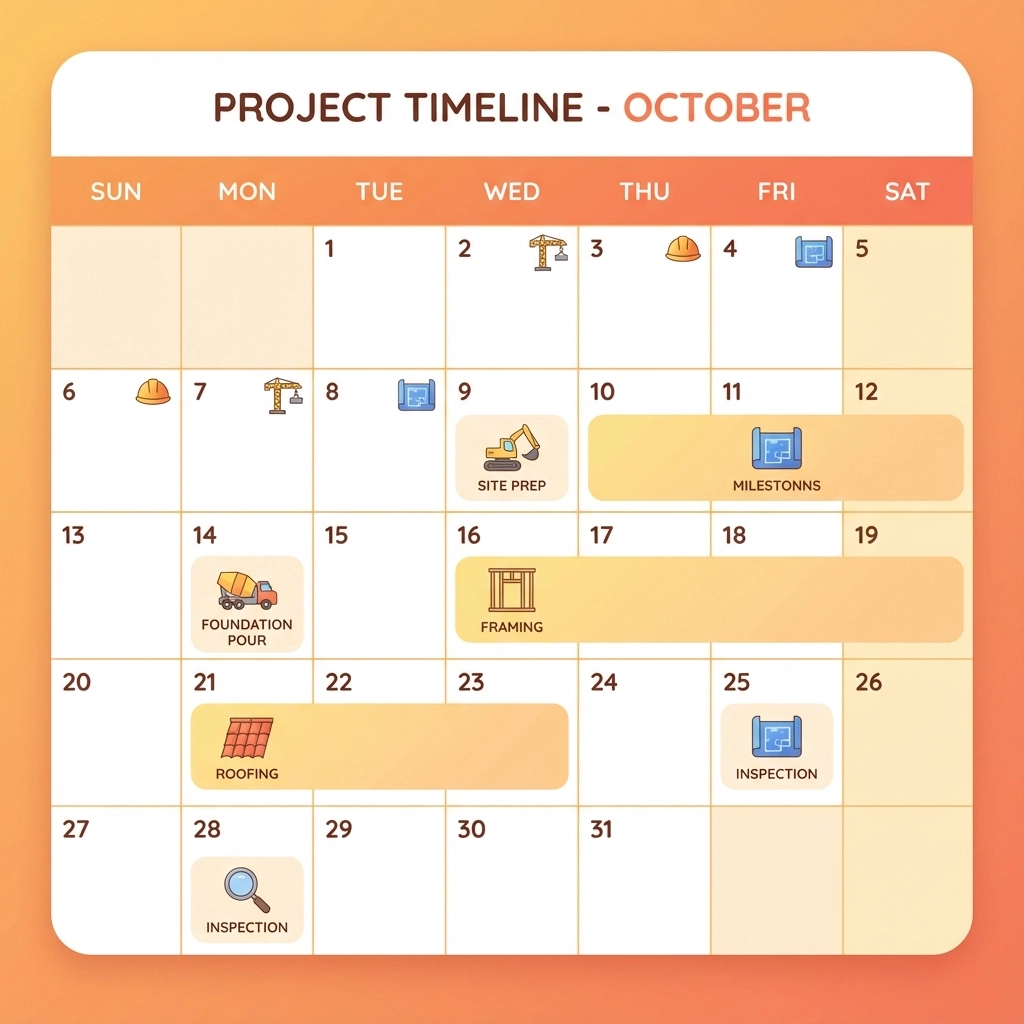
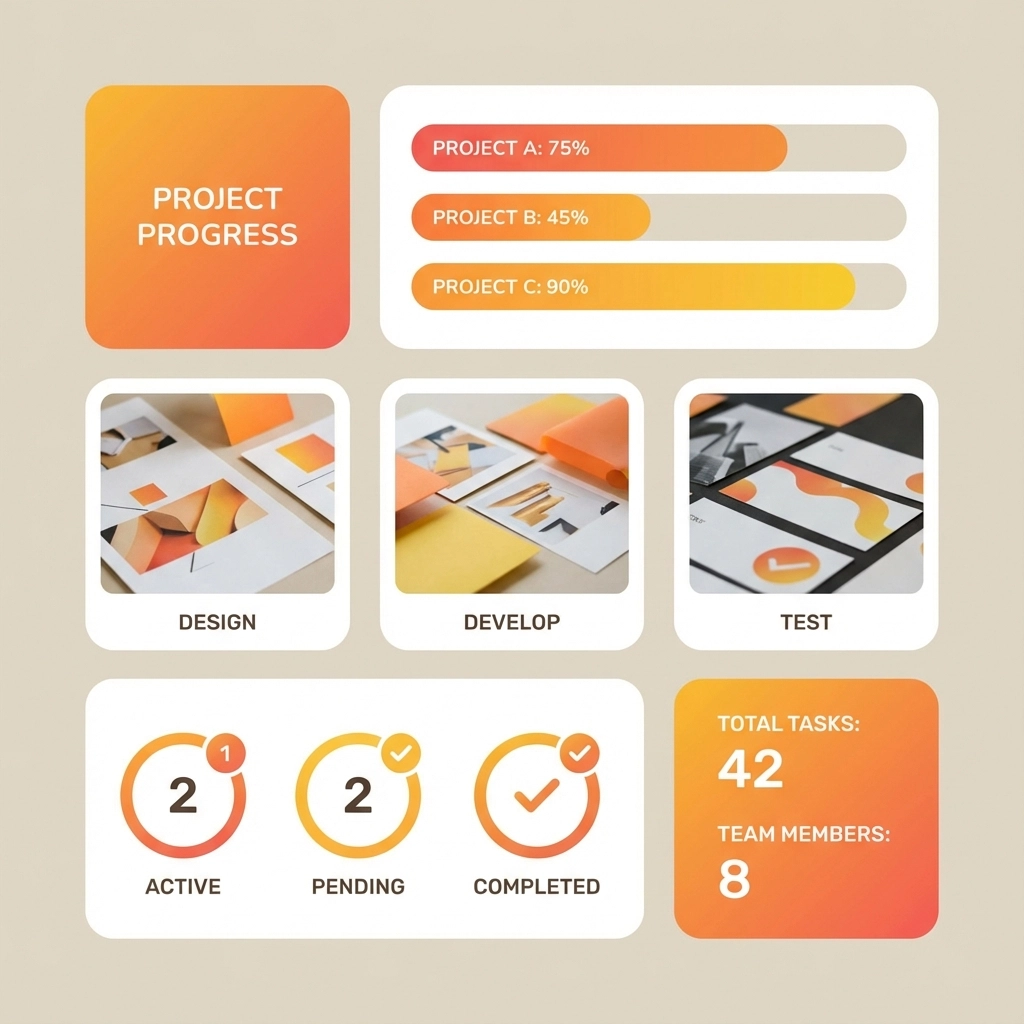
For customers who want to check progress whenever they feel like it, a live dashboard gives them 24/7 access to current project status.
Think of it like a simplified version of your project management system – just the customer-friendly parts. They can see:
- Overall project completion percentage
- Current phase status
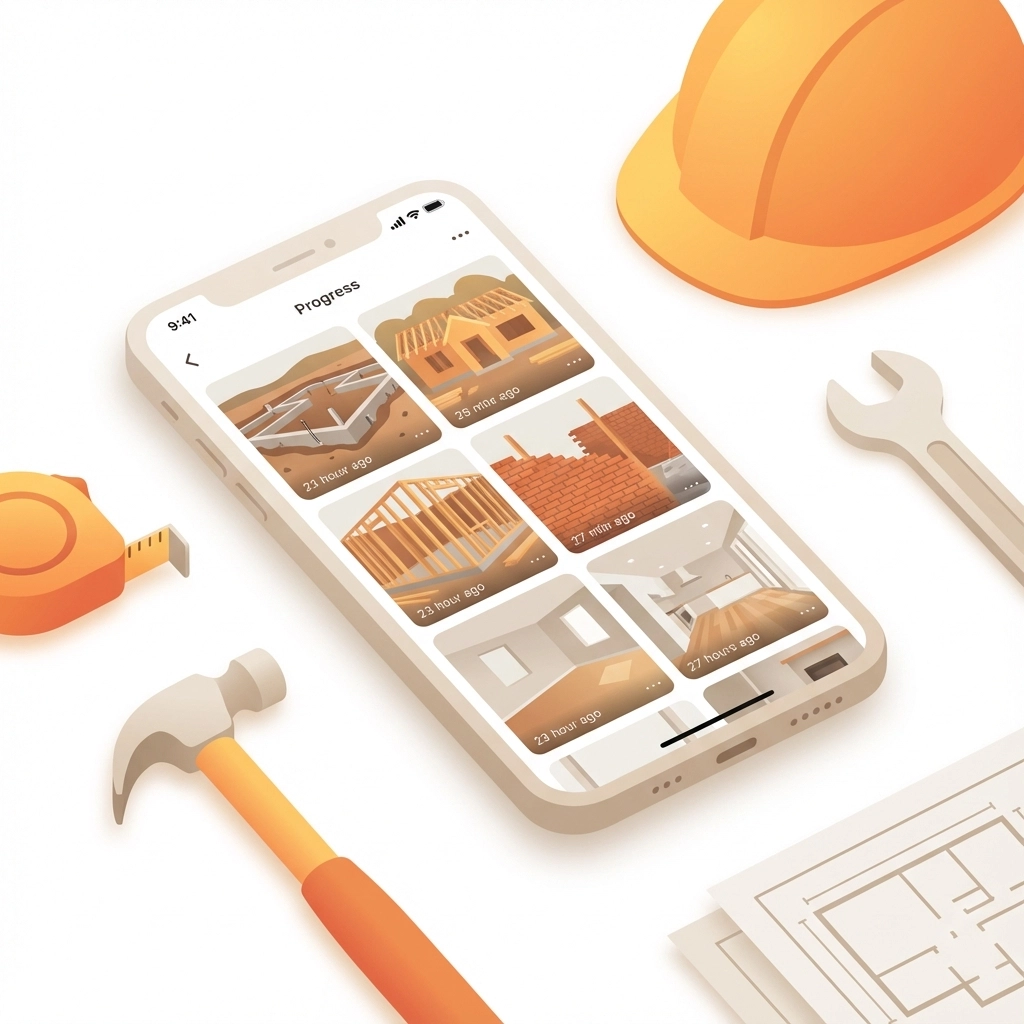
- Recent photos and updates
- Upcoming milestones
- Budget and change order status
The dashboard updates automatically as you complete tasks and add information, so customers always see the most current status without you having to manually send updates.
Method 5: Simple Text Message Updates
Sometimes the best communication is the simplest. Regular text updates work great for quick status changes, appointment confirmations, or heads-up about delays.
Text messages are perfect for:
- "Starting work at your place this morning"
- "Finished the electrical rough-in today, photos attached"
- "Delayed by weather, will resume Thursday"
- "Ready for your final walkthrough"
Keep these short and sweet. The goal is quick communication, not detailed reports.
Choosing the Right Method for Your Customers
Different customers prefer different communication styles. During your initial meeting, ask how they like to stay informed about projects. You'll usually hear responses like:
- "Just email me weekly with photos"
- "I want to check progress whenever I want"
- "Text me if anything changes"
- "I don't need constant updates, just let me know when you're done"
Match your communication method to their preference. Some customers want minimal contact, others want to see every detail. The key is asking upfront and then delivering exactly what they requested.
Setting Up Your App-Free Communication System
Getting started doesn't have to be complicated. Here's a simple approach:
- Pick one method to start with – don't try to implement everything at once
- Create templates for your emails or text updates so you're not starting from scratch each time
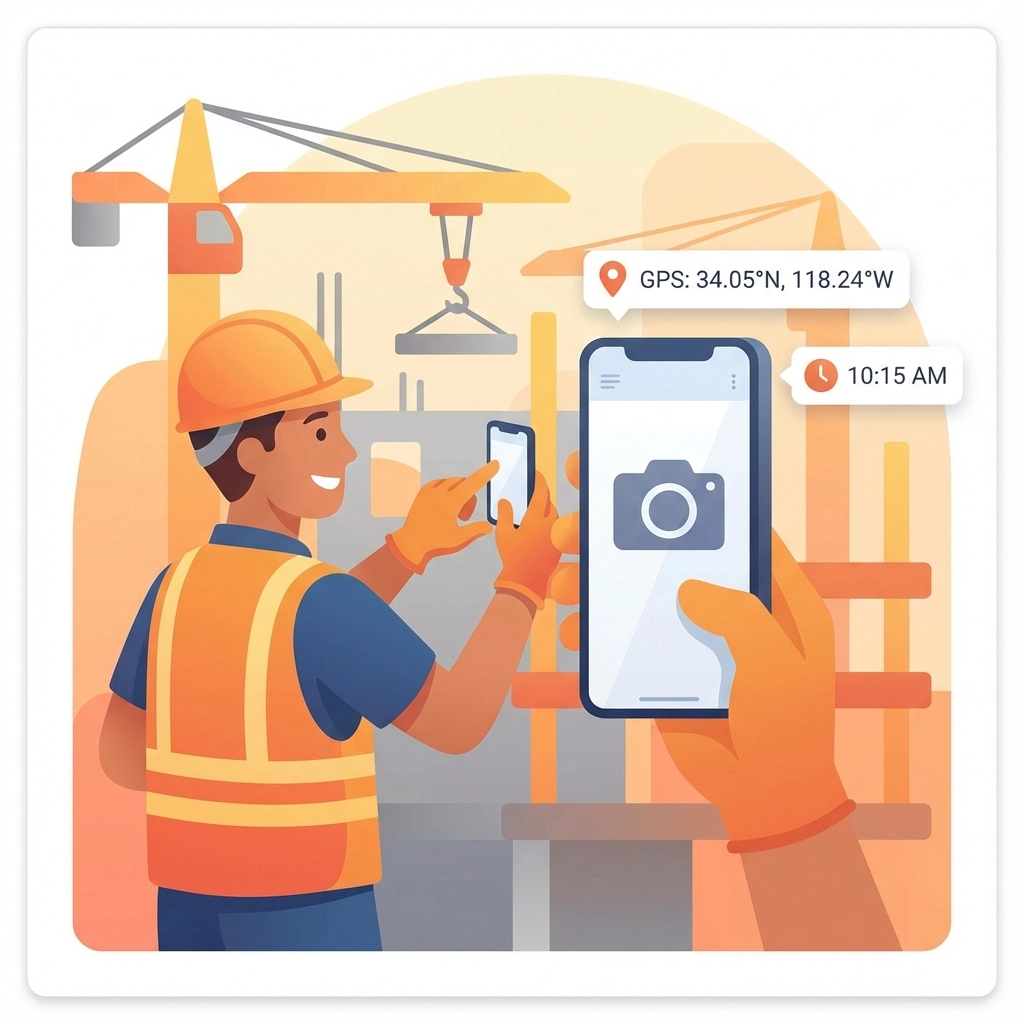
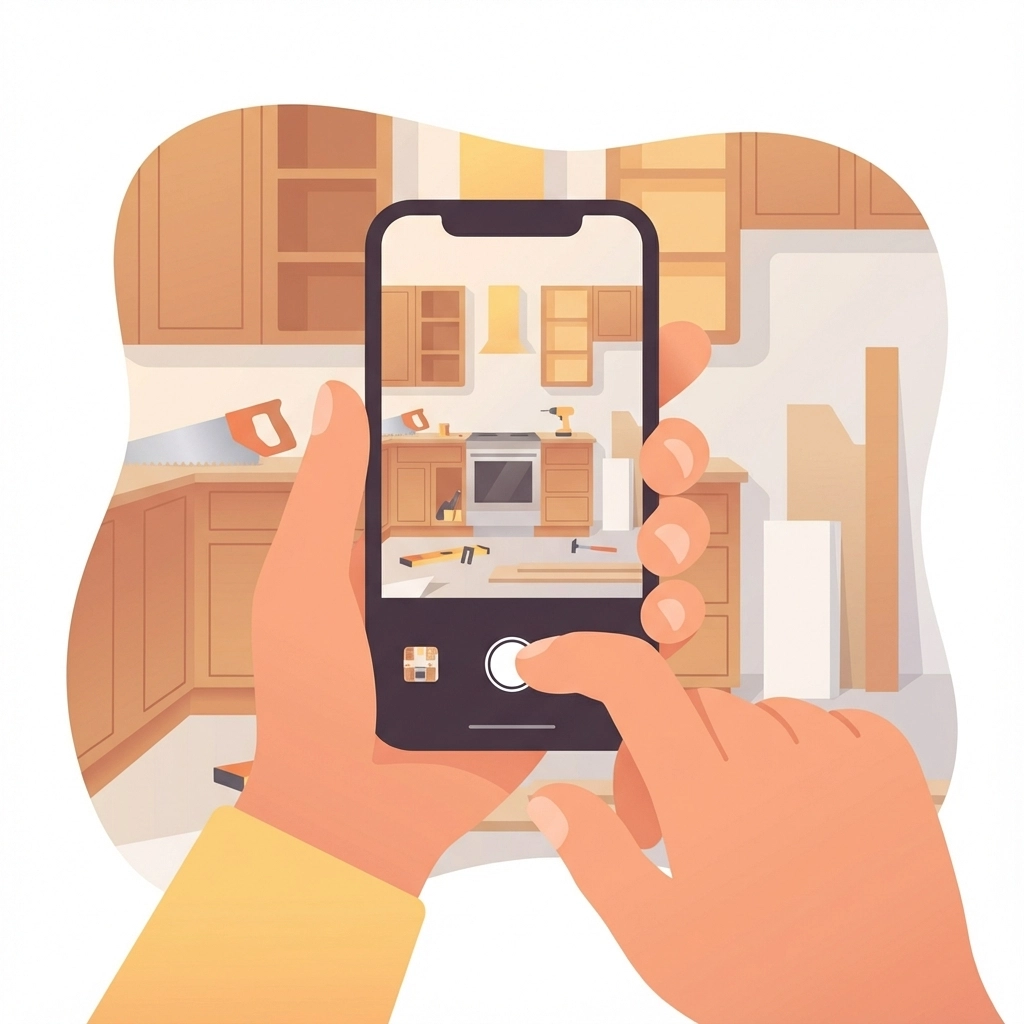
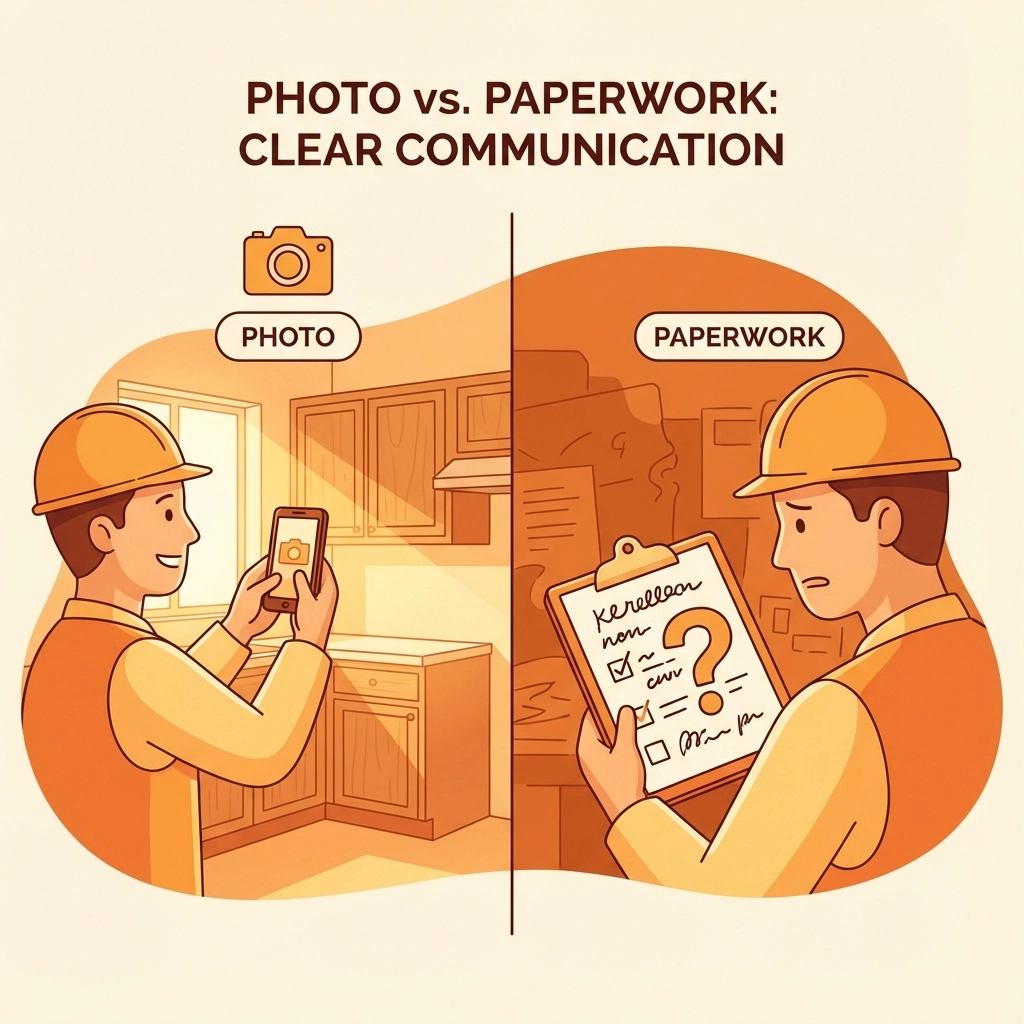
- Take photos consistently – even if customers don't ask for them, progress photos always impress
- Set a schedule and stick to it – whether it's weekly emails or Monday morning text updates
- Ask for feedback after your first few projects to see what's working
The Technology You Actually Need
You don't need expensive software or complicated setups. Most field service management platforms already include customer communication features that work through web browsers and email.
Look for tools that let you:
- Generate shareable web links
- Send automated email reports
- Upload photos that customers can view online
- Create simple project timelines
- Track what customers have viewed
The goal is finding something simple that works with your existing workflow, not overhauling your entire business process.
Making Communication Feel Personal
Even when you're using automated systems, keep the human touch. Add personal notes to your updates. Mention specific details about the customer's preferences or concerns. Take photos that show progress from angles that matter to them.
Remember – you're not just sharing information, you're building confidence in your work and professionalism.
Common Mistakes to Avoid
Don't overwhelm customers with too much information. They don't need to see every single task in your project management system – just the highlights that matter to them.
Don't assume everyone wants the same level of detail. Some customers want daily updates, others prefer to hear from you once a week.
Don't forget to actually use the system you set up. Consistency matters more than perfection.
The Bottom Line
Keeping customers informed doesn't require them to learn new technology. Use the communication methods they already know and love – email, web browsers, and text messages. Pick the approach that matches each customer's preferences, keep it simple, and stay consistent.
When you make it easy for customers to stay in the loop, everyone wins. They feel informed and confident, you spend less time answering "How's it going?" calls, and your projects run smoother from start to finish.