
Every contractor knows the drill: you snap dozens of photos per job, but half of them end up buried in your camera roll while the other half get lost in text threads with clients. You've probably looked at contractor photo apps thinking they might solve this chaos, but then you see feature lists longer than your tool inventory and wonder what you actually need versus what's just marketing fluff.
Here's the truth: most contractor photo apps are loaded with features you'll never use, while the stuff that actually matters gets buried in the sales pitch. Let's cut through the noise and figure out what really moves the needle for your business.
The Core Four: Features That Actually Matter
1. Photo Capture with Automatic Metadata
This is the foundation everything else builds on. When you take a photo, the app should automatically capture the date, time, GPS location, and who took the picture. No manual entry, no extra steps.
Why this matters: You're not just taking pictures for fun. These photos need to tell a story later: whether it's for insurance claims, client updates, or proving work was completed. Automatic metadata creates an audit trail that protects you legally and professionally.

Think about it: if a client questions when you completed work or an insurance company needs proof of damage timing, photos with automatic timestamps and location data become your best defense. Apps that make you manually add this information defeat the purpose: you're too busy working to play data entry clerk.
2. Cloud Storage That Actually Works
Your photos need to live somewhere other than your phone. Period. Cloud storage keeps everything accessible from any device and protects your documentation if your phone takes a dive off a ladder.
But here's what separates good cloud storage from great: it needs to be fast, reliable, and not eat up your data plan with constant syncing. Look for apps that let you choose when to sync (like when you're on Wi-Fi) and that don't slow down your phone while uploading.
The real value here isn't just backup: it's accessibility. Your office staff, project managers, and even clients can access the right photos instantly instead of waiting for you to remember to send them.
3. Smart Organization by Project
Without organization, you're just moving your photo chaos from your camera roll to an app. Good contractor photo apps automatically sort photos by project, job site, or date range. The best ones let you create custom categories that match how your business actually works.
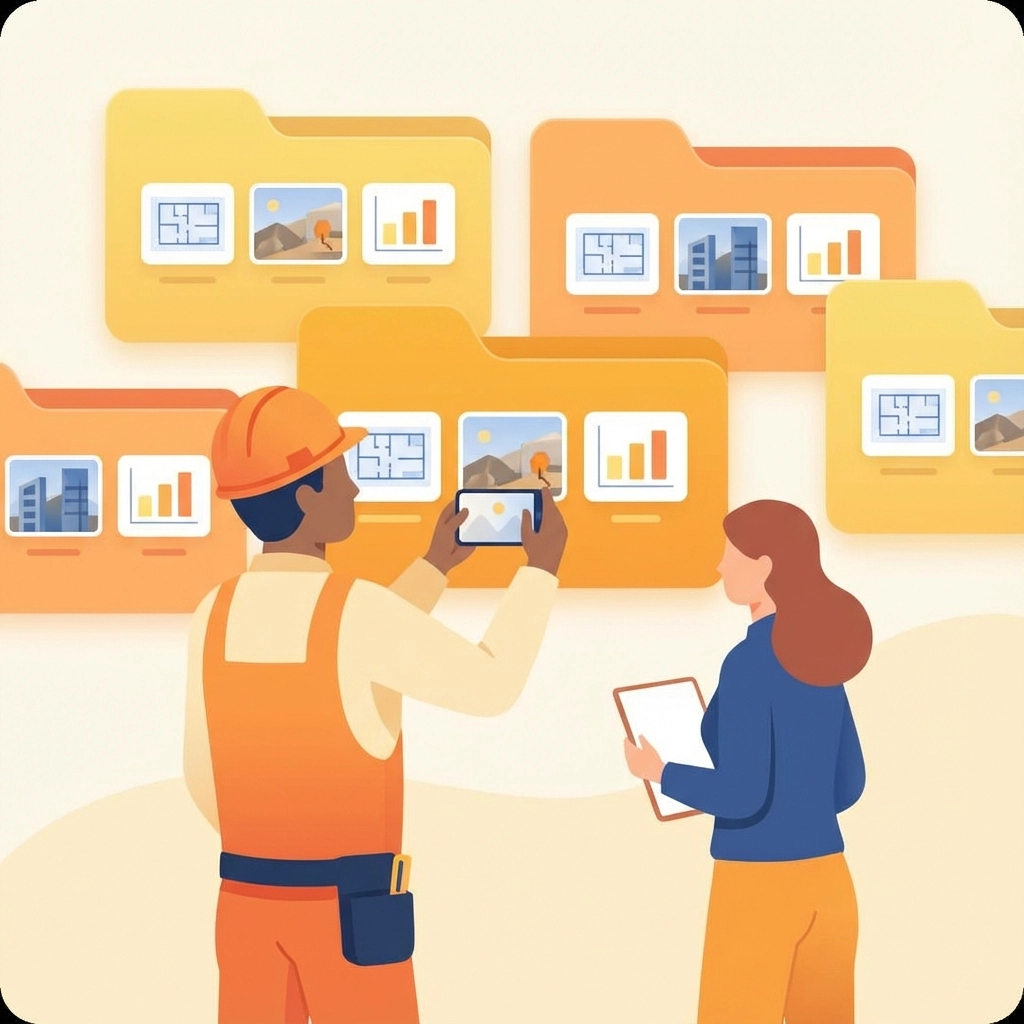
This isn't about fancy folder structures: it's about finding the right photo in under 10 seconds. When a client calls asking about work from last month, or when you need to reference a technique you used on a similar job, organized photos become a competitive advantage.
4. Report Generation
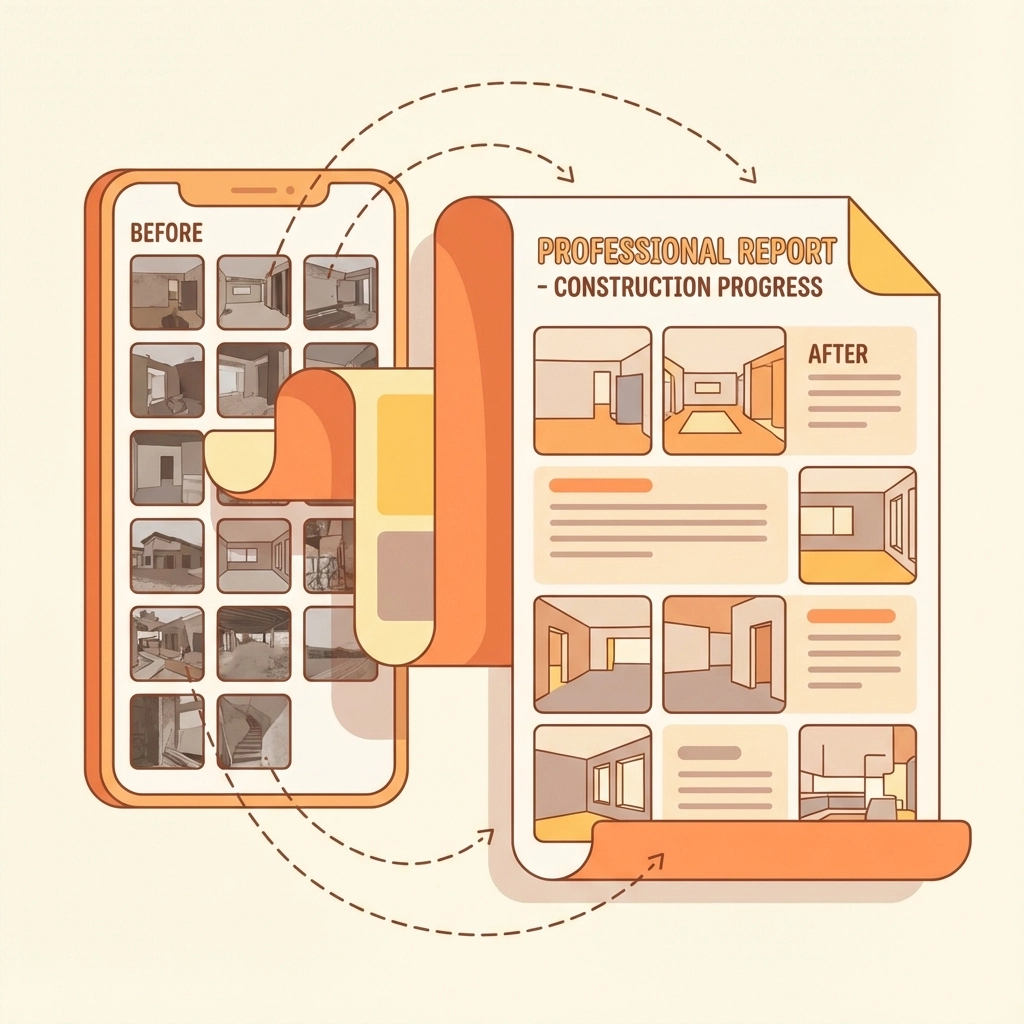
Photos sitting alone don't communicate much. You need the ability to turn those images into professional reports that tell the complete story of your work. This means combining photos with descriptions, organizing them chronologically, and outputting something you can actually send to clients.
Look for apps that let you add context to photos (like "before" and "after" labels) and create reports without needing a graphic design degree. The goal is professional documentation that builds trust with clients and protects you if disputes arise.
Nice-to-Have Features (But Not Deal Breakers)
Annotation and Markup Tools
Being able to draw arrows, highlight problems, or add text directly onto photos can be genuinely useful. It helps communicate issues to team members and clients without requiring separate explanations.
But here's the thing: if you're comfortable explaining things via text or quick phone calls, this feature won't revolutionize your workflow. It's convenient, not critical.
Offline Functionality
If you work in areas with spotty cell service, offline mode matters. It lets you capture photos and complete documentation even without internet, syncing everything once you're back in range.
For urban contractors with reliable connectivity, this is overkill. Know your work environment before paying extra for offline capabilities you won't use.
Custom Checklists and Forms
Pre-built checklists help ensure you document everything consistently. They're particularly valuable for repetitive work like safety inspections or routine maintenance visits.
However, if your work varies significantly from job to job, rigid checklists might feel more like bureaucracy than efficiency. Consider whether standardization helps or hinders your current process.
Features You Can Probably Skip
360° Photo Capture and Virtual Walkthroughs
Some apps offer 360° cameras and virtual reality features that create immersive job site experiences. While impressive, these tools are designed for large-scale projects with complex stakeholder communication needs.
Most contractors are better served by good old-fashioned photos that load quickly and don't require special viewers or expensive equipment.
LiDAR and Advanced Measurement Tools
Apps that use your phone's LiDAR sensor to create spatial measurements sound futuristic, but they're solving a problem you probably already solve with a tape measure. Unless you're doing complex estimating or insurance documentation that specifically requires this technology, it's feature bloat.
Enterprise Integrations and Project Management
Some photo apps integrate with comprehensive project management platforms, syncing with timelines, budgets, and team communications. These integrations create powerful ecosystems: if you're already invested in those platforms.
For most contractors, especially smaller operations, these integrations add complexity without proportional value. You're paying for features that assume a level of digital infrastructure you might not have or need.

How to Choose: The Reality Check
Before falling in love with feature lists, ask yourself these practical questions:
What's your team size? Solo contractors need simplicity and speed. Larger crews need collaboration features and permission controls. Don't pay for team features if you're working alone.
How tech-savvy is your crew? The best app is the one everyone will actually use. If your team struggles with smartphone basics, a simple app with fewer features might deliver better results than a comprehensive platform no one touches.
What's your real documentation pain point? Are you losing photos, struggling to find them later, or having trouble creating professional reports? Focus on apps that solve your actual problem, not theoretical ones.
Who needs to see these photos? Internal documentation has different requirements than client-facing reports. Know your audience before choosing features.
The Bottom Line
The best contractor photo app is the one that handles the core functions reliably: capture, store, organize, and report: without forcing you to learn features you'll never use or pay for capabilities that don't match your workflow.
Start with the basics: automatic metadata, cloud storage, project organization, and simple reporting. Everything else should prove its value in your actual work environment before you pay extra for it.
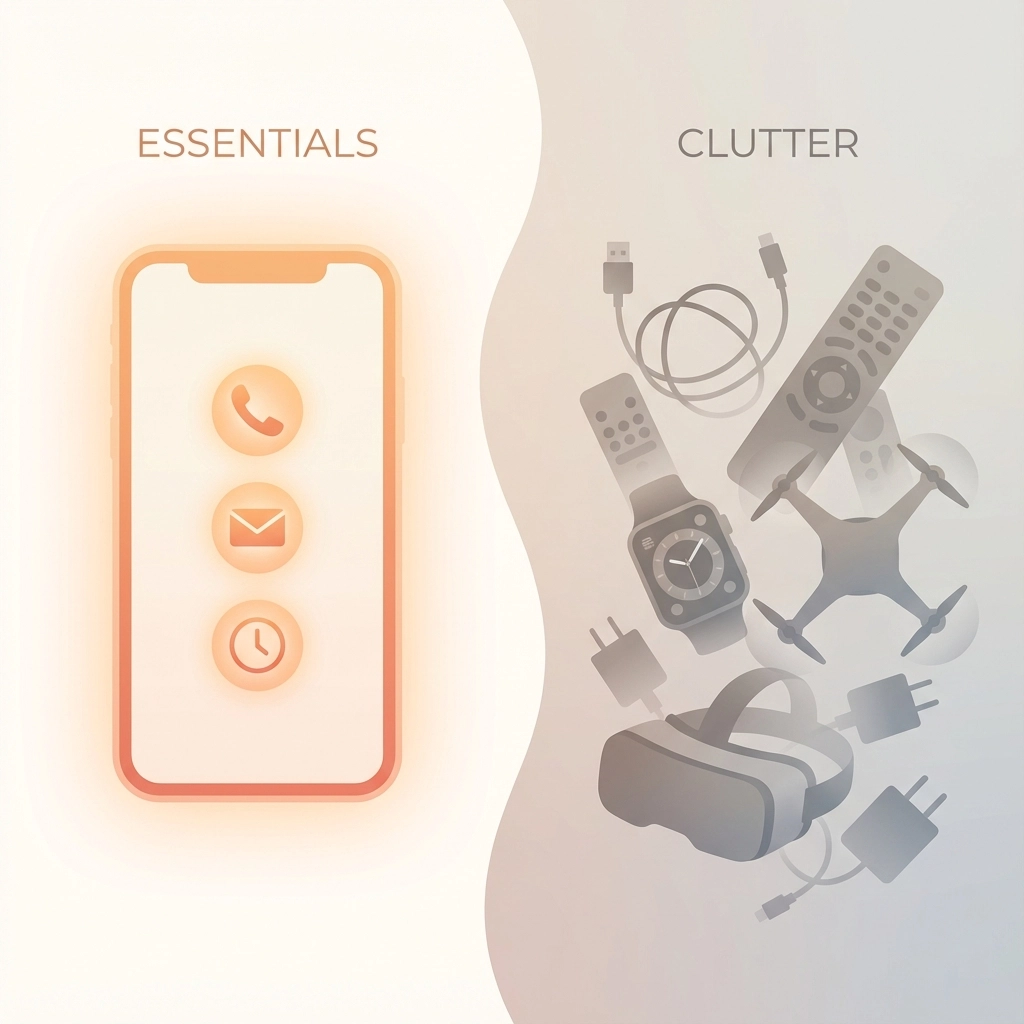
Remember, you're running a contracting business, not managing a photography studio. The goal is documentation that protects your work and builds client trust, not winning awards for technical sophistication. Choose accordingly.
Your time is better spent perfecting your craft than wrestling with overcomplicated photo apps. Find something simple that works, master it completely, and get back to what you do best( quality work that speaks for itself.)
Leave a Reply