Author: adminjobluma

  • How to Create Professional Job Timelines for Customers in 5 Minutes

    How to Create Professional Job Timelines for Customers in 5 Minutes

    You just finished a grueling eight-hour day. You’re back in the truck, the AC is finally blasting, and you’ve got a sandwich in one hand and your phone in the other. Your client, let's call her Mrs. Higgins, just texted you asking for an update on the kitchen remodel or the HVAC overhaul.

    You know you’ve made a ton of progress. You fixed the subfloor, rerouted the copper pipes, and everything looks clean. But explaining that over text feels like writing a novel, and she probably won't understand half the technical terms anyway. You want to look professional, but you definitely don't want to spend an hour on your laptop building a spreadsheet or wrestling with a "project management" tool that requires a PhD to use.

    What if you could send her a professional, visual timeline of the entire day’s work before you even finish your sandwich?

    In this guide, we’re going to show you how to ditch the paperwork and use a simple contractor photo app approach to create job timelines that wow your customers in five minutes flat.

    The Problem with "Big" Contractor Software

    If you search for "construction management software," you’ll find plenty of options. Most of them are built for massive companies with dedicated office staff. They have features for estimating, complex scheduling, Gantt charts, and integrated accounting.

    For a small service contractor, an electrician, a plumber, or a landscaper, that stuff is often a "bloat-fest." You don’t need a digital headquarters; you need a way to show your work and get paid.

    When software is too complicated:

    1. You don’t use it. It stays as an expensive icon on your phone.
    2. Your customers don't use it. Most "big" apps require your customer to create an account or download an app. Guess what? They won't do it.
    3. It eats your time. If it takes 20 minutes to log a 15-minute fix, the software is working against you.

    That’s where a dedicated contractor job app like JobLuma steps in. It’s designed to be mobile-first and incredibly simple, focusing on what actually matters: construction photo documentation.

    Why Photos Beat Text Every Time

    Humans are visual creatures. You can tell a customer that you "replaced the rusted flashing and resealed the vent pipe," but showing them a side-by-side comparison is a game-changer.

    Using a before and after photo app workflow does three things for your business:

    • Builds Instant Trust: Customers can see exactly what they are paying for, especially the stuff hidden behind walls or up on the roof.
    • Eliminates Disputes: When you have a time-stamped photo of a clean job site, it’s much harder for a customer to claim you left a mess or didn't finish the work.
    • Creates "Wow" Factor: A professional photo timeline makes you look like a tech-savvy pro, even if you’re a one-man show.

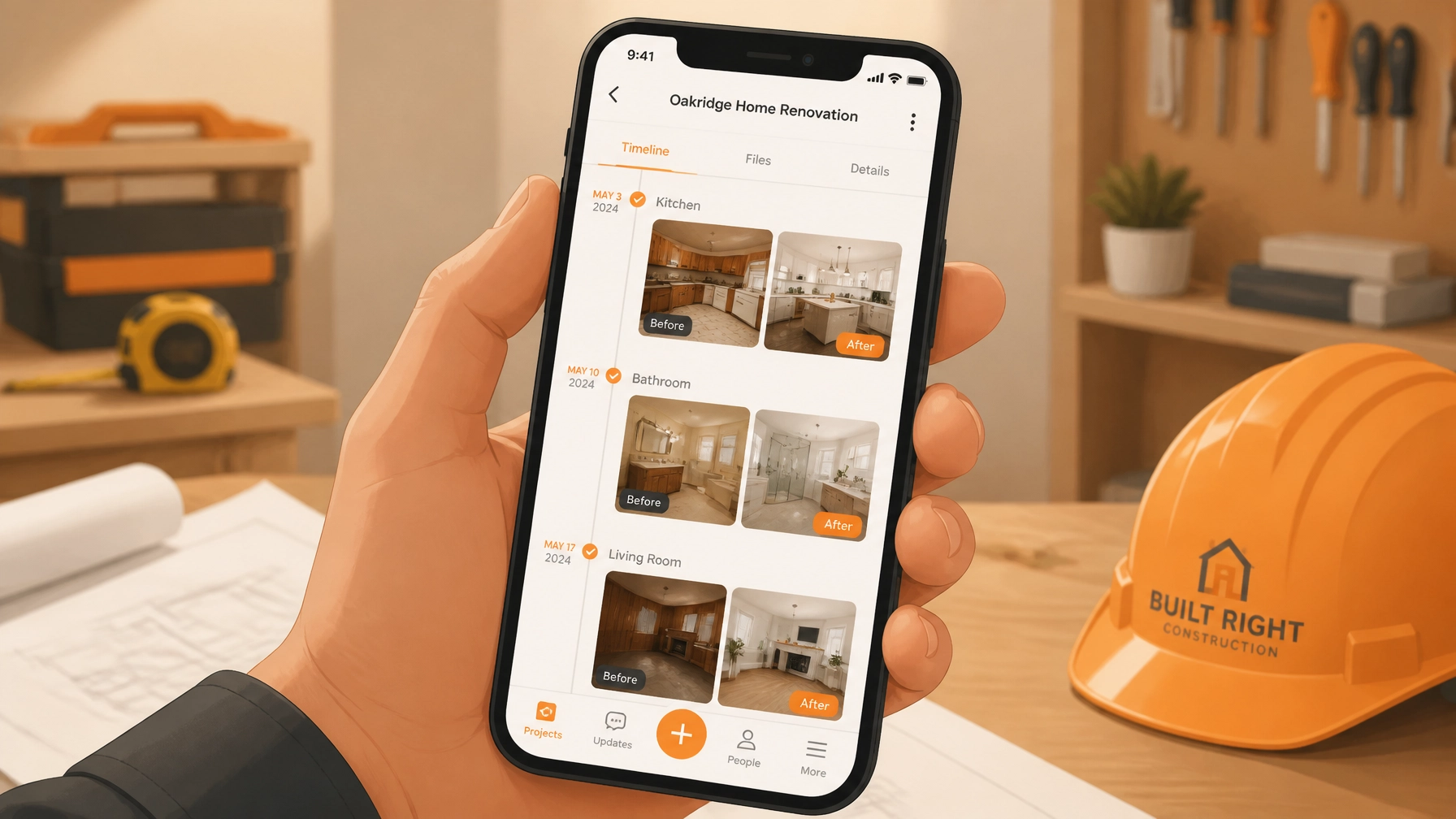
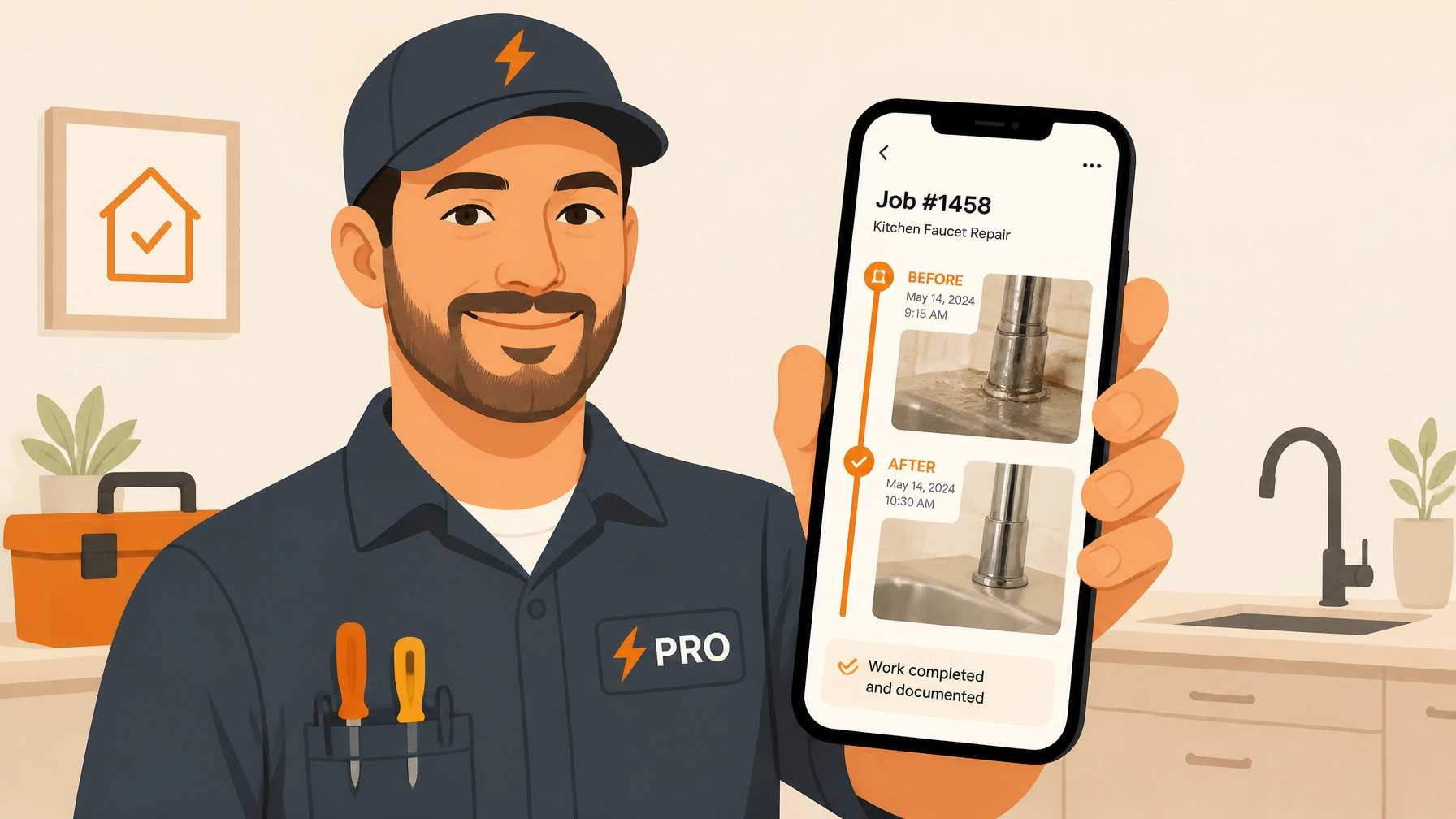
    Contractor showing a professional job photo timeline to a customer on a smartphone.

    Step-by-Step: Creating a 5-Minute Timeline

    Here is the exact process to go from "Job Done" to "Client Impressed" in record time.

    1. Snap as You Go (2 Minutes)

    The secret to a 5-minute timeline is not doing it all at once at the end of the day. Take photos as you work.

    • The Before: Take a photo of the mess, the leak, or the empty space.
    • The During: Take a photo of the "guts", the wiring, the framing, or the new components before the drywall goes up.
    • The After: Take a photo of the finished, clean result.

    2. Upload to Your Hub (2 Minutes)

    Instead of letting these photos get lost in your personal camera roll next to pictures of your dog and your kids' soccer practice, upload them directly to your contractor photo app.

    With JobLuma, you just open the job on your phone, hit upload, and you're done. No complex folders or weird naming conventions required. The app organizes them by project automatically.

    3. Share the Link (1 Minute)

    This is the most important part. You don't want to email a 50MB zip file or send 20 individual text messages.

    With a tool like JobLuma, you generate a simple link. You text that link to the customer. They click it, and it opens a beautiful, professional timeline of their project in their mobile browser. No app download required. They see the photos, they see the progress, and they see your logo.

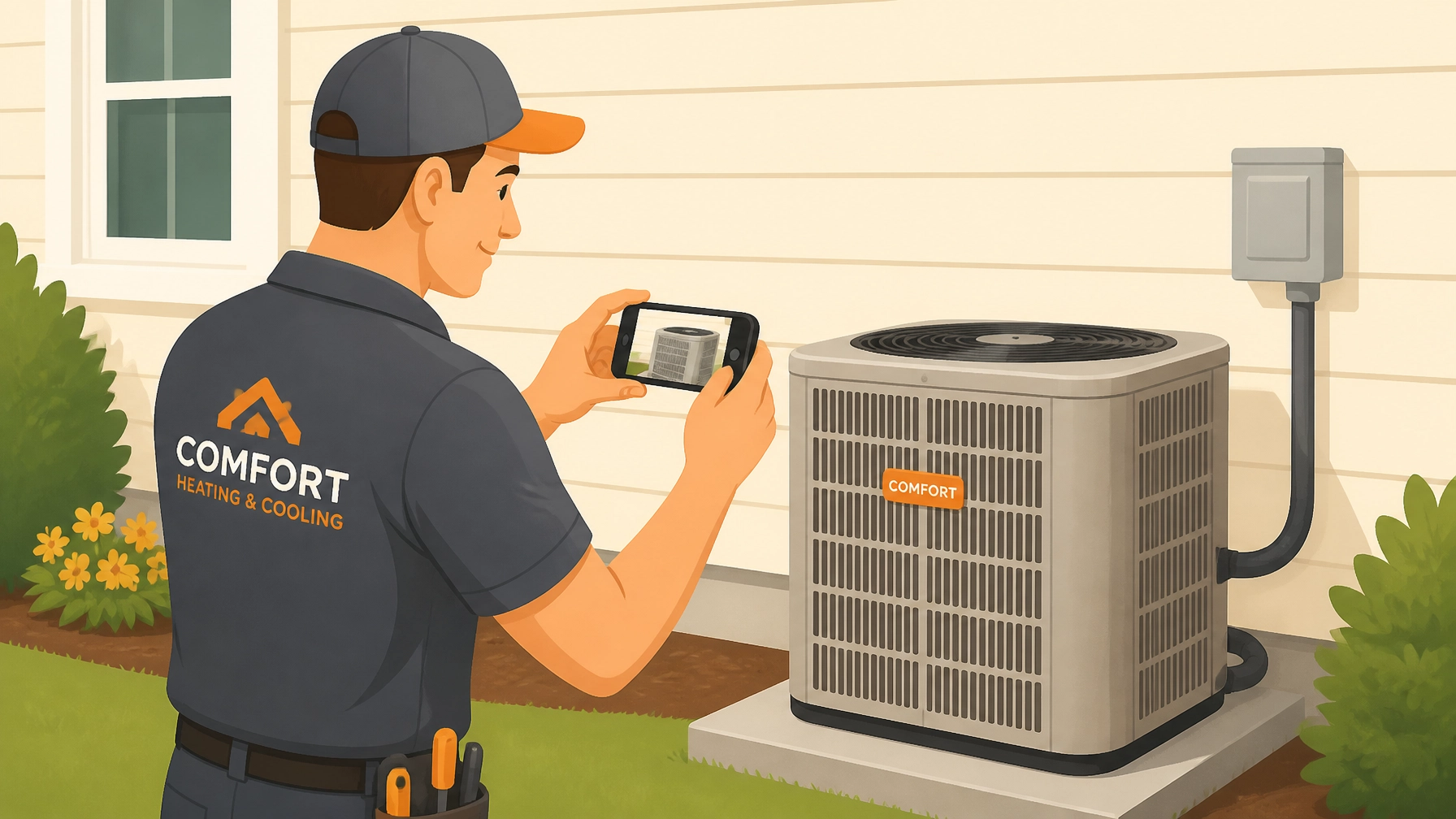
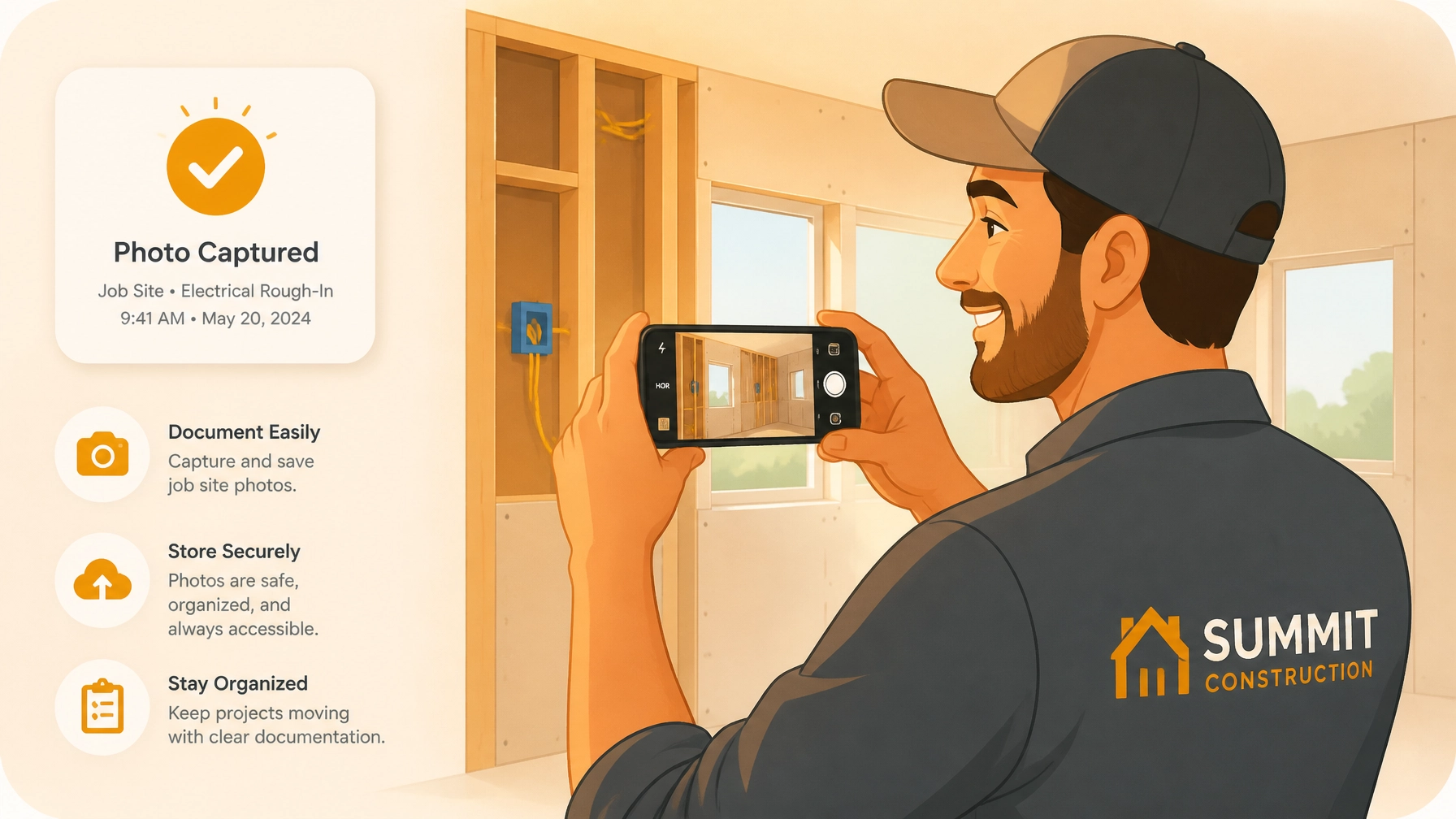
    Using a contractor job app for construction photo documentation of plumbing and wiring work.

    The "No-App" Advantage for Customers

    One of the biggest hurdles in customer communication is friction. If you tell a homeowner, "Hey, I sent you the updates, just download the 'ProjectPro' app and create a login," they will likely never look at it. They have enough apps on their phone.

    JobLuma was built with a "Simple" brand tone because we know your customers want the path of least resistance. By providing a web-based timeline, you meet them where they are. They click a link in a text message: something they do every day: and instantly see the value you’ve provided.

    Protecting Your Business with Documentation

    Let’s talk about the less-fun part of the job: liability.

    We’ve all had that one customer who claims a scratch on the floor was caused by your toolbox, or that a pipe started leaking after you left. Construction photo documentation is your best insurance policy.

    When you create a visual timeline, you are creating a digital paper trail.

    • Proof of Condition: A "Before" photo proves that the scratch was already there.
    • Proof of Quality: A "During" photo proves that you used the right materials and followed code.
    • Proof of Completion: An "After" photo proves that the site was left in pristine condition.

    By using a photo timeline app, you aren't just communicating with the customer; you are protecting your reputation and your bottom line.

    Keep It Simple, Get Your Life Back

    The goal of using contractor software shouldn't be to give you more "office work." It should be to eliminate it.

    If you’re spending your evenings at a desk typing up reports, you’re losing time with your family or time you could be using to bid on new jobs. By switching to a mobile-first, photo-centric workflow, you turn your "reporting" into a series of 30-second tasks throughout the day.

    JobLuma logo

    Why JobLuma?

    At JobLuma, we focus on the field, not the office. We know that if a tool isn't easy to use with work gloves on, it's not the right tool for you. Our platform is built for:

    • Speed: Upload and share in seconds.
    • Clarity: Before/after layouts that make sense.
    • Accessibility: Your customers don't have to download a thing.

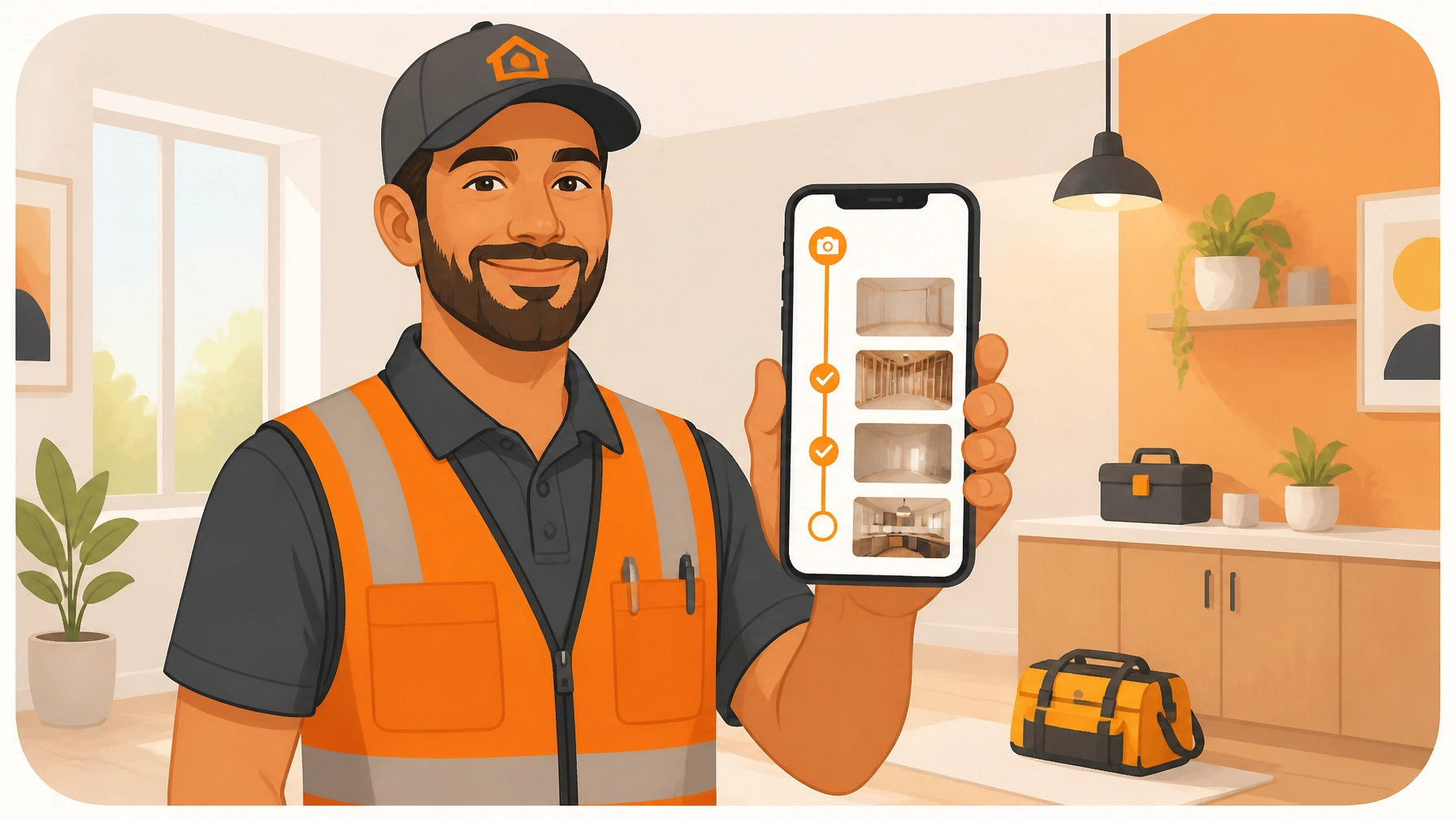
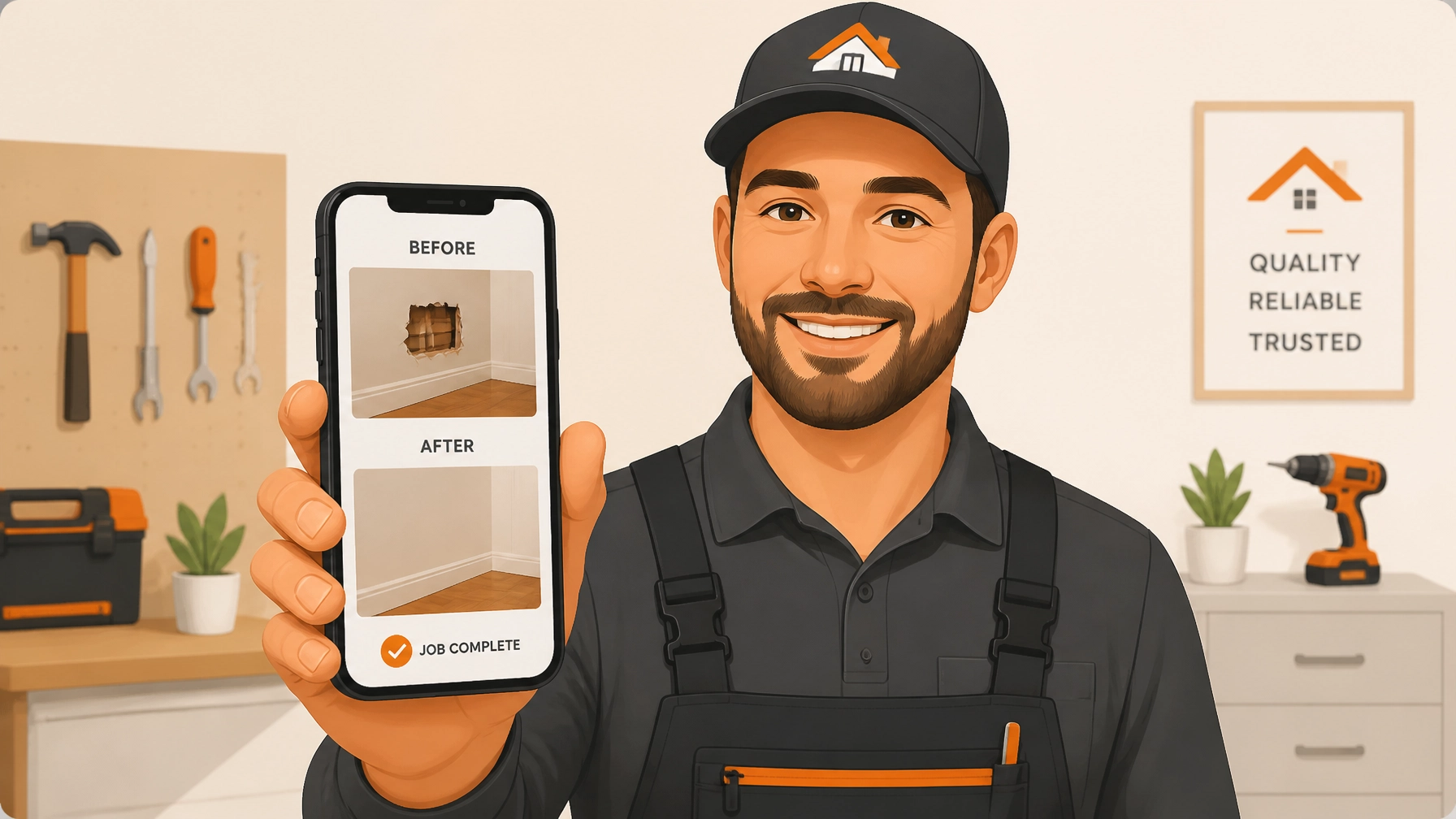
    Relaxed contractor enjoying free time thanks to efficient photo timeline contractor software.

    Final Thoughts

    Creating professional job timelines doesn't have to be a chore. In fact, it can be the most rewarding part of your day. Seeing a project go from a disaster to a masterpiece is why many of us got into the trades in the first place. Sharing that journey with your customer shouldn't be hard.

    Ready to stop fighting with bloated software and start showing off your work?

    Check out our features to see how we make documentation a breeze, or take a look at our pricing: we keep it as simple as our app.

    If you’re ready to save time and look like the pro you are, sign up for JobLuma today. Your first timeline is only 5 minutes away.


    Want more tips on running a leaner, meaner service business?
    Check out the rest of our blog for advice on everything from customer service to the best tools for the trade. If you have questions, we’re always here to help at our help center or via our contact page.

  • 5 Steps How to Use a Before and After Photo App and Wow Your Customers (Easy Guide for Solo Trades)

    5 Steps How to Use a Before and After Photo App and Wow Your Customers (Easy Guide for Solo Trades)

    If you’re a solo contractor: an electrician, plumber, HVAC tech, or general handyman: you know that the "invisible" work is often the hardest to sell. You spent three hours crawling through a tight attic to rewire a junction box or sweating under a sink to replace a rusted-out P-trap. To the customer, the lights just turn on or the water just drains. They don't see the sweat, the expertise, or the "before" mess you actually fixed.

    This is where a before and after photo app becomes your best friend.

    Most solo trades ignore photo documentation because they think it requires a complex, bloated contractor software suite that costs $100 a month and takes a degree to operate. But here’s the truth: your customers don’t want to see a 20-page PDF report. They want to see the transformation. They want the "Wow" factor.

    In this guide, I’m going to show you the 5 easy steps to using a contractor photo app to document your work, build instant trust, and get more referrals: without spending hours on your phone.


    1. The "Before" Shot: Set the Stage

    The biggest mistake most contractors make is jumping straight into the work because they’re in a rush. I get it; time is money. But if you don't have a "Before" shot, your "After" shot has zero context. It’s just a picture of a new water heater. Big deal.

    To really wow a customer, you need to show them the disaster you started with.

    How to do it right:

    • Find your anchor point: Pick a corner, a door frame, or a specific stud. This is your reference point. You’ll need to stand in this exact same spot for the "After" photo.
    • Natural lighting is key: If you’re in a dark basement, use a work light, but try to avoid the harsh flash on your phone if possible, as it can wash out the details of the "mess."
    • Show the "Why": Focus on the problem. If it’s a leaky pipe, get the corrosion in the frame. If it’s a messy electrical panel, show the "spaghetti" wiring.

    Using a dedicated photo timeline app allows you to snap this photo and have it instantly logged to a specific job. No more scrolling through your personal camera roll trying to remember which messy basement belonged to which Mrs. Smith.

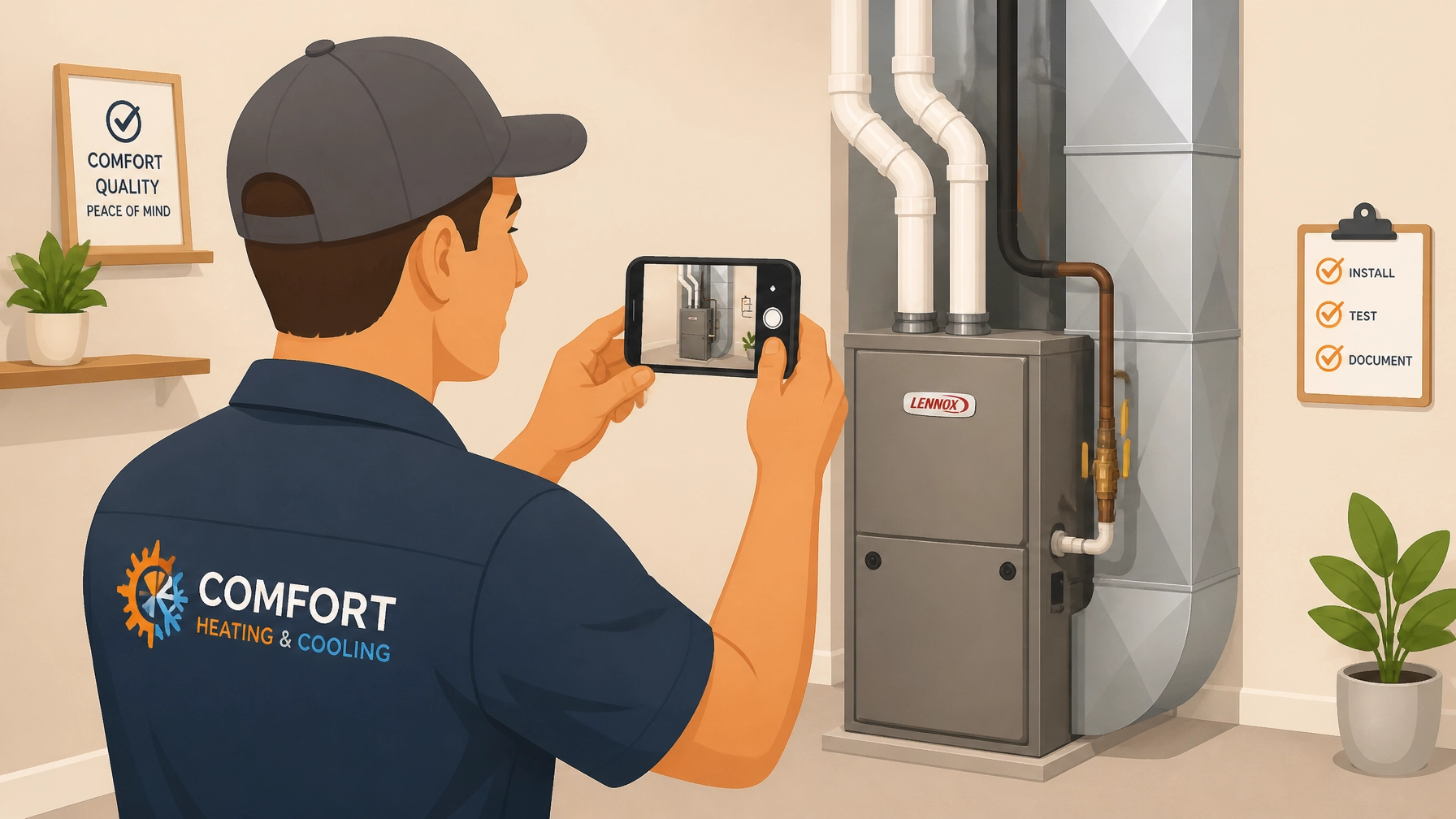
    Contractor taking a before photo of messy wiring using a contractor photo app.

    2. Document the "Hidden" Progress

    For many trades, the most important work happens in the middle. Once the drywall goes up or the floor boards are laid, your beautiful craftsmanship is hidden forever.

    This is where construction photo documentation saves your skin. If a customer ever questions why a job took so long or why you charged for a specific part, you have the visual proof.

    Pro-tip for solo trades:
    Take photos of the "guts." Take a photo of the waterproofing before the tile goes on. Take a photo of the wiring before the insulation covers it. This isn't just for the customer; it’s for your own liability. If another contractor comes in later and messes something up, your timestamped photo proves you did your job right.

    By using a simple contractor job app like JobLuma, you can keep these progress shots organized in a timeline. You aren't just taking pictures; you're building a story of the project.


    3. The "After" Shot: The Money Maker

    This is the shot that gets you your next five jobs. But before you snap it, you have to do the one thing most contractors forget: Clean up.

    A photo of a brand-new HVAC unit looks terrible if there are copper clippings and old insulation scattered all over the floor. Spend two minutes with a shop vac. It makes the "After" photo look professional and tells the customer you respect their home.

    The Golden Rule of the After Photo:
    Go back to that "anchor point" you found in Step 1. If your "Before" photo was taken from the doorway looking left, your "After" photo must be taken from the doorway looking left.

    When you use a before and after photo app, the app often allows you to side-by-side these images. If the angles are the same, the visual impact is 10x stronger. It creates a seamless transition that makes the customer feel like they’ve just watched a home renovation show on TV.

    JobLuma Logo

    4. Skip the Bloat: Organize Simply

    The reason most solo trades stop using contractor software is that it’s too "heavy." You don't need a system that tracks inventory, manages 50 employees, and handles complex payroll if it’s just you and a truck. You need a way to organize photos so you can find them later.

    If you’re using your standard phone gallery, your work photos are mixed in with photos of your kids, your dog, and your lunch. That’s not a business system; that’s a headache.

    What to look for in a contractor photo app:

    • Mobile-first design: You should be able to do everything with one thumb while holding a wrench in the other hand.
    • Speed: If it takes 30 seconds to upload a photo, you won't use it.
    • Simple Categorization: Organize by job name or address. That’s it. Don’t overcomplicate it.

    JobLuma was built for exactly this. It’s designed to be the simplest way to log photos without the bloat of traditional project management tools. You can check out how we keep it simple on our features page.

    Construction photo documentation of plumbing pipes behind a wall for job records.

    5. The Reveal: Share and Wow the Customer

    This is the most important step. You’ve done the work, you’ve taken the photos, and you’ve organized them. Now, you need to show the customer.

    In the past, you might have emailed five large image files that got stuck in their spam filter, or texted them a bunch of random photos that cluttered their phone.

    The Modern Way:
    Send them a single link.

    The best part about modern tools like JobLuma is the no-app-download customer experience. Your customer doesn't want to create an account or download another app just to see the work you did on their water heater. They want to click a link in a text message and see a beautiful, professional timeline of the project.

    When you send that link, you do three things:

    1. You prove your value: They see exactly what they paid for.
    2. You build trust: Transparent documentation proves you didn't cut corners.
    3. You make it shareable: When their neighbor asks who did their electrical work, the customer can just show them the "Before and After" link on their phone. That is the ultimate digital business card.

    Why Solo Trades are Switching to JobLuma

    If you've tried other contractor software and found it too frustrating, you aren't alone. Most software is built for big companies with office staff. Solo trades need something that works as hard as they do, without the fluff.

    At JobLuma, we focus on the "Simple" part of our brand tone. We know you're in the field, you're dirty, and you're busy. You need a photo timeline app that just works.

    Why it works for you:

    • Stay Organized: No more "Where is that photo of the leak from Tuesday?"
    • Win More Jobs: Professional presentations win over "chuck-in-a-truck" competitors.
    • Zero Friction for Customers: They see your work instantly, no downloads required.

    Ready to stop scrolling through your camera roll and start wowing your customers? You can see our pricing here or simply signup to get started today.

    Simple contractor software displaying an organized job photo gallery on a smartphone.

    Conclusion: Let Your Work Speak for Itself

    You're a pro at what you do. Whether you're pulling wire, soldering pipes, or fixing AC units, your work has value. But in the digital age, if it isn't documented, it's almost like it didn't happen in the eyes of the homeowner.

    By following these 5 steps: taking consistent before shots, documenting the hidden progress, snapping a clean after shot, organizing without the bloat, and sharing a simple link: you turn a standard service call into a "Wow" experience.

    Don't let your hard work stay hidden. Use a before and after photo app to shine a light on your craftsmanship and grow your business the easy way.

    Want to learn more about how we help small service contractors? Check out our About page or head over to our blog for more tips on running a leaner, meaner trade business.

  • How to Create Pro Before and After Photo Timelines in 5 Minutes (Without the Bloat)

    How to Create Pro Before and After Photo Timelines in 5 Minutes (Without the Bloat)

    You just finished a grueling eight-hour day. The new HVAC unit is humming perfectly, the wiring is tucked away like a work of art, or the leak that’s been haunting a homeowner for weeks is finally plugged. You snap a quick photo of your handiwork, toss your tools in the truck, and head home.

    But here’s the problem: that photo is now buried in your phone’s gallery between a picture of your kid’s soccer game and a screenshot of a funny meme your brother sent you. Two months from now, when the client calls with a question: or worse, a complaint: you’re going to spend twenty minutes scrolling through thousands of images trying to find proof of what you did.

    If you’re a plumber, electrician, or general contractor, you know that construction photo documentation isn't just about showing off; it’s about protecting your business and closing more deals. But most of us don't have the time to mess around with "enterprise-grade" project management software that takes three weeks to learn and costs a mortgage payment every month.

    In this guide, we’re going to show you how to create professional before-and-after photo timelines in under five minutes using a simple contractor photo app approach that actually works for people who spend their days with a toolbelt on.

    Why Before and After Timelines are Your Secret Weapon

    Before we dive into the "how," let’s talk about the "why." A side-by-side comparison or a chronological timeline of a job isn't just a "nice-to-have." It’s a powerful asset for three specific reasons:

    1. Instant Trust and Social Proof

    When a potential customer visits your website or social media, they don't want to read a paragraph about your "commitment to excellence." They want to see a disaster turned into a masterpiece. A clear before-and-after timeline proves you can do the job. It transforms you from "some guy with a wrench" into a professional who delivers visible results.

    2. Liability Protection

    "It wasn't like that before you got here!" Every contractor has heard those words. Without a photo timeline app, it’s your word against theirs. Having a timestamped record of the site before you touched a single screw: and exactly how you left it: is the cheapest insurance policy you’ll ever own.

    3. Faster Payments and Fewer Questions

    When you send an invoice along with a professional photo report, clients feel better about parting with their money. It shows them exactly what they paid for, especially for work that’s hidden behind a wall or up in an attic.

    Contractor using a before and after photo app to show a homeowner project progress on a smartphone.

    The Problem with "Bloated" Software

    When most contractors look for a contractor job app, they run into a wall of "bloat." They find software designed for massive construction firms building skyscrapers. These apps want you to track inventory, manage 50 employees, run payroll, and "optimize your funnel."

    For a small service shop or an independent contractor, that’s just noise. You don't need a 20-tab dashboard. You need to take a photo, tag it to a job, and move on to the next call.

    The "bloat" usually comes in three forms:

    • The Learning Curve: You shouldn't need a college degree to figure out how to upload a photo.
    • The Price Tag: Paying $200/month for features you'll never use is a waste of hard-earned profit.
    • The App Fatigue: Your customers don't want to download a clunky app just to see the photos of their water heater.

    This is exactly why we built JobLuma. We believe contractor software should be as simple as the tools in your bag.

    How to Create Your Timeline in 5 Minutes

    You don't need Photoshop. You don't need a marketing department. You just need a process. Here is the 5-minute workflow to professional documentation.

    Step 1: The "Before" Walkthrough (60 Seconds)

    The second you step onto a job site, take three photos.

    1. The Context: A wide shot of the area so the client recognizes their home.
    2. The Problem: A close-up of the specific issue (the rusted pipe, the frayed wire, the cracked tile).
    3. The Surroundings: A quick shot showing the current state of the walls/floors to prove you didn't cause any pre-existing damage.

    Step 2: The "During" Snapshot (30 Seconds)

    If you’re doing something that will be covered up later (like waterproofing or behind-the-wall wiring), snap one quick photo. This is pure gold for inspections and building long-term trust.

    Step 3: The "After" Glory Shot (60 Seconds)

    Clean up your workspace first! A photo of a beautiful new install surrounded by sawdust and old coffee cups looks amateur. Take the photo from the exact same angle as your "Before" context shot. This makes the comparison much more impactful.

    Step 4: Organizing with JobLuma (2 Minutes)

    Instead of letting these photos rot in your camera roll, use a contractor photo app like JobLuma.

    • Open the mobile-first interface at jobluma.com/login.
    • Create a job or select an existing one.
    • Upload your photos directly from your phone.
    • JobLuma automatically organizes them into a clean, professional timeline.

    JobLuma Logo

    Why JobLuma is Different

    We focused on the "Mobile-First" experience. Most construction photo documentation tools feel like desktop software crammed into a tiny screen. JobLuma is built to be used while you’re standing in a crawlspace or balanced on a ladder.

    No App Download Required for Customers

    This is the big one. If you want to show a customer your progress, you can send them a link. They don't have to go to the App Store, remember their Apple ID password, and wait for a 100MB download just to see a picture of their fuse box. They just click, and they’re in. It makes you look like a tech-savvy pro without annoying your clients.

    Simple Pricing, No Fluff

    We aren't trying to be your accounting software or your GPS tracker. We do one thing better than anyone else: job photo logging. Check out our pricing page to see how we keep it affordable for small businesses.

    A streamlined contractor photo app on a phone next to tools, replacing complex, bloated software.

    Pro Tips for Better Photos

    If you want your before-and-afters to really pop, keep these three tips in mind:

    1. Light is Your Friend: If you’re in a dark basement, use a work light, not just your phone’s flash. Flash tends to wash out details and make everything look flat.
    2. The "Same Spot" Rule: Try to find a landmark in the room: like a door frame or a window: and make sure it’s in the same spot in both the "before" and "after" shots. This makes the transition feel seamless.
    3. Keep it Focused: You don't need 50 photos. Five high-quality, relevant photos are much better than a dump of blurry images.

    Marketing Your Timelines

    Once you have these professional timelines, don't just leave them in your account. Use them to grow your business.

    • Google Reviews: When you ask a customer for a review, send them the link to their photo timeline. It reminds them of the great work you did right before they write the review.
    • Social Media: Side-by-side "Before and After" posts are the highest-performing content for contractors on Facebook and Instagram.
    • Website Portfolio: Use your best timelines on your about page to show potential clients exactly what to expect.

    Stop Scrolling, Start Documenting

    You’re already taking the photos. The only difference between a "bloated" headache and a professional system is the tool you use to organize them. Stop wasting time digging through your phone and start building a digital portfolio that protects your work and sells your services.

    Ready to clear the clutter? You can sign up for JobLuma here and have your first professional timeline ready before your next coffee break is over.

    If you have questions about how to get started or need help setting up your first project, our help center is always available, or you can contact us directly. We’re here to help the trades stay organized, one photo at a time.

    A professional contractor using a photo timeline app to stay organized and manage job site documentation.


    Keywords Used: contractor software, before and after photo app, construction photo documentation, contractor job app, contractor photo app, photo timeline app.

  • 7 Mistakes You’re Making with Construction Photo Documentation (and How to Fix Them)

    7 Mistakes You’re Making with Construction Photo Documentation (and How to Fix Them)

    You know the drill. You’re finishing up a tough HVAC install or a complex rewiring job. You whip out your phone, snap a few quick photos of the unit or the panel, and head to the next job site. You think you’re covered.

    Then, three weeks later, the client calls. They claim there’s a scratch on the floor that wasn't there before, or they’re questioning why the invoice is higher than the estimate because "it didn't look like that much work." You scroll through your camera roll, past photos of your kids and your dog, trying to find that one specific shot of the hallway before you started.

    By the time you find it: if you find it: it’s blurry, dark, and doesn’t actually show the floor.

    Photo documentation isn't just about taking pictures; it’s about protecting your business, proving your value, and getting paid faster. But if you’re making these seven common mistakes, your "documentation" might be doing more harm than good.

    Here is how to fix those mistakes and turn your photos into your business’s strongest asset.

    1. Missing the "Existing Conditions" (The Pre-Work Walkthrough)

    The biggest mistake most contractors make happens before the first tool even touches the ground. If you aren't documenting the site's initial state, you are leaving yourself wide open to unfounded damage claims.

    Whether it's a cracked tile, a stained carpet, or a dent in the drywall, if it was there before you arrived but you don’t have a photo of it, it’s your word against theirs. Research shows that failing to capture baseline conditions is one of the leading causes of preventable disputes in field services.

    The Fix: Spend five minutes doing a "pre-work sweep." Break the site into zones and take photos every few feet. Focus on entryways, floors, and the immediate work area. Think of it as an insurance policy. If you use a contractor job app like JobLuma, you can keep these "Before" photos neatly tucked into a project timeline before the "During" and "After" photos even start.

    2. Bad Lighting and "Mystery" Photos

    We’ve all seen them: a grainy, dark photo of a pipe crawlspace that looks more like a scene from a horror movie than a professional plumbing job. If you can’t see the detail, the photo is useless. Low light, excessive glare from a flash on a metallic surface, or deep shadows can mask the very thing you're trying to document.

    The Fix: Don’t just "point and shoot." If you’re in a dark attic or basement, use a work light or a high-powered flashlight rather than just relying on your phone’s flash, which often creates "hot spots" on the image. Tap your phone screen to set the focus and exposure on the specific area you’re shooting.

    Service technician using a work light to capture clear construction photo documentation in a basement.

    3. The "Where Am I?" Problem (Lack of Context)

    You have a crystal-clear photo of a perfectly soldered joint. Great! But… which room is it in? Which floor? If you’re working on a multi-unit project or a large commercial space, a close-up photo without context is a puzzle no one wants to solve later.

    Inaccurate camera placement: shooting too close to a wall or at a weird angle: skews the perspective and makes it impossible to tell where the work actually happened.

    The Fix: Use the "Wide-to-Close" method. Take one wide-angle shot that shows the whole room or the surrounding area, then move in for the close-up of the specific detail. This creates a visual trail. It’s also helpful to keep your camera at eye level for consistency across all your documentation sessions.

    4. Forgetting What’s "Behind the Walls"

    Once the drywall goes up, your work is invisible. This is where the most expensive mistakes happen. It’s estimated that a massive chunk of long-term maintenance costs stems from inadequate records of mechanical, electrical, and plumbing (MEP) systems.

    If a homeowner wants to hang a heavy TV five years from now and hits a pipe you installed, having a photo of exactly where that pipe sits behind the studs is a lifesaver.

    The Fix: Before the walls close, take comprehensive photos of every stud bay where you’ve run wire, pipe, or ductwork. Include a tape measure in the shot if possible to show exact distances from corners or floors. This is the ultimate "value add" for your customers and proves you’re a pro who thinks ahead.

    Contractor documenting electrical and plumbing installation behind wall studs during the rough-in phase.

    5. Losing Photos in the "Group Chat Black Hole"

    Many small teams rely on WhatsApp, iMessage, or Slack to send job photos. It feels fast, but it’s a nightmare for organization. Photos get compressed (losing quality), they get buried under hundreds of messages, and they aren't tied to a specific job folder.

    If you need to find a photo from six months ago to defend an RFI (Request for Information), you’ll be scrolling for hours.

    The Fix: Move away from group chats for documentation. You need a dedicated contractor photo app that organizes images by job name and date automatically. Using JobLuma’s features allows you to log photos directly to a project timeline so anyone on the team: and the customer: can see progress in real-time without digging through a text thread.

    6. Using Bloated, Over-Complicated Software

    There is a lot of "project management software" out there designed for massive skyscrapers and billion-dollar bridge projects. For a local electrician or plumber, these apps are often too much. They require hours of training, cost a fortune, and: worst of all: require your customers to download an app just to see a photo.

    If the software is too hard to use, your team won’t use it. They’ll go back to the camera roll, and you’re back at square one.

    The Fix: Choose "Simple" over "Sophisticated." You want a mobile-first design that feels like using the apps you already love. This is why we built JobLuma. We focused on a simple, no-app-download customer experience. You send a link, the customer clicks it, and they see their project timeline. Simple as that.

    JobLuma Logo

    7. Not Using Photos to Market Your Business

    The final mistake is keeping your great work a secret. A "before and after" photo is the most powerful marketing tool a contractor has. Most contractors take the photos, save them, and forget them. They miss the opportunity to show off their craftsmanship to future leads.

    The Fix: Use a before and after photo app workflow. Every time you finish a job, curate the best 2-3 pairs of photos. Share the project timeline link with your customer so they can see the transformation. Not only does this make them feel great about the money they spent, but it also makes it incredibly easy for them to share your work with neighbors and friends.

    Before and after comparison of an HVAC installation showing the value of a contractor photo timeline.


    Why Better Documentation Leads to Better Business

    At the end of the day, construction photo documentation isn't just a chore: it’s a communication tool. When you document your work correctly, you:

    • Build Trust: Customers love seeing progress. A transparent timeline reduces "check-in" phone calls and emails.
    • Get Paid Faster: When there’s visual proof that the milestone is met, there’s no reason to delay payment.
    • Protect Your Reputation: You have a digital paper trail that proves exactly what you did, where you did it, and what the site looked like when you left.

    Stop the Camera Roll Chaos

    If you're tired of losing photos, dealing with customer disputes, or trying to navigate "pro" software that requires a PhD to understand, it’s time for a change.

    JobLuma was built specifically for the small service contractor who wants to spend more time on the tools and less time on the computer. Our photo timeline app is designed to be the simplest way to track your jobs and keep your customers in the loop: no app downloads required for them, and no headaches for you.

    Ready to see how simple your job logging could be? Check out our pricing and start building your first project timeline today. Your camera roll (and your sanity) will thank you.

  • Why a Simple Photo Timeline App Will Change the Way You Close Jobs

    Why a Simple Photo Timeline App Will Change the Way You Close Jobs

    Let’s be honest: your phone’s camera roll is probably a disaster zone. If you’re an electrician, plumber, or HVAC tech, you likely have thousands of photos of half-finished fuse boxes, leaky pipes, and blurry crawlspace shots sandwiched between pictures of your kid’s birthday party and your lunch.

    When it comes time to close a job or send an invoice, you’re scrolling for ten minutes just to find that one "before" photo that proves you didn’t actually break that drywall, it was already like that.

    Managing a small service business is hard enough without fighting your technology. You need contractor software that actually helps you work, not something that adds another two hours of data entry to your Friday night. This is where a simple photo timeline app changes everything. It’s not just about taking pictures; it’s about how those pictures tell a story that gets you paid faster and protects your reputation.

    The Problem with "Bloated" Contractor Software

    If you’ve looked into construction photo documentation tools before, you’ve probably run into some "all-in-one" monsters. These platforms promise to manage your CRM, your payroll, your fleet tracking, and your grandma’s grocery list. They cost $300 a month, take three weeks to learn, and require your guys in the field to navigate twenty different menus just to upload a photo.

    Most small contractors don't need all that. You need to get in, document the work, and get out. When software is too complex, your team won't use it. They’ll go back to texting you photos or just not taking them at all.

    At JobLuma, we built our contractor photo app with a "mobile-first" philosophy. We know you’re using one hand to hold a flashlight and the other to handle your phone. It needs to be simple. It needs to be fast. And it needs to work the way you do.

    JobLuma logo

    Why Visual Proof is Your Secret Sales Tool

    A before and after photo app is more than just a storage locker; it’s a sales tool. Think about the last time you tried to explain a complex repair to a homeowner. You can talk about "static pressure" or "load balancing" until you’re blue in the face, but their eyes just glaze over.

    However, when you show them a chronological timeline of photos, showing the corroded pipe, the mid-repair process, and the shiny new installation, they get it instantly. Visual evidence builds trust. It shows that you aren’t just a guy with a wrench; you’re a professional who takes pride in the details.

    When a customer trusts the work they see, they don’t hesitate to hit "pay" on that invoice. They see the value you’ve added to their home. Research shows that organized visual documentation accelerates sales decisions. Clients feel more confident signing off on a project when they can see the progress in real-time.

    Split-screen smartphone showing before and after photo app documentation for a plumbing repair.

    The "No-App-Download" Experience: A Game Changer

    Here is the dirty secret of most contractor job apps: customers hate downloading them. If you tell a homeowner they need to download a specific app, create a password, and verify their email just to see their project photos, they aren't going to do it. Friction is the enemy of a good customer experience.

    JobLuma was designed to solve this. Your customers don’t need to download anything. You can share a professional photo timeline via a simple link. They click it, and they see a polished, branded gallery of their project. It’s simple, it’s modern, and it makes you look like the most tech-savvy contractor in town.

    By removing that barrier, you keep the communication lines open. You can find more about how we handle this on our features page.

    Protecting Your Backside (And Your Bottom Line)

    We’ve all been there. You finish a job, leave the site, and two days later the client calls saying, "Hey, there’s a scratch on my floor that wasn't there before."

    Without a photo timeline app, it’s your word against theirs. You might end up paying for a floor repair you didn’t cause just to keep a 5-star review. But with timestamped, GPS-tagged photos, you have irrefutable proof of the site’s condition before you started and after you left.

    Construction photo documentation acts as your insurance policy. If a dispute arises over an unpaid invoice or a supposed "damaged" area, you can pull up the timeline in seconds. Most of the time, once a client realizes you have documented everything so thoroughly, the "dispute" disappears before it even starts. It’s about accountability for your crew and protection for your business.

    Service technician using a contractor photo app to document a job site with GPS and timestamps.

    Speeding Up Inspections and Approvals

    In many regions, remote inspections are becoming the norm. Instead of waiting three days for an inspector to show up and give you the green light to close a wall, many jurisdictions now accept high-quality, timestamped photo evidence.

    By using a contractor software that organizes your photos into a clear timeline, you can provide inspectors with exactly what they need without them ever stepping foot on the property. This keeps your jobs moving. Every day a job sits open is a day you aren't getting paid. A simple photo app ensures that "waiting for the inspector" is no longer the bottleneck in your workflow.

    How to Get Your Team on Board

    The biggest hurdle for any new tool is "buy-in" from the field. Your techs are busy. They want to get their work done and go home. If a tool feels like "homework," they’ll fight it.

    The key to implementing a photo timeline app is showing the crew how it helps them.

    1. No more "where is that photo?" phone calls: They won't have to spend their evening digging through their phone to find a picture you asked for.
    2. Clear hand-offs: If one tech starts a job and another finishes it, the second tech can just look at the timeline to see exactly what was done.
    3. Covering their own tails: They know that if they document their work well, they won't get blamed for mistakes they didn't make.

    Because JobLuma is designed to be simple, the learning curve is practically zero. If they know how to use Instagram or text a photo, they know how to use JobLuma. You can check our help center for tips on getting the most out of the mobile experience.

    Field technicians reviewing a digital photo timeline app to coordinate work at a job site.

    The Professionalism Factor

    In the service industry, the "little things" are the big things. A contractor who sends a clean, organized photo report along with their invoice looks significantly more professional than the guy who just sends a handwritten note or a basic digital bill.

    It tells the customer: "I am organized. I am thorough. I value your property."

    This level of professionalism allows you to charge more for your services. You aren't just competing on price anymore; you’re competing on the quality of the experience. People are willing to pay a premium for peace of mind, and nothing provides peace of mind like seeing the work done right, step by step.

    Stop Scrolling, Start Closing

    If you’re still relying on your phone’s default gallery to manage your business, you’re leaving money on the table. You’re risking disputes, slowing down your payments, and giving yourself unnecessary headaches.

    A photo timeline app like JobLuma isn’t just another expense: it’s an investment in your sanity. It streamlines your workflow, delights your customers, and protects your hard-earned reputation.

    Ready to see how simple it can be? You can get started today without any complicated setup. Check out our pricing to find a plan that fits your crew, or just sign up and try it out on your next job.

    Don't let your best work get lost in your camera roll. Organize it, share it, and close your jobs with confidence.


    Want to learn more about how to grow your contracting business? Visit the JobLuma Blog for more tips on field service management and simple tech solutions.

  • How to Create Pro-Level Job Timelines in 5 Minutes

    How to Create Pro-Level Job Timelines in 5 Minutes

    If you’re an electrician, plumber, or HVAC tech, you know the drill. You finish a long day on-site, your boots are caked in mud, and your brain is fried. The last thing you want to do is sit down at a laptop and spend an hour wrestling with complicated contractor software just to show a client what you actually did all day.

    But here’s the reality: in 2026, clients don’t just want the job done; they want to see the journey. They want to know that the pipes behind the wall are brand new and that the wiring is up to code before the drywall goes back up. They want transparency, and they want it delivered in a way that doesn’t require them to sign up for a new account or download a bulky app.

    Creating a pro-level job timeline shouldn't be a chore. In fact, if it takes you more than five minutes, you’re doing it wrong. Here is how you can build professional, high-impact timelines that win trust and get you paid faster: without the headache of bloated project management tools.

    The Problem with "Big" Project Management Software

    We’ve all seen those massive project management platforms. You know the ones: the ones with the Gantt charts that look like a flight controller’s dashboard at LAX. While those tools might be great for building a skyscraper or launching a satellite, they are usually overkill for a residential service contractor.

    Most "pro" software is designed for office workers sitting at desks. It requires a steep learning curve, a monthly subscription that costs more than your truck insurance, and: worst of all: it forces your customers to download an app just to see a photo of their new water heater.

    When you’re in the field, you need a contractor job app that works as hard as you do. You need something mobile-first, simple, and lightning-fast. You need a tool that lets you document your work in real-time, so by the time you’re packing up your tools, the timeline is already finished.

    JobLuma Logo

    Step 1: The "Before" Snap (Time: 30 Seconds)

    A pro-level timeline starts before you even pick up a wrench. Before you start the tear-out, take 30 seconds to snap a few high-quality "before" photos.

    Why is this important? Because once the job is done, the "before" state is gone forever. If a customer questions why the bill is higher than the estimate because of unforeseen rot or outdated wiring, you need that photographic proof.

    Using a before and after photo app allows you to timestamp these issues immediately. This isn’t just about making a pretty gallery; it’s about liability and clear communication. With JobLuma, you can just open your browser, hit the job link, and upload. No logging into a complex portal every time you want to take a photo.

    Step 2: Document the "In-Between" (Time: 2 Minutes)

    The "in-between" is where the real value lies. For many homeowners, the work you do is invisible. They don't see the new flashing you installed or the way you perfectly routed the new PVC lines.

    Construction photo documentation on a smartphone showing plumbing work behind a wall frame.

    As you reach major milestones during the day, take a quick photo.

    • Electricians: Show the clean panel wiring before the cover goes on.
    • Plumbers: Document the pressure test on the new lines.
    • HVAC: Show the internal components of the new unit before it’s sealed up.

    This creates a narrative of quality. When a client sees a photo timeline app filled with progress shots, they feel like they are part of the process. It eliminates the "black box" of service work and builds massive amounts of trust.

    Step 3: The "After" Hero Shot (Time: 1 Minute)

    The job is done. The site is swept. Now it’s time for the money shot.

    Take photos from the exact same angles you used for your "before" shots. This creates a powerful visual contrast that highlights your craftsmanship. Pro-tip: wipe your camera lens before this shot. A clear, crisp photo of a finished install looks 10x more professional than a blurry one.

    This documentation is the backbone of your business's reputation. When you use JobLuma to organize these, they aren't just buried in your phone's camera roll alongside photos of your dog and your lunch. They are tied directly to the job record.

    Step 4: Organizing Without the Effort (Time: 30 Seconds)

    This is where most contractors drop the ball. They have the photos, but they’re scattered across three different phones and a group chat.

    A dedicated construction photo documentation tool like JobLuma handles the organization for you. Because it's mobile-first, you’re uploading directly to the project. There’s no "sorting through the folder" at 8:00 PM on a Friday. Your timeline is being built dynamically as you work.

    Contractor job app automatically organizing project photos into a professional photo timeline app.

    Step 5: The "No-App" Share (Time: 1 Minute)

    This is the secret sauce. Most customers hate downloading apps. If you send a client a link and it tells them they need to go to the App Store, create a password, and verify their email just to see their project photos… they won't do it.

    JobLuma changes the game by offering a no-app-download customer experience. You simply send them a secure link via text or email. They click it, and boom: their professional job timeline is right there in their mobile browser.

    It makes you look like a tech-forward, high-end company, even if you’re a one-man show. You can check out how we keep things simple on our about page.

    Why This Workflow Wins More Jobs

    You might be thinking, "Russel, I'm a plumber, not a photographer. Does this really matter?"

    Yes. It matters for three big reasons:

    1. Zero Disputes

    When you have a clear contractor photo app timeline, "he said, she said" disappears. If a client claims you damaged something, you have the "before" photo to prove it was already there. If they wonder why a part cost so much, they can see the complexity of the install in the "during" photos.

    2. Marketing Gold

    Your finished JobLuma timelines are ready-made marketing materials. You can easily show prospective clients what a "typical" install looks like. Instead of telling them you do good work, you can send them a link to a previous timeline. It’s the ultimate social proof.

    3. Faster Payments

    Clients are much happier to pay an invoice when they feel like they’ve seen the work. A professional timeline provides the "Wow" factor that justifies your pricing. When the invoice arrives alongside a beautiful gallery of the transformation, the friction to hit "pay" is significantly reduced.

    Homeowner viewing project results on a before and after photo app via contractor software.

    Keeping it Simple: The JobLuma Way

    We built JobLuma because we were tired of seeing contractors struggle with software that was too complicated for the field. We wanted to create the best photo timeline app for people who actually do the work.

    Our focus is on:

    • Simplicity: If a 10-year-old can't use it, it's too complex.
    • Speed: Everything should happen in seconds, not minutes.
    • Experience: Your customers should have a seamless, professional experience without any technical hurdles.

    If you’re ready to stop burying your best work in your camera roll and start creating pro-level timelines in 5 minutes or less, it's time to make the switch.

    You don't need a degree in project management to look like a pro. You just need the right tools and five minutes of your time.

    Ready to get started?

    Check out our pricing to find a plan that fits your business, or jump right in and sign up today.

    If you have questions about how JobLuma can fit into your specific trade, feel free to contact us. We’re here to help you shine.


    Quick Recap: The 5-Minute Timeline Workflow

    1. 0:00 – 0:30: Snap "Before" photos (Liability protection).
    2. 0:30 – 2:30: Snap "In-Progress" shots at major milestones (Building trust).
    3. 2:30 – 3:30: Snap the "After" hero shots (Proving quality).
    4. 3:30 – 4:00: Auto-organize via JobLuma (Saving time).
    5. 4:00 – 5:00: Send the "No-App" link to the client (Getting paid).

    That’s it. Five minutes for a lifetime of professional reputation. What are you waiting for?

  • How to Create a Clean Before-and-After Photo Timeline in 5 Minutes (That Customers Can Open Without an App)

    How to Create a Clean Before-and-After Photo Timeline in 5 Minutes (That Customers Can Open Without an App)

    You just finished a grueling eight-hour day. You’ve replaced a rusted-out water heater with a shiny new tankless system, or maybe you’ve completely rewired a century-old panel that looked like a bird’s nest of copper. You’re proud of the work. You take a photo of the finished product, wipe the sweat off your brow, and head home.

    But here’s the problem: that photo is now buried in your phone’s camera roll between a picture of your grocery list and a screenshot of a funny meme. When it comes time to invoice the customer: or worse, when they ask for proof of what you actually did behind that wall: you’re scrolling for ten minutes just to find the "before" shot.

    Even if you find it, how do you send it? Emailing five giant attachments? Texting a string of photos that gets jumbled up in their messages?

    We know you’re busy. You don’t have time to be a graphic designer or a tech support specialist for your clients. You need a contractor photo app that works as hard as you do. In this guide, we’re going to show you how to create a professional before-and-after photo timeline in under five minutes: and why making sure your customer doesn’t have to download an app is the secret to getting more 5-star reviews.

    Why Before-and-After Photos are Your Best Salesperson

    Before we get into the "how," let’s talk about the "why." For a service contractor, photos aren’t just pictures; they are your reputation.

    1. Trust and Transparency: Most customers have no idea what a properly installed HVAC duct or a well-soldered pipe looks like. When you show them a clean side-by-side comparison, you’re proving your value.
    2. Liability Protection: "It was like that when I got here" only works if you have a photo of it. A photo timeline app acts as your digital paper trail.
    3. Marketing Gold: That transformation of a dirty, dangerous electrical panel into a neat, labeled masterpiece is the best marketing you’ll ever have.

    But if the process of organizing these photos is a headache, you won't do it. That’s where the right contractor software comes in.

    Before and after photo comparison of a plumbing upgrade organized with contractor software.

    The Old Way vs. The New Way

    In the past, if you wanted a "clean" look, you had two choices:

    The Manual Way: You’d use a tool like Canva. Research shows that many contractors use Canva’s pre-made templates to drag and drop photos. It looks great, but it takes time. You have to move photos from your phone to your computer, align them, download the file, and then send it. It’s okay for a weekend project, but when you’re doing four jobs a day? It’s a bottleneck.

    The "Bloated" Way: You buy an expensive, "all-in-one" project management suite. These are built for massive construction firms. They require you to set up complex project structures, invite your customer to a "client portal," and force them to create a password just to see a photo of their new sink.

    The JobLuma Way: You take the photo on your phone. It’s automatically tagged to the job. When you’re done, you send a link. The customer clicks it, and their browser opens a clean, professional timeline. No password. No app download. Just your work, front and center.

    How to Create Your Timeline in 5 Minutes (Step-by-Step)

    If you want a professional look without the manual labor, here is the fastest workflow using a dedicated contractor job app.

    Step 1: Document as You Go

    Don't wait until the end of the job. As soon as you walk onto the site, open your JobLuma app and snap the "Before" photos. The key to a great timeline is taking the photos from the same angle. If you’re replacing a vanity, stand in the doorway for both shots. This creates a "sliding" effect that really wows the customer.

    Step 2: Live-Logging During the Job

    For larger projects, like a full bathroom remodel or a multi-day electrical overhaul, take "During" photos. This is great for construction photo documentation. It shows the customer the parts of the job they can't see once the drywall is up: the quality of the wiring, the insulation, or the plumbing layout.

    Step 3: The "After" Hero Shot

    This is the money shot. Clean up the site, move your tools out of the way, and take the final photo from that same angle you used in Step 1.

    Step 4: Generate the Link

    Inside JobLuma, you don't need to "build" the timeline. The app does it for you. Because your photos are logged to a specific job, they are already organized chronologically.

    Step 5: Send the "Magic Link"

    Instead of sending a 20MB email that bounces back, you send a simple text or email with a link.

    Mobile view of a contractor photo timeline app shared with a customer through a web link.

    The "No-App" Experience: Why It’s a Game Changer

    We’ve all been there. You want to see a menu at a restaurant, and they force you to download an app just to see the price of a burger. It’s frustrating, right?

    Your customers feel the same way. When they hire an electrician or a plumber, they want the problem fixed and they want clear communication. They do not want to manage another app on their phone.

    By using a photo timeline app that generates a web-based view, you remove all friction.

    • Instant Access: They click the link in their text messages and the timeline opens instantly in Safari or Chrome.
    • Shareability: They can easily forward that link to their spouse or post it on Facebook to brag about the great job you did.
    • Professionalism: A web-link looks like it came from a modern, tech-savvy company. It makes you look like the biggest pro in town, even if you’re a one-man shop.

    Check out our features page to see how we prioritize this friction-free experience.

    Avoiding the "Bloat" of Traditional Software

    Many contractors shy away from contractor software because it feels like a second job. If the software takes 20 minutes to set up every morning, you're losing money.

    The beauty of a "simple" brand tone: and a simple tool: is that it stays out of your way. You shouldn't need a PhD to organize your photos. You need a tool that understands you’re likely wearing gloves, standing on a ladder, or working in a crawl space.

    JobLuma is designed to be mobile-first. We don't care about complex Gantt charts or enterprise-level accounting integrations that you’ll never use. We care about making sure your photos are safe, organized, and ready to show off.

    JobLuma logo A bold orange icon with a simple sun design, representing clarity and illumination, next to the company name in white and orange text against a dark background.

    Pro-Tips for Better Before-and-Afters

    If you want your timeline to look truly elite, keep these three tips in mind:

    1. Lighting is Everything: If you're in a dark basement, use a work light. Grainy, dark photos make your work look messy, even if it’s perfect.
    2. The "Sweep" Rule: Always take a photo of the area once it’s been swept and cleaned. A "Before" shot of a messy room and an "After" shot of a clean room with a new appliance makes the transformation feel even bigger.
    3. Captions Matter: In JobLuma, you can add quick notes to photos. "Found corroded wire here" or "Upgraded to 200-amp service." These small notes turn a photo album into a professional report.

    Protection for Your Business

    Beyond making the customer happy, having a clean photo timeline is your best defense against "he-said, she-said" disputes. If a customer claims you scratched their floor, you can pull up your "Before" photos from the timeline and show that the scratch was already there.

    Because JobLuma is a cloud-based contractor photo app, those photos aren't just on your phone: they are backed up. If you drop your phone in a bucket of PVC glue (it happens), your documentation is still safe.

    You can learn more about how we handle your data on our privacy page, but the bottom line is: your photos are your proof.

    Ready to Level Up Your Professionalism?

    Creating a before-and-after timeline shouldn't be a chore. It should be the victory lap at the end of a job well done.

    If you're tired of scrolling through your camera roll and want a way to impress your customers without forcing them to download another annoying app, it's time to try something simpler.

    Stop fighting with bloated software and start using a tool built for the field. You can check out our pricing to find a plan that fits your business size, or just sign up today to start your first timeline.

    It takes five minutes to set up, but the impression it leaves on your customers will last a lot longer.


    Want more tips on running a leaner, more profitable trade business? Check out the rest of our blog for advice on everything from customer communication to field tech efficiency.

  • How to Create Professional Before and After Timelines in 5 Minutes

    How to Create Professional Before and After Timelines in 5 Minutes

    You just finished a brutal HVAC install or a complex rewiring job. You’re sweaty, tired, and ready to head home. But before you pack up the truck, you know you need to show the customer what you actually did: especially the stuff they can’t see now that the drywall is back up.

    The problem? Most contractor software is a nightmare to use. You’ve probably tried those bloated project management tools that feel like they were designed for NASA engineers rather than guys out in the field. You don't have twenty minutes to fight with an app that requires a login, a password update, and a 5G connection that doesn't exist in the basement you’re working in.

    What if you could create a professional, polished before-and-after timeline in about five minutes? We’re talking about a visual story of your hard work that makes you look like a pro and gets you paid faster.

    Here is how you can master your construction photo documentation without losing your mind or your afternoon.

    Why Before and After Photos are Your Best Salesman

    Before we dive into the "how," let’s talk about the "why." As a service contractor: whether you’re an electrician, plumber, or landscaper: your work is often invisible once it’s done.

    1. Proof of Value: When a customer sees a "before" shot of a corroded pipe and an "after" shot of your clean copper work, they don't question the bill.
    2. Liability Protection: Photos are your best defense. If a homeowner claims you damaged a wall, but your "before" photo shows the crack was already there, you just saved yourself thousands of dollars.
    3. Marketing Gold: These timelines are perfect for social media. People love a good transformation.
    4. Customer Trust: Sending a clean, organized timeline makes you look organized. It shows you care about the details.

    JobLuma logo

    The Problem with "The Old Way"

    Most contractors handle photos in one of two ways:

    • The Camera Roll Chaos: You take 50 photos, and they sit in your phone gallery mixed with pictures of your dog and your kids. Three weeks later, when you need to find the photo of the junction box, you’re scrolling for ten minutes.
    • The Bloated App: You pay for a massive contractor job app that has 500 features you don’t use. It’s slow, it crashes, and your guys in the field refuse to use it because it takes too long to upload anything.

    There has to be a middle ground. That’s why we built JobLuma to be a photo timeline app that actually works the way you do: fast and mobile-first.

    Mobile-first contractor photo app showing a professional job site timeline on a smartphone.

    Step 1: The "Before" Shot (The 1-Minute Mark)

    The secret to a great timeline is starting before you even pick up a wrench. As soon as you walk onto the job site, take three specific photos:

    1. The Wide Shot: The entire room or area you’re working in.
    2. The Problem: The specific leak, the frayed wire, or the dead furnace.
    3. The Context: Anything nearby that could be an issue (like existing scratches on the floor).

    With JobLuma, you don't need to categorize these into folders. You just snap them. Our contractor photo app is designed for the field, meaning you can upload directly from your mobile browser without waiting for a clunky app to sync.

    Step 2: The "Progress" Shots (The 2-Minute Mark)

    This is where most guys drop the ball. Progress shots are vital for "invisible" work. If you’re a plumber and you’re burying lines, take a photo before the dirt goes back in. If you’re an electrician, take a photo of the wiring before the insulation covers it up.

    You don't need a professional camera. Your smartphone is more than enough. Just ensure you have decent lighting: keep a small LED work light in your pocket if you work in dark crawlspaces.

    Step 3: The "After" Shot (The 4-Minute Mark)

    Once the job is done and you’ve cleaned up (don’t forget to clean up: it’s the most important part of the "after" shot!), take a photo from the exact same angle as your initial "wide shot."

    This creates a "jump" effect that is visually satisfying. It clearly shows the transformation you’ve achieved. If you used a before and after photo app correctly, these two images will sit side-by-side or in a clean vertical scroll for the customer to see.

    Before and after photo app comparison of a rusty pipe versus a clean professional installation.

    Step 4: Sharing the Timeline (The 5-Minute Mark)

    This is where the magic happens. In the past, you’d have to email a zip file or text 20 photos individually. That’s annoying for you and even more annoying for the customer.

    With JobLuma, you can share a link.
    The best part? Your customer does not have to download an app.

    Think about it from their perspective: They hired you to fix a leak, not to join a new social network. They just want to see the work. By sending a simple link to their JobLuma timeline, they can view the photos instantly on their phone or computer. It’s simple, professional, and friction-free.

    Why "Simple" Wins Every Time

    We’ve seen too many small service businesses get bogged down in software that is too complex for their needs. If a tool takes more time to manage than the actual job takes to complete, it’s a bad tool.

    JobLuma was built on the idea that construction photo documentation should be as easy as sending a text message. Our mobile-first design means you can manage everything from the palm of your hand while you’re still on-site. You can check out our pricing to see how we keep things affordable for small shops.

    Pro Tips for Better Photos

    To make your timelines look even more professional, keep these quick tips in mind:

    • Clean the Lens: This sounds stupid, but your phone lens gets greasy in your pocket. Give it a quick wipe with your shirt before you take a photo. It makes a world of difference in clarity.
    • Horizontal vs. Vertical: Pick one and stick with it for the whole project. If your "before" is vertical and your "after" is horizontal, the timeline looks messy.
    • Use the Flash Sparingly: Flash can wash out details and create weird shadows. Use your work lights whenever possible for a more natural look.

    Contractor using a photo timeline app to document a newly installed furnace on a job site.

    Scaling Your Business with Visual Data

    As your team grows, keeping everyone on the same page becomes the biggest challenge. If you have three crews out in the field, how do you know the work is being done to your standards?

    By using a dedicated contractor software for photos, you create a central hub. You can look at the JobLuma feed and see exactly what’s happening at every job site in real-time. It’s like being in three places at once without the headache.

    You can learn more about our mission on our About page, but the gist is this: We want to give you back your time.

    Final Thoughts: 5 Minutes to a Better Business

    Creating a professional timeline shouldn't be a chore. It’s a 5-minute habit that pays dividends in customer reviews, referrals, and peace of mind.

    Stop fighting with messy folders and "all-in-one" apps that do nothing well. Focus on the work, snap the photos, and let JobLuma handle the rest. Your customers will appreciate the transparency, and you’ll appreciate how easy it is to get things done.

    Ready to see how simple it can be? Sign up for JobLuma today and start building your first professional timeline in minutes. No credit card required, no app downloads for your customers: just better documentation for your hard work.

    If you have questions, our Help center is always open, or you can contact us directly. Let’s get to work!

  • How to Create Professional Photo Timelines in 5 Minutes (Without Using Complicated Contractor Software)

    How to Create Professional Photo Timelines in 5 Minutes (Without Using Complicated Contractor Software)

    If you’re a plumber, electrician, or HVAC tech, you know the drill. You finish a long day of breaking your back, and the last thing you want to do is sit down at a computer to organize photos from the job site. You’ve probably tried those "all-in-one" contractor software packages that promise to run your whole life, only to find out they’re more complicated than the wiring in a 1920s fixer-upper.

    You just want to show the customer what you did, protect yourself from liability, and maybe have a few nice shots for your Instagram page. You don't need a project management degree; you just need a simple way to document your work.

    In this post, we’re going to show you how to create professional photo timelines in under five minutes. No clunky interfaces, no massive manuals, and definitely no "bloatware."

    Why Photo Documentation is Your Best Insurance Policy

    Before we dive into the "how," let’s talk about the "why." Construction photo documentation isn't just about showing off a pretty finish. It’s about covering your assets.

    Have you ever had a customer claim you damaged something you didn't even touch? Or perhaps they’re questioning why a repair took as long as it did? When you have a dated, organized photo timeline, those arguments evaporate. You have the "Before," the "During," and the "After" clearly logged.

    A solid contractor photo app acts as a digital paper trail. It proves you did the work to code, showed up when you said you would, and left the place better than you found it.

    Service technician documenting an electrical panel using a contractor photo app for proof of work.

    The Problem with Traditional Contractor Software

    Most software built for the trades is… well, it's a lot. They want you to manage your payroll, your fleet, your inventory, and your grandmother's birthday all in one app. While that sounds good on paper, it usually means the "photo" part of the app is buried under ten different menus.

    Here is why most field service pros give up on traditional apps:

    1. The Learning Curve: You shouldn't need a two-week training course to upload a picture of a leaky pipe.
    2. The "App" Fatigue: Your customers don't want to download a special portal just to see their project photos. They want a link that works.
    3. Speed: If it takes more than 30 seconds to log a photo, you won't do it. You're busy.

    That’s where a dedicated photo timeline app like JobLuma changes the game. We’ve stripped away the fluff and focused on what actually matters: getting the photos from your phone to the customer in a professional format without the headache.

    The 5-Minute Photo Timeline Workflow

    You don't need to be a professional photographer to create a stunning timeline. You just need a system. Here is the workflow used by the fastest (and most profitable) contractors.

    1. The "Anchor" Shot (The Arrival)

    When you pull up to the job, take 10 seconds to snap a photo of the "Before" state. This is your anchor point. Just like wedding photographers start with the ceremony time and work backward, we start with the initial problem. This sets the stage for the transformation.

    2. The Progress Snaps (The "During")

    As you’re working, take photos of things that will eventually be covered up. Taking a picture of the wiring before the drywall goes up or the piping before the floor is laid is crucial for construction photo documentation. These aren't for social media; they're for the "Help" files if something goes wrong down the road.

    3. The Money Shot (The "After")

    Once the tools are packed and the area is clean, take your final photos. This is what you’ll use in your before and after photo app to show off your craftsmanship.

    4. Organize in Real-Time

    The biggest mistake is waiting until Friday night to organize Monday's photos. Using a contractor job app like JobLuma allows you to snap and tag photos directly to a project while you're still on-site.

    JobLuma logo A bold orange icon with a simple sun design, representing clarity and illumination, next to the company name in white and orange text against a dark background.

    Making the Customer Experience Seamless

    One of the biggest hurdles with typical contractor software is the customer interaction. If you send a client a zip file or ask them to log into a "Client Portal," they probably won't look at it.

    JobLuma was built with a "No-App-Download" philosophy for the customer. You send them a simple, professional link. They click it, and they see a beautiful, mobile-friendly timeline of their project. It makes you look like a tech-savvy pro, even if you’re just using your phone in your pocket.

    You can learn more about how we simplify these interactions on our About page.

    The Power of the "Before and After"

    Psychologically, humans love transformations. It’s why HGTV is so popular. When you provide a clear before-and-after comparison, you aren't just showing work; you're showing value.

    A dedicated before and after photo app allows you to put these shots side-by-side. This is your best marketing tool. When a potential client sees a messy, dangerous electrical panel turned into a neat, labeled masterpiece, the price becomes secondary to the quality they can clearly see.

    A before and after photo app showing a professional plumbing repair and quality craftsmanship.

    Tips for Better Job Site Photos

    You don't need the latest iPhone Pro Max to get good results, but these three tips will make your photo timelines look 10x more professional:

    • Clean the Lens: This sounds silly, but your phone is in your pocket with sawdust and lint. Wipe the lens on your shirt before you click.
    • Let There Be Light: Use your work lights. Shadows hide your hard work. A well-lit photo looks "expensive."
    • The "Wide and Tight" Method: Take one wide shot to show the whole room (context) and one tight shot of the specific repair (detail).

    Why Simple is Better for Field Services

    In the world of field services software, there is a tendency to add more features to justify higher prices. But for a small shop or a solo contractor, "more" usually just means "slower."

    If your contractor photo app is too slow to load or too complicated to navigate, you’ll revert to just keeping photos in your general camera roll. And we all know what happens then: they get mixed up with your weekend BBQ photos, you can’t find them when you need them, and they never get sent to the client.

    JobLuma is mobile-first and simple by design. We want you to spend five minutes on your documentation so you can spend the rest of your time actually doing the work (or going home to see your family).

    Contractor using a mobile-first contractor job app for quick construction photo documentation.

    Getting Started Without the Stress

    Ready to ditch the clunky software? Here is how you can start creating professional timelines today:

    1. Sign Up: Head over to our signup page and get your account ready.
    2. Create Your First Job: It takes about 30 seconds.
    3. Snap and Go: Use the mobile-first interface to add photos as you work.
    4. Share the Link: Send the professional timeline to your customer via text or email. No downloads required.

    If you ever get stuck, our help center is always available to guide you through, but we've designed everything to be so intuitive you likely won't need it.

    Conclusion: Let Your Work Speak for Itself

    At the end of the day, your reputation is built on the quality of your work and how you communicate that quality to your clients. You don’t need to spend hours at a desk to look like a professional. By using a dedicated photo timeline app, you can document your expertise in five minutes or less.

    Stop fighting with bloated contractor software and start using a tool designed for the way you actually work. Check out our pricing to find a plan that fits your business, and let’s get those "Before and Afters" working for you.

    Check out more tips on our blog or contact us if you have any questions!

  • How to Create Professional Construction Photo Documentation in 5 Minutes (Without the Headache)

    How to Create Professional Construction Photo Documentation in 5 Minutes (Without the Headache)

    Let’s be honest: as a contractor, the last thing you want to do after a long day on the job site is "paperwork." Whether you’re an electrician finishing up a complex panel rough-in, a plumber who just routed a whole house, or an HVAC tech who just installed a high-efficiency unit, the physical work is the part you enjoy. The documentation? That’s usually just a massive headache.

    You know you need photos. You know that photos protect your business from "he-said, she-said" disputes and help you get paid faster. But if your current system involves scrolling through a messy phone gallery of 4,000 photos: half of which are your kids and the other half are blurry shots of a crawlspace: you don't have a system. You have a problem.

    The good news? Professional construction photo documentation doesn’t have to take an hour of your evening. In fact, you can do it in about five minutes per job without ever opening a laptop. Here is how to build a world-class photo timeline and why simple contractor software is the secret weapon your service business is missing.

    The Documentation Dread: Why Most Systems Fail

    Most contractors fall into one of two traps.

    Trap number one is the "Gallery Ghost." You take a bunch of photos, they live on your phone forever, and you only look for them when a customer complains six months later. By then, you’re scrolling through thousands of images trying to remember which grey pipe belonged to which kitchen remodel.

    Trap number two is the "Enterprise Nightmare." You sign up for a massive project management suite designed for skyscraper developers. It’s bloated, it’s expensive, and it requires your field guys to download a 500MB app and watch three hours of training videos just to upload a photo. Usually, these apps are so clunky that the team just stops using them after a week.

    At JobLuma, we believe there’s a better way. You need a system that is as mobile-first as you are.

    JobLuma Logo

    Step 1: Standardize the Snap (The 5-Minute Strategy)

    The secret to fast documentation isn't taking more photos; it’s taking the right photos. You don’t need a 360-degree LiDAR scan of a bathroom. You need a standard operating procedure (SOP) that anyone on your team can follow in minutes.

    Break your site into small zones (around 100–250 square feet). For every job, commit to these three categories:

    1. The "Before" Context: Take two wide-angle shots from the corners of the room. This proves the state of the site before you touched a single tool.
    2. The "Hidden" Details: This is the most important part. Photograph the wiring, the plumbing, or the ductwork before the drywall goes up. Once it's covered, that photo is worth its weight in gold.
    3. The "After" Glory: The final result. Clean, well-lit shots that show off your craftsmanship.

    By narrowing your focus to these three areas, you eliminate the "decision fatigue" of what to photograph. You walk in, snap-snap-snap, and you’re done.

    Before and after photo app documentation showing construction progress on a wall.

    Step 2: Leverage a Before and After Photo App

    If you want to impress customers and close more bids, you need to show them the transformation. A before and after photo app isn't just for Instagram; it's a powerful professional tool.

    When you can present a side-by-side comparison of a cluttered, outdated electrical panel and the neat, labeled masterpiece you installed, you aren't just a "guy with a toolkit." You are a professional.

    Visual timelines allow you to track the progress of a project over days or weeks. This is incredibly helpful for long-term projects where the client might not be on-site every day. Sending them a link to a progress gallery builds trust and keeps the "When will it be done?" emails to a minimum.

    Why "Simple" Always Wins Over "Feature-Rich"

    We’ve talked to hundreds of service contractors, and the feedback is always the same: "I don't want more features; I want more time."

    Big-box construction software often tries to be everything to everyone. They have built-in CRM, accounting, inventory, drone integration, and AI forecasting. But for a local plumbing or HVAC business, that stuff is just noise. It creates a "software headache" that leads to data silos and abandoned tools.

    A dedicated contractor photo app should do one thing exceptionally well: log photos and notes from the field instantly.

    The JobLuma Difference: No App, No Problem

    One of the biggest hurdles to documentation is getting everyone on the same page. If you have to ask a sub-contractor or a new hire to download an app and create a login just to send you a photo, it’s not going to happen consistently.

    That’s why we designed JobLuma to be a "no-app-download" experience. It’s a contractor job app that works through the web browser on your phone. You or your team can log photos and details in seconds without the friction of an app store. It’s mobile-first, simple, and actually gets used.

    Contractor job app on a mobile phone displaying a simple project photo timeline.

    The Daily Workflow: From Site to Timeline in 300 Seconds

    How do you actually hit that 5-minute mark? Here is the workflow we recommend:

    1. Arrive & Click (1 Minute): Take 2 quick photos of the work area before you start. Upload them immediately to your job log.
    2. The Milestone Snap (2 Minutes): During the "ugly" phase of the job: the rough-in or the demolition: take 3-4 photos of critical connections. Tag them with a quick note like "Master Bath rough-in complete."
    3. The Final Reveal (2 Minutes): Before you pack up the truck, take the "after" shots.

    Because you’re using a dedicated photo timeline app, these photos are automatically timestamped and organized by project. You don't have to go home and organize them; the work is already done.

    Protection Against Disputes (The "Insurance" Factor)

    Let’s talk about the nightmare scenario: a customer claims you damaged their flooring while installing a water heater. Without documentation, it’s your word against theirs.

    If you have a timestamped "before" photo showing that the scratch was already there when you walked in, the dispute ends in five seconds. Professional construction photo documentation is the cheapest insurance policy you will ever buy. It protects your reputation and your bank account.

    Construction photo documentation used as a shield to protect contractors from disputes.

    Getting Started Without the Complexity

    You don’t need a degree in photography or a $1,500 software subscription to get your jobs organized. You just need a system that is easier to use than your phone’s camera roll.

    By focusing on simple, mobile-first tools, you can:

    • Build a professional gallery of your work for future marketing.
    • Keep your team accountable and see what’s happening on-site without leaving your office.
    • Provide a better experience for your customers with transparent updates.

    If you’re tired of the photo mess and want a way to manage your job sites that doesn't feel like a second job, it’s time to look at JobLuma’s pricing. We’ve kept it simple because we know you’ve got real work to do.

    Final Thoughts

    Your craft is your business, but your documentation is your defense. Don't let the "headache" of complex software stop you from protecting what you've built. Take five minutes, snap the right shots, and let a simple contractor software handle the rest.

    Ready to clear the clutter? Check out our features and see how JobLuma can make your next project the most organized one yet. Or, if you have questions, feel free to reach out to our team. We’re here to help you get back to the work that matters.