
Most contractors know they should document their work better. The problem? Every photo documentation system seems designed by people who've never worked in the field.
You open the app, and suddenly you're navigating through dispatching modules, CRM integrations, and scheduling dashboards just to upload a simple before-and-after photo. By the time you figure out where your photos went, you've lost 20 minutes and your patience.
There's a better way. Professional job documentation shouldn't require a computer science degree or eat up your lunch break.
Why 5 Minutes Actually Matters
When you're running from job to job, time isn't just money: it's everything. Every minute spent wrestling with complicated software is a minute not spent on billable work, getting to the next job, or heading home to your family.
But here's the thing: clients expect professional documentation. They want to see clear proof of what you did, especially for insurance claims, property management companies, or warranty work. A few scattered phone photos in a text message doesn't cut it anymore.
The sweet spot is professional documentation that takes virtually no time to create. That's exactly what JobLuma delivers.
The One Job = One Story Approach
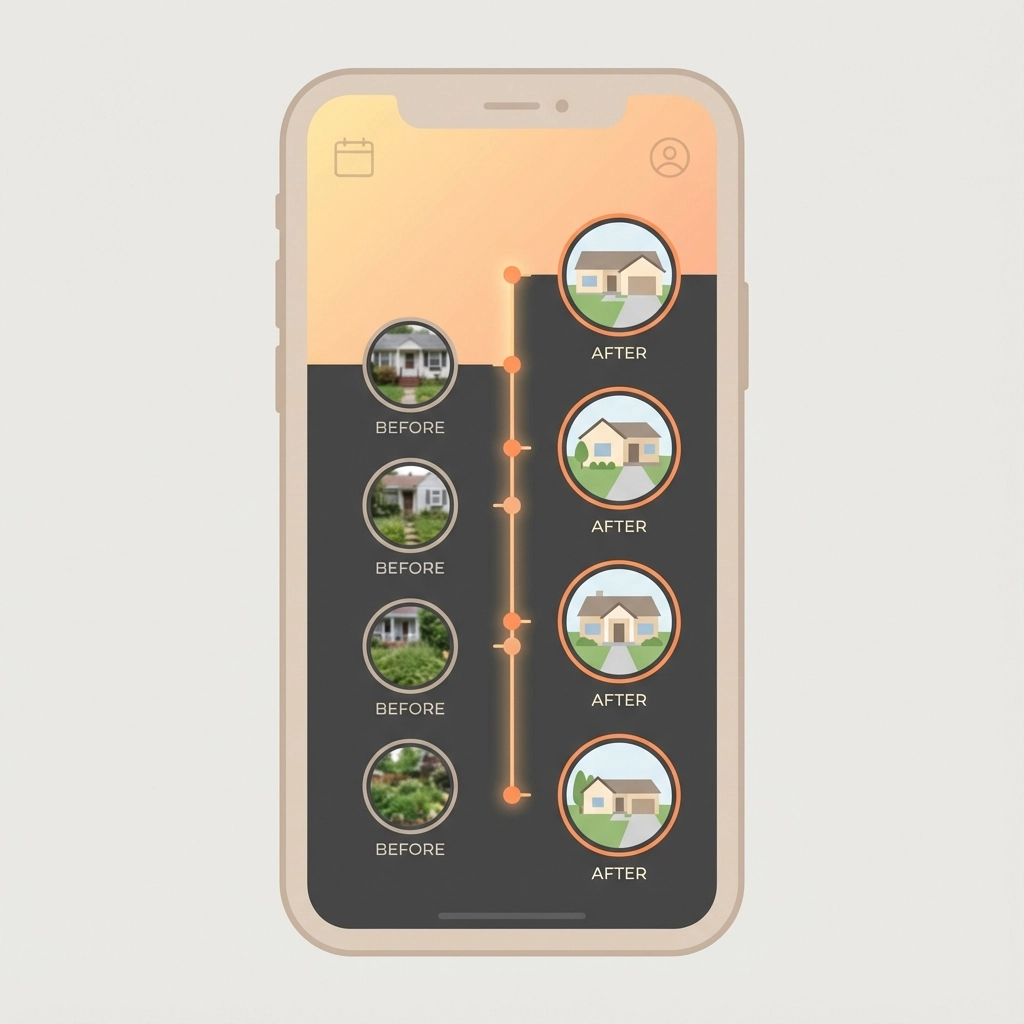
JobLuma works differently than bloated "all-in-one" platforms. Instead of forcing you to navigate through multiple modules and workflows, everything revolves around a simple concept: one job gets one clean timeline.
Here's how it works in practice:
Open the job. No dashboards, no project selection screens, no user management. You tap on the specific job you're working on.
Take your photos. The camera opens directly from the job screen. No hunting through menus or figuring out where to upload files.
Photos appear chronologically. Every photo automatically timestamps and appears in order on a single, clean timeline. Before photos at the top, progress shots in the middle, after photos at the bottom.
Add notes if needed. Tap any photo to add a quick note. "Found additional damage here" or "Customer requested this change" gets tied directly to the relevant photo.
That's it. No configuration, no training, no workflow setup. Just document the work as you do it.
The Step-by-Step Process
Let's walk through creating professional before-and-after documentation for a typical job:
Step 1: Start the job (30 seconds)
Open JobLuma and tap "New Job" or select an existing job. Enter the basic details: customer name, address, brief description. The job timeline starts immediately.
Step 2: Take before photos (1 minute)
Use your phone camera directly through JobLuma. Take wide shots showing the overall area, then detail shots of specific problems or areas you'll be working on. Each photo automatically timestamps and appears on the job timeline.
Step 3: Work and document progress (2 minutes over the course of the job)
As you work, take occasional progress photos. These don't need to be perfect: just quick documentation showing your process. Maybe a shot of materials being installed, or a problem you discovered and how you're fixing it.
Step 4: Take after photos (1 minute)
When the job is complete, take your final photos from the same angles as your before shots. Wide shots showing the finished work, detail shots highlighting the improvements or repairs.
Step 5: Review and share (30 seconds)
The timeline now shows the complete story of the job: chronological photos with any notes you added. Tap "Share" to send a clean, professional link to your customer.
What Your Customers Actually See
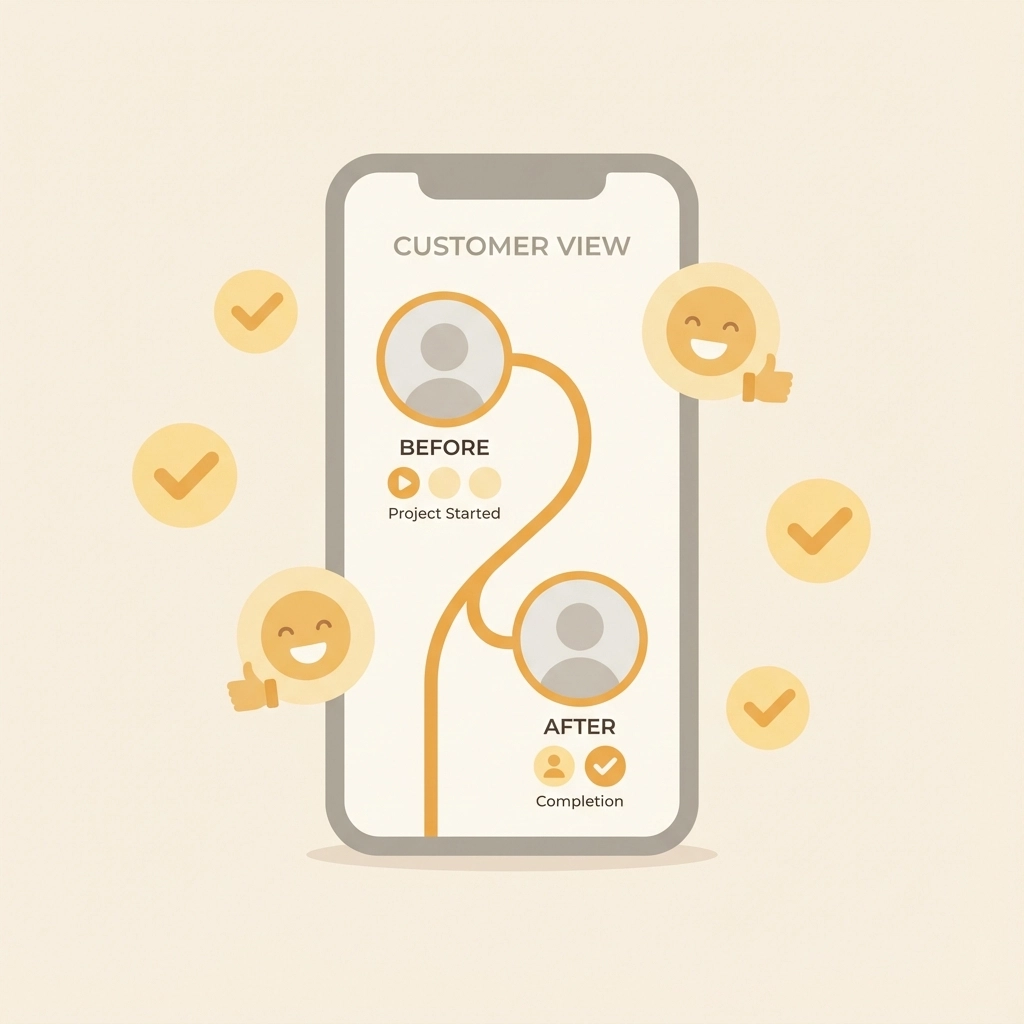
This is where JobLuma shines. Instead of sending customers a handful of phone photos via text or email, you send them something that looks professional: a clean, read-only timeline showing exactly what you did.
The customer opens the link (no app required, no login needed) and sees:
- Time-stamped photos showing the job progression
- Clear before and after comparisons
- Any notes you added explaining specific work or findings
- A complete story of their project in chronological order
It's the difference between looking like every other contractor and looking like a professional service company. Customers save the link, share it with family members, and use it for insurance documentation or warranty records.
Built for Field Work, Not Office Work
Most contractor software assumes you have time to sit at a desk and organize files. JobLuma assumes you're busy, your hands might be dirty, and you need to document work quickly without losing momentum.
The interface is designed for gloved fingers and bright sunlight. Large buttons, high contrast, and simple navigation that works even when you're rushed or distracted.
Photos sync automatically when you have cell service, so you don't need to remember to upload files later. Everything happens in the background while you focus on the actual work.
Why This Beats Complicated Alternatives
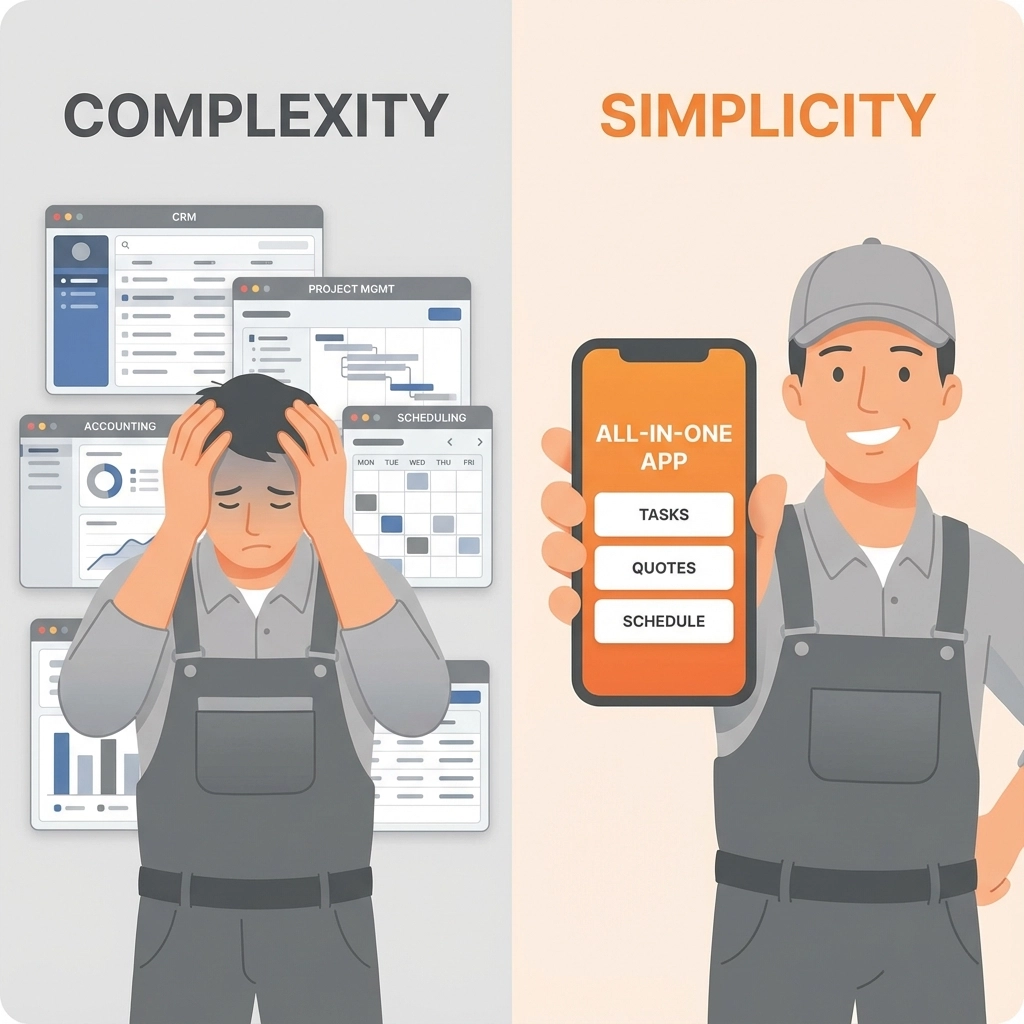
Most platforms try to do everything: dispatching, scheduling, inventory, invoicing, customer management, and photo documentation. The result? Photo documentation gets buried under layers of features you don't need.
With JobLuma, photo documentation isn't a feature: it's the entire point. No distractions, no extra modules, no feature creep. Just clean, professional job documentation that takes minutes instead of hours.
Comparison with typical platforms:
Other tools: Navigate to project module → find the right job → locate photo section → upload files → organize into folders → figure out sharing settings → send complicated links that customers can't open easily.
JobLuma: Open job → take photos → share clean timeline link.
The difference isn't just time: it's stress. With JobLuma, documenting work feels natural instead of like a separate administrative task.
Perfect for Solo Contractors and Small Teams

JobLuma was specifically built for contractors who don't have dedicated office staff or IT departments. You don't need training sessions, user management, or complicated setup procedures.
Solo contractors can start documenting jobs professionally within minutes of downloading the app. Small teams can share job access without dealing with enterprise user management or forced minimum seat requirements.
The pricing reflects this focus too. One simple monthly fee, no contracts, no forced multi-user minimums. Pay for what you use, cancel anytime.
Professional Documentation Without the Professional Headache
Good job documentation serves multiple purposes: customer satisfaction, warranty protection, insurance claims, and professional credibility. But it only works if you actually use it consistently.
JobLuma removes the friction that prevents consistent documentation. When creating professional before-and-after timelines takes 5 minutes instead of 20, you'll actually do it for every job instead of just the big ones.
The result? Every customer gets professional documentation, you have complete records if questions arise later, and you look more professional than competitors who are still sending phone photos via text message.

Your work deserves professional documentation. Your time deserves simple tools that work the way you work. JobLuma delivers both without the complexity, training, or enterprise pricing that comes with "comprehensive" platforms.
Ready to document your next job professionally in under 5 minutes? Try JobLuma and see how simple professional documentation can be.
Leave a Reply