
You've been there before. A customer calls three weeks after you finished their job, claiming the work wasn't done right. Or maybe they're questioning why certain materials were used. Without proper documentation, it becomes your word against theirs – and that's not a position any contractor wants to be in.
Here's the thing: protecting your work quality isn't just about doing good work. It's about proving you did good work. And the best way to do that? Organized job logs that tell the complete story of every project, from start to finish.
Why Job Logs Are Your Best Defense
Think of job logs as your project's story. They capture what happened, when it happened, and why decisions were made. When disputes arise (and they will), having detailed logs is like having a time machine that takes everyone back to exactly what occurred on the job site.
But here's what most contractors get wrong: they think job logs need to be complicated. They assume customers need special apps or that documentation requires expensive software. That's not true. The best job logs are simple, consistent, and don't put any burden on your customers.

The Real Cost of Poor Documentation
Before diving into how to organize job logs, let's talk about what happens when you don't. Poor documentation costs contractors in several ways:
Lost Revenue: Without proof of completed work, you might have to redo jobs at your own expense or accept payment reductions.
Damaged Reputation: Word travels fast in the trades. One dispute that goes poorly can hurt your reputation for years.
Legal Headaches: Formal disputes are expensive and time-consuming. Good documentation often prevents them entirely.
Stress and Time: Trying to remember details from weeks or months ago is frustrating and rarely successful.
Building Your Job Log System
The key to effective job logging is consistency. You need a system that's so simple you'll actually use it, even when you're busy or running behind schedule.
Start With the Basics
Every job log entry should capture five essential pieces of information:
- Date and time of the work
- Who was present (your team and any customer representatives)
- What work was completed (be specific)
- Any materials used or delivered
- Photos showing progress and conditions
This might seem like a lot, but it takes less than five minutes per entry once you get into the habit.
Choose Your Format
You don't need fancy software to start. Many successful contractors use simple methods:
Digital Photos with Voice Notes: Take photos and record quick voice memos on your phone. Most phones automatically timestamp everything.
Simple Apps: Use basic note-taking apps that sync across devices. The key is picking something you already know how to use.
Traditional Notebooks: Some contractors swear by waterproof notebooks. Write in pen, date every entry, and take photos of important pages as backup.
The No-Customer-App Advantage
Here's why avoiding customer apps is smart business: the moment you require customers to download something or create accounts, you create friction. Many customers won't bother, leaving gaps in your documentation.
Instead, handle all logging yourself. Your customers will appreciate not having another app cluttering their phone, and you maintain complete control over your documentation process.
Daily Logging Best Practices
Morning Setup
Start each day by documenting job site conditions. Take wide shots showing weather, access points, and any existing conditions that might affect work. This baseline documentation protects you if conditions change throughout the day.
Progress Documentation
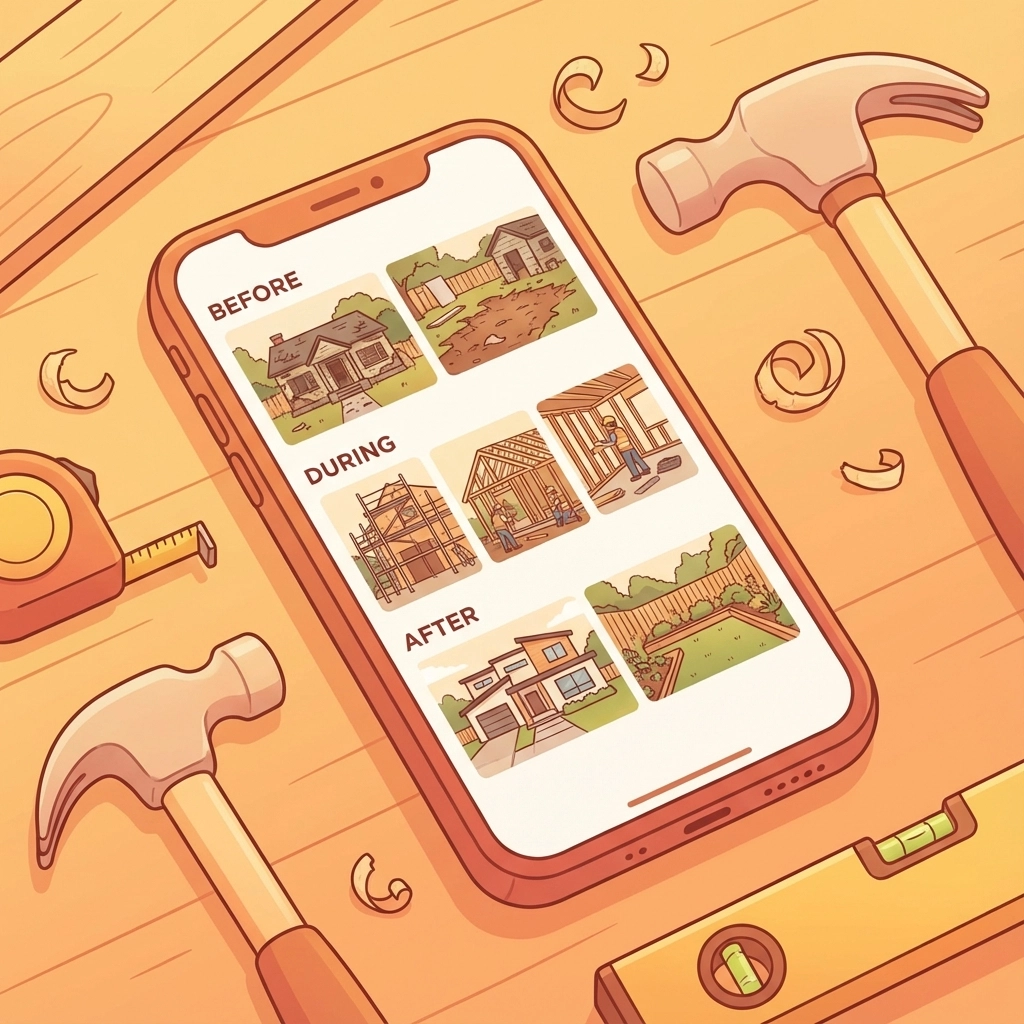
Document work in three stages:
Before: Show the area before work begins
During: Capture key steps in the process
After: Document completed work and cleanup
Don't just take photos – include brief notes about techniques used, materials installed, or challenges encountered.
End-of-Day Wrap-Up
Before leaving the job site, spend five minutes documenting:
- Work completed that day
- Work planned for tomorrow
- Any customer communications or decisions
- Weather conditions (important for outdoor work)
Organizing Your Logs for Easy Access
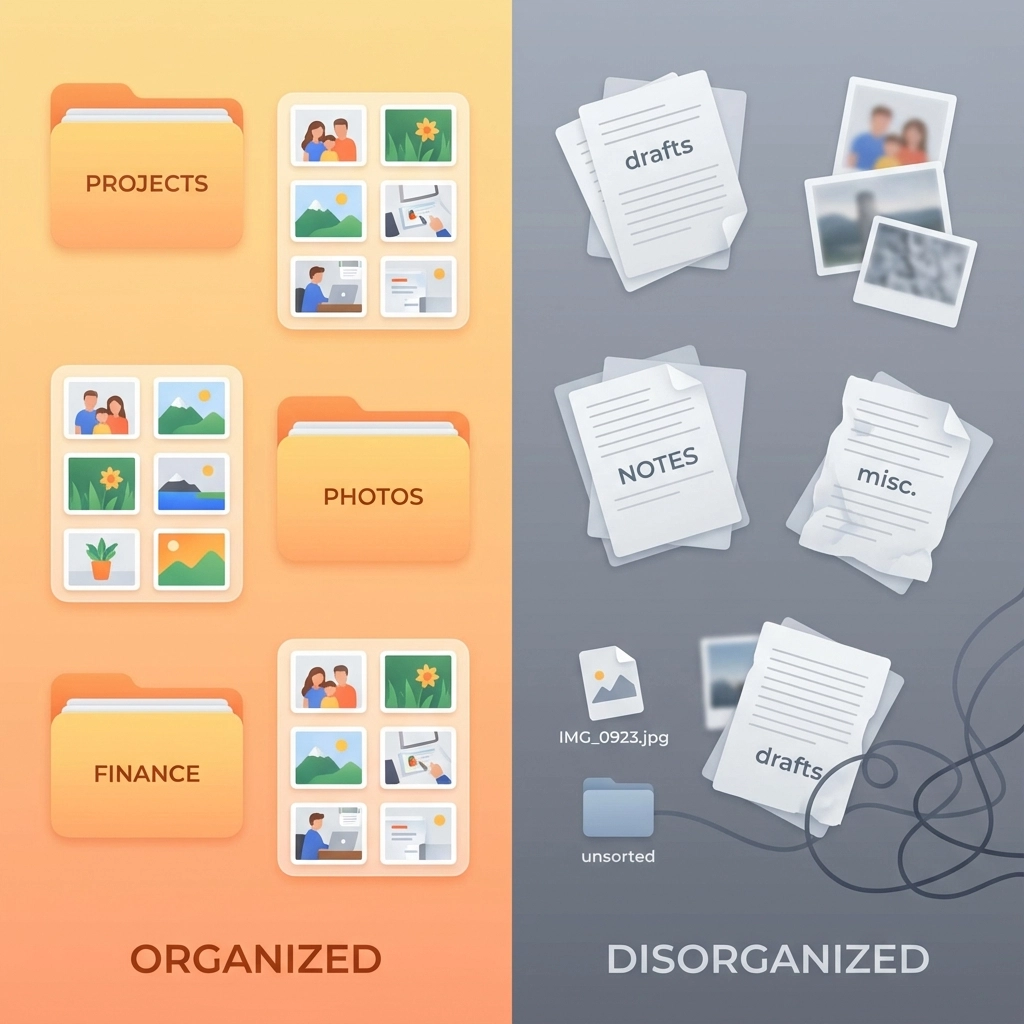
The best job log in the world is useless if you can't find information when you need it. Organization is crucial.
File Naming That Works
Use a consistent naming convention for all files and photos. A simple format like "JobName_YYYYMMDD_Description" works well. For example: "SmithKitchen_20251215_CabinetInstall"
Cloud Storage Setup
Store everything in the cloud so you can access logs from anywhere. Create a folder structure like:
- Client Name
- Project Name
- Photos
- Notes
- Materials/Receipts
- Project Name
Weekly Reviews
Spend 30 minutes each week reviewing and organizing your logs. Delete blurry photos, add missing details to notes, and make sure everything is properly filed. This weekly habit prevents documentation from piling up into an overwhelming mess.
Handling Disputes With Confidence
When properly organized job logs meet a customer complaint, you're prepared. Here's how to handle disputes professionally:
Stay Calm and Professional
Lead with understanding: "I want to make sure we address your concerns properly. Let me review the project documentation."
Present Facts, Not Arguments
Share relevant photos and notes that address their specific concerns. Let the documentation speak for itself rather than getting into verbal disputes.
Use Logs to Find Solutions
Sometimes logs reveal that customer concerns are valid. When that happens, your documentation helps you understand what went wrong and how to fix it efficiently.

Technology That Actually Helps
While you don't need expensive software to start, the right tools can make logging easier and more effective. Look for solutions that:
- Work offline (job sites often have poor cell service)
- Automatically organize photos by date and location
- Sync across devices without customer involvement
- Export easily for sharing or backup
The goal is finding tools that fit your workflow, not changing your workflow to fit the tools.
Making It Stick: Building the Habit
The hardest part of job logging isn't learning how to do it – it's remembering to do it consistently. Here are strategies that work:
Start Small
Begin with just photos and basic notes. Don't try to document everything perfectly from day one. Build the habit first, then improve the details.
Set Reminders
Use phone alarms or calendar reminders until logging becomes automatic. Many contractors set alerts for lunch time and end of day.
Make It Part of Cleanup
Include documentation as part of your daily cleanup routine. Before packing tools, document what was accomplished.
The Bottom Line
Organized job logs aren't about being paranoid or expecting problems. They're about being professional and protecting the quality work you're already doing. When you can quickly show customers exactly what happened on their project, you're not just resolving disputes – you're demonstrating the level of care and attention you bring to every job.
The best part? Once you get into the habit, job logging takes almost no extra time but provides invaluable protection for your business, your reputation, and your peace of mind.
Start simple, be consistent, and let your documentation tell the story of your quality work. Your future self will thank you the first time a customer question becomes an opportunity to showcase your professionalism instead of a stressful dispute.
Leave a Reply