You don't need a software engineering degree to document your jobs. Yet somehow, most contractor apps make you feel like you do.
If you've ever spent more time fighting with an app than actually using it, you're not alone. The construction software industry has a problem: they're building enterprise platforms for contractors who just want to take photos, add notes, and share clean job documentation with clients.
The good news? You have alternatives. Real alternatives that won't make you question your career choices every time you need to upload a photo.
The 5 Biggest Headaches with "All-in-One" Contractor Apps
Let's be honest about what's broken with most contractor software, and then talk about what actually works.
1. Setup Hell: When Getting Started Takes Weeks
Most contractor platforms treat setup like a military operation. You'll get:
- Multi-hour "onboarding" calls
- Mandatory training sessions for your crew
- Complex user permission settings
- Integration requirements with systems you don't even use
What happens in reality: Your crew keeps using their phones and text messages because the app is still "being set up" three weeks later.
The simple alternative: Apps that work immediately. You download it, create an account, and start documenting jobs the same day. No training required. No setup calls. No complicated permissions.
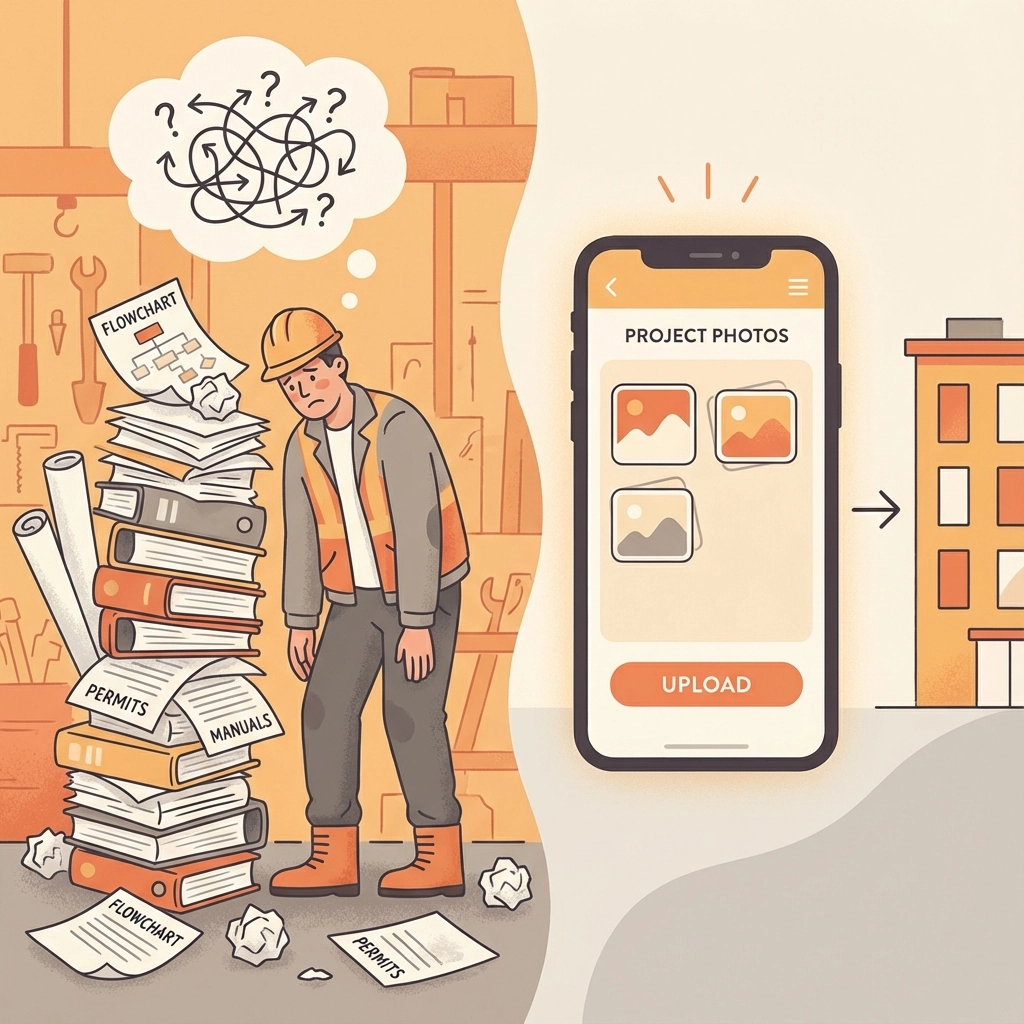
2. Training Requirements: Your Crew Shouldn't Need a Manual
Here's a wild idea: if your crew needs training to upload photos, the app is the problem, not your team.
Most platforms require:
- Video tutorials just to navigate basic features
- Written guides for simple tasks
- Support tickets for routine operations
- "Super users" who become the unofficial IT department
The simple alternative: Apps built for people who work with their hands, not their keyboards. If it takes more than 30 seconds to figure out how to add a photo and note, it's too complicated.
3. Pricing Complexity: When a Simple Tool Costs Like Enterprise Software
The pricing pages for most contractor apps read like tax code:
- "Contact sales" for basic features
- Forced multi-user minimums
- Feature-gated pricing tiers
- Long-term contract requirements
- Hidden fees for "premium" features like client sharing
The simple alternative: One price. Pay monthly. Cancel anytime. No contracts. No forced user minimums. If you can't see the real price upfront, keep looking.
4. Client Sharing Nightmare: Making Simple Things Complicated
Sharing job updates with clients should be the easiest part of any contractor app. Instead, most platforms make it unnecessarily complex:
- Clients need to create accounts
- Multiple logins and passwords to manage
- Confusing dashboards that show everything except the job photos
- Email attachments that get lost or compressed
- Screenshots that look unprofessional
The simple alternative: Send clients a clean link. They click it. They see the job timeline. No app required. No login required. Just professional documentation they can easily understand.
5. Mobile-Last Design: Built for Desks, Not Job Sites
Most contractor apps feel like they were designed by people who've never held a hammer. The mobile experience is clearly an afterthought:
- Tiny buttons that don't work with work gloves
- Features that only work on desktop
- Photo uploads that fail on job sites
- Navigation that requires precise finger movements
- Battery-draining background processes
The simple alternative: Apps built mobile-first. Big buttons. Reliable photo uploads. Works in areas with poor signal. Designed for people who are actually doing the work.
Why These Problems Exist
The construction software industry has convinced itself that contractors want "comprehensive solutions" that handle everything from scheduling to accounting to CRM to photo documentation.
The reality is different. Most small contractors just want their job photos organized and their clients impressed with professional documentation. They don't need a second full-time job managing software.
If You Just Need Job Photos, This Is It
JobLuma exists because contractors kept asking for something simpler. Not more features. Not more integrations. Not more "comprehensive solutions."
Just clean, professional job documentation.
Here's what that actually looks like:
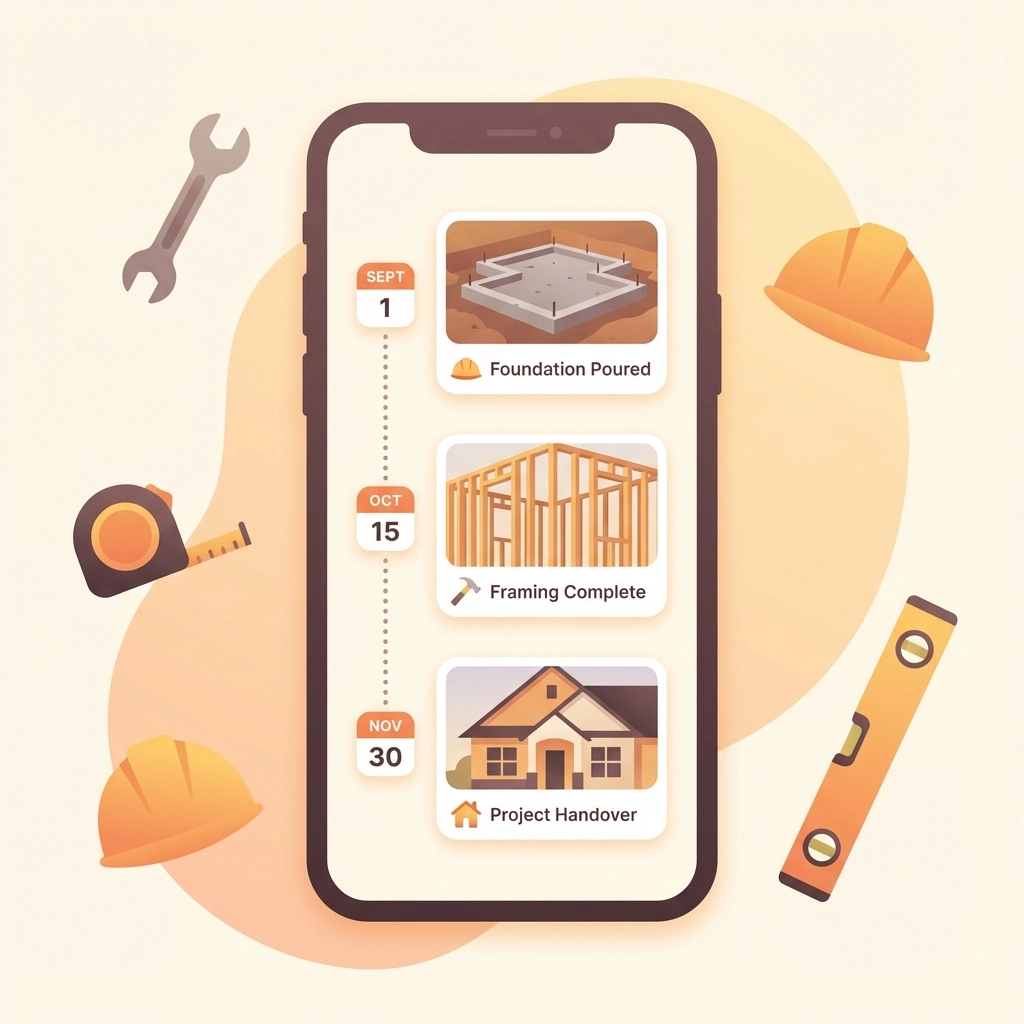
One Job = One Timeline
Every job gets a single, chronological timeline of photos and notes. No hunting across tabs. No sorting through folders. No guesswork about what happened when.
Clients See Professional Output
Instead of sending text message photos or email attachments, you send one clean, read-only job timeline. Your clients see professional documentation without needing to download anything or create accounts.
Built for Field-First Workflows
Designed for people wearing work gloves, in bright sunlight, with muddy hands. Big buttons. Reliable uploads. Works when the signal is weak.
Simple Pricing
One monthly price. No contracts. No forced user minimums. Cancel anytime. You pay for what you actually use.
Other Simple Alternatives Worth Considering
If JobLuma's focus on job documentation isn't quite what you need, here are other contractor apps that prioritize simplicity:
Buildbite – Good for small crews who need basic field management without the complexity. User-friendly interface and reasonable pricing at $4-7 per user monthly.
Connecteam – Solid choice for team communication and scheduling. Free for teams under 10 users, which is perfect for small contractors testing new software.
Workyard – Built by former contractors who understand the real workflow challenges. Strong mobile app with reliable tracking features.
Contractor Foreman – Budget-friendly all-in-one that doesn't overwhelm you with unnecessary features.
These alternatives share one important characteristic: they prioritize ease of use over feature overload.
The Philosophy Difference
Most contractor software companies ask: "What can we build that does everything?"
The better question is: "What can we build that makes one thing painless and professional?"
For job documentation, that means:
- Time-stamped photos in chronological order
- Notes tied to actual work
- Clean sharing with clients
- Protection if questions arise later
Nothing you don't need. Everything you do.
Why JobLuma Exists
Because contractors deserve software that works as hard as they do. Software that saves time instead of wasting it. Software that makes them look professional instead of making them look like they're struggling with technology.
If you're tired of complicated contractor apps that require training manuals and setup calls, try JobLuma. Start documenting jobs today, not next month.
Job documentation without the bloat. Finally.
Leave a Reply