
Let's face it – keeping customers in the loop about their project progress shouldn't feel like a full-time job. Yet many contractors struggle with this exact challenge, spending hours crafting detailed emails or fielding worried phone calls from clients wondering what's happening on their job site.
The good news? Sharing job progress with customers doesn't have to be complicated or time-consuming. With the right approach and simple tools, you can keep clients happy and informed while actually saving time in your day.
Why Customer Communication Matters More Than Ever
Today's customers expect transparency. They want to see their investment at work, understand potential delays before they happen, and feel confident their project is in good hands. When contractors fail to communicate regularly, customers fill the silence with worry – and worried customers become demanding customers.
Think about it from their perspective. They've likely invested thousands of dollars in your services, and their property is temporarily disrupted. A simple photo showing today's progress can eliminate a dozen anxious thoughts and prevent three follow-up phone calls.
Regular progress sharing also builds trust and sets you apart from competitors. When customers can see consistent forward movement, they're more likely to recommend your services and less likely to micromanage your work.
Start With Visual Documentation
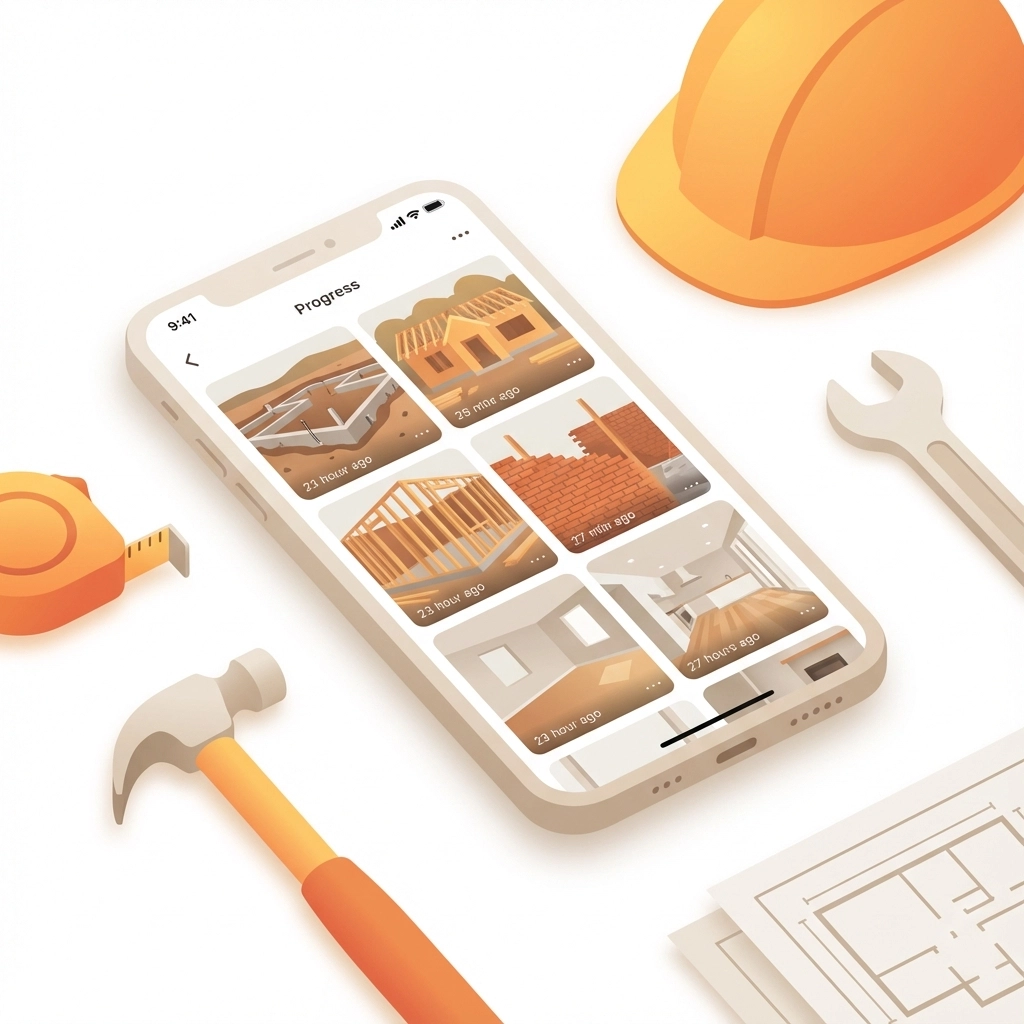
The easiest way to share progress is through photos and videos. Visual updates require minimal explanation and show exactly what's happening on site. Here's how to make visual documentation work for you:
Take photos at key milestones. You don't need to document every nail or screw. Focus on major progress points – foundation completion, framing stages, rough-in work, or finished installations. These milestone photos tell the project's story without overwhelming your customer.
Use your phone's built-in features. Modern smartphones automatically timestamp and location-tag photos. Take advantage of these features to create an automatic progress timeline. Many phones also allow you to add voice notes to photos, which can provide context without typing lengthy explanations.
Capture before, during, and after shots. Show the starting point, work in progress, and completed stages. This progression helps customers understand the scope of work and appreciate the transformation happening on their property.
Include your crew in action shots. Photos of your team actively working reassure customers that progress is happening daily. These human elements make your updates more engaging and personal.
Real-Time Communication Strategies
The key to easy progress sharing is making communication part of your daily routine rather than a separate task. Here are practical approaches that save time while keeping customers informed:
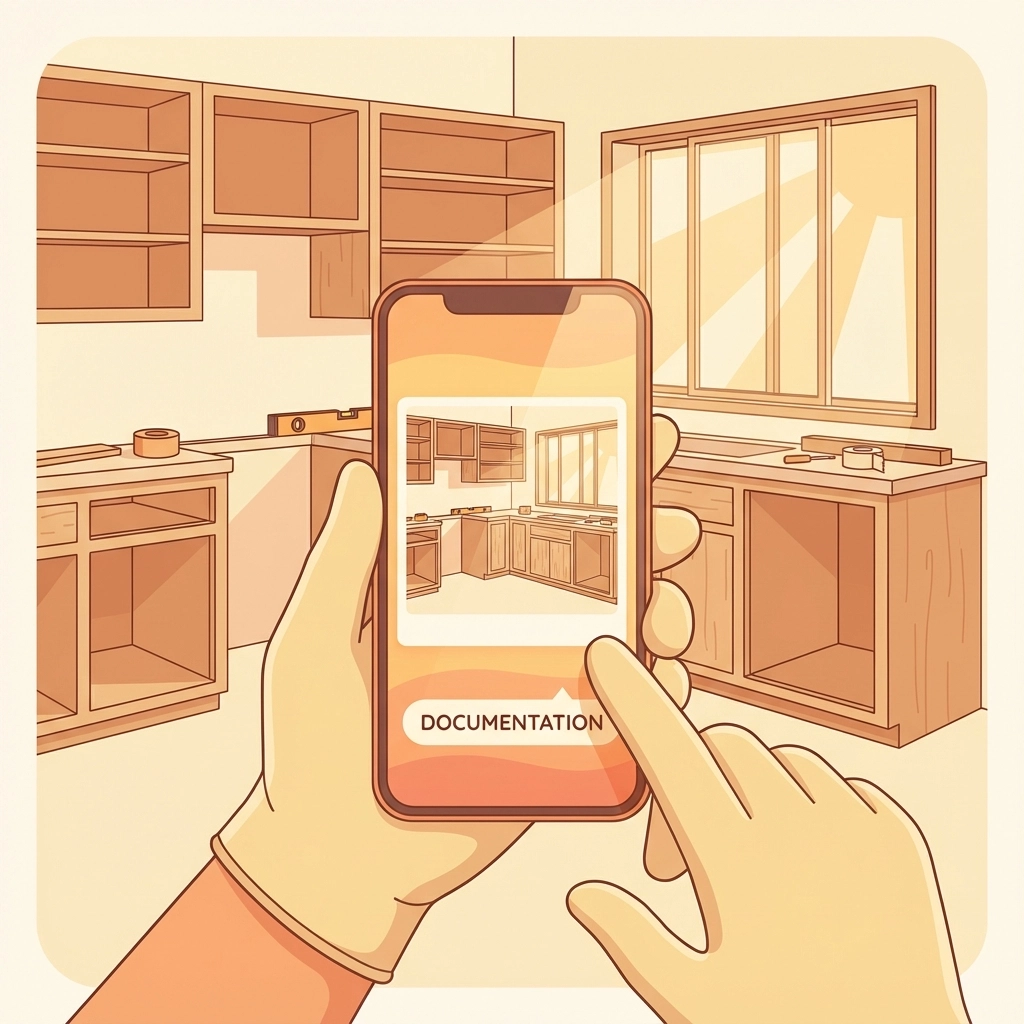
Daily check-ins work better than weekly reports. A quick photo with a two-sentence text message takes less than a minute but provides tremendous value. "Finished installing the kitchen cabinets today. Starting countertop prep tomorrow morning."
Use group messaging for efficiency. If multiple family members want updates, create a group text or messaging thread. This eliminates duplicate conversations and ensures everyone receives the same information.
Share challenges before they become problems. If you discover an issue that might delay progress, communicate it immediately with a photo and brief explanation. "Found some old wiring that needs updating before we can proceed. This will add one day to the timeline, but ensures everything meets current safety codes."
Choose Simple Technology Solutions
You don't need complex software to share progress effectively. The best solution is often the simplest one that you'll actually use consistently. Here are options that work for different communication styles:
Text messaging with photos remains the most accessible option. Every customer has text messaging, and photos send instantly. Create a dedicated contact group for each project to streamline communication.
Construction management apps offer more organization for larger projects. Tools like CompanyCam, Fieldwire, or Buildern allow you to organize photos by project phase, add detailed notes, and create professional progress reports. These apps often include client portals where customers can view updates at their convenience.
Simple cloud folders work well for customers who prefer comprehensive documentation. Create a shared Google Drive or Dropbox folder organized by date or project phase. Upload photos regularly with descriptive filenames like "2024-12-15_Kitchen_Cabinets_Installed.jpg"
Video updates can be incredibly effective for complex projects. A 30-second walkthrough video can explain progress better than multiple photos. Use your phone's video feature to provide brief narrated tours of completed work areas.
Make It Part of Your Daily Routine
The secret to consistent customer communication is building it into your existing workflow. Here's how to make progress sharing automatic:
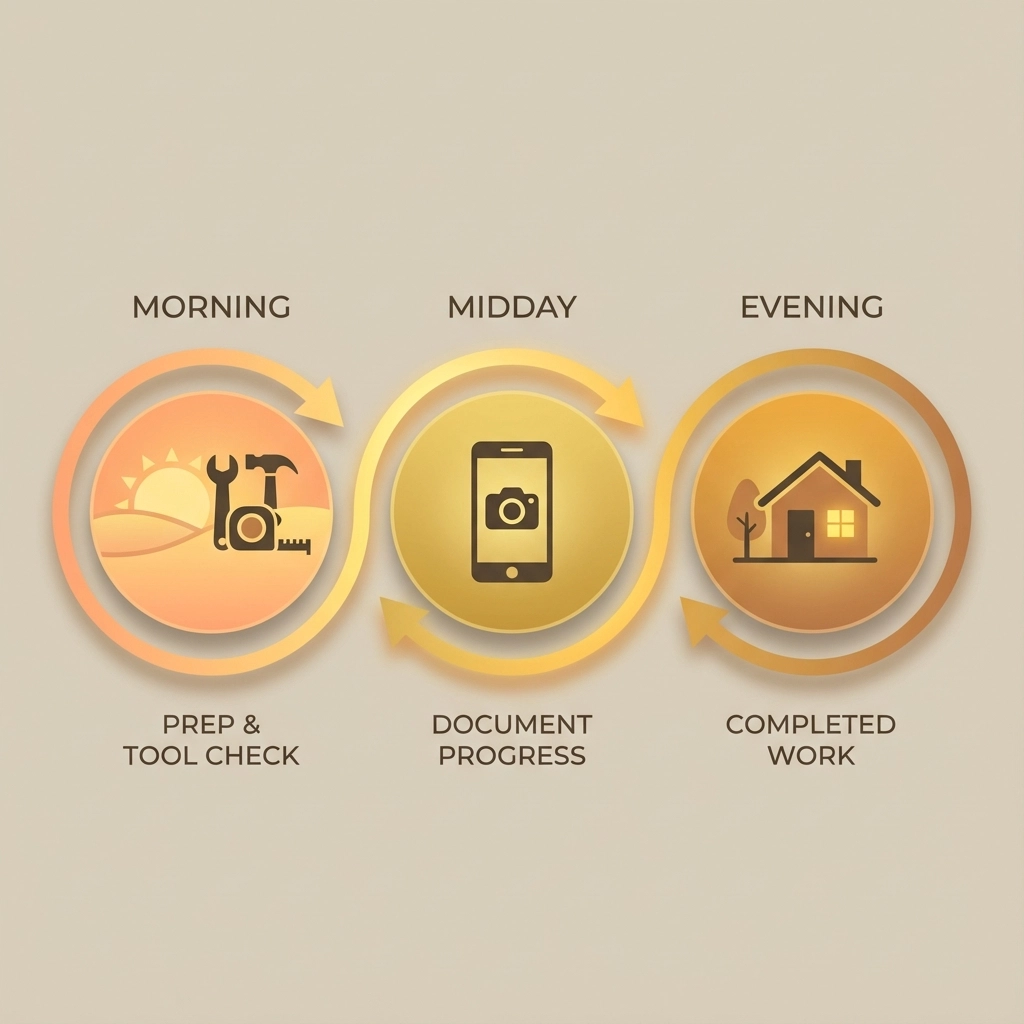
End-of-day routine: Spend five minutes before leaving each job site taking progress photos and sending a quick update. This becomes as automatic as packing up your tools.
Assign responsibility: If you have crew members, designate someone to handle daily photo documentation. This ensures updates happen even when you're managing multiple job sites.
Use travel time wisely: Send updates while driving between jobs (hands-free, of course). Voice-to-text features make it easy to add context to photos without typing.
Batch similar communications: If you're working on multiple projects, handle all customer updates during one dedicated time block rather than sporadically throughout the day.
Handle Common Communication Challenges
Every contractor faces similar obstacles when sharing project progress. Here's how to address the most common issues:
"I forget to take photos." Set a phone reminder for the same time each day. Many contractors find that taking photos during their lunch break works well – it's a natural pause in the workday.
"Customers want too much detail." Establish communication expectations upfront. Explain that you'll provide daily milestone updates, and customers can request additional information if needed. This sets boundaries while ensuring transparency.
"I'm not good with technology." Start with basic text messages and photos. Once this becomes comfortable, you can explore additional features. The goal is consistent communication, not technological complexity.
"Updates take too much time." Focus on quality over quantity. One well-timed photo with a brief explanation provides more value than multiple photos without context.
Best Practices for Professional Updates
Your progress updates reflect your professionalism and attention to detail. Follow these guidelines to ensure your communications enhance your reputation:
Clean up photo backgrounds when possible. A quick scan for debris or personal items makes your work area look more professional in photos.
Use consistent timing. Whether you send updates at lunch, end of day, or first thing in the morning, consistency helps customers know when to expect communication.
Be honest about delays or challenges. Customers appreciate transparency about unexpected issues. Brief explanations show your expertise in handling complications professionally.
Celebrate milestones. When you complete major project phases, acknowledge these achievements in your updates. Customers enjoy sharing in the progress excitement.
The Bottom Line on Progress Sharing
The easiest way for contractors to share job progress with customers is through simple, consistent visual communication. A daily photo with a brief explanation takes minimal time but provides maximum customer satisfaction.
Technology should support your communication goals, not complicate them. Whether you use basic text messaging or specialized construction apps, the key is choosing tools you'll actually use every day.
Remember that progress sharing isn't just about keeping customers happy – it's about building your reputation as a professional contractor who values transparency and communication. These habits set you apart in a competitive market and lead to more referrals and repeat business.
Start simple, stay consistent, and watch how this small daily investment transforms your customer relationships. Your clients will appreciate the transparency, and you'll appreciate the reduction in worried phone calls and project stress.
For contractors looking to streamline their progress documentation and customer communication, JobLuma offers simple, mobile-first solutions designed specifically for field service professionals who value straightforward tools that actually get used.
Leave a Reply