
Let's cut through the noise. You've probably seen job photo apps with 47 different features, custom workflows, and enough bells and whistles to make your head spin. But here's the thing – most of that stuff is just marketing fluff.
After talking to hundreds of contractors, plumbers, electricians, and HVAC techs, we've found that service pros only really care about three core features. Everything else is just nice-to-have extras that complicate your workflow.
So what are these three must-have features? Let's break it down.
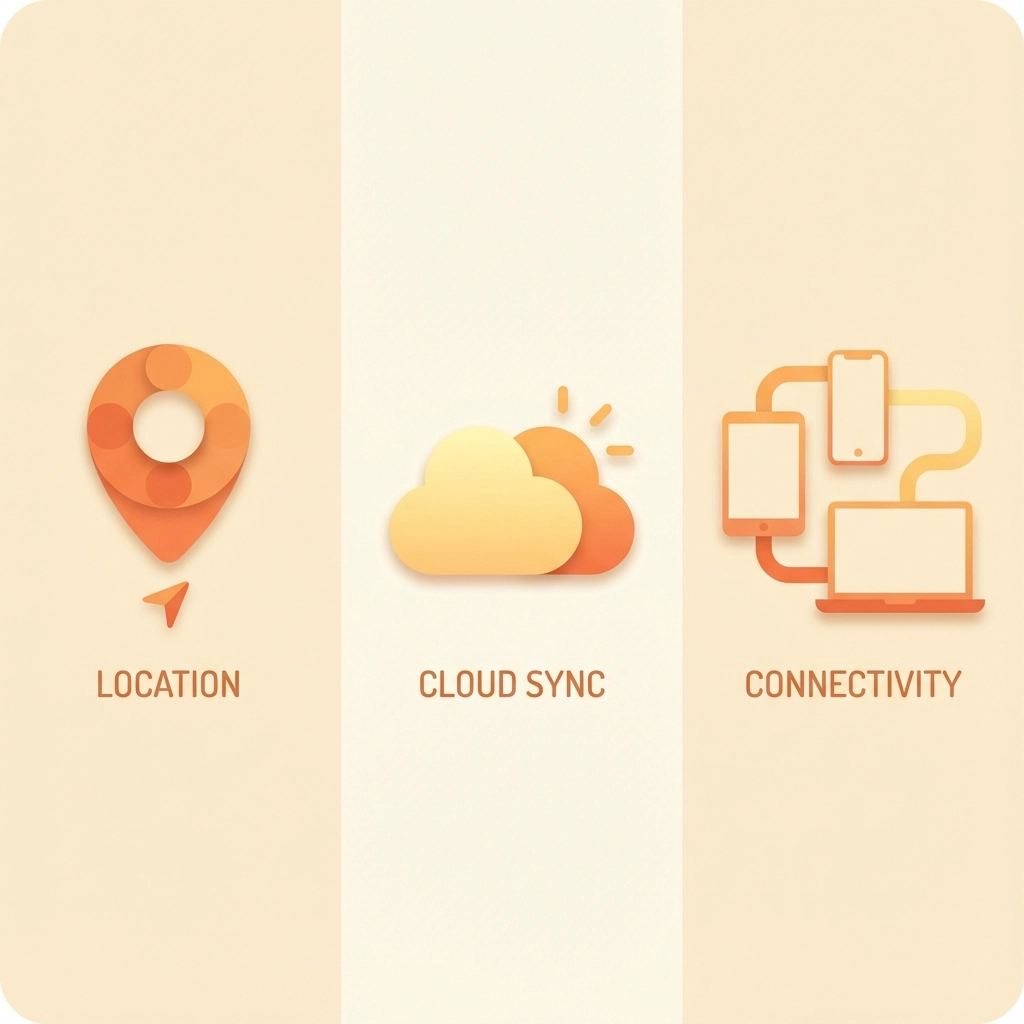
Feature #1: Automatic GPS Tagging and Timestamping
This is the foundation of any decent job photo app. Every single photo needs to be automatically stamped with the exact time, date, and GPS coordinates – without you having to remember to do anything.

Think about it: You're knee-deep in a crawl space, flashlight in one hand, phone in the other, trying to document a busted pipe. The last thing you want to do is manually enter the time and location for every photo. A good app handles this automatically in the background.
Why this matters for your business:
Dispute Protection: When a customer claims you didn't show up on time or didn't complete the work as agreed, timestamped photos are your best defense. They create an undisputable record of exactly when and where each photo was taken.
Insurance Claims: Insurance companies love detailed documentation. Photos with accurate timestamps and GPS coordinates can speed up claims processing and help ensure you get paid properly for covered work.
Accountability: Some apps even track how long technicians spend at each job site, which helps with accurate billing and identifying efficiency opportunities.
The key word here is "automatic." If you have to remember to turn on GPS tagging or manually enter timestamps, it's not going to work consistently. The best apps do this seamlessly in the background, so you can focus on the actual work instead of data entry.
Feature #2: Reliable Cloud Storage and Sync
Your photos need to live in the cloud, not just on your phone. Period.

Here's a scenario every service pro has lived through: You take 30 photos documenting a complex job. Your phone gets dropped, stolen, or just decides to have a meltdown. Without cloud storage, all that documentation is gone forever.
But it's not just about backup protection. Cloud storage enables a bunch of other benefits:
Access from Anywhere: Need to pull up photos from last week's job while you're sitting in the office? No problem. Your photos are available on any device with internet access.
Offline Capability: Good cloud storage works even when cell service is spotty. The app should queue up photos for upload and sync them automatically once you're back in coverage.
Team Access: Your office staff, project managers, or other crew members can see the photos immediately without you having to text them manually or transfer files.
Storage Space: Your phone isn't going to have unlimited storage for thousands of job photos. Cloud storage means you can keep taking photos without constantly deleting old ones.
One thing to watch out for: Make sure the app uploads full-resolution photos, not compressed versions. You never know when you'll need to zoom in on a detail, and pixelated photos are useless for documentation.
Feature #3: Simple Sharing and Collaboration
The third essential feature is the ability to easily share photos with the right people at the right time.

This doesn't mean you need a complicated project management system or workflow builder. It just means the app should make it dead simple to get photos to customers, office staff, or other team members when needed.
What good sharing looks like:
Instant Customer Updates: Send before/after photos directly to customers while you're still on site. This builds trust and reduces callbacks from customers wondering if the work was actually completed.
Office Integration: Your dispatcher or project manager should be able to see job progress in real-time without having to call and interrupt your work.
Permission Controls: Not every photo needs to go to every person. You should be able to control who sees what, whether that's sensitive diagnostic photos or just the final completion shots.
Professional Presentation: When you share photos with customers, they should look professional – not like random iPhone snapshots. This means proper organization, clear labeling, and maybe some basic formatting.
The key is keeping it simple. If sharing photos requires 17 steps and three different apps, nobody's going to use it consistently. The best solution is one that feels natural and doesn't add extra work to your day.
Why These Three Features Matter More Than Everything Else
You might be wondering: "What about photo annotations? Custom forms? Advanced reporting? Integration with my accounting software?"
Those features can be nice, but they're not essential. Here's why these three core features trump everything else:
They solve real problems: GPS tagging prevents disputes. Cloud storage prevents data loss. Easy sharing improves customer communication. These aren't theoretical benefits – they're daily pain points for service professionals.
They work for everyone: Whether you're a one-person shop or a 50-truck operation, these features provide value. Fancy workflow customization only helps if you have time to set it up properly.
They don't require training: Your crew can start using these features immediately without lengthy onboarding sessions or training videos.
What About All Those Other Features?
Don't get us wrong – additional features can be valuable for some businesses. Photo annotations, custom checklists, advanced reporting, and integrations all have their place.
But here's the thing: if an app doesn't nail the three core features we've covered, all those extras don't matter. It's like buying a truck with heated seats and a premium sound system, but the engine doesn't start reliably.
Focus on getting the basics right first. Once you've got automatic timestamping, reliable cloud storage, and simple sharing working smoothly, then you can evaluate whether additional features would actually improve your workflow.
Making the Right Choice for Your Business
When evaluating job photo apps, start with these three questions:
- Does it automatically timestamp and GPS-tag every photo without me having to remember?
- Will my photos sync reliably to the cloud, even with spotty cell coverage?
- Can I easily share the right photos with the right people without jumping through hoops?
If an app can't give you clear "yes" answers to all three questions, keep looking.
The good news is you don't need to overcomplicate this. A simple app that excels at these three core features will serve your business better than a complex platform that does mediocre job on the basics.
Your time is valuable, and your documentation is critical to your business. Choose tools that respect both of those facts.
Ready to see how simple job photo documentation can be? Check out JobLuma's features to see these three essentials in action, or start your free trial and experience the difference yourself.
Leave a Reply