
Let's be honest: most small teams are drowning in project management apps that promise the world but deliver headaches instead. You know the drill: endless setup wizards, feature overload, and team members who never actually use the thing after the first week.
Meanwhile, there's a simpler approach that's been hiding in plain sight: photo logging. It turns out that sometimes the best solution isn't the most complex one.
The Problem with Complicated Project Management Apps
Small teams face a unique challenge. Unlike enterprise organizations with dedicated project managers and IT departments, small teams need tools that work immediately, require minimal training, and don't break the bank.
Most popular project management apps fall into the same trap: they try to be everything to everyone. They offer Gantt charts, custom workflows, automated notifications, integrations with 47 different tools, and reporting dashboards that would make a Fortune 500 company proud.
But here's what actually happens: Your team spends more time managing the management app than actually getting work done.

Visual Documentation Gets Straight to the Point
Photos don't lie, and they don't need interpretation. When your electrician takes a picture of the wiring they just completed, everyone on the team immediately understands what's been accomplished. No status updates, no progress percentages, no lengthy descriptions: just crystal-clear visual proof.
This clarity advantage becomes even more powerful when dealing with client communications. Instead of writing a paragraph explaining that "the bathroom renovation is approximately 65% complete with tile installation in progress," you can show a photo that tells the entire story in seconds.
Photos also eliminate the ambiguity that kills small team productivity. When someone writes "mostly finished" or "almost done," what does that actually mean? A photo shows exactly where things stand, reducing back-and-forth conversations and preventing misunderstandings that derail projects.
Speed Wins Every Time
Small teams move fast, and they can't afford to slow down for administrative overhead. Traditional project management apps require constant feeding: status updates, task completions, time tracking, and milestone adjustments.
Photo logging flips this model completely. Instead of stopping work to update a system, team members document progress as they go. A quick photo captures not just task completion, but also provides context about quality, potential issues, and next steps.
This speed advantage compounds over time. While other teams are spending 15-20 minutes per day updating project statuses, photo-logging teams capture the same information (plus visual context) in under 5 minutes total.
Real-World Scenarios Where Photos Dominate
Consider a small construction crew working on a kitchen renovation. Traditional project management might track tasks like "install cabinets," "connect plumbing," and "complete electrical work." But photos tell the real story.
A photo of the installed cabinets shows they're level, properly secured, and match the client's specifications. The plumbing connection photo reveals any potential leaks or alignment issues before they become problems. The electrical work photo documents wire routing and connection quality for future reference.
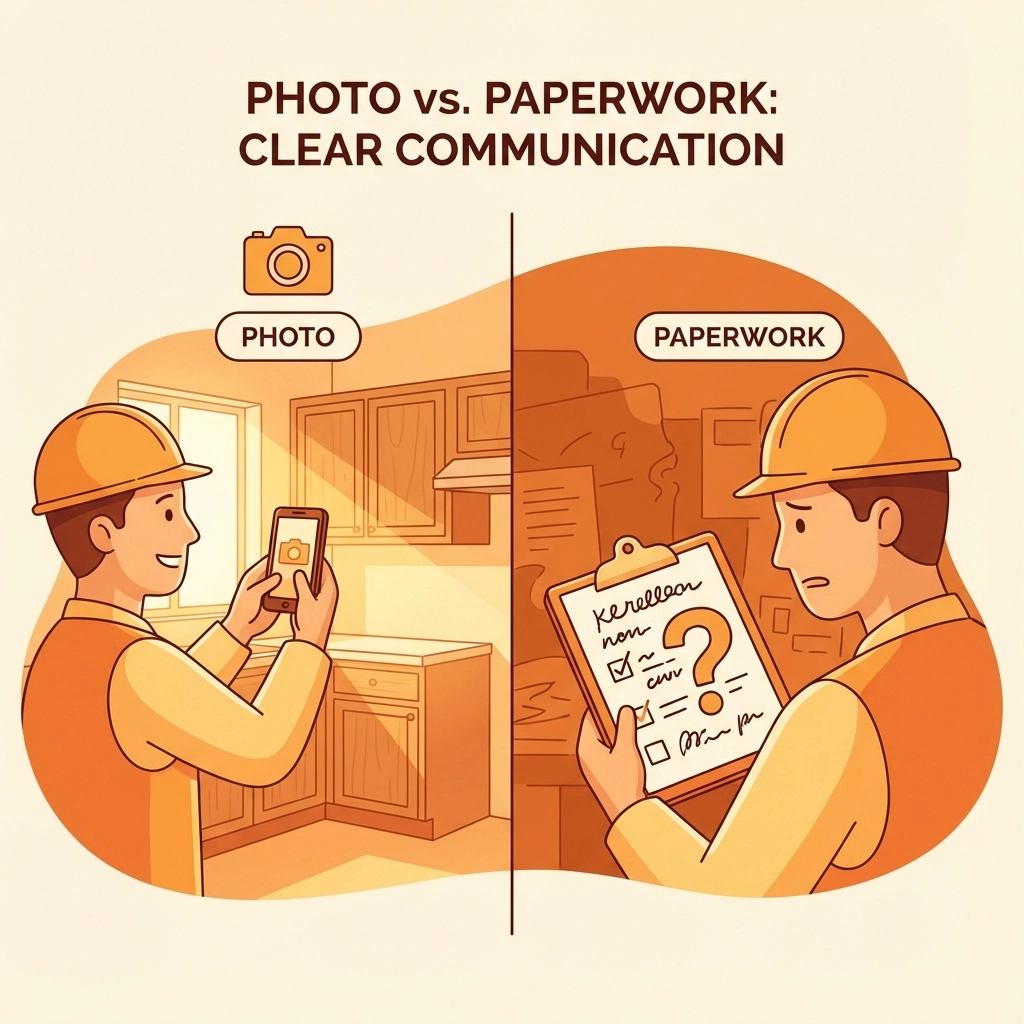
Each photo serves multiple purposes: progress documentation, quality assurance, client communication, and future reference. A traditional PM app would need separate features for each of these functions.
The maintenance and service industries benefit even more dramatically. When a technician photographs equipment before and after service, they create an instant record that serves as proof of work, helps with warranty claims, and provides valuable context for future service calls.
Learning Curves and Adoption Rates
Here's a brutal truth about small teams: if a tool isn't immediately useful, it gets abandoned. Complex project management apps often require hours of setup, training sessions, and ongoing configuration adjustments.
Photo logging requires exactly zero training. Everyone already knows how to take a picture and add a basic description. The learning curve is essentially flat, which means 100% team adoption from day one.
This simplicity extends to client interactions as well. Customers immediately understand photo updates, while project management dashboards and reports often confuse more than they clarify. A homeowner can look at renovation progress photos and instantly see value, but they might struggle to interpret a Gantt chart or burndown report.
Cost-Effectiveness for Small Operations
Most feature-rich project management platforms charge per user per month, which adds up quickly for small teams. Even "affordable" options can cost $300-500 annually for a 5-person team, not including setup time and training costs.
Simple photo logging tools typically offer much more reasonable pricing models, often with generous free tiers that work perfectly for small operations. The total cost of ownership remains low because there's no training requirement, minimal setup time, and immediate value delivery.
Integration Actually Works When It's Simple
Complex project management apps promise seamless integrations with dozens of other tools, but small teams rarely benefit from this complexity. They need their documentation system to work with email, basic file storage, and maybe their invoicing software.
Photo logging naturally integrates with these essential tools. Photos can be attached to emails for client updates, stored in cloud folders for easy access, and included in invoices as proof of completed work. This simplicity often provides better real-world integration than complex API connections that require technical maintenance.

Quality Control Through Visual Evidence
Small teams can't afford quality problems, but they also can't afford dedicated quality assurance processes. Photo documentation provides automatic quality control by creating a visual record that team members can review and clients can verify.
When problems do arise, photos provide immediate context for troubleshooting. Instead of trying to remember or describe an installation from last week, team members can refer to timestamped photos that show exactly how work was completed.
This visual evidence also protects small businesses from disputes and liability issues. Clear documentation of work quality and site conditions can prevent costly legal problems and insurance claims.
Client Communication That Actually Works
Small teams succeed through strong client relationships, but traditional project management communication often feels impersonal and corporate. Automated status updates and dashboard access might work for enterprise clients, but individual homeowners and small business owners prefer more direct communication.
Photo updates create personal connections with clients. They see their project progressing, understand the care and attention being applied, and feel involved in the process. This transparency builds trust and often leads to referrals and repeat business.
Photos also reduce client anxiety and questions. Instead of wondering whether work is progressing on schedule, clients can see current status and understand what's happening next.
The Bottom Line for Small Teams
Simple photo logging works because it aligns with how small teams actually operate. They need immediate value, minimal overhead, and tools that enhance rather than complicate their workflow.
While complex project management apps continue adding features for enterprise customers, small teams benefit more from focused solutions that do one thing exceptionally well. Photo logging provides the essential project documentation small teams need without the complexity they can't afford.
Ready to see how simple photo logging can transform your team's project documentation? JobLuma specializes in straightforward photo logging solutions designed specifically for small construction and field service teams. No complicated setup, no feature overload: just the visual documentation tools your team actually needs.
Leave a Reply