
We’ve all been there. You’re finishing up a long day, your tools are packed, and you’re ready to send over the final invoice. Then the customer asks: "Hey, can you show me what you did with that wiring behind the drywall?"
You start scrolling through your phone. You’ve got photos of your dog, screenshots of sports scores, a blurry picture of a grocery list, and: somewhere in the mix: about twenty photos of the job site. None of them are organized. Some are out of order. Some are missing.
It’s frustrating for you, and it looks a little messy to the client.
As a contractor, your work is your calling card. But in today’s world, the documentation of your work is just as important as the work itself. Whether you’re an electrician, a plumber, or an HVAC tech, having a clean, professional photo timeline can be the difference between getting paid instantly and dealing with weeks of "clarifying questions."
The good news? You don't need a degree in photography or a massive, bloated project management suite to get this done. In fact, you can create a professional job photo timeline in about five minutes. Here is how to do it without the headache.
Why Photo Documentation is Your New Best Friend
Before we dive into the "how," let’s talk about the "why." Using a contractor photo app isn't just about making things look pretty; it’s about protecting your business.
- Liability Protection: If a leak happens three months after you left, your "before and after" photos prove that your work was up to code when you signed off.
- Faster Payments: Visual proof of a job well done makes customers feel more confident hitting that "pay" button.
- Referrals: When a customer has a professional link they can show their neighbor, you’re much more likely to get that next lead.
- Team Communication: If you have guys out in the field, seeing a timeline of their progress keeps you in the loop without you needing to drive to every job site.

The Problem with Traditional Contractor Software
Most contractor software on the market today is, frankly, overkill. They want to manage your payroll, your fleet, your inventory, and your grandmother’s birthday. For a small service shop, that’s just noise.
The biggest hurdle? Many of these apps require your customer to download something too. Let’s be real: no homeowner wants to download a 200MB "client portal" app just to see a photo of their new water heater.
That’s why a simple, mobile-first approach is the way to go. You need something that works as fast as you do.

Step 1: The "Before" Shots (1 Minute)
The timeline starts before you even pick up a wrench. Most guys skip this, but it’s the most important part for showing value.
When you walk onto a site, take three quick photos:
- The Context: A wide shot of the area.
- The Problem: A close-up of the issue (the leaky pipe, the charred outlet, the old furnace).
- The Surroundings: A quick shot showing that the area was clean (or dirty) before you started.
Using a dedicated photo timeline app like JobLuma allows you to snap these and have them automatically timestamped and geo-tagged. No more guessing which house that leaky faucet belonged to.
Step 2: The "During" Progress (2 Minutes)
You don’t need to document every single screw you turn. Instead, focus on the "hidden" work.
If you’re an electrician, take a photo of the wiring before the drywall goes up. If you’re a plumber, show the new lines before they’re buried. This is where you build the most trust. It shows the customer that the stuff they can't see was done correctly.
With a construction photo documentation workflow, you just snap these as you go. Don't worry about editing or lighting. Just get the shot.
Step 3: The "After" Shots (1 Minute)
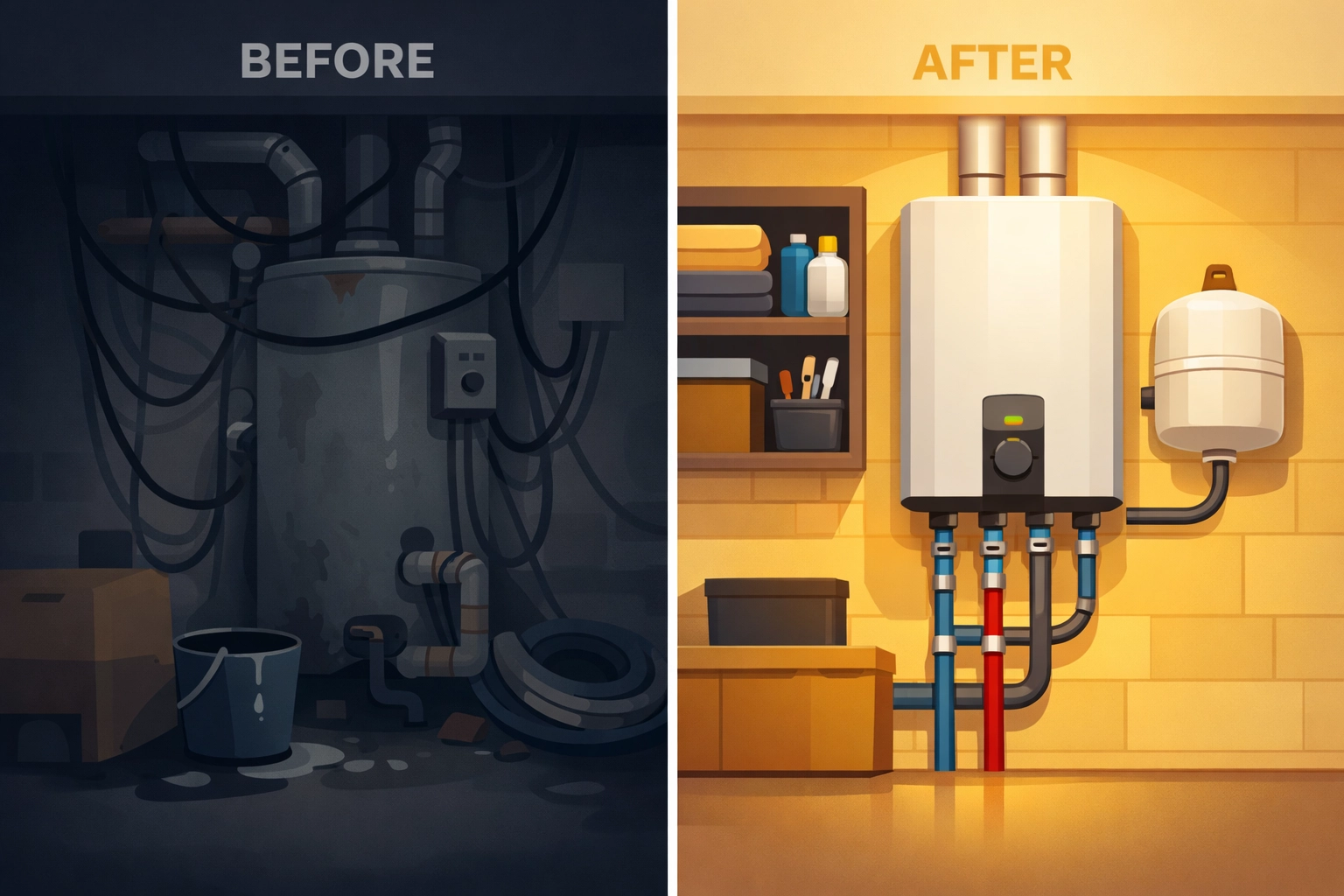
This is your "money shot." Clean up the area, wipe down the equipment, and take a photo from the same angle as your "before" shot.
The visual contrast between a messy, broken "before" and a clean, professional "after" is incredibly satisfying for a customer. It’s the easiest way to prove the value of your labor.
Step 4: Organizing and Sharing (1 Minute)
This is where most contractors fail. They have the photos, but they stay trapped on their phone.
If you use JobLuma, this step is basically non-existent. Because you’ve been taking photos within the app, the timeline is already built.
Here is the magic part: instead of emailing a massive ZIP file or a bunch of attachments that get flagged as spam, you just send a simple link.
The No-App Experience:
One of the core features of JobLuma is the customer experience. Your client receives a text or email with a link. They click it, and a beautiful, professional timeline opens in their mobile browser. No app download required. It makes you look like a tech-forward pro, and it takes them zero effort to view.
Check out our features page to see how this works in real-time.
The Secret to Great Job Photos (Without Being a Photographer)
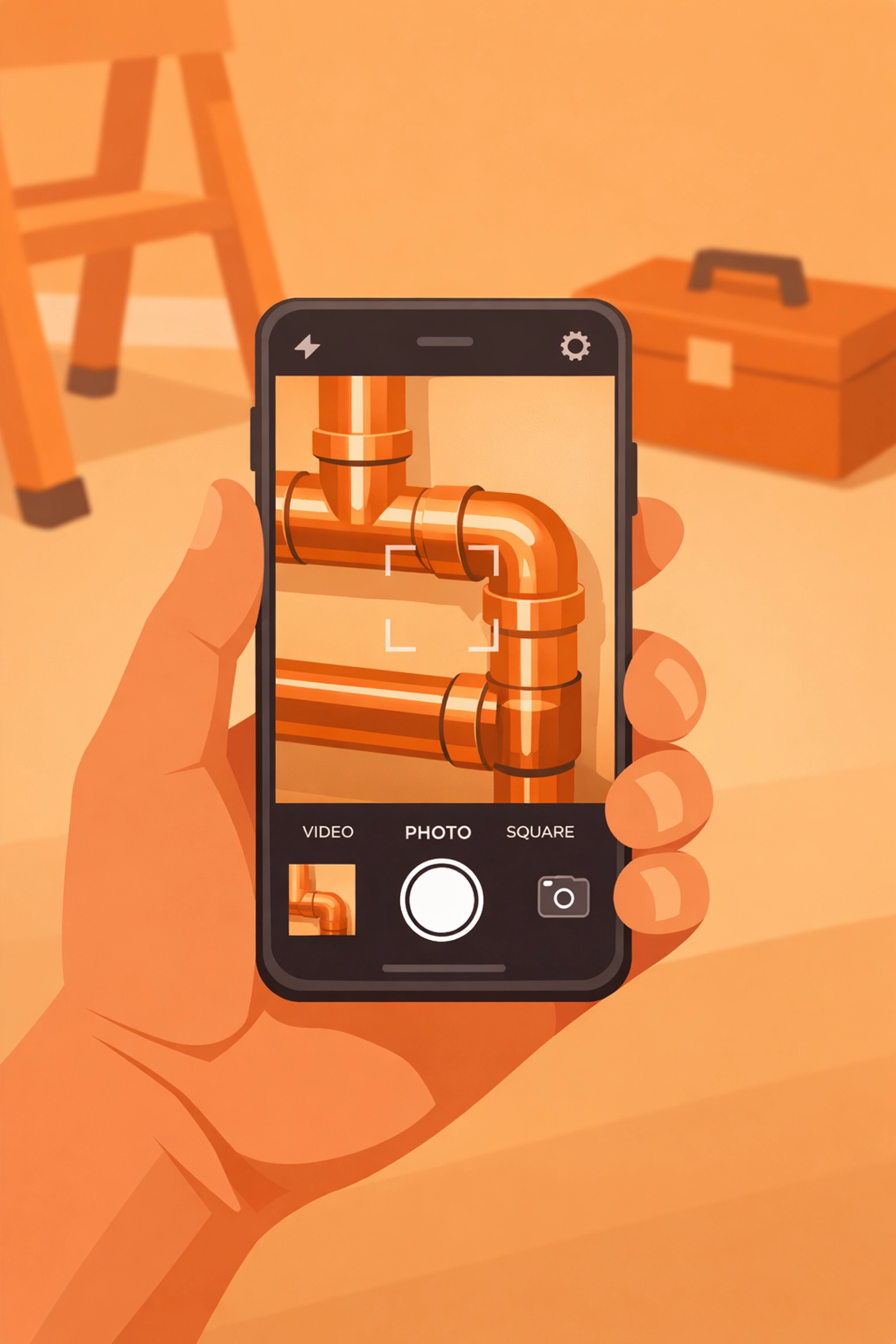
You don't need a fancy camera. Your phone is more than enough. But here are a few tips to make your contractor job app photos look top-tier:
- Steady Your Hands: Prop your elbows against your ribs to keep the camera still in low-light basements.
- Wipe Your Lens: Seriously. Keep a microfiber cloth in your pocket. Sawdust and thumbprints make photos look "soft" and unprofessional.
- Light it Up: Use your headlamp or a work light to illuminate dark corners. A bright photo looks a thousand times more professional than a grainy, dark one.
- The "Same Spot" Rule: Try to take the "after" photo from the exact same spot you took the "before" photo. It makes the transition in the timeline look seamless.
Avoiding the "Bloat"
When looking for a before and after photo app, keep it simple. If the software takes more than 10 minutes to learn, it’s probably going to end up as a wasted monthly subscription.
Small service businesses need tools that get out of the way. You want to spend your time fixing things, not fiddling with software settings. JobLuma was built with a "mobile-first" mindset. It’s designed to be used with one hand while you’re standing on a ladder.
If you're tired of the complex stuff, take a look at our pricing. We kept it as simple as the app itself.
Professionalism is the Competitive Edge
In a world where every homeowner has had a bad experience with a "no-show" or a "ghosting" contractor, being the guy who provides a clear, transparent photo timeline is a superpower.
It says: "I’m proud of my work, I have nothing to hide, and I value your time."
When you provide a professional photo timeline, you aren't just sending pictures; you're sending peace of mind. And in the service industry, peace of mind is worth a premium.

Ready to Level Up?
Stop scrolling through your camera roll trying to find that one photo from last Tuesday. Start building a library of your best work that you can use for marketing, liability, and customer satisfaction.
Creating a professional timeline shouldn't be a chore. With the right photo timeline app, it’s just another part of finishing the job: and it only takes five minutes.
If you’re ready to ditch the messy folders and start looking like the pro you are, sign up for JobLuma today. Or, if you have questions about how we can fit into your specific trade, feel free to reach out to us. We’re here to help you get back to what you do best: the actual work.
Want more tips?
Check out our blog for more advice on running a leaner, meaner service business, or visit our help center to see how easy it is to get started.
Leave a Reply