
If you’re a plumber, electrician, or HVAC tech, you know the drill. You finish a long day of breaking your back, and the last thing you want to do is sit down at a computer to organize photos from the job site. You’ve probably tried those "all-in-one" contractor software packages that promise to run your whole life, only to find out they’re more complicated than the wiring in a 1920s fixer-upper.
You just want to show the customer what you did, protect yourself from liability, and maybe have a few nice shots for your Instagram page. You don't need a project management degree; you just need a simple way to document your work.
In this post, we’re going to show you how to create professional photo timelines in under five minutes. No clunky interfaces, no massive manuals, and definitely no "bloatware."
Why Photo Documentation is Your Best Insurance Policy
Before we dive into the "how," let’s talk about the "why." Construction photo documentation isn't just about showing off a pretty finish. It’s about covering your assets.
Have you ever had a customer claim you damaged something you didn't even touch? Or perhaps they’re questioning why a repair took as long as it did? When you have a dated, organized photo timeline, those arguments evaporate. You have the "Before," the "During," and the "After" clearly logged.
A solid contractor photo app acts as a digital paper trail. It proves you did the work to code, showed up when you said you would, and left the place better than you found it.
The Problem with Traditional Contractor Software
Most software built for the trades is… well, it's a lot. They want you to manage your payroll, your fleet, your inventory, and your grandmother's birthday all in one app. While that sounds good on paper, it usually means the "photo" part of the app is buried under ten different menus.
Here is why most field service pros give up on traditional apps:
- The Learning Curve: You shouldn't need a two-week training course to upload a picture of a leaky pipe.
- The "App" Fatigue: Your customers don't want to download a special portal just to see their project photos. They want a link that works.
- Speed: If it takes more than 30 seconds to log a photo, you won't do it. You're busy.
That’s where a dedicated photo timeline app like JobLuma changes the game. We’ve stripped away the fluff and focused on what actually matters: getting the photos from your phone to the customer in a professional format without the headache.
The 5-Minute Photo Timeline Workflow
You don't need to be a professional photographer to create a stunning timeline. You just need a system. Here is the workflow used by the fastest (and most profitable) contractors.
1. The "Anchor" Shot (The Arrival)
When you pull up to the job, take 10 seconds to snap a photo of the "Before" state. This is your anchor point. Just like wedding photographers start with the ceremony time and work backward, we start with the initial problem. This sets the stage for the transformation.
2. The Progress Snaps (The "During")
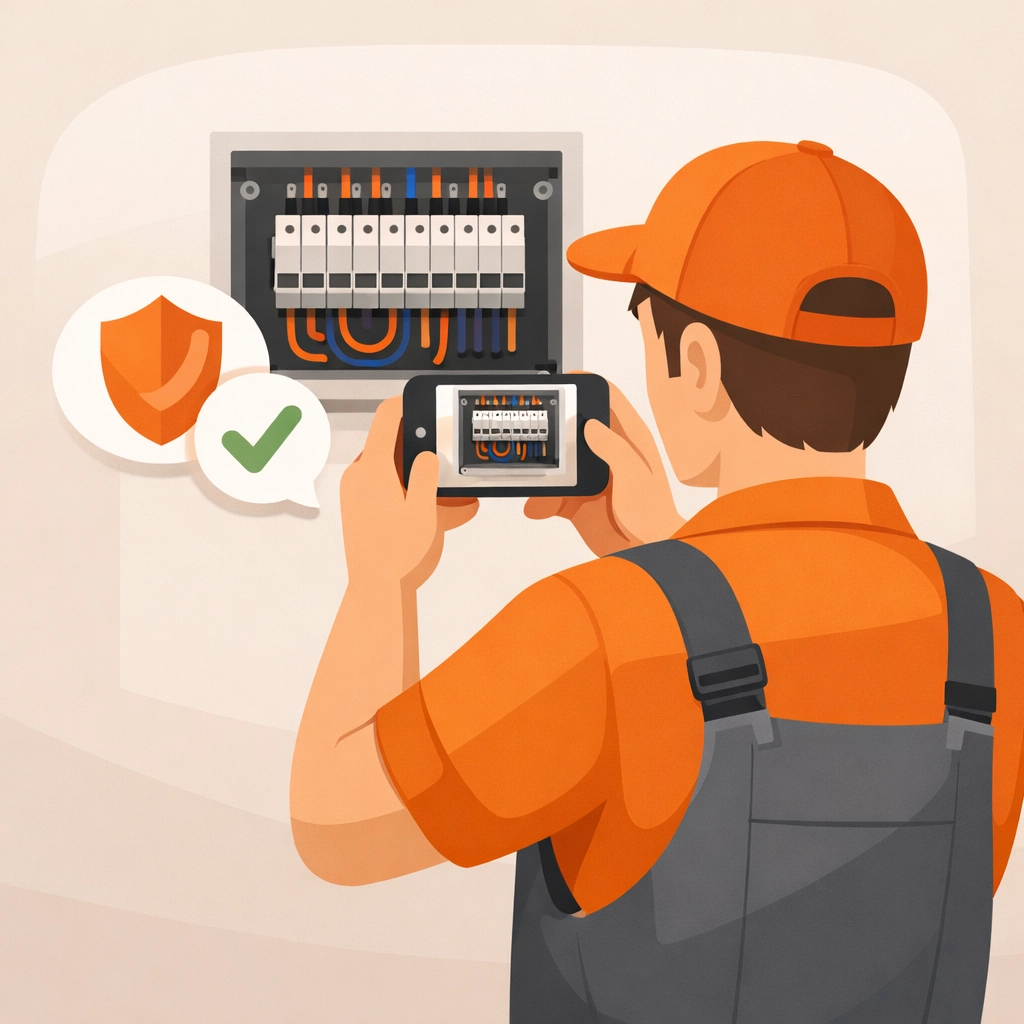
As you’re working, take photos of things that will eventually be covered up. Taking a picture of the wiring before the drywall goes up or the piping before the floor is laid is crucial for construction photo documentation. These aren't for social media; they're for the "Help" files if something goes wrong down the road.
3. The Money Shot (The "After")
Once the tools are packed and the area is clean, take your final photos. This is what you’ll use in your before and after photo app to show off your craftsmanship.
4. Organize in Real-Time
The biggest mistake is waiting until Friday night to organize Monday's photos. Using a contractor job app like JobLuma allows you to snap and tag photos directly to a project while you're still on-site.

Making the Customer Experience Seamless
One of the biggest hurdles with typical contractor software is the customer interaction. If you send a client a zip file or ask them to log into a "Client Portal," they probably won't look at it.
JobLuma was built with a "No-App-Download" philosophy for the customer. You send them a simple, professional link. They click it, and they see a beautiful, mobile-friendly timeline of their project. It makes you look like a tech-savvy pro, even if you’re just using your phone in your pocket.
You can learn more about how we simplify these interactions on our About page.
The Power of the "Before and After"
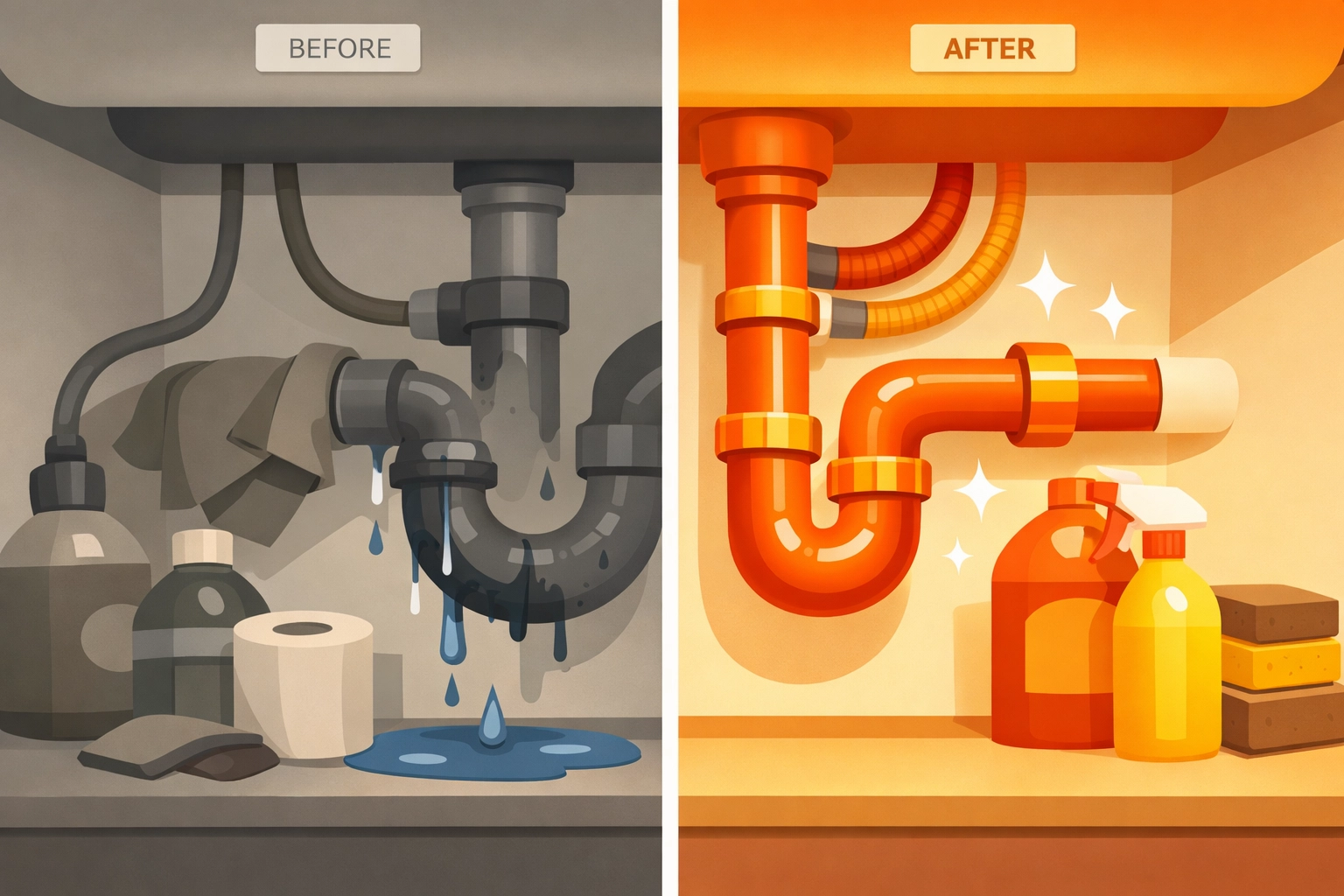
Psychologically, humans love transformations. It’s why HGTV is so popular. When you provide a clear before-and-after comparison, you aren't just showing work; you're showing value.
A dedicated before and after photo app allows you to put these shots side-by-side. This is your best marketing tool. When a potential client sees a messy, dangerous electrical panel turned into a neat, labeled masterpiece, the price becomes secondary to the quality they can clearly see.
Tips for Better Job Site Photos
You don't need the latest iPhone Pro Max to get good results, but these three tips will make your photo timelines look 10x more professional:
- Clean the Lens: This sounds silly, but your phone is in your pocket with sawdust and lint. Wipe the lens on your shirt before you click.
- Let There Be Light: Use your work lights. Shadows hide your hard work. A well-lit photo looks "expensive."
- The "Wide and Tight" Method: Take one wide shot to show the whole room (context) and one tight shot of the specific repair (detail).
Why Simple is Better for Field Services
In the world of field services software, there is a tendency to add more features to justify higher prices. But for a small shop or a solo contractor, "more" usually just means "slower."
If your contractor photo app is too slow to load or too complicated to navigate, you’ll revert to just keeping photos in your general camera roll. And we all know what happens then: they get mixed up with your weekend BBQ photos, you can’t find them when you need them, and they never get sent to the client.
JobLuma is mobile-first and simple by design. We want you to spend five minutes on your documentation so you can spend the rest of your time actually doing the work (or going home to see your family).

Getting Started Without the Stress
Ready to ditch the clunky software? Here is how you can start creating professional timelines today:
- Sign Up: Head over to our signup page and get your account ready.
- Create Your First Job: It takes about 30 seconds.
- Snap and Go: Use the mobile-first interface to add photos as you work.
- Share the Link: Send the professional timeline to your customer via text or email. No downloads required.
If you ever get stuck, our help center is always available to guide you through, but we've designed everything to be so intuitive you likely won't need it.
Conclusion: Let Your Work Speak for Itself
At the end of the day, your reputation is built on the quality of your work and how you communicate that quality to your clients. You don’t need to spend hours at a desk to look like a professional. By using a dedicated photo timeline app, you can document your expertise in five minutes or less.
Stop fighting with bloated contractor software and start using a tool designed for the way you actually work. Check out our pricing to find a plan that fits your business, and let’s get those "Before and Afters" working for you.
Check out more tips on our blog or contact us if you have any questions!
Leave a Reply