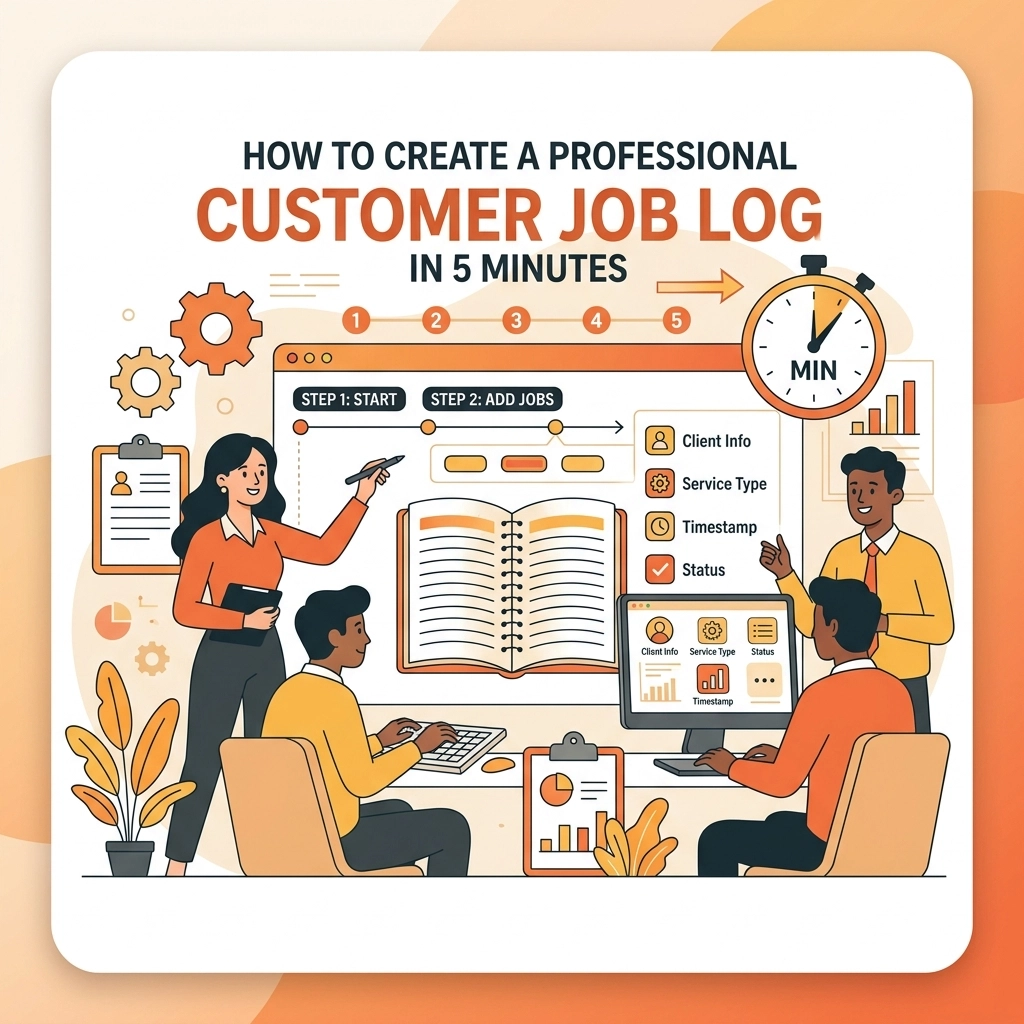
Let’s be honest: you didn’t get into the trades because you loved paperwork. Whether you’re an electrician crawling through a dusty attic, a plumber dealing with a burst pipe, or an HVAC tech keeping families cool in the summer, your office is the job site. The last thing you want to do after a long day of manual labor is sit down at a laptop to "document your process."
But here’s the reality: in 2026, if it isn’t documented, it didn’t happen.
Customers want to see what they’re paying for. Insurance companies want proof. And you? You want to make sure that when you leave a site, the job is done right and the customer is blown away. The problem is that most contractor software is either too complicated, too expensive, or requires you to spend more time staring at your phone than working with your hands.
What if I told you that you could create a professional, branded customer job log in under five minutes? No complex spreadsheets, no bloated project management tools, and, most importantly, no tech headaches.
Why the "Old Way" of Job Logs is Killing Your Productivity
Most contractors fall into one of two camps.
Camp A uses the "camera roll" method. You take a bunch of photos on your phone. They get buried under photos of your dog, your kids, and that weird lunch you had on Tuesday. Three weeks later, a customer asks for a status update, and you’re scrolling for ten minutes trying to find the "before" picture of their water heater.
Camp B uses "bloated software." You know the kind. It’s designed for massive construction firms building skyscrapers. It has 400 buttons, requires a three-day training course, and asks you to fill out 20 fields just to upload one photo.
Neither of these works for a small service business. You need something fast. You need a contractor photo app that works at the speed of your business.

The Secret to a 5-Minute Job Log: Focus on the Visuals
People don’t want to read a 10-page report. They want to see the progress. A professional job log should be a visual story of the work you’ve done. This is where construction photo documentation becomes your best friend.
A "Professional Job Log" really only needs three things:
- The Before: Evidence of the problem you were called to fix.
- The During: Proof of the quality of your work (the stuff behind the walls).
- The After: The finished, polished result.
If you can capture these three things quickly, you’ve done 90% of the work. The remaining 10% is just getting that info into the customer’s hands without them having to download an app or log into a portal.
Step-by-Step: How to Build Your Log with JobLuma
At JobLuma, we built our tool specifically for the guys and girls in the field. We stripped away the fluff and focused on a mobile-first design that gets the job done. Here is how you create that professional log in 5 minutes flat.
Minute 1: Set Up the Job
Open JobLuma on your phone. You don’t need a desktop. You don't even need to be in the office. Just type in the customer's name and the job location.
Minute 2: The "Before" Shots
Before you pick up a wrench or a screwdriver, snap two or three photos. If you're using a before and after photo app like ours, these photos are automatically timestamped and geotagged. This protects you. If a customer claims you broke something that was already cracked, you’ve got the proof right there.
Minute 3: Real-Time Updates
As you work, snap a photo of the "guts" of the project. Maybe it’s the clean wiring inside a panel or the new PEX lines before the drywall goes up. This builds massive trust. Most customers don't understand what you do, but they can see "neat and tidy" work when it’s presented clearly.
Minute 4: The "After" Shots
The job is done. The site is clean. Take those final hero shots. This is the "wow" factor.
Minute 5: Share the Timeline
This is where the magic happens. Instead of sending 15 individual text messages with photos, you hit "Share." JobLuma generates a professional photo timeline app view for your customer. You send them one link. They click it, and they see a beautiful, organized timeline of the entire job.

Why "No-App-Download" is a Game Changer
We’ve all been there. A company asks you to "download our app to see your invoice" or "create an account to track your project."
What do you do? You roll your eyes and ignore it.
Your customers are the same way. They don’t want another icon on their home screen. They don’t want to remember another password. One of the biggest advantages of using JobLuma is the frictionless customer experience. You send a link, they see the work. Simple as that.
When you make it easy for the customer, you look like a tech-savvy pro, even if you hate computers. This level of professionalism is what allows you to charge premium prices and win more bids.
More Than Just Photos: Avoiding the "He-Said, She-Said"
Let’s talk about the nightmare scenario: a dispute.
A month after you finish a roofing job, the customer calls saying there’s a leak. Without a job log, it’s your word against theirs. But with a solid contractor job app, you can pull up the timeline in seconds.
"Hey, I’m looking at the photo from June 12th at 2:14 PM. We documented the flashing on that chimney specifically, and it was sealed perfectly. Let’s take a look at what’s changed."
Having that construction photo documentation doesn’t just help you look good; it protects your bottom line. It’s like having an insurance policy that only takes 5 minutes to write.
Better Documentation = Better Referrals
When you send a customer a beautiful, organized timeline of the work you did, they don't just keep it to themselves. They show it to their neighbor who needs a plumber. They post it on Facebook when someone asks for a recommendation.
A visual job log is a marketing tool. It’s a portfolio that builds itself while you’re working. If you want to see how this can change your business, check out our features page to see how simple it really is.

The Problem with Bloated Project Management Software
If you've searched for contractor software before, you've probably seen the "all-in-one" monsters. They want to handle your accounting, your GPS tracking, your payroll, and your cat's birthday.
For a small crew or a solo operator, that's just noise. You need a tool that does one thing incredibly well: documenting the job. By focusing on a photo timeline app approach, you stay organized without the overhead.
You don't need to spend $300 a month on a system that you only use 5% of. You can see our pricing here to see how we keep things affordable for the actual boots-on-the-ground contractors.
Tips for Better Job Photos
To make your 5-minute log look like it took an hour, follow these quick tips:
- Lighting is everything: If you’re in a dark crawlspace, use a work light. Grainy photos look unprofessional.
- The "Wide and Tight" Rule: Take one wide shot of the whole room/area, and one tight shot of the specific repair or installation.
- Clean the Lens: Seriously. Wipe your phone lens on your shirt before you take a photo. It makes a world of difference.
- Include Your Face (Occasionally): A quick selfie with the finished project reminds the customer that a real person did this great work.

Stop Guessing, Start Logging
If you're still relying on your memory and a cluttered camera roll, you're leaving money on the table. You're risking disputes, and you're missing out on the easiest marketing move in the book.
Creating a professional customer job log doesn't have to be a chore. With a mobile-first, simple tool like JobLuma, you can get it done while you’re walking back to the truck to grab a tool.
Ready to get started? It takes less time to sign up than it does to drink a cup of coffee. Give your customers the professional experience they expect and give yourself the peace of mind you deserve.
If you have questions about how to integrate this into your workflow, our help center is always available, or you can contact us directly. We’re here to help the trades stay ahead.
No more paperwork headaches. Just great work, documented simply. That's the JobLuma way.
Leave a Reply