Let’s be honest: as a contractor, you’ve got a million things on your mind. Between managing a crew, ordering materials, and actually doing the work, remembering to pull out your phone and snap a photo is usually the last thing on your list.
But then it happens. A customer claims you scratched their hardwood floor. Or an inspector asks to see the electrical wiring behind a wall that was closed up three days ago. Suddenly, that "missing photo" becomes a massive headache: and potentially a massive expense.
Construction photo documentation isn't just about showing off your work on Instagram. It’s your insurance policy, your proof of progress, and your best tool for getting paid faster. However, just "taking photos" isn't enough. If you’re doing it wrong, you’re wasting time and still leaving yourself at risk.
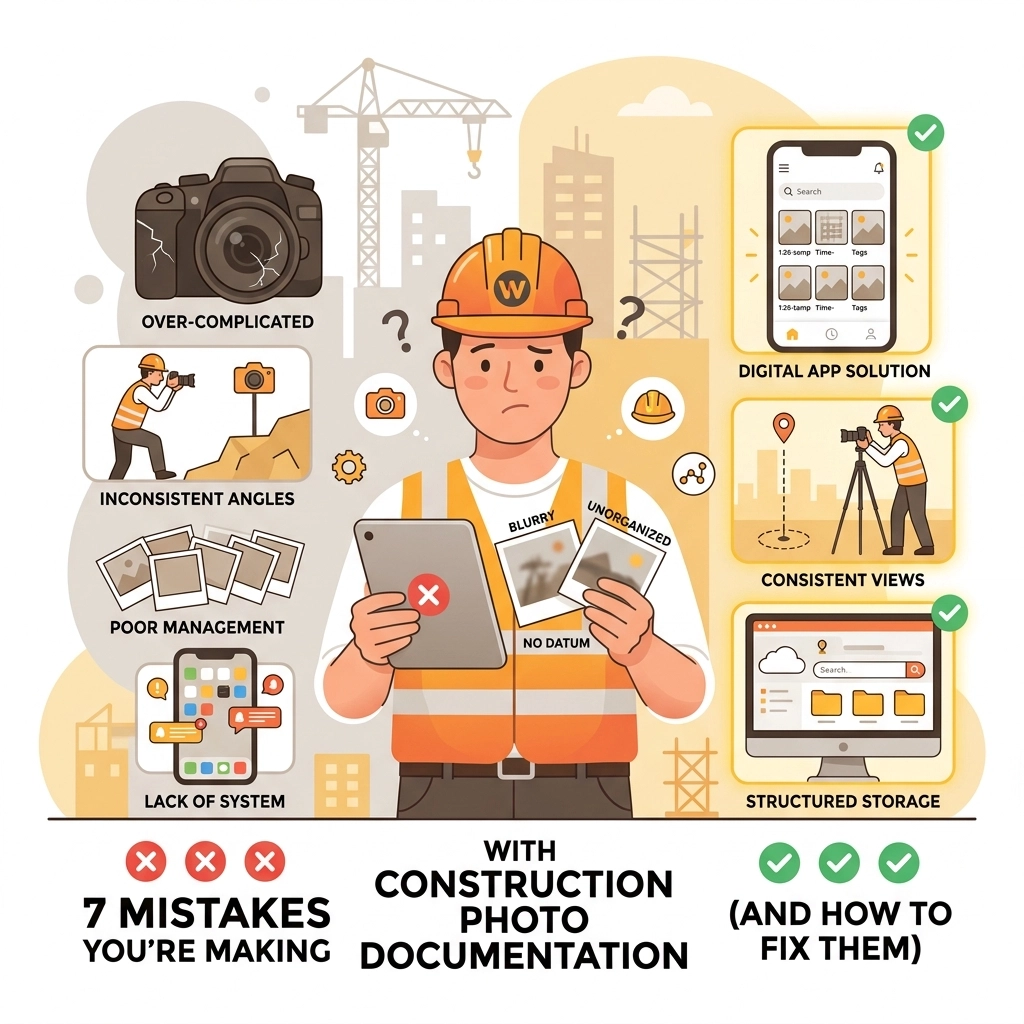
Here are the 7 biggest mistakes we see small service contractors making with their construction photo documentation and, more importantly, how you can fix them using simple contractor software.
1. The "Where the Heck is This?" Photo
We’ve all seen it. You’re looking through your gallery and find a close-up photo of a pipe. It’s a great photo of a pipe. But which house was it? Which bathroom? Is it the upstairs leak or the basement one?
The Mistake: Taking close-up shots without any context or location markers.
The Fix: Always take a "context shot" first. Before you zoom in on that beautiful solder joint, take a wide-angle photo of the entire room. If you’re using a dedicated contractor photo app, it should automatically tag the photo to the specific job or address. This way, when you’re looking back six months from now, you know exactly where that pipe lives.

2. Living in the Dark (Literally)
You’re working in a crawlspace or a dark attic. You snap a photo, it looks "okay" on your screen, and you move on. Later, when you need to prove the insulation was installed correctly, you realize the photo is a grainy, blurry mess that proves absolutely nothing.
The Mistake: Poor lighting and failing to check image quality in the moment.
The Fix: Modern smartphones have incredible cameras, but they still need light. Carry a headlamp or a work light and aim it at the subject: not the camera. Also, take a second to "chimp" your photos (check them immediately). If it’s blurry, delete it and take another. Using a mobile-first design tool like JobLuma makes it easy to quickly scroll through your session to ensure everything is crystal clear before you leave the job site.
3. The "Swiss Cheese" Timeline
You took a photo when you arrived (the "Before") and a photo when you finished (the "After"). But the customer is questioning why the job took six hours. You have no proof of the "During": the part where you found a rusted-out valve or a hidden structural issue that required extra labor.
The Mistake: Only documenting the start and the finish, leaving huge gaps in the project's story.
The Fix: Think of your photos as a timeline. A good photo timeline app should help you document the "obstacles" encountered during the job. These middle-of-the-process photos are often the most important for justifying change orders or extra charges. If you find a problem, snap it, timestamp it, and send it to the client immediately.
4. The Digital Junk Drawer
Where do your job photos go? If they’re living in your phone’s general "All Photos" gallery alongside pictures of your kids and what you had for lunch, you have a digital junk drawer problem.
The Mistake: Mixing personal and professional photos without a naming convention or organization system.
The Fix: You need a dedicated contractor job app. Stop dumping everything into a massive group chat or a messy camera roll. Tools like JobLuma allow you to organize photos by project automatically. This means when a dispute arises, you aren't scrolling for twenty minutes trying to find "that one photo from the Smith job." You just go to the Smith project folder, and there it is.

5. Buying a Spaceship to Mow the Lawn
A lot of contractors realize they need better documentation, so they go out and buy the biggest, most expensive project management software on the market. Six months later, they’ve stopped using it because it’s too complicated, takes too long to load, and the crew hates it.
The Mistake: Choosing bloated, over-engineered software that’s built for skyscrapers, not residential service calls.
The Fix: Keep it simple. If you’re an electrician, plumber, or HVAC tech, you don't need a 3D BIM modeler. You need a simple photo documentation tool that works as fast as you do. Focus on software that offers a no-app-download customer experience. Your clients don't want to create an account or download an app just to see your progress photos. They want a link they can click to see the work. Check out our features page to see how simple it can be.
6. Forgetting the "Guts" (The MEP Mistake)
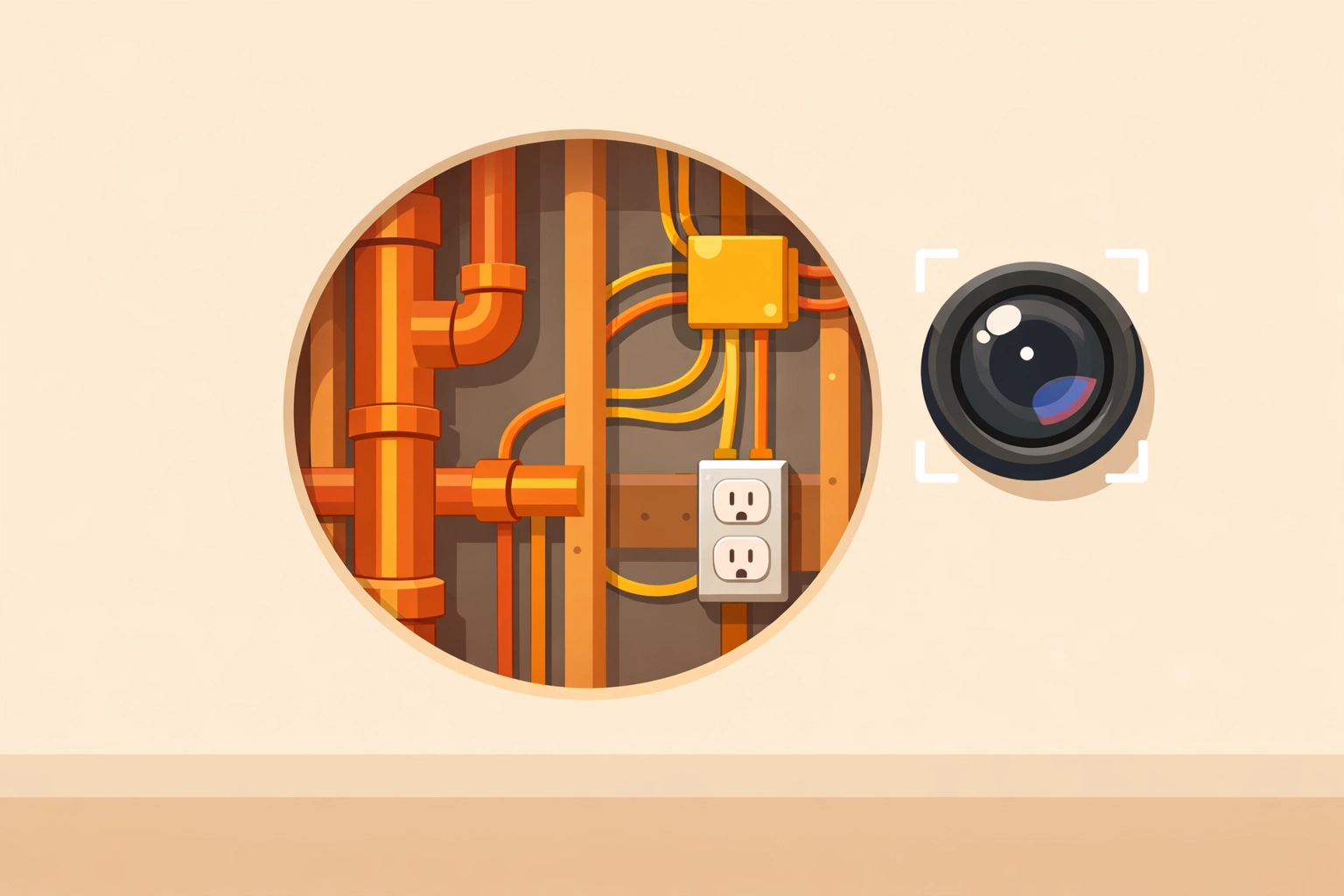
For plumbers and electricians, the most critical work is often what the customer never sees. Once the drywall goes up, your Mechanical, Electrical, and Plumbing (MEP) systems are hidden forever.
The Mistake: Failing to document "hidden work" before it’s covered up.
The Fix: Make "Pre-Drywall" photos a mandatory part of your workflow. Photograph every wire run, every pipe connection, and every junction box. This is your "X-ray vision" for the future. If a homeowner decides to hang a heavy TV and drills into a pipe two years later, your photos will prove exactly where that pipe was located, saving you from a "your fault" phone call.
7. Skipping the "Before" Shot
We’ve all been there: you’re in a rush to start the work, so you jump right in. Halfway through, you realize there was a pre-existing crack in the ceiling or a stain on the carpet. Since you didn't document it before you started, guess who the customer is going to blame?
The Mistake: Not documenting existing site conditions before any tools touch the floor.
The Fix: Before you even bring your tool bag into the house, take 60 seconds to walk the path you’ll be taking. Snap photos of the floors, the walls near your workspace, and any pre-existing damage. It’s not about being cynical; it’s about professional protection. A quick "Site Condition" folder in your before and after photo app can save you thousands in fraudulent damage claims.
Why Simple is Better for Contractors
At JobLuma, we believe that the best tool is the one you actually use. Most field service pros aren't sitting at a desk; they’re on a ladder or in a van. That’s why we built our platform to be a mobile-first design.
If your current process involves:
- Taking photos on your phone.
- Emailing them to yourself.
- Uploading them to a computer.
- Sorting them into folders.
…then you are working too hard.
With a dedicated contractor photo app, those steps are consolidated into one. You snap the photo, it's automatically organized, and it's instantly available for your team and your customers.
The Power of the Before and After
Customers love visual proof. There is nothing more satisfying (or professional) than sending a client a side-by-side comparison of their old, leaking water heater and the shiny new one you just installed. It reinforces the value of your work and builds a level of trust that "just a bill" never can.
Using a before and after photo app isn't just about protection: it's about marketing. Those photos are the best testimonials you have.
Stop Making These Mistakes Today
Documentation shouldn't feel like a chore. If you find yourself avoiding it because your current software is too "clicky" or slow, it’s time for a change.
Avoid the bloated project management traps. You don't need a system that tracks your fuel consumption and manages your 401k; you need a tool that makes photo logging effortless.
Ready to see how simple your job site documentation can be? Check out our pricing or sign up for free today. Let's get those photos organized so you can get back to what you do best: the actual work.
Keywords: contractor software, before and after photo app, construction photo documentation, contractor job app, contractor photo app, photo timeline app.
Leave a Reply