
Let’s be honest: you didn’t get into the trades because you loved paperwork. Whether you’re an electrician pulling wire, a plumber fixing a slab leak, or an HVAC tech installing a new split system, your office is the job site, not a desk.
Yet, as your business grows, the "office work" starts to pile up. You know you need to show your customers what you’ve done. You know you need to document everything to protect yourself from "he-said, she-said" disputes. But when you look for contractor software to help, you’re usually met with "bloated" project management tools that feel like they were designed for NASA engineers, not someone wearing work boots.
You don't need a 20-step Gantt chart to show a homeowner that you fixed their leaky pipe. You need a way to prove your value quickly and get on to the next job.
Here’s how you can create a professional, impressive job timeline in under five minutes, without the headache of complex software.
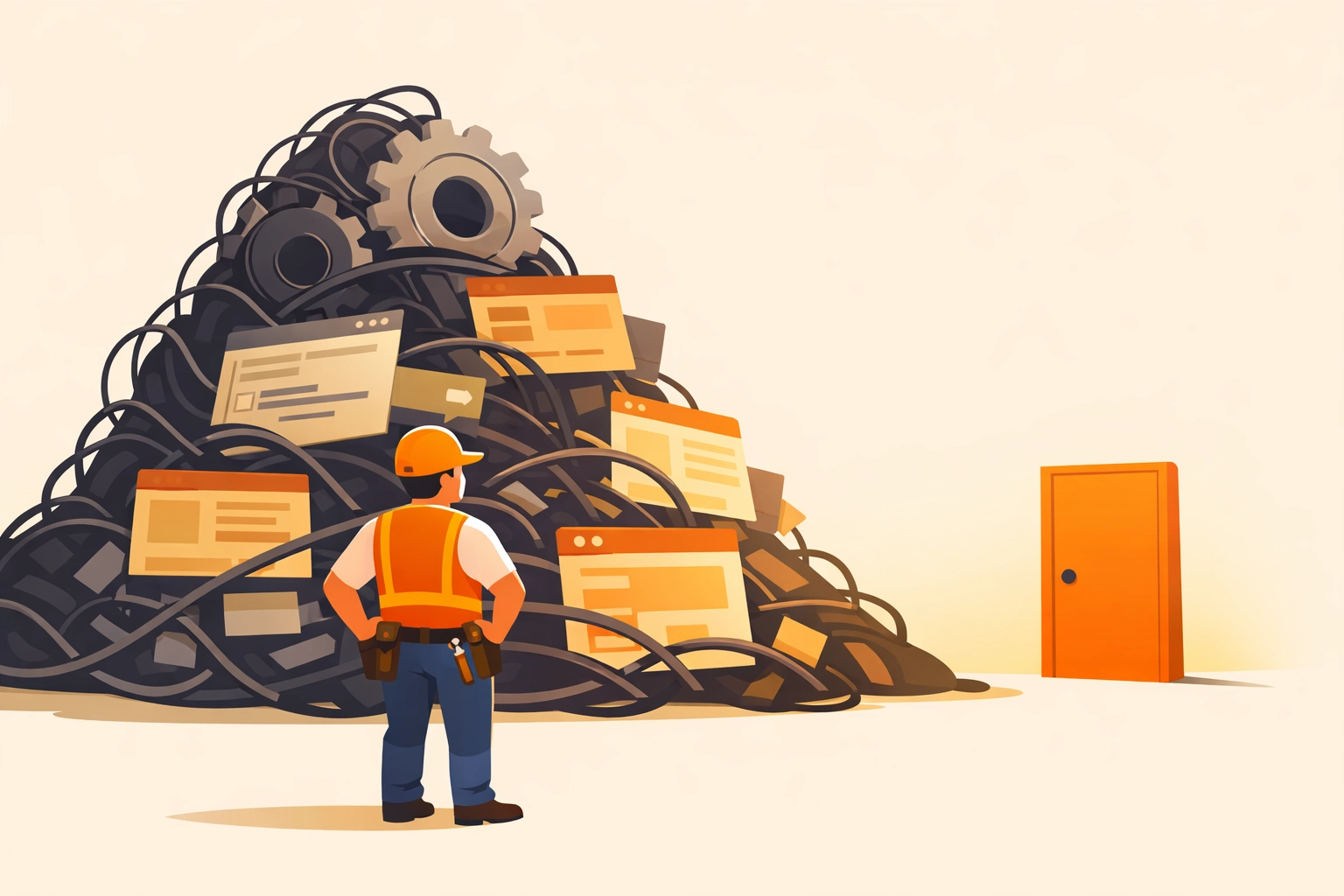
The Problem with "Bloated" Contractor Apps
Most contractor job apps try to do way too much. They want to be your CRM, your accounting software, your GPS tracker, and your social media manager all at once. For a small service contractor, this is a nightmare for three reasons:
- The Learning Curve: You don't have three days to watch "onboarding videos." You need to be able to open the app and use it immediately.
- The "App Fatigue" for Customers: Most software requires your customer to download an app or create an account just to see their project updates. Guess what? They won't do it. They’ll just ignore it and call you anyway.
- The Price Tag: Why pay $100+ a month for 50 features when you only use two of them?
The goal isn't to spend more time on your phone; it’s to use your phone to get hours of your life back. That’s where simple construction photo documentation comes in.
Why a Visual Timeline is Your Best Sales Tool
A job timeline isn’t just a list of dates. For a service contractor, it’s a visual story. It shows where the project started, the hard work that happened behind the walls (the stuff the customer never sees), and the beautiful finished product.
Using a before and after photo app approach is the single most effective way to:
- Build Instant Trust: When a customer sees exactly what you did, they don't question the invoice.
- Get Paid Faster: Visual proof of completion removes the "I'll pay when I see it" excuse.
- Win More Referrals: A professional-looking timeline is something a homeowner will actually want to show their neighbors.
Step-by-Step: The 5-Minute Timeline
You don't need to be a tech genius. If you can take a photo on your phone, you can do this.
1. The "Before" Shot (30 Seconds)
The second you walk onto a job site, take three photos. Not just of the problem, but of the surrounding area. This is your "insurance policy." If a homeowner claims you scratched their floor, you have the "before" photo to prove the scratch was already there.
2. The "Guts" of the Job (2 Minutes)
This is where most contractors fail. They take a photo at the start and a photo at the end. But the real value, the reason you charge what you do, is the work in the middle. Take photos of the new wiring before the drywall goes up. Take photos of the properly soldered joints. This is the photo timeline app magic that justifies your professional rates.
3. The "Money Shot" (30 Seconds)
Clean up the site and take your "After" photo. Make sure the lighting is decent. This is the photo that sells your next job.
4. The Share (1 Minute)
Instead of emailing a zip file of 20 photos that the customer can’t open, you send a single link.
This is where JobLuma shines. With our contractor photo app, you don't make your customer download anything. You send them a link, they click it, and they see a beautiful, branded timeline of their project.

Why "No-App-Download" is a Game Changer
Think about the last time a business asked you to "Download our app to see your receipt." You probably rolled your eyes. Your customers feel the same way.
The modern homeowner wants a "Uber-like" experience. They want a link in a text message. By using a mobile-first design that works in any web browser, you make it easy for them to stay informed. When things are easy for the customer, they are happy. And happy customers leave 5-star reviews.
You can check out how we handle this on our features page.
Case Study: The "Invisible" HVAC Install
Imagine an HVAC tech, Mike. Mike replaces a furnace in a cramped, dark basement. The homeowner stays upstairs the whole time because it’s cold and loud. At the end of the day, Mike hands over an invoice for $8,000.
Without a timeline, the homeowner thinks: "Wow, $8,000 for a metal box in my basement?"
With a JobLuma timeline, the homeowner gets a text. They see:
- The old, rusted unit being hauled out.
- The precision metalwork Mike did to fit the new plenum.
- The new, shiny unit perfectly leveled and wired.
Suddenly, that $8,000 feels like a bargain because they saw the expertise involved. That’s the power of construction photo documentation.

How to Stop Being a "Digital Janitor"
A lot of contractors try to do this manually. They have folders on their phones with 5,000 unsorted photos. They spend Sunday nights trying to remember which "Photo_042.jpg" belongs to which client.
That’s being a digital janitor. You’re cleaning up data instead of making money.
A dedicated contractor job app should organize the photos for you based on the job. You snap the photo, it goes into the client's timeline, and you're done. No sorting, no renaming, no "I'll do it later."
If you're tired of the manual mess, you can see our simple pricing here to see how affordable it is to automate this.
Frequently Asked Questions
Does this take up all my phone's storage?
If you’re just saving photos to your camera roll, yes. If you’re using a cloud-based photo timeline app, the photos are stored safely online, keeping your phone lean and fast.
What if I have a crew?
The best systems allow your guys in the field to snap photos that sync instantly to your dashboard. You can see progress in real-time without having to call them every twenty minutes.
Is it hard to set up?
It shouldn't be. You should be able to sign up and be ready to go in the time it takes to finish a cup of coffee.
Conclusion: Keep It Simple, Get It Done
You don't need a bloated suite of tools to look professional. You need a way to show your work, build trust, and protect your business. By focusing on a simple, photo-first timeline, you provide a better experience for your customers and a less stressful workday for yourself.
Stop wrestling with complex software and start documenting your wins. Your bank account (and your sanity) will thank you.
Ready to see how simple it can be? Learn more about us or jump right in and get started today.
Need help getting your first timeline set up? Check out our help center or contact us anytime!
Leave a Reply