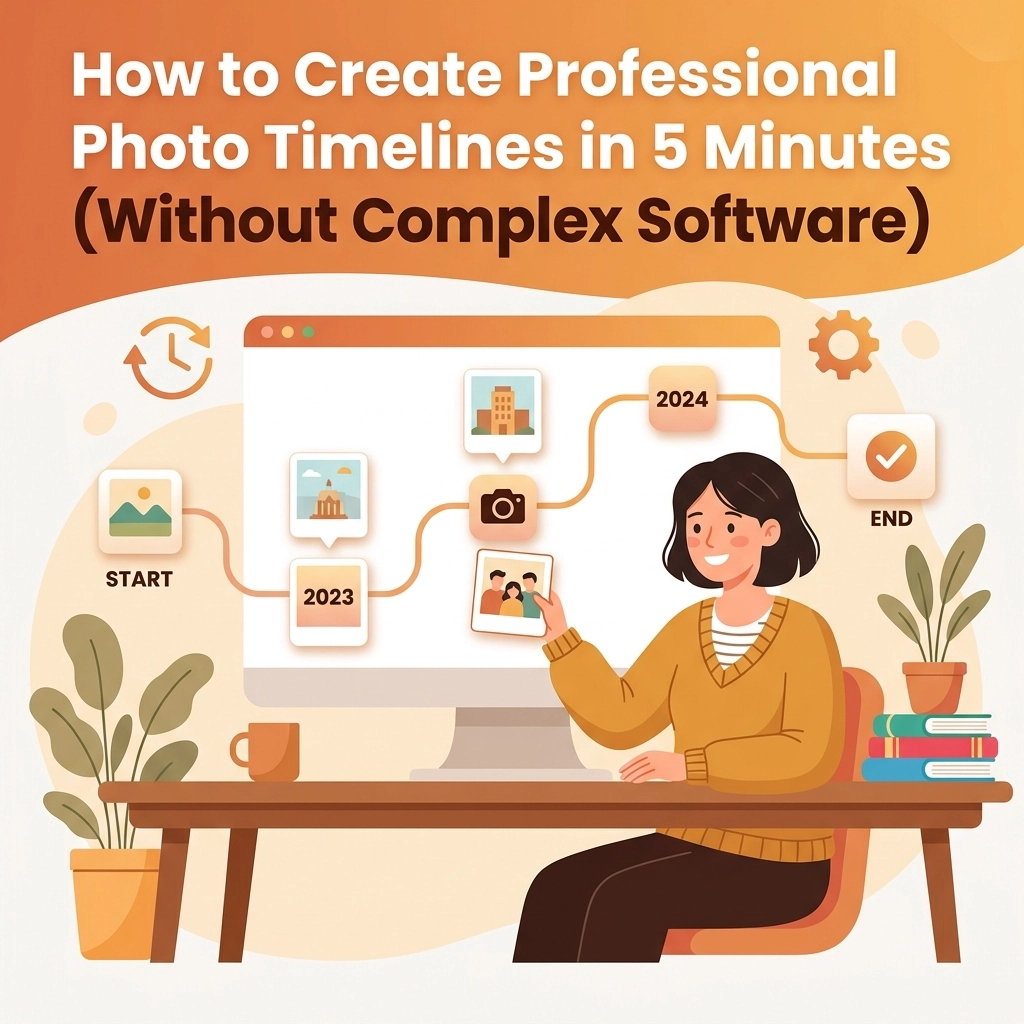
Let’s be honest: you didn’t get into the trades because you wanted to spend your evenings fighting with a computer. Whether you’re an electrician, a plumber, or an HVAC tech, your office is the field. Your tools are your hands, your van, and your expertise.
But in 2026, there’s another tool that’s becoming just as important as your wrench or your multimeter: the photo timeline.
You know the drill. You arrive at a job site, take a "before" picture of a leaky water heater or a bird's nest of wires in a panel. You do the work, it looks great, and you take an "after" photo. Maybe you take a few shots in between to show the progress.
Then what? Those photos sit in your phone’s camera roll, sandwiched between pictures of your dog and screenshots of your grocery list. When the client asks for proof of work, or when you need to show off your skills on social media, you’re stuck scrolling through thousands of images trying to find that one specific job from three weeks ago.
It’s a mess. And the solution: usually some "all-in-one" project management software: is often worse than the problem. Those big apps are bloated, expensive, and take a PhD to figure out.
The good news? You can create professional photo timelines in under five minutes without losing your mind. Here’s how.
The Problem with "Big" Contractor Software
If you’ve looked for a contractor job app lately, you’ve probably seen the giants. They promise to handle your scheduling, your payroll, your inventory, your GPS tracking, and your grandma’s birthday reminders.
For a small service business, that’s overkill. You don’t need a digital Swiss Army knife when all you need is a reliable hammer. These bloated platforms often come with:
- A steep learning curve: You spend more time watching "how-to" videos than actually using the software.
- High monthly costs: You’re paying for 50 features you’ll never use.
- The "App Fatigue" factor: Your customers don't want to download yet another app just to see the progress on their bathroom remodel.
This is where construction photo documentation usually fails. It’s either too disorganized (the camera roll) or too complicated (the enterprise software). We built JobLuma to sit right in the sweet spot: simple, fast, and mobile-first.

Why Photo Timelines Are Your Best Sales Tool
Before we dive into the "how," let's talk about the "why." Why should you care about a before and after photo app?
1. It Builds Instant Trust
When a customer sees a professional timeline of the work you’ve done, they see transparency. They see exactly what was broken and exactly how you fixed it. It eliminates the "What am I actually paying for?" question.
2. Liability Protection
Documentation is your best friend when things go sideways. If a client claims you damaged something that was already broken, a timestamped photo from your timeline is your get-out-of-jail-free card.
3. Faster Payments
When you send over a professional-looking report along with the invoice, clients are much more likely to pay quickly. It looks official. It looks complete.

The 5-Minute Method: How to Create Professional Timelines
You don’t need Photoshop. You don’t even need a desktop computer. You can do this entirely from your phone while you’re sitting in your van before heading to the next call.
Step 1: Capture as You Go
The secret to a 5-minute timeline is not doing everything at the end. Use a dedicated contractor photo app that allows you to snap pictures directly into a job folder.
Don't just take one photo. Take three:
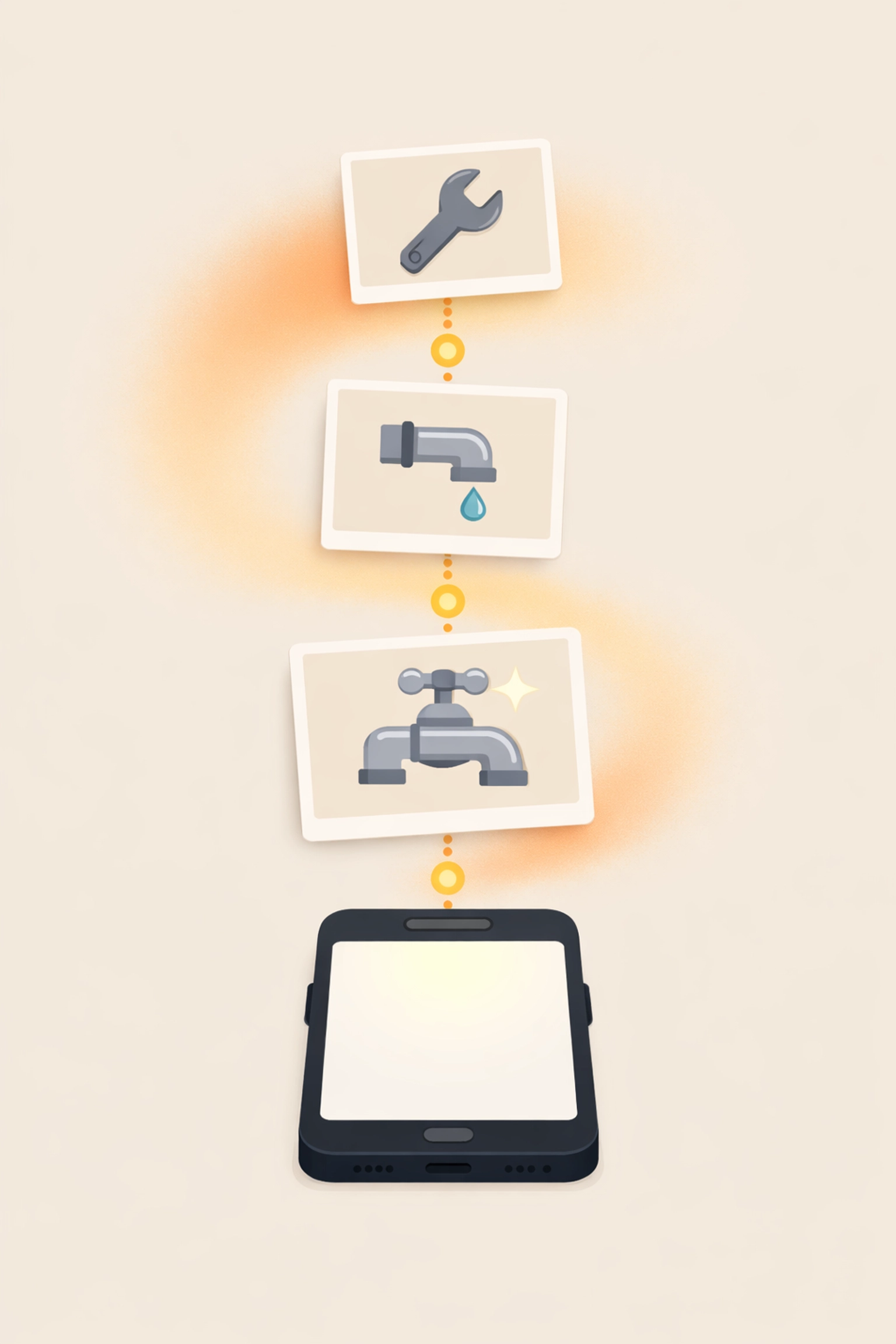
- The Before: The problem in its original state.
- The During: The "guts" of the project that will be covered up later (wiring, piping, insulation).
- The After: The finished, clean result.
Step 2: Skip the Folders, Use Labels
Traditional folders on a phone or computer are where photos go to die. Instead, look for a system that automatically organizes photos by job or location. In JobLuma, you just open the job and hit the camera icon. Everything is automatically tagged and synced.
Step 3: Generate the Report
This is where the magic happens. Instead of manually dragging photos into a Word document or a Canva template, a good photo timeline app should have a "Generate Timeline" button.
With one tap, your photos are arranged chronologically, timestamped, and branded with your company info. You’re done in seconds, not hours.
Why JobLuma is Different (And Simpler)
We didn't build JobLuma for the massive corporations with 500 trucks. We built it for you. We focused on the features that actually matter to a guy in the field.
No App Download for Customers
This is the big one. If you want to show a customer their photo timeline, you shouldn't have to ask them to create an account or download an app from the App Store. With JobLuma, you can send a simple link via text or email. They click it, and they see their professional timeline in their phone's browser. It's clean, it’s fast, and it makes you look like a tech-savvy pro.
Mobile-First Design
Some software claims to be "mobile-friendly," but what they really mean is "we took our desktop site and made it tiny." JobLuma was designed for the thumb. Big buttons, simple navigation, and a focus on speed. You can check out our pricing to see how we keep things affordable for small shops.
Before and After Comparison
Nothing tells a story like a side-by-side comparison. Our before and after photo app features allow you to highlight the transformation of a job site instantly. It’s perfect for your website or for sending to a happy client who wants to brag about their new renovation on Facebook.
Stop Managing Photos, Start Using Them
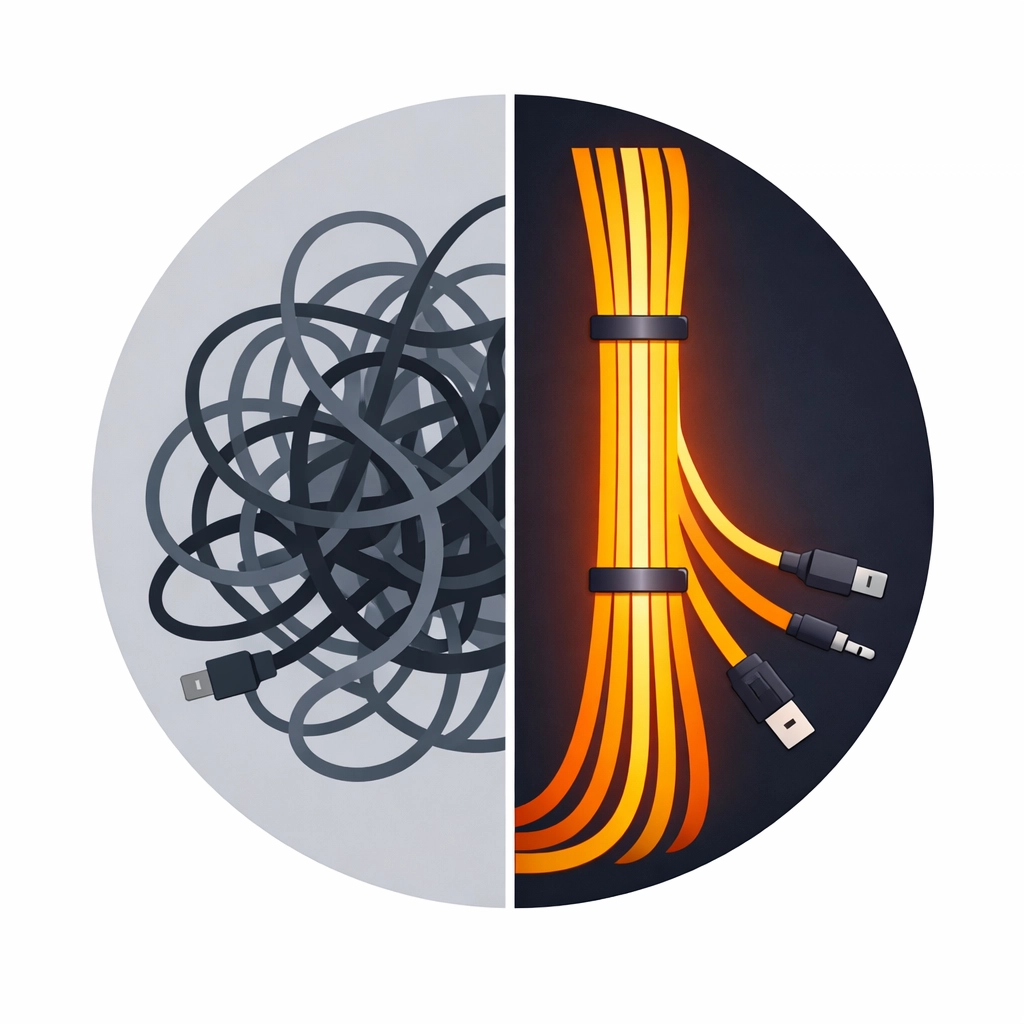
If you’re still scrolling through your camera roll at 8:00 PM on a Tuesday, you’re losing time and money. Professional photo documentation shouldn't be a chore. It should be a byproduct of the work you’re already doing.
By moving away from complex, bloated software and sticking to a simple, mobile-first tool, you can:
- Save 2-3 hours a week on admin tasks.
- Close more leads by showing prospective clients real-world examples of your work.
- Keep your phone's camera roll for things that actually matter: like your family.
Ready to Get Started?
You don't need a tech degree to look professional. You just need the right tool.
If you're tired of "complex" and ready for "simple," give JobLuma a shot. You can sign up for free and have your first photo timeline ready before your next coffee break is over.
Have questions about how it works? Head over to our help center or contact us directly. We’re here to help you get back to the work that actually pays the bills.
Key Takeaways for Busy Contractors:
- Keep it simple: Avoid bloated project management software if you just need photo logs.
- Think mobile: Your documentation should happen on the job site, not the office.
- Focus on the customer: Choose tools that make their lives easier (like no-app-download links).
- Be consistent: A few photos per job, organized correctly, can save you thousands in liability or missed billing.
Professionalism doesn't have to be complicated. It just has to be consistent. Start building your timelines today and see the difference it makes for your business.

Want more tips on running a more efficient service business? Check out the rest of the JobLuma Blog for guides on everything from customer communication to field service marketing.
Leave a Reply