Let’s be real for a second: you didn’t get into the trades because you wanted to spend your afternoons staring at a computer screen or fiddling with complex project management software. You got into this business to build, fix, and solve problems for your customers. Whether you're an electrician, a plumber, or an HVAC tech, your office is usually a van, a crawlspace, or a rooftop: not a cubicle.
But here’s the kicker: in 2026, customers expect to see what they’re paying for. They want to see the progress. They want to see that the leaky pipe behind the wall is actually fixed before you patch the drywall. They want professional documentation that makes them feel like they hired the best in the business.
The problem? Most "contractor software" out there feels like it was designed for NASA engineers. It’s bloated, expensive, and takes longer to learn than it does to actually finish a job.
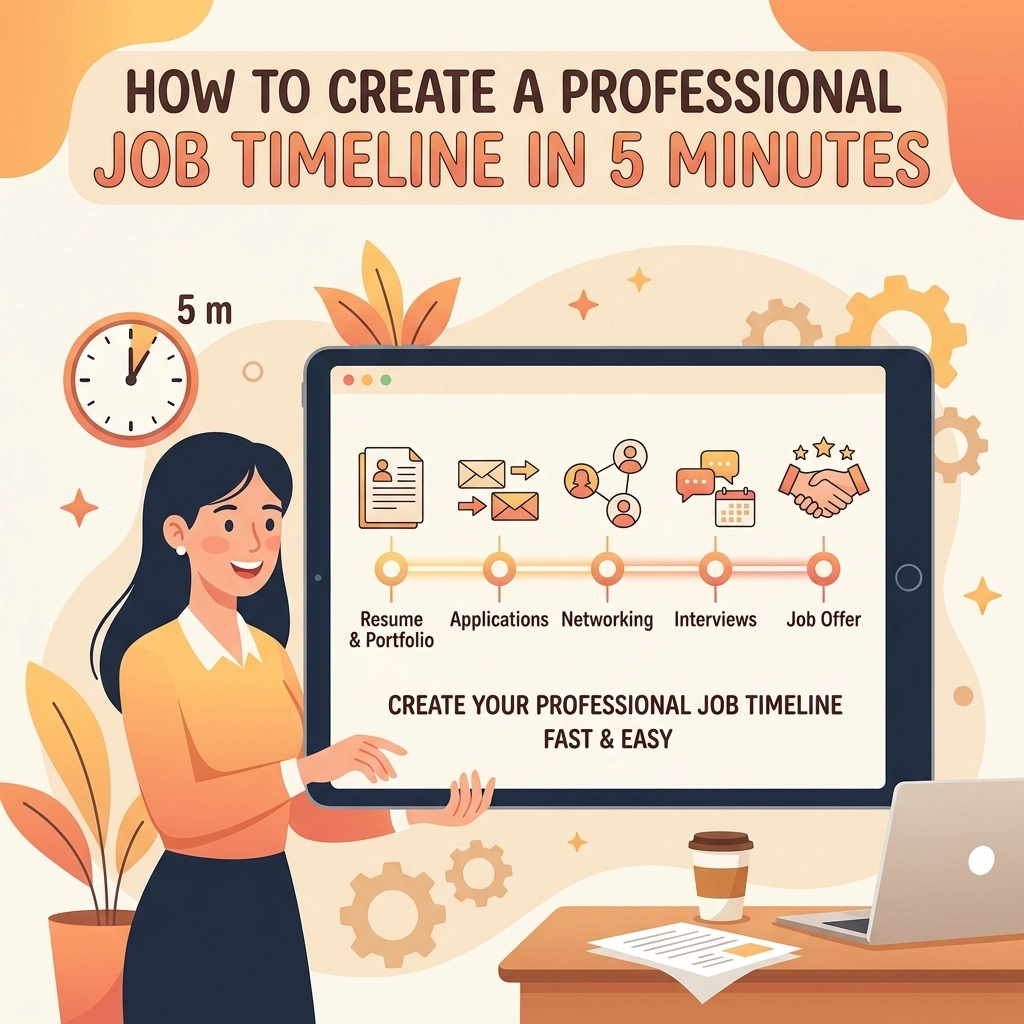
What if you could create a stunning, professional job timeline in five minutes flat without ever needing to download an app or attend a "onboarding webinar"? Let’s dive into how you can level up your business using simple construction photo documentation and a little bit of common sense.
Why a Professional Timeline is Your Secret Weapon
A job timeline isn’t just a fancy way to show off your work; it’s a shield and a sales tool rolled into one. When you provide a clear photo timeline app experience to your clients, you’re doing three things:
- Building Instant Trust: Customers can’t always see the work you do. If you’re an electrician, most of your hard work is hidden behind plates and studs. A timeline proves the quality of your work.
- Eliminating Disputes: We’ve all been there. A customer claims you scratched a floor or missed a step. With a clear before-and-after record, you have the receipts to show exactly what happened and when.
- Getting Referrals: When you send a professional-looking project link to a homeowner, they’re going to show it to their neighbors. "Look at what my plumber sent me!" is the best marketing you’ll ever get.

The 5-Minute Blueprint (No Tech Skills Required)
You don’t need to be a tech wizard to create a timeline that looks like it cost thousands of dollars to produce. You just need a system that works as hard as you do. Here is how you can build a timeline from your phone while you’re still on the job site.
Step 1: The "Before" Shot (1 Minute)
Before you even pick up a wrench or a hammer, take your phone out. Take 2–3 photos of the current state of the job. This is the most forgotten step, but it’s the most important for your contractor photo app strategy. It establishes the starting line.
Pro Tip: Take one wide shot of the room and one close-up of the specific issue.
Step 2: The "During" Progress (2 Minutes)
Mid-way through the job, snap a couple more. If you’re installing a new HVAC unit, take a photo once the old one is out and the new one is being positioned. This shows the "guts" of the work that will eventually be covered up.
Step 3: The "After" Hero Shot (1 Minute)
Clean up your workspace (this is a big one for customer satisfaction!) and take your final photos. These should be well-lit and show the completed project in all its glory.
Step 4: The Sync (1 Minute)
This is where most contractors get stuck. They have 15 photos sitting in their camera roll mixed in with pictures of their kids and their dog. Using a simple contractor job app like JobLuma, you can upload these photos instantly into a dedicated job log. No sorting, no emailing yourself files, and no messy folders.

Why You Should Avoid "Bloated" Software
There are plenty of massive construction management platforms out there. They promise to do your accounting, your scheduling, your HR, and your grocery shopping. But for a small service contractor, these are usually overkill.
Here’s why "simple" wins every time:
- Learning Curve: If it takes more than 10 minutes to learn, you’re never going to use it. You’ll go back to texting photos, and your professional image will take a hit.
- Battery Drain: Heavy apps kill your phone battery by noon.
- Customer Friction: If your customer has to download an app, create an account, and verify their email just to see a photo of their new sink, they’re not going to do it.
At JobLuma, we believe in a "no-app-download" experience. You send a link, and the customer clicks it. That’s it. It’s mobile-first because that’s where you live: on your phone. Check out our features page to see how we keep things lean and mean.
The Magic of the "Before and After"
If you’re looking for the best before and after photo app experience, you have to focus on the comparison. Humans are visual creatures. We love seeing a transformation.
Imagine sending your client a digital link that allows them to slide between the "nasty, rusted water heater" and the "shiny, new high-efficiency model." It’s satisfying for them and it validates the check they’re about to write.
Using contractor software doesn't mean you have to change how you work; it just means you're documenting how well you already work.

3 Mistakes to Avoid When Documenting Jobs
Even with the best tools, you can still mess up your documentation. Here are the three most common pitfalls for service pros:
- Bad Lighting: If the photo is too dark, it looks like you’re hiding something. Invest $20 in a small LED work light if you’re frequently in basements or attics.
- Too Much Noise: If your photo includes a pile of trash, an old coffee cup, or your lunch, it looks unprofessional. Keep the frame focused on the work.
- Inconsistency: If you only document the "big" jobs, you’re missing out on the habit. Treat every job: even the small ones: like a portfolio piece.
How to Get Started Right Now
You don’t need a fancy camera or a laptop in your truck. You already have the most powerful tool in your pocket: your smartphone.
- Stop Texting Photos: Stop sending 10 individual photos to a client's text thread. It’s annoying for them and hard for you to track later.
- Use a Dedicated Portal: Give your jobs a home. Whether you use JobLuma or another simple tool, make sure it’s separate from your personal photos.
- Start Today: Don’t wait for a "big project" to start your construction photo documentation. Start with the next service call you have this afternoon.
If you’re ready to stop the paperwork headache and start looking like the pro you are, you can sign up and try it out for yourself. Our pricing is built for the small guy, not the massive corporations.

Final Thoughts: Keep It Simple, Keep It Professional
At the end of the day, your reputation is all you have. In a world where anyone can claim to be a contractor, the ones who provide clear, transparent, and professional documentation are the ones who stay busy year-round.
Creating a professional job timeline shouldn't be a chore. It should be a 5-minute victory lap at the end of a job well done. Use a contractor photo app that stays out of your way and lets you get back to what you do best.
Need help getting started? Check out our help center or read more tips on our blog.
Stay safe out there, and keep building!
Leave a Reply