You just finished a grueling eight-hour day. Your boots are covered in dust, your back is aching, and all you want to do is grab a cold drink and sit on the couch. But there’s one more thing hanging over your head: the paperwork. Or more specifically, the "digital" paperwork.
You’ve got a dozen photos of that sub-panel upgrade sitting in your phone’s camera roll, mixed in with pictures of your dog and screenshots of memes. Your customer is asking for an update, and you know you should send over a professional report to show off the work and cover your back. But the thought of fighting with a complex project management app makes you want to throw your phone into the nearest dumpster.
Sound familiar? For most electricians, plumbers, and HVAC techs, "contractor software" usually means one of two things: a "lightweight" app that’s actually a nightmare to navigate, or a massive enterprise platform that costs more than your truck payment and requires a PhD to use.
At JobLuma, we think that’s nonsense. You’re a tradesman, not a data entry clerk. That’s why we’ve narrowed it down to the basics: capturing photos, adding notes, and creating a professional timeline that makes you look like a pro, all in about five minutes.
The "Tech Headache" is Real (and It's Costing You Money)
Most service contractors fall into the "Text and Hope" trap. You text a few "after" photos to the homeowner, maybe mention a couple of things you fixed, and hope they pay the invoice without asking too many questions.
But here’s the problem with that approach:
- Zero Liability Protection: If a leak happens three months from now, do you have a timestamped "before" photo proving that the existing pipes were already corroded?
- Low Perceived Value: A text message doesn't look professional. A branded, organized timeline of work, however, justifies your premium pricing.
- The "Hidden Work" Problem: You do a lot of work that gets covered up by drywall or buried in a trench. If the customer can't see it, they don't value it.
On the flip side, trying to use a bloated contractor job app designed for $10 million skyscraper projects is just as bad. You don't need Gantt charts or RFI modules. You need a fast way to show the customer what you did.

Step 1: Start the Job (Mobile-First)
The biggest mistake most construction photo documentation tools make is assuming you’re sitting at a desk. You aren't. You're on a ladder, in a crawlspace, or standing in the rain.
With JobLuma, you don't "set up a project." You just create a job.
- Open the app on your phone.
- Type in the customer's name or address.
- Hit "Start."
That’s it. Because the app is built specifically for field work, every button is big enough to hit with work-worn hands, and the interface is clean. No clutter, no ads, just your jobs.
Step 2: The "Live" Log (Photos and Notes)
This is where the magic happens. Instead of taking photos in your regular camera app and trying to remember which photo belongs to which house later that night, you log them directly into the job.
As you work, take photos of:
- The "Before": The mess you walked into. The broken furnace, the leaking sink, or the dangerous wiring.
- The "During": The quality of your install. The clean welds, the neat wiring, and the high-quality materials you used.
- The "After": The finished product. Everything cleaned up and working perfectly.
The best part? You can add quick voice-to-text notes for each photo. “Found existing corrosion on the main shutoff valve; advised customer we should replace it now to avoid future failure.” Boom. You just documented a change order and protected yourself from a future "he-said, she-said" in thirty seconds.
Step 3: The Before/After Visualization
Nothing sells your work better than a clear comparison. A good before and after photo app shouldn't make you use a separate collage maker or edit photos on your computer.
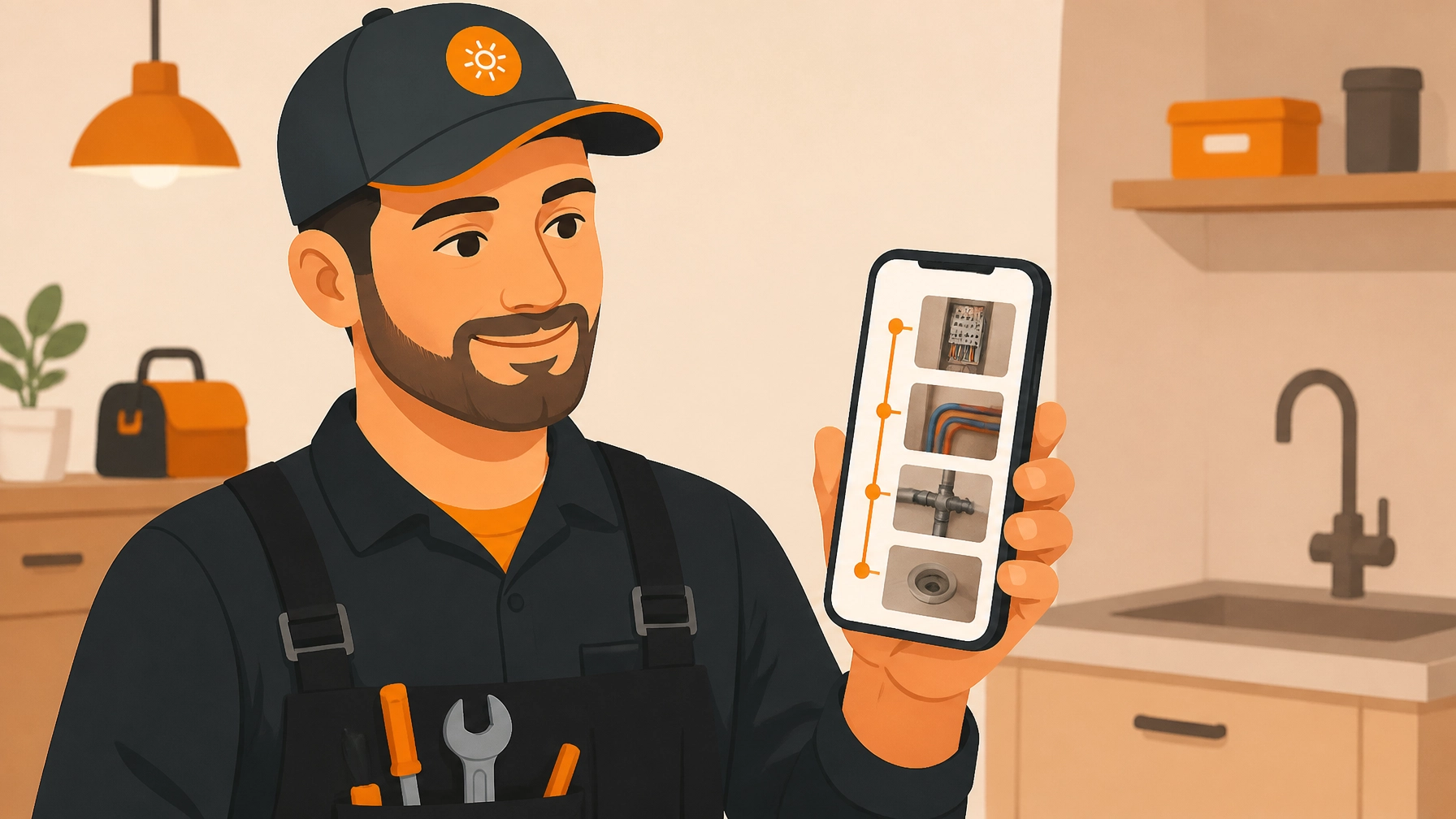
In JobLuma, your photos are automatically arranged into a chronological timeline. When the customer sees the "Before" (a disaster) right next to the "After" (your masterpiece), the value of your invoice becomes undeniable. It’s the difference between being "the guy who fixed the sink" and "the professional who saved the kitchen."

Step 4: The 5-Minute Professional Timeline
Once the job is done, you don't need to "export" or "generate" a 40-page PDF that’s too big to email. You just share the timeline link.
This is where JobLuma changes the game for your customers. Most contractor photo apps force the customer to:
- Download an app.
- Create an account.
- Remember a password.
- Log in to see their own photos.
Guess what? Your customers aren't going to do that. They want to see their photos, not join a social network for contractors.
With JobLuma, you send them a simple, branded link. They click it, and they see a beautiful, professional timeline of the work you did, complete with your logo, your notes, and your photos. It works on their phone, their tablet, and their computer, no login required.
Why "Simple" is Your Secret Weapon
We talk to a lot of contractors who feel like they aren't "tech-savvy." They think they need to hire a virtual assistant or a project manager to handle their documentation.
The truth is, you don't need to be tech-savvy. You just need a tool that doesn't get in your way.
By keeping your documentation simple, you actually achieve more:
- Consistency: If an app is hard to use, you'll stop using it after three days. If it's as easy as texting, you'll use it on every single job.
- Speed: You can finish your "paperwork" before you even put the truck in gear to leave the job site.
- Referrals: When a customer receives a professional, easy-to-read timeline from you, they are much more likely to share that link with their friends and neighbors. It’s digital word-of-mouth marketing on autopilot.

Getting Started Without the Headache
You don't need a weekend-long training seminar to start using a photo timeline app. You can literally sign up for JobLuma right now and have your first job logged before your lunch break is over.
Here is the checklist for your first "5-Minute Timeline" job:
- Arrive at the site: Open JobLuma and create the job (30 seconds).
- Assess the work: Take 2-3 "Before" photos of the issue (30 seconds).
- Do the work: Snap 2-3 "Progress" photos of the parts people won't see later (1 minute).
- Finish up: Take 2-3 "After" photos of the beautiful finished result (30 seconds).
- Review and Send: Add any final notes and text the link to the customer (2 minutes).
That’s five minutes. Total. No office work required when you get home. No trying to remember which photo was which. Just a professional record of your hard work, safely stored and ready to impress your client.
Ready to ditch the tech headache?
If you're tired of messy camera rolls and bloated software, it's time to try something built for the way you actually work. Stop letting your hard work go undocumented and start building a library of professional timelines that protect your business and impress your clients.
Check out our pricing to see how affordable it is to professionalize your service shop, or contact us if you have questions about how JobLuma can fit into your specific trade.
Your work is high-quality. Isn't it time your documentation looked the same way?
Leave a Reply