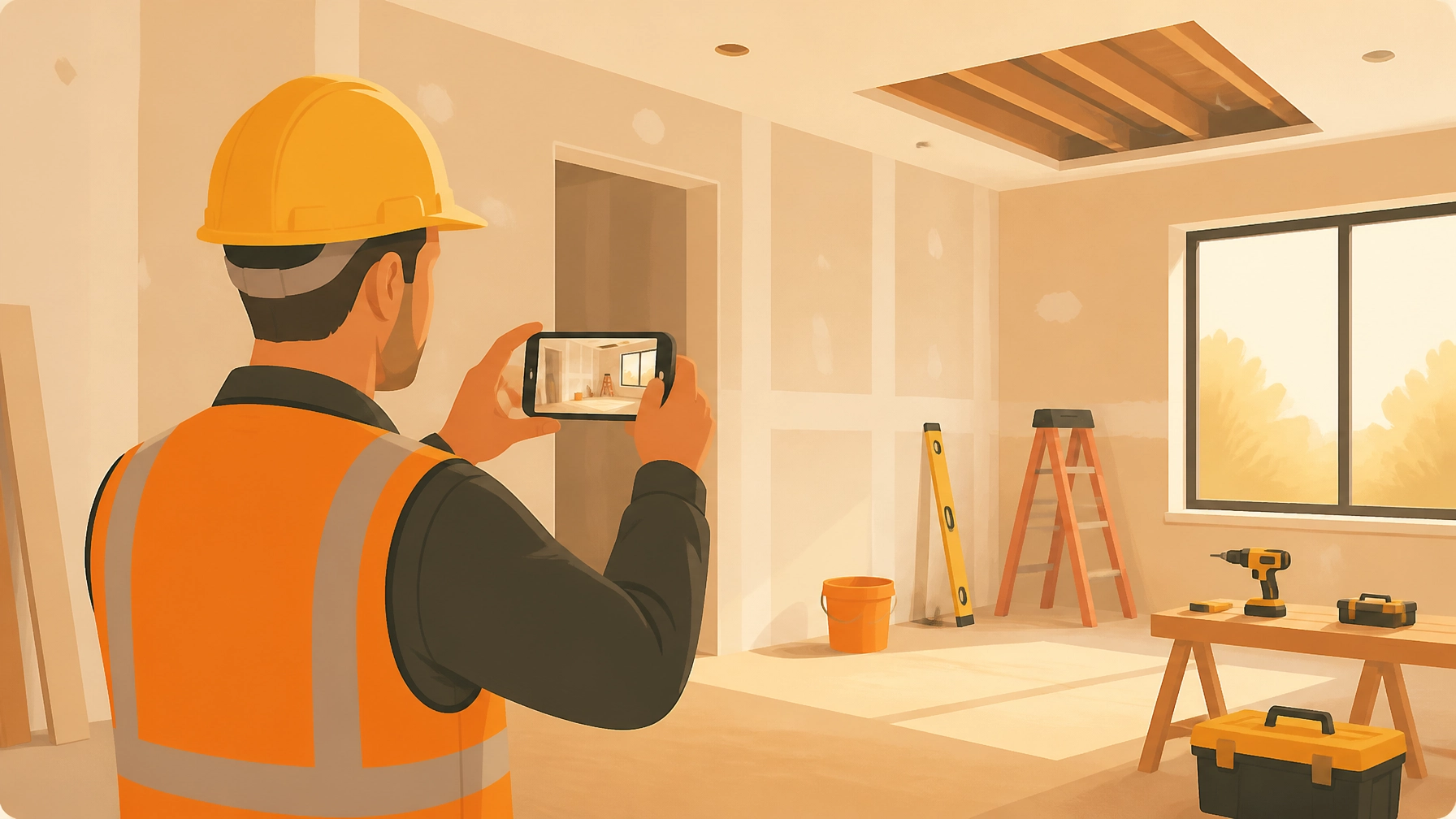
You’re finishing up a long day on-site. Your boots are dusty, your phone battery is at 4%, and you’ve just realized that you took fifty photos of today’s electrical rough-in, but they’re currently sitting in your camera roll right between a picture of your lunch and a video of your dog.
If a client calls tomorrow and claims you didn’t install the proper bracing behind the wall, how long will it take you to find that one specific photo?
For most small service contractors: electricians, plumbers, and HVAC techs: construction photo documentation is a chore. It’s either a mess of unorganized photos on a personal phone or it’s buried inside a bloated "project management" software that takes twenty clicks just to upload a single image.
At JobLuma, we think that’s broken. You don't need a complex ERP; you need a simple contractor photo app that works as fast as you do.
Here is how you can create professional-grade job logs and photo documentation in exactly five minutes.
1. The High Cost of "I’ll Find It Later"
Before we talk about how to do it, let’s talk about why it matters. Small contractors often skip thorough documentation because they’re busy. But "busy" becomes "expensive" when:
- A customer disputes a bill: Without a clear "before and after," it’s your word against theirs.
- Liability issues arise: If a leak happens six months later, can you prove your work was up to code before the drywall went up?
- Marketing is an afterthought: You do great work, but you have no easy way to show it off to the next lead.
Quality construction photo documentation isn't just about taking pictures; it’s about having a searchable, timestamped record that protects your business and proves your value.

2. The 5-Minute Professional Workflow
You don't need to be a tech genius to build a professional timeline. Using a dedicated before and after photo app like JobLuma, the process is built to fit into the natural rhythm of your workday.
Minute 1: Create the Job
As soon as you pull up to the job site, open the JobLuma mobile-first app. Tap "New Job," enter the customer's name, and you're ready to go. No complicated setups, no "project modules": just a place to put your work.
Minute 2: Capture the "Before"
Before you pick up a tool, snap 2-3 photos. Focus on the existing conditions. If you're a plumber fixing a leak under a sink, take a photo of the water damage and the old piping. This is your "insurance policy." If the homeowner later claims you scratched the cabinet, your "before" photo is your proof of existing conditions.
Minute 3: Log "During" Notes
As you work, snap one or two photos of the "hidden" stuff. This includes wiring behind a wall, the specific brand of sealant used, or the structural framing. In the JobLuma contractor job app, you can quickly add a note like "Rough-in complete, inspected for leaks."
Minute 4: The "After" Hero Shot
The work is done, and the site is clean. Take a high-quality "after" photo from the same angle as your "before" shot. This creates a powerful visual narrative of the transformation.
Minute 5: Share the Timeline
This is where the magic happens. Instead of emailing a zip file or a messy Google Drive link, you hit "Share." JobLuma generates a clean, branded timeline of the job that you can text or email to your customer immediately.
3. Why "No App Download" is Your Competitive Advantage
We’ve all been there: a contractor sends you a link, but to see it, you have to download an app, create an account, and verify your email. Most customers won't do it.
JobLuma was built with a "no-friction" philosophy. When you share a photo timeline app link with your client, they simply tap it and see a beautiful, professional web page on their phone.
- No app to download.
- No login required.
- Instant professional appearance.
This small detail makes you look like a tech-savvy, high-end operation, even if you’re a solo handyman or a two-person HVAC team. It builds trust, and trust leads to referrals.

4. Stop Overpaying for Bloated "Project Management"
There are plenty of contractor software options out there that cost $200 a month and come with features for estimating, invoicing, GPS tracking, and payroll.
But if you’re a small service shop, that’s like buying a semi-truck to pick up a bag of mulch. It’s too much equipment for the job, and it just gets in the way.
JobLuma is the "lightweight" alternative. We focused on doing three things perfectly:
- Organizing photos by job.
- Creating before/after timelines.
- Making sharing easy.
By cutting out the "bloat," we kept the app fast, simple, and affordable. You can see our pricing here to see how we compare to the big, heavy guys.

5. Better Photos = Better Marketing
Finally, don't forget that every job log you create is a piece of marketing content. Those before-and-after shots are exactly what potential clients want to see on your social media or in your portfolio.
Instead of hunting through your phone's "Recents" folder to find something to post on Instagram, you can just go to your JobLuma dashboard, find the "Finished" job, and download the best shots.
Best Practices for Construction Photos:
- Lighting: Turn on the lights or open the blinds. Good lighting makes your work look 10x more professional.
- Angles: Try to take the "after" photo from the exact same spot as the "before" photo.
- Cleanliness: Always take the final photo after you’ve cleaned up your tools and debris.
Ready to Level Up Your Professionalism?
You don't need a whole IT department to have professional construction photo documentation. You just need five minutes and the right tool.
Protect your work, impress your customers, and get your evenings back by getting your photos organized from the start.
Start your free trial of JobLuma today and see how simple job logging can be.
Leave a Reply