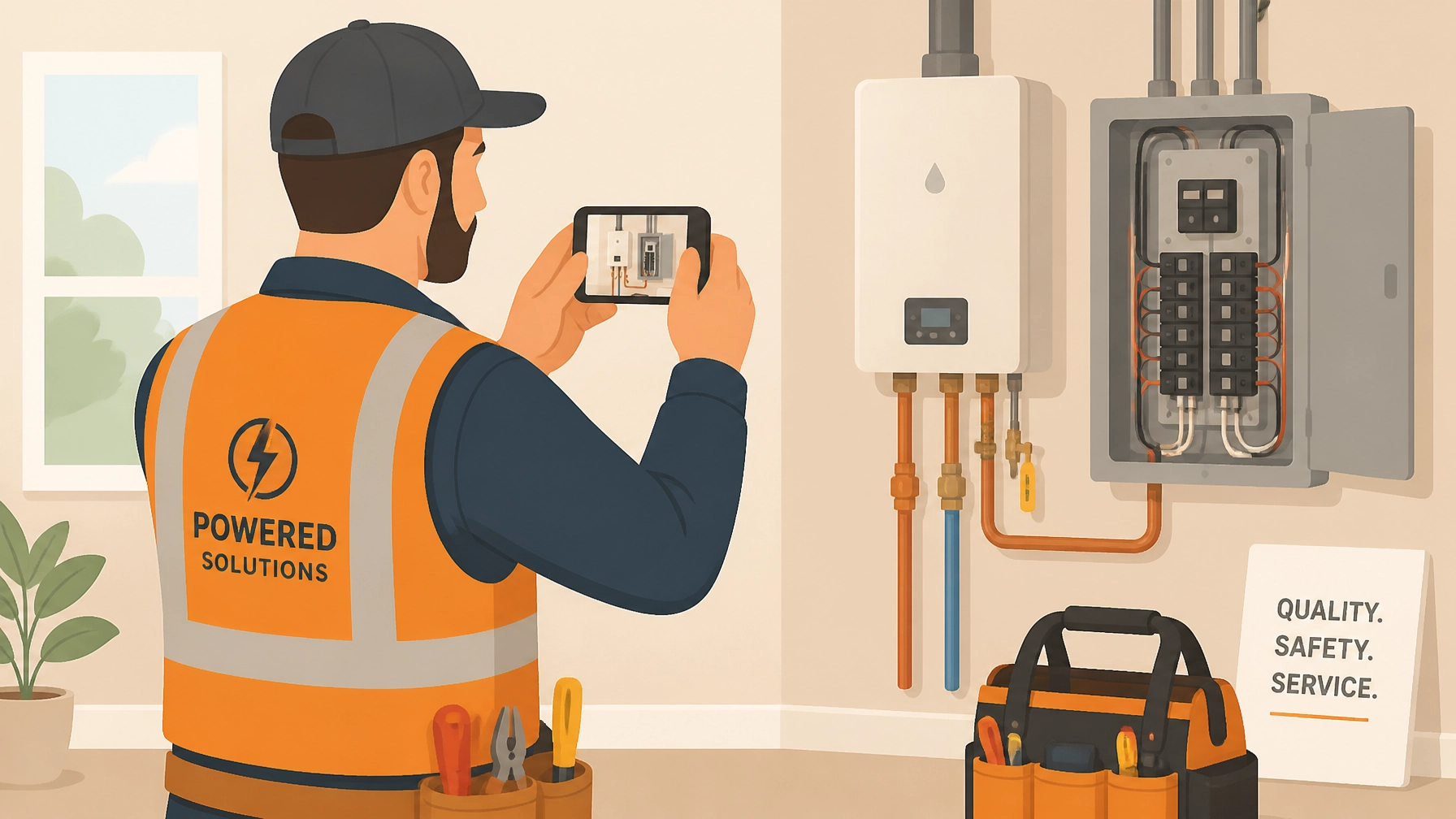
If you’re a plumber, electrician, or HVAC tech, your phone probably looks like a crime scene. You’ve got thousands of photos: a blurry shot of a serial number, a "before" photo of a leaky water heater, six different angles of a junction box, and maybe a few pictures of your dog mixed in for good measure.
Then comes Friday afternoon. A customer calls and says, "Hey, I don't think you actually replaced that valve." Or worse, your boss asks for the job site photos for a big commercial project, and you realize you have no idea which "gray pipe" belongs to which customer.
You spend forty-five minutes scrolling, squinting, and swearing.
The truth is, most contractors know they should be documenting their work. But the current way of doing it, dumping everything into a messy camera roll or fighting with "bloated" project management software, is a total headache.
The good news? There is a simple trick to fixing this right now. And no, it doesn't involve spending $500 a month on complex software or spending hours at a computer.
The Problem: The "Camera Roll Chaos"
Before we get to the trick, let's talk about why your current system is failing you. Most small service shops fall into one of two traps:
- The Camera Roll Trap: You take the photos, but they stay on your phone. They aren’t organized, they aren’t labeled, and they aren't shared. If your phone breaks or you lose it, your "proof of work" is gone forever.
- The "Big Tech" Trap: You try to use a massive contractor software suite designed for skyscraper builders. It has 400 features you don't need, requires a three-day training course, and costs a fortune. Because it’s so annoying to use, you and your techs eventually stop using it.
When documentation is hard, it doesn't get done. And when it doesn't get done, you lose money, you lose trust, and you lose sleep.
The Simple Trick: Contextual Logging
The "trick" isn't just taking photos; it’s contextual logging.
Most people take a photo and think, "I'll remember what this is later." You won't. Contextual logging means the photo is born inside a specific job folder, with a note attached, the second you take it.
Instead of taking 50 photos and trying to sort them later, you create a "Job" in an app like JobLuma before you even pick up a wrench. Every photo you take from that point on is automatically tagged to that customer and that specific site.

Why Before and After Photos are Your Secret Weapon
We’ve all heard it: "A picture is worth a thousand words." In the trades, a picture is worth a thousand dollars.
Using a before and after photo app doesn't just protect you from "he-said, she-said" arguments; it’s the best marketing you can possibly do. When you can show a customer a clean, professional timeline of exactly what their basement looked like before you arrived and how it looks now that the new HVAC system is installed, you aren't just a "guy with a toolkit." You’re a professional.
Why Small Shops Should Avoid "Bloated" Software
If you're a solo operator or have a small team of five, you don't need Procore. You don't need Buildertrend. Those are great for managing $50 million skyscrapers, but for a 2-hour service call to fix a circuit breaker? They are overkill.
This is where many contractor job apps fail. They try to do everything: scheduling, payroll, estimating, CRM, GPS tracking: and they end up doing none of it simply.
JobLuma was built for the "Simple Trick."
It focuses on three things:
- Creating a job.
- Logging photos and notes.
- Sharing a beautiful timeline.
That’s it. No fluff. No 50-page manual. It’s a contractor photo app designed to be used with one hand while you’re holding a flashlight with the other.
The "No-App" Advantage for Your Customers
Here is a huge mistake most software companies make: they expect your customers to download an app to see your work.
Let's be real. Your customer doesn't want to download "ContractorPortalV3" just to see a picture of their new sink. They won't do it. They’ll just ask you to text the photos, and then you’re right back to the "Camera Roll Chaos."
JobLuma solves this with a simple, branded link. You finish the job, hit "Share," and the customer gets a link. They click it, and a professional, beautiful timeline of your work opens in their browser. No accounts, no passwords, no hassle.

A Quick Checklist for Better Field Photos
If you want to master construction photo documentation right now, give your team this 4-point checklist:
- The "Wide-Angle" Arrival Shot: Take a photo of the area before you start. This proves the "pre-existing condition." If there was a scratch on the floor before you got there, you want a photo of it.
- The "Hidden Work" Shot: If you're closing up a wall or burying a pipe, take a photo. This is your "insurance policy" for years to come.
- The "Serial Number" Shot: Don't write down serial numbers. Take a clear, well-lit photo of the data plate on the equipment. It’s faster and 100% accurate.
- The "Hero" Finish Shot: Clean up the area, remove your tools, and take a high-quality "After" photo. This is what you’ll show future customers to win more bids.
Professionalism is the New Competitive Edge
In 2026, being "good at the trade" is just the baseline. Every plumber knows how to sweat a pipe. Every electrician knows how to wire a panel.
The contractors who are winning: the ones who can charge premium prices and get 5-star reviews every time: are the ones who provide a professional experience.
When you use a photo timeline app to document your work, you are sending a clear message to your customer: “I am organized. I am transparent. I take pride in what I do.”
It takes about 30 seconds extra per job to log these photos properly. That 30 seconds can save you hours of disputes and win you thousands of dollars in referrals.

Ready to Ditch the Messy Camera Roll?
If you’re tired of hunting for photos and want a simpler way to manage your job documentation, it’s time to try the "simple trick" for yourself.
Stop trying to force big, complicated software to work for your small shop. Switch to a mobile-first, easy-to-use tool that actually fits the way you work in the field.
Start your free trial of JobLuma today and see how easy professional documentation can be. No credit card required, no complicated setup: just better photos and happier customers.
Leave a Reply