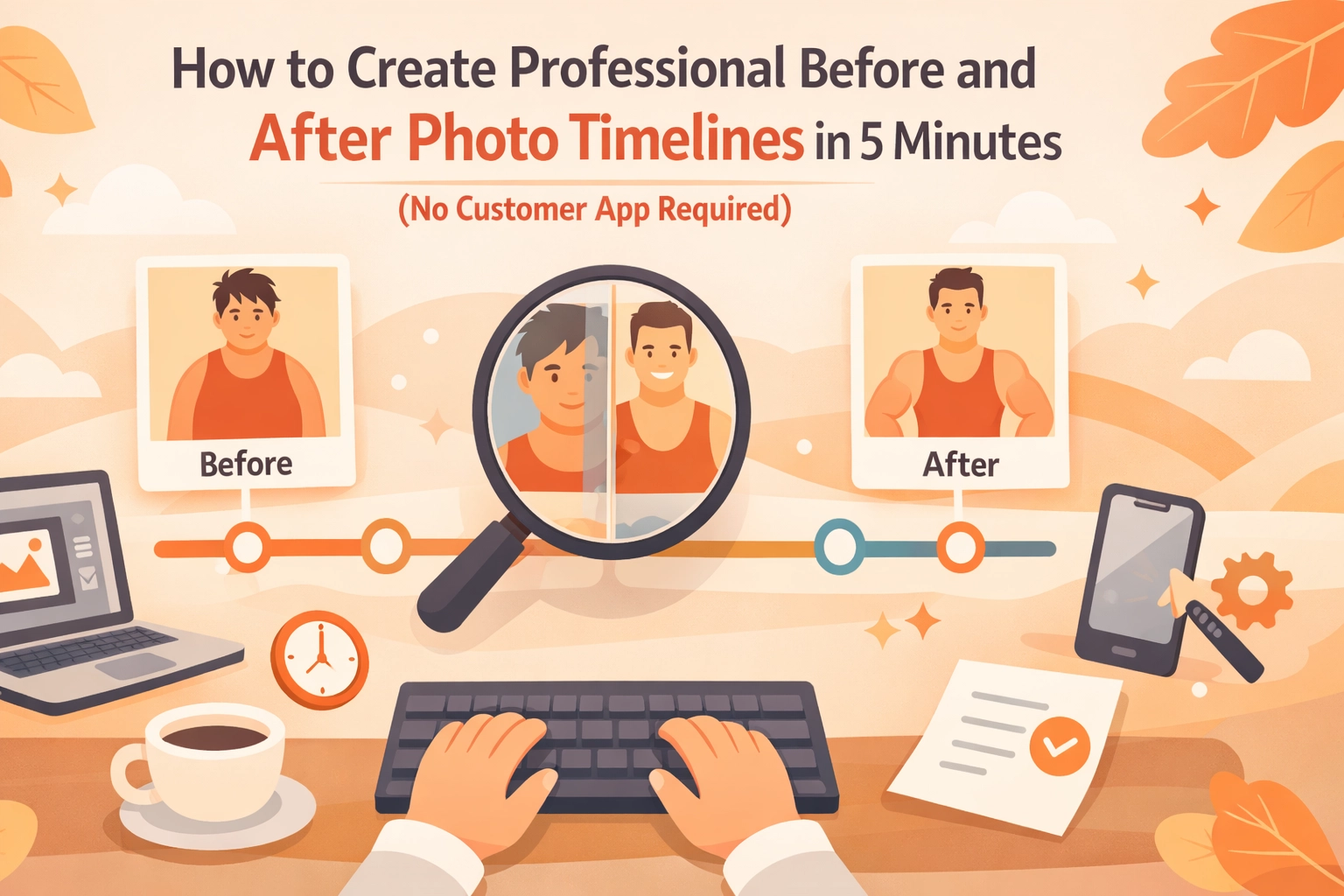
Let's be honest, you've probably lost a job because the customer "wanted to think about it" or "see some references first." Meanwhile, your phone's camera roll is stuffed with hundreds of work photos from the last six months, and good luck finding that water heater install from March when you need it.
Here's the thing: before and after photos sell jobs. They build trust. They prevent payment disputes. They make your estimates look professional instead of scribbled on the back of a receipt.
But most contractor photo apps want your customers to download something, create an account, and jump through hoops just to see pictures of their own job. That's a dealbreaker for busy homeowners who barely respond to texts.
The good news? You can create professional photo timelines in about five minutes, and your customers never have to download a thing.
Why Before and After Photos Actually Matter (Beyond Looking Cool)
Construction photo documentation isn't just for Instagram bragging rights. It's your insurance policy, your sales tool, and your reputation manager all rolled into one.
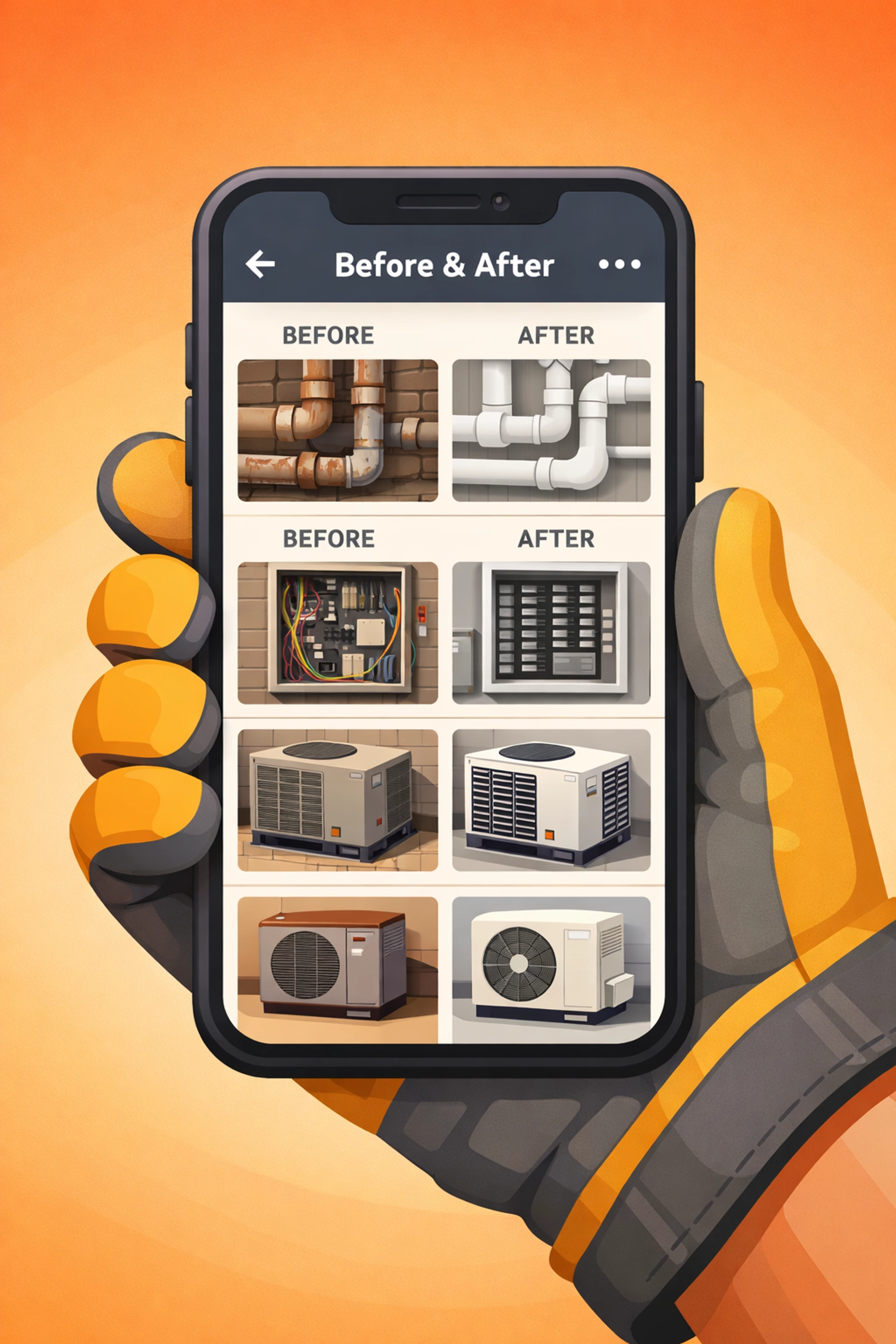
They prevent "he said, she said" disputes. When a customer claims you damaged their drywall or didn't fix something, timestamped photos prove what the job site looked like when you arrived and when you left. This alone has saved contractors thousands in bogus claims.
They close more jobs. When you're giving an estimate and you can pull up a phone to show three similar jobs you completed last month, with real before and after shots, suddenly you're not just another guy with a truck. You're the pro who documents their work.
They speed up payments. Customers are way more likely to pay on time when they can see the exact work that was completed. A photo timeline removes any ambiguity about what you did and didn't do.
The problem is, most contractor job apps make this whole process way more complicated than it needs to be.
The Problem With Traditional Contractor Software
You've probably tried one of those massive project management platforms that promise to "revolutionize your business." They want you to:
- Track employee hours
- Manage inventory
- Send invoices
- Schedule jobs
- Document photos
- Chat with your team
- Integrate with QuickBooks
- Learn seventeen different menus
Cool. You just wanted to take some photos and share them with customers.
Then there's the customer experience problem. Traditional before and after photo apps require homeowners to download an app, create a login, verify their email, and navigate a clunky interface just to see pictures of their own water heater.
Most customers won't bother. And honestly? Can you blame them?
What you actually need is something dead simple: snap photos on your phone, organize them by job, and send a link the customer can open in any browser. No downloads. No logins. Done in five minutes.
The 5-Minute Method for Professional Photo Timelines
Here's how it actually works when you strip away all the bloat:
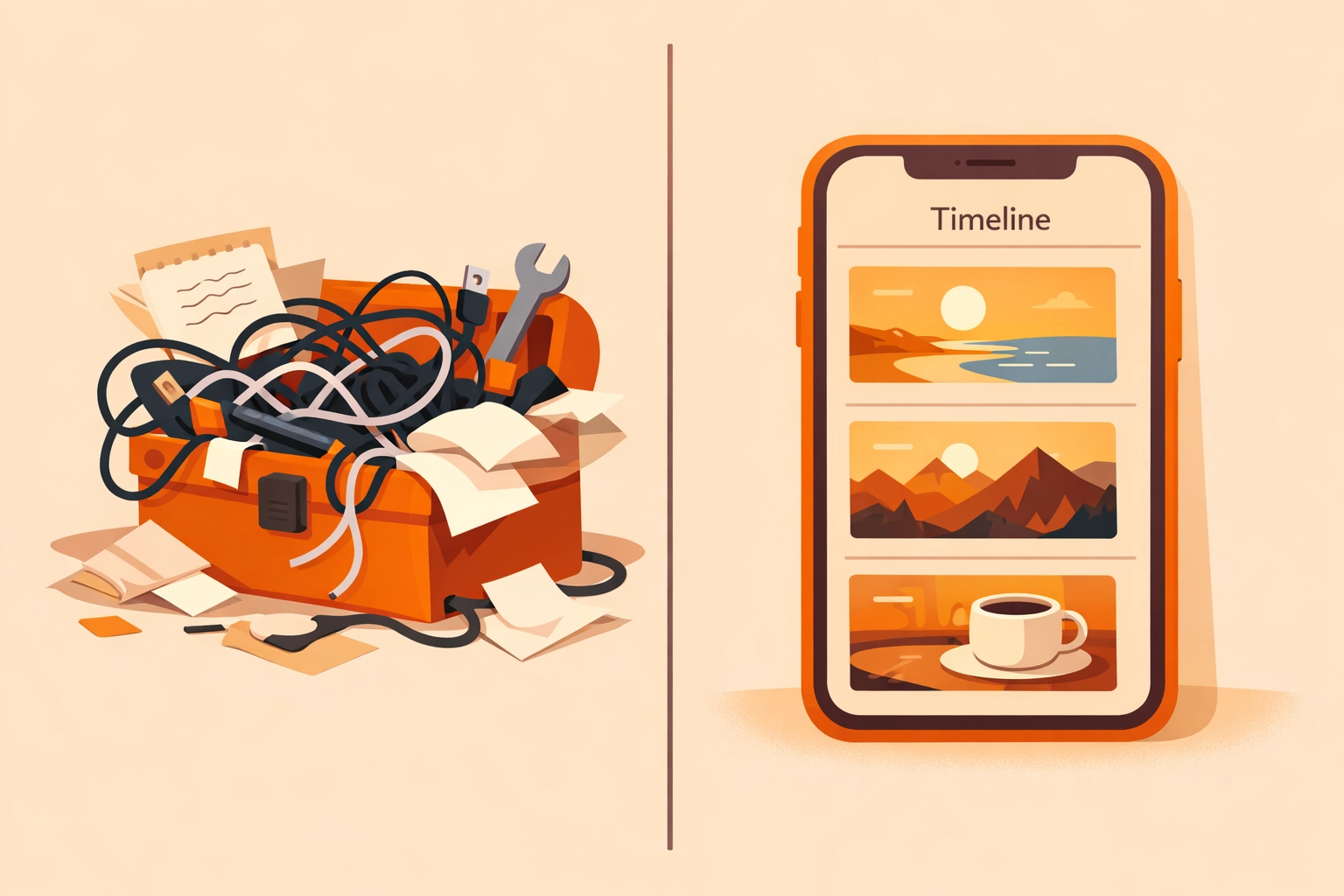
Step 1: Take photos as you work (1 minute)
When you arrive at the job site, snap a few quick photos of the area before you start. Don't stage anything. Just document what you're walking into, the leaky pipe, the old HVAC unit, the electrical panel with its door hanging off.
As you work, grab a few progress shots if it's a multi-day job. When you're finished, take your after photos from the same angles as the before shots.
Step 2: Upload to a simple photo timeline app (2 minutes)
Skip the complicated contractor software with 400 features you'll never use. Look for a mobile-first photo timeline app that lets you create a new job, add photos, and that's it.
The best ones auto-organize by date and time, so your timeline builds itself as you upload. No manual sorting. No folders within folders within folders.
Step 3: Generate a shareable link (1 minute)
This is where most contractor photo apps fail. You need a link you can text or email to the customer that opens instantly in their browser. No app download. No account creation. Just click and view.
Step 4: Send it to the customer (30 seconds)
Copy the link. Paste it into a text message. Hit send. The customer taps it and sees a clean, professional photo timeline of their job.
Step 5: Sleep better knowing you're protected (30 seconds)
Seriously, just knowing you have timestamped documentation of every job gives you peace of mind. Whether it's for warranty claims, payment disputes, or just showing off your work to the next customer, you're covered.
Total time: About five minutes. And most of that is just tapping your phone screen while you're already on the job site.
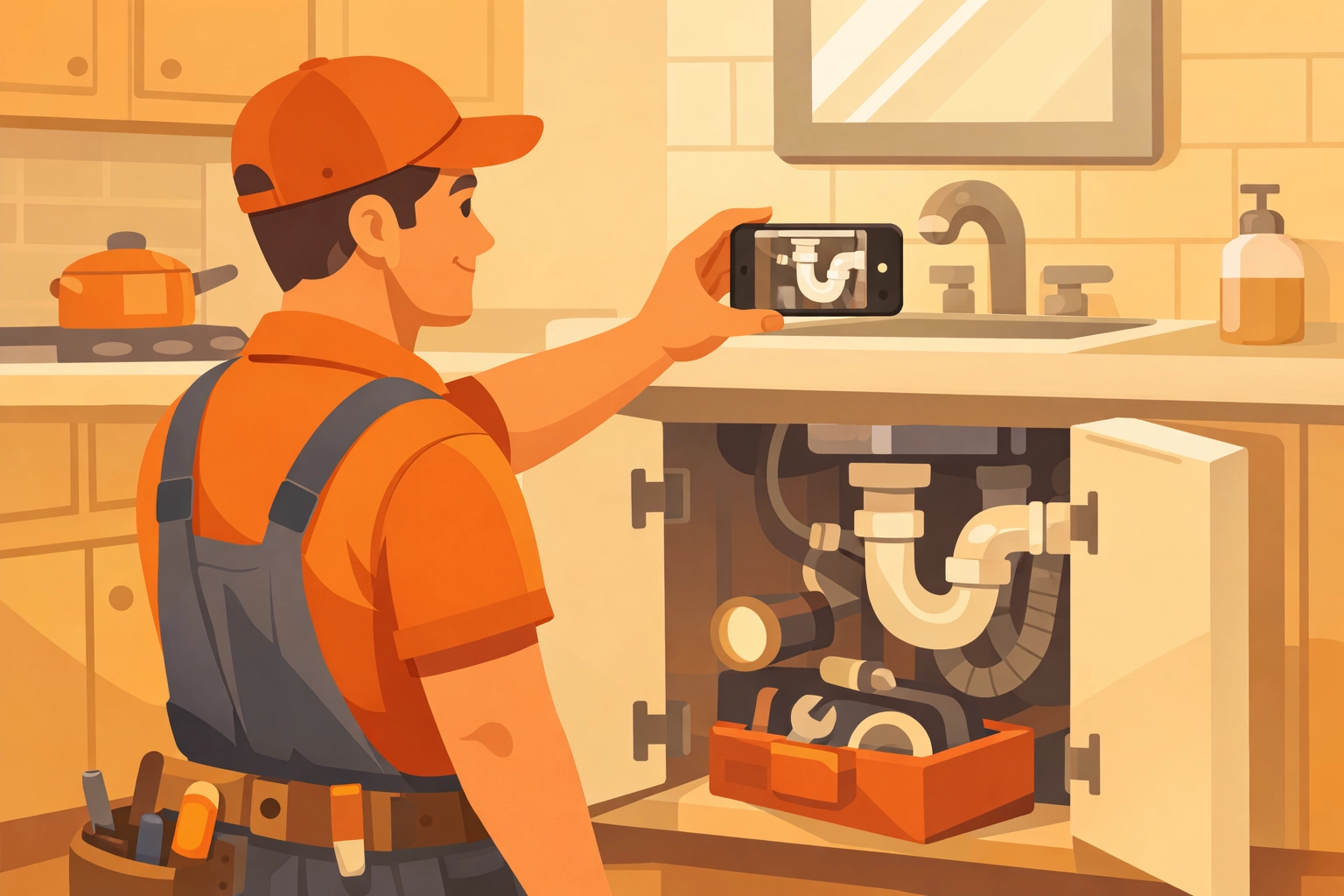
What Makes a Photo Timeline App Actually Useful for Contractors
Not all construction photo documentation tools are created equal. Here's what actually matters when you're in the field:
Mobile-first design. You're not documenting jobs from your laptop. You need an app that works perfectly on your phone because that's where you live. Big buttons. Simple menus. Fast loading.
No customer app required. This can't be emphasized enough. If your customer needs to download something to see their job photos, you've already lost. The best contractor photo apps generate shareable links that work in any browser.
Automatic organization. You shouldn't have to manually arrange photos or create complicated folder systems. The app should auto-sort by date, time, and job. That's it.
Fast upload speeds. When you're at a job site with spotty cell service, you can't wait five minutes per photo. Look for apps that compress images intelligently so uploads happen fast even on slower connections.
Simple pricing. Avoid contractor software that charges per user, per customer, per project, per photo, per breath you take. Straightforward pricing means you know what you're paying every month.
Common Mistakes Contractors Make With Job Photos
Even with the right photo timeline app, there are a few traps that'll waste your time:
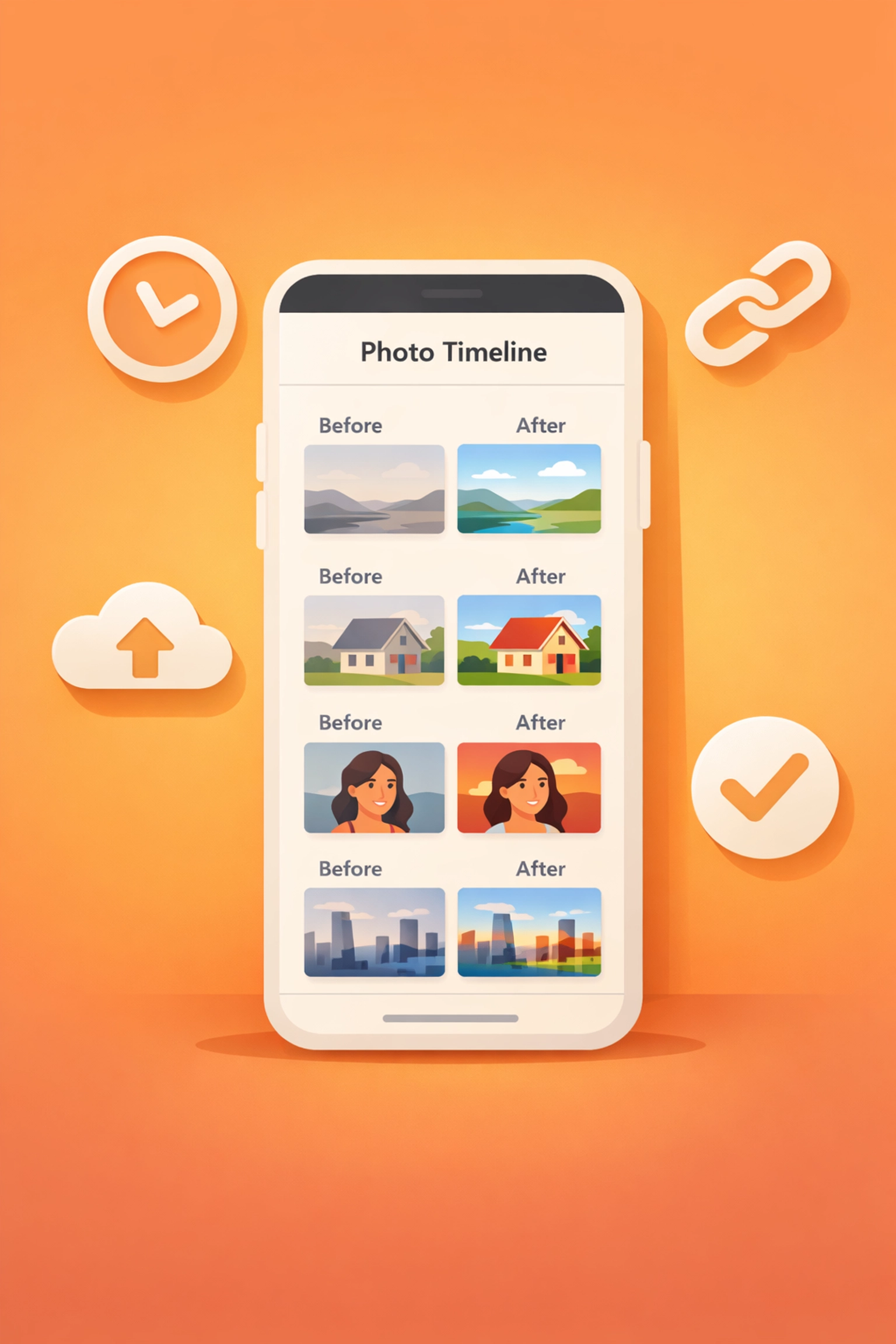
Taking photos from random angles. Your before and after shots should be from the same spot. Stand in the same place, use the same framing. This makes the transformation way more obvious and professional.
Forgetting to photograph problem areas. That water damage behind the old toilet? The rust on the HVAC unit? The frayed wiring? Document it. These photos protect you if the customer claims you caused damage that was already there.
Not dating your photos. Most phones automatically timestamp photos, but make sure your photo timeline app displays those timestamps clearly. This proves when work was completed.
Overthinking it. You don't need professional photography skills. Just point your phone, make sure there's decent lighting, and snap the shot. Don't spend twenty minutes trying to get the perfect angle.
Waiting until the end of the job. Take your before photos immediately when you arrive. It's too easy to forget once you're into the work, and you can't recreate that messy "before" state after you've already fixed everything.
Why Simple Beats Complex Every Single Time
There's a reason the most successful contractors aren't using bloated project management software with features they'll never touch. They're using focused tools that do one thing really well.
Construction photo documentation should be simple because your time is valuable. You're not a project manager sitting at a desk, you're turning wrenches, pulling wire, and actually doing the work.
When you strip away all the unnecessary features and focus on what actually matters, taking photos, organizing them automatically, and sharing them instantly, the whole process becomes effortless.
That's how you build a system you'll actually use consistently instead of abandoning after two weeks because it's too complicated.
Start Building Your Photo Documentation System Today
The next job you walk into, try this: take three before photos when you arrive, take three after photos when you're done, and text a simple photo timeline to your customer.
Watch how their response changes. Instead of "Okay, thanks" you'll get "Wow, this looks great!" and payments that clear faster.
The best part? You can set this up today in less time than it takes to drive to your next job. No training videos. No complicated setup. Just a simple contractor photo app that works the way your business actually operates.
Ready to stop losing photos in your camera roll and start impressing customers with professional timelines? Check out JobLuma's simple approach to contractor photo documentation: because your work deserves better than a cluttered camera roll.
Leave a Reply