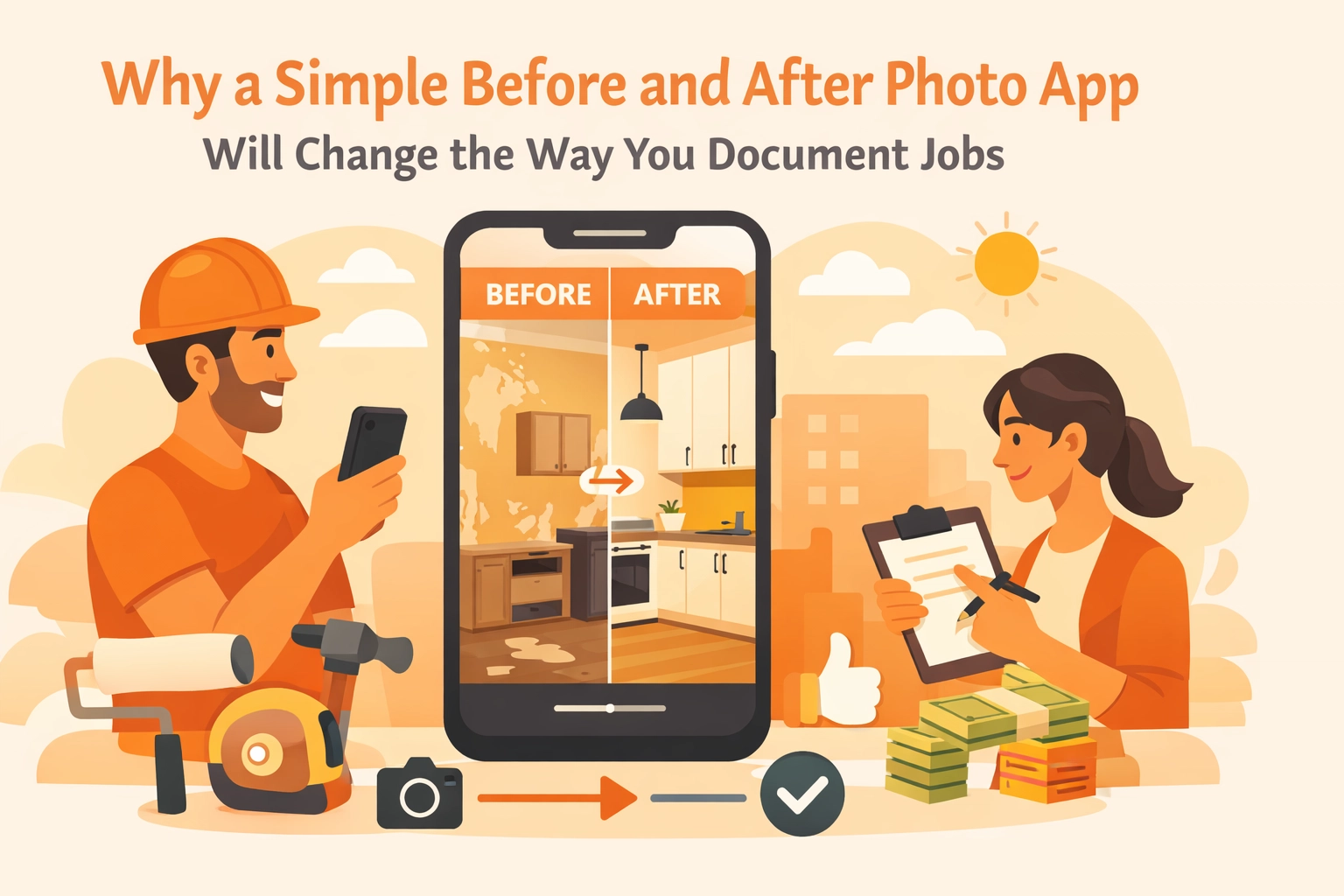
If you’re a plumber, electrician, HVAC tech, or general contractor, you know the drill. You show up to a job, see a mess, fix it, and then head to the next one. Maybe you take a quick photo of the finished work to show your spouse or post on Facebook, but most of the time, your documentation is a mess of blurry images sitting in your phone’s camera roll between pictures of your kids and your dog.
We get it. You’re busy. You’re in the field, your hands are dirty, and the last thing you want to do is navigate a complicated project management system that looks like it was designed for a NASA engineer.
But here’s the truth: documenting your work isn't just about "pretty pictures." It’s about protecting your business, winning more bids, and making sure you actually get paid for the work you do. This is where a simple before and after photo app changes everything.
In this post, we’re going to dive into why simple construction photo documentation is the secret weapon for small service shops and why you should ditch the bloated software for something that actually works as hard as you do.
The Chaos of the Camera Roll
We’ve all been there. A customer calls three weeks after a job claiming you scratched their floor or didn't finish the insulation in the crawlspace. You know you did it right. You remember taking a photo of it.
But now, you’re standing in the middle of a different job site, frantically scrolling through 500 photos on your phone. You see a picture of a sandwich, three pictures of a serial number on a water heater, a selfie from your kid’s soccer game: but no shot of that crawlspace.
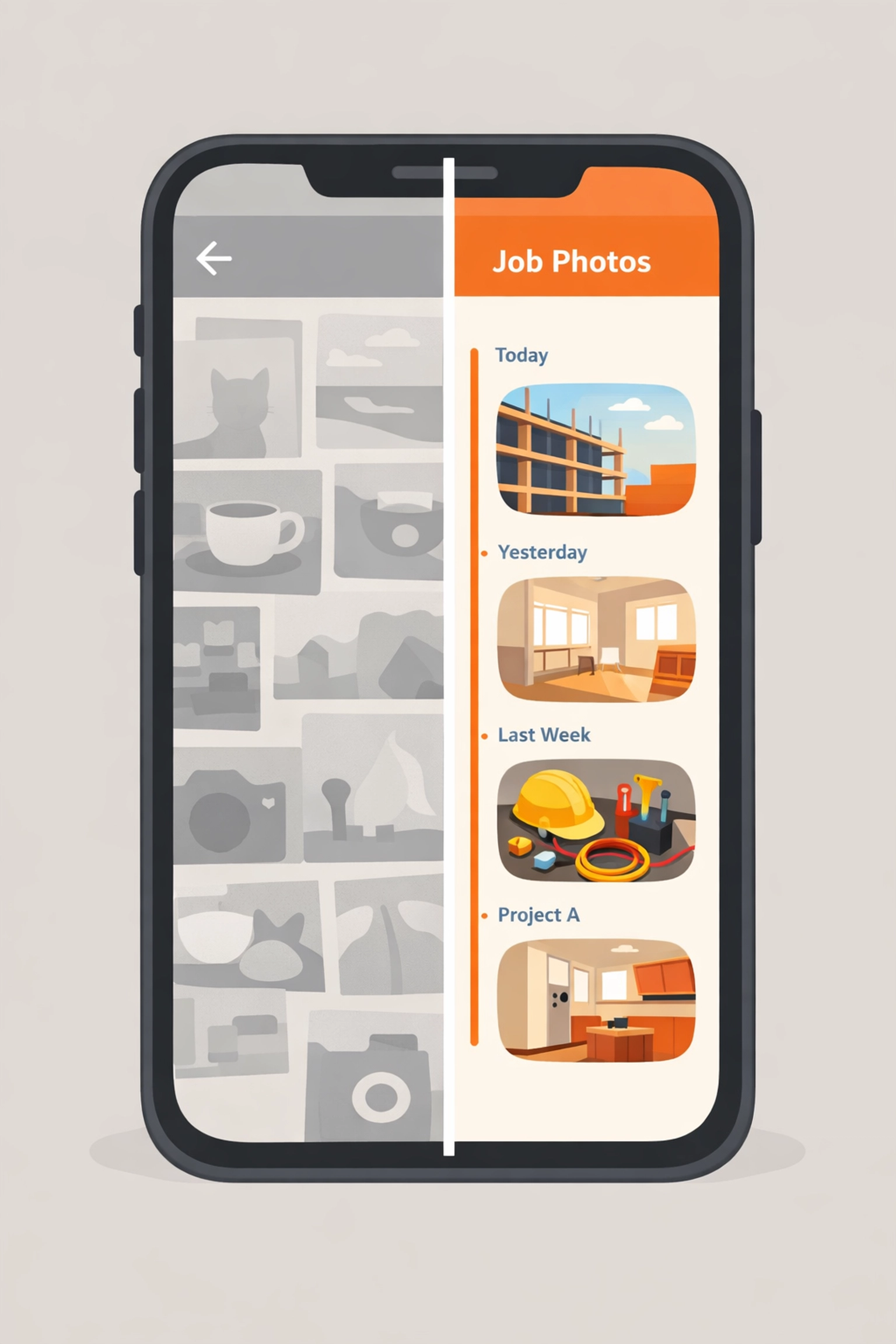
When your "system" for documentation is just your phone's default gallery, you don’t have a system. You have a liability. Using a dedicated contractor photo app solves this by keeping your work life separate from your personal life. It organizes your photos by project, date, and location automatically.
Why "Big" Software Fails Small Contractors
There are dozens of contractor software platforms out there that promise to manage every single aspect of your business: from payroll to complex Gantt charts. The problem? They’re too big. They’re slow. They require three hours of training just to figure out how to upload a file.
For a small service contractor, "bloat" is the enemy. You need tools that are:
- Mobile-first: You’re not sitting at a desk; you’re on a ladder.
- Fast: If it takes more than 30 seconds to document a task, you won't do it.
- Simple: It should do one or two things perfectly, rather than ten things poorly.
JobLuma was built with this "less is more" philosophy. We focused on making the best contractor job app for people who actually do the work. Instead of making you fill out 20 fields of data, we focus on the visual timeline.
The Power of the Photo Timeline
A simple before-and-after shot is great for a portfolio, but a photo timeline app is what saves your skin in a dispute.
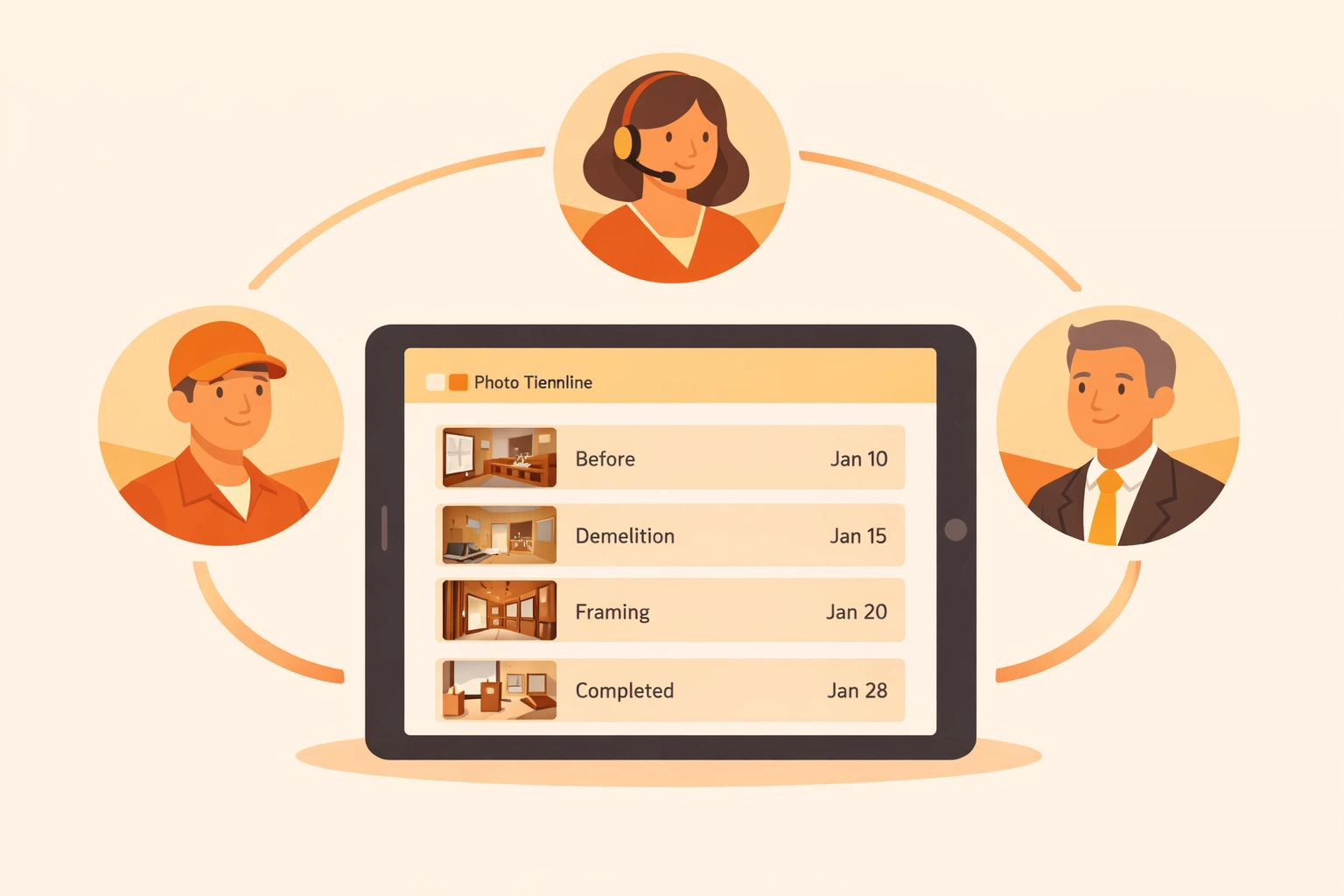
Imagine having a chronological record of every step of a project.
- 8:00 AM: The "Before" shot showing the existing damage.
- 10:30 AM: The "In-Progress" shot showing the structural repairs before the drywall goes up.
- 2:00 PM: The "After" shot showing the finished, painted wall.
This timeline provides automatic context and accountability. If a customer questions why a job took four hours instead of two, you have the visual proof of the complications you encountered along the way. Metadata like timestamps and GPS locations are baked into the images, creating a legally compliant record that removes all guesswork.
Professionalism That Wins More Jobs
Let’s talk about the "Wow" factor. When you send a quote or an invoice, what does it look like? If it’s just a line item and a price, you’re a commodity. But if you include a link to a professional, branded photo report of the work you performed, you’re an expert.
Using a before and after photo app allows you to create instant professional presentations. You don't need design skills or a marketing degree. You just snap the photos, and the software handles the layout.
When a customer sees a clean side-by-side comparison of the disaster they had before and the solution you provided, they feel an immediate sense of value. It justifies your pricing and builds a level of trust that "the guy with the paper invoice" just can't match.

The JobLuma Secret: No App Download for Customers
One of the biggest hurdles for contractors using tech is the "friction" it creates for the customer. Most software requires the customer to create an account, download an app, and remember a password just to see their project updates.
Spoiler alert: They won't do it.
At JobLuma, we took a different approach. We believe the customer experience should be invisible. When you want to share a photo timeline or a project update, the customer gets a simple link. They click it, and it opens in their mobile browser. No downloads. No passwords. Just the information they need.
This mobile-first design ensures that your documentation actually gets seen. It makes you look tech-savvy and organized without making your customers do any extra work.

Protecting Your Back (and Your Bottom Line)
In the trades, your reputation is everything. But sometimes, even the best work gets questioned. Construction photo documentation is your insurance policy.
- Change Orders: If you uncover a hidden issue (like mold behind a shower wall), snapping a photo and sending it to the client immediately makes the change order conversation much easier. They can see the problem for themselves in real-time.
- Liability: Did that window have a crack before you started the exterior painting? If you have a "before" photo, you aren't paying for a new window out of your own pocket.
- Billing Verification: For larger projects or commercial work, having a photo timeline is often a requirement for getting paid. A contractor photo app makes generating these reports a 30-second task instead of a Sunday night headache.
Stop Managing Folders, Start Managing Jobs
If you’re still using Dropbox, Google Drive, or (heaven forbid) just your email "Sent" folder to store job photos, you’re wasting time. A centralized visual command center ensures that everyone on your team: from the guy in the truck to the person handling the billing: is looking at the same thing.
Instead of calling your tech to ask, "Did you finish the wiring in the basement?" you can just check the app. The photos tell the story so you don't have to.
How to Get Started with Simple Documentation
You don’t need to overhaul your entire business to start seeing the benefits of a before and after photo app. Start small.
- Commit to the "Before" shot: Before you touch a single tool, take three photos of the area.
- Document the "Hidden" work: Take photos of things that will be covered up by walls or floors.
- Snap the "After": Take the photo from the same angle as the "Before" shot.
- Share it: Send that link to the customer as soon as the job is done.
By using a tool like JobLuma, these steps become a natural part of your workflow rather than an extra chore.
Final Thoughts
The days of relying on memory and messy camera rolls are over. In 2026, the most successful contractors aren't just the ones who are the best with a wrench or a hammer: they're the ones who communicate the best.
A simple, dedicated contractor job app gives you the professional edge you need to grow your business, protect your profits, and keep your customers happy. Stop fighting with bloated software and start documenting your success.
Ready to see how simple your job documentation can be? Check out our pricing or sign up today to start building your first photo timeline. You do the hard work; we’ll make sure it looks good.
Leave a Reply