
You just finished a grueling eight-hour HVAC install or a complex rewiring job. You’re tired, covered in dust, and ready to head home. But before you pack up the truck, you know you need to show the customer what you actually did. After all, most of your hard work is now hidden behind a wall, under a floor, or inside a unit.
In the old days, you might have texted a dozen random photos to the homeowner. Or worse, you’d wait until you got home, try to remember which photo belonged to which job, and then realize you forgot to take a "before" shot of that leaky valve.
Today, customers expect more. They want to see the progress. They want proof of quality. But there’s a catch: Nobody wants to download another app.
If you ask a homeowner to download a project management tool just to see three photos of their new furnace, they’re going to roll their eyes. At JobLuma, we believe professional contractor software should make your life easier: and your customer’s experience smoother: without the "bloat."
Here is how you can create a professional photo timeline in under five minutes that will wow your clients and protect your business.
Why Photo Documentation is Your Best Insurance Policy
Before we dive into the "how," let’s talk about the "why." As a contractor, your reputation is everything. But sometimes, even the best work gets questioned.
Maybe a week after you leave, the customer notices a scratch on the floor and swears it wasn't there before. Or perhaps an inspector questions the wiring behind a finished wall. If you have a clear, timestamped photo timeline app documenting the process, you have instant proof.
Beyond protection, photo documentation is a massive trust-builder. When a customer receives a clean, organized timeline of their project, they see a professional who cares about the details. It justifies your pricing and makes them much more likely to refer you to their neighbors.

The "App Fatigue" Problem
There are plenty of "heavy" project management tools out there. You know the ones: the software that takes three days of training to understand and costs a fortune every month. These tools often require you and your customer to create accounts, remember passwords, and navigate complex dashboards.
In the field, you don't have time for that. You need a contractor job app that works as fast as you do.
More importantly, your customers are suffering from "app fatigue." They already have 50 apps on their phone they don't use. Asking them to download a specialized construction photo documentation tool just to view their project is a friction point you don't need.
The goal is to provide a professional experience with zero hurdles. That’s where a mobile-first, browser-based approach wins every time.
Step 1: Capture as You Go (The "Live" Method)
The secret to a 5-minute timeline is not doing it all at once at the end of the day. You need to snap photos while the work is happening.
- The "Before" Shot: This is the most forgotten photo, but it’s the most important for your before and after photo app gallery. Take it before you even move a tool into the house.
- The "Hidden" Work: Take photos of everything that will be covered up. Pipes, wires, insulation, or framing. This is for your protection and the customer’s peace of mind.
- The "Mid-Point": Show the progress. It proves you’re actually on-site and working hard.
- The "After" Shot: The hero shot. Clean, well-lit, and showing off your craftsmanship.
By using a dedicated contractor photo app like JobLuma, these photos are automatically organized into a project folder rather than getting lost in your phone’s personal photo library next to pictures of your dog.
Step 2: Organize Without the Effort
If you’re using traditional methods (like texting or emailing photos), organization is a nightmare. You end up with "Image_042.jpg" and "Image_043.jpg" and no context.
With a simple tool, you can quickly add a one-sentence caption to each photo.
- "Old water heater removed; floor cleaned and prepped."
- "New copper piping installed and pressure tested."
- "Final unit installed and thermostat calibrated."
This takes about 30 seconds per photo. In JobLuma, this happens right in the mobile interface. No dragging and dropping on a desktop required.

Step 3: Create the Shareable Link
This is where the magic happens. Instead of sending an attachment that clogs up an inbox or a text thread that gets buried, you generate a single, professional link.
When the customer clicks that link, they see a beautiful, branded timeline of their project. They don't have to:
- Create an account.
- Download an app.
- Log in.
- Verify their email.
They just see your great work. This "no-download" experience is what separates modern service pros from those still stuck in the 2010s. It’s simple, it’s fast, and it’s exactly what busy homeowners want.
Step 4: Use Your Timeline for Marketing
Once the job is done and the customer is happy, that photo timeline is a goldmine for your business.
Because you’ve already organized the "before and after" shots, you can easily use them for your social media or your website gallery. High-quality construction photo documentation is the best marketing material you can ask for. It’s real, it’s authentic, and it proves you know what you’re doing.
Prospective clients don't want to see stock photos of a guy in a clean hardhat holding a blueprint. They want to see the dirty basement you transformed into a high-efficiency mechanical room.

Why Simple Beats "Powerful" Every Time
In the world of software, "powerful" is often code for "confusing."
As a small service contractor: whether you’re an electrician, plumber, or HVAC tech: you aren't managing a $50 million skyscraper build. You’re managing dozens of smaller residential or commercial jobs. You need to know:
- What job am I on today?
- Where are my photos?
- Has the customer seen the progress?
- How do I get paid?
JobLuma was built specifically to solve these problems without the overhead. We focused on a mobile-first design because we know you’re working from your truck, not a mahogany desk. Check out our features to see how we’ve stripped away the noise to leave only the tools you actually use.
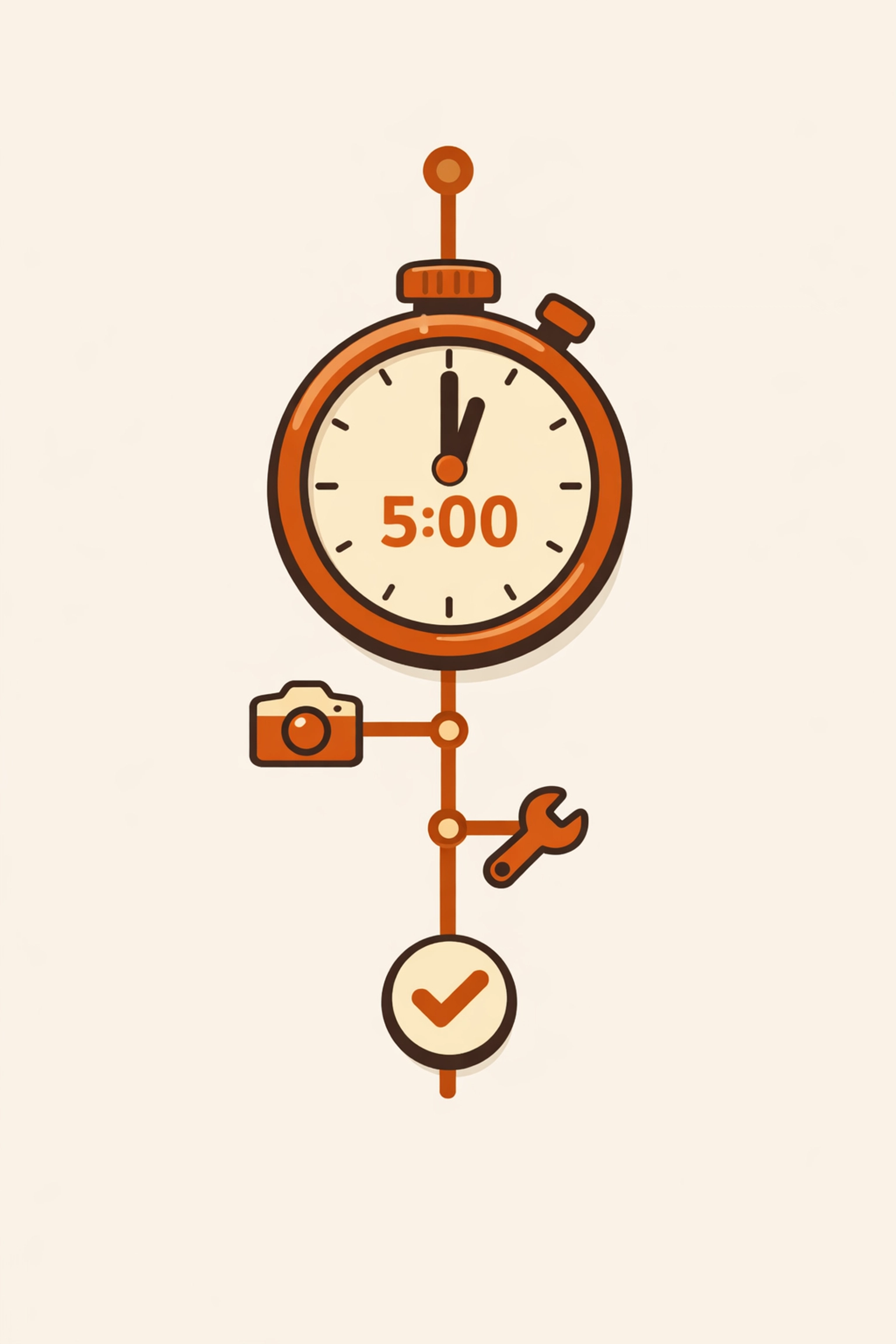
The 5-Minute Breakdown
Let’s look at the clock. If you use a streamlined system, here is how those 5 minutes are spent:
- Minute 1: Open the job on your phone and snap 2 "Before" photos.
- Minute 2: Snap 2 "In-Progress" photos while the walls are open.
- Minute 3: Snap 2 "After" photos of the finished product.
- Minute 4: Quickly tap in 3 captions while you’re walking back to the truck.
- Minute 5: Hit "Share" and text the link to the customer.
That’s it. You’re done. You have a permanent record of the work, a happy customer, and a professional image that makes you look like a top-tier company.
Conclusion: Stop Doing It the Hard Way
Documentation shouldn't feel like a chore. If it does, you’re using the wrong tools. Stop digging through your "All Photos" album trying to remember which wire belongs to which house. Stop sending 20 individual texts to your clients.
Embrace the simplicity of a contractor photo app that respects your time and your customer’s phone storage.
Ready to see how easy it can be? You can get started with JobLuma for free and send your first professional photo timeline today. Your customers will thank you, and your future self: the one who doesn't have to argue about a "pre-existing" scratch: will thank you too.
Check out our pricing to find the plan that fits your business size, and if you ever get stuck, our help center is always there to get you back on the job.
Build trust. Show your work. Keep it simple. That’s the JobLuma way.
Leave a Reply