Author: adminjobluma

  • The Solo Contractor's Guide to Photo Timeline Apps: Skip the Enterprise Bloat

    The Solo Contractor's Guide to Photo Timeline Apps: Skip the Enterprise Bloat

    As a solo contractor or small shop owner, you've probably felt the frustration. You just want to document your jobs professionally: capture before and after photos, keep a clean timeline, and share progress with clients without looking like you're texting from your personal phone. Simple, right?

    But when you start shopping for photo documentation apps, you're hit with "comprehensive project management platforms," "enterprise-grade solutions," and "all-in-one construction software suites" that cost more than your truck payment and require a manual thicker than your local building code.

    Here's the truth: most construction software is built for corporate teams, not solo operators who just need clean job documentation.

    The Enterprise Bloat Problem

    Walk into any app store or Google search for "construction photo apps," and you'll find platforms trying to solve every problem under the sun. They bundle photo documentation into massive systems that force you into:

    • Dispatching modules you don't need (you dispatch yourself)
    • CRM systems for managing hundreds of clients (you have 12 regulars)
    • Team scheduling for crews you don't have
    • Mandatory multi-user seats you'll never fill
    • Training sessions just to upload a photo

    The result? You're paying enterprise prices for simple needs, spending more time learning software than doing actual work, and your photos are still buried somewhere in a maze of dashboards, tabs, and workflows.

    image_1

    What Solo Contractors Actually Need

    Let's get real about what matters when you're working alone or with a small crew:

    Speed on the job site. You need to snap photos, add quick notes, and get back to work. Not navigate through five menus to find the "photo upload" button.

    One clear timeline per job. Every job should tell a simple story: what you started with, what you did, and what you delivered. No hunting through folders or trying to remember which photos go with which project.

    Professional client communication. Instead of texting blurry photos or creating messy email chains, you want to send one clean link that shows your work in order, with timestamps and notes.

    Protection when questions arise. You need documentation that proves what work was done, when it was done, and what the site looked like before you touched it.

    Fair pricing. You shouldn't pay for features designed for 50-person crews when you're a solo operator.

    The JobLuma Difference: Built for Your Reality

    This is exactly why JobLuma exists. Instead of building another "everything platform," we focused on what small contractors actually need: clean, professional job documentation without the enterprise bloat.

    One Job = One Story

    Every job in JobLuma gets a single, chronological timeline. Take photos throughout your work, add notes when needed, and everything stays organized automatically. No folders to manage, no categories to set up, no sorting required.

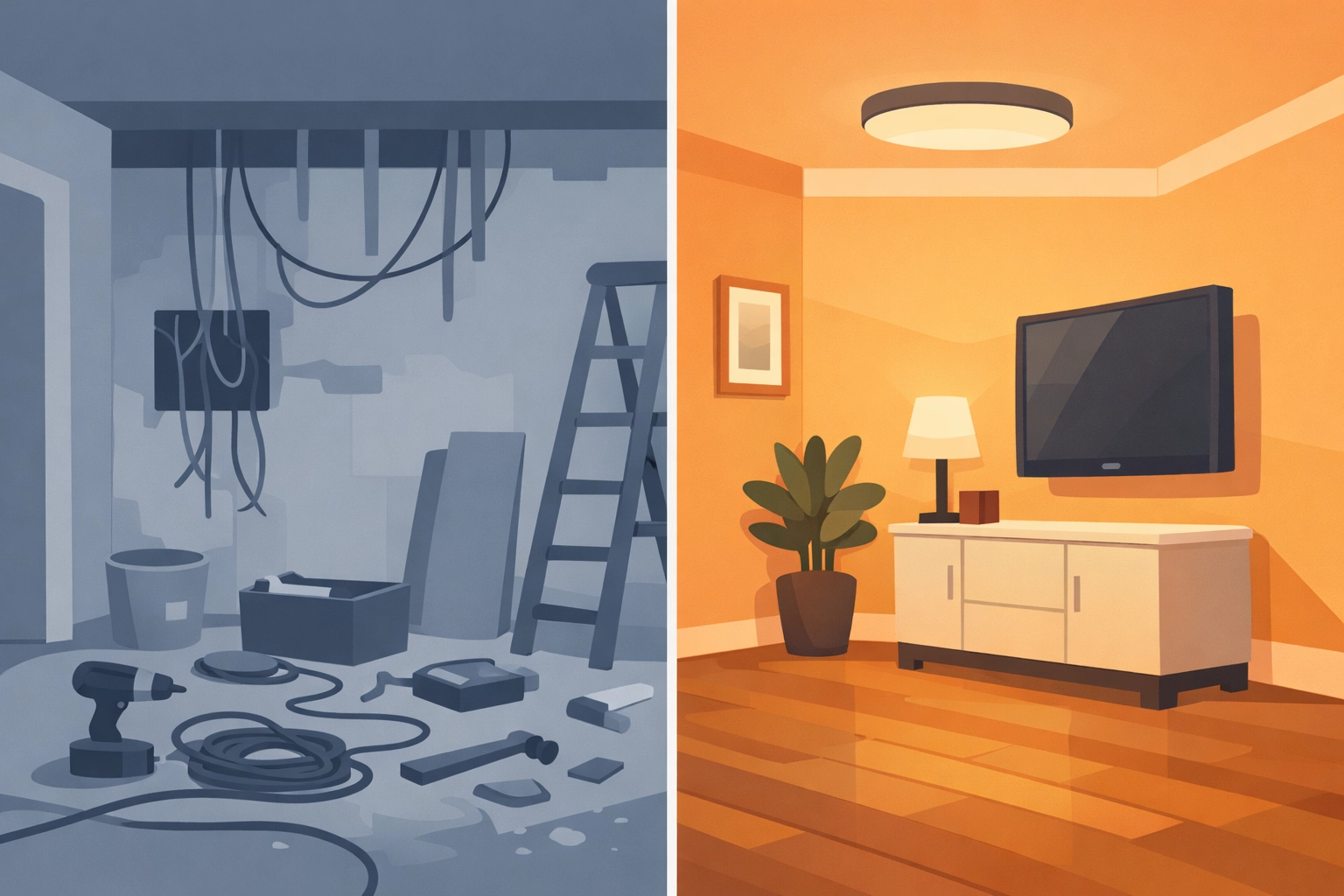
    Your client sees a clean, professional timeline showing exactly what you did, when you did it, and how their property looked before and after. It's that simple.

    image_2

    Mobile-First Design

    JobLuma is built for contractors who work on their phones, not at desks. You don't need to "configure" anything or watch training videos. Open the app, select your job, and start documenting.

    Everything works the way you'd expect: take a photo, it goes in the timeline with a timestamp. Add a note, it stays with that moment in the job. Done.

    Professional Client Sharing Made Easy

    Instead of sending:

    • Text messages with random photos
    • Email attachments that get lost
    • Screenshots from your camera roll

    You send one clean, read-only link to your job timeline. Your client clicks it and sees a professional presentation of your work. No app required, no login needed, no confusion.

    Complexity Comparison: Simple vs. Bloated

    Here's how JobLuma stacks up against typical "all-in-one" platforms:

    Setup Time:

    • Typical tools: Hours of onboarding, account configuration, user training
    • JobLuma: Start documenting jobs immediately

    Features:

    • Typical tools: Overloaded with dispatching, CRM, scheduling, inventory
    • JobLuma: Purpose-built for job documentation only

    Pricing:

    Mobile Experience:

    • Typical tools: Desktop-first design squeezed onto phones
    • JobLuma: Built mobile-first for actual jobsite conditions

    image_3

    Protection That Actually Protects

    When clients question your work or try to claim damage that was already there, your documentation becomes your protection. But only if it's organized and professional.

    With scattered phone photos and unclear timelines, you're vulnerable. With JobLuma's time-stamped, job-specific documentation, you have clear proof of work completed and site conditions before you arrived.

    Every photo includes metadata showing exactly when and where it was taken. Every job timeline shows the logical progression of work. If questions arise months later, you have professional documentation ready to go.

    The Philosophy Behind Simple

    Most construction software companies ask: "What else can we add to justify higher prices?"

    We ask: "What can we remove to make this actually useful?"

    The result is intentionally limited software that does one thing extremely well: job-based photo documentation with professional client sharing.

    No extras. No distractions. No enterprise features you'll never use.

    Who This Is (And Isn't) For

    JobLuma is built for:

    • Solo contractors who want professional documentation
    • Small crews focused on quality work, not software management
    • Local service providers who need clear client communication
    • Anyone tired of paying enterprise prices for simple photo organization

    JobLuma isn't for:

    • Large construction companies with complex project management needs
    • Teams requiring dispatching, scheduling, or inventory management
    • Operations that need extensive reporting and analytics
    • Anyone looking for comprehensive business management software

    image_4

    Getting Started: No Setup Required

    Unlike enterprise platforms that require configuration, training, and setup time, JobLuma works immediately. Create an account, add your first job, and start taking photos. Everything else happens automatically.

    Your photos organize into clean timelines. Your client gets professional job documentation. Your work is protected with proper timestamps and metadata.

    You can try JobLuma today and see the difference between software built for contractors versus software built for corporations.

    The Bottom Line

    As a solo contractor, your time is money. You need documentation that protects your work and impresses clients without requiring a computer science degree to operate.

    Stop paying for features you don't need. Stop wasting time learning complicated software. Stop sending unprofessional photos via text message.

    Job documentation without the bloat. That's what JobLuma delivers.

    Everything you need to document a job: nothing you don't.

    Ready to skip the enterprise bloat and try contractor software actually built for contractors? Start your free trial and document your next job the professional way.

  • Stop Wasting Time on Complicated Contractor Apps: Try These 5 Simple Alternatives

    Stop Wasting Time on Complicated Contractor Apps: Try These 5 Simple Alternatives

    You don't need a software engineering degree to document your jobs. Yet somehow, most contractor apps make you feel like you do.

    If you've ever spent more time fighting with an app than actually using it, you're not alone. The construction software industry has a problem: they're building enterprise platforms for contractors who just want to take photos, add notes, and share clean job documentation with clients.

    The good news? You have alternatives. Real alternatives that won't make you question your career choices every time you need to upload a photo.

    The 5 Biggest Headaches with "All-in-One" Contractor Apps

    Let's be honest about what's broken with most contractor software, and then talk about what actually works.

    1. Setup Hell: When Getting Started Takes Weeks

    Most contractor platforms treat setup like a military operation. You'll get:

    • Multi-hour "onboarding" calls
    • Mandatory training sessions for your crew
    • Complex user permission settings
    • Integration requirements with systems you don't even use

    What happens in reality: Your crew keeps using their phones and text messages because the app is still "being set up" three weeks later.

    The simple alternative: Apps that work immediately. You download it, create an account, and start documenting jobs the same day. No training required. No setup calls. No complicated permissions.

    image_1

    2. Training Requirements: Your Crew Shouldn't Need a Manual

    Here's a wild idea: if your crew needs training to upload photos, the app is the problem, not your team.

    Most platforms require:

    • Video tutorials just to navigate basic features
    • Written guides for simple tasks
    • Support tickets for routine operations
    • "Super users" who become the unofficial IT department

    The simple alternative: Apps built for people who work with their hands, not their keyboards. If it takes more than 30 seconds to figure out how to add a photo and note, it's too complicated.

    3. Pricing Complexity: When a Simple Tool Costs Like Enterprise Software

    The pricing pages for most contractor apps read like tax code:

    • "Contact sales" for basic features
    • Forced multi-user minimums
    • Feature-gated pricing tiers
    • Long-term contract requirements
    • Hidden fees for "premium" features like client sharing

    The simple alternative: One price. Pay monthly. Cancel anytime. No contracts. No forced user minimums. If you can't see the real price upfront, keep looking.

    4. Client Sharing Nightmare: Making Simple Things Complicated

    Sharing job updates with clients should be the easiest part of any contractor app. Instead, most platforms make it unnecessarily complex:

    • Clients need to create accounts
    • Multiple logins and passwords to manage
    • Confusing dashboards that show everything except the job photos
    • Email attachments that get lost or compressed
    • Screenshots that look unprofessional

    The simple alternative: Send clients a clean link. They click it. They see the job timeline. No app required. No login required. Just professional documentation they can easily understand.

    5. Mobile-Last Design: Built for Desks, Not Job Sites

    Most contractor apps feel like they were designed by people who've never held a hammer. The mobile experience is clearly an afterthought:

    • Tiny buttons that don't work with work gloves
    • Features that only work on desktop
    • Photo uploads that fail on job sites
    • Navigation that requires precise finger movements
    • Battery-draining background processes

    The simple alternative: Apps built mobile-first. Big buttons. Reliable photo uploads. Works in areas with poor signal. Designed for people who are actually doing the work.

    Why These Problems Exist

    The construction software industry has convinced itself that contractors want "comprehensive solutions" that handle everything from scheduling to accounting to CRM to photo documentation.

    The reality is different. Most small contractors just want their job photos organized and their clients impressed with professional documentation. They don't need a second full-time job managing software.

    If You Just Need Job Photos, This Is It

    JobLuma exists because contractors kept asking for something simpler. Not more features. Not more integrations. Not more "comprehensive solutions."

    Just clean, professional job documentation.

    Here's what that actually looks like:

    One Job = One Timeline
    Every job gets a single, chronological timeline of photos and notes. No hunting across tabs. No sorting through folders. No guesswork about what happened when.

    Clients See Professional Output
    Instead of sending text message photos or email attachments, you send one clean, read-only job timeline. Your clients see professional documentation without needing to download anything or create accounts.

    Built for Field-First Workflows
    Designed for people wearing work gloves, in bright sunlight, with muddy hands. Big buttons. Reliable uploads. Works when the signal is weak.

    Simple Pricing
    One monthly price. No contracts. No forced user minimums. Cancel anytime. You pay for what you actually use.

    image_2

    Other Simple Alternatives Worth Considering

    If JobLuma's focus on job documentation isn't quite what you need, here are other contractor apps that prioritize simplicity:

    Buildbite – Good for small crews who need basic field management without the complexity. User-friendly interface and reasonable pricing at $4-7 per user monthly.

    Connecteam – Solid choice for team communication and scheduling. Free for teams under 10 users, which is perfect for small contractors testing new software.

    Workyard – Built by former contractors who understand the real workflow challenges. Strong mobile app with reliable tracking features.

    Contractor Foreman – Budget-friendly all-in-one that doesn't overwhelm you with unnecessary features.

    These alternatives share one important characteristic: they prioritize ease of use over feature overload.

    The Philosophy Difference

    Most contractor software companies ask: "What can we build that does everything?"

    The better question is: "What can we build that makes one thing painless and professional?"

    For job documentation, that means:

    • Time-stamped photos in chronological order
    • Notes tied to actual work
    • Clean sharing with clients
    • Protection if questions arise later

    Nothing you don't need. Everything you do.

    Why JobLuma Exists

    Because contractors deserve software that works as hard as they do. Software that saves time instead of wasting it. Software that makes them look professional instead of making them look like they're struggling with technology.

    If you're tired of complicated contractor apps that require training manuals and setup calls, try JobLuma. Start documenting jobs today, not next month.

    Job documentation without the bloat. Finally.

  • How to Create Professional Before and After Photo Timelines in 5 Minutes

    How to Create Professional Before and After Photo Timelines in 5 Minutes

    Most contractors know they should document their work better. The problem? Every photo documentation system seems designed by people who've never worked in the field.

    You open the app, and suddenly you're navigating through dispatching modules, CRM integrations, and scheduling dashboards just to upload a simple before-and-after photo. By the time you figure out where your photos went, you've lost 20 minutes and your patience.

    There's a better way. Professional job documentation shouldn't require a computer science degree or eat up your lunch break.

    Why 5 Minutes Actually Matters

    When you're running from job to job, time isn't just money: it's everything. Every minute spent wrestling with complicated software is a minute not spent on billable work, getting to the next job, or heading home to your family.

    But here's the thing: clients expect professional documentation. They want to see clear proof of what you did, especially for insurance claims, property management companies, or warranty work. A few scattered phone photos in a text message doesn't cut it anymore.

    The sweet spot is professional documentation that takes virtually no time to create. That's exactly what JobLuma delivers.

    The One Job = One Story Approach

    image_1

    JobLuma works differently than bloated "all-in-one" platforms. Instead of forcing you to navigate through multiple modules and workflows, everything revolves around a simple concept: one job gets one clean timeline.

    Here's how it works in practice:

    Open the job. No dashboards, no project selection screens, no user management. You tap on the specific job you're working on.

    Take your photos. The camera opens directly from the job screen. No hunting through menus or figuring out where to upload files.

    Photos appear chronologically. Every photo automatically timestamps and appears in order on a single, clean timeline. Before photos at the top, progress shots in the middle, after photos at the bottom.

    Add notes if needed. Tap any photo to add a quick note. "Found additional damage here" or "Customer requested this change" gets tied directly to the relevant photo.

    That's it. No configuration, no training, no workflow setup. Just document the work as you do it.

    The Step-by-Step Process

    Let's walk through creating professional before-and-after documentation for a typical job:

    Step 1: Start the job (30 seconds)
    Open JobLuma and tap "New Job" or select an existing job. Enter the basic details: customer name, address, brief description. The job timeline starts immediately.

    Step 2: Take before photos (1 minute)
    Use your phone camera directly through JobLuma. Take wide shots showing the overall area, then detail shots of specific problems or areas you'll be working on. Each photo automatically timestamps and appears on the job timeline.

    Step 3: Work and document progress (2 minutes over the course of the job)
    As you work, take occasional progress photos. These don't need to be perfect: just quick documentation showing your process. Maybe a shot of materials being installed, or a problem you discovered and how you're fixing it.

    Step 4: Take after photos (1 minute)
    When the job is complete, take your final photos from the same angles as your before shots. Wide shots showing the finished work, detail shots highlighting the improvements or repairs.

    Step 5: Review and share (30 seconds)
    The timeline now shows the complete story of the job: chronological photos with any notes you added. Tap "Share" to send a clean, professional link to your customer.

    image_2

    What Your Customers Actually See

    This is where JobLuma shines. Instead of sending customers a handful of phone photos via text or email, you send them something that looks professional: a clean, read-only timeline showing exactly what you did.

    The customer opens the link (no app required, no login needed) and sees:

    • Time-stamped photos showing the job progression
    • Clear before and after comparisons
    • Any notes you added explaining specific work or findings
    • A complete story of their project in chronological order

    It's the difference between looking like every other contractor and looking like a professional service company. Customers save the link, share it with family members, and use it for insurance documentation or warranty records.

    Built for Field Work, Not Office Work

    image_3

    Most contractor software assumes you have time to sit at a desk and organize files. JobLuma assumes you're busy, your hands might be dirty, and you need to document work quickly without losing momentum.

    The interface is designed for gloved fingers and bright sunlight. Large buttons, high contrast, and simple navigation that works even when you're rushed or distracted.

    Photos sync automatically when you have cell service, so you don't need to remember to upload files later. Everything happens in the background while you focus on the actual work.

    Why This Beats Complicated Alternatives

    Most platforms try to do everything: dispatching, scheduling, inventory, invoicing, customer management, and photo documentation. The result? Photo documentation gets buried under layers of features you don't need.

    With JobLuma, photo documentation isn't a feature: it's the entire point. No distractions, no extra modules, no feature creep. Just clean, professional job documentation that takes minutes instead of hours.

    Comparison with typical platforms:

    Other tools: Navigate to project module → find the right job → locate photo section → upload files → organize into folders → figure out sharing settings → send complicated links that customers can't open easily.

    JobLuma: Open job → take photos → share clean timeline link.

    The difference isn't just time: it's stress. With JobLuma, documenting work feels natural instead of like a separate administrative task.

    Perfect for Solo Contractors and Small Teams

    image_4

    JobLuma was specifically built for contractors who don't have dedicated office staff or IT departments. You don't need training sessions, user management, or complicated setup procedures.

    Solo contractors can start documenting jobs professionally within minutes of downloading the app. Small teams can share job access without dealing with enterprise user management or forced minimum seat requirements.

    The pricing reflects this focus too. One simple monthly fee, no contracts, no forced multi-user minimums. Pay for what you use, cancel anytime.

    Professional Documentation Without the Professional Headache

    Good job documentation serves multiple purposes: customer satisfaction, warranty protection, insurance claims, and professional credibility. But it only works if you actually use it consistently.

    JobLuma removes the friction that prevents consistent documentation. When creating professional before-and-after timelines takes 5 minutes instead of 20, you'll actually do it for every job instead of just the big ones.

    The result? Every customer gets professional documentation, you have complete records if questions arise later, and you look more professional than competitors who are still sending phone photos via text message.

    image_5

    Your work deserves professional documentation. Your time deserves simple tools that work the way you work. JobLuma delivers both without the complexity, training, or enterprise pricing that comes with "comprehensive" platforms.

    Ready to document your next job professionally in under 5 minutes? Try JobLuma and see how simple professional documentation can be.

  • Contractor Software vs Project Management Overkill: Which Is Better for Your Small Business?

    Contractor Software vs Project Management Overkill: Which Is Better for Your Small Business?

    As a small contractor, you've probably felt the pressure to adopt "modern software solutions." But here's the thing: most of what's being pushed on contractors today is massive overkill for what you actually need to get done.

    The construction software market is flooded with platforms that promise to "revolutionize your business" by cramming everything from dispatching to CRM to accounting into one bloated system. Meanwhile, you just want to document your work professionally and move on to the next job.

    Let's break down what you really need versus what software companies think you need.

    What Most "All-in-One" Platforms Actually Give You

    The typical construction management platform comes loaded with features that sound impressive in sales demos but create headaches in real life:

    Forced Feature Bundling

    • Dispatching systems (when you already know where your jobs are)
    • CRM modules (for tracking leads you get through word-of-mouth)
    • Scheduling tools (when you work with the same crew every day)
    • Mandatory team seats (even if you work solo)

    Complex Setup Requirements

    • Weeks of onboarding and configuration
    • Training sessions just to upload photos
    • Multiple dashboards to learn and navigate
    • Integration requirements with other systems you don't use

    Pricing That Doesn't Make Sense

    • Enterprise-level monthly fees for basic needs
    • Tiered pricing that locks useful features behind higher plans
    • Mandatory multi-user minimums
    • "Contact sales" pricing (never a good sign)

    image_1

    The Real Cost of Complexity

    Here's what happens when you choose an overcomplicated platform:

    You spend more time managing the software than using it. Photos get buried across different tabs and workflows. Simple tasks require multiple steps and logins. Your clients get confused trying to access project updates through clunky portals.

    The result? You're paying premium prices for enterprise software complexity while still struggling to organize basic job photos and share them professionally with clients.

    What Small Contractors Actually Need

    Let's get real about what matters for a small service business:

    Job Documentation That Makes Sense

    • Photos organized by specific jobs, not scattered across folders
    • Clear before-and-after timelines that tell the story
    • Notes tied to actual work being done
    • Time-stamped records for accountability

    Professional Client Communication

    • Clean, read-only project timelines clients can access
    • No app downloads or login requirements for customers
    • Professional presentation that builds trust and credibility

    Simple, Predictable Pricing

    • One monthly fee that covers what you need
    • No forced user minimums or long-term contracts
    • Transparent pricing you can budget for

    image_2

    A Better Approach: Purpose-Built Simplicity

    This is where focused tools like JobLuma make more sense than comprehensive platforms. Instead of trying to be everything to everyone, purpose-built software does one thing extremely well.

    JobLuma's Focused Design

    • Job-based photo documentation
    • Clean chronological timelines
    • Professional client sharing
    • Notes tied to specific work

    That's it. No dispatching modules you don't need. No CRM for leads you already get through referrals. No scheduling system for your two-person crew.

    Instant Usability
    You don't spend weeks configuring JobLuma. You open it, start documenting work, and immediately get professional results. No training required, no complex setup, no onboarding calls.

    One Job = One Story
    Every job gets a single timeline with chronological photos and notes. No hunting across multiple tabs. No sorting through unrelated data. Just a clear record of what was done, when it was done, and how it turned out.

    When Comprehensive Platforms Make Sense

    To be fair, massive project management platforms do serve a purpose: just not for most small contractors.

    You might need comprehensive software if:

    • You manage multiple crews across different locations
    • You handle complex commercial projects with numerous subcontractors
    • You need advanced financial tracking and reporting features
    • Your clients require detailed progress dashboards and analytics
    • You plan to scale rapidly to 50+ employees

    But for most small contractors:

    • You work with the same crew regularly
    • You get jobs through relationships and referrals
    • You need clear documentation and professional client communication
    • You want software that works without becoming a second job

    image_3

    The Philosophy Difference

    The fundamental difference isn't about features: it's about philosophy.

    Comprehensive platforms think: "Let's build a system that handles every possible construction business scenario."

    Focused tools think: "Let's make specific tasks simple and professional."

    This philosophy difference shows up everywhere:

    • Comprehensive platforms require configuration; focused tools work immediately
    • Comprehensive platforms have complex pricing; focused tools have simple monthly fees
    • Comprehensive platforms require training; focused tools are intuitive
    • Comprehensive platforms spread your data across modules; focused tools keep job information together

    Making the Right Choice for Your Business

    The decision comes down to matching software complexity to business complexity.

    Choose simple, focused software if:

    • You're a solo operator or small crew
    • Your workflow is straightforward
    • You want professional documentation without the overhead
    • You prefer paying for what you use, not what you might need someday

    Consider comprehensive platforms if:

    • You manage complex multi-site projects
    • You need extensive reporting and analytics
    • You have dedicated IT support for implementation
    • Your business model requires advanced features

    The Bottom Line

    Most small contractors don't need enterprise-level project management software: they need professional job documentation that's simple to use and easy to share with clients.

    The construction software industry has convinced many contractors that they need complex, expensive platforms to be professional. But professionalism comes from doing good work and documenting it clearly, not from using software with hundreds of features you'll never touch.

    Before choosing any platform, ask yourself: Am I paying for software that makes my actual work easier, or am I paying for features that someone else thinks I should need?

    The answer will guide you toward the right choice for your business.

    JobLuma keeps it simple: professional job documentation without the enterprise software bloat. Because sometimes the best tool is the one that just works.

  • How to Share Job Progress with Customers Without Requiring Them to Download an App

    How to Share Job Progress with Customers Without Requiring Them to Download an App

    Let's be honest – asking your customers to download yet another app is like asking them to learn a new language. They've already got their phones cluttered with apps they never use, and the last thing they want is to figure out how to navigate your project management software just to see if their deck is getting built on schedule.

    The good news? You don't need to put your customers through app download hell to keep them in the loop. There are plenty of simple ways to share job progress that work with what your customers already use every day – their email, web browser, and text messages.

    Why App-Free Communication Wins Every Time

    Think about your own phone for a second. How many apps do you actually use regularly? Probably the same handful every day, right? Your customers are no different. They don't want to create another account, remember another password, or learn another interface just to check on their project.

    When you make it easy for customers to stay updated without jumping through hoops, you get happier clients who feel informed and confident in your work. Plus, you spend less time explaining how to use your systems and more time actually getting the job done.

    image_1

    Method 1: Simple Web Links That Work in Any Browser

    The easiest way to share progress is through a simple web link your customers can click from any device. No downloads, no accounts, no fuss.

    Here's how it works: You create a shareable webpage that shows everything your customer needs to know about their project. They get a link via email or text, click it, and boom – they can see photos, schedules, invoices, and updates right in their browser.

    This approach works great because:

    • Customers can check progress from their phone, tablet, or computer
    • No learning curve – everyone knows how to use a web browser
    • You control what information gets shared and when
    • Updates happen automatically as you add new content

    The best part? You can include everything in one place: project timeline, before and after photos, upcoming appointments, and even weather forecasts that might affect the work schedule.

    Method 2: Email Updates That Actually Get Read

    Email might seem old school, but it's still the communication method most customers check daily. Smart contractors use automated email updates to keep customers informed without any manual work.

    Set up weekly or bi-weekly progress emails that include:

    • Photos from the past week's work
    • What's planned for the upcoming days
    • Any schedule changes or weather delays
    • Quick notes about milestones hit or challenges encountered

    image_2

    The key is making these emails scannable and visual. Your customers don't want to read a novel – they want to quickly see that progress is happening and everything's on track.

    Pro tip: Send these emails at the same time each week so customers know when to expect them. Consistency builds trust.

    Method 3: Shared Calendars for the Planning-Obsessed

    Some customers love to plan and want to see exactly when things are happening. For these detail-oriented folks, a shared calendar works perfectly.

    Create a simple calendar that shows:

    • When you'll be on-site
    • Major milestones and completion dates
    • Delivery schedules for materials
    • Inspection dates

    Customers can view this calendar in their own calendar app or through a web browser. They can even sync it with their personal calendar so they know when to expect activity at their property.

    This method works especially well for longer projects where timing coordination matters. Your customer can plan around your work schedule, and you avoid the "When are you coming back?" phone calls.

    image_3

    Method 4: Live Dashboards for Real-Time Updates

    For customers who want to check progress whenever they feel like it, a live dashboard gives them 24/7 access to current project status.

    Think of it like a simplified version of your project management system – just the customer-friendly parts. They can see:

    • Overall project completion percentage
    • Current phase status
    • Recent photos and updates
    • Upcoming milestones
    • Budget and change order status

    The dashboard updates automatically as you complete tasks and add information, so customers always see the most current status without you having to manually send updates.

    Method 5: Simple Text Message Updates

    Sometimes the best communication is the simplest. Regular text updates work great for quick status changes, appointment confirmations, or heads-up about delays.

    Text messages are perfect for:

    • "Starting work at your place this morning"
    • "Finished the electrical rough-in today, photos attached"
    • "Delayed by weather, will resume Thursday"
    • "Ready for your final walkthrough"

    Keep these short and sweet. The goal is quick communication, not detailed reports.

    image_4

    Choosing the Right Method for Your Customers

    Different customers prefer different communication styles. During your initial meeting, ask how they like to stay informed about projects. You'll usually hear responses like:

    • "Just email me weekly with photos"
    • "I want to check progress whenever I want"
    • "Text me if anything changes"
    • "I don't need constant updates, just let me know when you're done"

    Match your communication method to their preference. Some customers want minimal contact, others want to see every detail. The key is asking upfront and then delivering exactly what they requested.

    Setting Up Your App-Free Communication System

    Getting started doesn't have to be complicated. Here's a simple approach:

    1. Pick one method to start with – don't try to implement everything at once
    2. Create templates for your emails or text updates so you're not starting from scratch each time
    3. Take photos consistently – even if customers don't ask for them, progress photos always impress
    4. Set a schedule and stick to it – whether it's weekly emails or Monday morning text updates
    5. Ask for feedback after your first few projects to see what's working

    image_5

    The Technology You Actually Need

    You don't need expensive software or complicated setups. Most field service management platforms already include customer communication features that work through web browsers and email.

    Look for tools that let you:

    • Generate shareable web links
    • Send automated email reports
    • Upload photos that customers can view online
    • Create simple project timelines
    • Track what customers have viewed

    The goal is finding something simple that works with your existing workflow, not overhauling your entire business process.

    Making Communication Feel Personal

    Even when you're using automated systems, keep the human touch. Add personal notes to your updates. Mention specific details about the customer's preferences or concerns. Take photos that show progress from angles that matter to them.

    Remember – you're not just sharing information, you're building confidence in your work and professionalism.

    Common Mistakes to Avoid

    Don't overwhelm customers with too much information. They don't need to see every single task in your project management system – just the highlights that matter to them.

    Don't assume everyone wants the same level of detail. Some customers want daily updates, others prefer to hear from you once a week.

    Don't forget to actually use the system you set up. Consistency matters more than perfection.

    The Bottom Line

    Keeping customers informed doesn't require them to learn new technology. Use the communication methods they already know and love – email, web browsers, and text messages. Pick the approach that matches each customer's preferences, keep it simple, and stay consistent.

    When you make it easy for customers to stay in the loop, everyone wins. They feel informed and confident, you spend less time answering "How's it going?" calls, and your projects run smoother from start to finish.

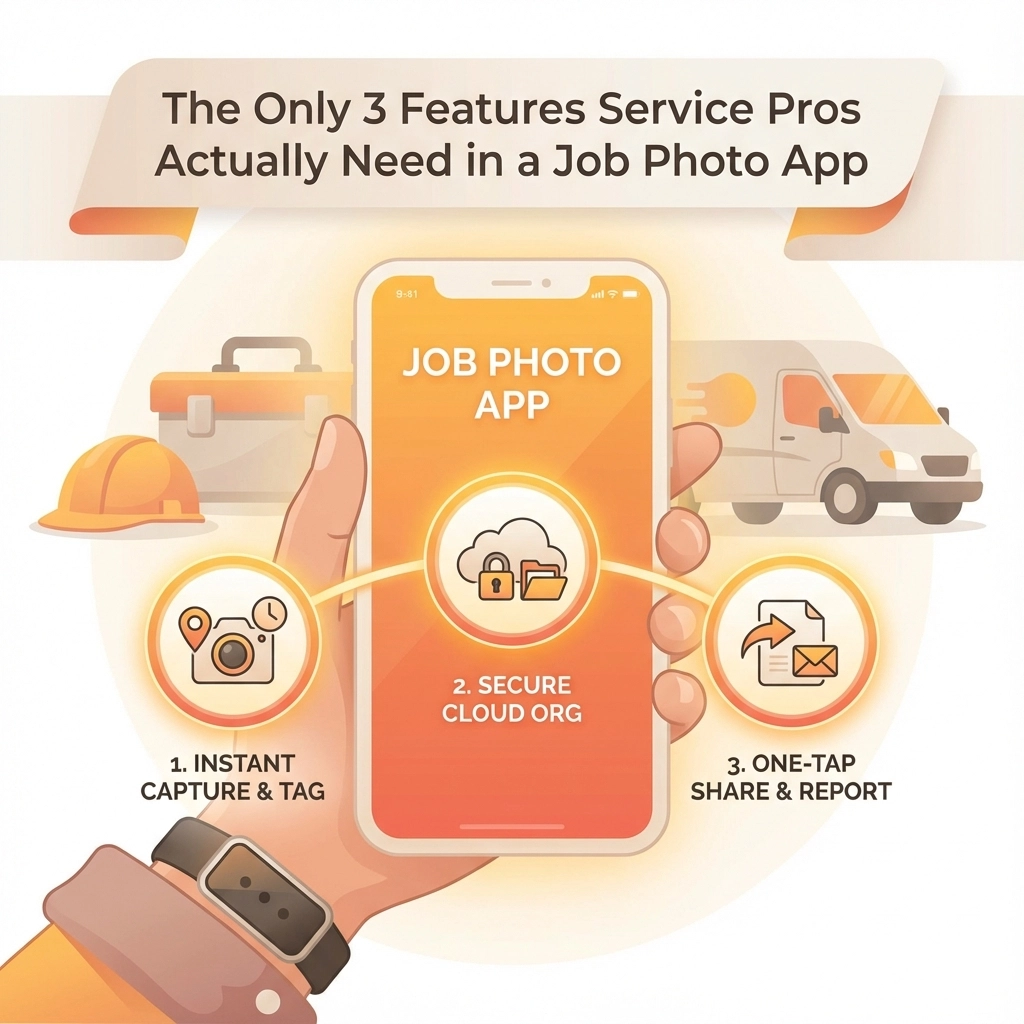
  • The Only 3 Features Service Pros Actually Need in a Job Photo App

    The Only 3 Features Service Pros Actually Need in a Job Photo App

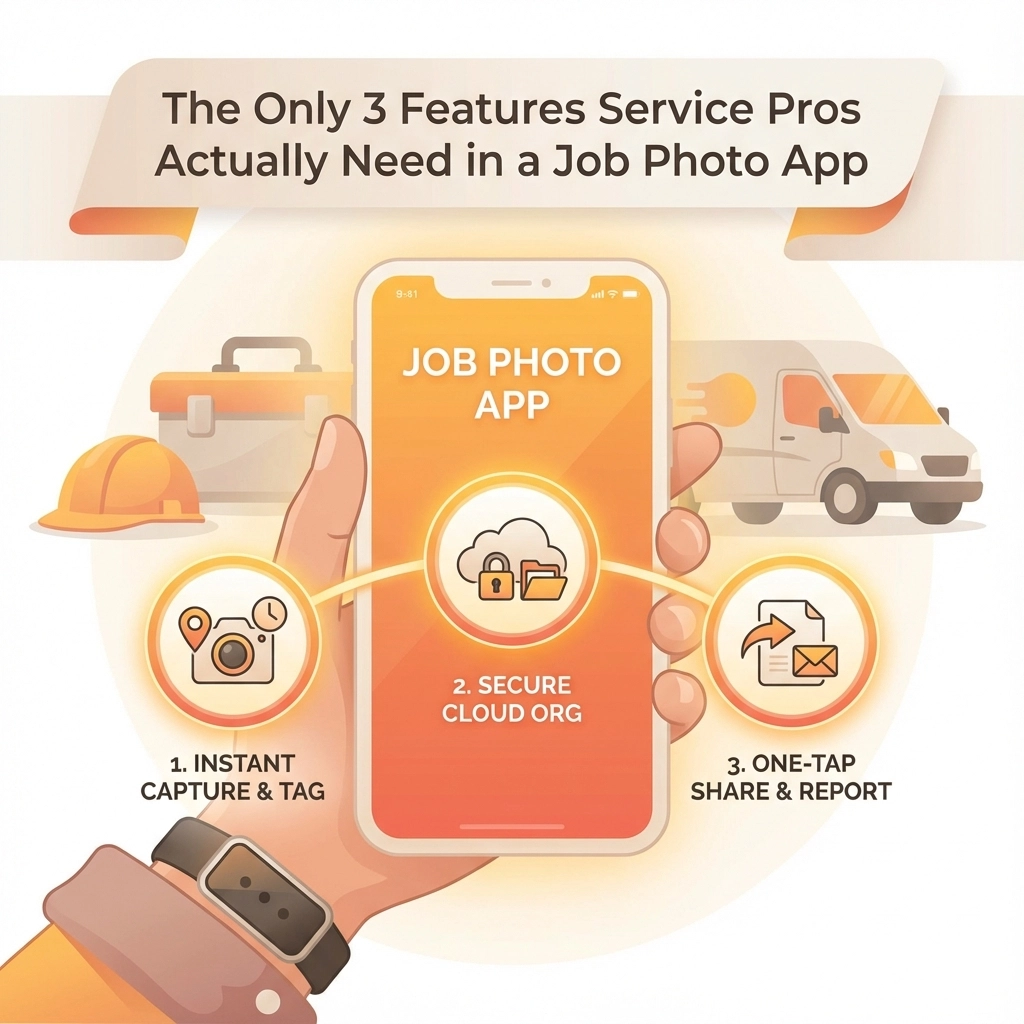
    Let's cut through the noise. You've probably seen job photo apps with 47 different features, custom workflows, and enough bells and whistles to make your head spin. But here's the thing – most of that stuff is just marketing fluff.

    After talking to hundreds of contractors, plumbers, electricians, and HVAC techs, we've found that service pros only really care about three core features. Everything else is just nice-to-have extras that complicate your workflow.

    So what are these three must-have features? Let's break it down.

    Feature #1: Automatic GPS Tagging and Timestamping

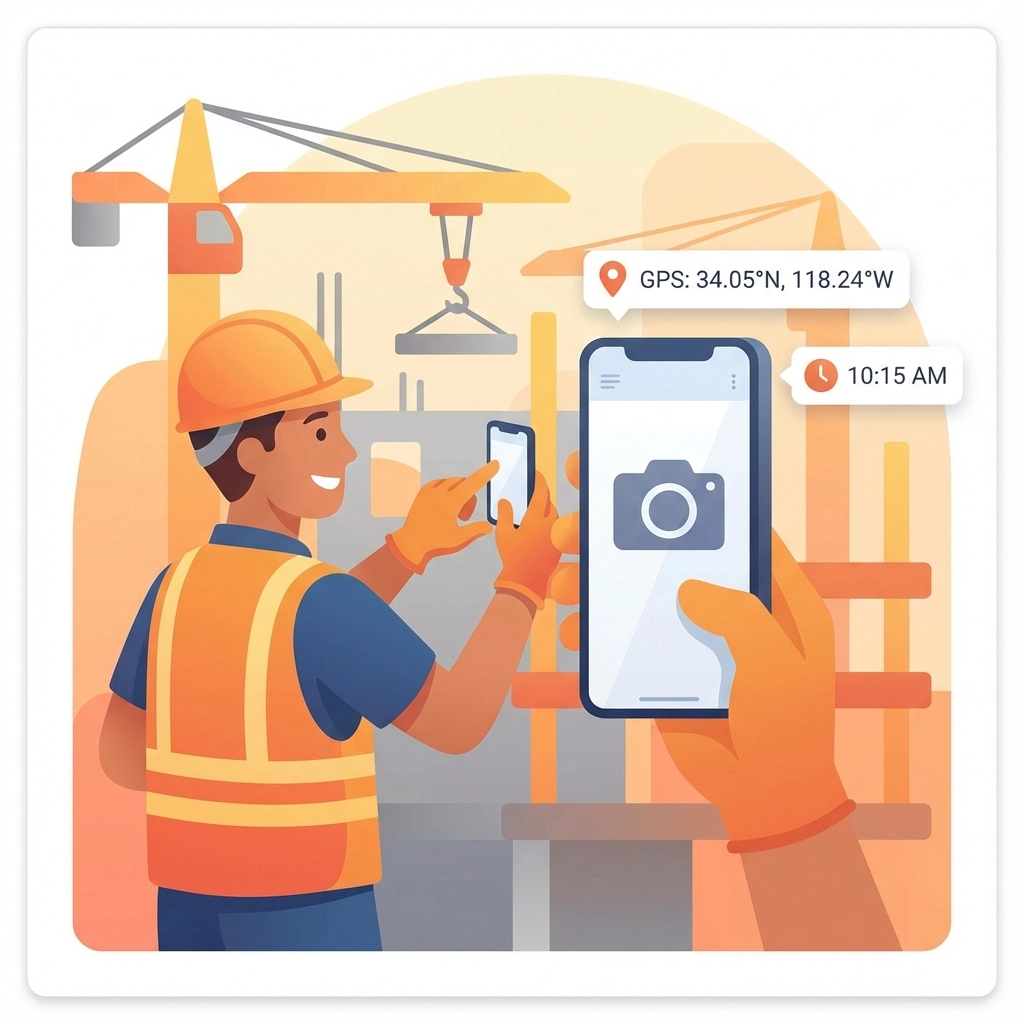
    This is the foundation of any decent job photo app. Every single photo needs to be automatically stamped with the exact time, date, and GPS coordinates – without you having to remember to do anything.

    image_1

    Think about it: You're knee-deep in a crawl space, flashlight in one hand, phone in the other, trying to document a busted pipe. The last thing you want to do is manually enter the time and location for every photo. A good app handles this automatically in the background.

    Why this matters for your business:

    Dispute Protection: When a customer claims you didn't show up on time or didn't complete the work as agreed, timestamped photos are your best defense. They create an undisputable record of exactly when and where each photo was taken.

    Insurance Claims: Insurance companies love detailed documentation. Photos with accurate timestamps and GPS coordinates can speed up claims processing and help ensure you get paid properly for covered work.

    Accountability: Some apps even track how long technicians spend at each job site, which helps with accurate billing and identifying efficiency opportunities.

    The key word here is "automatic." If you have to remember to turn on GPS tagging or manually enter timestamps, it's not going to work consistently. The best apps do this seamlessly in the background, so you can focus on the actual work instead of data entry.

    Feature #2: Reliable Cloud Storage and Sync

    Your photos need to live in the cloud, not just on your phone. Period.

    image_2

    Here's a scenario every service pro has lived through: You take 30 photos documenting a complex job. Your phone gets dropped, stolen, or just decides to have a meltdown. Without cloud storage, all that documentation is gone forever.

    But it's not just about backup protection. Cloud storage enables a bunch of other benefits:

    Access from Anywhere: Need to pull up photos from last week's job while you're sitting in the office? No problem. Your photos are available on any device with internet access.

    Offline Capability: Good cloud storage works even when cell service is spotty. The app should queue up photos for upload and sync them automatically once you're back in coverage.

    Team Access: Your office staff, project managers, or other crew members can see the photos immediately without you having to text them manually or transfer files.

    Storage Space: Your phone isn't going to have unlimited storage for thousands of job photos. Cloud storage means you can keep taking photos without constantly deleting old ones.

    One thing to watch out for: Make sure the app uploads full-resolution photos, not compressed versions. You never know when you'll need to zoom in on a detail, and pixelated photos are useless for documentation.

    Feature #3: Simple Sharing and Collaboration

    The third essential feature is the ability to easily share photos with the right people at the right time.

    image_3

    This doesn't mean you need a complicated project management system or workflow builder. It just means the app should make it dead simple to get photos to customers, office staff, or other team members when needed.

    What good sharing looks like:

    Instant Customer Updates: Send before/after photos directly to customers while you're still on site. This builds trust and reduces callbacks from customers wondering if the work was actually completed.

    Office Integration: Your dispatcher or project manager should be able to see job progress in real-time without having to call and interrupt your work.

    Permission Controls: Not every photo needs to go to every person. You should be able to control who sees what, whether that's sensitive diagnostic photos or just the final completion shots.

    Professional Presentation: When you share photos with customers, they should look professional – not like random iPhone snapshots. This means proper organization, clear labeling, and maybe some basic formatting.

    The key is keeping it simple. If sharing photos requires 17 steps and three different apps, nobody's going to use it consistently. The best solution is one that feels natural and doesn't add extra work to your day.

    Why These Three Features Matter More Than Everything Else

    You might be wondering: "What about photo annotations? Custom forms? Advanced reporting? Integration with my accounting software?"

    Those features can be nice, but they're not essential. Here's why these three core features trump everything else:

    They solve real problems: GPS tagging prevents disputes. Cloud storage prevents data loss. Easy sharing improves customer communication. These aren't theoretical benefits – they're daily pain points for service professionals.

    They work for everyone: Whether you're a one-person shop or a 50-truck operation, these features provide value. Fancy workflow customization only helps if you have time to set it up properly.

    They don't require training: Your crew can start using these features immediately without lengthy onboarding sessions or training videos.

    image_4

    What About All Those Other Features?

    Don't get us wrong – additional features can be valuable for some businesses. Photo annotations, custom checklists, advanced reporting, and integrations all have their place.

    But here's the thing: if an app doesn't nail the three core features we've covered, all those extras don't matter. It's like buying a truck with heated seats and a premium sound system, but the engine doesn't start reliably.

    Focus on getting the basics right first. Once you've got automatic timestamping, reliable cloud storage, and simple sharing working smoothly, then you can evaluate whether additional features would actually improve your workflow.

    Making the Right Choice for Your Business

    When evaluating job photo apps, start with these three questions:

    1. Does it automatically timestamp and GPS-tag every photo without me having to remember?
    2. Will my photos sync reliably to the cloud, even with spotty cell coverage?
    3. Can I easily share the right photos with the right people without jumping through hoops?

    If an app can't give you clear "yes" answers to all three questions, keep looking.

    The good news is you don't need to overcomplicate this. A simple app that excels at these three core features will serve your business better than a complex platform that does mediocre job on the basics.

    Your time is valuable, and your documentation is critical to your business. Choose tools that respect both of those facts.

    Ready to see how simple job photo documentation can be? Check out JobLuma's features to see these three essentials in action, or start your free trial and experience the difference yourself.

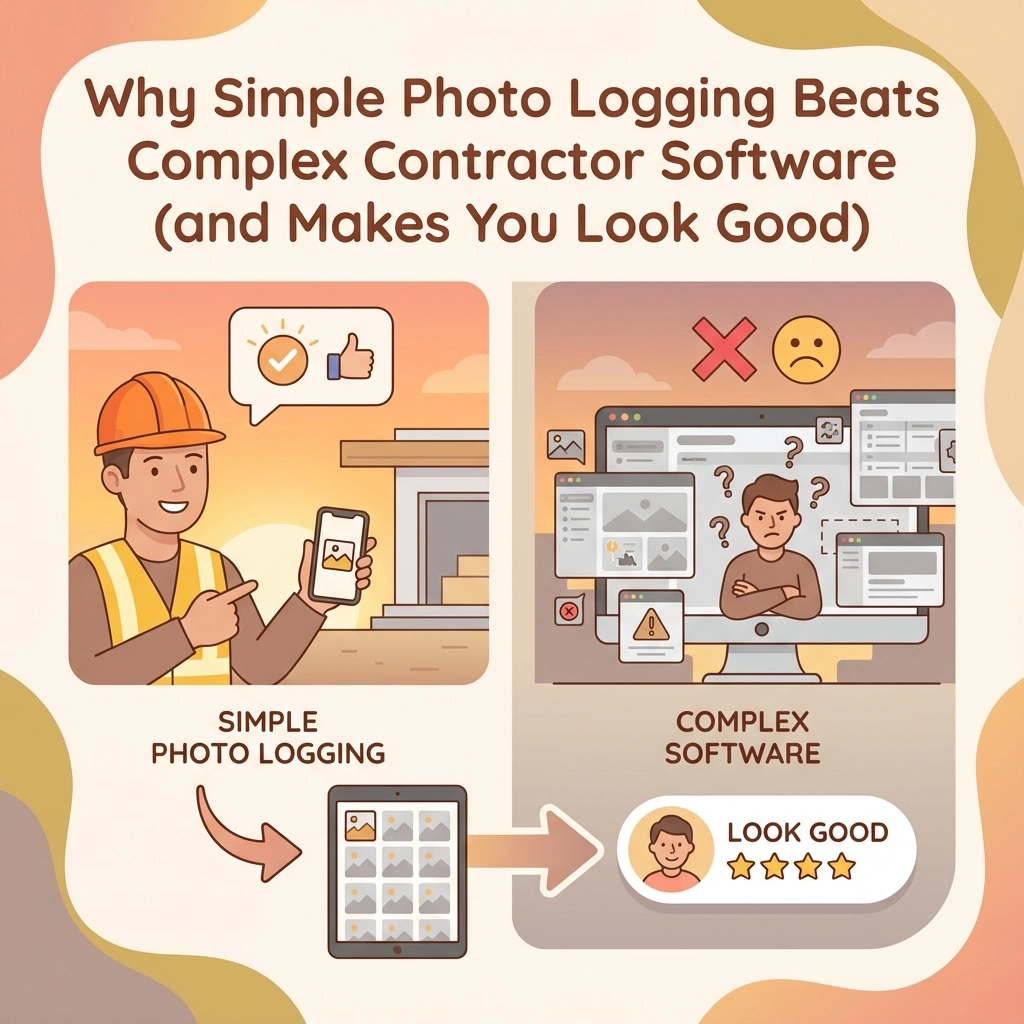
  • Why Simple Photo Logging Beats Complex Contractor Software (and Makes You Look Good)

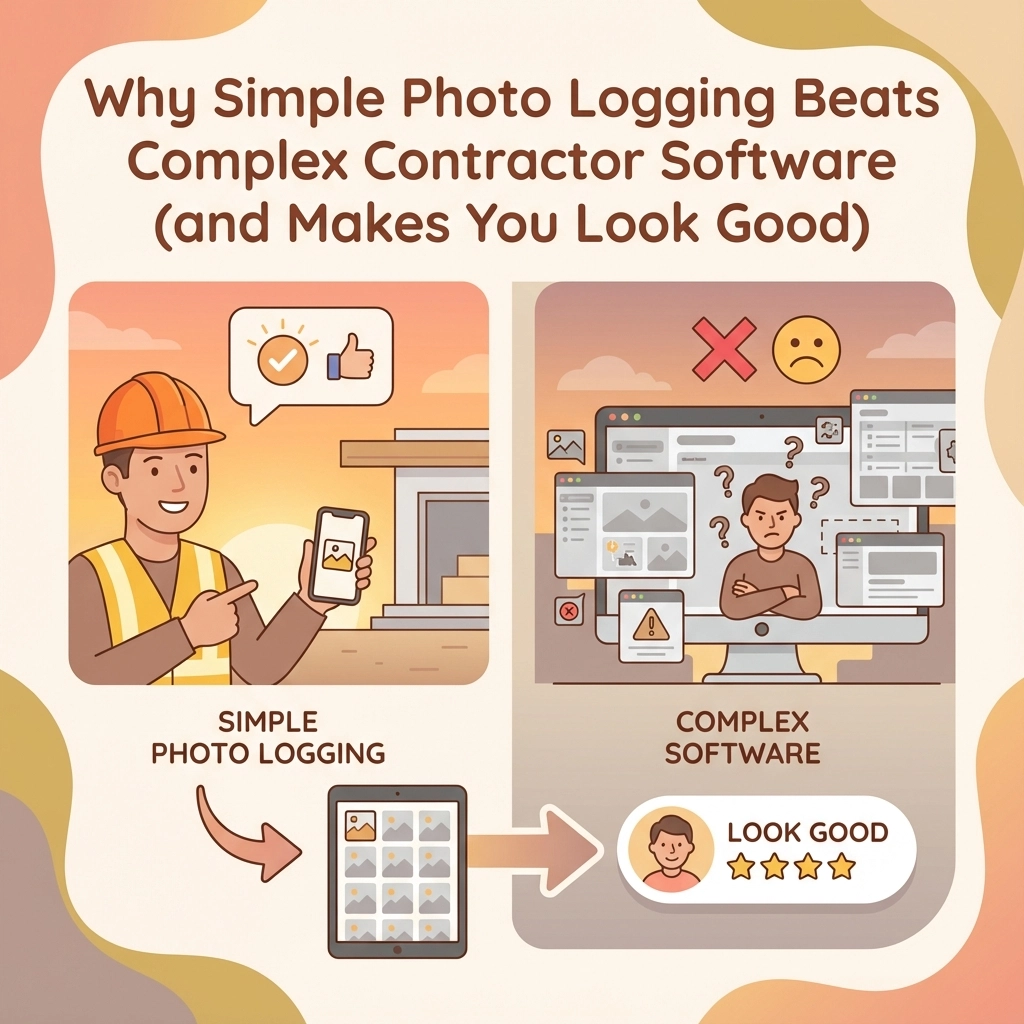
    Why Simple Photo Logging Beats Complex Contractor Software (and Makes You Look Good)

    You've been there. Sitting through another software demo where the salesperson clicks through seventeen different screens just to show you how to upload a photo. Meanwhile, your phone has 200 job site pics sitting in your camera roll, and your client is asking for progress updates.

    Here's the thing: when it comes to documenting work, simple wins every time. Complex contractor software might look impressive in demos, but it often becomes a productivity killer in real life. Let's talk about why keeping photo logging simple actually makes you look more professional: not less.

    The Complexity Trap

    Most contractor software tries to do everything. Project management, scheduling, invoicing, inventory, team chat, document storage, and somewhere buried in there: photo logging. By the time you navigate through all those features just to snap a picture and attach it to a task, your crew has moved on to three other jobs.

    Complex systems create friction. Every extra click, every additional form field, every mandatory dropdown menu is another opportunity for your team to say "forget it" and go back to texting photos or stuffing them in random folders.

    The result? Half-documented jobs, missing progress photos, and that sinking feeling when a client questions your work and you can't quickly prove what you did.

    image_1

    Speed Is Everything

    Simple photo logging gets out of your way. You point, shoot, and it's done. The photo gets automatically tagged with GPS coordinates, timestamps, and connects to the right job without you thinking about it.

    Your field crew doesn't need training. They don't need to remember which category to select or how to navigate complex menu structures. They just document work the same way they'd take any other photo: except now it's organized, searchable, and tied to specific tasks.

    When clients call asking about progress, you're not scrambling through folders or trying to remember which project folder has the photos. Everything is right there, organized by date, location, or job phase. You look prepared and professional because you are.

    Your Clients Actually Get It

    Here's what happens when you show up to a client meeting with clear, organized progress photos: they understand exactly what you've accomplished. No complex dashboards to explain. No training them on your software. Just visual proof of work completed.

    Simple photo logging creates trust because it's transparent. Clients can see dated, location-stamped images showing exactly when and where work happened. When they can follow your progress visually, disputes disappear before they start.

    The best part? You're not asking busy property managers or homeowners to learn another platform. You can share photos via email, text, or simple web links. They open it, see the progress, approve the work, and pay faster.

    image_2

    Less Training, More Working

    Remember your last software rollout? Weeks of training sessions, printed manuals, and frustrated team members who kept asking "how do I just add a photo?"

    Simple systems eliminate that headache. If your crew can use a smartphone camera, they can use simple photo logging. No certification courses. No user manuals. No "super admin" who's the only person who knows how everything works.

    Your team spends time on billable work instead of wrestling with software. When documentation becomes effortless, it actually happens. When it happens consistently, you have the proof you need for every job.

    The Single Source of Truth

    Complex software often creates information silos. Photos end up in one place, notes in another, approvals somewhere else. When problems arise, you're hunting through multiple systems trying to piece together what actually happened.

    Simple photo logging keeps everything connected but not complicated. Each photo ties to specific tasks with clear approval trails. Office staff and field crews see the same information. Clients get consistent updates. Everyone works from the same visual record.

    This consistency makes you look organized and professional. When a client questions timing or scope, you have immediate visual proof. When change orders come up, you have before-and-after documentation ready to go.

    image_3

    Budget-Friendly Professional Results

    Complex contractor software comes with complex pricing. Per-user fees, implementation costs, training expenses, and ongoing support contracts that add up fast. Simple photo logging gives you the documentation you need without the overhead you don't.

    The efficiency gains are immediate. Faster client approvals because stakeholders can see progress instantly. Fewer disputes because visual proof eliminates confusion. Less time spent on administrative tasks because automation handles organization and tagging.

    These aren't small improvements: they directly impact your bottom line. When clients approve work faster and pay sooner, your cash flow improves. When you can quickly prove completed work, you eliminate unbilled time that often gets written off.

    Mobile-First Reality

    Your team works on phones, not desktop computers. Simple photo logging acknowledges this reality. Everything happens on mobile, with automatic cloud sync and backup. No more USB cables, no more "did you remember to upload the photos?"

    Field crews capture images on location with GPS coordinates and timestamps automatically embedded. Project managers review progress in real-time. Clients get updates without waiting for someone to get back to the office and process photos.

    This mobile-first approach isn't just convenient: it's how modern businesses operate. When your documentation system matches how your team actually works, adoption becomes automatic.

    Building Your Professional Reputation

    Here's what clients notice: contractors who can quickly show organized, dated progress photos look more professional than those who scramble to find documentation or make excuses about complex systems.

    Simple doesn't mean unprofessional. It means efficient. It means prepared. It means you've chosen tools that help you deliver better service instead of creating barriers.

    When clients see consistent, clear documentation throughout their project, they trust you with bigger jobs. When they can easily track progress, they refer you to others. When change orders or additional work come up, you have the visual history to support fair pricing.

    image_4

    Making the Switch

    If you're dealing with overcomplicated contractor software that makes photo documentation harder than it should be, switching to something simpler isn't a step backward: it's a competitive advantage.

    Look for systems that prioritize mobile use, automatic organization, and easy sharing. Skip the features you don't need. Focus on tools that get out of your way and let you document work effortlessly.

    Your crew will thank you. Your clients will notice the difference. And your business will run smoother when documentation becomes something that just happens instead of another task to manage.

    Simple photo logging isn't about cutting corners. It's about cutting through unnecessary complexity to focus on what really matters: proving your work, keeping clients informed, and running a professional operation that people want to work with again.

    The best tools are the ones you forget you're using because they work so seamlessly. When photo documentation becomes that invisible, everything else gets easier.

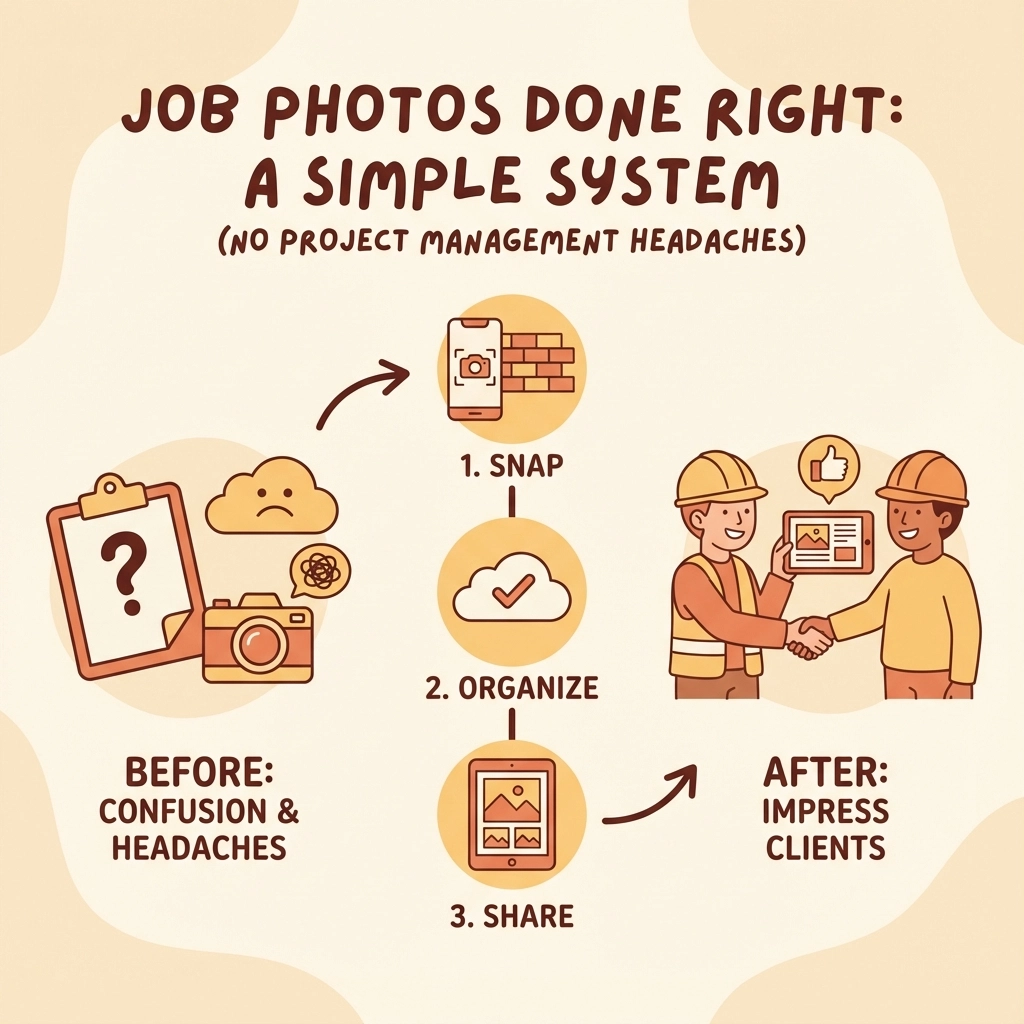
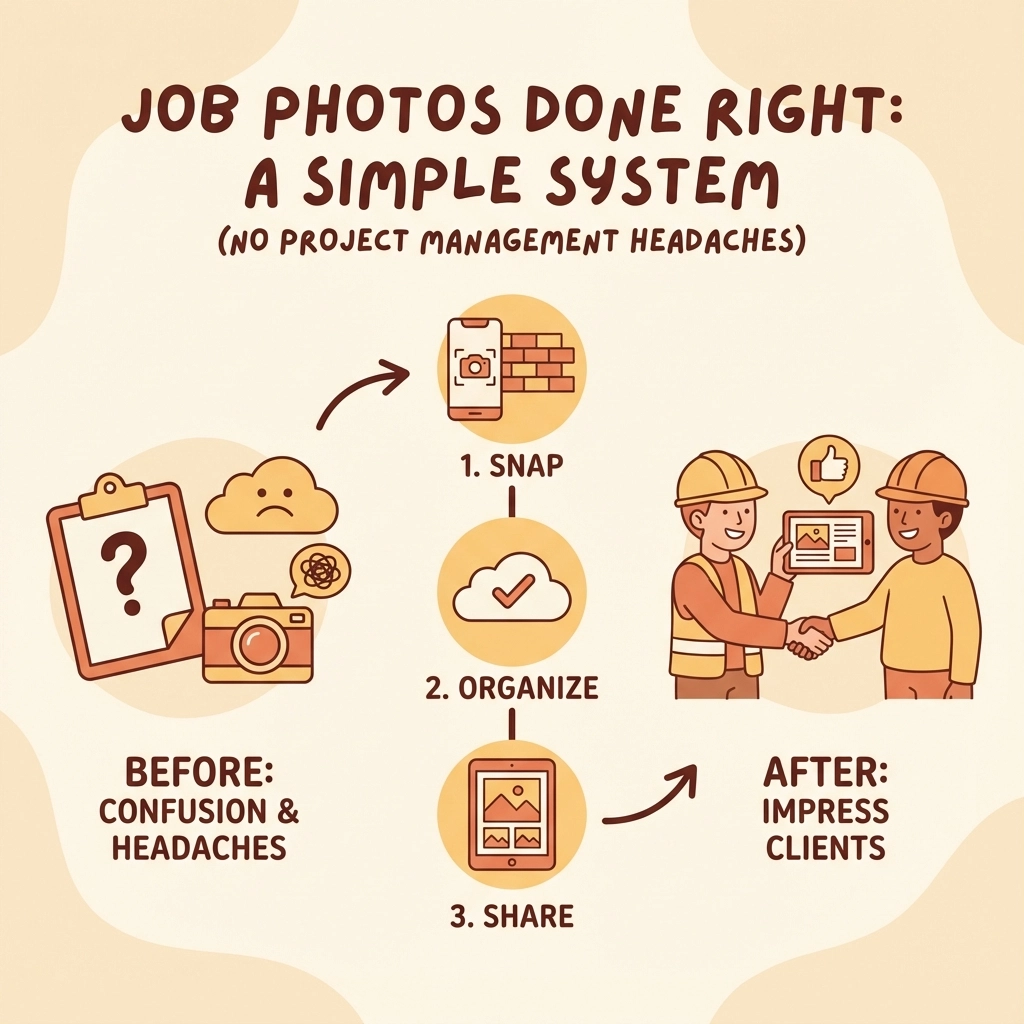
  • Job Photos Done Right: A Simple System for Contractors to Impress Clients (No Project Management Headaches)

    Job Photos Done Right: A Simple System for Contractors to Impress Clients (No Project Management Headaches)

    Look, we get it. You're already juggling a dozen things on every job site. The last thing you need is another complicated system to manage. But here's the thing – a solid photo documentation process can be your secret weapon for impressing clients and protecting your business. And it doesn't have to be a headache.

    The best part? You probably already have everything you need in your pocket.

    Why Photos Are Your Best Insurance Policy

    Think about the last time a client questioned your work or a dispute came up. Wouldn't it be nice to just pull out your phone, scroll through some photos, and say "Here's exactly what we did and when we did it"?

    Photos create an objective, time-stamped record that written reports just can't match. When clients see consistent, professional documentation of your work, they immediately understand you're serious about quality. Plus, these images settle disagreements fast and keep everyone on the same page without endless back-and-forth calls.

    Beyond client relations, photos protect you during inspections, prove safety compliance, and document code adherence. They're basically your visual paper trail.

    image_1

    The Simple Three-Step System That Actually Works

    Here's a system so straightforward you can implement it tomorrow without buying anything new or learning complicated software.

    Step 1: Pick Your Spots and Stick to Them

    Choose 3-4 consistent camera positions on each job. Think of it like creating your own time-lapse movie – you want to show progress from the same angles every time.

    For most jobs, this means:

    • Each corner of the work area
    • Main entrance/approach to the site
    • Any area where major work is happening

    The magic happens when you photograph from these exact spots on a regular schedule. Daily for big jobs, weekly for smaller ones. Same positions, same time of day if possible. When clients review these photos in sequence, they get an instant understanding of progress that feels almost cinematic.

    Step 2: Capture the Moments That Matter

    Instead of randomly snapping photos whenever you remember, focus on these critical phases:

    Before You Start
    Document existing conditions, site access, building interiors (furniture moved), electrical panels, utility meters. This protects you from "you broke it" claims later.

    Before It Gets Covered Up
    This is huge. Photograph all rough-ins, installations, connections, and fasteners before drywall, insulation, or final coverings go up. Trust us on this one – it'll save your bacon more than once.

    When Problems Pop Up
    Issues happen on every job. When they do, capture wide context shots, multiple angles, and always include measuring tools or reference objects for scale.

    The Grand Finale
    Document completed work, quality checkpoints, and any punch list items. These become your "after" shots that showcase your craftsmanship.

    image_2

    Step 3: Keep It Organized (The Easy Way)

    Forget fancy project management platforms. A simple naming system beats complicated software every time.

    Use this format: PROJECTNAME_DATE_PHASE_LOCATION

    Example: Johnson-Kitchen_120125_Plumbing_UnderSink

    Create folders organized by project name, then by date. Store everything on cloud backup (Google Drive, Dropbox, whatever you already use). This gives clients instant access via shared links and keeps everything backed up automatically.

    Quality That Impresses (Without Breaking the Bank)

    Your photos don't need to look like they came from Architectural Digest, but they should meet these basic standards:

    • Use at least 12 megapixel resolution (most phones from the last 5 years work fine)
    • Make sure everything's in focus with good lighting
    • Keep angles consistent between visits
    • Include overlapping shots to show complete coverage

    The secret isn't expensive equipment – it's consistency and timing.

    image_3

    What to Actually Photograph

    Daily Progress Shots

    • Wide overview from your fixed positions
    • Weather conditions (these matter for delay claims)
    • Active work zones showing your crew in action
    • Materials delivered or installed that day

    Critical Installation Documentation

    • Before: prepared area ready for work
    • During: proper installation techniques in action
    • After: completed work before it gets hidden
    • Close-ups of connections, welds, fasteners

    Pro tip: Hold the project plans in the frame occasionally for visual reference. Clients love seeing that level of organization.

    Issue Documentation
    When problems need tracking:

    • Wide shot showing where the issue is in the overall project
    • Multiple angles of the problem area
    • Measuring tools clearly visible for scale
    • Follow-up shots using identical framing to show progress

    How to Present This to Clients

    Frame photo documentation as a value-add, not a chore. Tell them: "I'll send weekly photo updates showing your project's progress. This keeps everyone aligned and gives you peace of mind that work is proceeding exactly as planned."

    Most clients genuinely appreciate this transparency. It reduces their anxiety about progress and shows you're detail-oriented. When they can see work happening week by week, they're way more likely to recommend you and less likely to nitpick small details.

    image_4

    The System That Prevents Headaches

    Set a Schedule and Stick to It
    Pick specific days for photos (every Monday morning, every Friday afternoon) and make it part of your routine like a job start checklist. This removes decision-making fatigue and ensures consistency.

    Assign One Person
    Designate someone as the photographer – doesn't have to be you. Could be a crew lead or site manager. Consistent photographer means consistent framing and better quality.

    Create a Simple Checklist
    Before each job starts, write down what phases need photos. Print it, laminate it, stick it in the job box. Everyone knows what matters.

    Link Photos to Communication
    When clients ask about progress or issues come up, pull the exact photo that answers their question. "Here's the electrical rough-in from January 8th" – instant credibility and resolution.

    The Real Competitive Advantage

    Here's what most contractors miss: clients don't just want good work, they want peace of mind. Professional photo documentation gives them both.

    Contractors who deliver consistent, organized photo updates don't just avoid disputes – they earn loyalty and referrals. Clients remember the contractor who kept them visually informed. They remember when photos proved the work was done right. They don't care about your project management complexity – they remember results and professionalism.

    Getting Started Tomorrow

    Start simple. Pick your fixed positions, establish a schedule (even if it's just twice a week), and take photos at major phase transitions. That alone puts you ahead of most contractors.

    Add a basic cloud backup folder and you've built a system that protects you, impresses clients, and takes maybe 10 extra minutes per visit to maintain.

    The best part? Once this becomes routine, you'll wonder how you ever worked without it. And your clients will too.

    Remember – this isn't about being perfect from day one. It's about being consistent and professional. Start with one job, refine your process, then roll it out to everything else.

    Your future self (and your clients) will thank you.

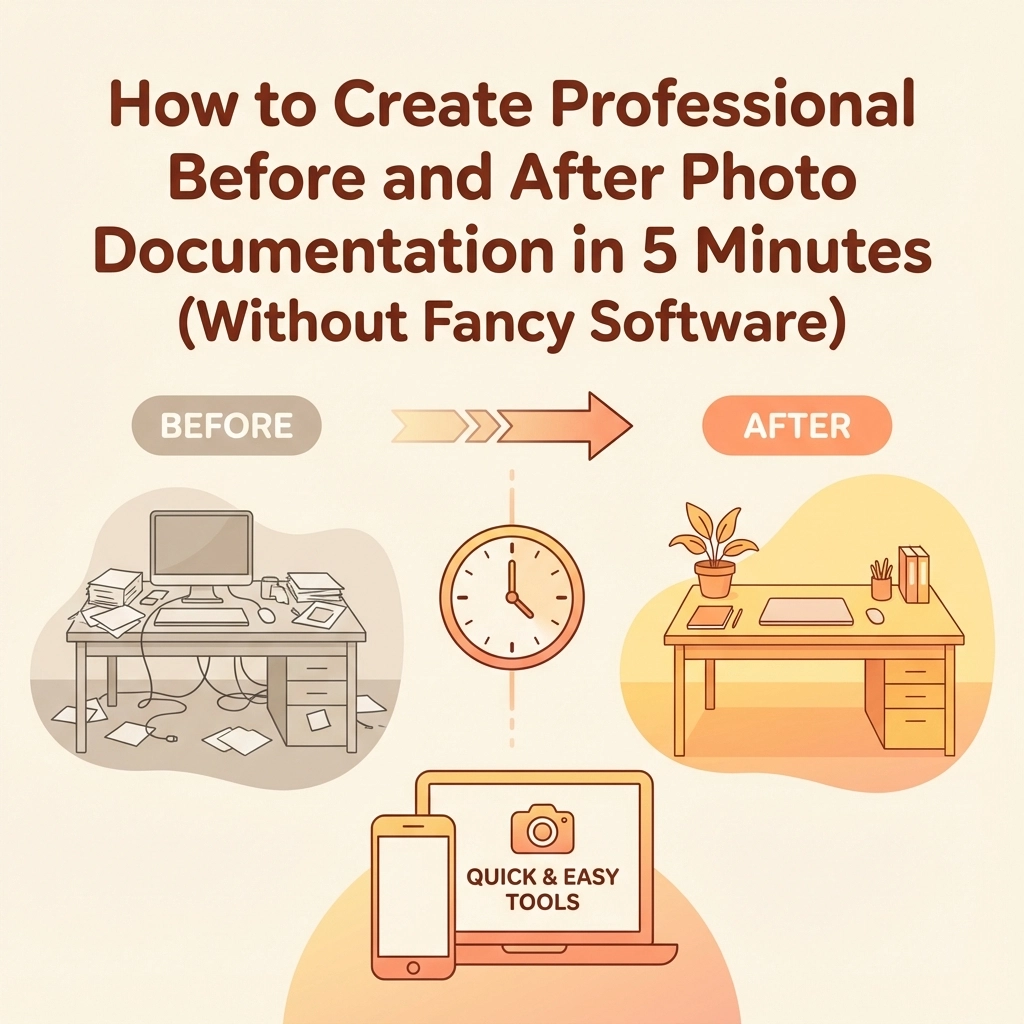
  • How to Create Professional Before and After Photo Documentation in 5 Minutes (Without Fancy Software)

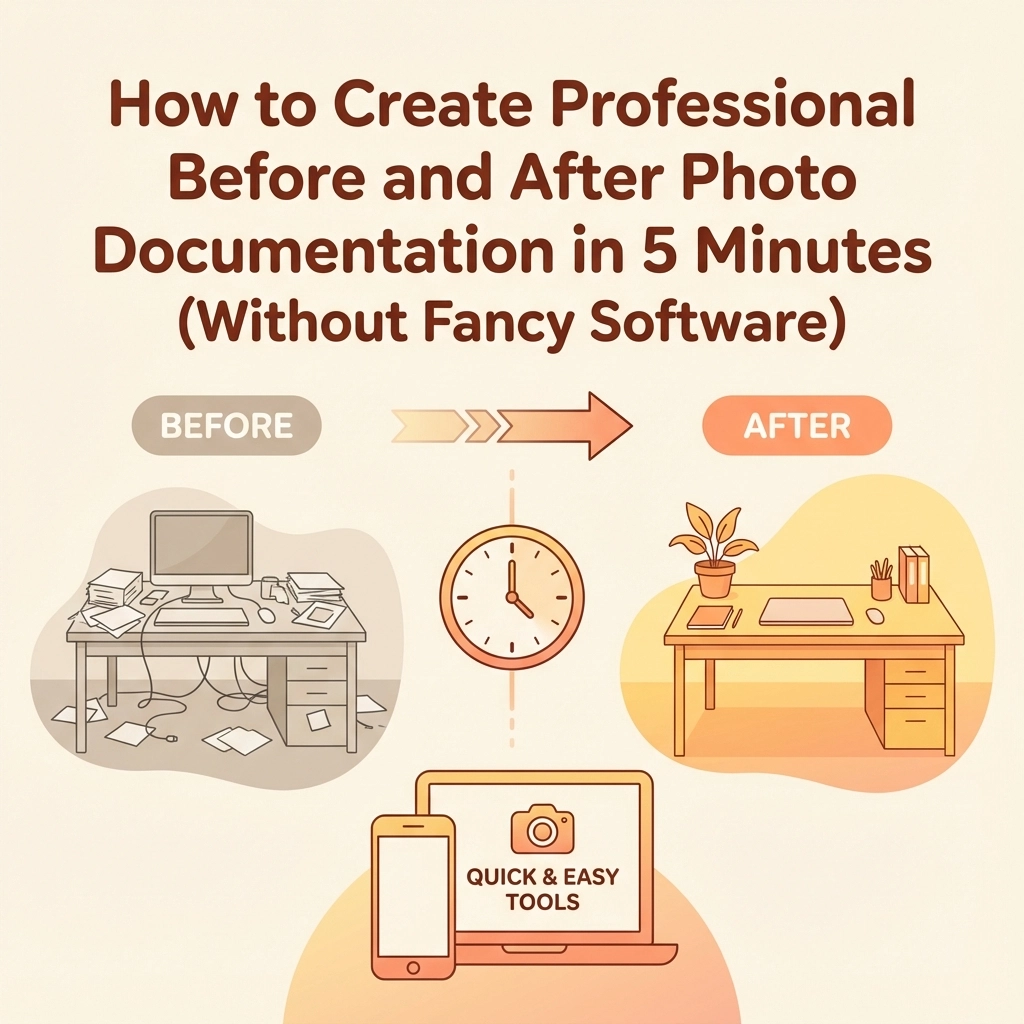
    How to Create Professional Before and After Photo Documentation in 5 Minutes (Without Fancy Software)

    Every contractor knows the frustration: you complete an amazing project, but your photos look like they were taken during an earthquake in a cave. Meanwhile, your competition is posting crisp, professional-looking before and after shots that make their work look incredible.

    Here's the thing – you don't need expensive cameras or fancy editing software to create professional documentation. You just need to know a few simple tricks that take literally five minutes to set up.

    Why Professional Documentation Matters More Than Ever

    Before we dive into the how-to, let's be real about why this matters. Your photos are often the first impression potential customers get of your work. Whether you're posting on social media, updating your website, or sending progress reports to clients, clear before and after photos can be the difference between landing a job and watching it go to someone else.

    Plus, good documentation protects you legally. When clients question what was done or insurance companies need proof of damage, having professional-quality photos saves you headaches and money.

    The 5-Minute Setup: What You Actually Need

    Forget about expensive DSLR cameras and professional lighting rigs. Here's what actually works:

    Your smartphone – Seriously, that's it for equipment. Modern phones have cameras that rival professional equipment from just a few years ago. Clean your lens (this matters more than you think), and you're 80% of the way there.

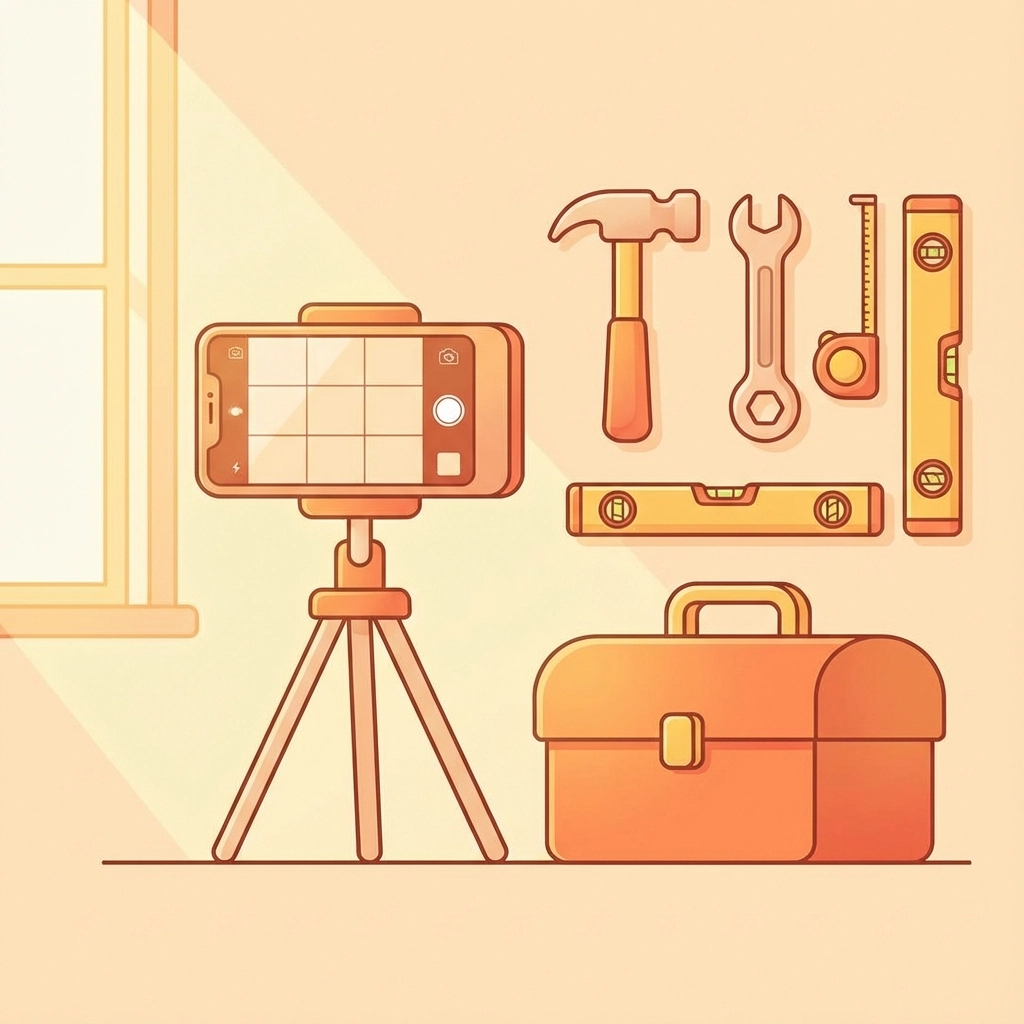
    A simple tripod or stabilizer – You can grab a basic phone tripod for under $20, or even prop your phone against a toolbox or ladder. The key is keeping it steady and consistent.

    Consistent lighting – Natural light is your best friend. Work near windows when possible, or use the same lighting setup for both before and after shots.

    image_1

    The Actual 5-Minute Process

    Here's the step-by-step process that works every single time:

    Step 1: Clean and Prepare (30 seconds)

    Clean your phone lens – use your shirt, a microfiber cloth, whatever. You'd be amazed how many "professional" photos are ruined by a smudged lens. Also, clear the work area of tools, debris, or anything that doesn't need to be in the shot.

    Step 2: Set Your Position (1 minute)

    Pick your angle and mark it. Use tape on the floor, or remember specific landmarks like "three steps back from the corner, level with the electrical outlet." You need to shoot your after photo from the exact same spot.

    Take multiple angles if the project warrants it – straight on, from the side, close-up details. But commit to your positions and stick with them.

    Step 3: Lighting Check (30 seconds)

    Look for harsh shadows or overly bright spots. If you're indoors, position yourself so windows are behind or to the side of you, not behind your subject. If you're outside, avoid shooting directly into the sun or in deep shadows.

    The goal is even, consistent lighting that shows the work clearly without dramatic shadows hiding important details.

    Step 4: Frame and Shoot (1 minute)

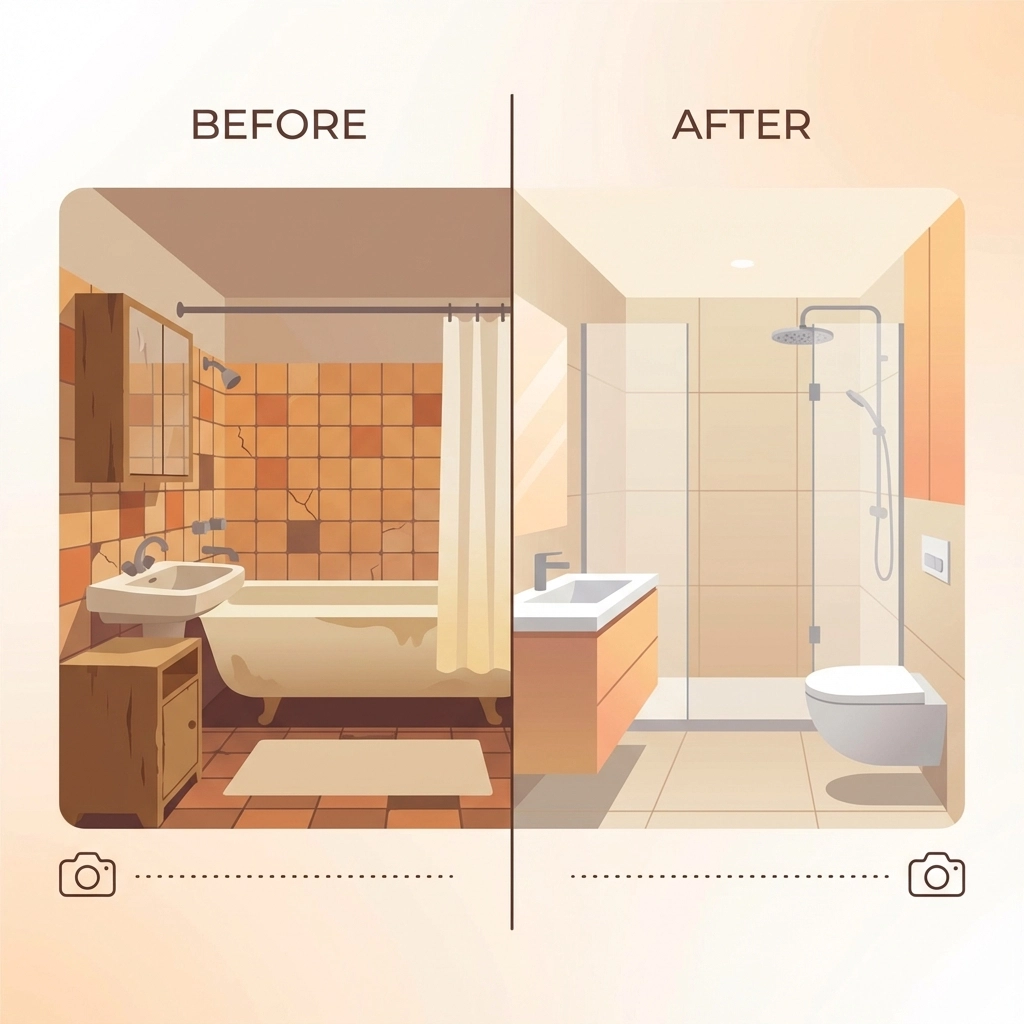
    Fill the frame with what matters, but leave some context. For a bathroom renovation, show the whole room but make sure the new tile work is clearly visible. For exterior work, include enough of the building to show the scope.

    Take multiple shots – one wide, one medium, one close-up if relevant. Having options costs nothing and saves you when one shot turns out blurry.

    Step 5: Quick Review (30 seconds)

    Check your photos immediately. Are they sharp? Can you see the details that matter? Is the lighting consistent? If not, reshoot now while everything is still set up.

    image_2

    Step 6: Repeat for After Photos (1.5 minutes)

    When the job is done, return to your exact positions. Use the same lighting conditions if possible. If you marked your spots well, this should be quick and painless.

    The Consistency Tricks That Make You Look Like a Pro

    The difference between amateur and professional-looking photos isn't expensive equipment – it's consistency. Here are the tricks that matter:

    Same height every time – Whether you're holding the phone or using a tripod, shoot from the same height. Most people unconsciously change their height between shots, making comparisons look sloppy.

    Same distance – Mark your position or count steps. Being even a foot closer or farther away changes the perspective dramatically.

    Same time of day – If your before photo was taken in morning light, try to take your after photo in similar conditions. The color and quality of light changes throughout the day.

    Same orientation – Keep your phone in the same orientation (portrait vs landscape) and hold it level. Most phones have built-in level guides you can turn on.

    Organizing and Storing Your Photos

    This is where most contractors lose steam, but it's crucial for long-term success. Create a simple system:

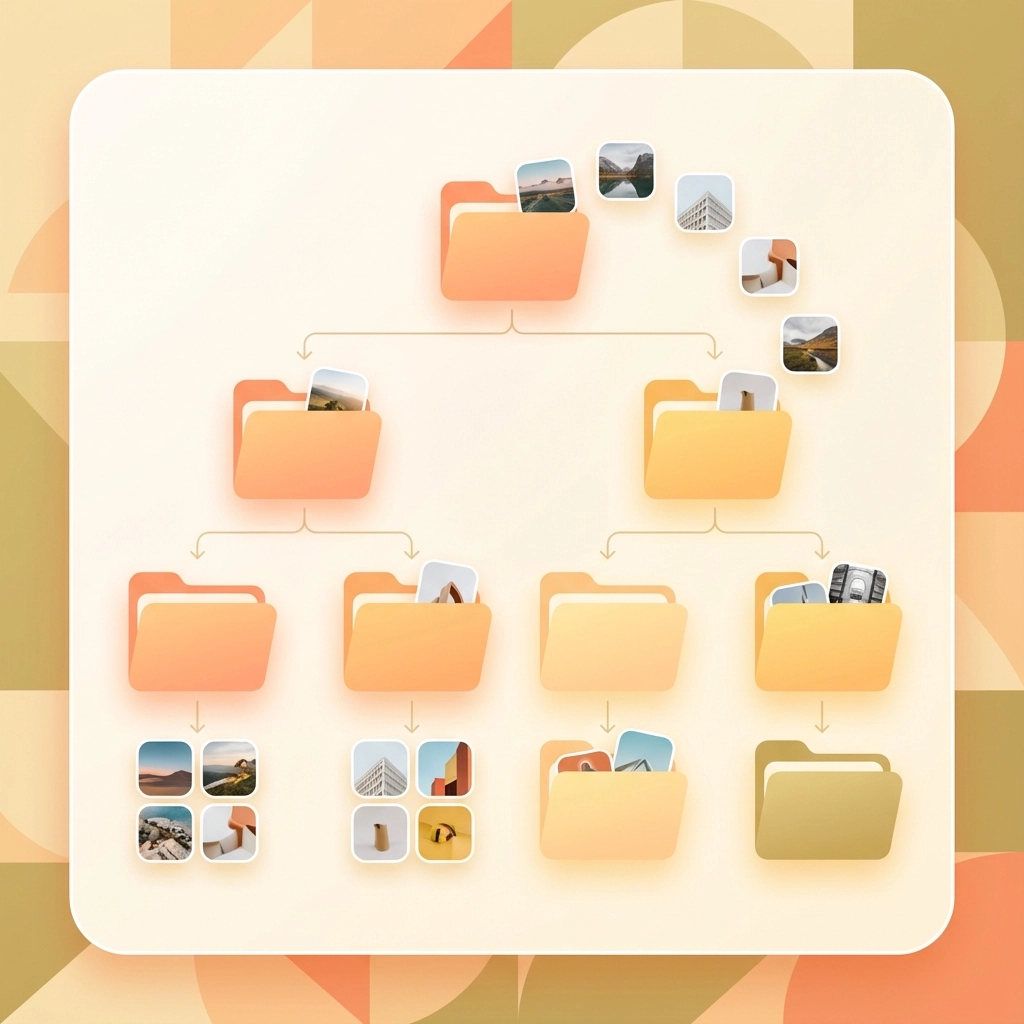
    Name your files consistently – Use the format: ClientName_ProjectType_Date_BeforeAfter. For example: "SmithBathroom_Renovation_120524_Before" and "SmithBathroom_Renovation_121524_After."

    Create project folders – Group all photos from each job together. Include progress shots, detail shots, and any problem areas you encountered.

    Back everything up – Use cloud storage, an external drive, or both. These photos are valuable for marketing, insurance claims, and legal protection.

    image_3

    Common Mistakes That Ruin Otherwise Good Photos

    Shooting too close – Back up and show context. A close-up of beautiful tile work means nothing if viewers can't see how it fits into the overall space.

    Forgetting the mess – Don't just show the pretty finished product. Document problems, damage, or challenging conditions you had to work with. This shows your problem-solving skills and justifies your pricing.

    Inconsistent angles – If your before photo shows the room from the doorway, your after photo should too. Don't get creative between shots.

    Bad timing – Taking your after photo when the space is still messy or not fully complete makes even excellent work look unprofessional.

    Making Your Photos Work Harder for Your Business

    Once you have professional-looking before and after photos, put them to work:

    Social media posts – These photos are perfect for Instagram, Facebook, and LinkedIn. They tell a complete story without needing much text.

    Website updates – Fresh project photos keep your website current and show you're actively working.

    Proposals and estimates – Including photos of similar past work in your proposals helps clients visualize the finished product.

    Progress reports – Clients love seeing regular updates. Professional photos in progress reports build trust and justify payments.

    The Bottom Line

    Professional-looking before and after photos don't require professional equipment or skills. They require consistency, attention to detail, and five minutes of planning.

    The contractors who master this simple process stand out from the competition, build stronger client relationships, and create valuable marketing materials with every job they complete.

    Your next project starts tomorrow. Spend five minutes setting up for great photos, and you'll have marketing materials that work for years to come.

    Start with your phone, pick your spots, and keep it consistent. Everything else is just details.

  • Contractor Photo Apps: What Actually Matters (And What's Just Extra)

    Contractor Photo Apps: What Actually Matters (And What's Just Extra)

    Every contractor knows the drill: you snap dozens of photos per job, but half of them end up buried in your camera roll while the other half get lost in text threads with clients. You've probably looked at contractor photo apps thinking they might solve this chaos, but then you see feature lists longer than your tool inventory and wonder what you actually need versus what's just marketing fluff.

    Here's the truth: most contractor photo apps are loaded with features you'll never use, while the stuff that actually matters gets buried in the sales pitch. Let's cut through the noise and figure out what really moves the needle for your business.

    The Core Four: Features That Actually Matter

    1. Photo Capture with Automatic Metadata

    This is the foundation everything else builds on. When you take a photo, the app should automatically capture the date, time, GPS location, and who took the picture. No manual entry, no extra steps.

    Why this matters: You're not just taking pictures for fun. These photos need to tell a story later: whether it's for insurance claims, client updates, or proving work was completed. Automatic metadata creates an audit trail that protects you legally and professionally.

    image_1

    Think about it: if a client questions when you completed work or an insurance company needs proof of damage timing, photos with automatic timestamps and location data become your best defense. Apps that make you manually add this information defeat the purpose: you're too busy working to play data entry clerk.

    2. Cloud Storage That Actually Works

    Your photos need to live somewhere other than your phone. Period. Cloud storage keeps everything accessible from any device and protects your documentation if your phone takes a dive off a ladder.

    But here's what separates good cloud storage from great: it needs to be fast, reliable, and not eat up your data plan with constant syncing. Look for apps that let you choose when to sync (like when you're on Wi-Fi) and that don't slow down your phone while uploading.

    The real value here isn't just backup: it's accessibility. Your office staff, project managers, and even clients can access the right photos instantly instead of waiting for you to remember to send them.

    3. Smart Organization by Project

    Without organization, you're just moving your photo chaos from your camera roll to an app. Good contractor photo apps automatically sort photos by project, job site, or date range. The best ones let you create custom categories that match how your business actually works.

    image_2

    This isn't about fancy folder structures: it's about finding the right photo in under 10 seconds. When a client calls asking about work from last month, or when you need to reference a technique you used on a similar job, organized photos become a competitive advantage.

    4. Report Generation

    Photos sitting alone don't communicate much. You need the ability to turn those images into professional reports that tell the complete story of your work. This means combining photos with descriptions, organizing them chronologically, and outputting something you can actually send to clients.

    Look for apps that let you add context to photos (like "before" and "after" labels) and create reports without needing a graphic design degree. The goal is professional documentation that builds trust with clients and protects you if disputes arise.

    Nice-to-Have Features (But Not Deal Breakers)

    Annotation and Markup Tools

    Being able to draw arrows, highlight problems, or add text directly onto photos can be genuinely useful. It helps communicate issues to team members and clients without requiring separate explanations.

    But here's the thing: if you're comfortable explaining things via text or quick phone calls, this feature won't revolutionize your workflow. It's convenient, not critical.

    Offline Functionality

    If you work in areas with spotty cell service, offline mode matters. It lets you capture photos and complete documentation even without internet, syncing everything once you're back in range.

    For urban contractors with reliable connectivity, this is overkill. Know your work environment before paying extra for offline capabilities you won't use.

    image_3

    Custom Checklists and Forms

    Pre-built checklists help ensure you document everything consistently. They're particularly valuable for repetitive work like safety inspections or routine maintenance visits.

    However, if your work varies significantly from job to job, rigid checklists might feel more like bureaucracy than efficiency. Consider whether standardization helps or hinders your current process.

    Features You Can Probably Skip

    360° Photo Capture and Virtual Walkthroughs

    Some apps offer 360° cameras and virtual reality features that create immersive job site experiences. While impressive, these tools are designed for large-scale projects with complex stakeholder communication needs.

    Most contractors are better served by good old-fashioned photos that load quickly and don't require special viewers or expensive equipment.

    LiDAR and Advanced Measurement Tools

    Apps that use your phone's LiDAR sensor to create spatial measurements sound futuristic, but they're solving a problem you probably already solve with a tape measure. Unless you're doing complex estimating or insurance documentation that specifically requires this technology, it's feature bloat.

    Enterprise Integrations and Project Management

    Some photo apps integrate with comprehensive project management platforms, syncing with timelines, budgets, and team communications. These integrations create powerful ecosystems: if you're already invested in those platforms.

    For most contractors, especially smaller operations, these integrations add complexity without proportional value. You're paying for features that assume a level of digital infrastructure you might not have or need.

    image_4

    How to Choose: The Reality Check

    Before falling in love with feature lists, ask yourself these practical questions:

    What's your team size? Solo contractors need simplicity and speed. Larger crews need collaboration features and permission controls. Don't pay for team features if you're working alone.

    How tech-savvy is your crew? The best app is the one everyone will actually use. If your team struggles with smartphone basics, a simple app with fewer features might deliver better results than a comprehensive platform no one touches.

    What's your real documentation pain point? Are you losing photos, struggling to find them later, or having trouble creating professional reports? Focus on apps that solve your actual problem, not theoretical ones.

    Who needs to see these photos? Internal documentation has different requirements than client-facing reports. Know your audience before choosing features.

    The Bottom Line

    The best contractor photo app is the one that handles the core functions reliably: capture, store, organize, and report: without forcing you to learn features you'll never use or pay for capabilities that don't match your workflow.

    Start with the basics: automatic metadata, cloud storage, project organization, and simple reporting. Everything else should prove its value in your actual work environment before you pay extra for it.

    image_5

    Remember, you're running a contracting business, not managing a photography studio. The goal is documentation that protects your work and builds client trust, not winning awards for technical sophistication. Choose accordingly.

    Your time is better spent perfecting your craft than wrestling with overcomplicated photo apps. Find something simple that works, master it completely, and get back to what you do best( quality work that speaks for itself.)