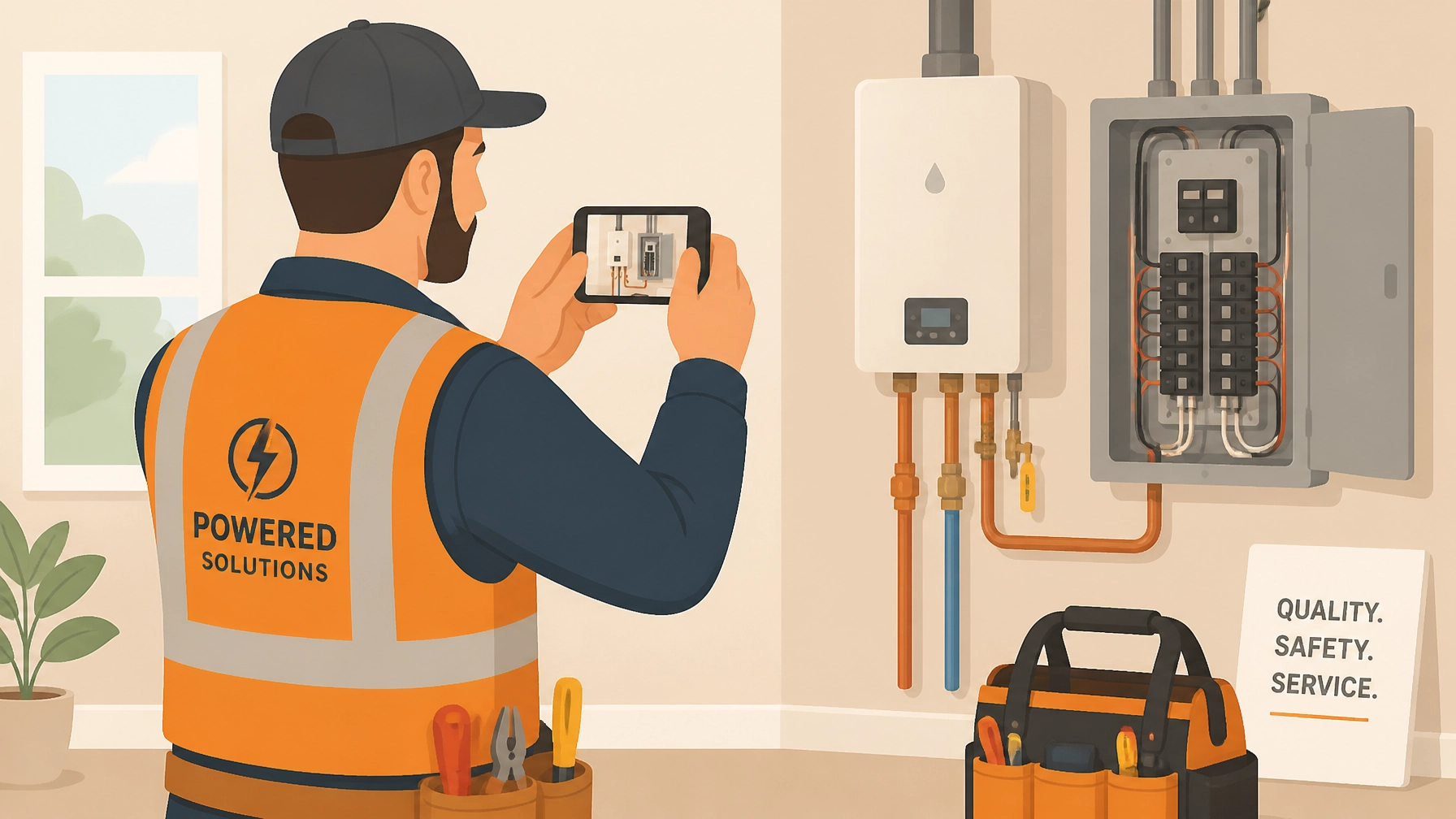
You know the feeling. You’re wrapping up a long day, your boots are muddy, and you’re trying to remember if you actually took a photo of that wire run before the drywall went up. You scroll through your phone, past photos of your kid’s soccer game and your dinner from last night, only to realize the one photo you need is either missing, blurry, or buried in a sea of 4,000 other images.
If you're a small service contractor: an electrician, plumber, HVAC tech, or handyman: your photos are more than just pictures. They are your proof of work, your protection against liability, and your best marketing tool. But most of us are doing it wrong. We treat photo documentation like an afterthought instead of the business asset it really is.
In this post, we’re breaking down the seven biggest mistakes contractors make with construction photo documentation and how you can fix them without spending hours on paperwork or fighting with clunky contractor software.
1. Skipping the "Before" Photos
We get it. You arrive at the job site, you're ready to get to work, and you just want to dive in. Taking a "before" photo feels like an extra step that slows you down.
The Mistake: If you don't document the pre-existing condition of a site, you have no way to prove that a specific crack, stain, or broken fixture wasn't caused by you.
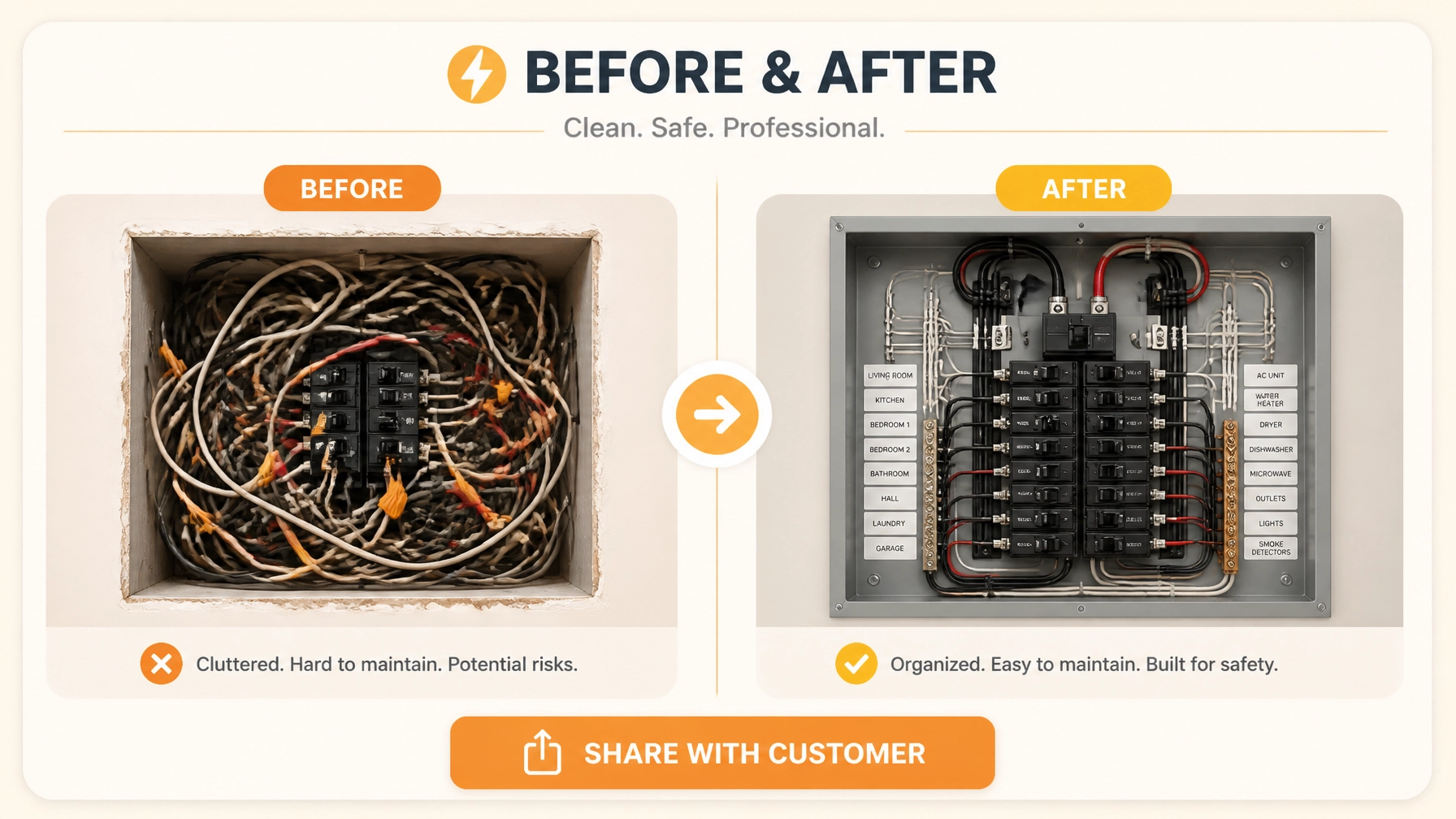
The Fix: Make it a non-negotiable rule. Before a single tool touches the ground, snap three photos from different angles. It takes 30 seconds but can save you thousands in "he-said, she-said" disputes later. Using a before and after photo app makes this even easier by keeping them side-by-side.
2. Letting Your Camera Roll Become a "Black Hole"
This is the most common mistake for solo operators and small teams. You take photos, and they just sit in your phone’s general gallery.
The Mistake: Mixing work photos with personal photos creates a "Black Hole." When you need to find a photo from a job three months ago to prove a change order, you’re stuck scrolling for twenty minutes. It’s unprofessional and a massive waste of time.

The Fix: Stop using your native camera app for work. Use a dedicated contractor photo app that organizes photos by job automatically. This keeps your kid’s birthday party photos separate from the main panel you just installed.
3. Lighting and Focus Failures
A blurry photo of a dark crawlspace is about as useful as no photo at all.
The Mistake: Taking a quick, shaky photo in a dimly lit basement and assuming it’s "good enough." If an inspector or a client can’t see the details of the work: the connections, the labels, the seals: then the documentation hasn't done its job.
The Fix: Carry a small, bright LED work light or use your phone's flash consistently. Take a second to tap the screen to focus. If it's blurry, delete it and retake it immediately. Quality construction photo documentation requires clarity.
4. Photos Without Context (The "What is This?" Problem)
You look at a photo of a pipe. Great. Which pipe? Which room? Which floor?
The Mistake: Taking a close-up photo of a specific detail without any wide-angle context or notes. Three months from now, you won’t remember which bathroom that leak was in just by looking at a piece of PVC.

The Fix: Always take a "wide shot" first to show the location, followed by the "close-up" of the detail. Most importantly, add a quick text note. A simple contractor job app should allow you to voice-to-text a note right onto the photo while you're still standing there.
5. Forgetting the "Unseen" Work
The most valuable photos you will ever take are of the things that get covered up.
The Mistake: Failing to document MEP (mechanical, electrical, plumbing) before the walls are closed or the concrete is poured. Once that drywall is up, your "proof" is gone forever.
The Fix: Create a "pre-close" milestone in your workflow. Before the drywallers arrive, do a "photo walk" of the entire project. Document every stud bay, every wire run, and every pipe connection. This is your "X-ray vision" for future maintenance or disputes.
6. Using "The Sharing Shuffle" (WhatsApp, Email, SMS)
How do you send photos to your clients? If you're texting them five photos, emailing three more, and sending a WhatsApp video, you’re creating a nightmare for everyone.
The Mistake: Scattering job documentation across multiple communication channels. It makes it impossible for the client to see the big picture and even harder for you to find the "final" version of anything.
The Fix: Use a photo timeline app that generates a single, professional link. Instead of blowing up your customer's phone with 20 texts, you send them one branded link where they can see the whole story of the job from start to finish.
7. Fighting with Bloated Project Management Software
A lot of contractors think they need "Pro-Level" software to stay organized.
The Mistake: Signing up for massive, expensive project management platforms that have 500 features you’ll never use. These apps are often too slow, too complicated, and require your customers to create accounts just to see a photo. If it takes more than three clicks to log a photo, your crew won't do it.

The Fix: Keep it simple. You don't need Gantt charts; you need a way to log photos and share them. Look for a mobile-first solution like JobLuma that focuses on the essentials: jobs, photos, and timelines. The best part? Your customers don't have to download anything or remember a password to see their project updates.
Why Simple Documentation Wins Every Time
At JobLuma, we built our app specifically for the tradespeople who are tired of "high-tech" solutions that feel like a second job. We know you're busy, you're working with your hands, and you need a tool that works as hard as you do.
By avoiding these seven mistakes, you aren't just taking better pictures: you're building a more professional business.
With a simple photo logging tool, you get:
- Liability Protection: Proof that the work was done to code and the site was left in good condition.
- Faster Payments: When a client can see the progress in a clean before and after timeline, they are much happier to cut that final check.
- Better Marketing: Those organized timelines aren't just for the current client; they are the portfolio you show to your next big lead.
Ready to ditch the camera roll chaos?
Stop making these mistakes today. Start organizing your jobs, protecting your work, and impressing your customers with the simplest photo app in the industry.
Get started with JobLuma for free today!