Author: adminjobluma

  • How to Protect Your Work Quality with Organized Job Logs (No Customer App Required)

    How to Protect Your Work Quality with Organized Job Logs (No Customer App Required)

    You've been there before. A customer calls three weeks after you finished their job, claiming the work wasn't done right. Or maybe they're questioning why certain materials were used. Without proper documentation, it becomes your word against theirs – and that's not a position any contractor wants to be in.

    Here's the thing: protecting your work quality isn't just about doing good work. It's about proving you did good work. And the best way to do that? Organized job logs that tell the complete story of every project, from start to finish.

    Why Job Logs Are Your Best Defense

    Think of job logs as your project's story. They capture what happened, when it happened, and why decisions were made. When disputes arise (and they will), having detailed logs is like having a time machine that takes everyone back to exactly what occurred on the job site.

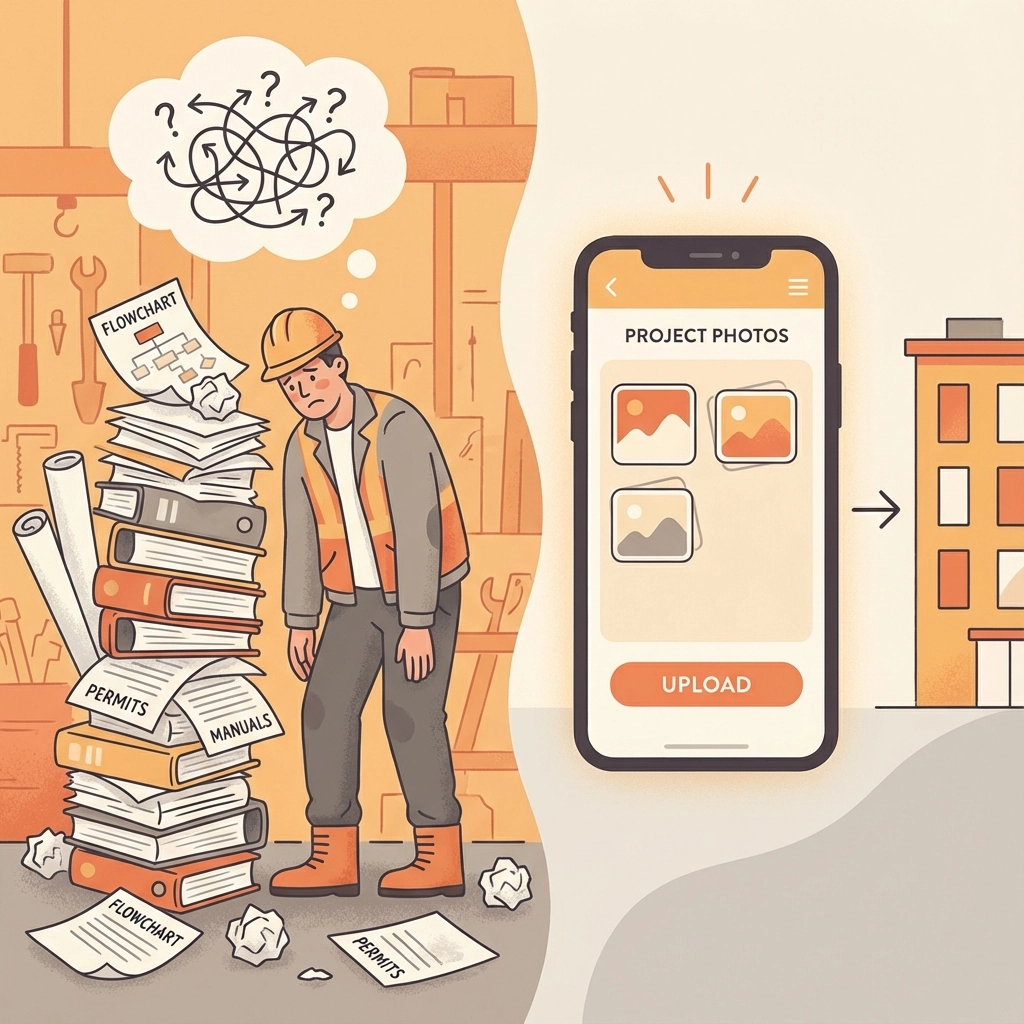
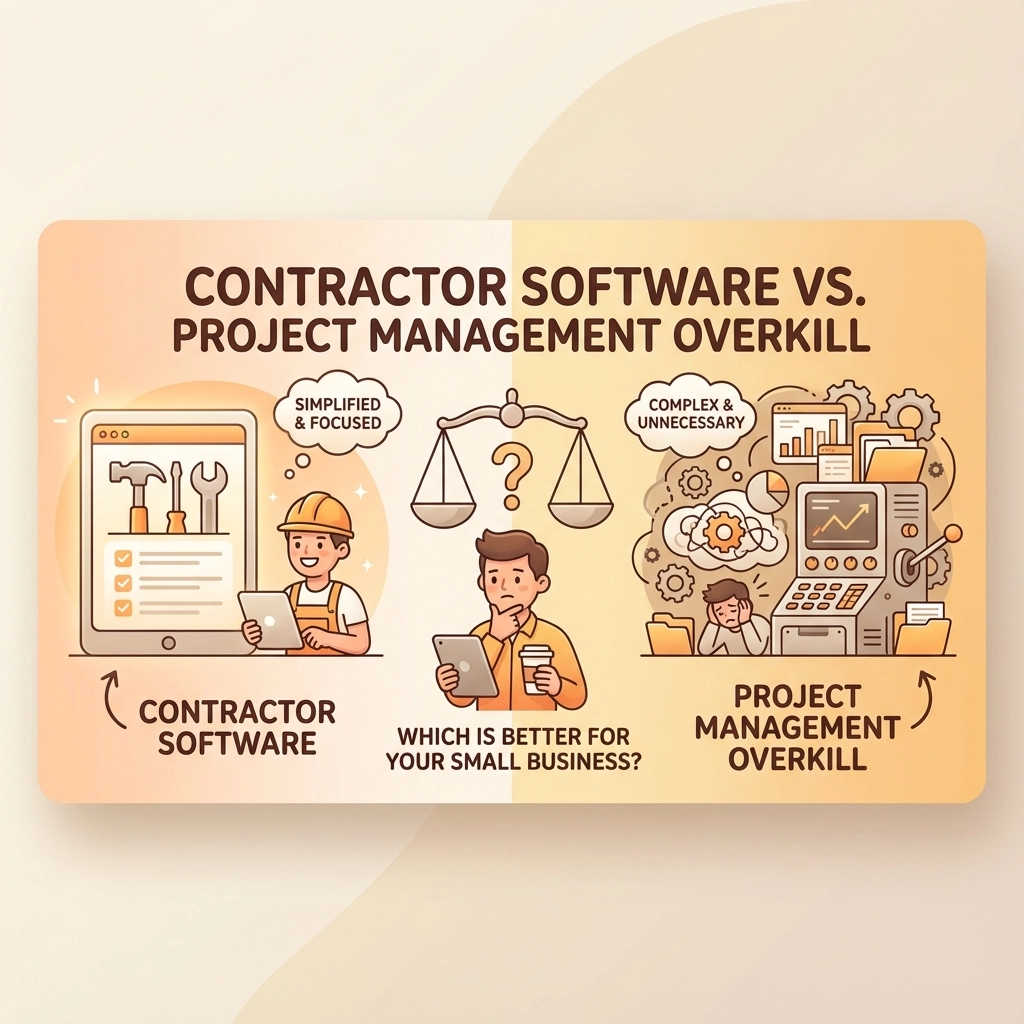
    But here's what most contractors get wrong: they think job logs need to be complicated. They assume customers need special apps or that documentation requires expensive software. That's not true. The best job logs are simple, consistent, and don't put any burden on your customers.

    image_1

    The Real Cost of Poor Documentation

    Before diving into how to organize job logs, let's talk about what happens when you don't. Poor documentation costs contractors in several ways:

    Lost Revenue: Without proof of completed work, you might have to redo jobs at your own expense or accept payment reductions.

    Damaged Reputation: Word travels fast in the trades. One dispute that goes poorly can hurt your reputation for years.

    Legal Headaches: Formal disputes are expensive and time-consuming. Good documentation often prevents them entirely.

    Stress and Time: Trying to remember details from weeks or months ago is frustrating and rarely successful.

    Building Your Job Log System

    The key to effective job logging is consistency. You need a system that's so simple you'll actually use it, even when you're busy or running behind schedule.

    Start With the Basics

    Every job log entry should capture five essential pieces of information:

    1. Date and time of the work
    2. Who was present (your team and any customer representatives)
    3. What work was completed (be specific)
    4. Any materials used or delivered
    5. Photos showing progress and conditions

    This might seem like a lot, but it takes less than five minutes per entry once you get into the habit.

    Choose Your Format

    You don't need fancy software to start. Many successful contractors use simple methods:

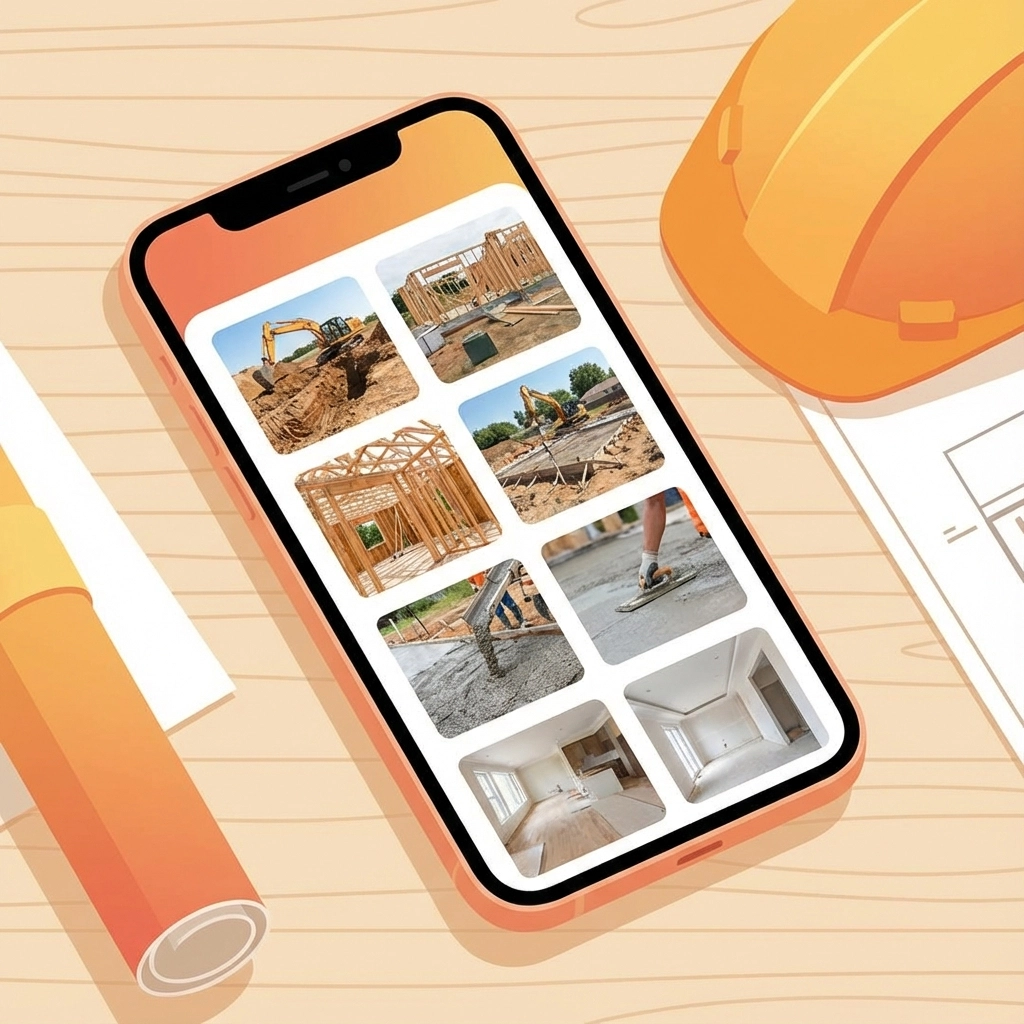
    Digital Photos with Voice Notes: Take photos and record quick voice memos on your phone. Most phones automatically timestamp everything.

    Simple Apps: Use basic note-taking apps that sync across devices. The key is picking something you already know how to use.

    Traditional Notebooks: Some contractors swear by waterproof notebooks. Write in pen, date every entry, and take photos of important pages as backup.

    image_2

    The No-Customer-App Advantage

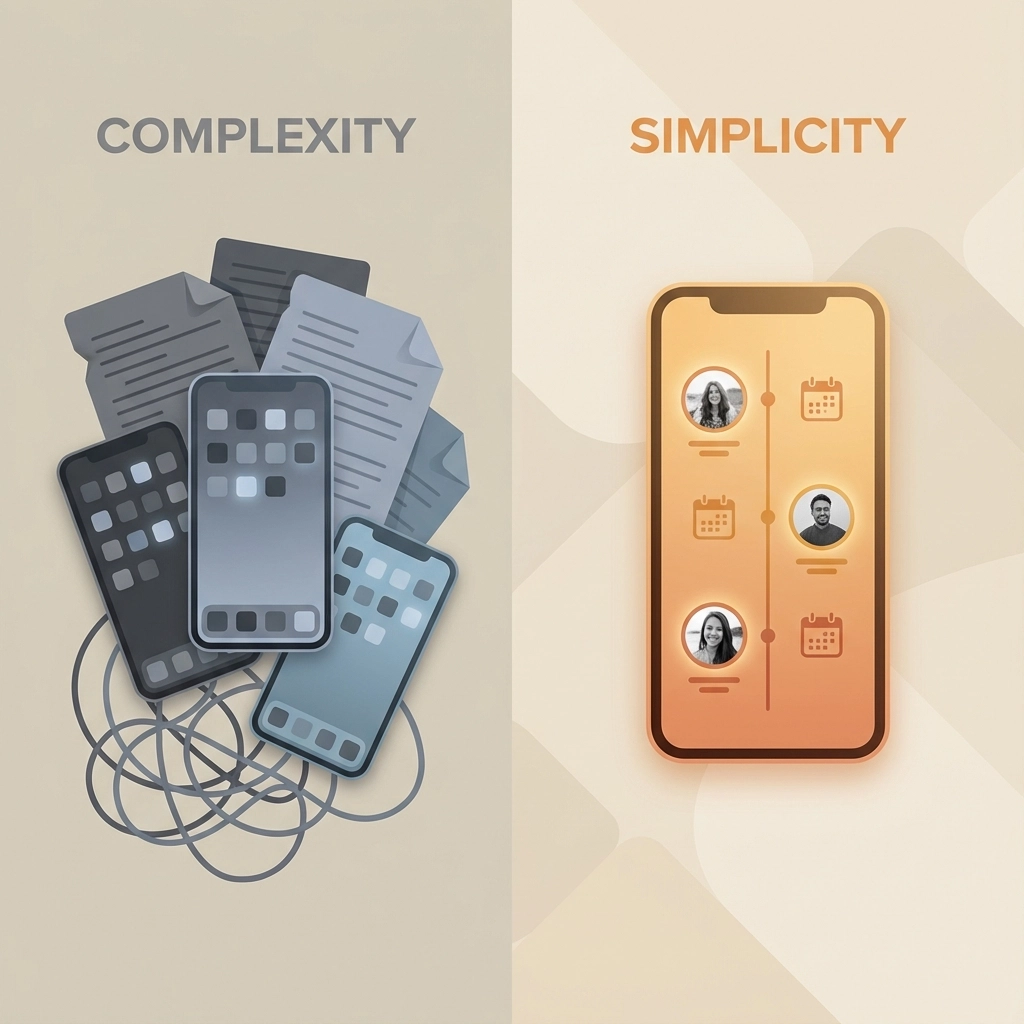
    Here's why avoiding customer apps is smart business: the moment you require customers to download something or create accounts, you create friction. Many customers won't bother, leaving gaps in your documentation.

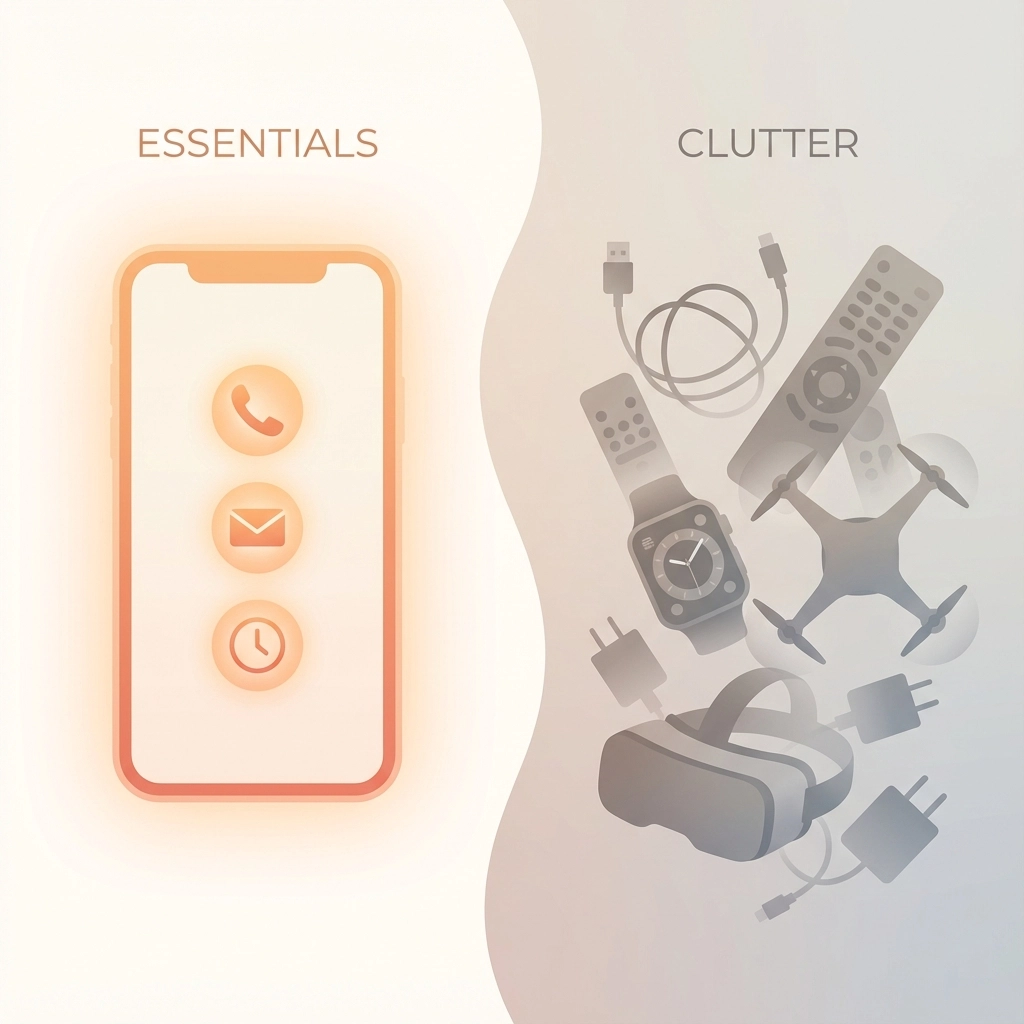
    Instead, handle all logging yourself. Your customers will appreciate not having another app cluttering their phone, and you maintain complete control over your documentation process.

    Daily Logging Best Practices

    Morning Setup

    Start each day by documenting job site conditions. Take wide shots showing weather, access points, and any existing conditions that might affect work. This baseline documentation protects you if conditions change throughout the day.
    Progress Documentation

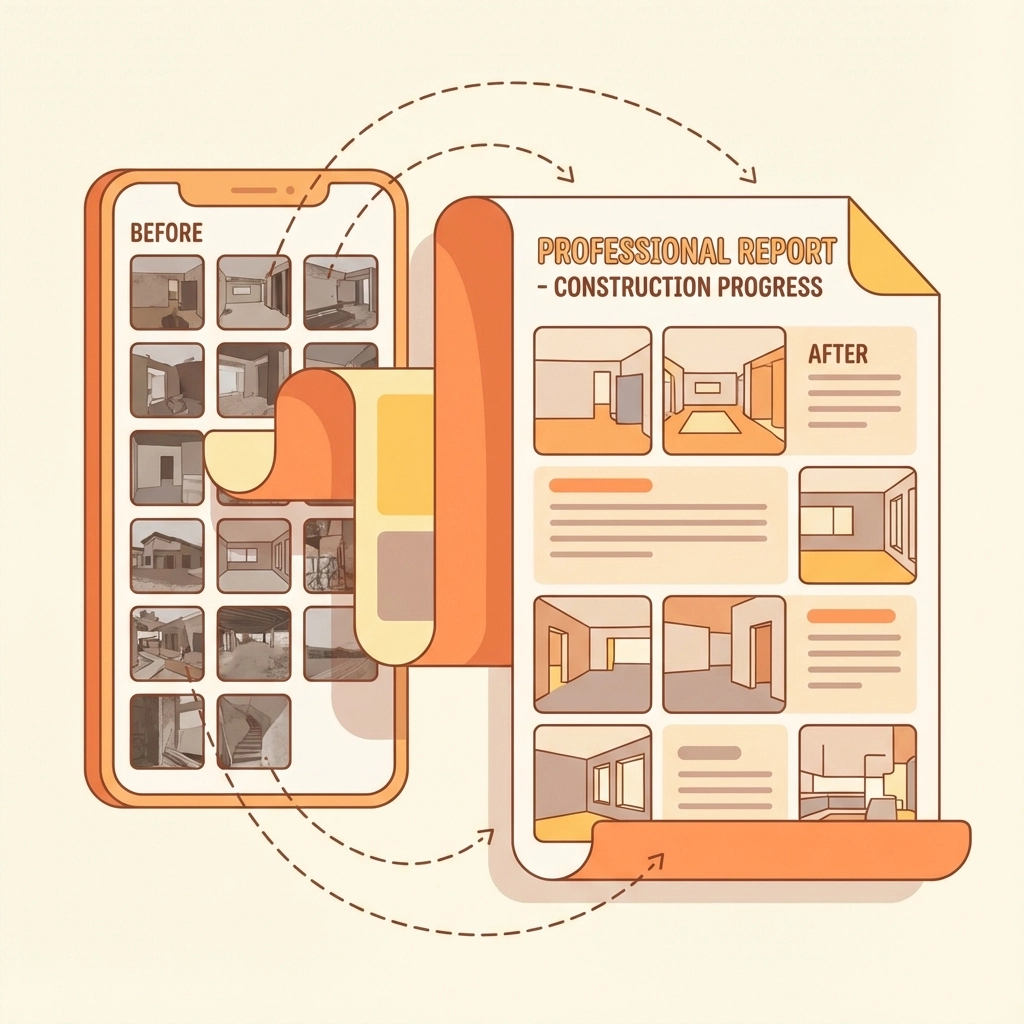
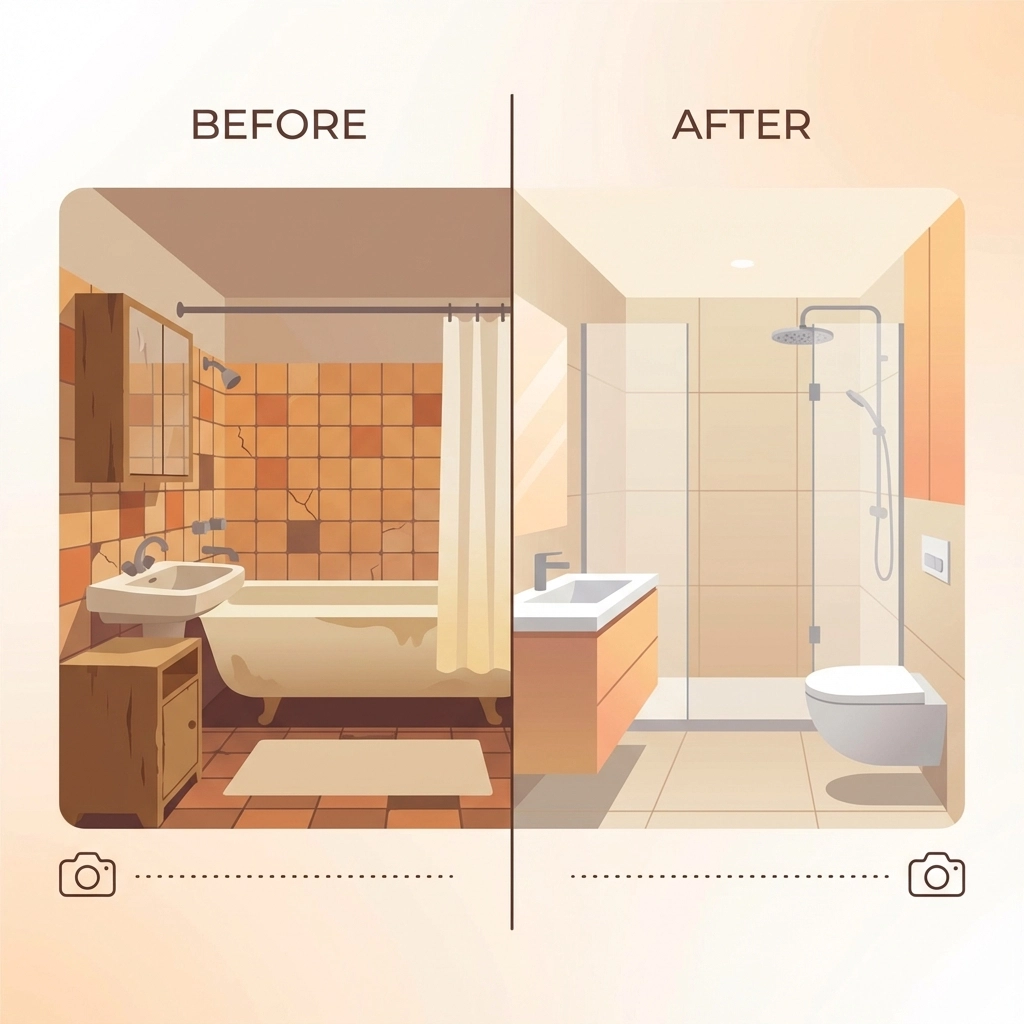
    Document work in three stages:

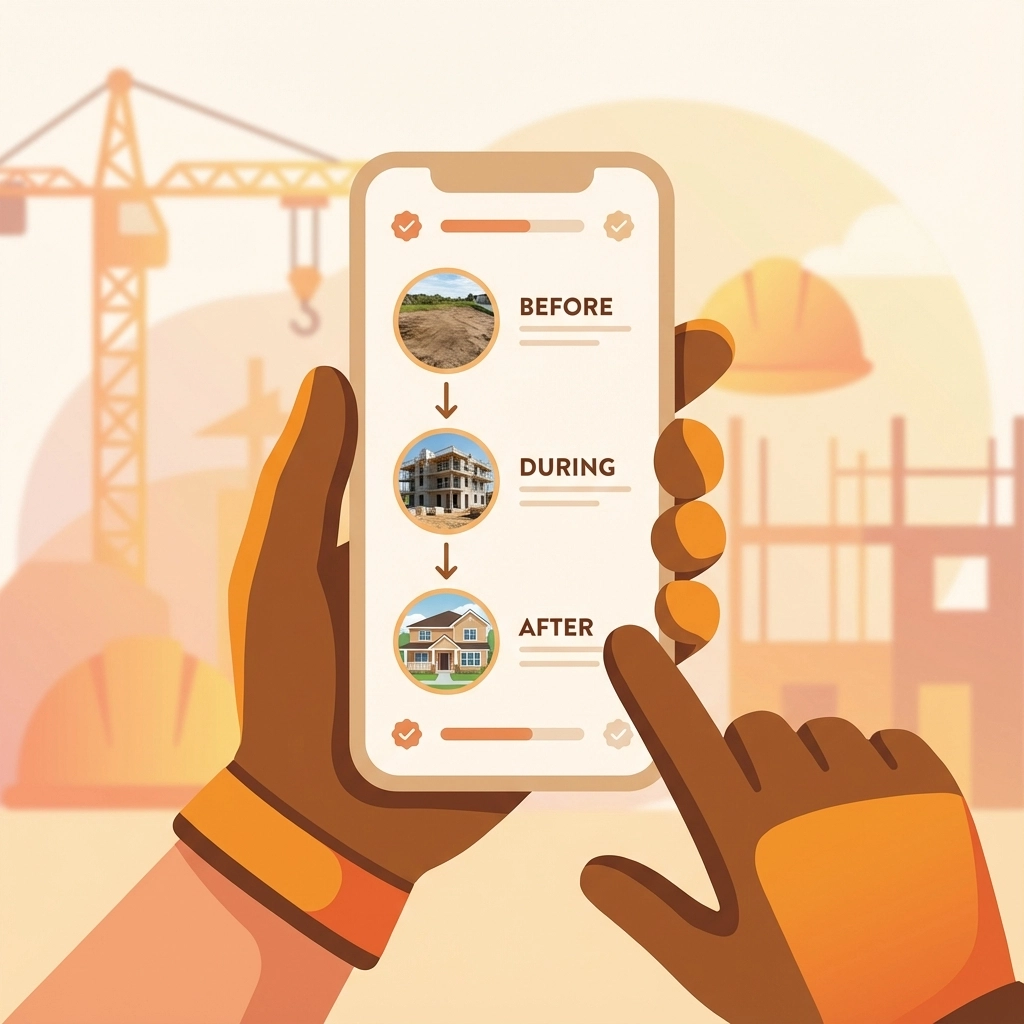
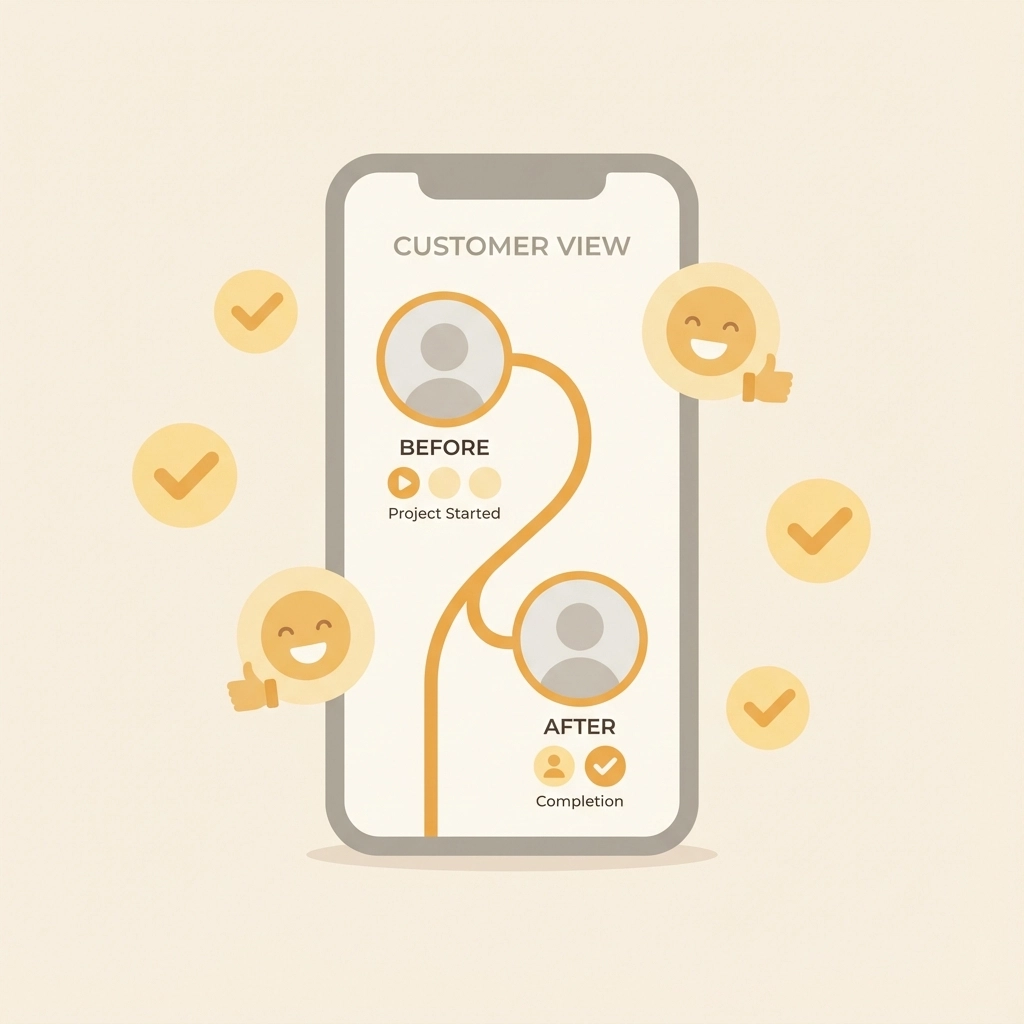
    Before: Show the area before work begins
    During: Capture key steps in the process
    After: Document completed work and cleanup

    Don't just take photos – include brief notes about techniques used, materials installed, or challenges encountered.

    End-of-Day Wrap-Up

    Before leaving the job site, spend five minutes documenting:

    • Work completed that day
    • Work planned for tomorrow
    • Any customer communications or decisions
    • Weather conditions (important for outdoor work)

    image_3

    Organizing Your Logs for Easy Access

    The best job log in the world is useless if you can't find information when you need it. Organization is crucial.

    File Naming That Works

    Use a consistent naming convention for all files and photos. A simple format like "JobName_YYYYMMDD_Description" works well. For example: "SmithKitchen_20251215_CabinetInstall"

    Cloud Storage Setup

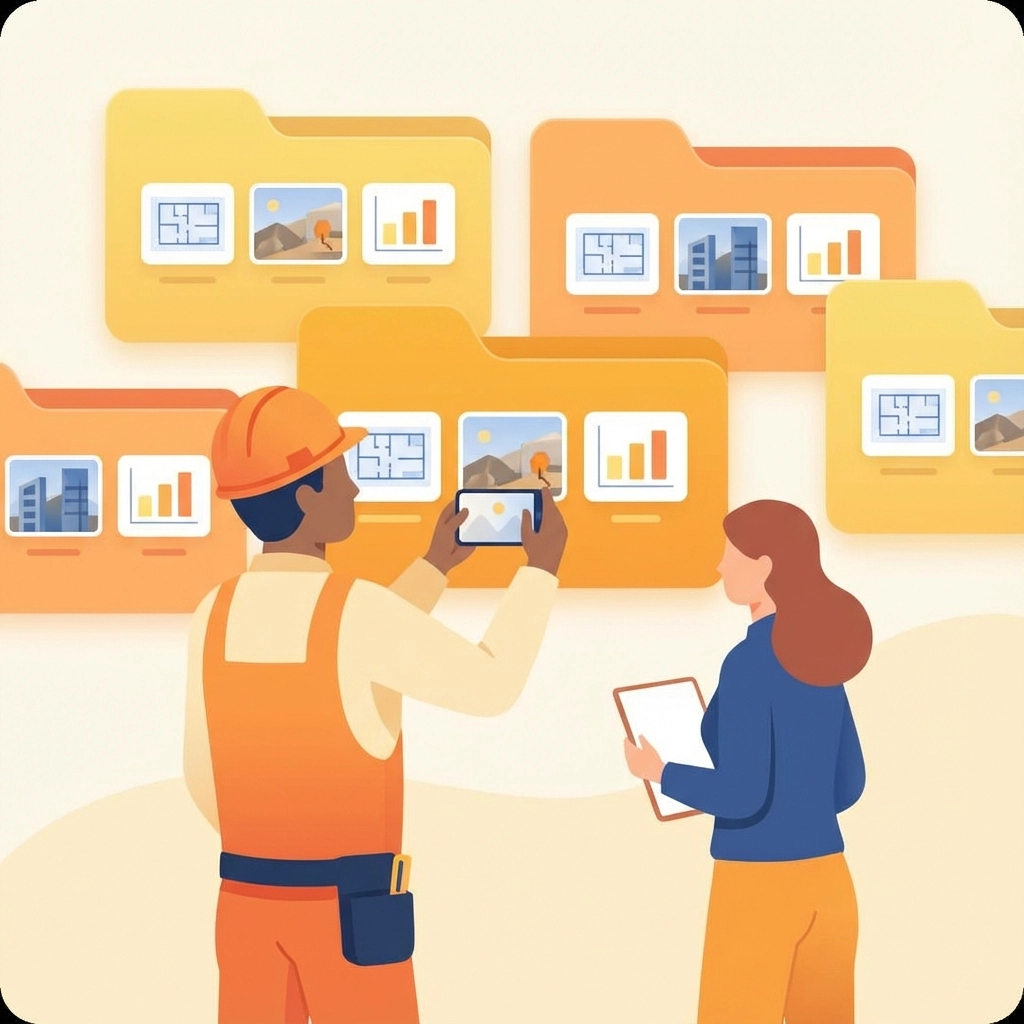
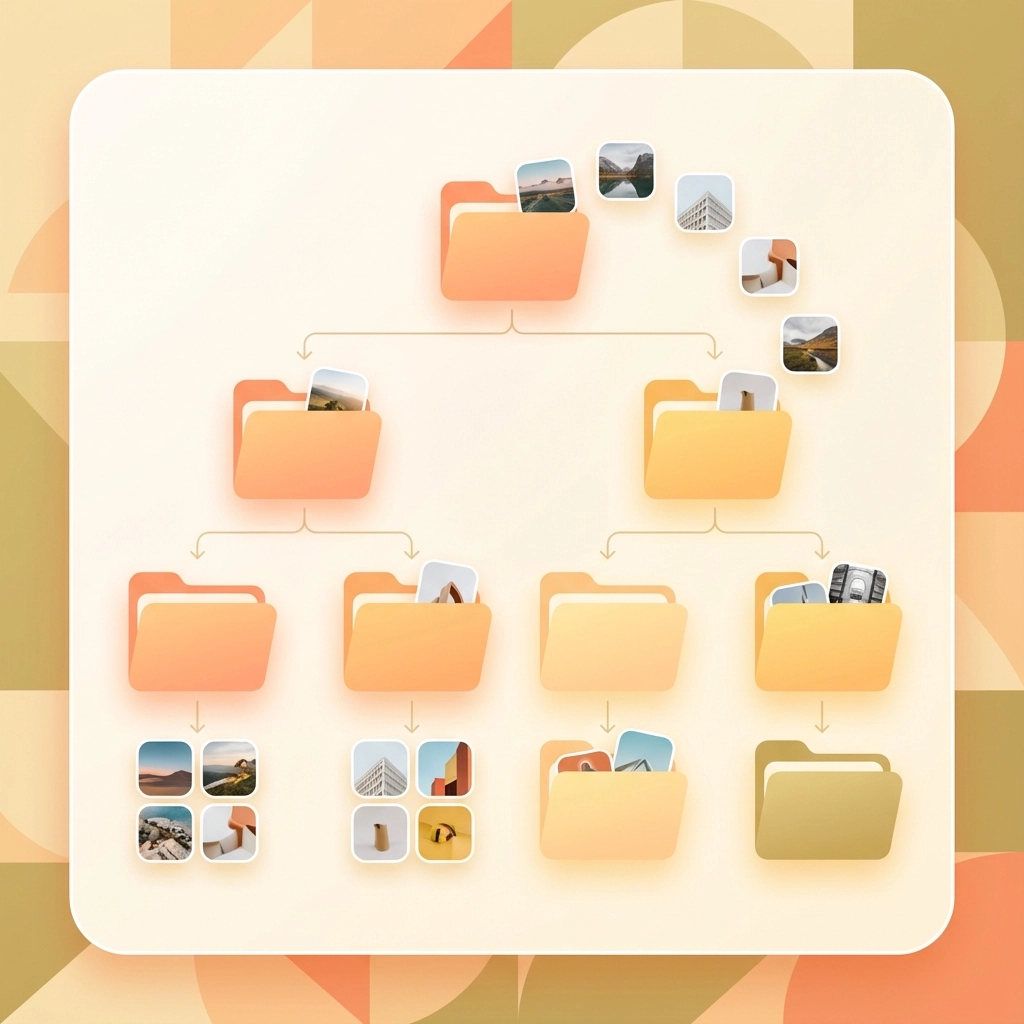
    Store everything in the cloud so you can access logs from anywhere. Create a folder structure like:

    • Client Name
      • Project Name
        • Photos
        • Notes
        • Materials/Receipts

    Weekly Reviews

    Spend 30 minutes each week reviewing and organizing your logs. Delete blurry photos, add missing details to notes, and make sure everything is properly filed. This weekly habit prevents documentation from piling up into an overwhelming mess.

    Handling Disputes With Confidence

    When properly organized job logs meet a customer complaint, you're prepared. Here's how to handle disputes professionally:

    Stay Calm and Professional

    Lead with understanding: "I want to make sure we address your concerns properly. Let me review the project documentation."
    Present Facts, Not Arguments

    Share relevant photos and notes that address their specific concerns. Let the documentation speak for itself rather than getting into verbal disputes.

    Use Logs to Find Solutions

    Sometimes logs reveal that customer concerns are valid. When that happens, your documentation helps you understand what went wrong and how to fix it efficiently.

    image_4

    Technology That Actually Helps

    While you don't need expensive software to start, the right tools can make logging easier and more effective. Look for solutions that:

    • Work offline (job sites often have poor cell service)
    • Automatically organize photos by date and location
    • Sync across devices without customer involvement
    • Export easily for sharing or backup

    The goal is finding tools that fit your workflow, not changing your workflow to fit the tools.

    Making It Stick: Building the Habit

    The hardest part of job logging isn't learning how to do it – it's remembering to do it consistently. Here are strategies that work:

    Start Small

    Begin with just photos and basic notes. Don't try to document everything perfectly from day one. Build the habit first, then improve the details.

    Set Reminders

    Use phone alarms or calendar reminders until logging becomes automatic. Many contractors set alerts for lunch time and end of day.

    Make It Part of Cleanup

    Include documentation as part of your daily cleanup routine. Before packing tools, document what was accomplished.

    The Bottom Line

    Organized job logs aren't about being paranoid or expecting problems. They're about being professional and protecting the quality work you're already doing. When you can quickly show customers exactly what happened on their project, you're not just resolving disputes – you're demonstrating the level of care and attention you bring to every job.

    The best part? Once you get into the habit, job logging takes almost no extra time but provides invaluable protection for your business, your reputation, and your peace of mind.

    Start simple, be consistent, and let your documentation tell the story of your quality work. Your future self will thank you the first time a customer question becomes an opportunity to showcase your professionalism instead of a stressful dispute.

  • Why Simple Photo Logging Beats Complicated Project Management Apps for Small Teams

    Why Simple Photo Logging Beats Complicated Project Management Apps for Small Teams

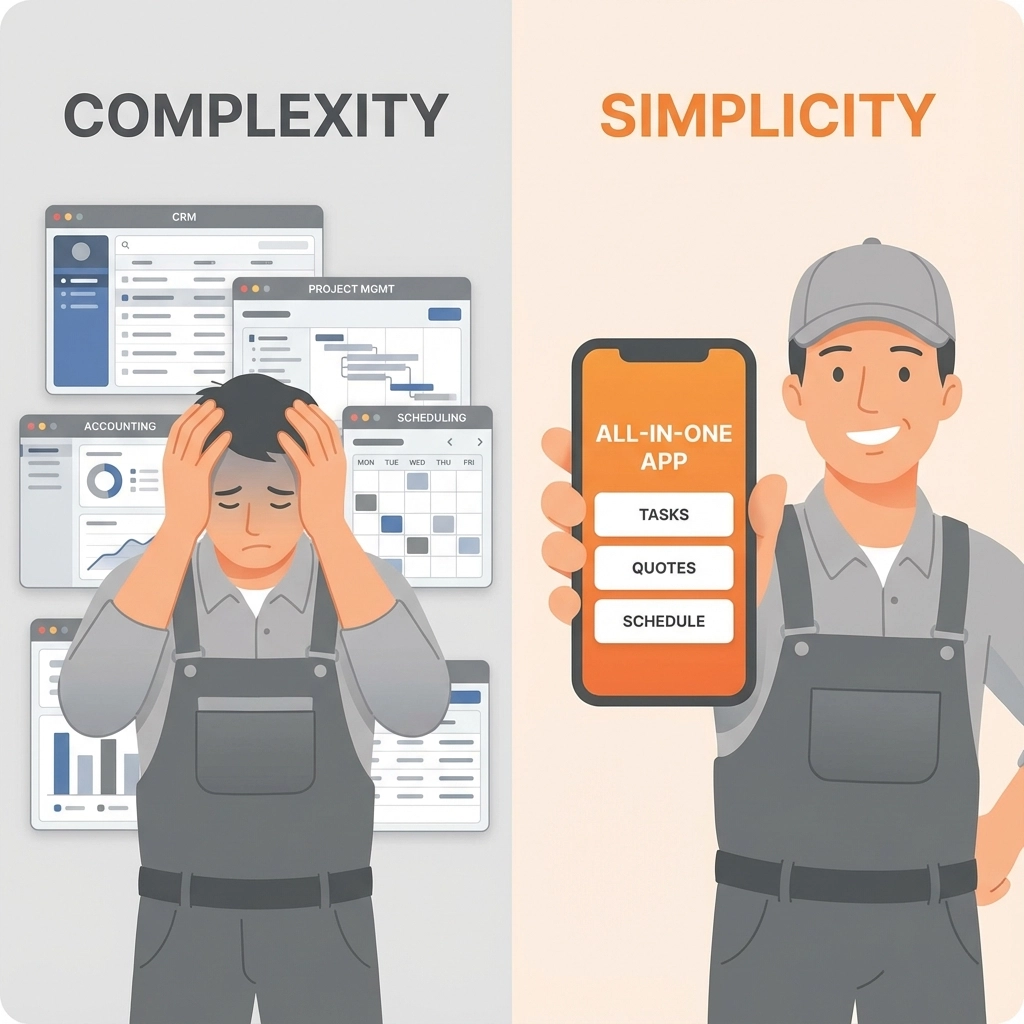
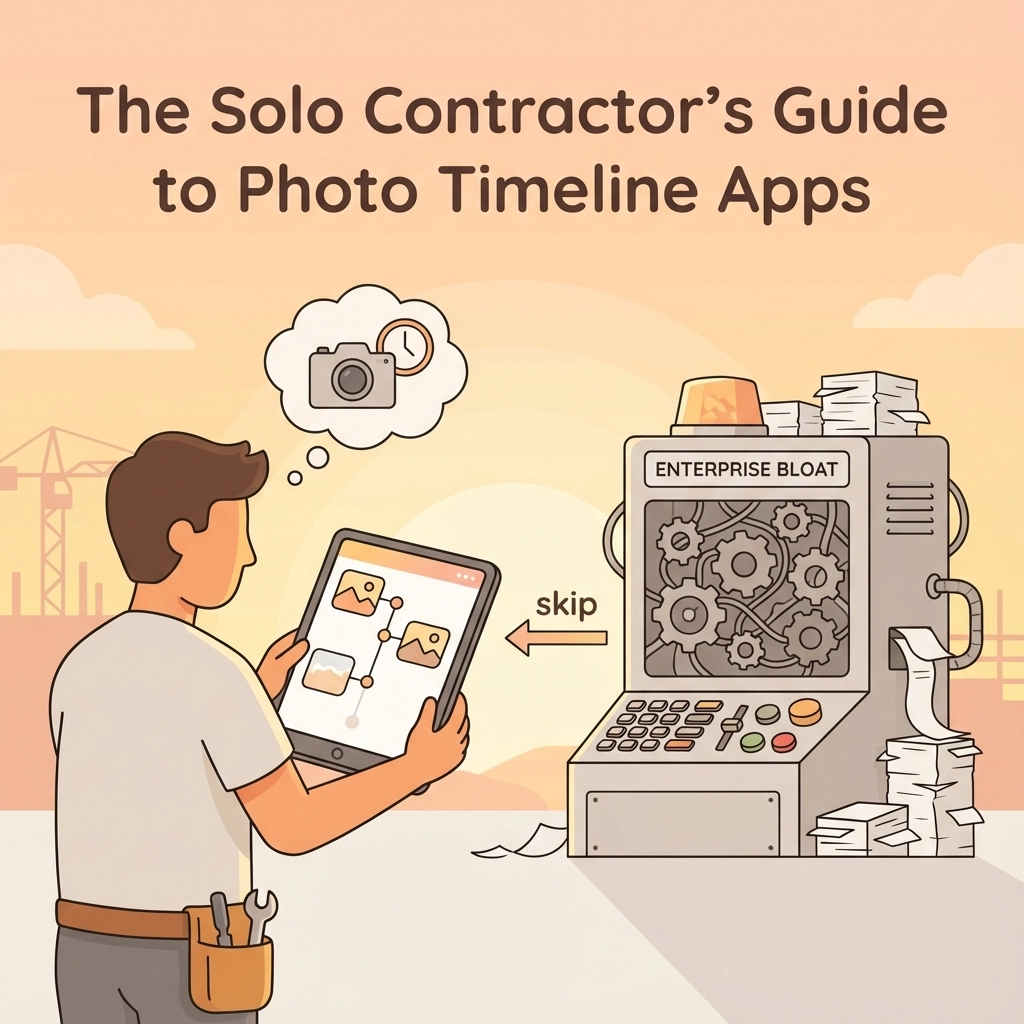
    Let's be honest: most small teams are drowning in project management apps that promise the world but deliver headaches instead. You know the drill: endless setup wizards, feature overload, and team members who never actually use the thing after the first week.

    Meanwhile, there's a simpler approach that's been hiding in plain sight: photo logging. It turns out that sometimes the best solution isn't the most complex one.

    The Problem with Complicated Project Management Apps

    Small teams face a unique challenge. Unlike enterprise organizations with dedicated project managers and IT departments, small teams need tools that work immediately, require minimal training, and don't break the bank.

    Most popular project management apps fall into the same trap: they try to be everything to everyone. They offer Gantt charts, custom workflows, automated notifications, integrations with 47 different tools, and reporting dashboards that would make a Fortune 500 company proud.

    But here's what actually happens: Your team spends more time managing the management app than actually getting work done.

    image_1

    Visual Documentation Gets Straight to the Point

    Photos don't lie, and they don't need interpretation. When your electrician takes a picture of the wiring they just completed, everyone on the team immediately understands what's been accomplished. No status updates, no progress percentages, no lengthy descriptions: just crystal-clear visual proof.

    This clarity advantage becomes even more powerful when dealing with client communications. Instead of writing a paragraph explaining that "the bathroom renovation is approximately 65% complete with tile installation in progress," you can show a photo that tells the entire story in seconds.

    Photos also eliminate the ambiguity that kills small team productivity. When someone writes "mostly finished" or "almost done," what does that actually mean? A photo shows exactly where things stand, reducing back-and-forth conversations and preventing misunderstandings that derail projects.

    Speed Wins Every Time

    Small teams move fast, and they can't afford to slow down for administrative overhead. Traditional project management apps require constant feeding: status updates, task completions, time tracking, and milestone adjustments.

    Photo logging flips this model completely. Instead of stopping work to update a system, team members document progress as they go. A quick photo captures not just task completion, but also provides context about quality, potential issues, and next steps.

    This speed advantage compounds over time. While other teams are spending 15-20 minutes per day updating project statuses, photo-logging teams capture the same information (plus visual context) in under 5 minutes total.

    Real-World Scenarios Where Photos Dominate

    Consider a small construction crew working on a kitchen renovation. Traditional project management might track tasks like "install cabinets," "connect plumbing," and "complete electrical work." But photos tell the real story.

    A photo of the installed cabinets shows they're level, properly secured, and match the client's specifications. The plumbing connection photo reveals any potential leaks or alignment issues before they become problems. The electrical work photo documents wire routing and connection quality for future reference.

    image_2

    Each photo serves multiple purposes: progress documentation, quality assurance, client communication, and future reference. A traditional PM app would need separate features for each of these functions.

    The maintenance and service industries benefit even more dramatically. When a technician photographs equipment before and after service, they create an instant record that serves as proof of work, helps with warranty claims, and provides valuable context for future service calls.

    Learning Curves and Adoption Rates

    Here's a brutal truth about small teams: if a tool isn't immediately useful, it gets abandoned. Complex project management apps often require hours of setup, training sessions, and ongoing configuration adjustments.

    Photo logging requires exactly zero training. Everyone already knows how to take a picture and add a basic description. The learning curve is essentially flat, which means 100% team adoption from day one.

    This simplicity extends to client interactions as well. Customers immediately understand photo updates, while project management dashboards and reports often confuse more than they clarify. A homeowner can look at renovation progress photos and instantly see value, but they might struggle to interpret a Gantt chart or burndown report.

    Cost-Effectiveness for Small Operations

    Most feature-rich project management platforms charge per user per month, which adds up quickly for small teams. Even "affordable" options can cost $300-500 annually for a 5-person team, not including setup time and training costs.

    Simple photo logging tools typically offer much more reasonable pricing models, often with generous free tiers that work perfectly for small operations. The total cost of ownership remains low because there's no training requirement, minimal setup time, and immediate value delivery.

    Integration Actually Works When It's Simple

    Complex project management apps promise seamless integrations with dozens of other tools, but small teams rarely benefit from this complexity. They need their documentation system to work with email, basic file storage, and maybe their invoicing software.

    Photo logging naturally integrates with these essential tools. Photos can be attached to emails for client updates, stored in cloud folders for easy access, and included in invoices as proof of completed work. This simplicity often provides better real-world integration than complex API connections that require technical maintenance.

    image_3

    Quality Control Through Visual Evidence

    Small teams can't afford quality problems, but they also can't afford dedicated quality assurance processes. Photo documentation provides automatic quality control by creating a visual record that team members can review and clients can verify.

    When problems do arise, photos provide immediate context for troubleshooting. Instead of trying to remember or describe an installation from last week, team members can refer to timestamped photos that show exactly how work was completed.

    This visual evidence also protects small businesses from disputes and liability issues. Clear documentation of work quality and site conditions can prevent costly legal problems and insurance claims.

    Client Communication That Actually Works

    Small teams succeed through strong client relationships, but traditional project management communication often feels impersonal and corporate. Automated status updates and dashboard access might work for enterprise clients, but individual homeowners and small business owners prefer more direct communication.

    Photo updates create personal connections with clients. They see their project progressing, understand the care and attention being applied, and feel involved in the process. This transparency builds trust and often leads to referrals and repeat business.

    Photos also reduce client anxiety and questions. Instead of wondering whether work is progressing on schedule, clients can see current status and understand what's happening next.

    The Bottom Line for Small Teams

    Simple photo logging works because it aligns with how small teams actually operate. They need immediate value, minimal overhead, and tools that enhance rather than complicate their workflow.

    While complex project management apps continue adding features for enterprise customers, small teams benefit more from focused solutions that do one thing exceptionally well. Photo logging provides the essential project documentation small teams need without the complexity they can't afford.

    Ready to see how simple photo logging can transform your team's project documentation? JobLuma specializes in straightforward photo logging solutions designed specifically for small construction and field service teams. No complicated setup, no feature overload: just the visual documentation tools your team actually needs.

  • The Easiest Way for Contractors to Share Job Progress with Customers

    The Easiest Way for Contractors to Share Job Progress with Customers

    Let's face it – keeping customers in the loop about their project progress shouldn't feel like a full-time job. Yet many contractors struggle with this exact challenge, spending hours crafting detailed emails or fielding worried phone calls from clients wondering what's happening on their job site.

    The good news? Sharing job progress with customers doesn't have to be complicated or time-consuming. With the right approach and simple tools, you can keep clients happy and informed while actually saving time in your day.

    Why Customer Communication Matters More Than Ever

    Today's customers expect transparency. They want to see their investment at work, understand potential delays before they happen, and feel confident their project is in good hands. When contractors fail to communicate regularly, customers fill the silence with worry – and worried customers become demanding customers.

    Think about it from their perspective. They've likely invested thousands of dollars in your services, and their property is temporarily disrupted. A simple photo showing today's progress can eliminate a dozen anxious thoughts and prevent three follow-up phone calls.

    Regular progress sharing also builds trust and sets you apart from competitors. When customers can see consistent forward movement, they're more likely to recommend your services and less likely to micromanage your work.

    image_1

    Start With Visual Documentation

    The easiest way to share progress is through photos and videos. Visual updates require minimal explanation and show exactly what's happening on site. Here's how to make visual documentation work for you:

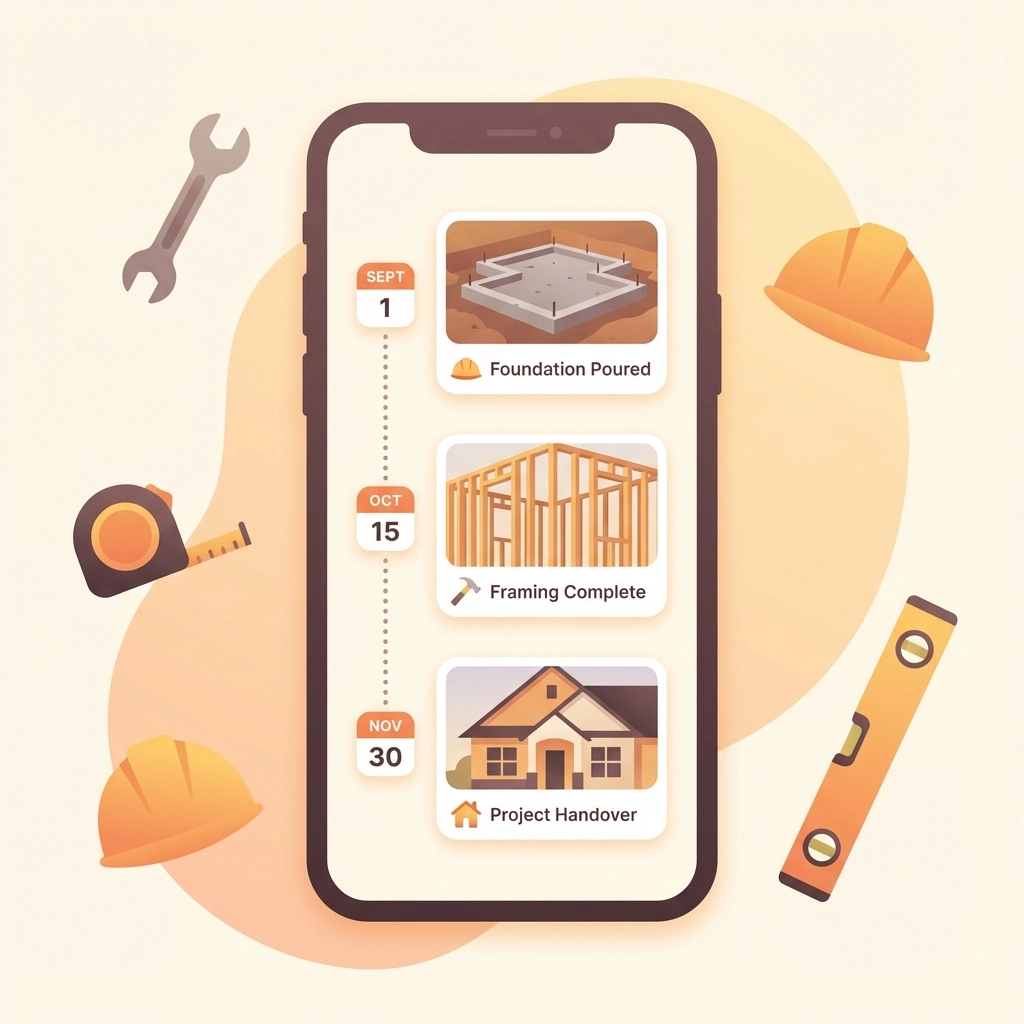
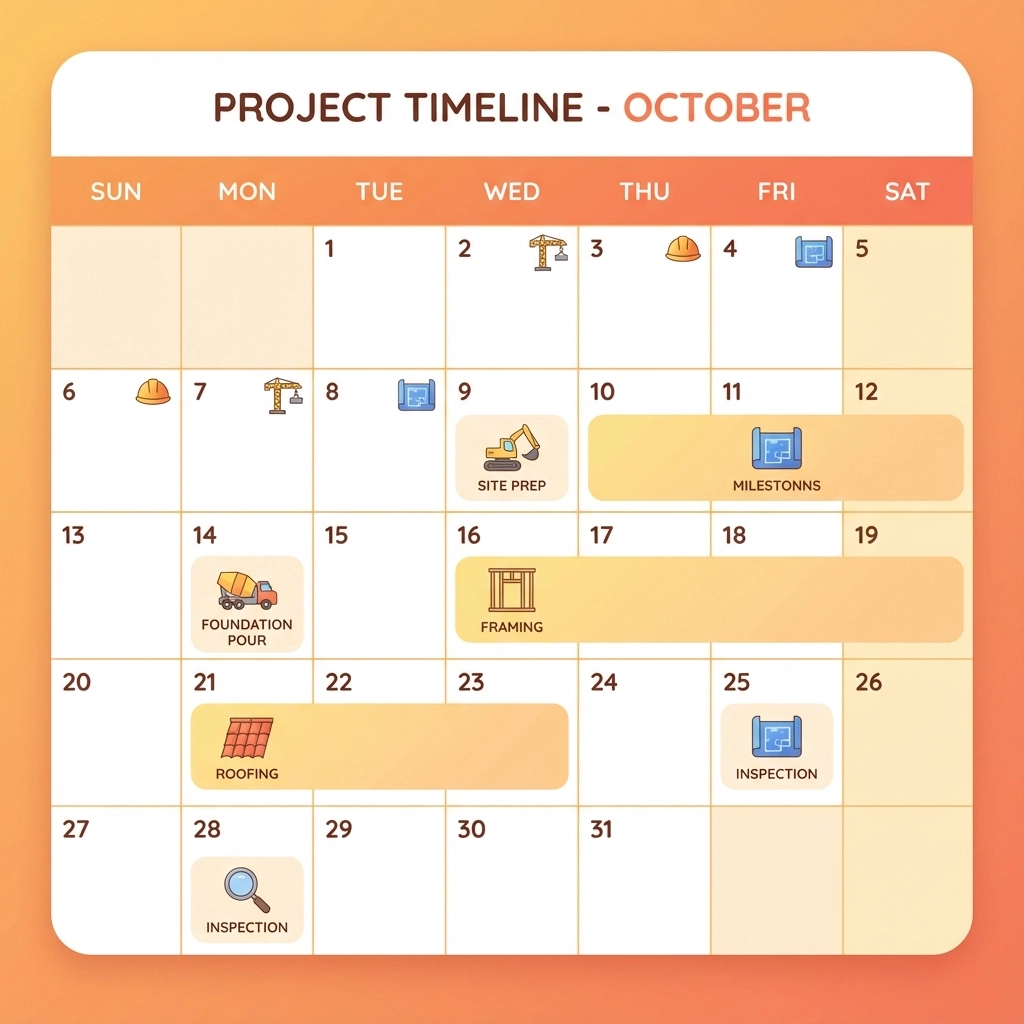
    Take photos at key milestones. You don't need to document every nail or screw. Focus on major progress points – foundation completion, framing stages, rough-in work, or finished installations. These milestone photos tell the project's story without overwhelming your customer.

    Use your phone's built-in features. Modern smartphones automatically timestamp and location-tag photos. Take advantage of these features to create an automatic progress timeline. Many phones also allow you to add voice notes to photos, which can provide context without typing lengthy explanations.

    Capture before, during, and after shots. Show the starting point, work in progress, and completed stages. This progression helps customers understand the scope of work and appreciate the transformation happening on their property.

    Include your crew in action shots. Photos of your team actively working reassure customers that progress is happening daily. These human elements make your updates more engaging and personal.

    Real-Time Communication Strategies

    The key to easy progress sharing is making communication part of your daily routine rather than a separate task. Here are practical approaches that save time while keeping customers informed:

    Daily check-ins work better than weekly reports. A quick photo with a two-sentence text message takes less than a minute but provides tremendous value. "Finished installing the kitchen cabinets today. Starting countertop prep tomorrow morning."

    Use group messaging for efficiency. If multiple family members want updates, create a group text or messaging thread. This eliminates duplicate conversations and ensures everyone receives the same information.

    Share challenges before they become problems. If you discover an issue that might delay progress, communicate it immediately with a photo and brief explanation. "Found some old wiring that needs updating before we can proceed. This will add one day to the timeline, but ensures everything meets current safety codes."

    image_2

    Choose Simple Technology Solutions

    You don't need complex software to share progress effectively. The best solution is often the simplest one that you'll actually use consistently. Here are options that work for different communication styles:

    Text messaging with photos remains the most accessible option. Every customer has text messaging, and photos send instantly. Create a dedicated contact group for each project to streamline communication.

    Construction management apps offer more organization for larger projects. Tools like CompanyCam, Fieldwire, or Buildern allow you to organize photos by project phase, add detailed notes, and create professional progress reports. These apps often include client portals where customers can view updates at their convenience.

    Simple cloud folders work well for customers who prefer comprehensive documentation. Create a shared Google Drive or Dropbox folder organized by date or project phase. Upload photos regularly with descriptive filenames like "2024-12-15_Kitchen_Cabinets_Installed.jpg"

    Video updates can be incredibly effective for complex projects. A 30-second walkthrough video can explain progress better than multiple photos. Use your phone's video feature to provide brief narrated tours of completed work areas.

    Make It Part of Your Daily Routine

    The secret to consistent customer communication is building it into your existing workflow. Here's how to make progress sharing automatic:

    End-of-day routine: Spend five minutes before leaving each job site taking progress photos and sending a quick update. This becomes as automatic as packing up your tools.

    Assign responsibility: If you have crew members, designate someone to handle daily photo documentation. This ensures updates happen even when you're managing multiple job sites.

    Use travel time wisely: Send updates while driving between jobs (hands-free, of course). Voice-to-text features make it easy to add context to photos without typing.

    Batch similar communications: If you're working on multiple projects, handle all customer updates during one dedicated time block rather than sporadically throughout the day.

    image_3

    Handle Common Communication Challenges

    Every contractor faces similar obstacles when sharing project progress. Here's how to address the most common issues:

    "I forget to take photos." Set a phone reminder for the same time each day. Many contractors find that taking photos during their lunch break works well – it's a natural pause in the workday.

    "Customers want too much detail." Establish communication expectations upfront. Explain that you'll provide daily milestone updates, and customers can request additional information if needed. This sets boundaries while ensuring transparency.

    "I'm not good with technology." Start with basic text messages and photos. Once this becomes comfortable, you can explore additional features. The goal is consistent communication, not technological complexity.

    "Updates take too much time." Focus on quality over quantity. One well-timed photo with a brief explanation provides more value than multiple photos without context.

    Best Practices for Professional Updates

    Your progress updates reflect your professionalism and attention to detail. Follow these guidelines to ensure your communications enhance your reputation:

    Clean up photo backgrounds when possible. A quick scan for debris or personal items makes your work area look more professional in photos.

    Use consistent timing. Whether you send updates at lunch, end of day, or first thing in the morning, consistency helps customers know when to expect communication.

    Be honest about delays or challenges. Customers appreciate transparency about unexpected issues. Brief explanations show your expertise in handling complications professionally.

    Celebrate milestones. When you complete major project phases, acknowledge these achievements in your updates. Customers enjoy sharing in the progress excitement.

    image_4

    The Bottom Line on Progress Sharing

    The easiest way for contractors to share job progress with customers is through simple, consistent visual communication. A daily photo with a brief explanation takes minimal time but provides maximum customer satisfaction.

    Technology should support your communication goals, not complicate them. Whether you use basic text messaging or specialized construction apps, the key is choosing tools you'll actually use every day.

    Remember that progress sharing isn't just about keeping customers happy – it's about building your reputation as a professional contractor who values transparency and communication. These habits set you apart in a competitive market and lead to more referrals and repeat business.

    Start simple, stay consistent, and watch how this small daily investment transforms your customer relationships. Your clients will appreciate the transparency, and you'll appreciate the reduction in worried phone calls and project stress.

    For contractors looking to streamline their progress documentation and customer communication, JobLuma offers simple, mobile-first solutions designed specifically for field service professionals who value straightforward tools that actually get used.

  • How to Create Professional Before and After Photo Documentation in 5 Minutes (Without Fancy Software)

    How to Create Professional Before and After Photo Documentation in 5 Minutes (Without Fancy Software)

    Picture this: You're wrapping up a bathroom renovation, HVAC repair, or landscaping job, and your client asks to see the progress. You scramble through dozens of random photos on your phone, trying to find the "before" shots while your client waits awkwardly. Sound familiar?

    Professional photo documentation isn't just about looking good: it's about protecting your business, showcasing your work, and keeping clients happy. The best part? You don't need fancy cameras or expensive software to do it right.

    Why Before and After Photos Matter More Than You Think

    In construction and field services, photos are your best friend. They document work progress, protect you from liability claims, and serve as powerful marketing tools. When Mrs. Johnson claims you damaged her fence (that was already broken), your timestamped before photos become your saving grace.

    Good documentation also builds trust with clients. When they can see exactly what you accomplished, they're more likely to recommend you to their neighbors and pay invoices without pushback.

    image_1

    The 5-Minute Setup That Changes Everything

    Step 1: Pick Your Angles and Stick to Them (1 minute)

    Consistency beats creativity every time. For most jobs, you need four standard shots:

    • Wide overview of the work area
    • Close-up of the specific problem or feature
    • Side angle showing context
    • Detail shot of materials or damage

    Write these down and use them for every job. Your future self will thank you when you're trying to create a proposal and need similar reference photos.

    Step 2: Master the Lighting Game (30 seconds)

    Natural light is your friend: it's free and makes everything look better. If you're working indoors, turn on all available lights and open curtains or blinds. For outdoor work, avoid shooting directly into the sun.

    The golden rule: if you can clearly see details with your naked eye, your phone camera can probably capture them well enough.

    Step 3: Frame Like a Pro (1 minute)

    Keep it simple. Fill about 70% of your frame with the subject, leaving some context around the edges. This gives viewers a sense of scale and location without cutting off important details.

    Hold your phone horizontally for wide shots and vertically for tall objects like doors or trees. Most importantly, keep the camera steady: shaky photos scream "amateur."

    image_2

    The Quick-Capture Method That Actually Works

    Before Photos: Set the Scene

    Take your before photos as soon as you arrive, before moving any equipment or materials. This protects you legally and gives clients a clear baseline for comparison.

    Start wide, then zoom in. Capture the overall area first, then focus on specific problem areas, existing damage, or unique features. If something looks questionable, photograph it from multiple angles.

    During Photos: Show Your Process

    Quick progress shots don't just document your work: they keep clients engaged and informed. Take a few photos at key milestones: demolition complete, new materials installed, systems tested.

    These photos also help with invoicing. When clients can see the complexity of your work, they're less likely to question your pricing.

    After Photos: Showcase the Results

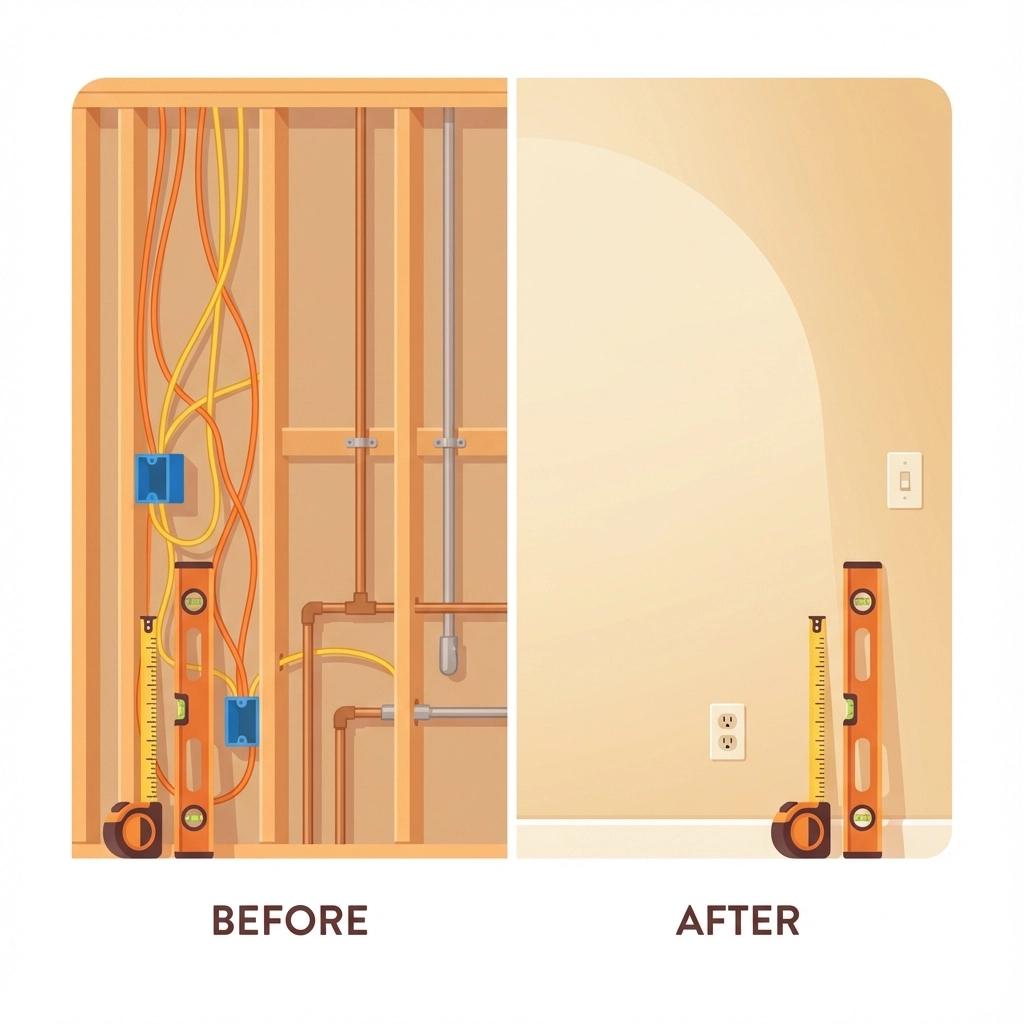
    Use the same angles as your before photos for easy comparison. Clean up your work area first: remove tools, debris, and materials that don't belong in the final shot.

    Take a few extra "beauty shots" of your best work. These become your marketing gold when you need to show potential clients what you can accomplish.

    image_3

    Organization Without the Headache

    Naming That Actually Makes Sense

    Skip complicated file naming systems. Use this simple format: ClientName_Date_JobType_BeforeOrAfter. For example: "Smith_120824_PlumbingRepair_Before."

    This system lets you find any photo in seconds, whether you're looking for it next week or next year.

    The Three-Folder Rule

    Create three folders on your phone:

    1. "JobPhotos_Current" for active projects
    2. "JobPhotos_Completed" for finished work
    3. "JobPhotos_Marketing" for your best shots

    Move photos between folders as projects progress. When "Current" gets too full, archive older completed projects to cloud storage.

    Quick Backup Strategy

    Set your phone to automatically upload photos to cloud storage. Google Photos, iCloud, or Dropbox all work fine. The key is making it automatic so you never lose important documentation.

    image_4

    Creating Professional Layouts in Minutes

    The Side-by-Side Magic

    For client presentations, put before and after photos side by side. Most phones have built-in collage features that work perfectly for this. On iPhone, use the Photos app's "Create" function. Android users can try Google Photos or the built-in Gallery editor.

    Keep it simple: two photos, same size, with a thin border between them. Add basic text labels like "Before" and "After" if needed.

    The Progress Story Layout

    For complex projects, create a timeline layout showing 3-4 key stages. This works great for renovations, landscaping, or multi-day repairs. Most free apps like Canva or even PowerPoint can create these layouts quickly.

    Common Mistakes That Make You Look Amateur

    Inconsistent Timing

    Taking before photos three hours into the job defeats the purpose. Shoot immediately upon arrival, before you've moved anything or started work.

    Poor Background Choices

    Your work truck, tools, and lunch don't belong in client photos. Take an extra 30 seconds to clear distracting objects from your shot.

    Forgetting the Wide Shot

    Detail photos are important, but clients need context. Always include at least one wide shot that shows the entire work area and surrounding space.

    Skipping the Cleanup

    Your after photos should show the space ready for the client to use. Sweep up debris, wipe down surfaces, and remove your equipment before hitting the camera button.

    image_5

    Making Photos Work for Your Business

    Client Communication

    Send progress photos throughout longer projects. A quick text with "Day 2 progress" and a photo keeps clients informed and reduces anxiety about your timeline.

    Marketing Content

    Your best before and after combinations become powerful marketing tools. Share them on social media, add them to your website, or include them in proposals for similar work.

    Warranty Protection

    Detailed after photos protect you from future warranty claims. If a client reports an issue months later, your documentation shows exactly how you left the job.

    The Technology You Already Have

    Your smartphone camera is probably more powerful than you realize. Modern phones can capture professional-quality images in good lighting conditions. The key is using them consistently and purposefully.

    For field service businesses, this simple photo documentation system can transform how you communicate with clients, protect your business, and showcase your expertise. The best camera is the one you have with you: and the best system is the one you'll actually use consistently.

    Skip the expensive software and complicated workflows. Focus on consistency, good lighting, and clear organization. Your clients will notice the professionalism, your business will be better protected, and you'll spend less time searching through random photos trying to remember what happened last Tuesday.

    Remember: professional results come from professional habits, not professional equipment. Start with these simple steps, and you'll be amazed at how much more organized and credible your business appears to clients.