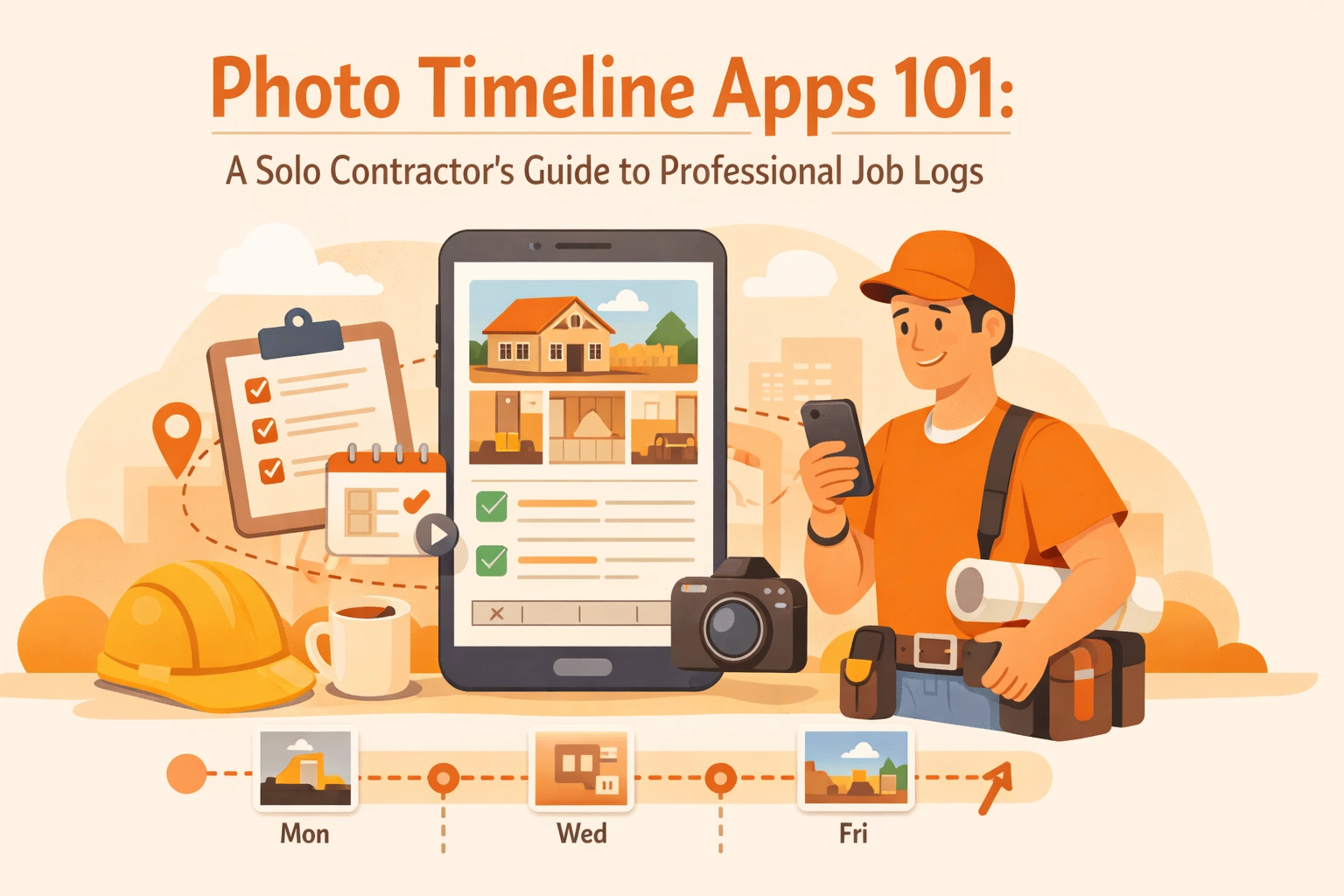
Let's be honest, you've been there. A client questions whether you actually installed that outlet last Tuesday. Or worse, they claim you damaged something that was already broken when you arrived. You know you took a photo, but good luck finding it buried somewhere between 847 pictures of your kids and that recipe screenshot from three months ago.
Welcome to the world of photo timeline apps. These tools are changing the game for solo contractors who need professional job documentation without the headache of complicated project management software.
What Exactly Is a Photo Timeline App?
Think of a photo timeline app as your digital job diary, but way more organized than your phone's camera roll. These apps automatically capture, organize, and timestamp your jobsite photos to create a visual record of everything you do. They're not fancy construction management platforms with a million features you'll never use. They're straightforward tools that solve one problem really well: keeping your job photos organized and accessible.
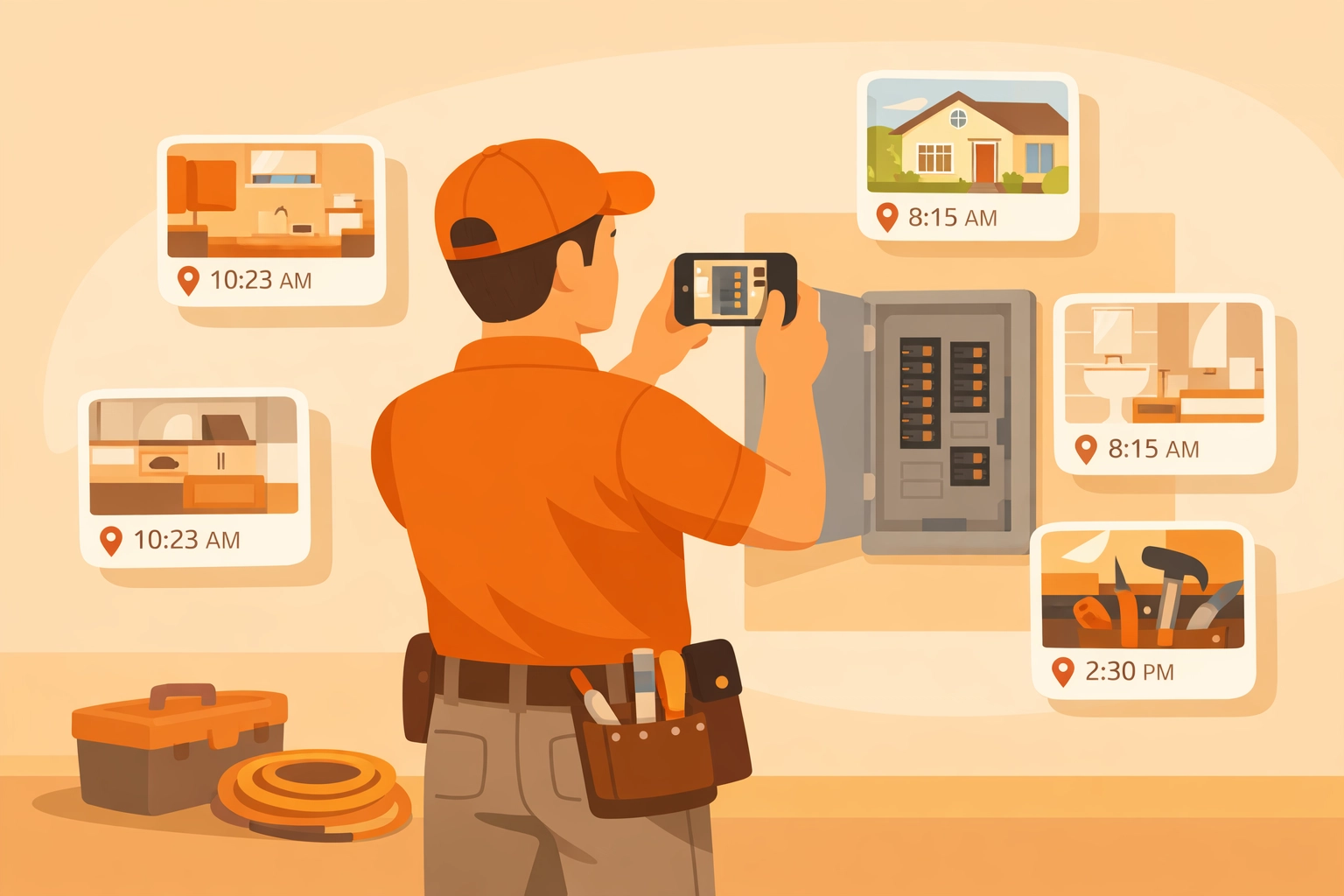
The magic happens automatically. You snap a photo at the jobsite, and the app tags it with the date, time, and GPS location without you lifting another finger. No filing. No folder creation. No trying to remember which job that pipe photo was from.
Why Solo Contractors Actually Need This
You might be thinking, "My phone camera works just fine." And yeah, it does: until it doesn't.
Here's the reality: professional photo documentation eliminates the chaos of managing images across phone galleries, email threads, and text message conversations. When a client questions your work six months later, you need more than a random photo. You need proof with a timestamp and location that holds up in a dispute.
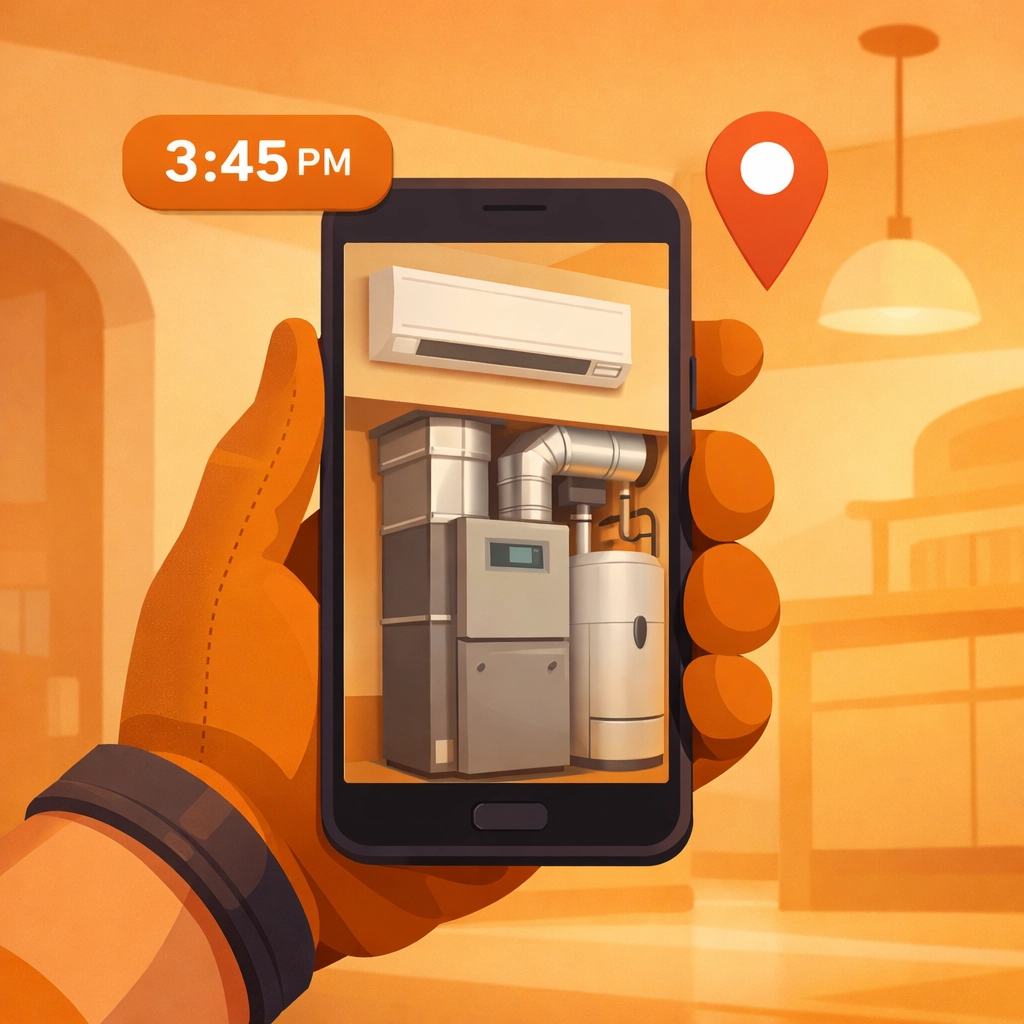
Before and after photos become your insurance policy. That water stain that was already on the ceiling? Documented before you touched anything. The perfectly installed HVAC unit? Timestamped the moment you finished. This isn't just covering your back: it's accelerating payments and building trust with clients who can literally see the progress you're making.
One general contractor reported saving three hours every single week just by switching from manual photo logging to an automated system. That's 150+ hours a year you could spend doing actual paid work instead of organizing pictures.
The Features That Actually Matter
Not all photo timeline apps are created equal. Some are bloated with features you'll ignore. Others miss the basics. Here's what to look for:
Automatic Timestamping and GPS Tagging
This is non-negotiable. Every photo should automatically include date, time, and location data without you doing anything extra. This creates legally defensible records that show exactly when and where work occurred. If you're manually adding this information, you're wasting time and defeating the purpose of automation.
Cloud Storage That Actually Works
Your phone storage shouldn't be a limiting factor. Modern contractor photo apps include cloud storage that keeps your photos secure and accessible across devices. Drop your phone in a toilet (it happens), and your job documentation is still safe in the cloud.
Simple Organization and Filtering
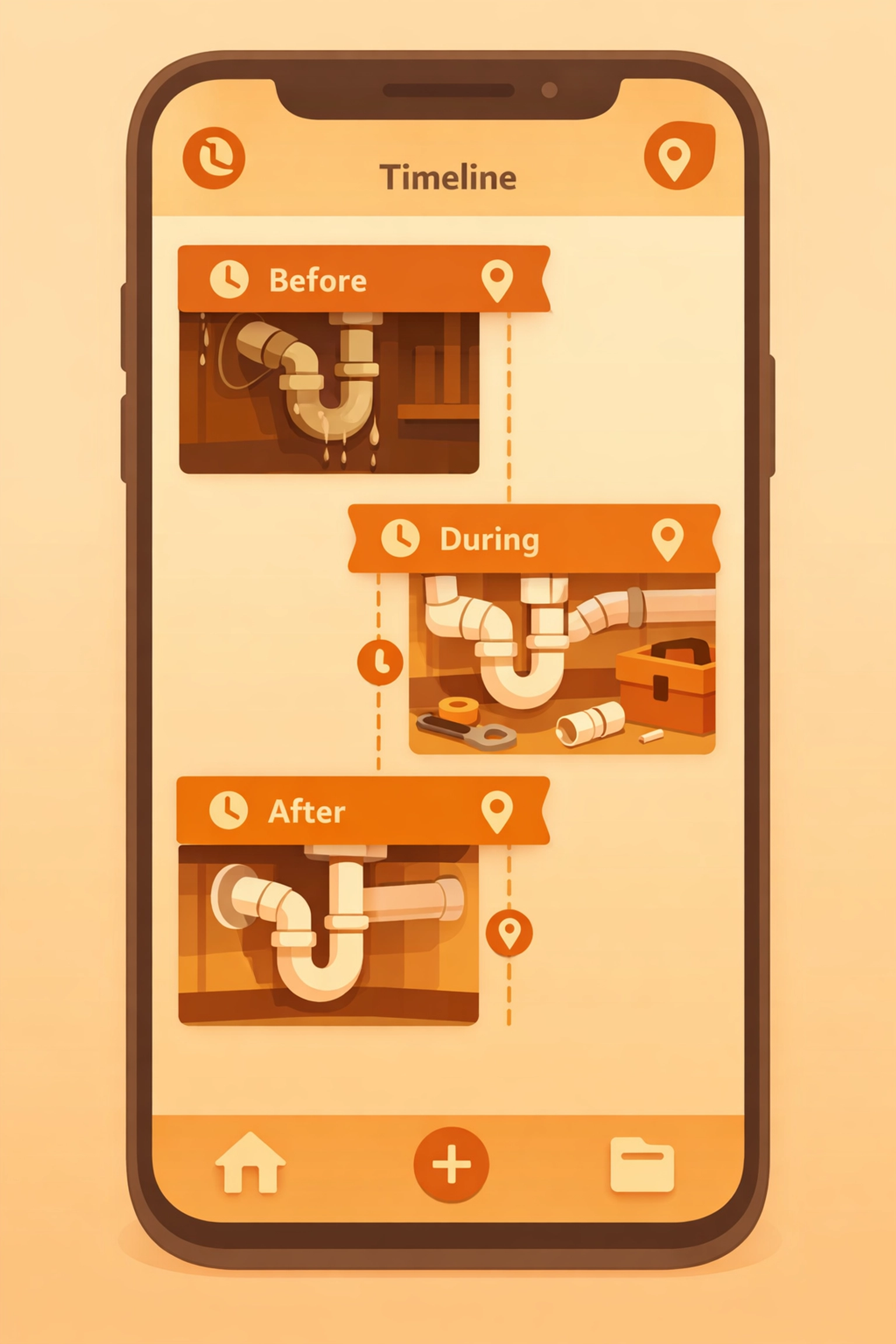
You need to find specific images fast. Look for apps that let you filter by location, project, date, or custom tags. The best photo timeline apps show you exactly what changed at a specific location over time: your before, during, and after shots all in one place.
Photo Markup and Annotations
Sometimes a photo needs context. Being able to add arrows, circles, or quick notes directly on the image helps communicate what clients are looking at. Custom watermarks with your company name add a professional touch and protect your work from being claimed by someone else.
Easy Sharing and Reporting
The whole point is showing your work to clients and getting paid faster. Apps that let you instantly generate shareable links or professional reports save you from texting individual photos or creating manual documentation.
Real Benefits for Your Business
Beyond just organization, these apps deliver actual business value you can measure.
Faster Payments: Subcontractors using timeline documentation report getting approval for completed work significantly faster. When general contractors can see exactly what you finished with timestamped proof, there's no ambiguity about what you're billing for.
Dispute Protection: GPS and timestamp features provide critical evidence for utility jobs and safety audits. You're not arguing about what happened: you're showing exactly what happened and when.
Professional Credibility: Showing up with organized, professional photo documentation separates you from contractors using cracked phone screens and email attachments. It signals that you take your work seriously.
Time Savings: Documentation inefficiencies can account for up to 30% of administrative costs. Streamlined photo logging means less time on paperwork and more time on billable work.

Choosing the Right Tool for Solo Work
If you're running a one-person operation, you don't need enterprise features built for 50-person teams. You need something that works immediately without a training manual.
Start with these baseline requirements:
- GPS tagging and timestamping on every photo automatically
- Cloud storage that doesn't run out at inconvenient times
- Simple interface that doesn't require a tutorial
- Easy sharing so clients can see progress without downloading anything
That last point is crucial. Some contractor job apps require everyone to download the same app and create accounts just to see photos. That's friction you don't need when you're trying to show a homeowner their new electrical panel.
The JobLuma Approach
Here's where we're a little biased, but hear us out. JobLuma was built specifically for solo contractors and small service shops who got tired of bloated project management software that tried to do everything and succeeded at nothing.
We focus on one thing: making before and after photo documentation ridiculously simple. Mobile-first design means it works the way you actually work: on your phone, at the jobsite, without thinking about it. Your customers don't download anything or create accounts. You send them a link, they see their timeline, everyone's happy.
No complexity. No feature overload. Just professional job logs that make you look good and get you paid faster. Check out how it works if you're curious.
Getting Started
The best time to start documenting jobs professionally was your first project. The second best time is right now.
Pick a photo timeline app that matches how you work. If you're constantly on your phone (and who isn't?), prioritize mobile-first design. If you work with general contractors who need documentation, prioritize easy sharing. If you've dealt with payment disputes before, prioritize timestamping and GPS accuracy.
Start with your next job. Take before photos when you arrive. Document the process as you go. Capture the finished work from multiple angles. Add quick notes if something was unusual or if the client requested specific changes.
Within a week, you'll wonder how you ever managed without it. Within a month, you'll have a library of professional documentation that protects your business and accelerates payments.
The Bottom Line
Photo timeline apps aren't complicated. They're digital common sense for contractors who need proof of what they did, when they did it, and where they did it. The right contractor photo app should feel invisible: it should just work without you thinking about it.
Your camera roll isn't a professional documentation system. Your text messages aren't reliable proof. Your memory definitely isn't holding up in a payment dispute six months from now.
A solid before and after photo app is. Simple as that.
Ready to stop digging through your camera roll? Start documenting like a pro and spend less time on paperwork, more time on the work that actually pays.
Leave a Reply