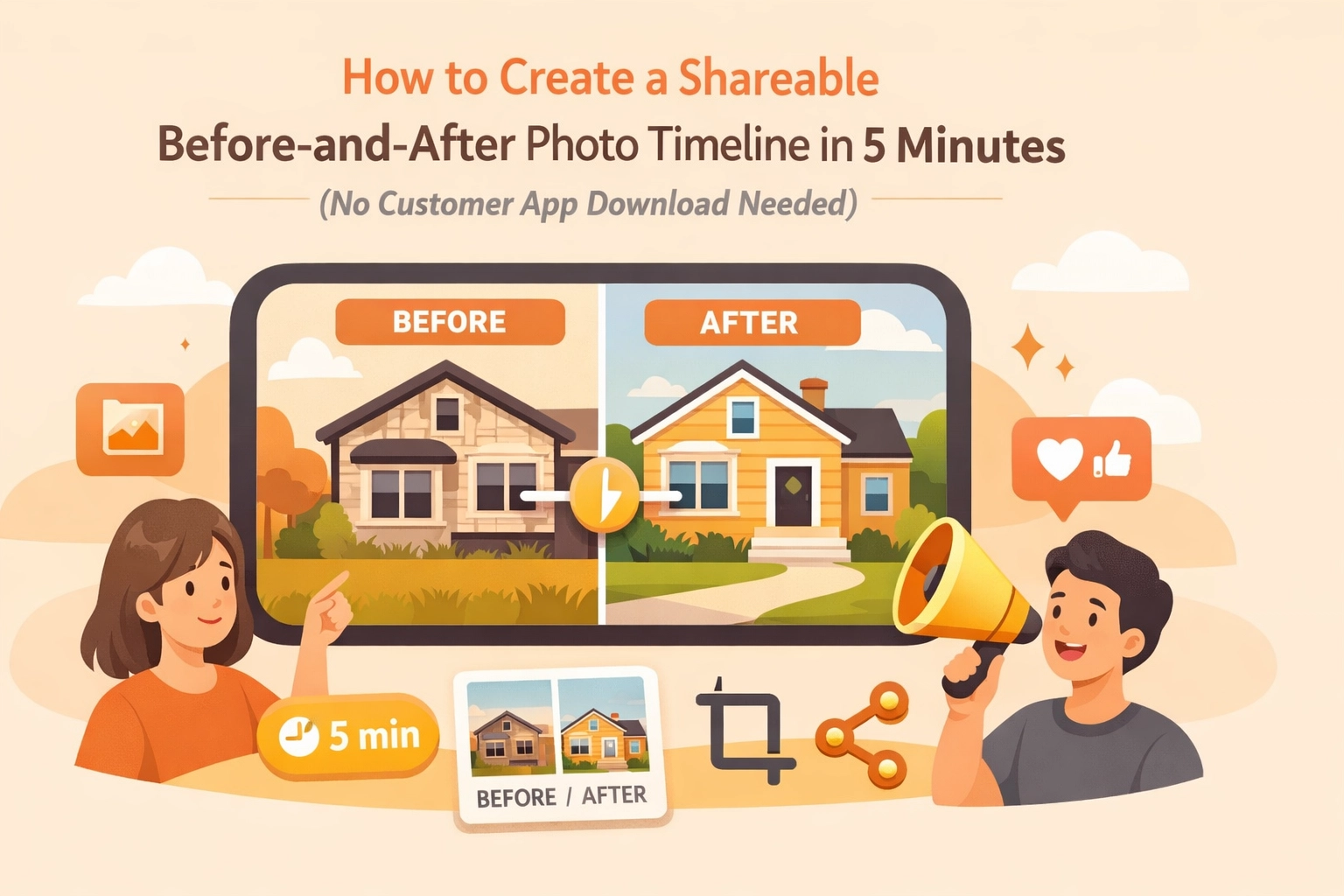
You’re on a job site. The sweat is real, the work is tough, and you’ve just transformed a literal disaster zone into a work of art. Maybe it’s a perfectly soldered copper manifold, a crystal-clear pool, or a rewire that actually looks like a professional did it.
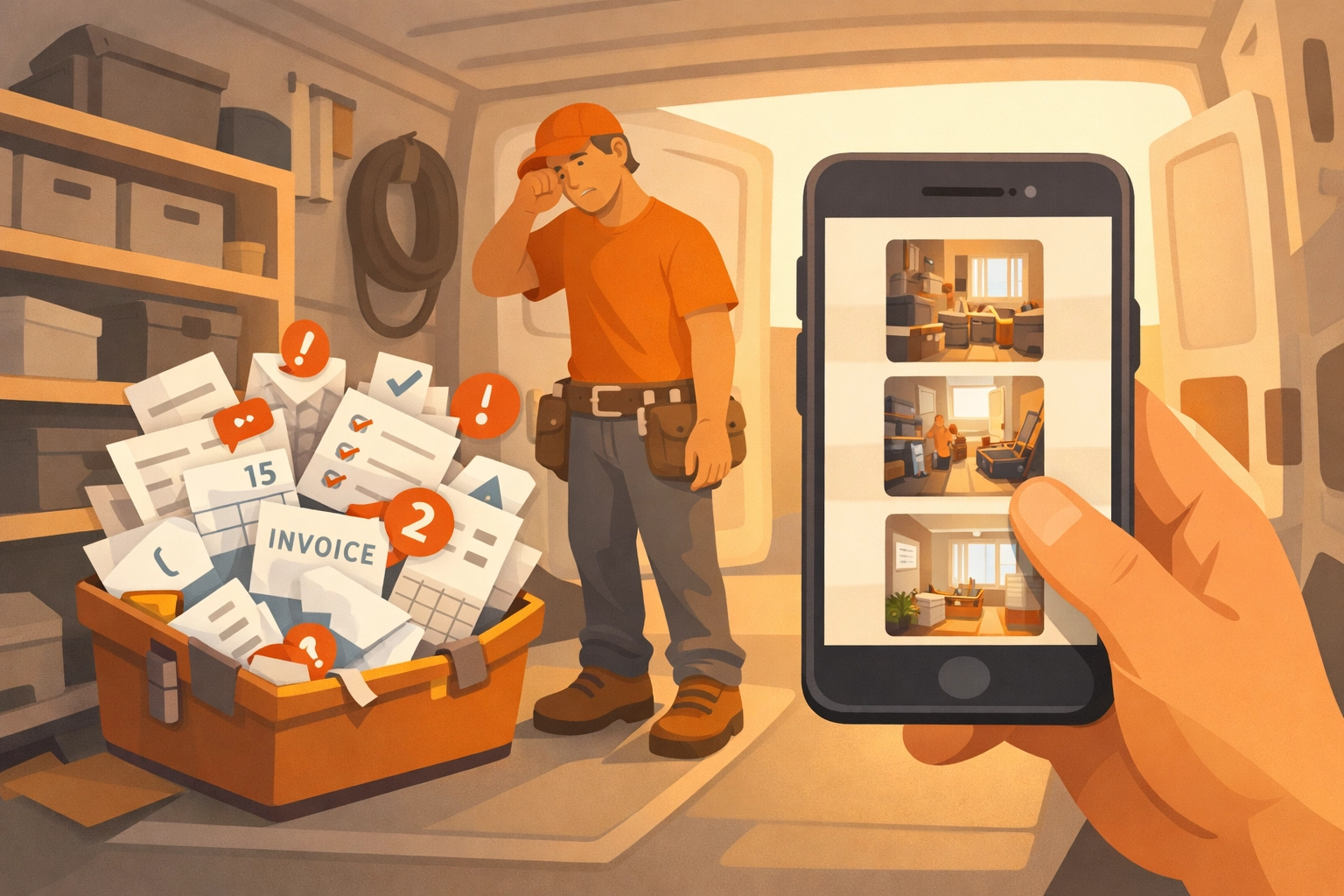
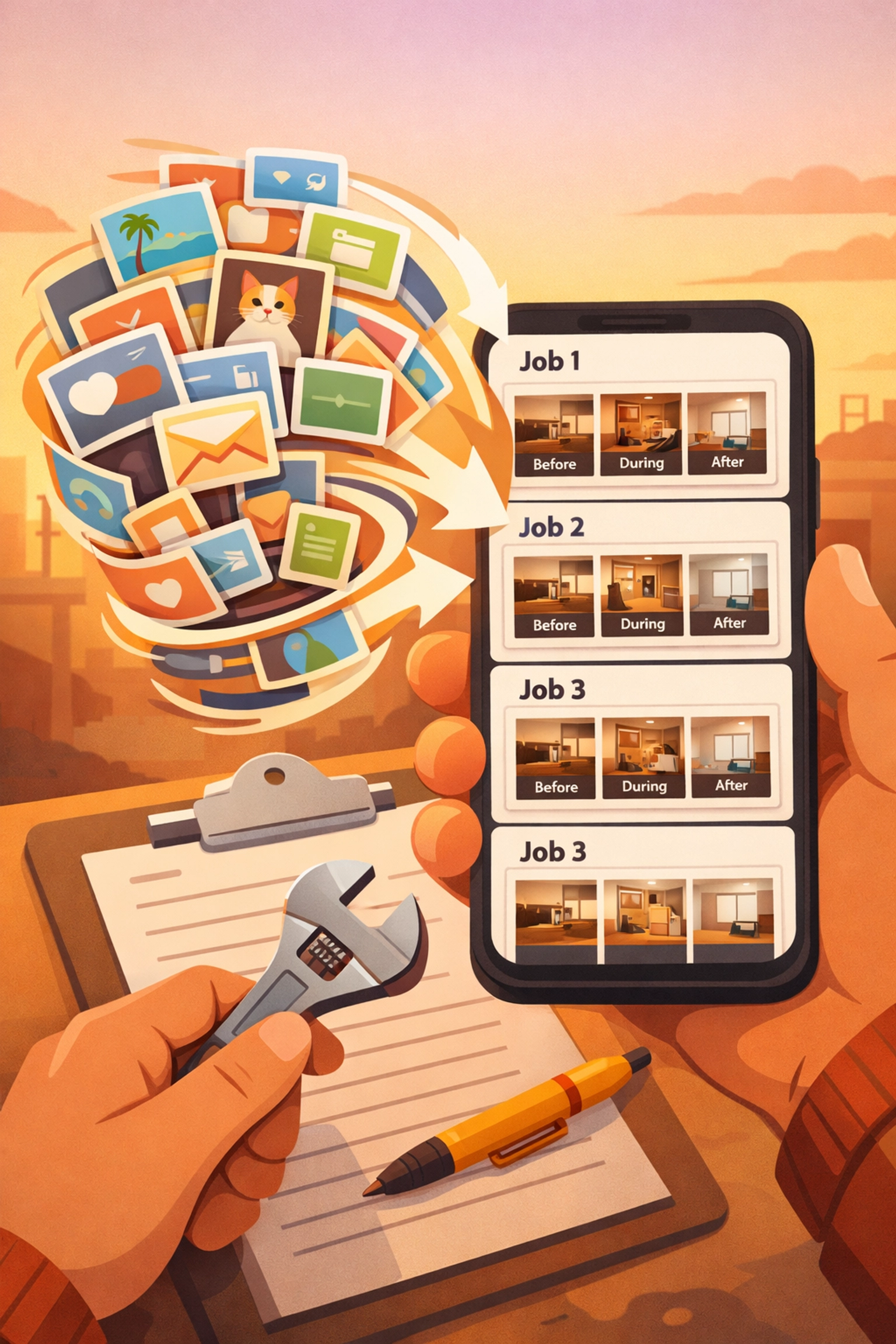
You take a photo of the finished product. You remember you took a "before" photo somewhere… let’s see… was it Tuesday? You scroll through your camera roll, past 400 photos of your kids, a few memes from the guys at the shop, and a blurry picture of a serial number you needed three days ago.
By the time you find the "before" shot, the client has already left, and the moment to "wow" them has passed. Even if you do find both photos, what’s next? You text them two separate files? They get lost in a thread. You try to use some complex contractor software you bought last year, but it asks the customer to "Create an Account" just to see the project gallery.
Spoiler alert: They aren't going to download an app. They just want to see the work they paid for.
In this guide, we’re going to show you how to create a professional, shareable before-and-after photo timeline in under five minutes using a contractor photo app designed for the real world: no customer downloads required.
The Problem with "Bloated" Contractor Software
If you’ve been in the trades for more than a week, you’ve probably been hit with ads for "All-in-One" project management tools. They promise to handle your accounting, your GPS tracking, your HR, and your photo documentation.
But here’s the reality for most small service contractors (electricians, plumbers, HVAC techs): those apps are a headache. They are built for massive construction firms with dedicated office staff. For the guy in the truck, they’re just "bloat."
- Too Complex: You need a PhD just to upload a photo.
- Too Expensive: You’re paying for 50 features you’ll never use.
- The "App Barrier": This is the big one. If your customer has to go to the App Store, remember their Apple ID password, download a 100MB app, and "verify their email" just to see a photo of their new water heater, they’re not going to do it.
That’s why we built JobLuma. We focused on one thing: making construction photo documentation as fast and frictionless as possible.
Why Before-and-After Timelines Matter (The "Wow" Factor)
Before we get into the "how-to," let’s talk about the "why." Why should you bother with a photo timeline app?
1. Proof of Value
A lot of your best work is hidden behind walls, under floors, or in attics. When a customer sees a bill for $2,000, they might feel a bit of "sticker shock." When they see a digital timeline showing the rusted-out mess you started with and the pristine installation you finished with, that shock turns into appreciation.
2. Liability Protection
If a homeowner claims you scratched their floor or broke a vase, having a time-stamped "before" photo of that specific area is your best defense. It’s not just about showing off; it’s about covering your assets.
3. Google Reviews and Marketing
A great before-and-after is marketing gold. If you can send a customer a link that looks professional and is easy to share, they are much more likely to post it on their Facebook or local community group. "Look what the guys at [Your Company] did today!" is the best lead generator you can get.
How to Create Your Timeline in 5 Minutes
Let’s get down to brass tacks. You want a contractor job app that works as fast as you do. Here is the workflow using JobLuma.
Step 1: Snap the "Before"
Open the browser on your phone. No need to download anything from the store. Log in to your JobLuma account and start a new job. Snap your "before" photo directly into the app. It’s instantly synced and saved to that specific job. No more hunting through your personal camera roll.
Step 2: Document the Progress
If it’s a multi-day job, take a few "during" shots. This builds a narrative. It shows the customer the "hidden" work: the prep, the bracing, the cleaning.
Step 3: The "After" Shot
The job is done. The site is clean. Take that final hero shot.
Step 4: Generate the Shareable Link
Inside JobLuma, you simply click "Share." The app generates a unique, private URL for that specific job.
Step 5: Send it to the Customer
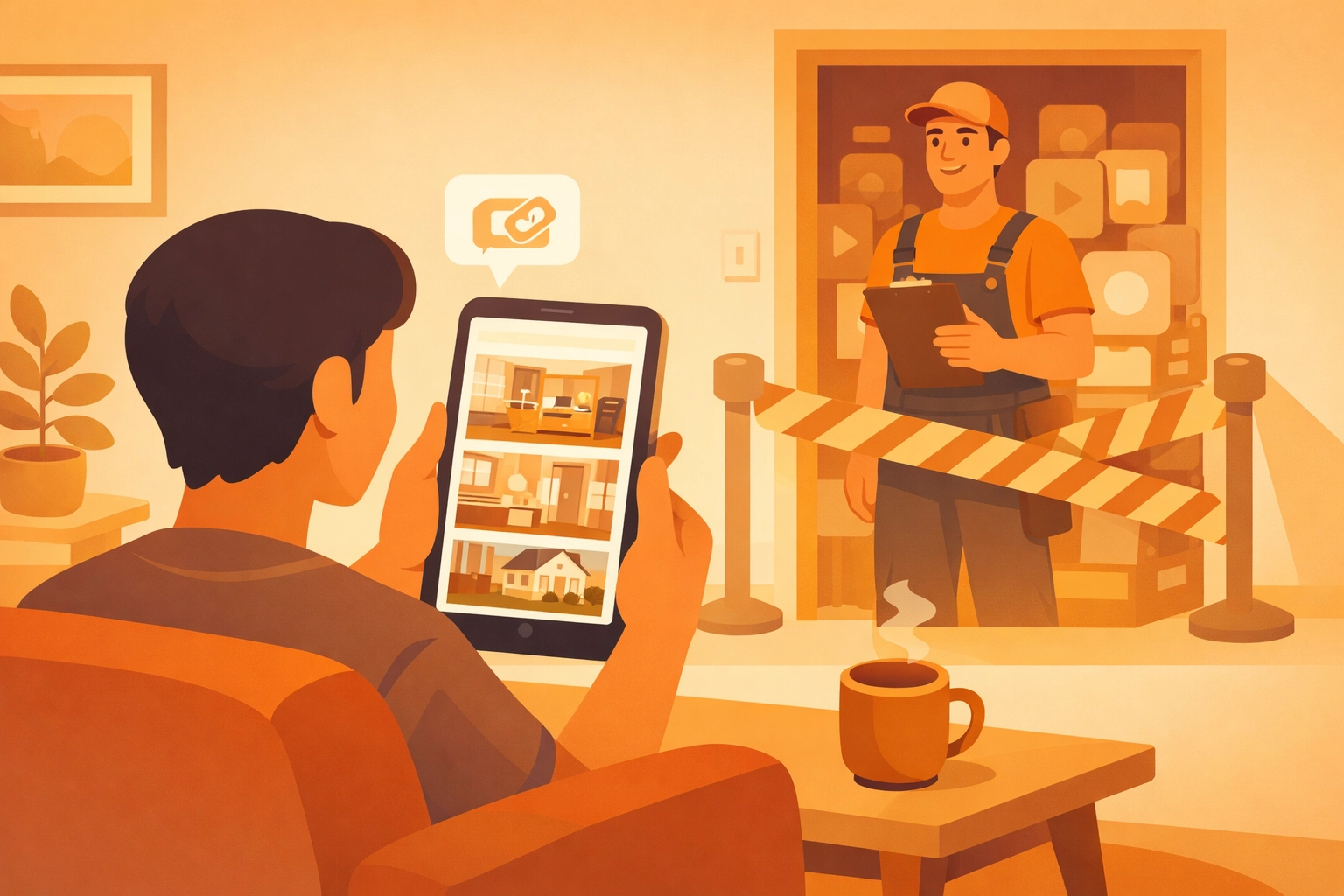
Text or email the link to the client. When they click it, it opens a beautiful, mobile-optimized gallery in their phone’s browser. They can see the transformation from start to finish. They don't need to log in. They don't need to download an app. They just see your great work.

Why "No-App-Download" is a Game Changer
We live in an age of "app fatigue." Everyone wants us to download their app: the grocery store, the gas station, the local pizza place. Most people are hitting "delete" more than "download."
When you use a before and after photo app that is web-based, like JobLuma, you remove the friction. You aren't asking the customer for a favor (downloading an app); you’re providing them with a service (easy access to their project photos).
This mobile-first design is what sets us apart. You can learn more about our philosophy on our About page.
Using the Right Tools for the Job
While there are general tools like Canva or simple side-by-side generators, they aren't built for the field.
- Canva is great for marketing, but do you really want to be "designing" a graphic while standing in a crawlspace?
- SiteCam or MERIDIQ offer some cool slider features, but they often lack the "job management" aspect.
A true contractor photo app should bridge the gap. It should be a place where your photos live permanently, organized by job name or address, so you can find them six months from now when the customer calls with a question.
Pro-Tips for Better Contractor Photos
If you’re going to use a photo timeline app, you might as well take photos that make you look like a pro.
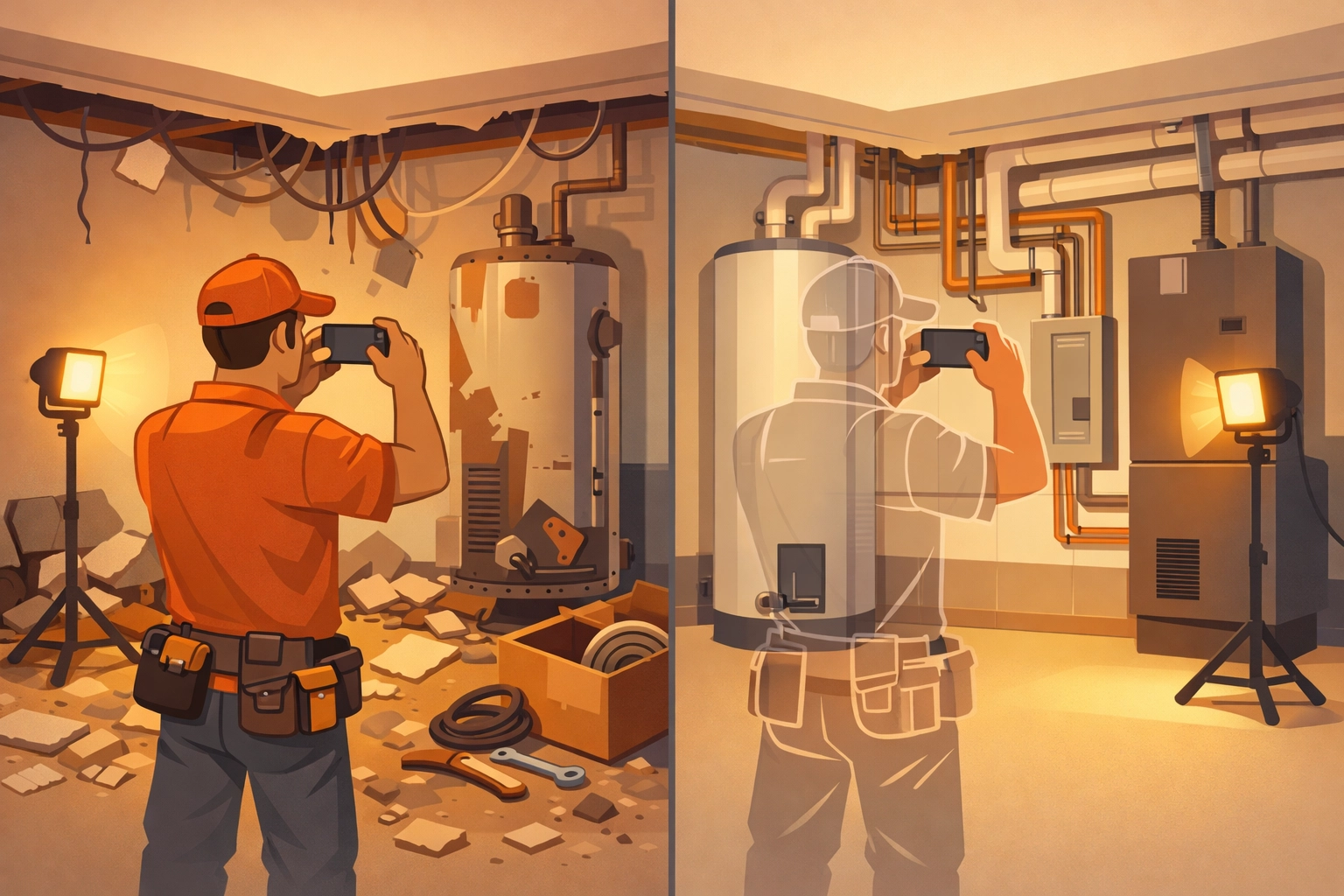
- Same Angle: For the best "before and after" effect, try to take the final photo from the exact same spot and height as the first one. It makes the transformation much more dramatic.
- Lighting is Everything: If you’re in a dark basement, use a work light. Phone flashes usually make everything look flat and greasy.
- Clean Up First: Don't take the "after" photo with your lunch wrapper or a pile of debris in the corner. A clean job site is the sign of a premium contractor.
- Close-ups and Wide-outs: Take a wide shot to show the whole room, and a close-up to show the quality of your connections or finishes.
Simplicity is the Ultimate Sophistication
As a small service contractor, your time is your most valuable asset. Every minute you spend fighting with software is a minute you aren't billing for.
JobLuma was designed to be the "anti-bloat" solution. We don't want to run your whole life; we just want to make your photo documentation effortless.
- Check out our Features to see how we handle photo logging.
- See our Pricing (spoiler: it’s simple and affordable).
- Ready to start? Sign up here.
Final Thoughts
You take pride in your work. You should have a way to show it off that doesn't involve a 20-minute struggle with technology. By using a mobile-first, web-based tool, you can provide a world-class customer experience that makes you stand out from the "old school" guys who are still scribbling notes on the back of an envelope.
Stop digging through your camera roll. Stop asking your customers to download apps they don't want. Start building a digital legacy of your hard work, one job at a time.
If you have questions or need help getting started, visit our Help Center or Contact us directly. We’re here to help you get back to work.
Leave a Reply