
Let’s be honest: your phone’s photo gallery is probably a disaster zone. Between the screenshots of parts you need to buy, photos of your kids, and those random blurry shots of a leaky pipe, finding a specific "before" photo to show a client is like looking for a needle in a haystack.
You know you need to document your work. It protects you from liability, helps you get paid faster, and makes your business look a whole lot more professional. But who has the time to sit down at a computer and organize a "photo timeline" after a ten-hour day in the field?
Most contractor software out there makes it even harder. They want you to spend three hours in a "onboarding" call just to learn how to upload a picture. You don’t need a digital filing cabinet that requires a PhD to operate. You just need a way to show what you did, when you did it, and how great it looks.
Here is the good news: you can create a professional photo timeline in about five minutes without the tech headache. Let’s dive into how to do it.
Why a Photo Timeline is Your Best Employee
Before we get into the "how," let’s talk about the "why." A photo timeline app isn't just a fancy toy; it's a tool that saves you money.
- Liability Protection: If a customer claims you damaged a wall during an HVAC install, you can pull up your timeline. "Actually, here is the photo from 9:02 AM showing the wall was already cracked before we touched it."
- Instant Trust: When you send a client a professional link showing the progress of their kitchen remodel, they feel involved and informed. They aren't wondering what they’re paying for.
- The "Wow" Factor: Everyone loves a good transformation. A high-quality before and after photo app experience turns a happy customer into a referral machine.
- Faster Payments: It’s much harder for a client to hold up a final payment when they have a chronological record of the high-quality work you performed.
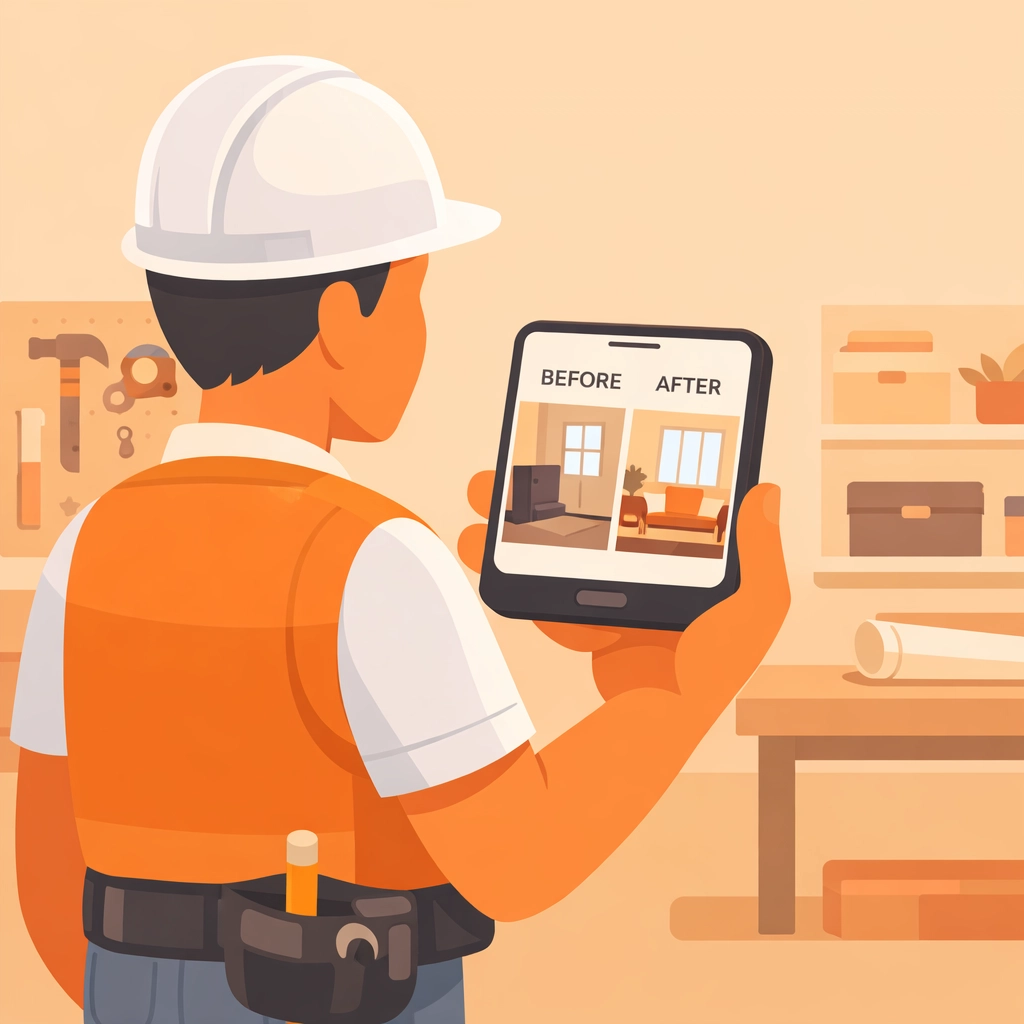
(Caption: A contractor using a mobile-first app to document a job site on the fly.)
The Problem with "Big" Contractor Software
If you’ve looked into construction photo documentation, you’ve probably seen the giants in the industry. These platforms are designed for massive skyscraper projects with 500 workers. They have Gantt charts, complex budget tracking, and about 400 buttons you’ll never click.
For a small service contractor, an electrician, a plumber, or a landscaper, this is "bloatware." It’s too expensive and too slow. You end up going back to texting photos to clients because the "official" software is too much of a pain to use.
The goal is simplicity. You want to take a photo, tag it to a job, and move on to the next task.
How to Build Your Timeline in 5 Minutes
You don't need a graphic designer or a tech team. You can follow these steps using a simple contractor job app like JobLuma.
1. Snap as You Go
The biggest mistake is waiting until the end of the day to organize. The "5-minute" method relies on you taking photos during the job.
- Step 1: Arrive at the site and snap the "before" conditions.
- Step 2: Take a "progress" shot during the messy middle.
- Step 3: Take the "after" hero shot.
2. Ditch the Folders
Stop creating folders on your phone like "Smith Job – Kitchen." It takes too long. A dedicated contractor photo app should automatically organize these by the job name or location for you.
3. Use a Mobile-First Design
If the software you use looks like a 1990s spreadsheet, delete it. You’re working on a phone, usually with gloves on or dirty hands. You need big buttons, a simple interface, and a "mobile-first" experience.
4. Share the Link (The Easy Way)
This is where most pros fail. They try to email 20 high-res photos to a client, and the email bounces because the files are too big. Or they try to force the client to download an app.
Pro tip: Your customer doesn't want to download another app. They have enough junk on their phone. Use a tool like JobLuma that lets you send a simple web link. The client clicks it, sees the timeline, and says "Wow."
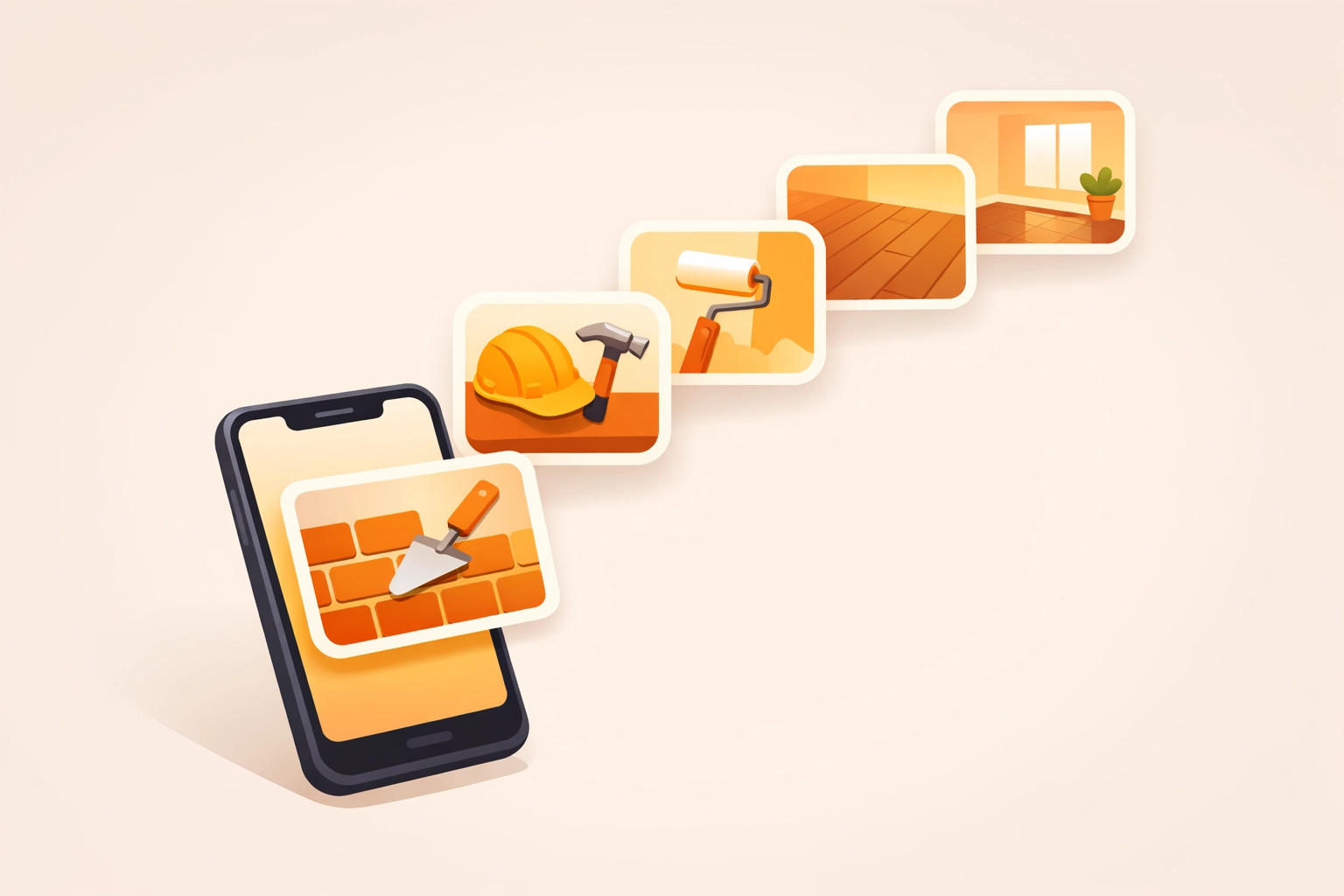
(Caption: A side-by-side comparison of a cluttered phone gallery versus a clean, professional JobLuma timeline.)
Why JobLuma is Different
We built JobLuma because we saw too many hard-working contractors struggling with bloated software. We wanted to create the simplest photo timeline app on the planet.
No App Download for Customers
This is our secret sauce. When you finish a job and want to show off the results, you just send a link. Your customer doesn't have to create a password or download anything from the App Store. They just click and view. It’s the ultimate frictionless experience.
Simple for Your Team
If you have a couple of guys working for you, you know how hard it is to get them to use new tech. JobLuma is so simple that if they can send a text message, they can use our contractor job app. There’s no learning curve. Just open, snap, and save.
Focus on the Field, Not the Office
Most software is built for people sitting in an office chair. JobLuma is built for the person standing in a crawlspace or on a roof. It’s fast, it’s reliable, and it gets the job done so you can get home to your family.

Pro Tips for Better Photo Documentation
If you want your timelines to really pop, keep these three tips in mind:
- Lighting is Everything: If you’re in a dark basement, use a work light. A clear photo of a panel or a pipe looks much more professional than a grainy, dark one.
- The Same Angle: For the best "before and after" effect, try to stand in the exact same spot for both photos. It makes the transformation look much more dramatic.
- Capture the Details: Don't just take a wide shot of the room. Take a close-up of the clean wiring or the perfect solder joint. It shows you take pride in the small stuff.

(Caption: An electrician taking a clear, well-lit photo of a newly installed circuit breaker panel.)
Stop Fighting Your Phone
You didn't get into the trades to become a digital archivist. You got into this to build things, fix things, and provide for your family. Technology should be your assistant, not your headache.
By switching from a mess of text messages and phone folders to a dedicated photo timeline app, you’re reclaiming your time. You're also building a digital asset for your business: a library of your best work that you can use for marketing, training, and protecting your reputation.
Ready to see how easy it can be? You can check out our pricing to find a plan that fits your business, or sign up today to start your first timeline.
Summary
Creating a professional photo timeline doesn't require a tech degree or a massive budget. By using a simple, mobile-first tool, you can:
- Document every job in under 5 minutes.
- Protect yourself from "he-said, she-said" disputes.
- Give your customers a "no-app-needed" professional experience.
- Keep your personal photos separate from your work photos.
Don't let your hard work get lost in your camera roll. Start organizing your jobs the easy way. If you have questions about how to get started, feel free to visit our help page or contact us anytime.

(Caption: A happy customer viewing a job timeline on their smartphone without needing to download an app.)
Whether you’re a solo operator or running a small crew, the transition to simple construction photo documentation is the fastest way to level up your professional image. Give it a shot on your next job: your future self (and your customers) will thank you.
Leave a Reply