If you’re an electrician, plumber, or HVAC tech, your phone probably looks like a digital junk drawer. Between shots of your kids’ soccer games and pictures of a leaky faucet from three weeks ago, finding that one specific “before” photo to prove you didn’t crack the tiles is an absolute nightmare.
We’ve all been there. You’re standing on a job site, scrolling through 5,000 photos, trying to find proof of work for a client who is questioning the bill. By the time you find it, you’ve wasted twenty minutes and your blood pressure is through the roof.
What if you could organize every job, every photo, and every update into a professional timeline in less time than it takes to drink a cup of coffee?
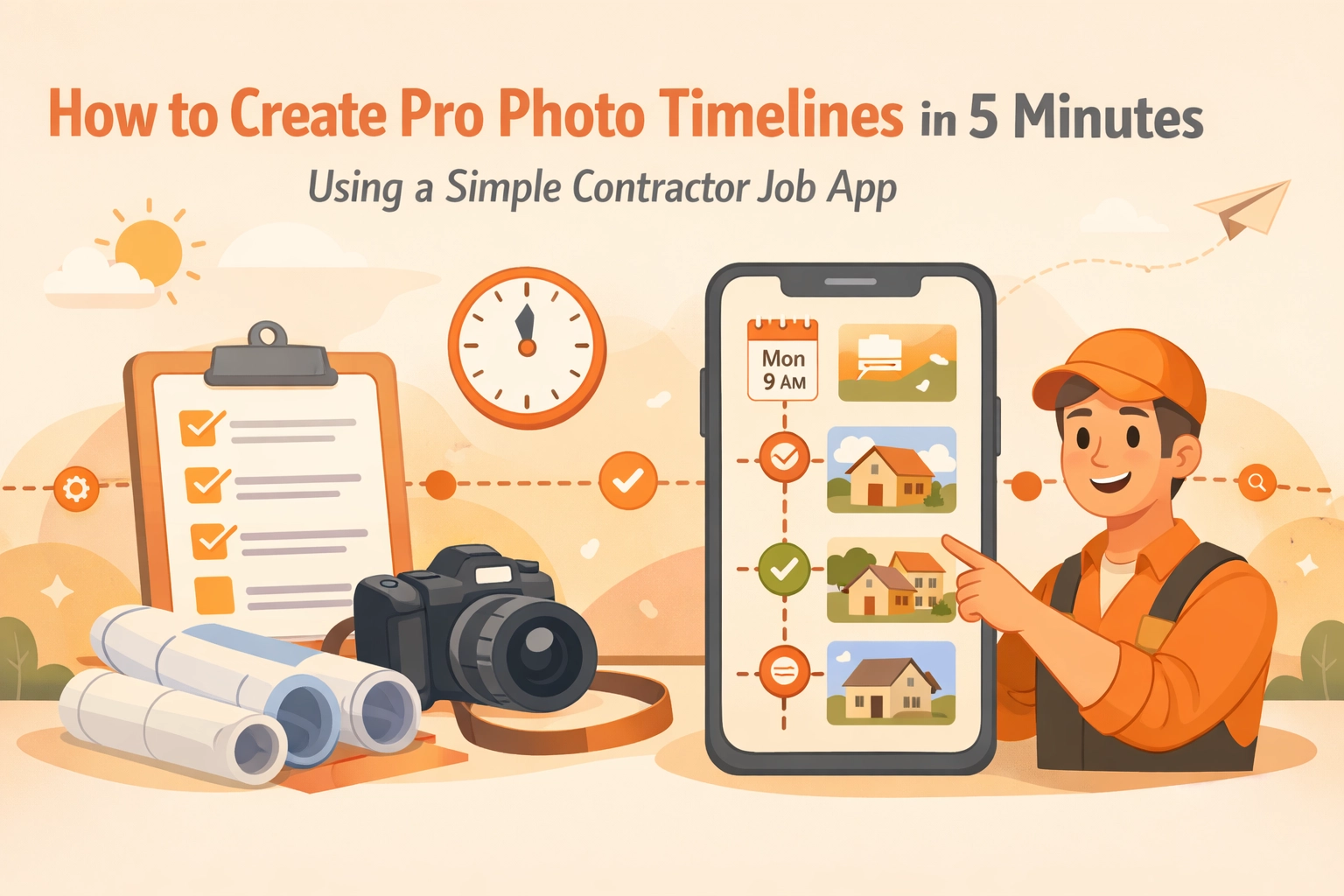
Creating a professional photo timeline isn't just about looking "fancy": it’s about protecting your business, getting paid faster, and keeping your sanity. In this guide, we’re going to show you how to use a simple contractor job app to build pro-level documentation in just 5 minutes.
Why Your Current Photo Habit is Costing You Money
Most contractors use their default phone gallery or a messy group text to track project progress. While it’s better than nothing, it’s not exactly construction photo documentation.
Here is why the "standard" way fails:
- Zero Organization: Photos from Job A are mixed with Job B.
- No Context: A photo of a wire behind a wall doesn't tell a story unless you know exactly when and where it was taken.
- Communication Gaps: Texting photos to customers is annoying for them (clutters their phone) and hard for you to track.
- Liability Risks: If you can’t prove the state of a site before you started, you’re on the hook for any pre-existing damage.
Using a dedicated contractor photo app like JobLuma changes the game. It moves your work photos out of your personal life and into a structured system that works as hard as you do.

The 5-Minute Timeline Workflow
You don't need a degree in IT to manage your projects. The best contractor software is the one you actually use because it’s simple. Here is how you can create a pro timeline in 5 minutes flat.
Minute 1: The "Before" Snap
The second you walk onto a job site, open your job app and snap 3-4 photos. Don't worry about folders or naming conventions. A good app will automatically tag the photo with the GPS location and the current timestamp. This is your "Day Zero" evidence.
Minutes 2-3: Real-Time Updates
As you work, snap photos of the "hidden" stuff. If you’re a plumber, take a photo of the pipes before the drywall goes back up. If you're an electrician, document the wiring inside the panel.
Pro Tip: Use a before and after photo app feature to take photos from the same angle. This makes the final timeline look incredibly professional.
Minute 4: Adding Quick Notes
You don't need to write a novel. Most apps allow you to voice-to-text a quick note like "Found corrosion on main valve, replaced with copper." This metadata is attached to the photo forever.
Minute 5: Share the Timeline
With one click, you can generate a link or a PDF report. You don't need to spend your evening sitting at a laptop trying to drag and drop photos into a Word document.

Stop Using Bloated Project Management Software
There are plenty of "all-in-one" construction platforms out there. You know the ones: they cost $200 a month, have 50 different tabs, and require a three-day training course just to learn how to log in.
For a small service business, that’s overkill. You need to spend your time on the tools, not on the screen.
JobLuma was built with a "Simple" philosophy. We cut out the bloat. You don't need Gantt charts or complex resource leveling for a 2-day bathroom remodel. You need a way to see what happened, when it happened, and show that to the customer.
Our mobile-first design means you can do everything from your pocket. Whether you’re up on a ladder or under a sink, the interface is big, bold, and easy to navigate with dirty hands. You can check out our features to see exactly how we keep it lean.
The Secret Weapon: No-App-Download Customer Experience
One of the biggest hurdles for contractors is getting customers to engage. Most homeowners don't want to download another app just to see photos of their water heater.
This is where JobLuma shines. When you want to show a client a photo timeline app view of their project, you simply send them a secure link via text. They click the link, and a beautiful, professional timeline opens in their phone’s browser.
No passwords, no downloads, no friction. It makes you look like a tech-forward pro, and it gives them the peace of mind that the job is being done right.
Why Before/After Photos are Your Best Marketing
A picture is worth a thousand words, but a before and after photo app comparison is worth a thousand dollars in referrals.
When you finish a job, your timeline acts as a visual portfolio. You can show future clients exactly how you transformed a disaster area into a pristine workspace.
- For Plumbers: Show the rusted, leaking pipe vs. the clean, new install.
- For Electricians: Show the "rat's nest" of old wiring vs. the organized new panel.
- For HVAC: Show the dirty, clogged filters vs. the brand-new system.
This level of transparency builds immediate trust. People are happy to pay a premium for a contractor who documents their work meticulously.

Protecting Your Business from "He Said, She Said"
Let’s talk about the ugly side of the business: disputes.
Eventually, you'll run into a client who claims you scratched their hardwood floor or broke a window. If you have a professional photo timeline that shows the scratch was there before you even brought your tools inside, the dispute ends in seconds.
Without construction photo documentation, it’s your word against theirs. Usually, the contractor loses that battle. By spending just 5 minutes a day logging photos in a dedicated contractor job app, you are essentially buying a massive insurance policy for your reputation.
Getting Started is Easier Than You Think
You don't need to wait for a "slow week" to organize your business. You can start today on your very next service call.
- Sign up: It takes 30 seconds to create an account at JobLuma.
- Create a Job: Type in the client's name or address.
- Snap Photos: Start building that timeline immediately.
If you’re worried about the cost, don’t be. We believe software should be accessible for the small guy. You can see our straightforward pricing here.
Final Thoughts: Work Smarter, Not Harder
At the end of a long day, the last thing you want to do is paperwork. By using a simple contractor photo app like JobLuma, the "paperwork" is done before you even get in your truck to head home.
You’ll have:
- A organized history of every job.
- Happy customers who feel involved in the process.
- A gallery of before/after shots for your marketing.
- Legal protection against false claims.
Stop scrolling through your personal photo gallery. Give your business the professional edge it deserves. Create your first pro photo timeline today and see how much easier your work life becomes.
Ready to simplify your job site? Get started with JobLuma today. If you have questions, our help center is always open, or you can contact us directly. We’re here to help you get back to the work that matters.
Leave a Reply