
Let’s be honest: you didn't get into the trades because you wanted to spend your afternoons fiddling with complicated software or dragging-and-dropping photos into a PowerPoint presentation. Whether you’re an electrician, a plumber, or an HVAC tech, your office is the field. Your tools are in your truck, not in a fancy design suite.
But here’s the reality: in 2026, if you aren't documenting your work, you’re leaving money on the table: and leaving yourself wide open to "he said, she said" disputes.
Customers want to see what they’re paying for. They love a good before-and-after. More importantly, they love feeling like they’ve hired a pro who has their act together. Creating a professional photo timeline used to be a massive "tech headache" that involved downloading photos to a laptop, resizing them, and trying to make them look decent in a PDF.
We’re going to show you how to ditch the stress and create a professional photo timeline in under five minutes. No design degree required.
Why Photo Documentation is Your Best Insurance Policy
Before we dive into the "how," let’s talk about the "why." You might think your work speaks for itself, and it probably does. But a contractor photo app isn't just about showing off; it’s about protection and professionalism.
1. Stopping Scope Creep
We’ve all been there. You go in to fix a leak, and three days later the homeowner claims you scratched their hardwood floor or broke a tile three rooms over. If you have a timestamped photo timeline of the work area before you even touched a tool, that conversation ends before it starts.
2. Building Instant Trust
Most homeowners don't actually understand what’s happening behind their walls or under their sinks. When you show them a clear, chronological sequence of the repair, you’re providing transparency. Transparency builds trust, and trust builds a five-star reputation.
3. Faster Payments
When a client can see the progress and the final result clearly documented, they are significantly more likely to hit "pay" on that invoice immediately. It removes the "What exactly did I pay for?" hurdle.

Caption: A professional contractor using a mobile-first app to document a job site in real-time.
The Problem with "Big" Project Management Software
If you’ve searched for contractor software recently, you’ve probably seen some massive platforms. They promise to manage your entire life, from your GPS location to your retirement fund.
The problem? They’re bloated.
Most of these apps take twenty minutes just to set up a "project." They force your customers to create an account or download an app just to see a photo of their new water heater. That’s not a feature; that’s a barrier. Your customers don't want another app on their phone. They just want to see the work.
That’s why we built JobLuma. We realized that for small service contractors, "simple" is the only thing that actually gets used. If it takes more than 60 seconds to figure out, it’s a waste of time.
How to Build Your Timeline in 5 Minutes
Forget Canva. Forget Photoshop. You’re on a job site, probably with a bit of dust on your hands. Here is the streamlined way to build a professional photo timeline using a contractor job app designed for the field.
Step 1: The "Before" Shot (1 Minute)
As soon as you walk onto the site, take three photos.
- One wide shot of the area.
- One close-up of the problem.
- One of any pre-existing damage nearby.
With JobLuma, you aren't saving these to your personal camera roll where they’ll get lost between photos of your kids and your dog. You’re snapping them directly into the job log.
Step 2: The "In-Progress" Update (2 Minutes)
This is where most guys drop the ball. Taking one or two photos while the walls are open or the wires are exposed is gold. It proves you did the work to code and didn't cut corners.
Step 3: The "After" Hero Shot (1 Minute)
Clean up the area, grab your light, and take that final shot. Make sure it’s from the same angle as your "Before" shot. This creates that satisfying "flip" effect that looks great in a before and after photo app.
Step 4: Share the Link (1 Minute)
This is the secret sauce. Instead of emailing a giant ZIP file or a clunky PDF, you send your client a single link. They click it, and a professional, branded timeline opens in their phone’s browser. No downloads. No logins. Just your great work, front and center.

Why Mobile-First Matters
Let’s talk about the "tech headache" part. Most construction photo documentation tools were originally built for desktop computers and then "shrunk down" to fit a phone. It feels clunky. The buttons are too small, and the upload speeds are slow.
A mobile-first design means the app was built for the guy holding a pipe wrench in one hand and a phone in the other.
- Big buttons: Easy to hit with gloves on.
- Fast uploads: Works even on 3G in a basement.
- No-app-download for customers: This is huge. When you send a JobLuma link, your customer sees your logo and your photos instantly. It makes you look like a tech-forward company without forcing the customer to do any work.
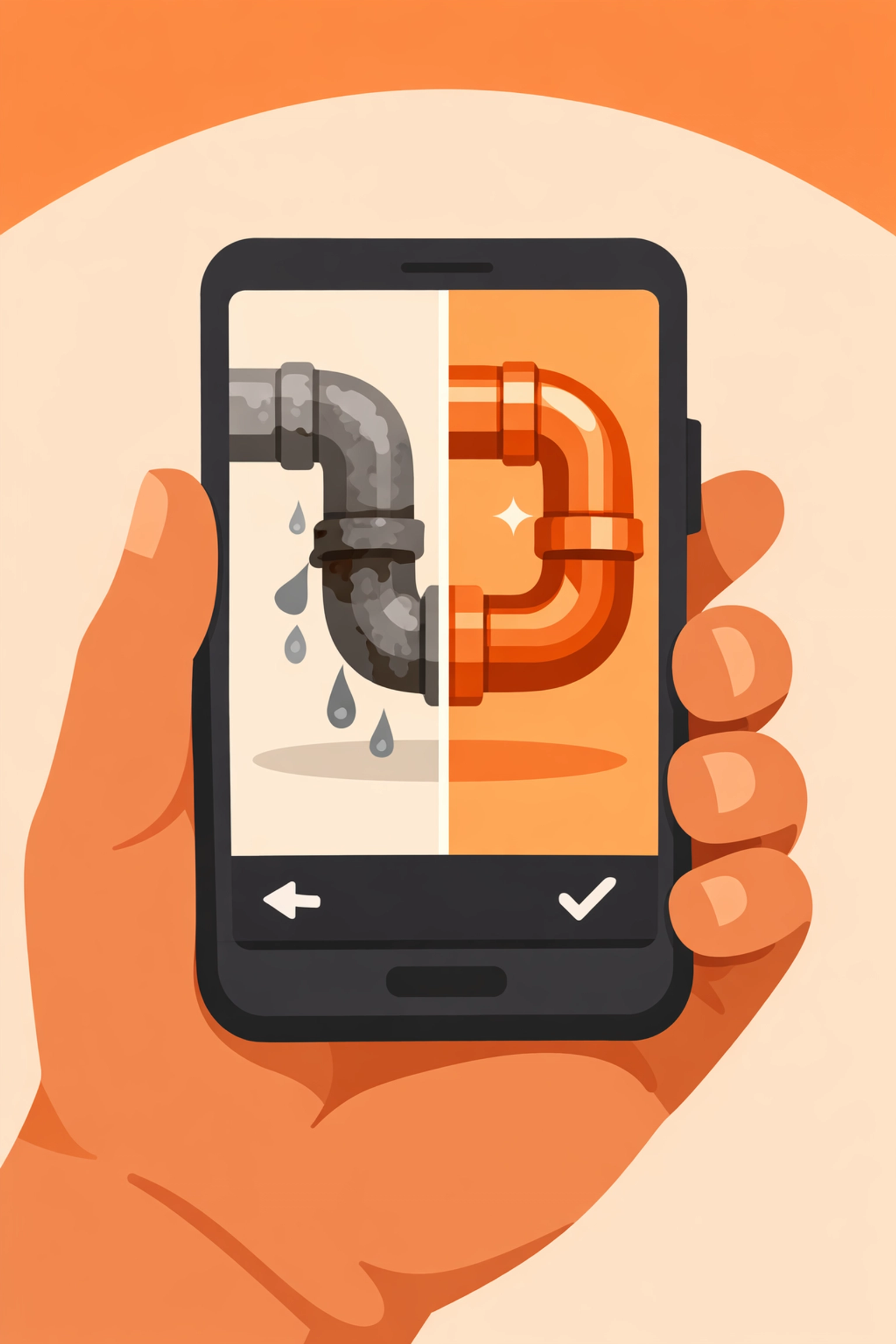
Caption: A clean, simple interface showing a before-and-after photo comparison on a smartphone.
Making Your Photos Look Pro (Without Being a Photographer)
You don't need a DSLR to create a great photo timeline app experience. Your smartphone is more than enough. Here are three quick tips:
- Light is your friend: If you’re in a dark crawlspace or under a sink, use a headlamp or a work light to illuminate the area before snapping. Grainy photos look unprofessional.
- The "Same Angle" Rule: For the best before-and-after effect, try to stand in the exact same spot for both photos. Use a reference point: like a door frame or a specific stud: to line things up.
- Clean the lens: This sounds stupidly simple, but your phone spends all day in your pocket. A quick wipe of the camera lens with your shirt will fix 90% of "blurry" photo issues.
Beyond the Photos: The "Paper Trail"
While the photos are the star of the show, a good contractor photo app should also let you jot down quick notes.
- "Found hidden corrosion in the secondary line."
- "Customer requested upgrade to premium fixtures."
Adding these notes to your timeline as you go creates a "live" job log. If there’s ever a question about why the bill was higher than the estimate, you can point to the photo and the note from 2:15 PM on Tuesday. It turns your documentation into an indisputable record.
Ditch the Bloat, Keep the Quality
You have enough on your plate. You're managing schedules, ordering parts, and actually doing the manual labor. You don't need a second job as an IT administrator.
The goal of professional construction photo documentation shouldn't be to create more work for you. It should be to make your existing work more valuable. By using a tool that focuses on simplicity: like JobLuma: you get the benefits of high-end project management without the "tech headache."
You can check out our features page to see just how simple we’ve kept things, or dive straight into our pricing to see how we fit your business size.

Caption: A satisfied homeowner looking at a job progress timeline on their phone without needing to download an app.
Ready to Level Up?
If you're tired of scrolling through 4,000 photos on your phone trying to find that one shot of the junction box from last Thursday, it’s time for a change.
Stop wrestling with software that wasn't built for you. Start providing a customer experience that sets you apart from every other contractor in town. You can sign up today and have your first professional timeline sent out before you finish your next cup of coffee.
Professionalism doesn't have to be complicated. It just has to be consistent. With the right contractor job app, consistency only takes five minutes.
Want to learn more?
- Check out our About page to see why we started JobLuma.
- Need help getting started? Our Help Center is always open.
- Read more tips on our blog.
Leave a Reply