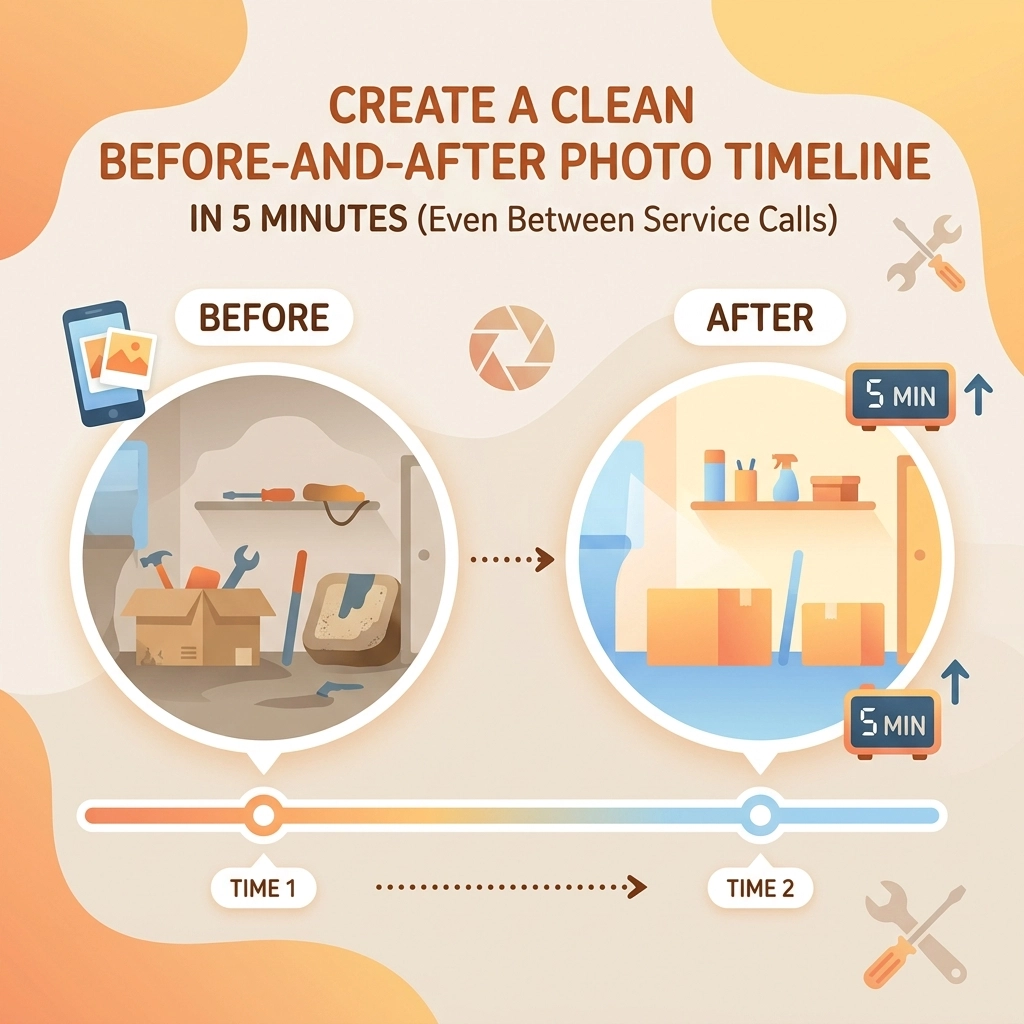
You just finished a grueling three-hour repiping job or finally untangled a bird's nest of wires in a commercial breaker box. You’re sweating, you’re tired, and your next customer is already calling to ask where you are. The last thing you want to do is spend twenty minutes fiddling with a complicated contractor job app just to show off what you did.
But here’s the reality: in 2026, if you didn’t take a photo, the job didn’t happen.
Before-and-after photos are more than just eye candy for your Instagram page. They are your shield against liability, your best marketing tool, and the easiest way to build trust with a homeowner who doesn't know a P-trap from a hole in the ground.
The problem? Most contractor software is built for massive construction firms with dedicated project managers. You don't need a bloated system that takes ten clicks to upload a single image. You need a way to document your work in the five minutes it takes for your truck to warm up.
Here is how you can create a professional, clean photo timeline without losing your mind or your schedule.
1. The "Same Spot" Secret
The biggest mistake contractors make with construction photo documentation isn't the quality of the camera: it’s the angle. If your "before" shot is taken from the doorway and your "after" shot is taken from two inches away from the fixture, the transformation loses its impact.
To create a timeline that actually impresses, you need consistency.
- Pick a Landmark: Find a permanent fixture: a window frame, a specific stud, or a floor drain.
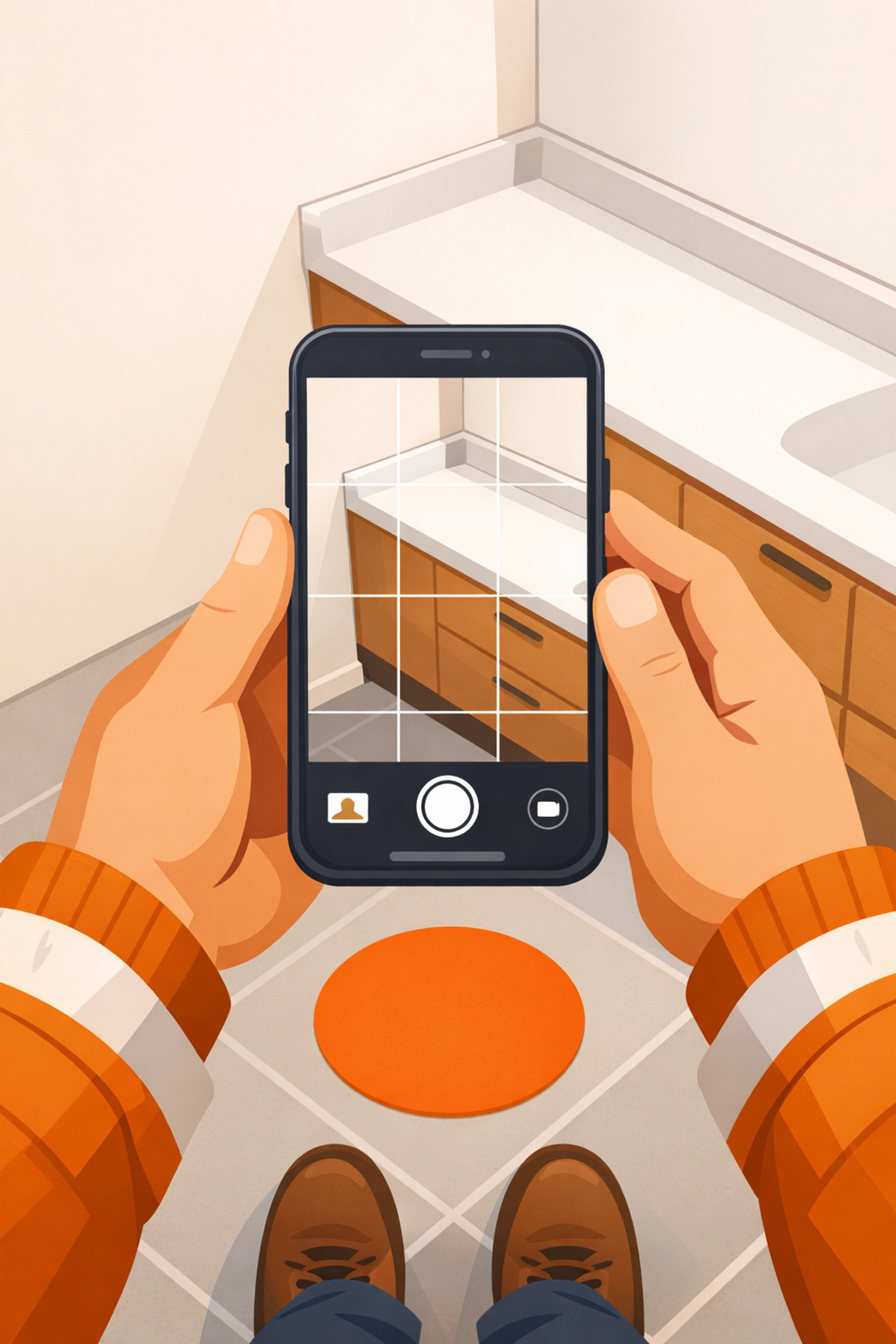
- The "Tape" Trick: Some pros keep a small piece of painter's tape in their pocket. Stick a tiny dot on the floor where you stood for the first photo. When the job is done, stand on that same dot.
- Alignment: Use the grid lines on your smartphone camera. Line up a vertical edge (like a corner or a door frame) with one of the lines.
When your photos line up perfectly, the "after" shot looks like magic. It makes your work look surgical and precise, which is exactly the vibe you want to project.
2. Document as You Go (Don't Wait for the "After")
We’ve all been there. You finish a job, pack up the tools, wash your hands, and realize… you forgot to take the "before" photo. Now the old, rusted water heater is already in the back of the truck, and the new one is installed.
The secret to a 5-minute timeline is doing it in real-time.
- Arrive: Take a photo of the problem area before you even grab your tool bag.
- Mid-Point: Take one shot of the "ugly" phase: when the walls are open or the old unit is out. This shows the customer the "hidden" work they are paying for.
- Finish: Take the final shot before you ask for the signature.
If you use a dedicated contractor photo app like JobLuma, these photos are automatically synced to the job record. You don't have to scroll through your personal gallery full of family dinner photos and memes to find that one shot of a leaky valve.
3. Avoid the "App Fatigue" Trap
Many small service businesses sign up for "all-in-one" project management software only to realize it’s a nightmare to use on a 6-inch screen with gloves on. These apps are often slow, require constant updates, and demand too much data entry.
Worse yet, many of them require your customers to download an app just to see their project updates. Let’s be honest: no homeowner wants to download a specific app just to see photos of their new furnace.
This is why we built JobLuma to be different. It’s a photo timeline app designed for the field, not the office.
- No App Download: Your customers can view their project timeline via a simple web link.
- Mobile-First: Big buttons, fast uploads, and no clutter.
- Simple Pricing: We don't hide our costs behind "demo calls." You can see exactly what you'll pay at jobluma.com/pricing.

4. The 5-Minute "Collage" vs. The Timeline
You might be tempted to use a free collage maker to put two photos side-by-side. While that's fine for a quick Facebook post, it doesn't solve the long-term problem of documentation.
A collage is a static image. A photo timeline is a living record.
When you use a tool like JobLuma, you aren't just making a pretty picture; you are building a history of the property. If that same customer calls you three years from now because of a leak, you can pull up the job record at jobluma.com/login and see exactly what the pipes looked like behind the drywall before you closed it up.
That’s not just marketing: that’s smart business. It protects you from "he said, she said" disputes and proves you did the job right the first time.
5. Marketing Your Timelines (Without Extra Work)
Once you have these clean timelines, use them! You don't need a marketing degree to get more leads.
- Google Business Profile: Upload your best before-and-after sets directly to your Google listing. Potential customers searching for "plumber near me" will see your work immediately.
- Text the Timeline: When the job is done, text the JobLuma link to the homeowner. It makes you look incredibly professional, and they are much more likely to share that link with a neighbor who needs work done.
- The "Social Proof" Dump: Once a week, take your best timeline from the week and post it to a local Facebook community group. People love seeing transformations.

Why Simplicity Wins Every Time
In the field services industry, your time is literally money. If you spend 15 minutes per job on paperwork and photo organization, and you do 4 jobs a day, you’re losing an hour of billable time every single day. Over a month, that’s twenty hours.
You need a before and after photo app that works at the speed of your business.
The goal isn't to become a professional photographer. The goal is to provide a "Simple" experience: both for you and your client. By keeping your documentation process lean, you ensure that it actually gets done. A complicated system that you stop using after three days is worth zero dollars. A simple system like JobLuma that you use on every call is worth thousands in saved time and avoided disputes.
Summary Checklist for a 5-Minute Timeline:
- Before Photo: Stand in a spot you can remember. Use the camera grid to stay level.
- During Photo: Capture the "hard work" that will eventually be covered up.
- After Photo: Stand in the exact same spot as the "Before" photo.
- Log It: Use a mobile-first tool to keep these photos out of your personal camera roll.
- Share It: Send the link to the customer immediately to build "wow" factor.
If you’re tired of bloated software and want a better way to track your projects, check out our about page to see why we’re focused on the "little guy" in the trades. We believe that technology should make your life easier, not give you another chore to do at the end of a long day.

Ready to start documenting like a pro? You can sign up today and have your first timeline ready before you finish your next service call. No credit card, no bloated tutorials: just simple photo logging for the modern contractor.
Leave a Reply