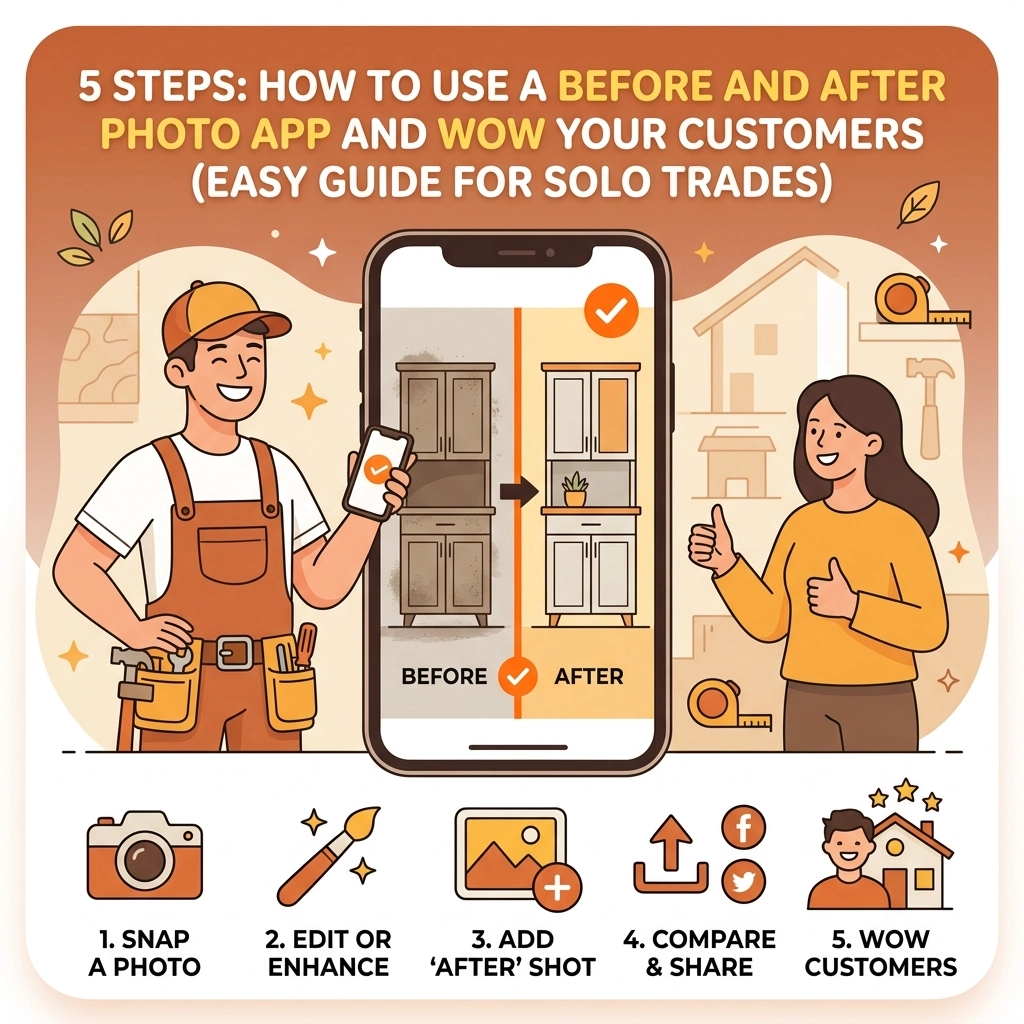
If you’re a solo contractor: an electrician, plumber, HVAC tech, or general handyman: you know that the "invisible" work is often the hardest to sell. You spent three hours crawling through a tight attic to rewire a junction box or sweating under a sink to replace a rusted-out P-trap. To the customer, the lights just turn on or the water just drains. They don't see the sweat, the expertise, or the "before" mess you actually fixed.
This is where a before and after photo app becomes your best friend.
Most solo trades ignore photo documentation because they think it requires a complex, bloated contractor software suite that costs $100 a month and takes a degree to operate. But here’s the truth: your customers don’t want to see a 20-page PDF report. They want to see the transformation. They want the "Wow" factor.
In this guide, I’m going to show you the 5 easy steps to using a contractor photo app to document your work, build instant trust, and get more referrals: without spending hours on your phone.
1. The "Before" Shot: Set the Stage
The biggest mistake most contractors make is jumping straight into the work because they’re in a rush. I get it; time is money. But if you don't have a "Before" shot, your "After" shot has zero context. It’s just a picture of a new water heater. Big deal.
To really wow a customer, you need to show them the disaster you started with.
How to do it right:
- Find your anchor point: Pick a corner, a door frame, or a specific stud. This is your reference point. You’ll need to stand in this exact same spot for the "After" photo.
- Natural lighting is key: If you’re in a dark basement, use a work light, but try to avoid the harsh flash on your phone if possible, as it can wash out the details of the "mess."
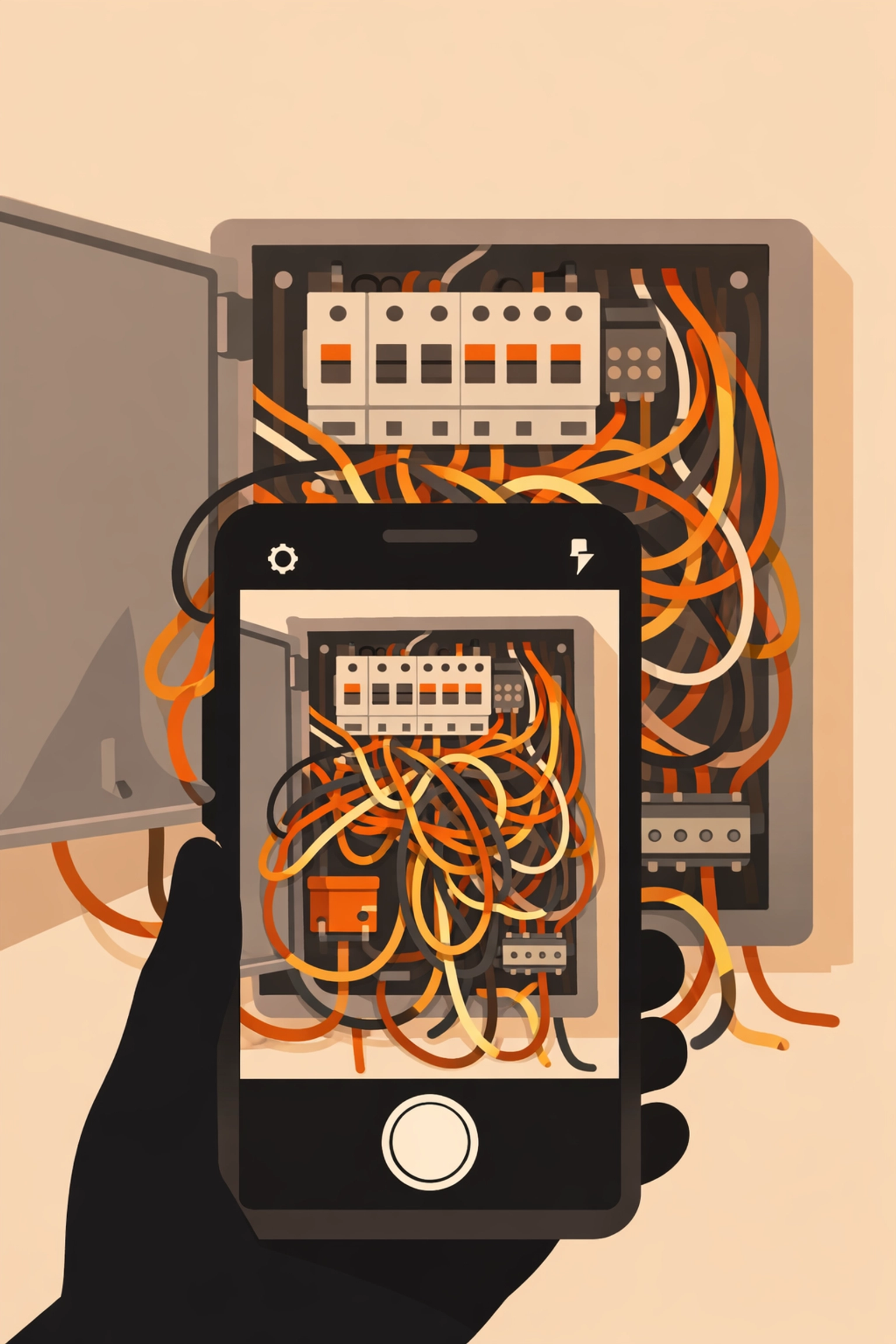
- Show the "Why": Focus on the problem. If it’s a leaky pipe, get the corrosion in the frame. If it’s a messy electrical panel, show the "spaghetti" wiring.
Using a dedicated photo timeline app allows you to snap this photo and have it instantly logged to a specific job. No more scrolling through your personal camera roll trying to remember which messy basement belonged to which Mrs. Smith.
2. Document the "Hidden" Progress
For many trades, the most important work happens in the middle. Once the drywall goes up or the floor boards are laid, your beautiful craftsmanship is hidden forever.
This is where construction photo documentation saves your skin. If a customer ever questions why a job took so long or why you charged for a specific part, you have the visual proof.
Pro-tip for solo trades:
Take photos of the "guts." Take a photo of the waterproofing before the tile goes on. Take a photo of the wiring before the insulation covers it. This isn't just for the customer; it’s for your own liability. If another contractor comes in later and messes something up, your timestamped photo proves you did your job right.
By using a simple contractor job app like JobLuma, you can keep these progress shots organized in a timeline. You aren't just taking pictures; you're building a story of the project.
3. The "After" Shot: The Money Maker
This is the shot that gets you your next five jobs. But before you snap it, you have to do the one thing most contractors forget: Clean up.
A photo of a brand-new HVAC unit looks terrible if there are copper clippings and old insulation scattered all over the floor. Spend two minutes with a shop vac. It makes the "After" photo look professional and tells the customer you respect their home.
The Golden Rule of the After Photo:
Go back to that "anchor point" you found in Step 1. If your "Before" photo was taken from the doorway looking left, your "After" photo must be taken from the doorway looking left.
When you use a before and after photo app, the app often allows you to side-by-side these images. If the angles are the same, the visual impact is 10x stronger. It creates a seamless transition that makes the customer feel like they’ve just watched a home renovation show on TV.

4. Skip the Bloat: Organize Simply
The reason most solo trades stop using contractor software is that it’s too "heavy." You don't need a system that tracks inventory, manages 50 employees, and handles complex payroll if it’s just you and a truck. You need a way to organize photos so you can find them later.
If you’re using your standard phone gallery, your work photos are mixed in with photos of your kids, your dog, and your lunch. That’s not a business system; that’s a headache.
What to look for in a contractor photo app:
- Mobile-first design: You should be able to do everything with one thumb while holding a wrench in the other hand.
- Speed: If it takes 30 seconds to upload a photo, you won't use it.
- Simple Categorization: Organize by job name or address. That’s it. Don’t overcomplicate it.
JobLuma was built for exactly this. It’s designed to be the simplest way to log photos without the bloat of traditional project management tools. You can check out how we keep it simple on our features page.

5. The Reveal: Share and Wow the Customer
This is the most important step. You’ve done the work, you’ve taken the photos, and you’ve organized them. Now, you need to show the customer.
In the past, you might have emailed five large image files that got stuck in their spam filter, or texted them a bunch of random photos that cluttered their phone.
The Modern Way:
Send them a single link.
The best part about modern tools like JobLuma is the no-app-download customer experience. Your customer doesn't want to create an account or download another app just to see the work you did on their water heater. They want to click a link in a text message and see a beautiful, professional timeline of the project.
When you send that link, you do three things:
- You prove your value: They see exactly what they paid for.
- You build trust: Transparent documentation proves you didn't cut corners.
- You make it shareable: When their neighbor asks who did their electrical work, the customer can just show them the "Before and After" link on their phone. That is the ultimate digital business card.
Why Solo Trades are Switching to JobLuma
If you've tried other contractor software and found it too frustrating, you aren't alone. Most software is built for big companies with office staff. Solo trades need something that works as hard as they do, without the fluff.
At JobLuma, we focus on the "Simple" part of our brand tone. We know you're in the field, you're dirty, and you're busy. You need a photo timeline app that just works.
Why it works for you:
- Stay Organized: No more "Where is that photo of the leak from Tuesday?"
- Win More Jobs: Professional presentations win over "chuck-in-a-truck" competitors.
- Zero Friction for Customers: They see your work instantly, no downloads required.
Ready to stop scrolling through your camera roll and start wowing your customers? You can see our pricing here or simply signup to get started today.
Conclusion: Let Your Work Speak for Itself
You're a pro at what you do. Whether you're pulling wire, soldering pipes, or fixing AC units, your work has value. But in the digital age, if it isn't documented, it's almost like it didn't happen in the eyes of the homeowner.
By following these 5 steps: taking consistent before shots, documenting the hidden progress, snapping a clean after shot, organizing without the bloat, and sharing a simple link: you turn a standard service call into a "Wow" experience.
Don't let your hard work stay hidden. Use a before and after photo app to shine a light on your craftsmanship and grow your business the easy way.
Want to learn more about how we help small service contractors? Check out our About page or head over to our blog for more tips on running a leaner, meaner trade business.
Leave a Reply