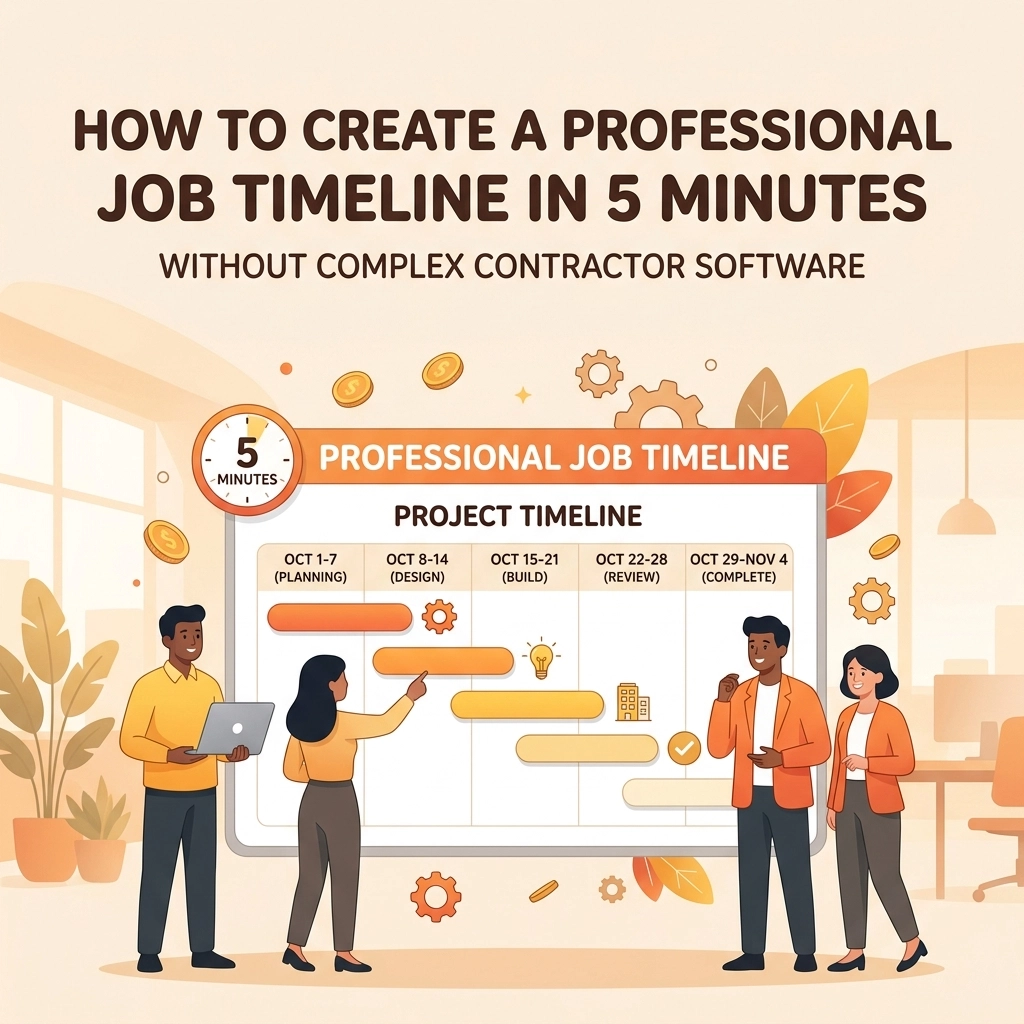
Let’s be honest: you didn’t get into the trades to spend your evenings staring at a computer screen, wrestling with complex project management software that looks like it was designed for NASA engineers.
You’re an electrician, a plumber, or an HVAC tech. You’re out in the field, getting your hands dirty and solving problems. But in today’s world, doing the work isn't always enough. Customers want to see progress. They want to know what they’re paying for. And more importantly, you need to protect your business with clear documentation.
The problem is that most contractor software is bloated. It’s expensive, it takes hours to set up, and it requires you to basically become a data entry clerk.
What if you could create a professional, visual job timeline in just five minutes? What if you could do it while you're still on-site, using nothing but your phone?
In this guide, we’re going to show you how to ditch the complex spreadsheets and the "all-in-one" apps that do way too much. We’re focusing on simple, visual construction photo documentation that wins you more jobs and keeps your customers happy.
The Problem with "Big" Contractor Software
If you’ve ever tried one of those massive project management platforms, you know the drill. You sign up for a "free trial," and suddenly you’re hit with a dashboard that has fifty different buttons. You have to create "entities," assign "permissions," and set up "Gantt charts."
By the time you’ve figured out how to upload a single photo, you’ve wasted thirty minutes that you could have spent finishing the job or heading home to see your family.
Small service businesses don't need a digital headquarters. You need a contractor job app that acts as a simple extension of your workflow. You need something that lets you:
- Snap a photo.
- Add a quick note.
- Show the customer the progress.
That’s it. Anything more than that is just noise that slows you down.

Why Visual Timelines Win Every Time
Humans are visual creatures. You can tell a customer that you "replaced the faulty wiring and updated the junction box," but their eyes will probably glaze over.
However, if you show them a before and after photo app sequence where they can see the tangled mess of wires versus the clean, organized new setup, they immediately understand the value of your work.
1. It Builds Instant Trust
When a customer can see a photo timeline of the work being done: even if they aren't home: they feel connected to the process. It eliminates the "What am I actually paying for?" question before it even starts.
2. It Protects Your Reputation
We’ve all been there. A customer claims you damaged something that was already broken, or they argue that a certain part of the job wasn't completed. With a clear photo timeline app, you have a digital paper trail. You have time-stamped evidence of the site condition before you started and after you finished.
3. It Makes Referrals Easy
When you provide a professional-looking timeline, your customers are much more likely to show it off to their neighbors or share it on social media. "Look at the job my plumber did!" is a lot more powerful when there's a gallery of high-quality photos attached.

How to Build a Timeline in 5 Minutes (The JobLuma Way)
You don't need a degree in graphic design to make your work look good. The secret to a 5-minute timeline is to document as you go, rather than trying to remember everything at the end of the day.
Step 1: The "Before" Shot (1 Minute)
As soon as you walk onto the job site, take 60 seconds to snap photos of the current state of things. If you're an HVAC tech, take a photo of the old, rusted unit. If you're a landscaper, take a photo of the overgrown yard.
Using a dedicated contractor photo app like JobLuma ensures these photos are organized by job immediately, so they don't get lost in your personal camera roll next to pictures of your dog.
Step 2: The "Mid-Way" Milestone (2 Minutes)
In the middle of the job, take a couple of shots of the "ugly" parts: the stuff that will eventually be hidden behind drywall or buried under the ground. This is crucial for construction photo documentation. It shows the customer that you did the foundational work correctly.
Step 3: The "After" Shot (1 Minute)
Once the tools are packed up and the area is swept, take your final photos. This is the "money shot." Make sure the lighting is decent and the area looks clean.
Step 4: Share the Link (1 Minute)
This is where most software fails. They force the customer to download an app, create an account, and log in just to see their photos. Nobody wants to do that.
With JobLuma, you just send a simple link. The customer clicks it, and they see a beautiful, mobile-friendly timeline of their project. No passwords, no friction, just a great experience.

Mobile-First is a Requirement, Not a Feature
Think about where you are when you're working. You’re in a basement, on a ladder, or in a van. You aren't sitting at a mahogany desk with a dual-monitor setup.
A truly effective contractor job app must be designed for the thumb, not the mouse.
- Big buttons.
- Fast photo uploads (even on low signal).
- Simple navigation.
If a tool requires you to use a laptop to get the "full version," it’s the wrong tool for a field service professional. JobLuma was built from the ground up to be mobile-first because we know that’s where your business actually happens. You can check our features page to see how we’ve trimmed the fat to keep things fast.
The "No-App" Advantage for Customers
One of the biggest hurdles in modern contracting is "app fatigue." Your customers already have 50 apps on their phones. They don’t want to download another one just to see photos of their new water heater.
When you use a system that relies on a web-based viewing experience, you remove the barrier to communication.
- Higher engagement: Customers actually look at the photos.
- Faster approvals: If they need to see something before giving the go-ahead, they can see it instantly.
- Better reviews: People love things that are easy. Simple as that.

Stop Paying for Features You Don't Use
Most contractor software prices their plans based on a hundred features you’ll never touch. You're paying for inventory management, complex HR modules, and GPS fleet tracking when all you really want is a way to organize your photos and look professional.
We believe in keeping things simple. That’s why our pricing is straightforward. You shouldn't have to take out a second mortgage just to document your work.
By focusing on the photo timeline app aspect of your business, you save money and: more importantly: you save time. And in this industry, time is the only thing you can't buy more of.
Ready to Level Up Your Professionalism?
Creating a professional job timeline shouldn't be a chore. It should be the easiest part of your day. By moving away from bloated software and embracing a simple, photo-first approach, you’ll find that:
- Your customers are more satisfied.
- Your crew stays more organized.
- You have a rock-solid record of every job you've ever done.
If you’re tired of the complexity and just want a better way to show off your hard work, it’s time to try a simpler approach. You can get started for free and see how a 5-minute timeline can change the way you run your business.
Need more help getting started? Check out our help center or contact us directly. We’re here to help you get back to work: not back to the computer.

Summary Checklist for a Perfect 5-Minute Timeline:
- Capture the "Before": Don't wait until the demo is done.
- Show the Hidden Work: Document what's behind the walls.
- The Hero Shot: Clean up before the final photo.
- Use the Right Tool: Stick to a contractor photo app that doesn't require customer downloads.
- Keep it Simple: If it takes more than 5 minutes, you're overthinking it.
Building a great reputation takes years. Documenting it only takes five minutes. Make sure you’re using those five minutes wisely.
Leave a Reply