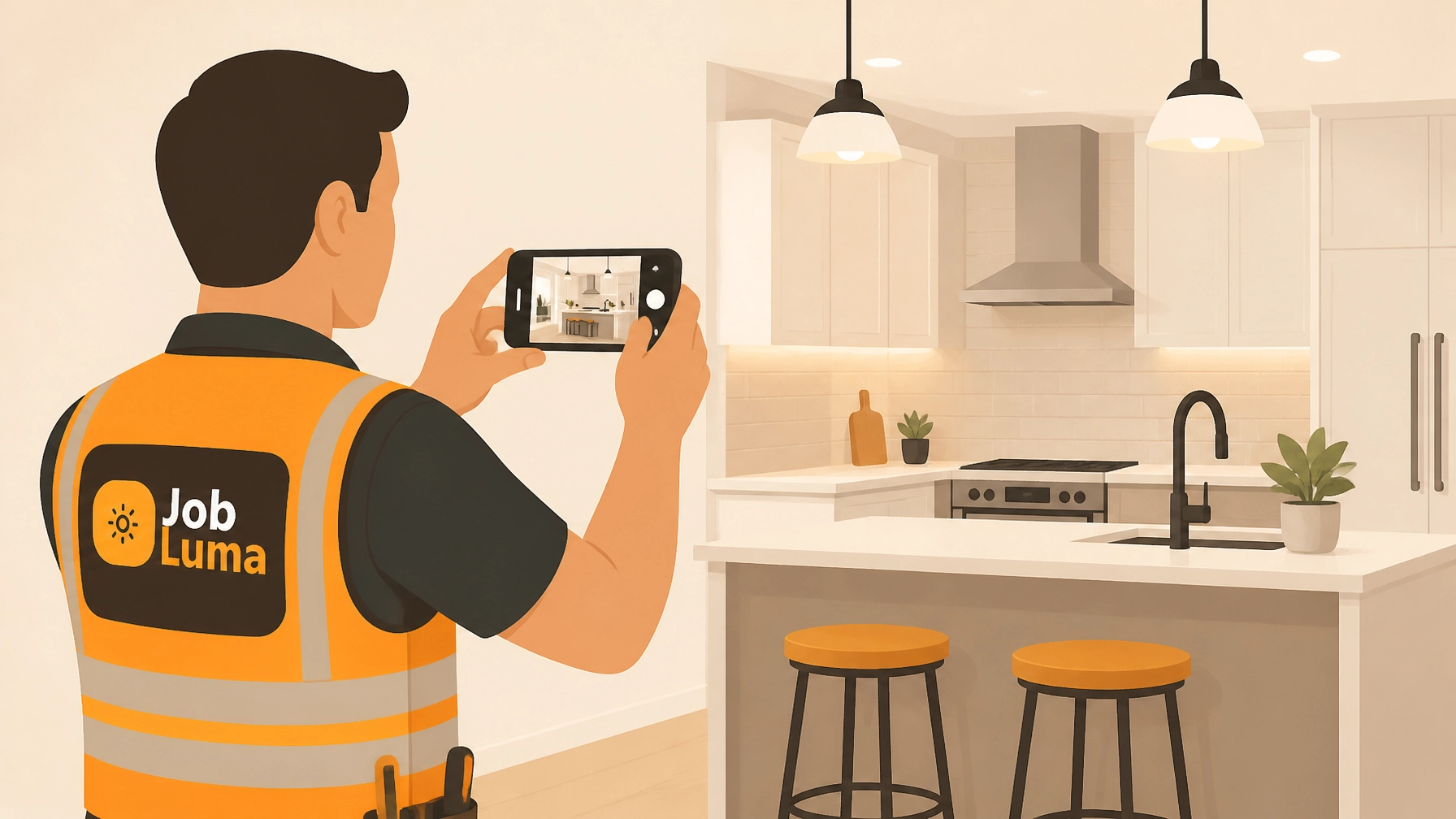
If you’re a contractor, your phone’s camera roll probably looks like a crime scene investigation.
You’ve got thirty photos of a leaky pipe, ten shots of an electrical panel that may or may not be the one you finished yesterday, and five blurry selfies you accidentally took while trying to find the flashlight button in a crawlspace.
When a customer asks, "Hey, what exactly did you fix under the sink?" you spend ten minutes scrolling, sweating, and swearing because you know the photo is there… somewhere.
Documentation shouldn't be a second job. You’re an electrician, a plumber, an HVAC tech: not a digital archivist. Yet, in 2026, construction photo documentation is the difference between getting paid on time and getting stuck in a "he-said, she-said" dispute.
The good news? You don't need a $200/month project management suite that takes three days to learn. You just need five minutes and the phone already in your pocket.
The "Camera Roll Trap" vs. Professional Timelines
Most small service shops rely on their phone's default gallery. It’s free, but it’s a mess. When you send a client a bunch of loose photos via text or email, it looks disorganized. Worse, it’s hard for the client to see the value of what you actually did.
A professional before and after photo app changes the game. Instead of a pile of files, you create a story.

By using a dedicated contractor photo app like JobLuma, you turn those random snapshots into a clean, branded timeline. It shows the starting point, the work in progress, and the polished finish.
Why Documentation is Your Best Marketing Tool
- Instant Trust: When you show a homeowner a visual log of your work, you aren't just a guy with a wrench; you’re a professional with a process.
- Dispute Protection: If a client claims you scratched their floor, but your "Before" photo shows the scratch was already there, you just saved yourself thousands of dollars and a massive headache.
- Referrals: Professionalism is shareable. A clean job log makes it easy for a happy customer to show their neighbor exactly why they should hire you.
Why Bloated Project Management Software Fails Small Teams
You’ve probably seen the ads for massive contractor software platforms. They promise to manage your global supply chain, track your fleet via satellite, and predict the weather.
But for a solo operator or a small team, that’s just "bloat."
- The Learning Curve: You don’t have time for a 12-part webinar series on how to log a photo.
- The Price Tag: Why pay for "Enterprise Gantt Charts" when you just want to show a client their new HVAC install?
- The Friction: If a software is too hard to use, you won't use it. You’ll go back to the camera roll, and the cycle continues.
JobLuma was built for the field, not the office. It’s a contractor job app that focuses on simplicity: Create a job, snap the photos, and share the results. No fluff.
How to Create Your Timeline in 5 Minutes (The Step-by-Step)
Ready to look like the most organized pro in town? Here is how you do it using a mobile-first approach.
Step 1: Capture the "Before" (1 Minute)
Before you even touch a tool, open your job photo logging app. Create a new job with the customer’s name. Take 2–3 photos of the area as you found it.
- Pro Tip: Take one wide shot of the room and one close-up of the specific issue.
Step 2: Log the "During" (2 Minutes)
As you reach major milestones: like when the new wiring is in but the drywall isn't up: snap another photo. This is "proof of quality." It shows the customer the hidden work they usually never see (and often don't want to pay for unless they see it!).
Step 3: The "After" & The Note (1 Minute)
Once the site is cleaned up and the job is done, take your final hero shots. Add a quick note in the app: "Installed new 200-amp panel, labeled all circuits, and cleared debris."
Step 4: One-Click Share (1 Minute)
Hit the share button. With JobLuma, you aren't sending a bulky attachment. You’re sending a link to a professional, branded timeline.

The Secret Weapon: No App Downloads for Your Customers
Here is where most contractor photo apps get it wrong: they ask your customer to download their app to see the photos.
Guess what? Customers hate that. They don't want another icon on their screen for a plumber they hired for a one-day job.
The JobLuma experience is different. When you share a timeline, the customer just clicks a link in their text or email. It opens a clean, professional web page on their phone. It’s branded to you, it looks great, and it requires zero effort from them.

This "no-friction" approach is why small shops are moving away from heavy software. It makes the customer's life easier, which makes your life easier.
Protect Your Work and Your Reputation
At the end of the day, your work is your calling card. But once you pack up your tools and drive away, that work is often hidden behind walls or under floors.
Using a photo timeline app ensures that your hard work is documented, organized, and appreciated. It protects you from liability and positions you as a premium service provider in a crowded market.
Stop fighting your camera roll. Start building timelines that win you more business.
Ready to simplify your job site photos?
Check out JobLuma’s pricing and see how easy it is to get started. You can even sign up for free and have your first professional timeline sent before you finish your next coffee break.
Leave a Reply