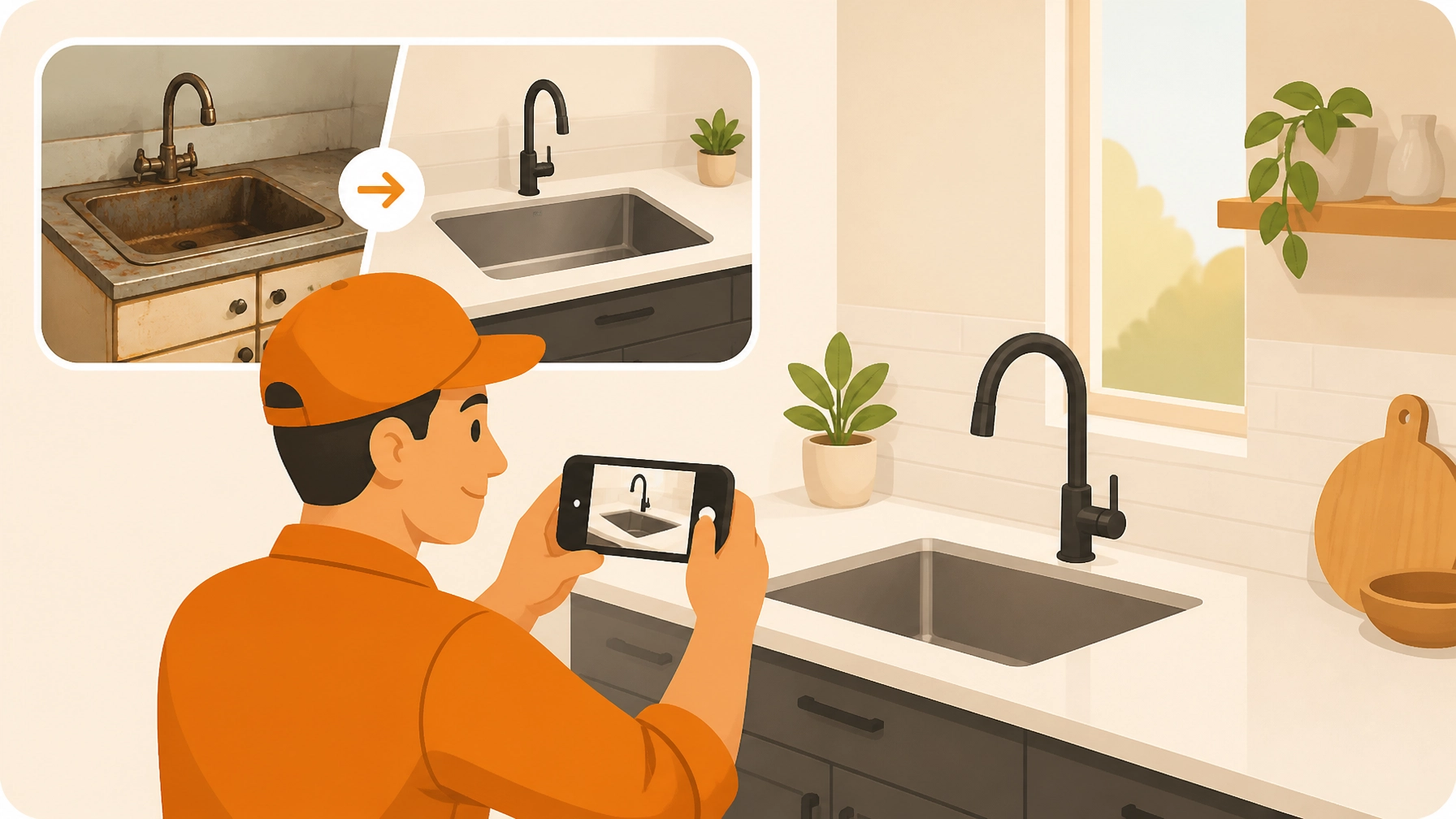
If you’re an electrician, plumber, or HVAC tech, your phone’s photo gallery probably looks like a digital junk drawer. Between shots of your dog and pictures of your lunch, there are hundreds of photos of circuit breakers, leaky pipes, and half-finished installs.
You know you should be documenting your work. You know that showing a customer a professional before and after photo timeline is the best way to prove your value and get paid faster. But who has the time?
Most contractor software is either too complicated, too expensive, or requires your customer to download an app they’ll never use. You just want something that works as hard as you do.
In this guide, we’re going to show you how to turn that messy gallery into a professional, branded job timeline in under 5 minutes. No office work required.
Why Before and After Timelines are a Contractor's Best Friend
It’s easy to think of photo documentation as just "one more thing to do," but it’s actually one of the most powerful tools in your belt.
1. It Builds Instant Trust
When a customer sees the transformation from a "before" shot to a "during" shot to the final "after," they see exactly what they paid for. It’s visual proof of your craftsmanship.
2. It Protects Your Reputation
Ever had a customer claim you damaged something that was already broken? Or that you didn't finish a part of the job? A time-stamped photo timeline app provides a digital paper trail that protects you from "he-said, she-said" disputes.
3. It’s Your Best Marketing Tool
The best way to get your next job is to show off your last one. A clean, professional timeline is something you can share on social media or send to a prospective lead to show them exactly what you’re capable of.

The 5-Minute Workflow: How to Create a Timeline with JobLuma
At JobLuma, we built our contractor job app for the field, not the office. Here is how you create a professional timeline without breaking a sweat.
Step 1: Create the Job (30 Seconds)
Open JobLuma on your phone. You don't need to navigate through ten menus. Just hit "Create Job," type in the customer’s name, and you’re ready to go. Because it’s a mobile-first design, it feels like using the apps you already have, just way more organized.
Step 2: Snap the "Before" (1 Minute)
Before you pick up a wrench or a screwdriver, take 3-4 photos of the current state of the project. If it’s a messy electrical panel or an old, rusted-out water heater, capture it. Add a quick note in JobLuma like "Initial inspection – unit failing."
Step 3: Log the "During" (1 Minute)
As you work, snap a photo of the "guts." Customers rarely see what’s behind the wall or inside the unit. Showing them the new wiring or the clean soldering you did during the process justifies your pricing and shows you don’t cut corners.
Step 4: Capture the "After" (1 Minute)
Clean up the site, put the covers back on, and take that final, hero shot. This is the "wow" moment.
Step 5: Share the Link (30 Seconds)
This is where the magic happens. Instead of emailing a giant ZIP file or texting 20 photos that clog up the customer's phone, you just hit "Share." JobLuma generates a clean, branded web link.
The best part? Your customer doesn't have to download an app or create an account. They just click the link and see a professional timeline of the work you did.

Pro Tips for Better Construction Photo Documentation
To make your timelines look even more professional, keep these three tips in mind:
- Match Your Angles: Try to stand in the same spot for the "before" and "after" shots. It makes the transformation much more dramatic.
- Light it Up: If you’re in a dark crawlspace or attic, use a work light. Grainy, dark photos don't do your hard work justice.
- Keep it Clean: For the "after" photo, make sure your tools and trash are out of the frame. You want the focus to be on your high-quality finish, not your lunch bag.
Stop Fighting Bloated Software
A lot of construction photo documentation tools are built for massive skyscraper projects with hundreds of employees. They have features you’ll never use and monthly prices that eat into your margins.
If you’re a solo operator or a small team, you don't need "Resource Allocation Modules" or "Gantt Charts." You need to document the job, protect your work, and impress your customers.
JobLuma is the simple before and after photo app that sticks to the basics:
- Simple Job Logging: Photos and notes from the field.
- No App for Customers: A professional experience for them with zero friction.
- Organized Timelines: Everything sorted by job, not by date in your camera roll.

Ready to Level Up Your Professionalism?
Creating a professional image for your business doesn't have to take hours of office work. With the right contractor photo app, you can document your quality, protect your business, and "wow" your customers: all before you even leave the job site.
Stop letting your best work get lost in your camera roll. Start building timelines that sell.
Try JobLuma for free and see the difference simplicity makes.
Leave a Reply