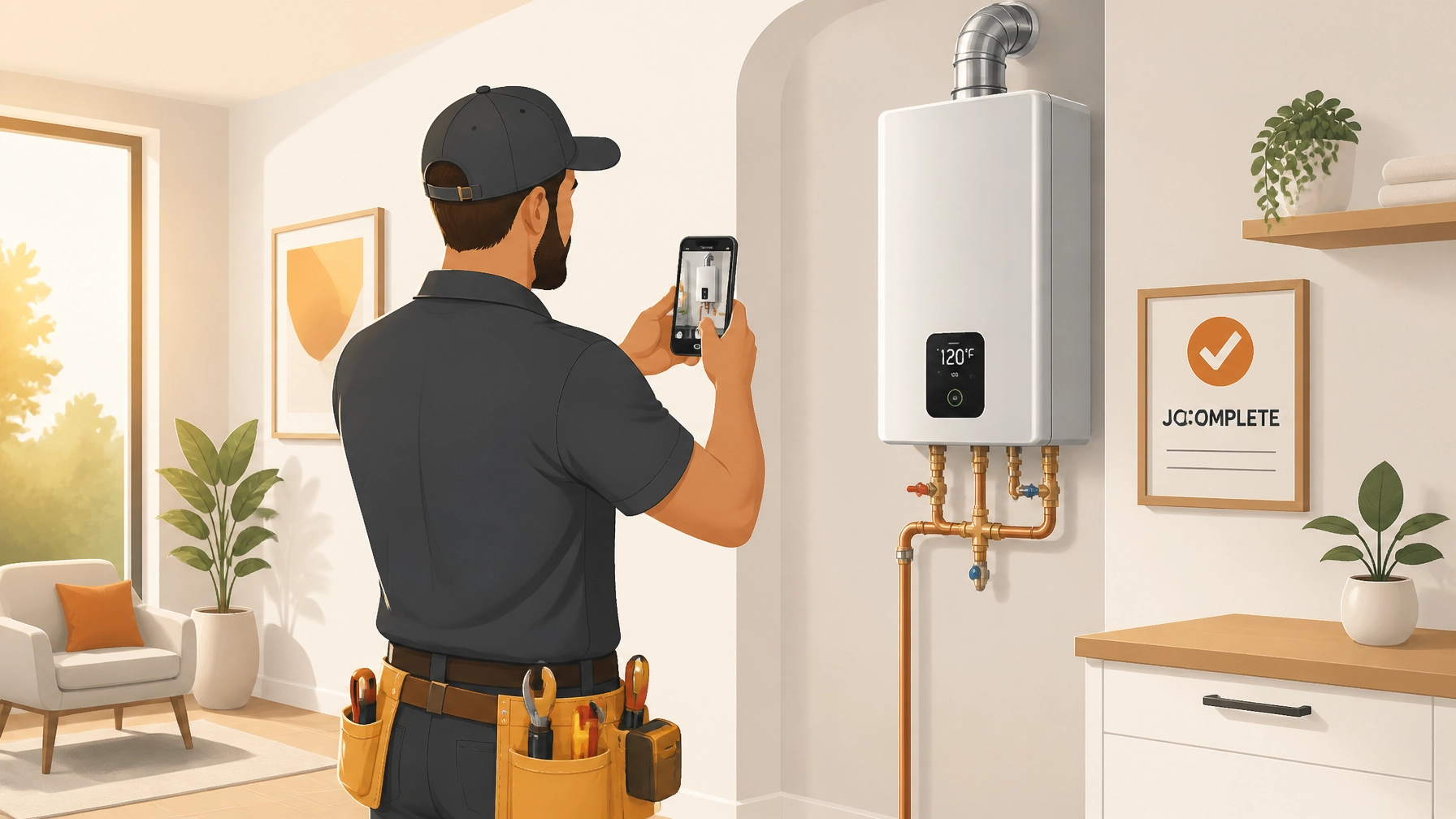
You didn’t get into the trades to spend your evenings wrestling with complex project management software.
You’re an electrician, a plumber, an HVAC tech: you’re a professional who gets things done with your hands. But lately, it feels like the "office side" of the business is taking over. Most "all-in-one" contractor software is bloated, expensive, and frankly, a pain to use in the field. You just want to document your work, show the customer you did a great job, and get paid without a mountain of paperwork.
The secret isn’t more features; it’s better habits. If you’re tired of losing photos in your camera roll or spending hours building "professional" reports, these 7 quick job documentation hacks will save your sanity and your Saturday.
1. The "Pre-Existing Damage" Ritual
Before you even pick up a wrench or a screwdriver, take three photos of the area exactly as you found it.
We’ve all been there: you finish a water heater install, and suddenly the homeowner "notices" a scratch on the floor that was definitely there three years ago. Without construction photo documentation, it’s your word against theirs.
The Hack: Make it a rule to never touch a tool until you’ve snapped the "before" state. This isn’t just for your records; it’s your insurance policy. If you use a dedicated contractor job app like JobLuma, these photos are timestamped and organized automatically, so you don't have to go hunting for them later.

2. Master the "3-Angle Rule"
A photo of a single wire doesn’t tell a story. When a customer (or an inspector) looks at your documentation, they need context. To make your photos actually useful, use the 3-angle rule for every major milestone:
- Wide: Show the whole room or area so people know where the work is.
- Medium: Frame the specific equipment or panel you’re working on.
- Close-up: Capture the serial number, the specific connection, or the label.
This simple routine ensures that anyone looking at the photo timeline app later understands exactly what they’re seeing without you having to explain it.

3. Use Voice-to-Text for Instant Notes
Typing on a dusty screen with work gloves is a recipe for frustration. Most contractors skip the notes because it’s too much effort. But those notes are what turn a "photo" into "documentation."
The Hack: Use the voice-to-text feature on your phone's keyboard inside your contractor photo app. Instead of typing "Replaced 15A breaker with 20A," just say it. Most modern phones are incredibly accurate. Within seconds, you’ve added professional context to your photo timeline that looks great to the customer and protects you legally.
4. Don’t "Wait Until Friday" to Organize
The biggest time-sink in job documentation is the "Friday Night Photo Dump." You sit down with a beer, open your camera roll, and try to remember which messy basement belonged to Mr. Smith and which belonged to Mrs. Jones.
If you’re using basic cloud storage or email, you’re losing hours every week. Instead, use a before and after photo app that lets you create the job while you're standing in the driveway.
With JobLuma’s features, you can create a job in seconds, snap your photos, and they’re already filed under the right customer. No folders to create, no filenames to edit.
5. Capturing the "Hidden" Quality
A lot of your best work gets covered up by drywall, insulation, or panels. Once it’s gone, the customer has no idea how much care you put into the rough-in.
The Hack: Take "transparency shots." Show the perfectly straight pipe runs or the neatly tied-off wires before the walls go up. Sharing these photos via a photo timeline app builds massive trust. It shows the customer that even the parts they can't see were done to the highest standard.
6. Standardize Your "Same Spot" After Shots
A "before and after" only looks professional if the angles match. If your "before" shot is from the doorway and your "after" shot is from the opposite corner, the comparison feels messy.
The Hack: Pick a "vantage point" when you arrive: maybe the entrance to the utility room or a specific corner of the deck. Take your arrival photo from there, and make sure your final "job complete" photo is taken from the exact same spot. This creates a satisfying "transformation" effect that is perfect for marketing your business.
7. Stop Making Customers Download Apps
This is where most contractor software fails. You want to share a professional timeline with your customer, but the software requires them to create a login, download an app, and "join a portal."
The Hack: Use a tool that generates a simple, branded link. Your customers are busy; they just want to see the work. JobLuma was built for this. You send a link via text or email, and the customer sees a beautiful, professional timeline of the job: no app download or account required. It makes you look like a tech-savvy pro without any friction for the client.

Why Simple Beats Complex Every Time
For a small service shop or a solo operator, bloated PM software is like using a sledgehammer to hang a picture frame. It’s overkill, and it usually ends up making more of a mess.
By focusing on these 7 documentation hacks and using a simple, mobile-first tool like JobLuma, you can:
- Protect yourself from false damage claims.
- Show off your quality to homeowners and builders.
- Save hours of office work every week.
- Get paid faster by providing undeniable proof of work.
Ready to stop fighting with complicated software and start documenting like a pro? Sign up for JobLuma today and see how simple job logging can be.
Leave a Reply