If you’re an electrician, plumber, or HVAC tech, your phone’s photo gallery probably looks like a crime scene investigation.
You’ve got 4,000 photos of dusty crawlspaces, "before" shots of leaky water heaters, and "after" shots of a panel you’re actually proud of. But when a customer calls three weeks later claiming you dented their drywall, or when a GC asks for proof that the rough-in was completed on Tuesday, you’re stuck scrolling for twenty minutes while your blood pressure rises.
The truth is, most contractor software is built for massive construction firms with fifty-person office teams. You don't need a bloated project management suite that takes three months to learn and costs as much as a new van. You need a simple way to log your work, protect your reputation, and show your customers you’re a pro.
In this guide, we’re breaking down why simple construction photo documentation is the secret weapon for small trades: and how you can stop the "photo graveyard" once and for all.
The Problem with "Big" Contractor Software
Let’s be real: Most project management apps are overkill for a solo operator or a small crew. They want you to track Gantt charts, manage complex RFI workflows, and integrate your accounting software before you can even upload a single photo.
For a small service shop, that’s just "BS" you don't have time for.
When you’re in the field, you’re moving fast. You’re covered in drywall dust or grease. You don't want to navigate five sub-menus just to document a change order. This is where most contractor job apps fail: they’re built for the office, not the field.

At JobLuma, we believe your software should be as simple as your favorite power tool. You pick it up, it does the job, and you put it away. No training manuals required.
Why Every Trade Needs a Photo Timeline App
You might think, "I’ve been doing this for twenty years without a fancy app, why start now?"
The industry is changing. Customers have higher expectations for transparency, and legal disputes are more common than ever. Organized construction photo documentation isn't just about being "digital": it's about three core things:
1. Protection (The "Cover Your Back" Factor)
How many times has a homeowner blamed you for a scratch on the floor that was already there? With a dedicated contractor photo app, you can snap "pre-work" photos of the job site. If a dispute arises, you have a time-stamped, organized record that proves the condition of the site before you even unloaded your tools.
2. Getting Paid Faster
Arguments over "is the job really done?" are the #1 reason for payment delays. A clean timeline of photos showing the completed work: especially the stuff hidden behind walls or under slabs: removes all doubt. When you send an invoice backed by a professional photo log, GCs and homeowners are much more likely to hit "pay" without questioning your hours.
3. Building Instant Trust
When a customer sees a professional, branded timeline of their project, it makes you look like a top-tier operation. It’s the difference between being "the guy with a truck" and "the professional service provider."
The Before and After Photo App: More Than Just "Cool Shots"
We all love a good transformation. Showing a customer a photo of a rusted-out furnace next to a shiny new high-efficiency unit is a great feeling. But for a pro, a before and after photo app serves a practical purpose.
It documents the "why" behind your work.
- The Plumber: Shows the corroded pipe before it was replaced to justify the emergency fee.
- The Electrician: Shows the bird’s nest of wiring before the clean panel install to show the value of the upgrade.
- The Handyman: Shows the rotted wood before the new deck boards went down to prove the structural necessity.
By using JobLuma’s features, you aren't just taking photos; you're creating a narrative of your quality and expertise.
The "No-App" Advantage for Your Customers
Here is a major pain point with most contractor software: it asks too much of the customer.
Have you ever tried to get a homeowner to download a specific app just to see project updates? They won't do it. They’ll lose the password, forget how to log in, and end up just texting you anyway.

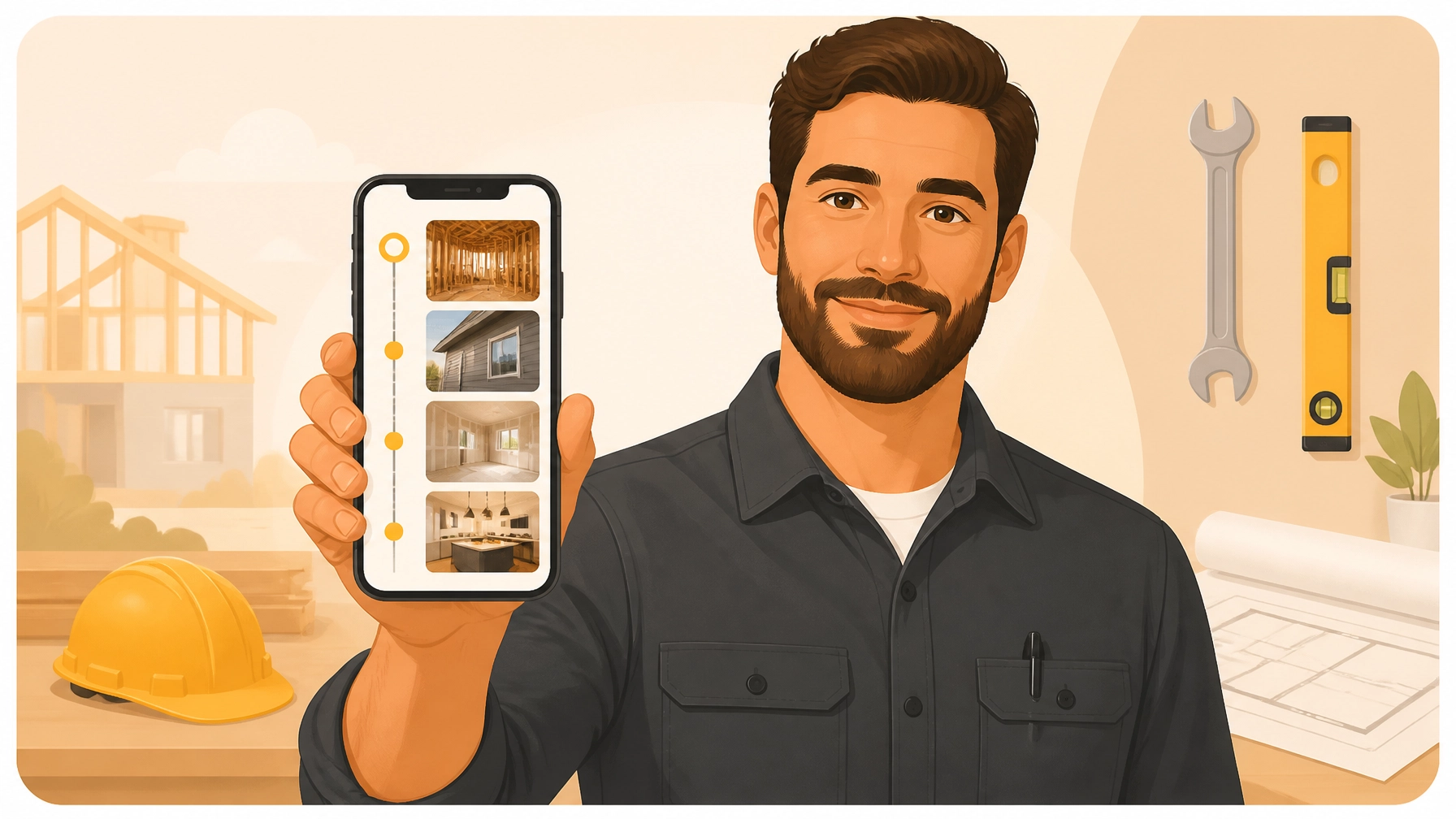
The "No-BS" way to handle this is through simple, branded links. With JobLuma, you send your customer a link via text or email. They click it, and they instantly see their job timeline: photos, notes, and progress: right in their mobile browser.
No accounts. No downloads. No friction.
This is the gold standard for photo timeline apps. You stay organized on your end, and the customer gets a "white-glove" experience on theirs.
How to Document a Job Like a Pro (Without Extra Work)
You shouldn't have to change the way you work to stay documented. Here’s a simple three-step workflow that takes less than two minutes per job:
Step 1: The Arrival (Before)
As soon as you walk onto the site, snap 3-5 photos of the work area. Capture any existing damage and the initial state of the equipment you’re servicing. In JobLuma, you just create the job, add the customer name, and start logging.
Step 2: The "Hidden" Work
If you’re an electrician or plumber, your best work is often buried under concrete or behind drywall. Document it before it’s gone. These photos are your insurance policy if an inspector has questions later.
Step 3: The Completion (After)
Take your "hero" shot of the finished project. Add a quick note in the app like "System tested, no leaks found, site cleared of debris."

Once you hit "Share," your customer gets a professional summary of the work. You’re done. You’ve just created a permanent record that protects you and impresses them.
Stop the Scrolling. Start the Logging.
Your time is your most valuable asset. Every minute you spend hunting for a photo in your "Recents" folder is a minute you aren't billing for or spending with your family.
Moving to a dedicated contractor photo app isn't about adding complexity: it's about removing the chaos. You deserve a tool that works as hard as you do, without the headaches of enterprise-level software.
If you’re ready to ditch the "photo graveyard" and start documenting your wins, check out our pricing. We keep it simple because we know you have better things to do than manage software.
Ready to try the No-BS way to document jobs?
Sign up for JobLuma today and see why simple is better.
Leave a Reply