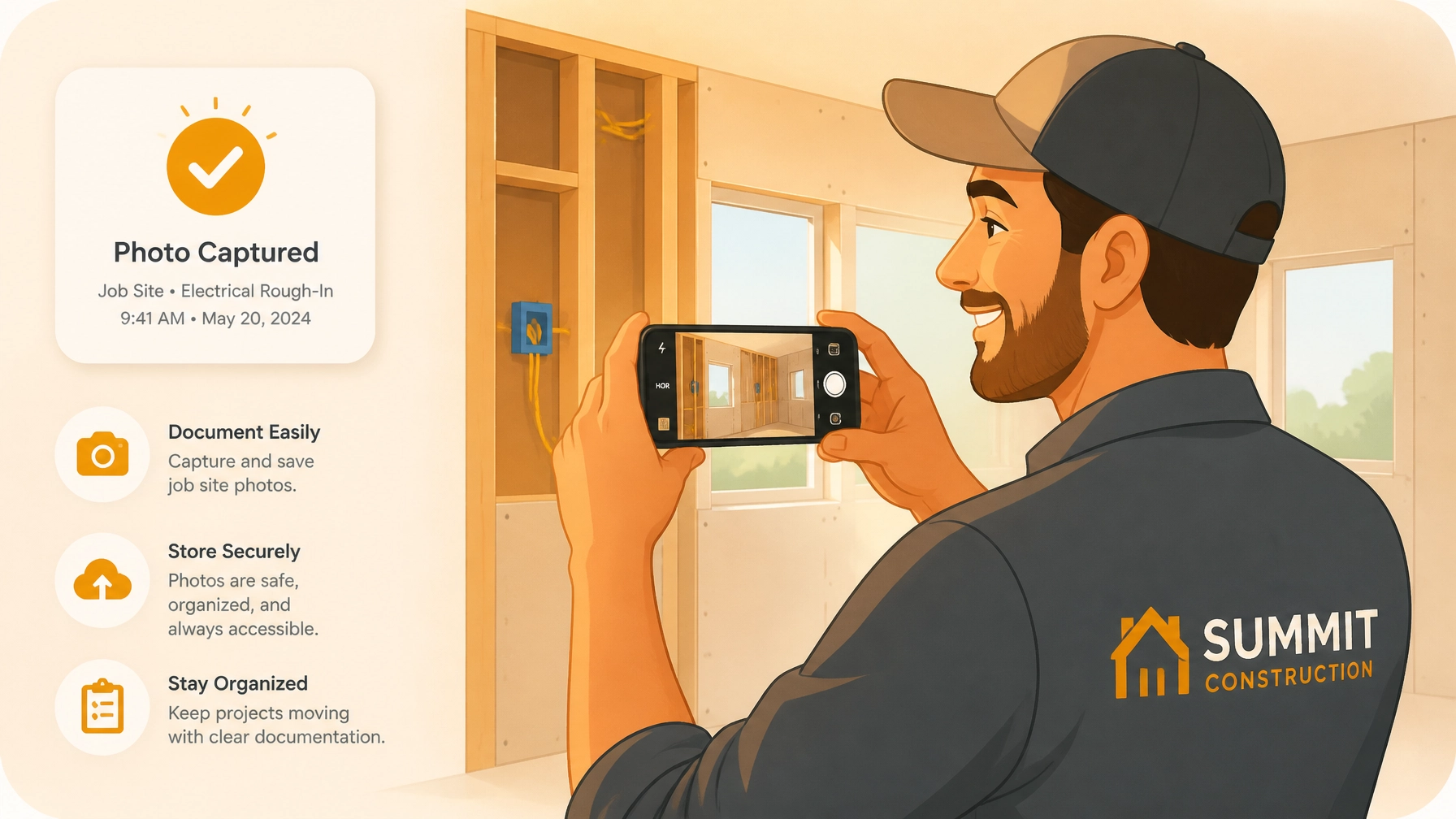
Let’s be honest: you didn’t get into the trades because you loved paperwork. Whether you’re an electrician, a plumber, or an HVAC technician, your best work happens with a tool in your hand, not a keyboard.
But as your business grows, you quickly realize that “doing the work” is only half the battle. The other half is proving you did it, protecting yourself from "he-said, she-said" disputes, and making sure the customer is actually happy enough to pay you on time (and maybe even refer you to their neighbor).
This is where construction photo documentation usually becomes a headache. Most contractors end up with a phone gallery full of 4,000 unsorted photos of pipes, wires, and drywall. When a client asks for a status update, you’re scrolling for twenty minutes trying to find that one specific photo from three weeks ago. Or worse, you’re forced to use some bloated, enterprise-level contractor software that’s so complicated it feels like you need a PhD just to upload a picture.
It doesn’t have to be that way. Mastering your job documentation can actually save you hours every week if you follow a simple, mobile-first process.
Here is your 5-step guide to mastering job documentation without the bloat.
Step 1: Ditch the Bloat and Go Mobile-First
The biggest mistake small service contractors make is trying to use a "Swiss Army Knife" software that does everything from accounting to GPS tracking. These platforms are often built for office managers sitting at desks, not for people working in crawl spaces or on ladders.
To master documentation, you need a contractor job app that is built for the field. It should take you less than 10 seconds to open the app and start a new log. If it takes longer than that, you simply won’t do it when things get busy.
Why Simplicity Wins
When you’re on-site, you need a tool that mirrors your workflow. You arrive, you see the problem, you take a photo. You finish the work, you take another photo.
At JobLuma, we’ve focused on a "no-nonsense" approach. We stripped away the complicated project management features that most solo operators and small teams never use. Instead, we built a mobile-first experience that focuses entirely on capturing the story of the job as it happens.

Pro Tip: Your documentation tool should live on your phone’s home screen. If it's buried in a folder, you'll forget to use it.
Step 2: The "Before" Shot is Your Insurance Policy
Every single job should start with at least two "Before" photos. One wide shot to show the overall area and one close-up of the specific issue you’re there to fix.
This isn’t just for the customer: this is your insurance. We’ve all been there: you finish a plumbing repair, and two days later the homeowner claims you scratched their hardwood floor or broke a nearby tile. If you have a clear, time-stamped photo of the area before you touched anything, that dispute ends before it even starts.
What to Capture:
- Existing Damage: Any cracks, stains, or issues near your workspace.
- Access Points: How the site looked when you arrived.
- The "Problem": The leaky valve, the frayed wire, or the unfinished room.
Using a dedicated contractor photo app ensures these photos are automatically tied to the specific job and date, so you don't have to worry about sorting them later.
Step 3: Log "In-Progress" Notes (While Your Hands Are Still Dirty)
One of the biggest time-wasters in the trades is trying to remember the details of a job at the end of the week. "Was that the job where I found the hidden junction box, or was that the one on Thursday?"
Mastering documentation means logging notes in the moment. You don't need to write a novel. A simple note like "Found rusted pipe behind wall, advised client on replacement" is enough.
When you use a photo timeline app, these notes sit right next to your photos. This creates a chronological story of the work. If a client asks why the job took an extra two hours, you can point to the "In-Progress" log that shows the unexpected complications you encountered.
The Benefit: This level of transparency builds massive trust. Clients love seeing that you’re thorough, and they’re much less likely to haggle over the bill when they can see exactly what was happening behind the scenes.
Step 4: The "After" Shot – Your Marketing Goldmine
This is the most satisfying part of the job, and yet, many contractors forget to do it because they’re in a rush to get to the next site.
The "After" shot is the hero of your documentation. It proves the job was completed to a high standard and serves as the perfect bookend to your before and after photo app sequence.

How to Take a Great "After" Photo:
- Clean up first: A photo of a perfect install looks terrible if there’s sawdust and trash everywhere.
- Good Lighting: If you're in a dark basement, use a work light. It makes your work look professional.
- Consistency: Try to take the "After" photo from the same angle as the "Before" photo. This makes the transformation much more impactful.
These photos aren't just for the client; they are your future portfolio. When you're bidding on a new project, being able to pull up a organized timeline of a similar job you did last month is a powerful way to close the deal.
Step 5: Sharing Without the Friction
Here is where most documentation systems fail: sharing the results with the customer.
If you have to download all your photos, put them into a Word doc or a PDF, and email them over, you’re wasting hours of billable time every month. And if you ask your customer to "download our portal app and create an account" just to see their photos? They won't do it.
The secret to mastering customer communication is zero friction.
With JobLuma, you can share a clean, branded timeline of the job with a single link. Your customer doesn't need to download anything. They just click the link on their phone and see a professional, chronological gallery of the work you did.

This "no-app-download" experience makes you look like a high-end operation, even if you’re a one-man shop. It shows the customer that you value their time and that you’re proud of your work.
Why JobLuma is the Simple Choice
We built JobLuma because we saw too many tradespeople struggling with tools that were too big for them. You don't need a project management suite to document a water heater install. You need a fast, reliable way to log photos and notes so you can get home to your family.
Key Benefits of the JobLuma Approach:
- Mobile-First Design: Built for the field, not the office.
- No Customer App Required: Send a link, and they’re in.
- Before/After Timelines: Automatically organized so you don't have to sort a thing.
- Protect Your Profit: Clear evidence of work performed and site conditions.
- Professional Branding: Your logo, your work, your reputation.
Ready to stop wasting time on paperwork and start mastering your job documentation? Check out our pricing or sign up for free today to see how easy it can be.
Mastering your documentation doesn't mean working harder: it means working smarter with a tool that actually fits your trade. Give it a try on your next job and see the difference a clean timeline makes.
Leave a Reply