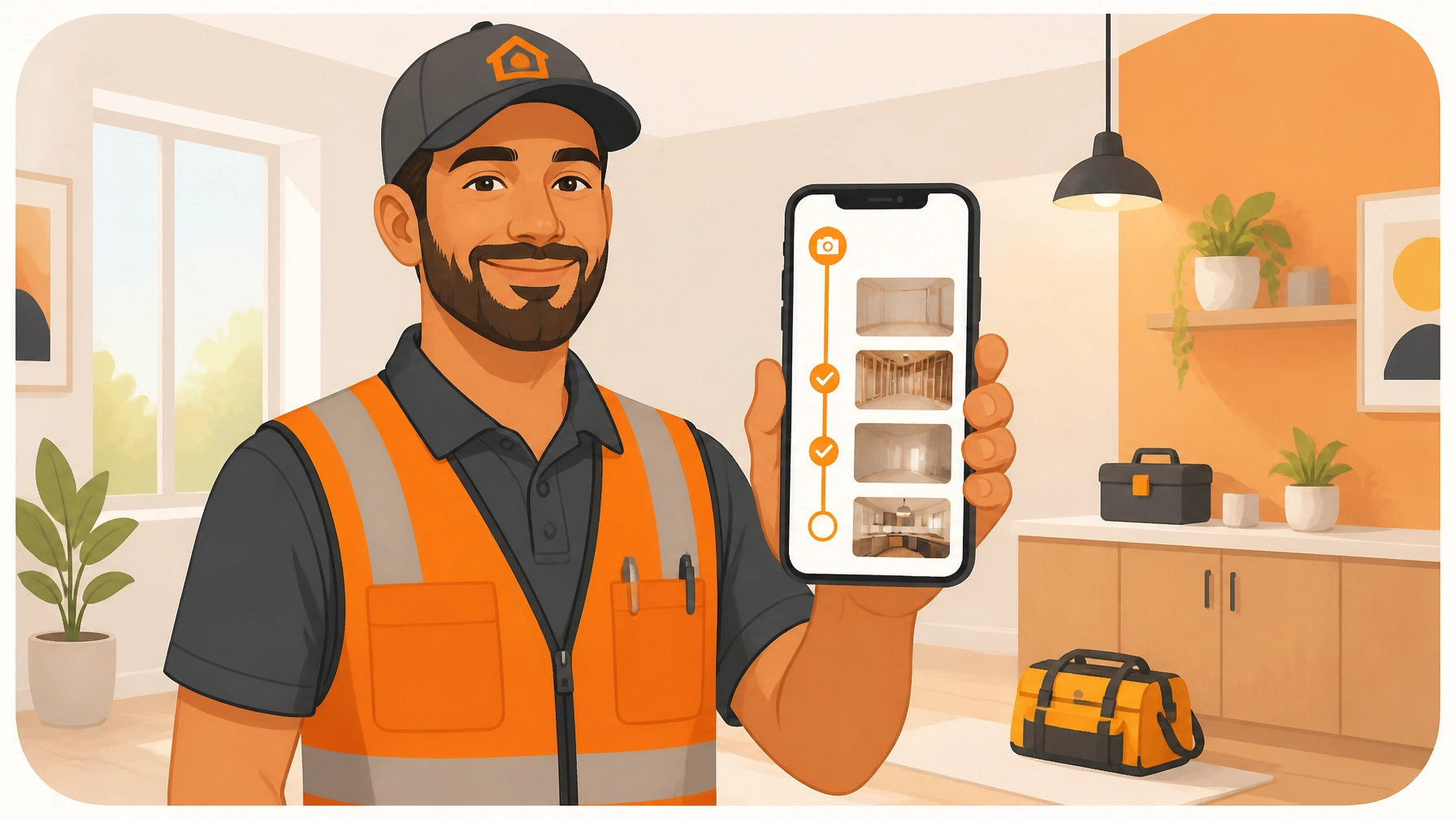
You didn’t get into the trades because you loved data entry. Whether you’re an electrician, a plumber, an HVAC tech, or a general handyman, you likely started your business because you like building things, solving problems, and being your own boss. But as any solo operator or small team owner knows, the "business" part of the business has a sneaky way of eating up your evenings.
Between the actual work on-site and getting home to your family, there’s this awkward middle ground: documentation. You know you need to show the customer what you did. You know you need photos to protect yourself if something goes wrong. But most contractor software feels like it was designed for a NASA engineer, not a guy with a hammer in his hand.
If you’ve ever tried to set up a massive project management suite only to realize you’re spending more time updating the "dashboard" than actually finishing the job, this guide is for you. Here’s how to build a professional job timeline in five minutes flat: without the bloat.
Why "Big" Contractor Software is Killing Your Productivity
Most software companies try to be everything to everyone. They want to handle your lead generation, your complex accounting, your multi-stage Gantt charts, and your fleet management. That’s great if you’re a 50-person construction firm with a dedicated office manager.
But for a small service shop? It’s overkill.
Industry research shows that small contractors often abandon complex platforms because the learning curve is simply too steep. When you’re juggling three jobs a day, you don't have time for a three-hour "onboarding webinar." You need to open an app, snap a photo, and get back to work.
The result of using bloated software is usually one of two things:
- Partial Adoption: You pay $150 a month but only use the "notes" feature because the rest is too confusing.
- Total Abandonment: You go back to a messy camera roll and a pile of text messages, which leaves you unprotected and makes your business look disorganized.
This is where a dedicated contractor job app like JobLuma steps in. By stripping away the 90% of features you don’t need, you’re left with a tool that actually saves you time instead of creating more work.

The Power of the Visual Timeline: Trust, Payments, and Protection
Before we get into how to build a timeline, let's talk about why it matters. In the service trades, a photo is worth more than a thousand words: it’s worth thousands of dollars.
1. Building Instant Trust
Most of the work you do is hidden. A plumber replaces a valve behind a wall; an electrician rewires a junction box that gets tucked away. The customer only sees the finished wall, not the expert craftsmanship behind it. A before and after photo app allows you to show the "invisible" value of your work. When a customer sees a clean, organized timeline of what was done, they stop questioning the invoice and start appreciating the pro.
2. Getting Paid Faster
Disputes are the biggest bottleneck to cash flow. If a customer isn’t sure a specific task was completed, they might hold up the final payment. When you send a professional job log that clearly shows the project progression, you remove the guesswork. Time-stamped construction photo documentation acts as visual proof of completion, making it much harder for anyone to argue that the work wasn't done to spec.
3. Protection Against False Claims
We’ve all been there: a customer calls a week later claiming you scratched their floor or dented their drywall. If you have "Before" photos showing the damage was already there: or "After" photos showing the site was pristine when you left: the conversation ends before it even starts.
How to Build Your Professional Timeline in 5 Minutes
The goal is to move from "Job Started" to "Professional Log Shared" in under five minutes of total active work. Here is the workflow using a simple contractor photo app like JobLuma.
Step 1: Create the Job (30 Seconds)
When you arrive on site, open the app and create a new job. All you need is a title (e.g., "Main St. Kitchen Rewire") and the customer’s name. No need to fill out 50 fields about project estimates or supply chain logistics.
Step 2: The "Before" Snap (1 Minute)
Before you touch a single tool, take 2-3 photos of the existing conditions. This is your "insurance policy." If you’re an HVAC tech, take a photo of the old, dusty unit. If you’re a landscaper, snap the overgrown yard. Add a quick note if there’s pre-existing damage you want to highlight.
Step 3: Log Progress as You Go (2 Minutes Total)
This is the part most people skip because they think they’ll remember to do it later. Don't wait. As you reach milestones: pipes laid, wires pulled, frame built: take a single photo. JobLuma’s mobile-first design means the photo is instantly tied to that specific job timeline. You don't have to go home and spend an hour sorting through your phone's "Recents" folder trying to remember which house had the leaky faucet.
Step 4: The "After" Showcase (1 Minute)
Once the job is finished and the site is cleaned up, take your hero shots. Show off the final result from the same angles you used for the "Before" photos. This creates a satisfying visual "transformation" that customers love to see.
Step 5: Share the Link (30 Seconds)
Instead of emailing a zip file or texting 20 individual photos that clog up the customer's phone, you generate a single, branded link.

The "No-App" Secret: Why Your Customers Will Thank You
One of the biggest mistakes contractors make is asking their customers to download an app. Let’s be honest: your customers have "app fatigue." They don't want to create an account, verify their email, and learn a new interface just to see the progress on their bathroom remodel.
JobLuma was built with a "Client First" mentality. When you share a timeline, the customer receives a simple link. They click it, and a professional, web-based job log opens in their browser. It looks like a high-end service experience, but it requires zero effort on their part.
This ease of use is a major competitive advantage. It makes you look like a tech-forward, organized professional, while your competitors are still trying to figure out why their "Share Folder" link is asking the customer for a password.
Stop Sorting Photos and Start Scaling Your Business
Every hour you spend at your kitchen table at 8:00 PM sorting through photos is an hour you aren't growing your business or resting for the next day. By using a photo timeline app that is built for the field, you turn documentation from a "chore" into a "habit."
The transition from a "guy with a truck" to a "professional service company" happens in the details. Clean documentation, transparent communication, and a seamless customer experience are what allow you to charge premium rates and get referred to the best clients.
Ready to stop the administrative headache? You can sign up for JobLuma and have your first job log ready before your next coffee break. We’ve kept it simple because we know you have better things to do than manage software.

Conclusion: Get Back to What You Do Best
Documentation shouldn't be your second job. By focusing on a "less is more" approach to contractor software, you can provide the professional experience your customers expect without the overhead of complex systems.
Next time you’re on a job site, remember the 5-minute rule:
- 30 seconds to start the job.
- 1 minute for the before.
- 2 minutes for progress.
- 1 minute for the after.
- 30 seconds to impress your customer.
Check out our features page to see how easy it is to get started, or head over to our pricing to see our simple, no-contract plans. Your future, less-stressed self will thank you.
Leave a Reply