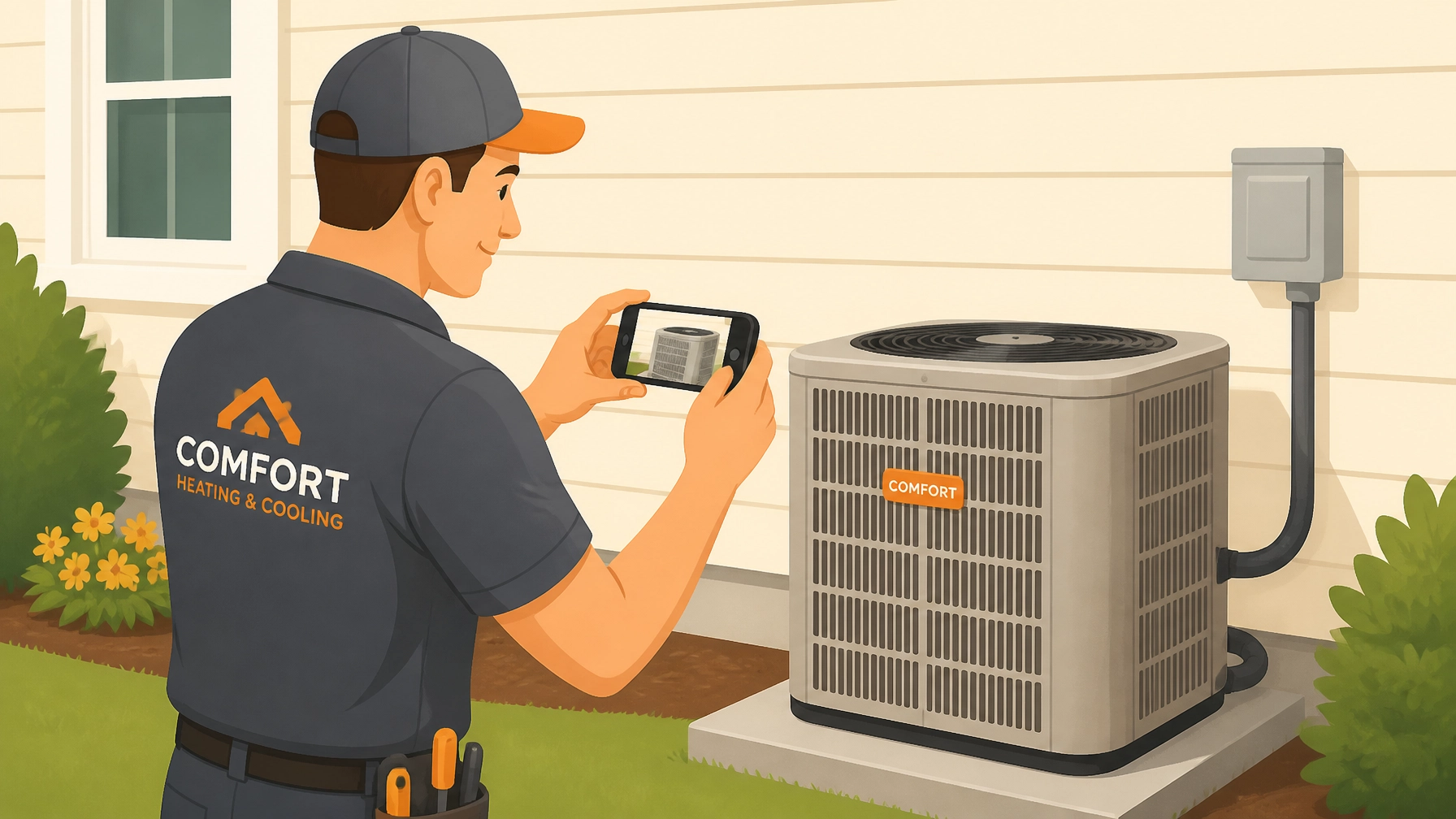
If you’re a contractor, you know the drill. You finish a long day of work, your back is aching, and just as you’re packing up the truck, you realize: “Wait, did I take a photo of that rough-in?” or “Did I document that pre-existing crack in the drywall?”
Most of the time, the answer is a frustrated sigh. You either skip it and hope for the best, or you spend twenty minutes digging through a messy camera roll trying to remember which blurry photo belongs to which customer.
We get it. You’re an electrician, a plumber, or an HVAC tech: not a full-time photographer or a data entry clerk. You need contractor software that works as hard as you do, without the headache of bloated project management tools.
Here’s the good news: you don’t need an expensive camera or a degree in marketing to create professional job logs. In fact, you can do it in under five minutes. Let’s break down how to master construction photo documentation without breaking a sweat.
Why 5 Minutes of Photos Saves You 5 Hours of Stress
Before we dive into the "how," let’s talk about the "why." Taking photos isn't just about showing off (though that’s a nice bonus). It’s about protecting your business.
- The "I Didn't Break That" Defense: We’ve all had that one customer who claims a scratch on the floor was "definitely not there before you arrived." A quick "before" photo is your ultimate insurance policy. It provides indisputable proof of site conditions, reducing liability and stopping disputes before they even start.
- Getting Paid Faster: When a customer can see a clear timeline of the work you did: especially the parts hidden behind walls: they feel much more comfortable hitting that "pay" button. Transparency builds trust.
- Marketing That Sells Itself: A great before-and-after shot is the best sales tool you have. It shows potential clients that you don't just talk a big game; you deliver clean, professional results.
The 5-Minute Professional Workflow
You don't need a complex system. You just need a habit. Using a dedicated contractor photo app like JobLuma makes this workflow seamless. Here is how you can document any job in five minutes flat.
Minute 1: The "Before" Shot (The Insurance Policy)
Before you even touch a tool, grab your phone. Open your contractor job app and snap a photo of the workspace.
- The Pro Tip: Match your angles. If you take the "before" shot from the doorway, make sure you take the "after" shot from the exact same spot. This makes the transformation look ten times more impressive.
- The "Cover Your Assets" Tip: Take photos of adjacent areas. If you're working on a furnace in a cramped basement, snap a photo of the surrounding floor and walls to prove you left them exactly as you found them.

Minutes 2-3: The "In-Progress" Documentation (The Hidden Value)
This is where most contractors drop the ball. Once the drywall goes up or the trench is filled, your hard work is invisible.
- For Plumbers and Electricians: Take photos of your rough-in runs. It shows the quality of your craftsmanship and helps the homeowner (or the next tech) know exactly where things are located.
- The Measuring Tape Trick: Hold a tape measure in the frame when photographing pipes or wires behind a wall. It gives a clear sense of scale and location for future reference.
Minute 4: The "After" Shot (The Money Maker)
The work is done. The site is clean. Now it's time for the "hero" shot.
- Clean the Scene: Take thirty seconds to move your scrap pile or tool bag out of the frame. A clean workspace signals a professional mind.
- Check the Light: Most mechanical rooms are dark. If you can, use a portable work light to brighten the scene. Avoid using the phone's flash directly on shiny metal surfaces (like ductwork), as it creates a blinding glare.
Minute 5: Share the Timeline
This is where JobLuma really shines. Instead of texting a bunch of random photos to a client’s phone: where they’ll get lost in a sea of family pictures: you can generate a professional timeline.
With one tap, you can share a link with your customer. They don’t have to download a clunky app, create an account, or remember a password. They just click the link and see a branded, organized record of the work you performed. It makes you look like a tech-savvy pro, and it keeps your documentation organized for years to come.

Trade-Specific Tips for Better Photos
Every trade has its own "sweet spot" for documentation. Here is what you should focus on to make your before and after photo app work for you:
For HVAC Technicians
- The Data Plate: Always take a clear, legible photo of the equipment’s data plate. It’s a lifesaver for warranty claims and future service calls.
- Airflow Improvements: If you’re replacing a crushed or dirty duct, get a close-up. Show the customer why their old system was struggling and how your new installation fixed the problem.
For Electricians
- The Panel Glow-Up: Nothing looks better than a "before" shot of a messy, "bird's nest" panel followed by an "after" shot of perfectly dressed, labeled breakers.
- Safety First: Document that you’ve installed proper GFCIs or AFCI protection. It proves you’re code-compliant and looking out for the customer's safety.
For Plumbers
- Leak Evidence: If you’re fixing a leak, take a photo of the active drip or the water damage. It justifies the repair cost immediately.
- The "Invisible" Work: Photograph the new PEX manifold or the clean soldering on the copper lines. Even if the customer never sees it, you know it's a work of art.
Stop Fighting Bloated Software
Many contractors try to use massive project management suites to handle their photos. These tools are often built for billion-dollar construction companies, not for the guy in the van. They’re slow, they’re expensive, and they require a PhD to navigate.
JobLuma is a photo timeline app built specifically for the field. It’s mobile-first, which means it works perfectly even when you’re balanced on a ladder or squeezed into a crawlspace.
The JobLuma Advantage:
- Simplicity: No unnecessary features. Just jobs, photos, and notes.
- Speed: Log a photo and a note in seconds.
- Professionalism: Automatically generates clean, branded timelines for your customers.
- Customer Experience: Your clients see your work in their browser. No app download required. This is huge for customer satisfaction: nobody wants another app taking up space on their phone.

Ready to Level Up Your Documentation?
Creating professional before and after photo documentation doesn't have to be a chore. When you have the right contractor photo app, it becomes a natural part of your workflow that pays dividends in liability protection, marketing, and customer trust.
Stop letting your hard work go undocumented. Spend five minutes on your next job capturing the story of your craftsmanship. Your future self (and your bank account) will thank you.
Want to see how easy it can be? Check out JobLuma's features and start building your first professional timeline today.
Leave a Reply