
You know the feeling. A customer calls three weeks after you’ve finished a job, claiming you scratched their hardwood floors or that a pipe you installed is leaking behind the wall. You know you did the job right, but your only proof is buried somewhere in the 4,000 photos on your phone: sandwiched between pictures of your kid’s birthday party and a meme your brother sent you.
In the world of electrical, plumbing, HVAC, and general contracting, photos aren't just for showing off your work on Instagram. They are your primary line of defense against liability, your best tool for getting paid faster, and the most effective way to communicate with your team.
Yet, most small service contractors are still "winging it" when it comes to construction photo documentation. If you’re just snapping a random photo here and there, you’re likely making mistakes that could cost you thousands.
Let’s break down the seven most common mistakes contractors make with their project photos and, more importantly, how to fix them without adding hours of paperwork to your day.
1. The "I’ll Do It Later" Trap (Inconsistency)
The biggest mistake is simply not taking enough photos. Most contractors take a "start" photo and an "end" photo, but they skip everything in between. If a dispute arises about a specific stage of the project, a "before" and "after" won't save you if the problem happened during the "during."
The Fix: Establish a routine. Every time you arrive at a site, take three photos. Every time you leave for lunch, take three more. Every time you wrap up for the day, take another three. Consistent documentation creates a visual timeline that is impossible to argue with. Using a contractor job app can help you keep these photos tied to the specific project so they don't get lost in the shuffle.
2. Capturing Detail Without Context
We’ve all seen it: a crystal-clear, close-up photo of a perfectly soldered pipe or a neatly wired junction box. It looks great, but where is it? If you’re working on a multi-unit apartment complex or a large residential home, a close-up of a pipe provides zero context of its location.
The Fix: Use the "Wide-to-Tight" method. Before you take that close-up of the detail, take a wide-angle shot of the entire room or wall. This allows anyone looking at the photo later to understand exactly where that specific piece of work is located.

3. The Phone Gallery Graveyard (Poor Organization)
Storing your work photos in your personal phone gallery is a recipe for disaster. It’s hard to find what you need, it eats up your personal storage, and it makes it nearly impossible to share a professional progress report with a client. Even worse, if you lose your phone or it gets damaged on-site, your entire project history is gone.
The Fix: Get your photos off your camera roll and into a dedicated contractor photo app. You need a system that automatically organizes photos by project, date, and time. JobLuma is designed for exactly this. It’s a simple, mobile-first way to log photos that keeps your personal life and your professional life completely separate.

Caption: Avoid the mess of a personal photo gallery by using a dedicated cloud-based system.
4. Failing to Document "Hidden" Work
In trades like plumbing and electrical, the most important work is often covered up by drywall or concrete within days. If a leak or a short happens a year later, having a photo of what’s behind that wall is the difference between a quick fix and a massive insurance claim.
The Fix: Never cover anything up until it’s been photographed. This includes:
- In-slab plumbing or conduit before the pour.
- Wiring inside walls before insulation and drywall.
- Flashing around windows or roofing underlayment.
- Any structural repairs that will be hidden by finishes.
This type of construction photo documentation is your "X-ray vision" for the future of the building.
5. No Sense of Scale
Is that a half-inch crack or a two-inch crack? Is that pipe three inches from the stud or six? Without a reference point, photos can be incredibly deceiving. In a legal dispute or an inspection, "it looked big in the photo" isn't a valid defense.
The Fix: Carry a tape measure or a "smart scale" tool in your pocket. If you’re documenting a potential issue or a specific measurement, pull out your tape and hold it in the frame. If you don't have a tape measure handy, use a common object like a pen or your level to provide a sense of scale.
6. Skipping the "Pre-Existing Damage" Photos
This is where most contractors lose money. You show up to a job, do a great install, and then the homeowner claims you cracked their driveway or dented their fridge. If you didn't document the condition of the site before you started, it’s your word against theirs.
The Fix: Before a single tool leaves your truck, do a "walk-around" of the job site. Take photos of the driveway, the walls near your work area, and any existing appliances. This protects your reputation and your bank account. Using a before and after photo app makes it easy to show the client exactly how things looked when you arrived versus when you left.
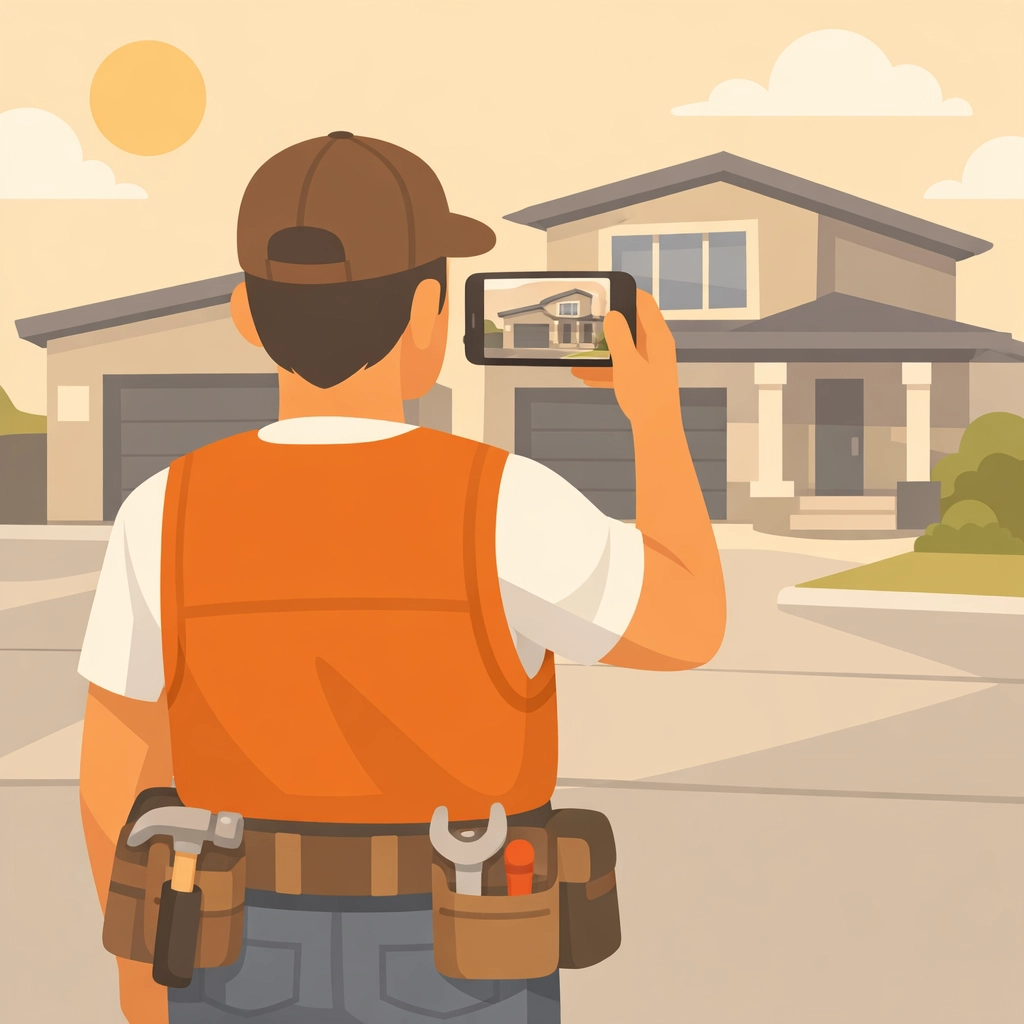
Caption: Documenting the job site before you start protects you from false damage claims.
7. Using Bloated, Complicated Software
Many contractors realize they need a system, so they sign up for massive project management suites designed for skyscrapers and 500-person firms. These apps are usually too slow, too complicated, and require hours of training. If an app is a pain to use, your team won't use it, and you're back to square one.
The Fix: Choose contractor software that is built for speed and simplicity. You need something mobile-first that allows you to snap a photo, tag it to a job, and move on with your day in seconds.
Why JobLuma is Different
At JobLuma, we believe that software should make your life easier, not harder. We’ve focused on the things that actually matter to small service contractors:
- Mobile-First Design: It’s built for the guy with gloves on, working in a crawlspace, not an office worker at a desk.
- No App Download for Customers: One of the biggest friction points is asking a customer to download an app to see their project updates. With JobLuma, you can share a simple link. They see the photo timeline app interface in their mobile browser: no passwords, no downloads, no hassle.
- Simple Photo Timelines: See your project progress from day one to completion in a clean, professional timeline that you can share with clients to prove value and get paid faster.

Caption: JobLuma's simple interface allows for quick photo logging without the bloat of traditional software.
The Real Cost of Bad Documentation
If you think you don't have time to take photos, consider the time you’ll spend in a courtroom or arguing with a client over a $5,000 repair. Construction is a visual business. When you have a clear, organized record of your work, you aren't just a "guy with a van": you’re a professional with a system.
Better documentation leads to:
- Fewer Disputes: Hard evidence ends arguments before they start.
- Faster Payments: Clients are much happier to cut a check when they can see a visual timeline of the progress you’ve made.
- Better Team Communication: Your crew can see exactly what needs to be done without you having to be on every job site 24/7.
- Referrals: Sharing a professional "Before and After" gallery with a client makes you look organized and trustworthy.
Start Fixing Your Photo Habits Today
You don't need a degree in photography to do this right. You just need a system that works as hard as you do. Stop letting your valuable project proof rot in your phone’s camera roll.
If you're ready to ditch the bloated software and the disorganized galleries, give JobLuma a try. It’s the simplest way to manage your job photos and keep your business protected.
Ready to see how easy it can be? Check out our features or get started for free today. Protect your work, prove your value, and get back to what you do best.
Leave a Reply