You just finished a grueling 6-hour HVAC install or a complex rewiring job. You’re sweaty, tired, and your truck is calling your name. The last thing you want to do is fiddle with a complicated project management system or spend twenty minutes trying to remember where you saved those "before" photos.
But here’s the cold, hard truth: if you didn’t document it, it’s like it never happened in the eyes of your future customers.
In the world of service contracting, your work is your resume. But word-of-mouth isn’t just about someone saying, “Yeah, he did a good job.” It’s about showing the proof. When you document your jobs properly, you’re not just keeping records, you’re building a referral engine that works while you sleep.
Most contractor software is too bloated, asking you to fill out fifty fields just to log a single pipe fitting. You don’t need that. You need a simple way to show the transformation.
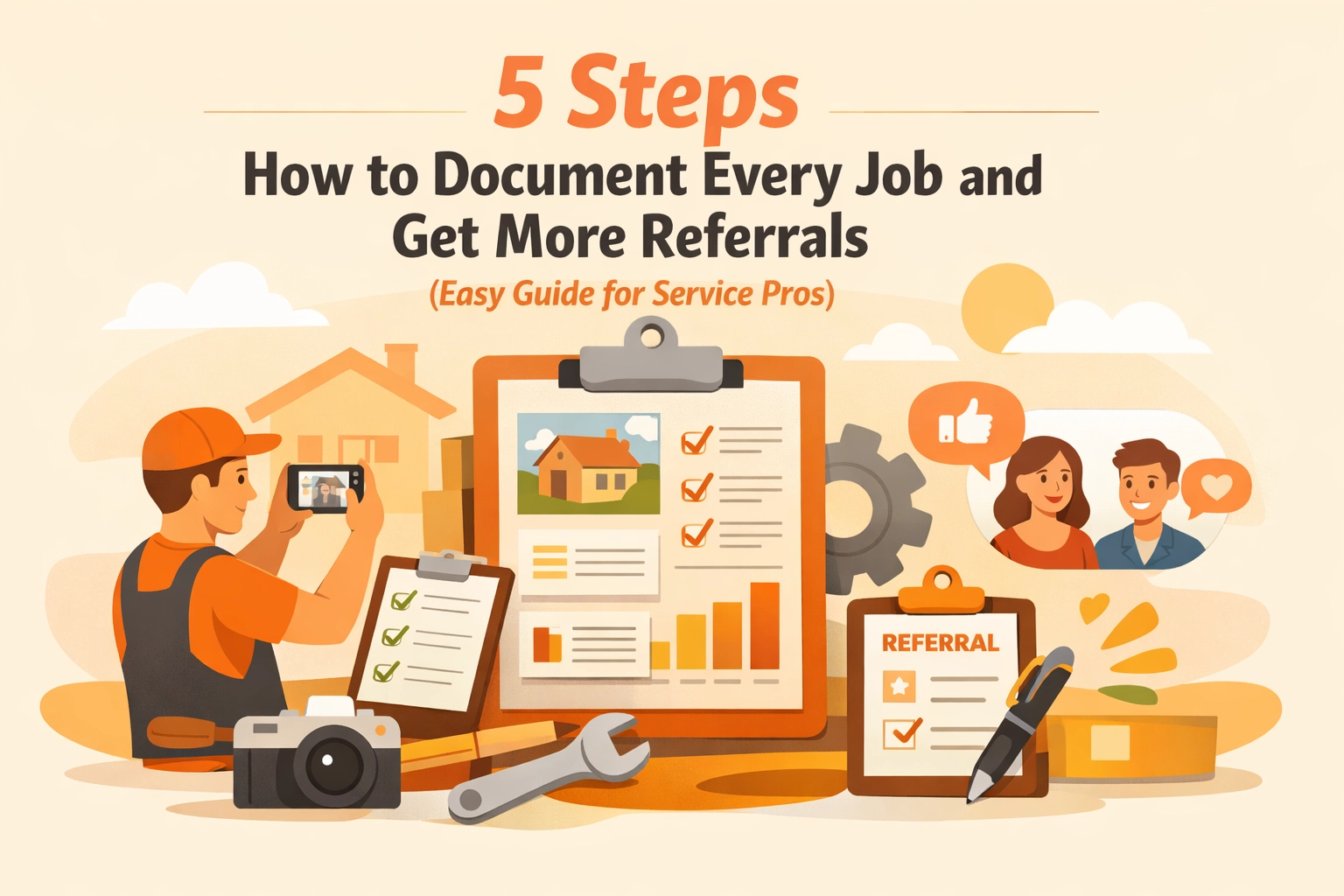
Here are the 5 easy steps to document every job and turn your daily hustle into a referral magnet.
1. The "Before" Shot: Capture the Chaos
Every great story starts with a problem. For a plumber, it’s the rusted, leaking water heater. For an electrician, it’s the "rat's nest" of wires in an old junction box.
Before you touch a single tool, pull out your phone. Using a contractor photo app like JobLuma, take 2-3 clear photos of the mess you’re about to fix.
Why this matters:
- Proof of Condition: It protects you against claims that "that dent was already there."
- The Contrast: Without the "before," the "after" isn't nearly as impressive.
- Trust: It shows the customer exactly what they are paying you to solve.
Don't overthink the lighting or the angle. Just make sure the problem is visible. If you’re using a dedicated photo timeline app, these images will automatically be timestamped and geolocated, making your life a whole lot easier later on.

2. Document the "Guts": Show Your Expertise
Most customers have no idea what happens behind their walls or under their floors. They just know things work when you leave. By taking "during" photos, you’re pulling back the curtain and showing the quality of your craftsmanship.
Take a photo of the clean solder joints, the perfectly straight conduit, or the high-quality insulation you just installed. This is "proof of work." It shows you didn’t take shortcuts.
In the old days, you’d have to save these to your camera roll, let them get mixed up with your kids' birthday photos, and eventually lose them. With JobLuma's features, you can log these photos directly to the job site in seconds. No more scrolling through 4,000 photos on a Friday night trying to find "that one wire" for a client.
3. The "After" Shot: The Money Maker
This is the hero shot. The area is clean, the equipment is shiny, and the problem is solved. This is the photo that sells your next job.
Pro-tip for the "After" shot:
- Clean up first: A photo of a beautiful new furnace looks terrible if there are old zip ties and coffee cups on the floor.
- Use the same angle: If you took the "before" shot from the doorway, take the "after" shot from the doorway. It makes the transformation pop.
- Lighting is key: If it's a dark basement, use a work light.
This is where a before and after photo app really shines. Being able to swipe between the disaster and the masterpiece is satisfying for you and incredibly persuasive for a potential lead.

4. Share the Timeline (The Secret Referral Sauce)
Here is where most pros drop the ball. They take the photos, they finish the job, and the photos just sit on their phone forever.
If you want referrals, you have to give your customers something to talk about. Most construction photo documentation tools are meant for the contractor only. JobLuma is different.
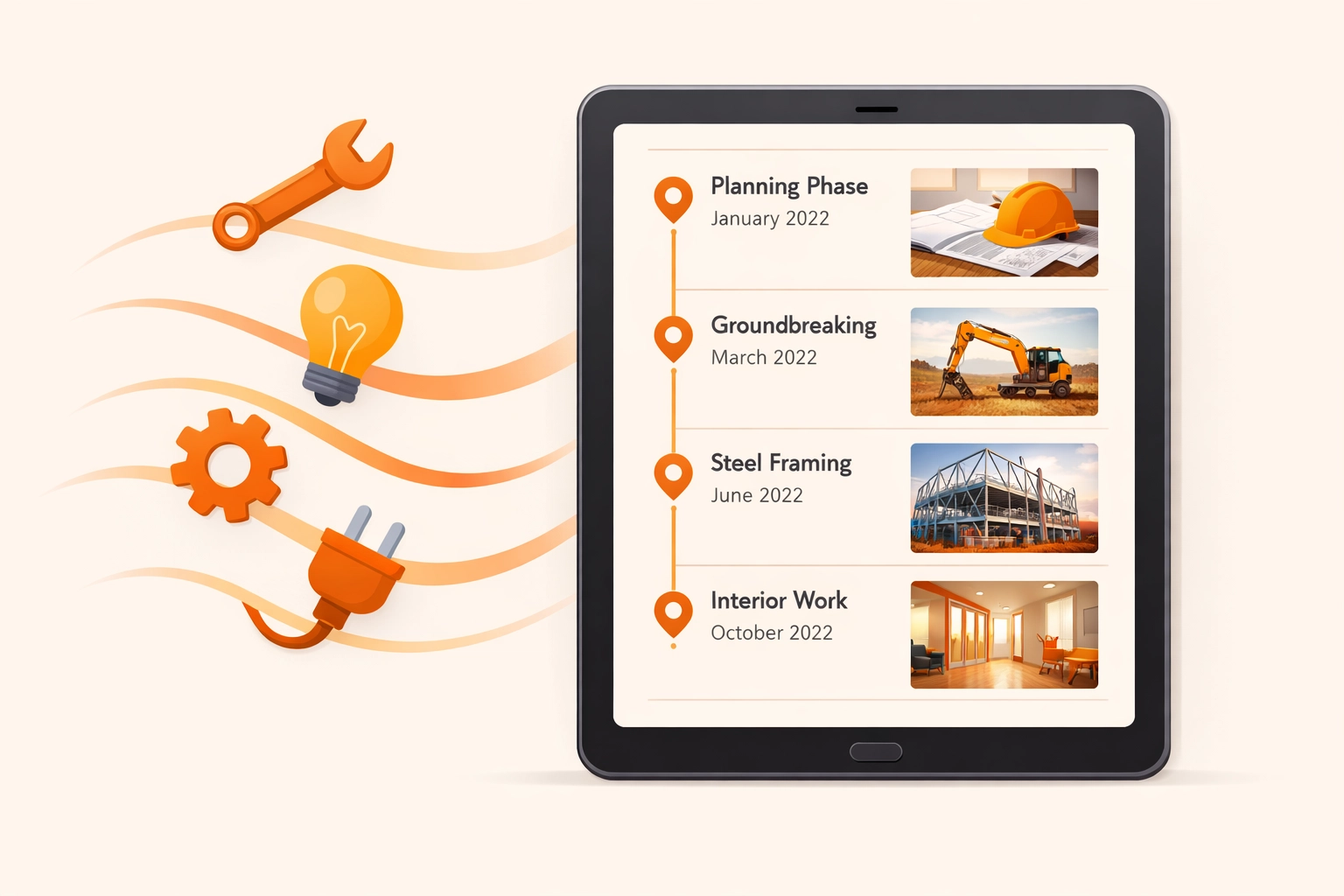
Once the job is done, you can send a simple link to your customer. They don't have to download an app (because let's be real, no one wants another app on their phone). They just click the link and see the beautiful timeline of the work you did.
When their neighbor asks, "Hey, who did your electrical?" they don't just give a name. They pull out their phone, click the link, and show the neighbor the transformation. That is how you get high-quality referrals. You’ve made it easy for your customer to brag about you.

5. Archive for Liability and Future Work
Documentation isn't just for marketing; it's your insurance policy. If a customer calls six months later claiming something is wrong, you have a digital paper trail.
"I remember that job, let me check the log."
Instead of arguing, you pull up the contractor job app, see the photos of the finished work, and can quickly identify if the new issue is related to your work or something else entirely. It saves you from unnecessary "warranty" visits that eat into your profit.
Plus, if the customer ever needs more work done, you already have the "as-built" photos of the site. You know exactly what’s behind the wall before you even show up for the estimate.
Why Simple Beats "Bloated" Every Time
There are plenty of "all-in-one" platforms out there that try to handle your accounting, your GPS tracking, your HR, and your grocery list. For a small service pro, these are usually a nightmare. They take too long to learn, they cost too much, and they require your customers to create accounts just to see a photo.
We built JobLuma to be the opposite.
- Mobile-First: It’s designed to be used with one hand while you’re holding a wrench in the other.
- No App for Customers: Your clients get a web-based timeline. Simple.
- Fast: Log a photo in three taps and get back to work.
If you’re tired of losing photos in your camera roll and you want a way to stand out from the "chuck-in-a-truck" competition, you need a system that works as hard as you do.
Ready to Level Up Your Professionalism?
Documenting your work shouldn't feel like a second job. It should be a natural part of finishing a project. When you make it easy to see the value you provide, your customers become your best salespeople.
Stop letting your hard work go unrecorded. Start building your digital portfolio today. Whether you’re an electrician, a plumber, or a landscaper, the "before and after" is your greatest asset.
Check out our pricing to see how affordable it is to get organized, or sign up today to start documenting your next win.
If you have questions about how to get started, our help center or contact page is always open. Let’s get to work!
Leave a Reply