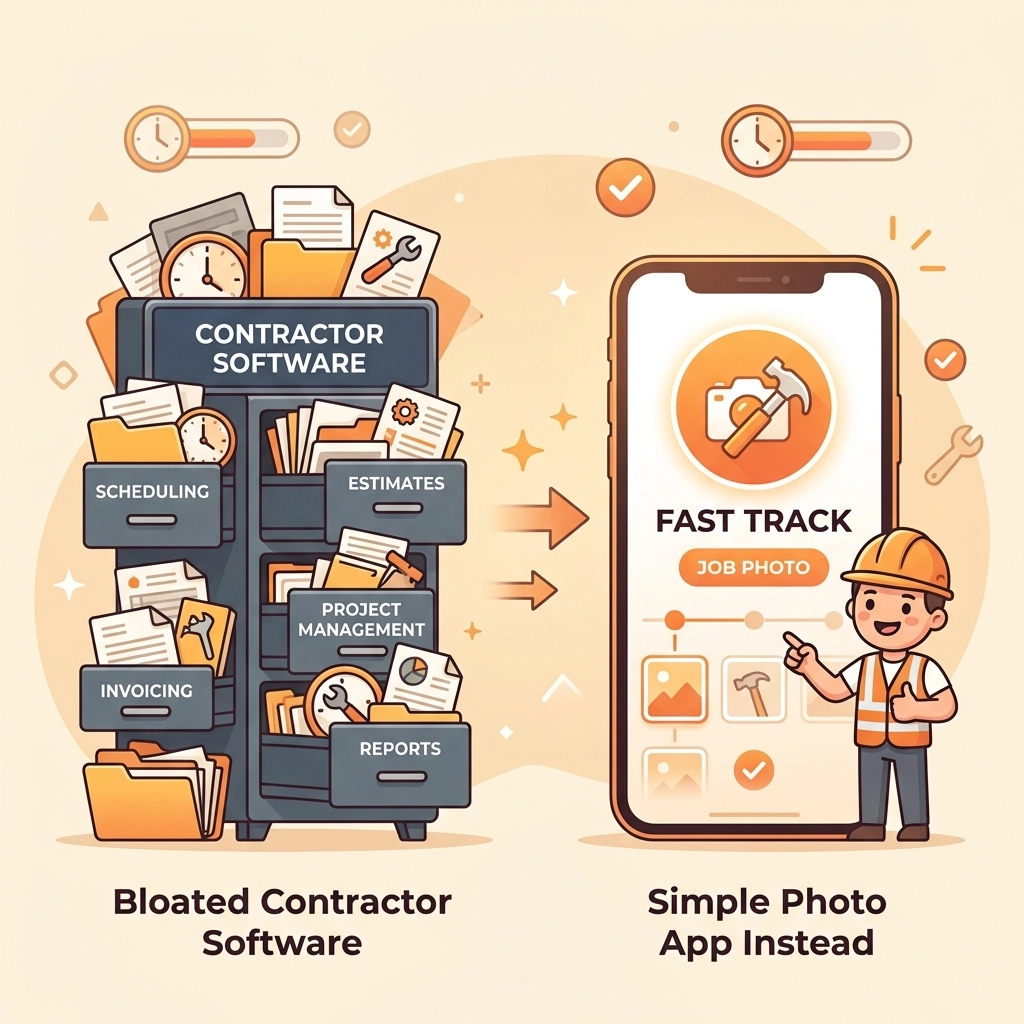
You’re sitting in your truck at 5:30 PM. The sun is going down, your back is aching, and all you want to do is go home, grab a cold drink, and see your family. But instead, you’re staring at a screen. You’re trying to navigate a "project management suite" that has more buttons than a space shuttle, just to upload three photos of a water heater you installed four hours ago.
Does this sound familiar?
If you’re an electrician, plumber, or HVAC tech, you’ve probably been told that you need high-end contractor software to "scale your business." You’ve seen the ads for enterprise-level platforms that promise to handle everything from your accounting to your satellite GPS tracking. But for most small service shops, those apps are just a headache disguised as a solution. They are bloated, expensive, and: most importantly: they take too much time to use.
At JobLuma, we believe in a different approach. We think you should spend your time fixing pipes and pulling wire, not fighting with a mobile app. That’s why we built a simple contractor photo app that does exactly what you need and nothing you don't.
The Problem with "All-in-One" Software
The software industry loves to sell "all-in-one" solutions. They want to give you a tool that handles invoicing, scheduling, CRM, inventory, and photo documentation all in one place. It sounds great on paper, but in reality, it often leads to "feature creep."
When a software company tries to do everything, they usually end up doing most things poorly. The interface becomes cluttered. You have to click through five different menus just to find the "Upload" button. Your field techs: who are great at their jobs but might not be tech wizards: get frustrated and stop using the app altogether.
Suddenly, you’re paying $200 a month for construction photo documentation that your team isn't even doing because the app is too slow.

Why Photos are the Most Important Part of Your Job
Think about the most common headaches in your business:
- A customer claims you damaged something you didn't touch.
- A client forgets how bad the "before" situation looked and complains about the price.
- You need to explain a complex problem to a homeowner who isn't on-site.
All three of these problems are solved instantly by a good photo timeline app. You don't need a complex Gantt chart or a multi-layer project timeline. You need a clear, organized visual record of what the job site looked like when you arrived and what it looked like when you left.
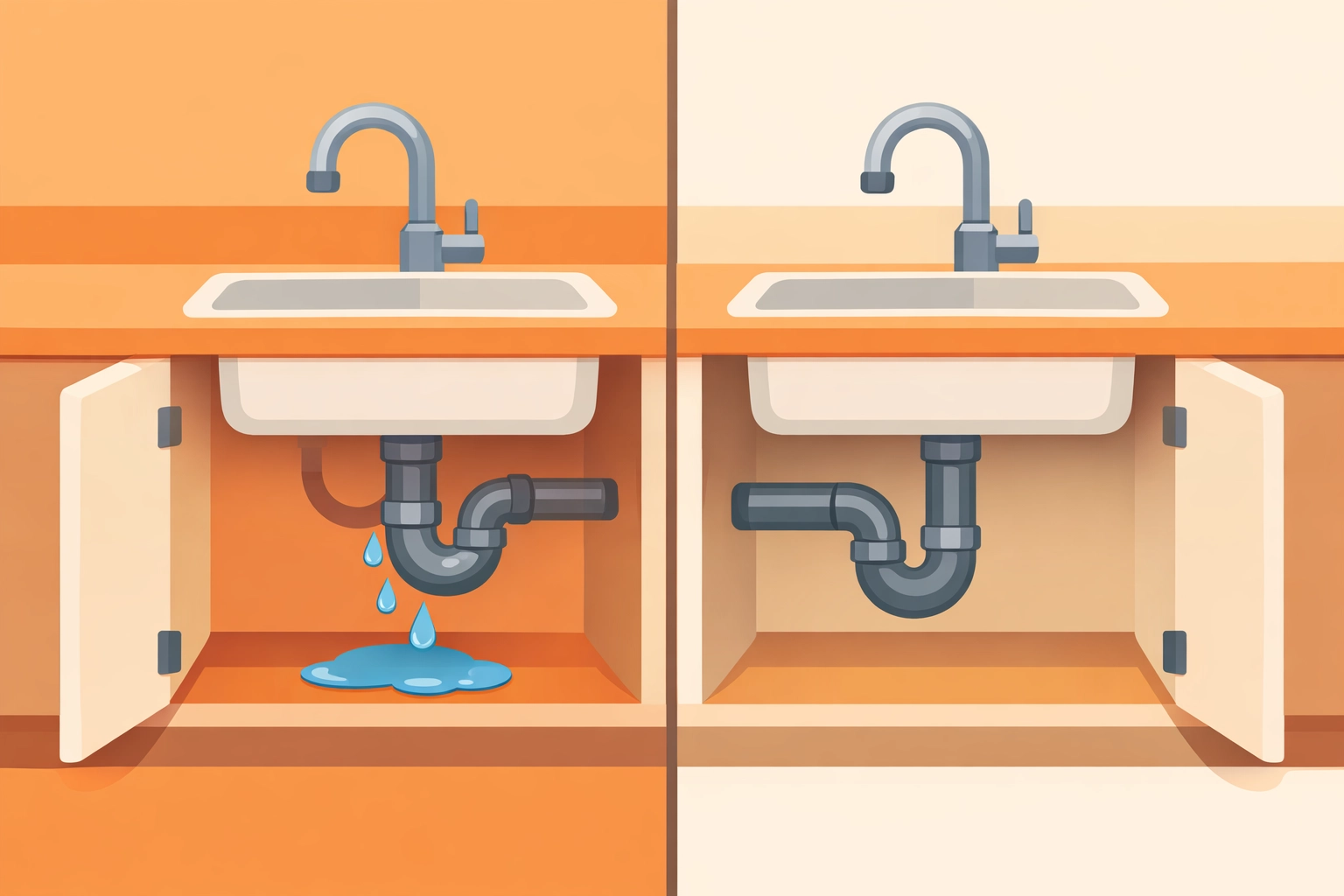
A simple before and after photo app provides "visual insurance." It protects your reputation and your bank account. When you have a time-stamped photo of a pristine floor before you started the plumbing repair, that "scuff mark" the homeowner found later is no longer your problem.
Enter JobLuma: The "Anti-Bloat" Contractor Job App
We didn't build JobLuma to be everything to everyone. We built it to be the fastest, simplest way for service contractors to document their work. We stripped away the fluff and focused on what actually matters in the field.
1. No-App-Download Experience
This is the game-changer. Most contractor software requires your customers or even your sub-contractors to download an app to see your progress or photos. Let’s be real: nobody wants to download another app.
With JobLuma, you can share a live link. Your customer clicks it, and they can see the photo timeline of their project instantly in their mobile browser. It’s professional, it’s modern, and it doesn’t require them to remember a password or clear space on their phone. You can learn more about how this works on our features page.
2. Mobile-First Design
We know you aren't sitting at a desk. You're on a ladder, in a crawlspace, or squeezed behind a furnace. Our design is "mobile-first," meaning it’s built to be operated with one hand while you’re holding a flashlight with the other. Big buttons, fast uploads, and zero clutter.
3. Organized by Job, Not by Folder
Traditional cloud storage (like Google Drive or Dropbox) is a nightmare for contractors. You end up with a folder named "IMG_4829.jpg" and no idea which job it belongs to. JobLuma organizes everything by project automatically. When you open a job, you see the timeline. It’s that simple.
The "Before and After" Effect: Selling with Proof
Aside from protection, a before and after photo app is your best marketing tool. People don't buy "plumbing services"; they buy the transition from a "leaky mess" to a "dry, functional bathroom."
By using a dedicated contractor photo app, you can easily generate professional-looking before and after comparisons.
- For Social Media: Quickly grab the shots that show your craftsmanship.
- For Estimates: Show a new lead exactly how you handled a similar job last week.
- For Retention: Sending a customer a high-quality photo of the finished product makes them feel like they got their money's worth.
When you make the work visible, the value becomes undeniable. You can see how we help businesses grow by visiting our about page.
Stop Training, Start Working
One of the biggest hidden costs of enterprise contractor software is training. Every time you hire a new tech, you have to spend hours teaching them how to use the software. And let’s be honest, half of them will still get it wrong.
JobLuma is so intuitive that "training" usually takes about 30 seconds. "Take the photo, tag the job, hit save." If they can use Instagram or send a text message, they can use JobLuma. This saves you dozens of hours in overhead and ensures that your documentation actually gets done.

Is JobLuma Right for You?
We’ll be the first to tell you: if you need a software that handles your payroll, taxes, and complex structural engineering calculations, JobLuma isn't for you. There are plenty of expensive, bloated tools for that.
But, if you are a:
- Plumber who needs to prove the leak is fixed.
- Electrician who wants to document wire placement before the drywall goes up.
- HVAC Tech who needs to show the dirty filter vs. the new one.
- Landscaper who lives for the "before and after" transformation.
- Handyman who wants a simple way to keep track of multiple small jobs.
Then JobLuma is exactly what you’ve been looking for. It’s the photo timeline app that stays out of your way and lets you get back to work.
Getting Started is Painless
We hate complex sales calls as much as you do. You don't need to talk to a "representative" or sit through a "demo" just to see how much it costs. Our pricing is straightforward and built for small businesses.
You can get started in minutes. No credit card required to try it out. Just head over to our signup page and see for yourself how much time you can save when you stop fighting your software and start using a tool built for the field.

Conclusion: Keep It Simple
Your time is your most valuable asset. Every minute you spend navigating a complex dashboard is a minute you aren't billing for or spending with your family. Don't let bloated contractor software slow you down.
Focus on the core of your documentation: the photos. Use a tool that makes construction photo documentation as easy as taking a selfie. Your team will thank you, your customers will be impressed, and you’ll finally be able to leave the job site on time.
Ready to simplify your workflow? Login to your account or contact us if you have any questions. We’re here to help you get back to what you do best.
Want more tips on running a more efficient contracting business? Check out our blog for the latest updates and advice for field service pros.
Leave a Reply