If you’re an electrician, a plumber, or an HVAC tech, you know the routine. You finish a job, take a few quick snaps of the finished install on your phone, and head to the next site. Fast forward two weeks: a customer calls and claims you scratched their flooring or left a mess in the crawlspace.
Suddenly, you’re scrolling through 4,000 photos of copper pipes, wiring diagrams, and your kid’s birthday party, trying to find that one photo that proves the floor was already scratched when you arrived.
It’s a headache. It’s a time-waster. And frankly, it’s a risk to your bottom line.
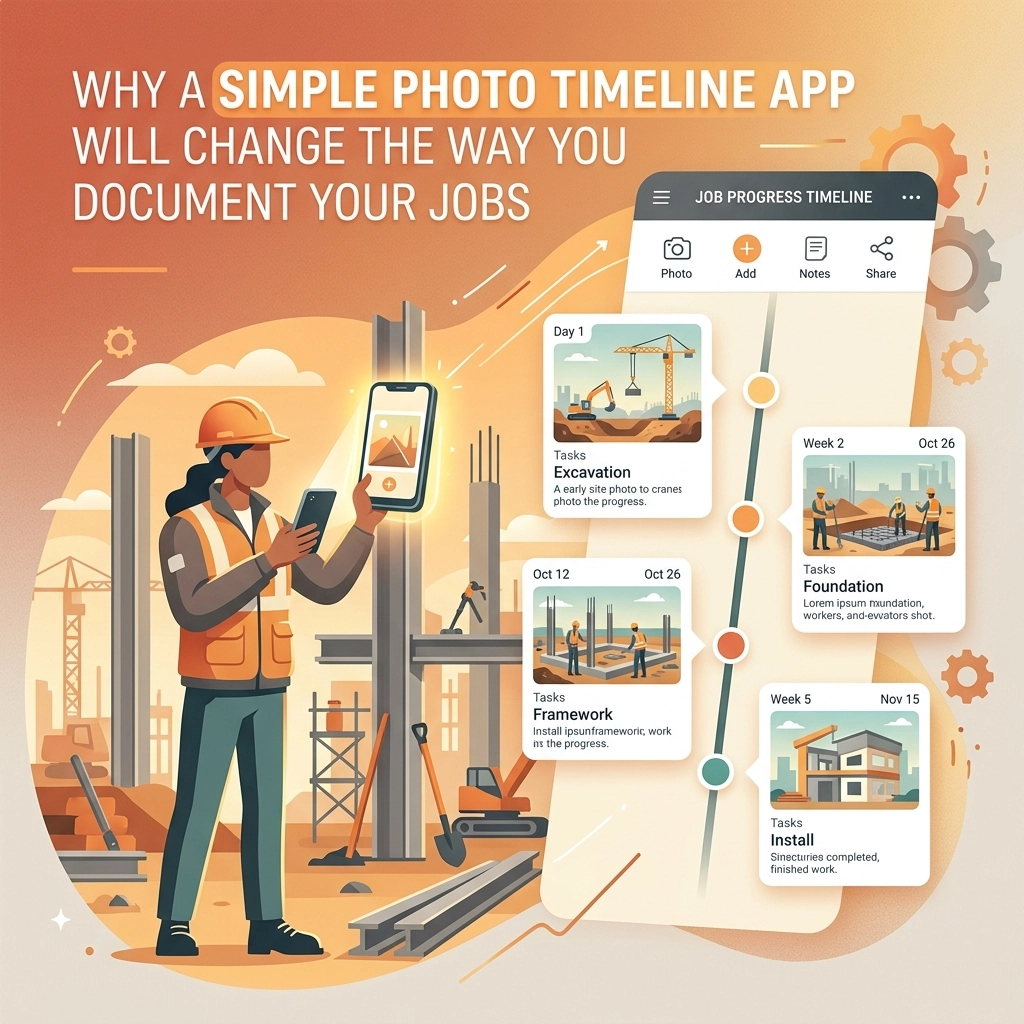
This is where a photo timeline app changes everything. We’re not talking about those massive, bloated project management suites that require a four-year degree to navigate. We’re talking about a simple, mobile-first way to document your work as it happens.
At JobLuma, we believe that contractor software should make your life easier, not more complicated. Here is why switching to a dedicated photo documentation system will transform the way you run your business.
The "Scattered Photo" Problem
Most contractors rely on their phone's native gallery or a messy group text to keep track of jobs. While it’s better than nothing, it fails the moment you need to find something fast.
When your photos are scattered, you lose:
- Context: Was this photo taken at the Smith job or the Jones job?
- Timing: Was this "before" the tear-out or halfway through?
- Proof: Without a timestamp and a clear link to the job, a photo is just a picture. It’s not evidence.
A dedicated contractor photo app solves this by organizing every image into a chronological timeline. Every photo is automatically tagged with the date, time, and project details. It’s like having a digital diary of the jobsite that writes itself.

Why "Simple" Trumps "Feature-Rich"
You’ve probably seen the ads for those "all-in-one" construction platforms. They promise to handle your accounting, your HR, your fleet tracking, and your grandma’s grocery list. For a massive commercial firm with 500 employees, that might make sense.
But for a service contractor? It’s overkill.
Most of those apps are too slow to load on a jobsite with spotty 5G. They have too many buttons, too many menus, and they cost a fortune. You don’t need a digital Swiss Army knife when all you need is a reliable hammer.
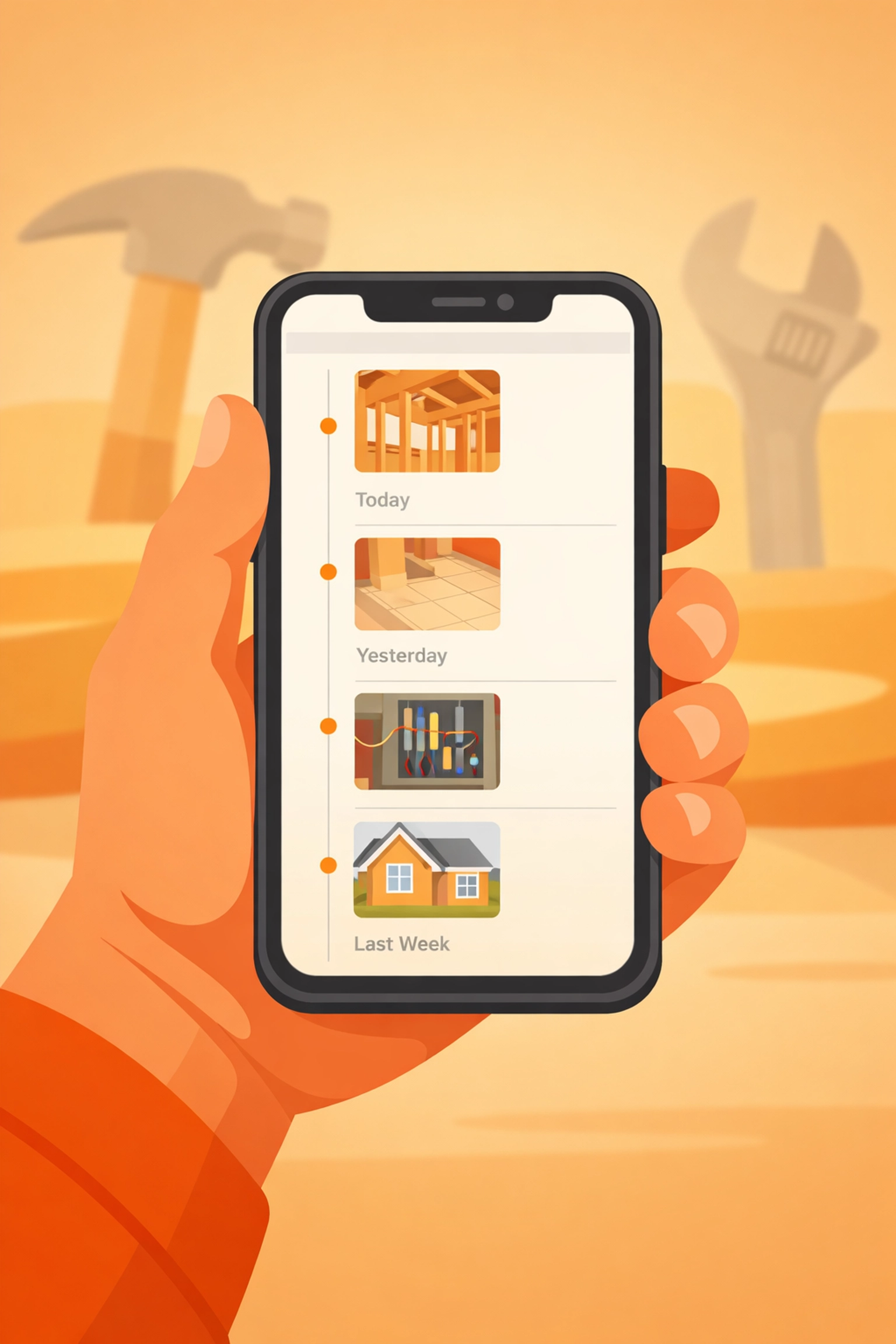
A simple photo timeline app focuses on one thing: getting the photo from your camera to the cloud in a way that makes sense. You want to open the app, snap the photo, and get back to work. If it takes more than ten seconds, you won't do it. We built JobLuma with this "boots-on-the-ground" reality in mind. Our features focus on speed and simplicity because we know you’ve got pipes to solder and wires to pull.
The Magic of the Before and After Photo App
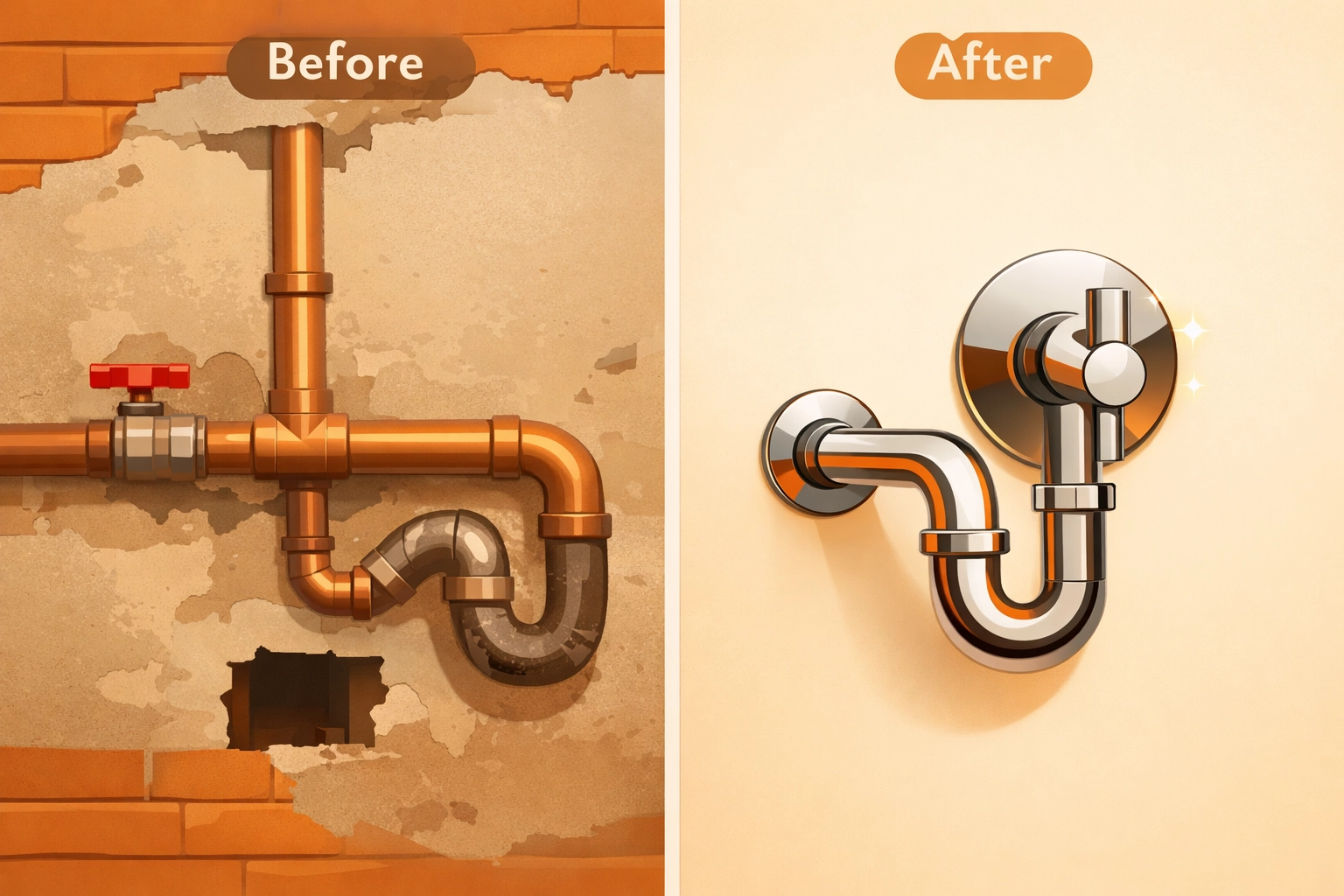
There is no better tool for your business than a clear "Before and After" sequence. It’s powerful for two main reasons: protection and marketing.
1. Protection Against Disputes
Liability is a major concern in the trades. If a client claims you damaged something, having a timestamped "Before" photo showing the pre-existing damage is your "Get Out of Jail Free" card. A before and after photo app allows you to show the progression of work. If a customer questions why a job took four hours, you can show the "During" photos of the unexpected rot you found behind the wall. It turns a "your word against theirs" situation into a factual conversation.
2. Marketing Gold
Your best marketing isn't a billboard; it's the quality of your work. Being able to quickly generate a professional timeline of a project allows you to show potential clients exactly what you’re capable of. Whether it’s a beautiful new electrical panel or a perfectly sloped drainage system, a visual timeline tells a story of professionalism.
Faster Payments and Happy Customers
One of the biggest hurdles to getting paid is the "approval" process. A homeowner or a general contractor might hold up a check because they aren't sure if a specific part of the job is done.
With construction photo documentation, you don't have to wait for them to drive out to the site. You can send them a link to the photo timeline.
This is where JobLuma really shines. One of the biggest complaints contractors have about other apps is that their customers have to download something to see the updates. Nobody wants to download yet another app just to see photos of their water heater.
JobLuma offers a no-app-download customer experience. You can share a professional, branded timeline with your client via a simple link. They can see the progress on their phone or computer instantly. It builds massive trust and, more importantly, it gets those invoices cleared faster.
Keeping Your Crew Accountable
If you have a team, a contractor job app isn't just for you: it's for them. It sets a standard for what a "finished job" looks like. When your techs know they need to upload a photo timeline of their work, the quality of that work naturally goes up.
It also saves you from having to drive to every single jobsite to check on progress. You can sit in your truck (or on your couch) and scroll through the day's timelines. You’ll see exactly how far the crew got, what obstacles they hit, and when they finished. This level of visibility is a game-changer for scaling your business.
Mobile-First Design: Built for the Field
Your office is your truck. Your desk is your tailgate. You aren't sitting at a PC with a dual-monitor setup. Any software you use has to be mobile-first.
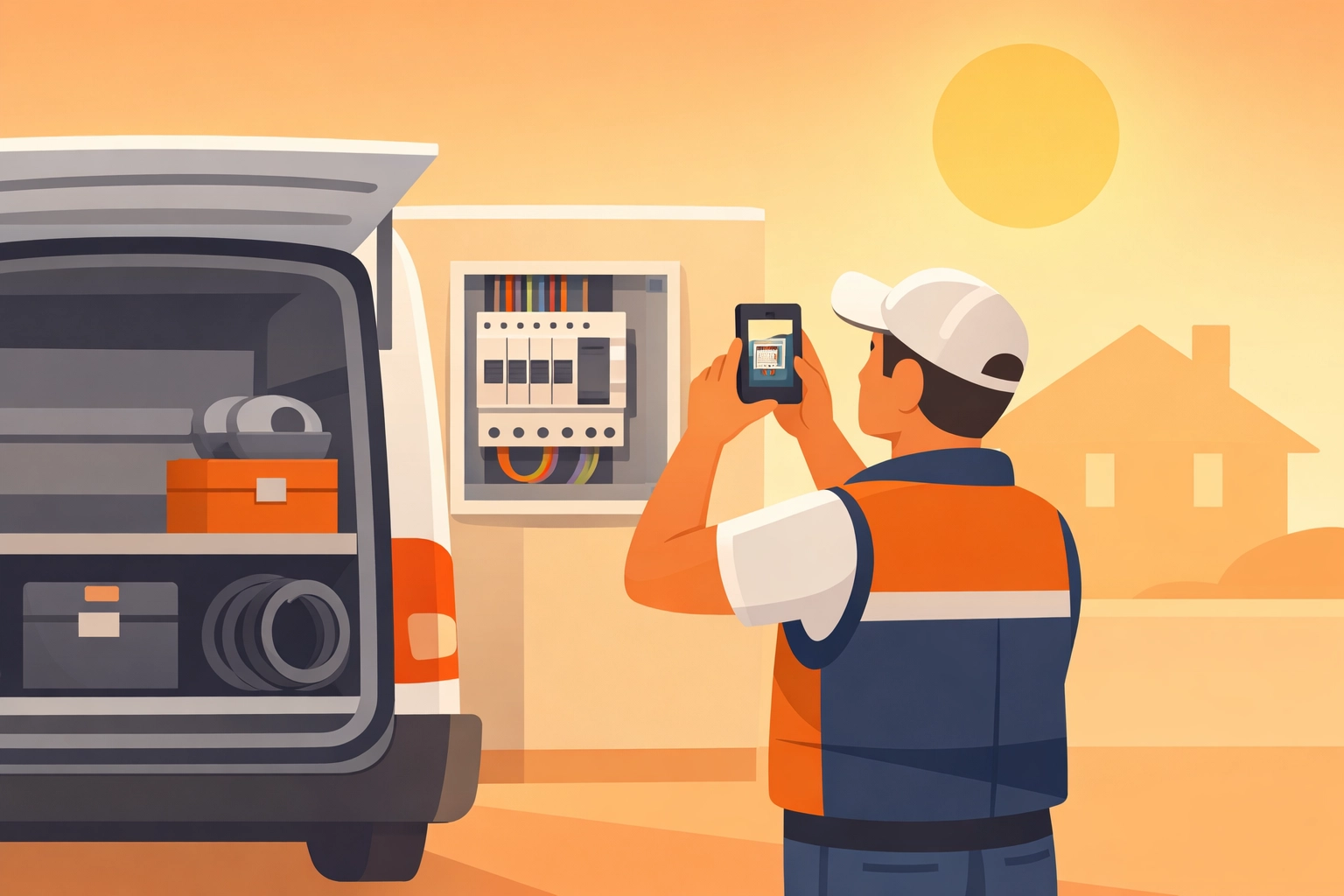
A true photo timeline app should feel like a natural extension of your phone's camera. Large buttons, quick uploads, and an interface that works even when your hands are a little dusty. If the software is a chore to use, it won't be used. And documentation that doesn't happen is useless.
When you sign up for a tool like JobLuma, you’re investing in a system that respects your time. We stripped away the clutter to make sure the most important task: documenting the job: is the easiest one to complete.
How to Get Started with Photo Documentation
Transitioning to a dedicated app doesn't have to be a weekend-long project. You can start small.
- Pick a Job: Try documenting just one project from start to finish.
- Take "The Big Three": Take one photo of the site before you start, one during the messiest part of the work, and one of the finished product.
- Share the Link: Send the timeline to your customer once the job is done. Watch how impressed they are.
Once you see how much easier it is to stay organized, you’ll never go back to a messy camera roll again.
Final Thoughts: Simplicity is a Superpower
In the world of field services, the guy who stays organized is the guy who stays in business. You don't need a complex system to prove you're a professional; you just need a simple way to show the work you’ve done.
By using a photo timeline app, you protect your business from liability, win more trust from your customers, and spend less time fighting with your phone.
Stop scrolling and start documenting. If you’re ready to see how simple job documentation can be, check out our pricing and join the hundreds of contractors who are cleaning up their digital paper trail with JobLuma.
If you have questions or need a hand getting set up, don't hesitate to reach out to our team at the contact page. We’re here to help you get back to what you do best: building and fixing things.
Leave a Reply