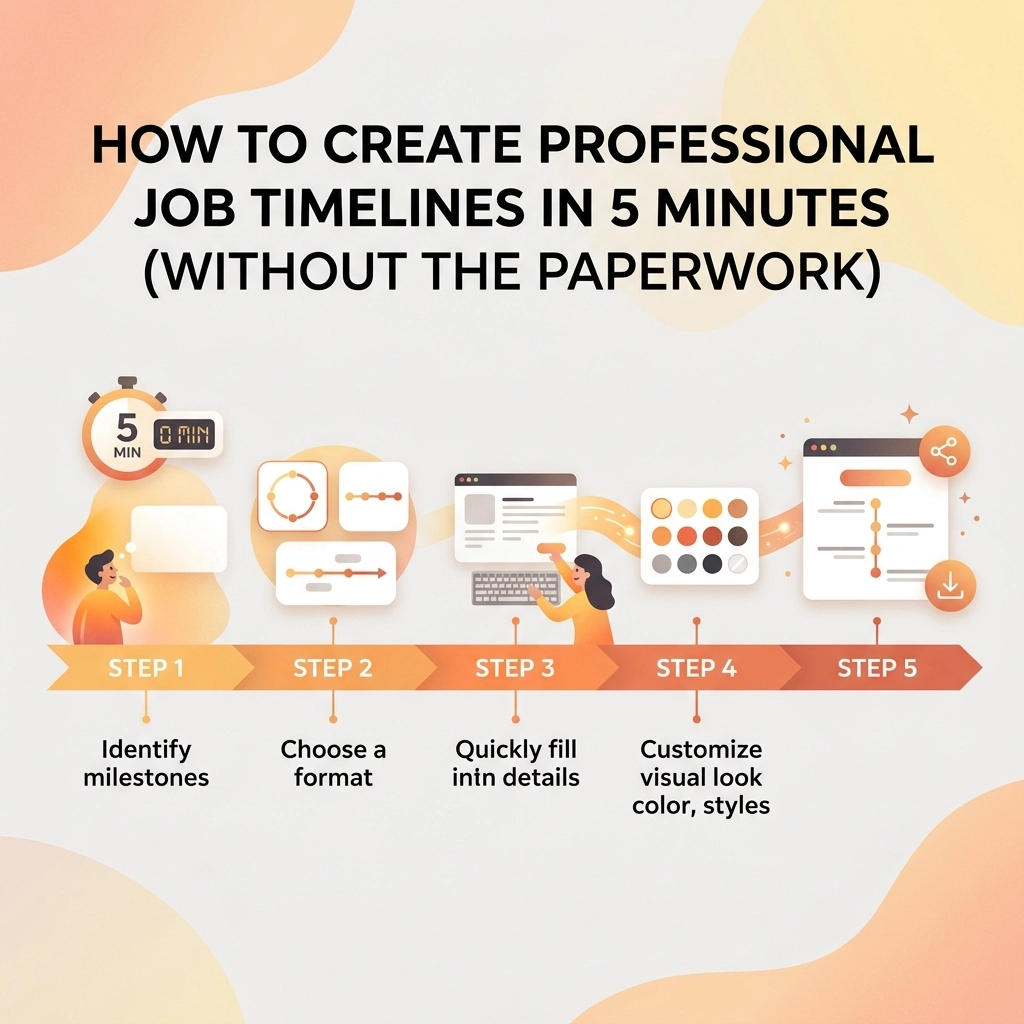
Let’s be honest for a second: you didn’t get into the trades because you loved filling out forms or fighting with complicated software. Whether you’re an electrician, a plumber, or an HVAC tech, your office is the job site, not a desk. Your tools are wrenches and multimeters, not spreadsheets and GANTT charts.
But there’s a problem. In today’s world, customers expect more than just a job well done. They want updates. They want proof. They want to see exactly what they’re paying for.
In the past, creating a professional job timeline meant hours of sorting through your phone’s camera roll, trying to remember which photo belonged to which client, and then clumsily pasting them into a Word doc or an email. Or worse, you tried one of those "all-in-one" construction management tools that took three days of training just to learn how to log a single photo.
It shouldn't be that hard.
At JobLuma, we believe you should be able to create a professional, stunning job timeline in under five minutes. No paperwork, no headaches, and definitely no "bloated" software. Here is how you do it.
The Problem with "Old School" Documentation
We’ve all been there. You finish a job, you’re tired, and you just want to get home. But you know you need to send the homeowner an update. You look at your phone and realize you have 400 photos of copper pipes and electrical panels, and you have no idea which ones are from today and which ones are from last Tuesday.
Some guys try to keep it simple with a paper folder. They write down notes, maybe print out a few photos later. But paper gets lost, coffee gets spilled on it, and it looks outdated the moment you hand it over.
Other guys try using basic templates. While research suggests using things like Excel or Canva for timelines, let’s be real, those are built for office workers. Trying to edit a Canva template while wearing work boots in the back of a van is a recipe for frustration. You need a contractor job app that works as hard as you do, right from your pocket.

Why Most "Contractor Software" Fails Small Shops
There is a lot of contractor software out there. The problem is that most of it is built for massive companies with hundreds of employees and dedicated project managers. They have features for everything: payroll, inventory, heavy equipment tracking, and complex scheduling.
For a small service contractor, all that extra "stuff" is just noise. It’s bloated. It slows you down. If a software takes you 20 minutes to set up a job, it’s not saving you time, it’s stealing it.
You don’t need a digital version of a 500-page manual. You need a simple way to document your work and show it to your customer. You need a photo timeline app that handles the heavy lifting so you can get back to the actual work.
The 5-Minute Workflow: How to Build a Timeline Fast
So, how do you actually get this done in five minutes? It comes down to a simple, mobile-first workflow. Here is the play-by-play on how to use a contractor photo app to your advantage.
1. Capture as You Go (The "Live" Log)
The secret to a 5-minute timeline is not doing it all at the end. With a tool like JobLuma, you just snap photos as you work.
- The "Before": Take a photo of the mess, the broken water heater, or the outdated panel.
- The "During": Take a quick shot of the progress.
- The "After": Show off the clean, finished result.
Because it’s a mobile-first design, you aren't digging through a gallery later. The photos are logged directly to the job in real-time.
2. Ditch the Manual Formatting
If you’re using construction photo documentation, you shouldn't be worried about font sizes or layout colors. A good app should take your photos and automatically arrange them into a clean, professional timeline. You don't need to be a designer; you just need to be a good contractor.
3. The Power of "Before and After"
Nothing sells your services better than a clear comparison. A before and after photo app functionality is the ultimate trust-builder. When a customer sees the transformation in a side-by-side view, the value of your work is undeniable. It’s not just a photo; it’s a story of a problem solved.
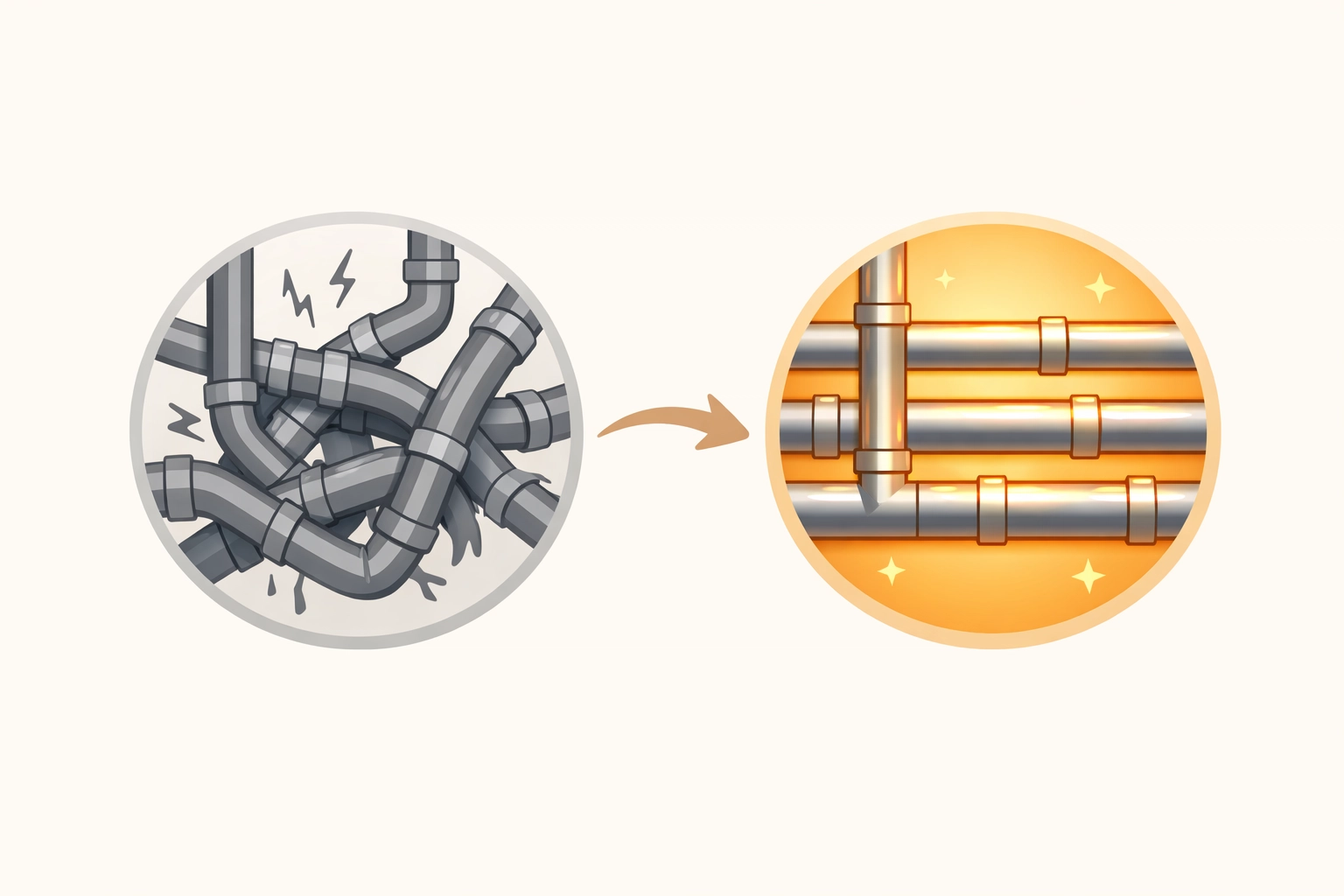
The JobLuma Advantage: No App, No Friction
One of the biggest hurdles with software is getting the customer involved. Usually, you have to tell them, "Hey, download this app, create a login, and then you can see the updates."
Let’s be honest: they aren't going to do it. They have enough apps on their phone.
This is where JobLuma changes the game. We focus on a no-app-download customer experience.
When you finish a job or want to send an update, you send your customer a simple link via text or email. They click it, and they see a professional, branded timeline of the work you’ve done.
- No passwords for them to forget.
- No storage space taken up on their phone.
- Just pure professionalism delivered instantly.
Benefits of Keeping it Simple
When you switch from "paper and chaos" to a simple photo timeline app, a few things happen almost immediately:
1. Faster Payments
When customers can see the work in progress and the final result clearly documented, they are much more likely to pay their invoices on time. There’s no "what exactly did I pay for?" conversation. The proof is right there in the timeline.
2. Fewer Disputes
"I don't remember the wall being scratched like that." We’ve all heard it. When you have high-quality construction photo documentation from start to finish, you have a digital paper trail. If a dispute arises, you have time-stamped evidence of the site condition before you even touched a tool.
3. More Referrals
Professionalism stands out. When a homeowner shows their neighbor the cool, digital timeline you sent them, you aren't just "the plumber." You’re the tech-savvy professional who makes things easy.

How to Get Started Today
You don't need a weekend-long seminar to figure this out. You can start creating professional job timelines today.
- Stop using your personal camera roll. It’s a black hole for productivity.
- Focus on the "Small Wins." Don't try to document every single screw. Focus on the big milestones: the entry, the demo, the rough-in, and the finish.
- Choose simple over complex. You can check out our features to see how we’ve stripped away the bloat to focus on what actually helps you on the job site.
If you’re tired of the paperwork and the messy group texts with clients, it’s time for a change. You can see our pricing to find a plan that fits your shop, whether you’re a solo operator or have a small crew.
Conclusion
Creating a professional job timeline shouldn't be a "second job" you have to do when you get home at night. It should be a natural part of your workflow that takes less than five minutes of your day.
By using a dedicated contractor photo app like JobLuma, you’re not just taking pictures: you’re building a reputation. You're giving your customers peace of mind and giving yourself a massive advantage over the competition who is still scribbling notes on the back of an envelope.
Ready to see how easy it can be? Sign up for JobLuma and send your first professional timeline today.

Want to learn more about how we help service contractors? Visit our About Page or check out more tips on our blog.
Leave a Reply