Let’s be honest: nobody got into the trades because they loved paperwork. You started your business to fix things, build things, and help people, not to spend your evenings wrestling with a clunky laptop or trying to find a "before" photo buried under 500 pictures of your dog in your camera roll.
But here’s the reality of the industry in 2026: if it isn’t documented, it didn’t happen.
Whether you’re an electrician, a plumber, or an HVAC tech, professional construction photo documentation is the difference between getting paid on time and getting a "we’ll look into it" from a skeptical client. The problem? Most contractor software is either way too complicated or expects you to spend three hours a day acting like an office administrator.
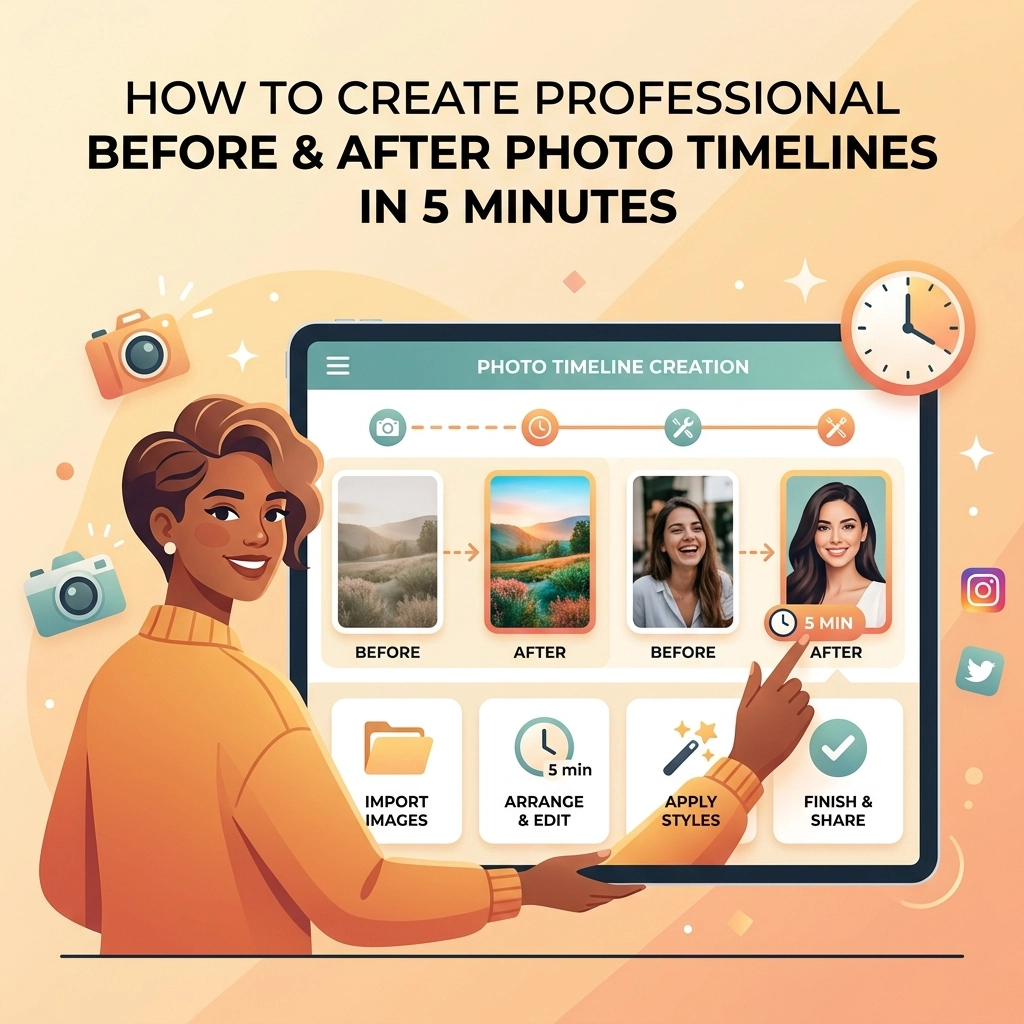
Today, we’re showing you how to flip the script. You can create a professional before-and-after photo timeline in under five minutes without losing your mind or your patience.
The "Camera Roll" Nightmare
We’ve all been there. You’re on a job site, you’ve just finished a beautiful copper pipe install or a complex panel upgrade, and you realize you need to send the "after" photo to the client. You scroll through your phone. You see:
- A photo of your lunch.
- Twelve blurry shots of a serial number on a water heater.
- That screenshot of a meme your brother sent you.
- The "before" photo… wait, did you actually take the "before" photo?
By the time you find it, crop it, and try to text it over, you’ve wasted ten minutes. Multiply that by five jobs a day, and you’re losing nearly an hour a week just hunting for files.
Worst of all, those photos aren't organized. If a customer calls six months from now claiming you damaged their drywall, good luck finding that specific photo in a sea of thousands of unorganized images. This is why a dedicated contractor photo app isn't just a "nice to have", it’s an insurance policy for your business.

Why Most Contractor Software Fails the "Truck Test"
If you’ve looked for a contractor job app before, you’ve probably seen the "all-in-one" giants. These platforms promise to do everything: accounting, GPS tracking, lead generation, inventory, and your laundry.
But for a small service shop, these are often "bloatware." They take forever to load, they require three days of training to understand, and, most annoyingly, they force your customers to download an app just to see their project photos.
At JobLuma, we believe in the "Truck Test." If you can’t use it with one hand while sitting in your truck between jobs, it’s too complicated. Our features are built around the idea that simple is better. You need a tool that works as hard as you do, without the steep learning curve.
5 Minutes to a Professional Timeline: The Workflow
You don't need a degree in digital marketing to look professional. Here is the 5-minute workflow using a mobile-first tool like JobLuma.
Minute 1: The "Before" Snap
As soon as you walk onto the job site, open your contractor software. Create a new job and snap 2-3 "before" photos. Don't worry about lighting yet, just capture the "mess" or the problem you're there to fix. Because JobLuma is a photo timeline app, these images are automatically timestamped and pinned to that specific job.
Minute 2-3: Do the Work
This is where you do what you’re best at. The app stays in your pocket. No need to constantly update status reports or check boxes.
Minute 4: The "After" Snap
The job is done. The area is clean. Now, take the "after" shot. Try to stand in the exact same spot you stood for the "before" photo. This creates a seamless transition that makes your work look even more impressive.
Minute 5: Generate and Share
With a couple of taps, JobLuma organizes these photos into a clean, professional timeline. You don't have to email a zip file or a messy group text. You send a single link to the customer. They click it, and they see the transformation instantly in their mobile browser. No app download required for them, no headache for you.

Pro Tips for Photos That Sell Your Services
While the software does the heavy lifting of organization, a few quick photography habits can make your small business look like a premium enterprise.
- Consistency is King: According to industry experts, maintaining the same angle and perspective is the most important factor in a before-and-after shot. If the "before" photo is from the left and the "after" is from the right, the brain has to work harder to see the progress. Keep it simple: stand in the same corner for both.
- Lighting Matters: Construction sites are notoriously dark. If you’re in a crawlspace or an attic, use a headlamp or a portable work light to illuminate the specific area you worked on. Avoid using just the phone flash if possible, as it can cause "hot spots" on metallic surfaces like pipes or wires.
- The "Hero" Shot: Always take one photo that shows the entire room or area, not just the close-up of the fix. It helps the customer visualize the total value you provided to their home or building.
The Customer Experience: Why "No-App" Wins
Think about your customers. They’re busy, they’re stressed because something in their house broke, and they just want the job done. The last thing they want is an email saying: "To view your project photos, please download the XYZ Construction App, create an account, and verify your email."
They aren't going to do it. They’ll ignore it, and your hard work documenting the job will go to waste.
This is why JobLuma’s mobile-first design is a game-changer. When you use our before and after photo app, the customer gets a simple web link. It opens on their phone just like a regular website. They see the timeline, they see your professional logo, and they feel a sense of relief and trust.
This level of transparency:
- Reduces billing disputes.
- Increases the likelihood of a 5-star review.
- Makes it easy for them to share your work with neighbors (the best kind of marketing).
Protecting Your Business with a Photo Trail
Beyond looking professional, construction photo documentation is your best defense against liability.
Imagine a scenario where a customer claims you left a mess or broke a nearby fixture. If you have a timestamped photo timeline showing the site was clean when you left, the conversation ends right there. Without it, it’s your word against theirs.
Using a dedicated contractor job app ensures that these photos are stored securely and aren't mixed in with your personal life. If you ever need to revisit a job from three years ago, you can find it in seconds by searching the customer name or address on your JobLuma dashboard.

Stop Managing Photos, Start Using Them
If you’re still texting photos to yourself or dumping them into folders on your desktop at 9:00 PM, there’s a better way. You don’t need a massive, expensive project management suite. You just need a simple tool that understands how a service business actually works.
Creating a professional before-and-after timeline shouldn't be a chore. It should be a 5-minute victory lap at the end of every job.
Ready to simplify your workflow? Check out our pricing and see how JobLuma can help you get organized, protect your business, and impress your customers: all from the palm of your hand.
If you have questions about how to get started, our team is always here to help at our contact page. Let’s get back to work!
Leave a Reply