
You just finished a grueling eight-hour day. You’re back in the truck, the AC is finally blasting, and you’ve got a sandwich in one hand and your phone in the other. Your client, let's call her Mrs. Higgins, just texted you asking for an update on the kitchen remodel or the HVAC overhaul.
You know you’ve made a ton of progress. You fixed the subfloor, rerouted the copper pipes, and everything looks clean. But explaining that over text feels like writing a novel, and she probably won't understand half the technical terms anyway. You want to look professional, but you definitely don't want to spend an hour on your laptop building a spreadsheet or wrestling with a "project management" tool that requires a PhD to use.
What if you could send her a professional, visual timeline of the entire day’s work before you even finish your sandwich?
In this guide, we’re going to show you how to ditch the paperwork and use a simple contractor photo app approach to create job timelines that wow your customers in five minutes flat.
The Problem with "Big" Contractor Software
If you search for "construction management software," you’ll find plenty of options. Most of them are built for massive companies with dedicated office staff. They have features for estimating, complex scheduling, Gantt charts, and integrated accounting.
For a small service contractor, an electrician, a plumber, or a landscaper, that stuff is often a "bloat-fest." You don’t need a digital headquarters; you need a way to show your work and get paid.
When software is too complicated:
- You don’t use it. It stays as an expensive icon on your phone.
- Your customers don't use it. Most "big" apps require your customer to create an account or download an app. Guess what? They won't do it.
- It eats your time. If it takes 20 minutes to log a 15-minute fix, the software is working against you.
That’s where a dedicated contractor job app like JobLuma steps in. It’s designed to be mobile-first and incredibly simple, focusing on what actually matters: construction photo documentation.
Why Photos Beat Text Every Time
Humans are visual creatures. You can tell a customer that you "replaced the rusted flashing and resealed the vent pipe," but showing them a side-by-side comparison is a game-changer.
Using a before and after photo app workflow does three things for your business:
- Builds Instant Trust: Customers can see exactly what they are paying for, especially the stuff hidden behind walls or up on the roof.
- Eliminates Disputes: When you have a time-stamped photo of a clean job site, it’s much harder for a customer to claim you left a mess or didn't finish the work.
- Creates "Wow" Factor: A professional photo timeline makes you look like a tech-savvy pro, even if you’re a one-man show.

Step-by-Step: Creating a 5-Minute Timeline
Here is the exact process to go from "Job Done" to "Client Impressed" in record time.
1. Snap as You Go (2 Minutes)
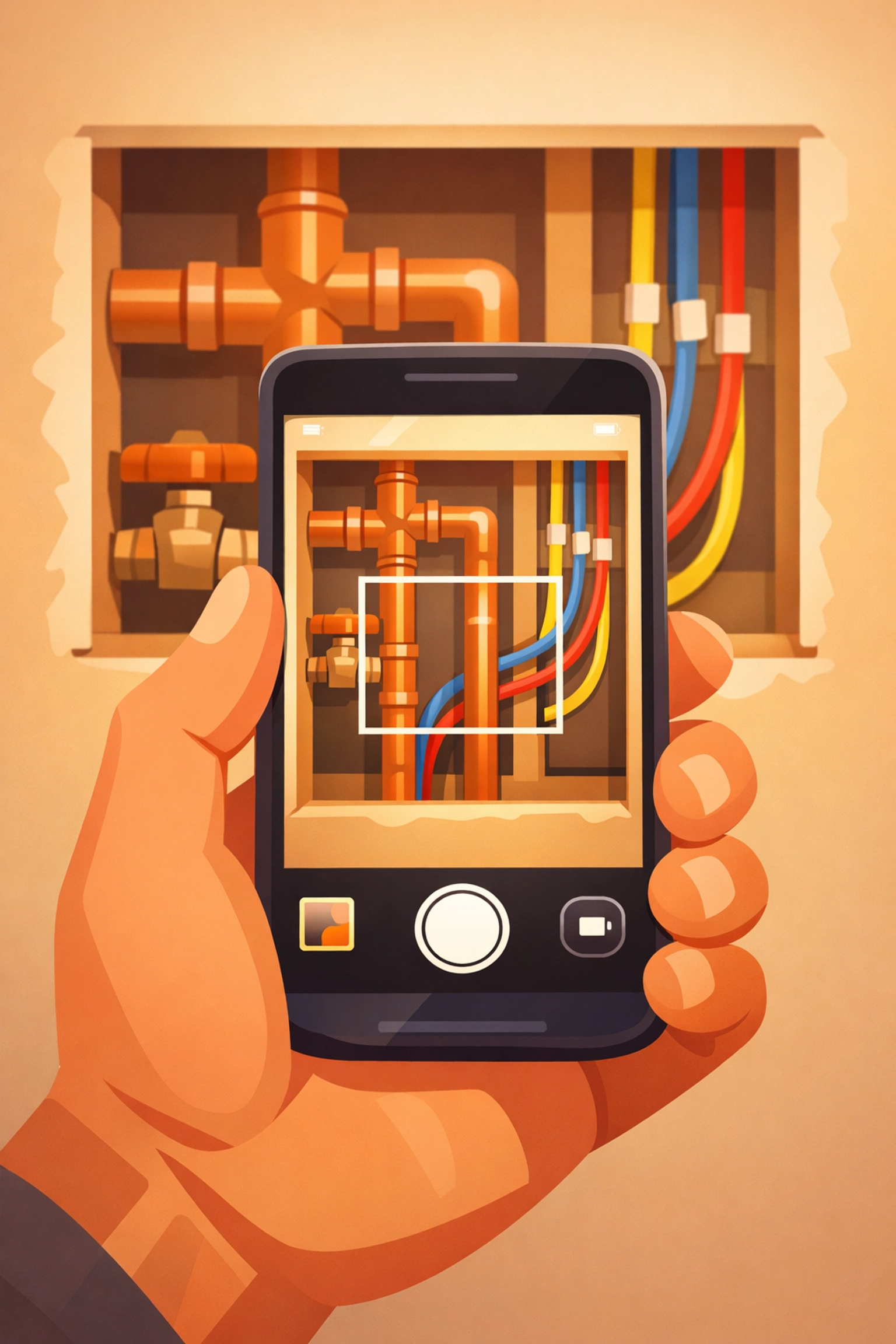
The secret to a 5-minute timeline is not doing it all at once at the end of the day. Take photos as you work.
- The Before: Take a photo of the mess, the leak, or the empty space.
- The During: Take a photo of the "guts", the wiring, the framing, or the new components before the drywall goes up.
- The After: Take a photo of the finished, clean result.
2. Upload to Your Hub (2 Minutes)
Instead of letting these photos get lost in your personal camera roll next to pictures of your dog and your kids' soccer practice, upload them directly to your contractor photo app.
With JobLuma, you just open the job on your phone, hit upload, and you're done. No complex folders or weird naming conventions required. The app organizes them by project automatically.
3. Share the Link (1 Minute)
This is the most important part. You don't want to email a 50MB zip file or send 20 individual text messages.
With a tool like JobLuma, you generate a simple link. You text that link to the customer. They click it, and it opens a beautiful, professional timeline of their project in their mobile browser. No app download required. They see the photos, they see the progress, and they see your logo.
The "No-App" Advantage for Customers
One of the biggest hurdles in customer communication is friction. If you tell a homeowner, "Hey, I sent you the updates, just download the 'ProjectPro' app and create a login," they will likely never look at it. They have enough apps on their phone.
JobLuma was built with a "Simple" brand tone because we know your customers want the path of least resistance. By providing a web-based timeline, you meet them where they are. They click a link in a text message: something they do every day: and instantly see the value you’ve provided.
Protecting Your Business with Documentation
Let’s talk about the less-fun part of the job: liability.
We’ve all had that one customer who claims a scratch on the floor was caused by your toolbox, or that a pipe started leaking after you left. Construction photo documentation is your best insurance policy.
When you create a visual timeline, you are creating a digital paper trail.
- Proof of Condition: A "Before" photo proves that the scratch was already there.
- Proof of Quality: A "During" photo proves that you used the right materials and followed code.
- Proof of Completion: An "After" photo proves that the site was left in pristine condition.
By using a photo timeline app, you aren't just communicating with the customer; you are protecting your reputation and your bottom line.
Keep It Simple, Get Your Life Back
The goal of using contractor software shouldn't be to give you more "office work." It should be to eliminate it.
If you’re spending your evenings at a desk typing up reports, you’re losing time with your family or time you could be using to bid on new jobs. By switching to a mobile-first, photo-centric workflow, you turn your "reporting" into a series of 30-second tasks throughout the day.

Why JobLuma?
At JobLuma, we focus on the field, not the office. We know that if a tool isn't easy to use with work gloves on, it's not the right tool for you. Our platform is built for:
- Speed: Upload and share in seconds.
- Clarity: Before/after layouts that make sense.
- Accessibility: Your customers don't have to download a thing.

Final Thoughts
Creating professional job timelines doesn't have to be a chore. In fact, it can be the most rewarding part of your day. Seeing a project go from a disaster to a masterpiece is why many of us got into the trades in the first place. Sharing that journey with your customer shouldn't be hard.
Ready to stop fighting with bloated software and start showing off your work?
Check out our features to see how we make documentation a breeze, or take a look at our pricing: we keep it as simple as our app.
If you’re ready to save time and look like the pro you are, sign up for JobLuma today. Your first timeline is only 5 minutes away.
Want more tips on running a leaner, meaner service business?
Check out the rest of our blog for advice on everything from customer service to the best tools for the trade. If you have questions, we’re always here to help at our help center or via our contact page.
Leave a Reply