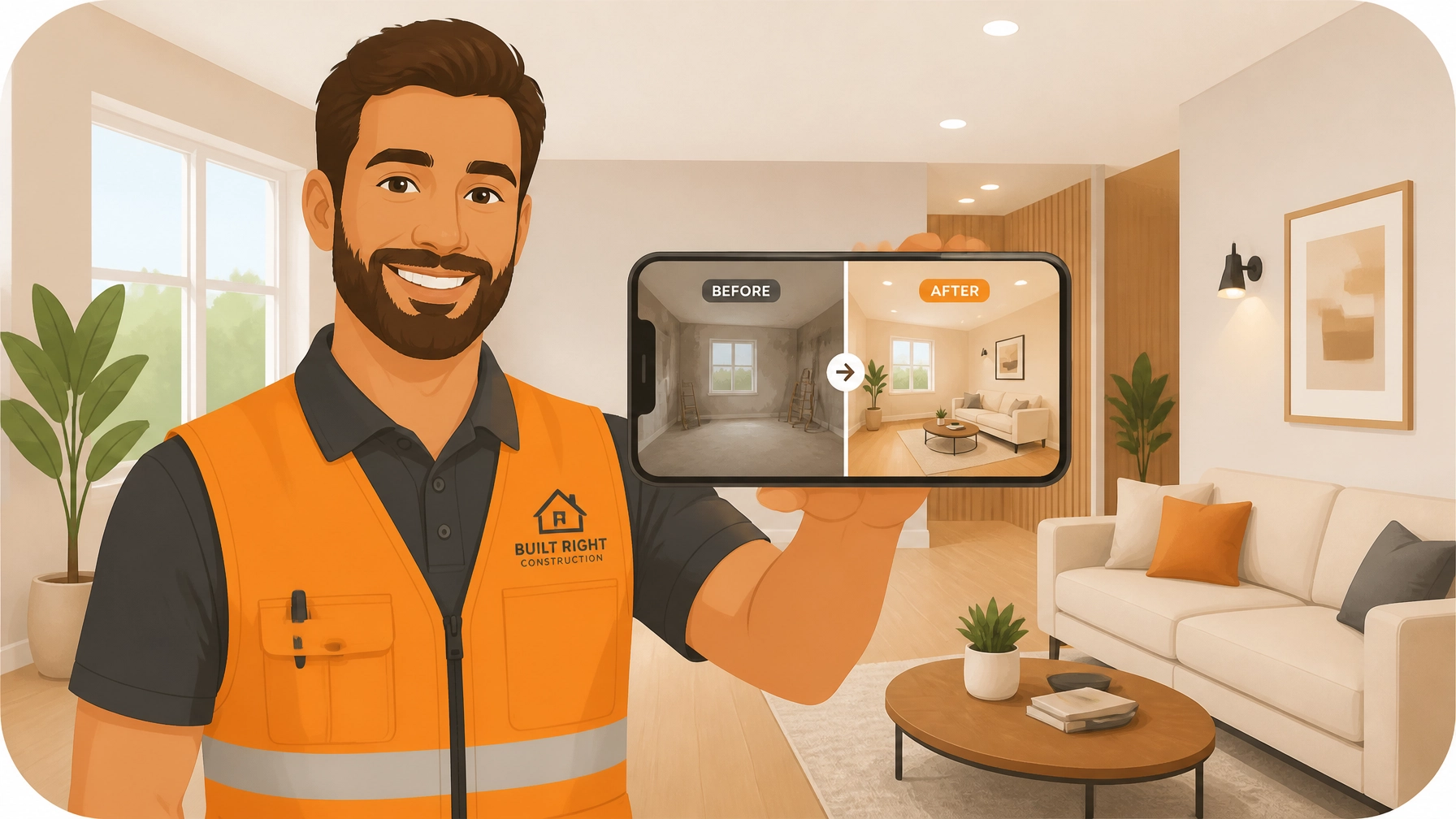
Let’s be honest: you’re a pro at what you do, but documenting it? That’s usually the last thing on your mind when you’re elbow-deep in a leaky sink or rewiring a 1950s fuse box.
We’ve all been there. You finish a job, wipe the sweat off your brow, and realize you forgot to take the "before" picture. Or worse, you took the photos, but now they’re buried in a camera roll alongside 4,000 pictures of your dog and screenshots of random parts you need to buy at Home Depot.
In the world of service trades: whether you're an electrician, plumber, HVAC tech, or handyman: your work is your reputation. But if you can't show the transformation, you're leaving money (and protection) on the table.
Today, I’m going to show you how to stop the photo chaos and create professional before-and-after timelines in under five minutes. No complicated contractor software, no spreadsheets, and definitely no "bloated" project management tools that require a PhD to operate.
Why Before and After Photos are Your Best Insurance Policy
Before we dive into the "how," let’s talk about the "why." Taking photos isn't just about making your social media look pretty (though it helps with that too). It’s about protecting your business.
1. The "It Was Already Like That" Defense
We’ve all dealt with that one customer who claims you scratched their flooring or cracked a tile that was definitely already broken. Without a dated "before" photo, it’s your word against theirs. Construction photo documentation provides indisputable proof of the site’s condition before you touched a single tool.
2. Faster Payments
When a customer sees a side-by-side comparison of the mess you started with and the masterpiece you finished, they are much more likely to hit "pay" on that invoice immediately. It justifies the cost by visualizing the value you provided.
3. Trust and Transparency
Homeowners are often nervous about hiring contractors. By providing a clean, organized photo timeline, you’re showing them exactly what you did, even the stuff behind the walls that they can’t see. This level of transparency builds the kind of trust that leads to lifelong customers and referrals.

The Problem with "Bloated" Contractor Software
If you’ve looked for a contractor job app before, you’ve probably seen the big names. They promise to manage your entire life: scheduling, accounting, GPS tracking, lead generation, and even your morning coffee.
But here’s the problem: most small service shops don't need all that. You don't want to spend 20 minutes setting up a "project" just to take two photos. You need something that works at the speed of your day.
These massive platforms often:
- Require your customers to download an app (which they hate).
- Have a steep learning curve that your crew will ignore.
- Cost a fortune for features you’ll never use.
- Feel more like "data entry" than a helpful tool.
That’s why we built JobLuma. It’s a photo timeline app designed for the field, not the office. It’s simple, mobile-first, and focused on one thing: documenting your great work.
The 5-Minute Workflow: From Mess to Masterpiece
How do you actually create these professional timelines without wasting your afternoon? Here is the JobLuma 5-minute blueprint.
Minute 1: Create the Job on the Fly
When you pull up to the job site, open JobLuma on your phone. You don't need a desktop. Just tap "Create Job," put in the customer's name, and you're ready. Because it’s a mobile-first design, it feels like using your normal camera app, but way more organized.
Minute 2: Capture the "Before"
Before you start the demo or the repair, snap 2-3 photos of the current state. Add a quick note if there's pre-existing damage. This is your "Insurance Policy." JobLuma automatically timestamps and organizes these photos under that specific job.
Minute 3 & 4: Do What You Do Best
This is the part where you actually do the work! If you find something unexpected mid-job (like a hidden leak or bad wiring), snap a quick photo and add a note. This is great for explaining "change orders" to the customer later.
Minute 5: Snap the "After" and Share
Work is done. Tools are packed. The site is clean. Take those final "After" shots from the same angles as your "Before" photos.
Now, here is the magic part. Instead of emailing a bunch of attachments or texting grainy photos, you hit "Share." JobLuma generates a professional, branded timeline link.

The "No-App" Customer Experience
This is a big one. One of the biggest complaints contractors have about other before and after photo apps is that customers don't want to create an account or download an app just to see their project photos.
With JobLuma, your customer receives a simple link via text or email. When they click it, they see a clean, professional web page with:
- Your company logo and contact info.
- A chronological timeline of the work.
- Side-by-side before and after photos.
- Notes explaining the steps you took.
It makes you look like a much larger, more professional operation than the guy down the street who just sends a "Job done" text. You can check out how our pricing works to see how affordable this professional look can be.
Marketing Goldmine: Use Your Timelines to Sell
Once you have a library of these timelines, you have a massive marketing advantage. You can:
- Show, don't tell: When bidding on a new job, show the prospect a similar timeline from a previous project.
- Social Media: Take those side-by-side shots and post them to your business page. People love a good transformation.
- Website Proof: Link to your best timelines on your site to prove your quality of work.

Getting Started is Easier Than You Think
Documentation shouldn't be a chore. It should be a natural part of your workflow that protects your back and grows your brand. By using a dedicated contractor photo app like JobLuma, you move from "just another contractor" to a trusted professional in the eyes of your clients.
Stop letting your best work disappear into the abyss of your phone's camera roll. Start building your portfolio, one job at a time.
Ready to try it out? Sign up for JobLuma today and create your first professional timeline in minutes. Your customers (and your future self) will thank you.
Leave a Reply