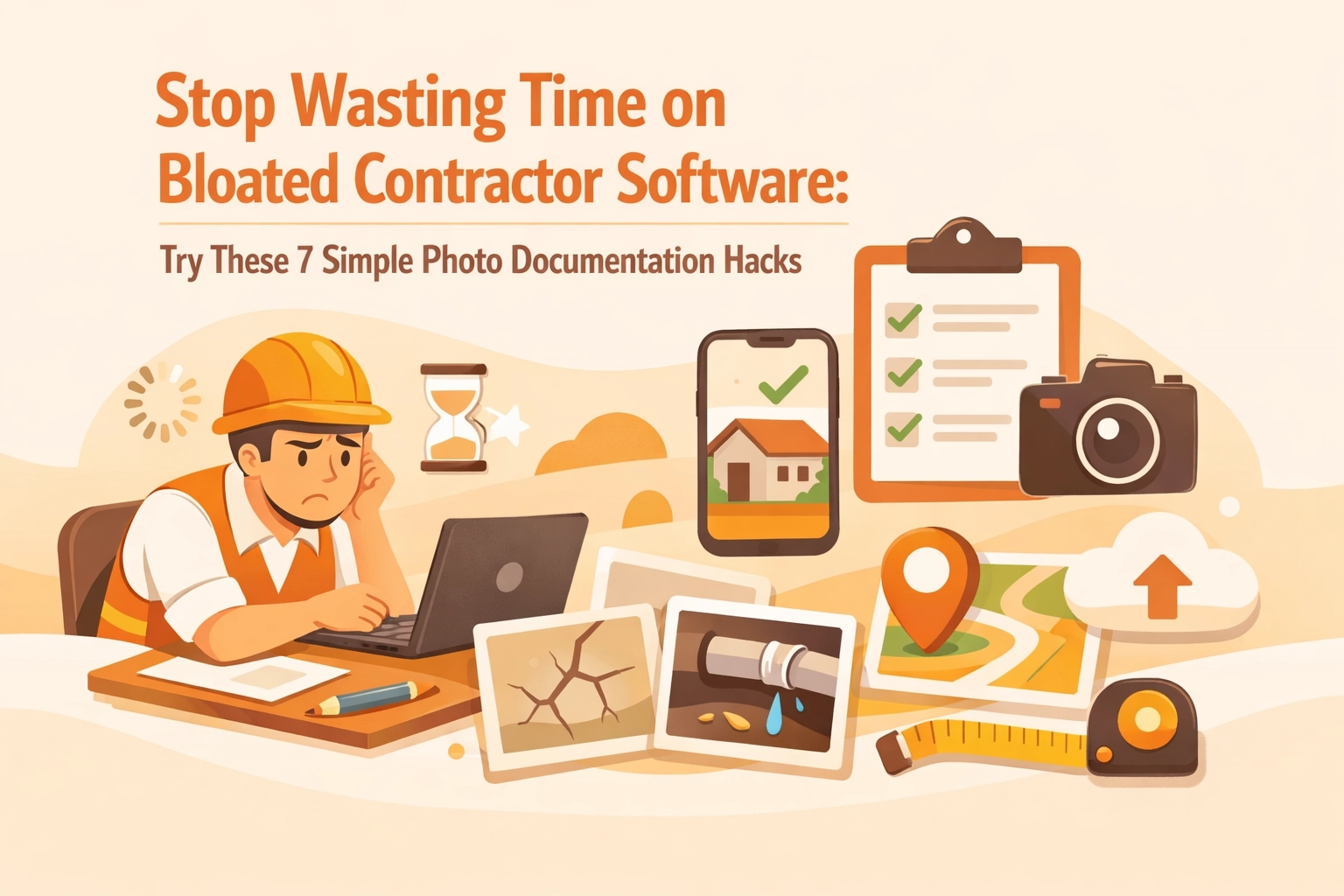
Look, we get it. You're a contractor, not a software engineer. You just want to document your jobs, snap some before and after photos, and get paid without spending three hours figuring out how to navigate some bloated project management platform that costs more than your monthly truck payment.
The reality? Most contractor software out there is built for massive construction companies with dedicated IT departments: not for the one-person HVAC crew or the two-person electrical shop trying to keep things simple.
Here's the good news: you don't need all that complexity. You just need smart photo documentation habits and the right tools that actually work the way you do. Let's dive into seven dead-simple hacks that'll save you time, money, and a whole lot of frustration.
Hack #1: Stop Using Your Camera Roll Like a Filing Cabinet
Your phone's camera roll is where photos go to die. Seriously: try finding that bathroom remodel shot from three weeks ago when you've got 847 photos of job sites, family dinners, and that funny sign you saw at the gas station.

Instead, use a dedicated construction photo documentation tool that organizes by job automatically. When every photo has context (customer name, date, location), you're not playing detective every time a customer asks, "Can you send me those pictures from when you installed our water heater?"
The best contractor photo apps tag photos with timestamps and GPS coordinates automatically: no extra taps required. Your future self will thank you when tax season rolls around and you need documentation fast.
Hack #2: Create a "Arrive, Work, Leave" Photo Ritual
Here's a game-changer: take three photos at every single job. One when you arrive (shows the initial state), several during the work (documents your process), and one when you leave (proves completion).
This simple ritual:
- Protects you from "he said, she said" disputes
- Creates a natural before and after photo timeline
- Takes less than 60 seconds total
- Gives customers peace of mind
Think of it as your insurance policy against difficult customers. When someone claims you "damaged their drywall" or "didn't finish the work," you've got timestamped proof of exactly what happened.
Hack #3: Ditch Apps That Require Customer Downloads
You know what's awkward? Asking Mrs. Johnson to download an app just to see photos of her new furnace installation. She doesn't want another app. She can barely remember her email password.

Modern contractor job apps should let customers view everything through a simple web link: no download required. They click, they see their job timeline with all the photos, and you look like a tech-savvy professional without making anyone jump through hoops.
This is especially important for older customers who aren't comfortable with technology. Keep it simple, keep it accessible, and you'll stand out from competitors still emailing ZIP files or using platforms that require account creation.
Hack #4: Use Your Photos as Marketing Gold
Every before and after photo you take isn't just documentation: it's potential marketing content. But here's where most contractors drop the ball: they take ugly, dark, poorly framed photos that don't showcase their work.
Quick photo quality tips:
- Turn on more lights before shooting
- Get the whole project in frame
- Take horizontals AND verticals (for different social media platforms)
- Wipe your camera lens (seriously, check it right now)
- Step back a bit: get context, not just close-ups
A good photo timeline app helps you identify your best work for marketing while keeping everything organized for documentation purposes. Two birds, one stone.
Hack #5: Stop Paying Per-User Fees for Simple Photo Logging
Enterprise contractor software loves charging per user. $50/month per technician adds up fast. If you've got four people on your crew, that's $200/month or $2,400/year just to take pictures and share them with customers.
For small operations, this pricing model is ridiculous. You're not managing a 500-person construction site. You're running a tight crew that needs to document work and communicate with customers: period.
Look for solutions with flat pricing or ones that charge based on actual usage rather than arbitrary "seat" counts. Your photo documentation shouldn't cost more than your liability insurance.
Hack #6: Make Photo Documentation Faster Than Pen and Paper
If your photo system takes longer than scribbling notes on a clipboard, you're doing it wrong. The best before and after photo apps work in the background: you take the photo, it auto-organizes by job, auto-tags with location and time, and you move on with your day.

No manual file naming. No transferring from phone to computer. No uploading to three different places. Just snap, organize, done.
This is where bloated platforms fail small contractors. They're so feature-heavy that basic photo documentation becomes a multi-step process involving folders, tags, project codes, and dropdown menus. Meanwhile, you're standing in someone's crawl space trying to remember which category "water heater installation" falls under.
Hack #7: Build Trust With Transparent Job Timelines
Here's something most contractors don't think about: customers love seeing the journey, not just the final result. A complete photo timeline that shows your arrival, the problem you discovered, how you solved it, and the finished work builds incredible trust.
It's the difference between "Here's your invoice for $847" and "Here's a complete visual story of everything we did, timestamped and documented, which came to $847."
Guess which one gets paid faster with fewer questions?
Transparent documentation also helps with reviews. When customers can see the full scope of your work laid out visually, they're more likely to write detailed, positive reviews that mention specific things you did: which helps your SEO and attracts more customers.
The Simple Solution You've Been Looking For
Look, you didn't become a contractor to become a software expert. You got into this business because you're good with your hands, you solve problems, and you take pride in quality work.
Your photo documentation should match that philosophy: simple, effective, and focused on what actually matters.
That's exactly why JobLuma exists. We built it specifically for small service contractors who are tired of bloated platforms designed for enterprises. No per-user fees. No forcing customers to download apps. No complex workflows that require training videos.
Just clean, mobile-first construction photo documentation that works the way you work: fast, simple, and professional.
Want to see how simple it really is? Check out our features and see what contractor software looks like when it's actually built for contractors, not corporations.
Because at the end of the day, you shouldn't spend more time managing software than you do managing jobs. Take the photos, share them with customers, get paid, and move on to the next job. That's it. That's the whole point.
Leave a Reply