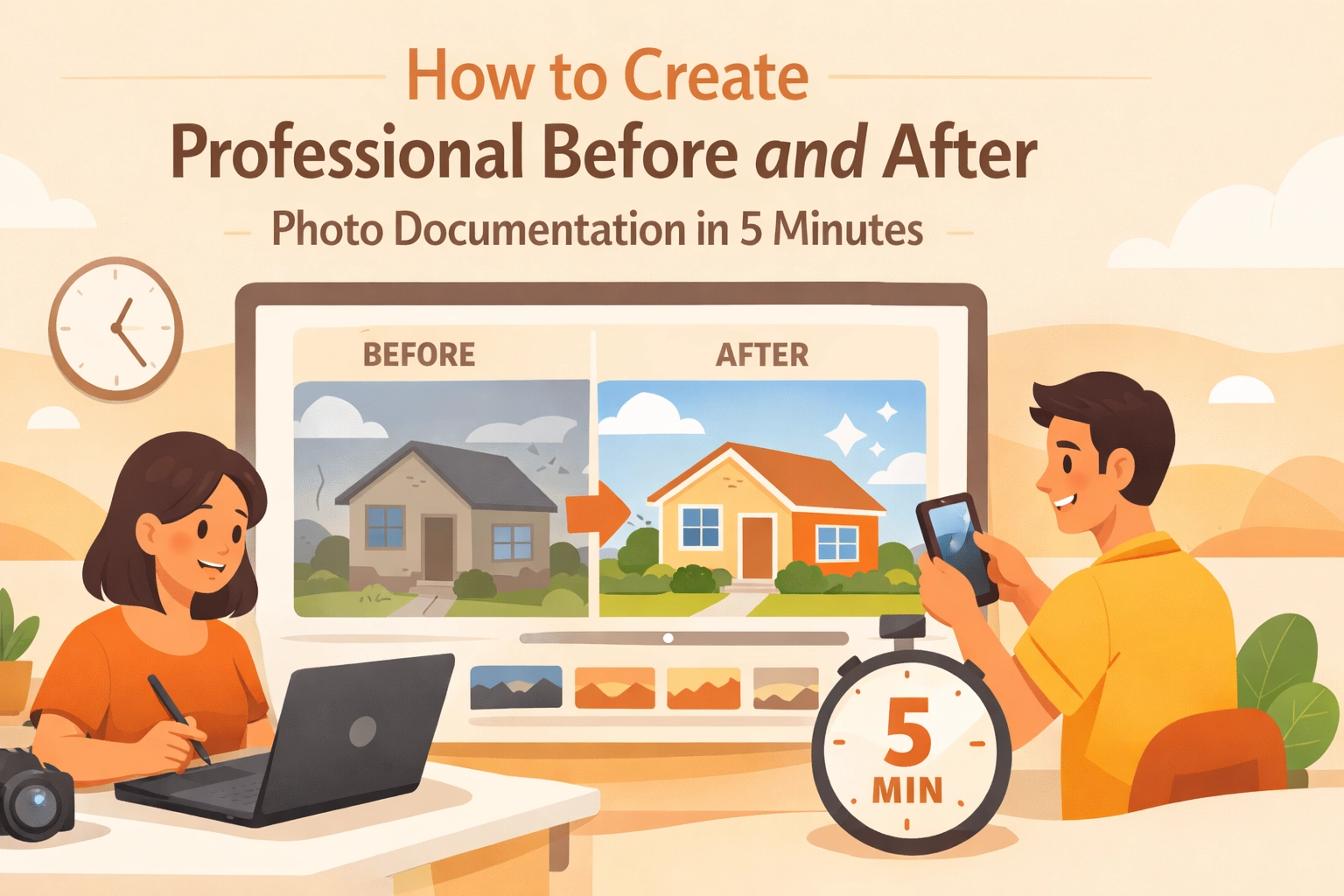
You just finished a killer HVAC install. The lines are straight, the wiring is tucked away perfectly, and the unit is humming like a dream. It’s a work of art. But by the time you get home, that "work of art" is just another memory. If a future customer asks for proof of your quality, or: heaven forbid: the homeowner claims you damaged a wall during the install, do you have the photos to back yourself up?
Most contractors know they should be taking before and after photos. But let’s be real: between crawling through attics and chasing down payments, who has time to manage a messy camera roll?
The good news is that you don’t need a degree in photography or an expensive, bloated project management suite to look professional. You just need a simple system. Here is how you can create professional-grade construction photo documentation in five minutes or less without losing your mind.
Why Before and After Photos Are Your Best Sales Tool
Before we dive into the "how," let’s talk about the "why." In the service trades: whether you're an electrician, plumber, or landscaper: your work is often hidden behind walls or under the sink.
- Trust is Currency: A "before" shot showing a rusted, leaking water heater next to an "after" shot of a shiny, modern tankless system tells a story. It proves you solved a problem.
- Liability Protection: If a client claims you scratched their flooring, but your "before" photo clearly shows the scratch was already there, you’ve just saved yourself thousands of dollars and a massive headache.
- Marketing Gold: These photos are the heartbeat of your social media and website. People don't want to read a paragraph about your expertise; they want to see it.
Using a dedicated contractor photo app makes this process seamless, so you aren't digging through photos of your kid's birthday party to find that one shot of a circuit breaker.
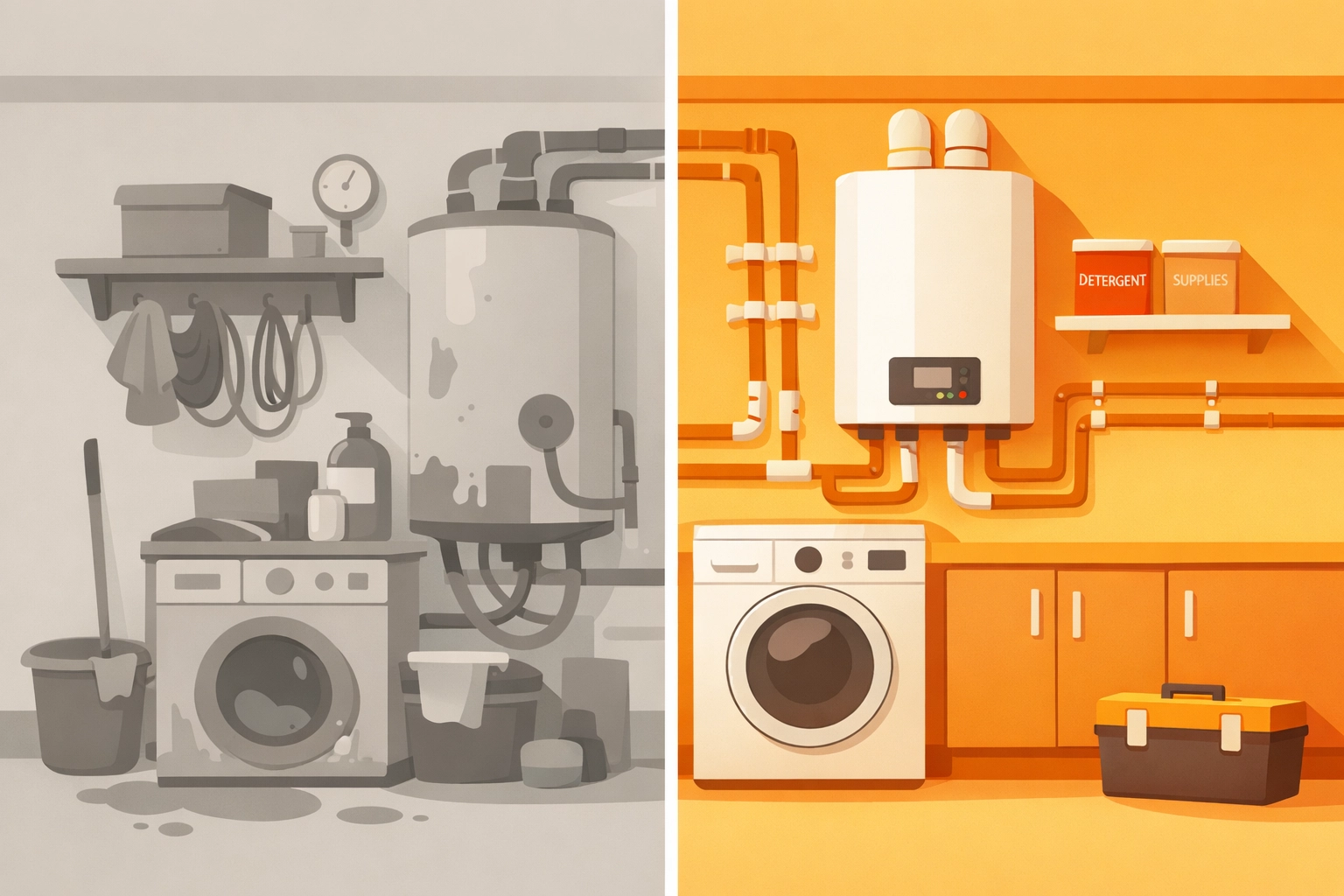
Step 1: The "Before" Shot – Context is King (1 Minute)
The biggest mistake contractors make is taking a photo that is too zoomed in. If you take a close-up of a wire, nobody knows if that wire is in a basement, a kitchen, or a commercial warehouse.
The Pro Tip: Start wide, then go tight.
- The Wide Shot: Stand back and capture the whole room or the entire side of the house. This provides context.
- The Problem Shot: Get closer to the specific issue (the leak, the frayed wire, the overgrown bush).
Lighting Matters: You don't need a studio setup. Use your phone's flash if you're in a dark crawlspace, but natural light is always better. If you can, open a window or turn on the overhead lights. Clear, bright photos make your work look cleaner.
Step 2: The Action – Keep it Simple (3 Minutes)
While you’re working, you don't need to document every single screw you turn. However, if you find something unexpected: like mold behind a shower wall or outdated wiring that wasn't in the bid: take a quick photo immediately.
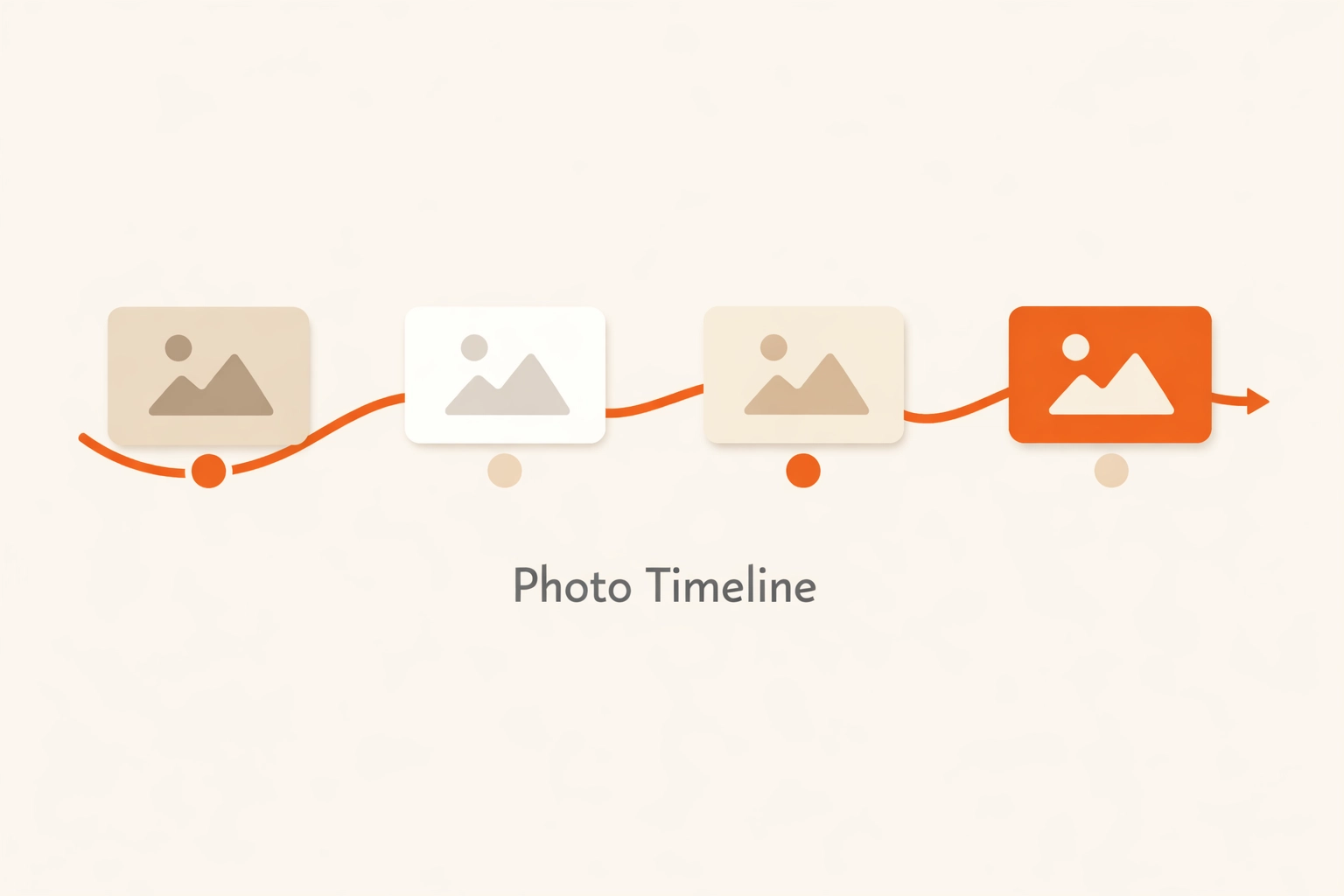
This is where a photo timeline app becomes a lifesaver. Instead of just having a "start" and "finish," you have a digital trail of why the job took longer or why the price changed. It keeps the customer in the loop and prevents "sticker shock" at the end of the day.
Step 3: The "After" Shot – The Money Maker (1 Minute)
This is the most important part of your construction photo documentation. To make it look professional, you need to match the "after" shot to the "before" shot as closely as possible.
- Match the Angle: Stand in the exact same spot where you took the "before" photo. If you were kneeling, kneel again. If you were standing by the door, go back to the door.
- Clean Up the Workspace: Nothing ruins a professional "after" photo like a pile of sawdust, a stray Gatorade bottle, or a dirty rag in the frame. Spend 10 seconds moving your tools out of the way.
- Focus: Tap your phone screen to make sure the image is sharp. A blurry photo looks amateur, no matter how good the work is.
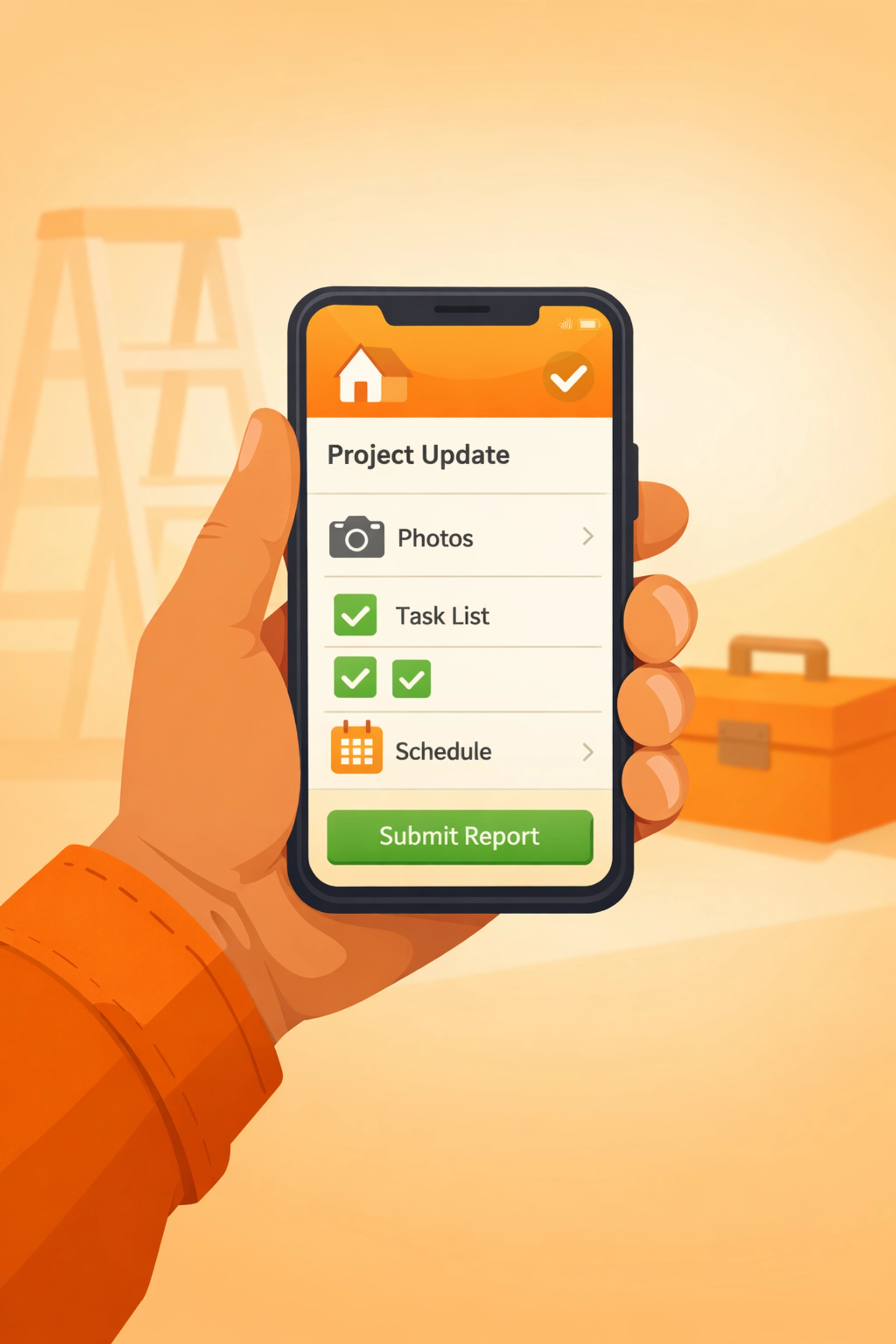
The Problem with Traditional Contractor Software
Many contractors try to use massive project management software to handle their photos. These "all-in-one" solutions usually come with a steep learning curve and a monthly price tag that feels like a second mortgage.
You know the ones: the apps that require your customers to "create a portal account" just to see a photo of their new furnace. Most homeowners won't do it. They just want a simple link or an email.
Moreover, as a business owner, you don't want to spend your evening "syncing" photos or tagging them to specific project codes in a complex database. You need something simple.
This is why we built JobLuma. We realized that most contractor software is just too bloated. You need a contractor job app that works as fast as you do.

Why JobLuma is Different
At JobLuma, we believe in "Mobile-First" and "Simple." We know you're using your thumb to navigate your phone while your other hand is holding a wrench.
- No App Download for Customers: Your clients don't want another app on their phone. With JobLuma, you can share a professional timeline of the job via a simple link. They click it, they see the progress, and they're happy.
- Lightning Fast Uploads: Take a photo, and it's organized. No more scrolling through your personal camera roll to find work photos.
- Professional Presentation: We turn your photos into a clean, branded timeline that makes your small business look like a high-end operation.
Check out our features page to see how we strip away the fluff to give you exactly what you need.
Organization: Stop the Camera Roll Chaos
If you are using your default phone gallery for work, you are playing a dangerous game. Eventually, you’ll run out of storage, or you’ll accidentally delete something important.
A dedicated before and after photo app handles the organization for you. When you categorize photos by job or client, you're building a searchable database of your career.
Imagine it’s two years from now. A former client calls and says their sink is leaking. You can pull up your photo timeline app, see exactly what the plumbing looked like before you touched it, and what it looked like when you left. That kind of data is priceless for dispute resolution and repeat business.
Making it a Habit
The hardest part of professional documentation isn't the photography: it's the habit. Here are three ways to make sure you actually do it:
- The "Gate" Rule: You aren't allowed to start the job until the "before" photo is taken. It’s the first thing you do when you walk through the door.
- The "Pack Up" Rule: Before you put your last tool in the truck, take the "after" photo. It’s part of the cleanup process.
- Use the Right Tools: If the software is hard to use, you won’t use it. Pick a tool that is simple and affordable.
Final Thoughts: Your Work Deserves to Be Seen
You work hard. You take pride in your craftsmanship. Don't let that hard work go undocumented because you’re worried about "bloated software" or complicated tech.
Creating professional before and after documentation really does only take five minutes. One minute to prep the "before" shot, three minutes of occasional progress shots, and one minute for the final "after" hero shot.
When you use a tool like JobLuma, those five minutes turn into a powerful marketing engine and a legal shield for your business. Ready to level up your professional image? Sign up today and see how easy it is to manage your jobs without the headache.
If you have questions about how to get started, our help center is always open, or you can contact us directly. We’re here to help the trades stay organized and keep growing.
Stop losing your photos in your camera roll. Start building your professional legacy, one photo at a time.
Leave a Reply